Piktochart Templates Reports / Progress Report
Progress Report Templates
Keep stakeholders informed with clear, visual progress reports. Piktochart’s customizable templates work for project updates, school reports, construction tracking, and monthly business reviews — pick a layout, add your data, and share a polished report in minutes.
Progress Report Templates for Projects, Schools, and Teams
 Progress Report
Monthly Sales Report
Progress Report
Monthly Sales Report
 Progress Report
Team Progress Report
Progress Report
Team Progress Report
 Progress Report
Marketing Progress Report
Progress Report
Marketing Progress Report
 Progress Report
Monthly Email Report
Progress Report
Monthly Email Report
 Progress Report
Monthly Sales Report Presentation
Progress Report
Monthly Sales Report Presentation
 Progress Report
Weekly Progress Report
Progress Report
Weekly Progress Report
 Progress Report
Daily Progress Report
Progress Report
Daily Progress Report
 Progress Report
Monthly Progress Report
Progress Report
Monthly Progress Report
 Progress Report
Monthly Marketing Report
Progress Report
Monthly Marketing Report
 Progress Report
Monthly Business Report
Progress Report
Monthly Business Report
 Progress Report
 Marketing
Progress Report
Progress Report Marketing
 Progress Report
Monthly Sales Report (Landscape)
Progress Report
Monthly Sales Report (Landscape)
 Progress Report
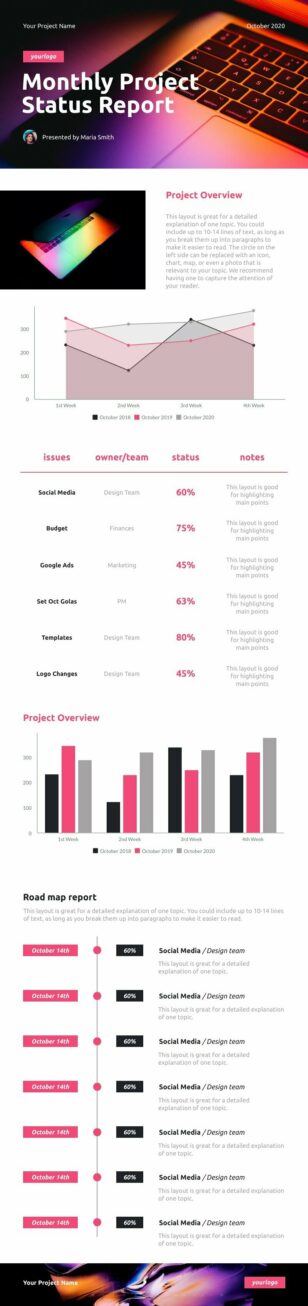
Monthly Project Status Report Template
Progress Report
Monthly Project Status Report Template
 Progress Report
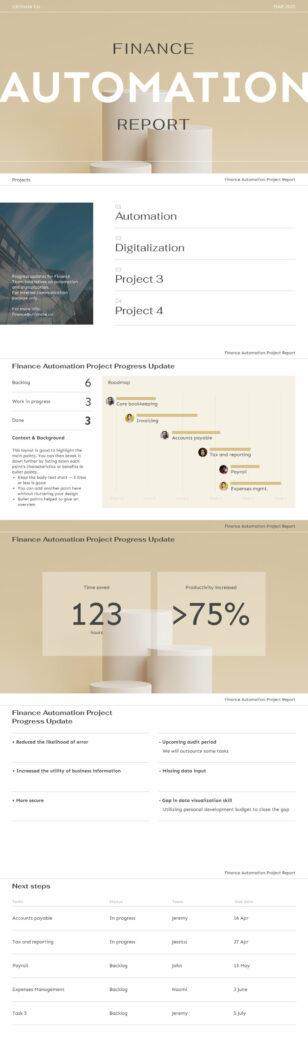
Project Progress Report Widescreen
Progress Report
Project Progress Report Widescreen
 Progress Report
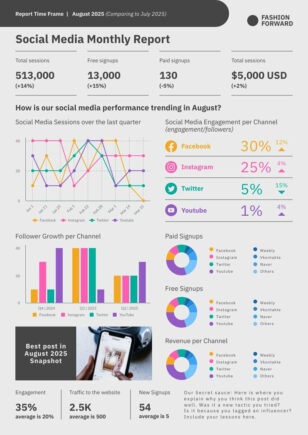
Social Media Monthly Report
Progress Report
Social Media Monthly Report
How to Create a Progress Report That Actually Gets Read
A progress report should answer three questions fast: what’s done, what’s next, and what’s blocked. Whether you’re writing a weekly project status update for your manager, a monthly business performance summary for leadership, or a student academic progress report for parents, the structure matters as much as the data. Piktochart’s templates give you that structure out of the box — clean layouts with sections for milestones, timelines, KPIs, and next steps so you spend less time formatting and more time communicating.
Templates are available for every reporting cadence and audience. Daily construction progress reports track jobsite activity, crew hours, and weather conditions. Weekly project updates summarize sprint velocity and open blockers for agile teams. Monthly reports visualize revenue trends, campaign performance, or research milestones with built-in chart and graph components. School progress report templates cover kindergarten through middle school, with space for grades, behavior notes, and teacher comments.
Every template is fully editable — add your logo, adjust colors to match your brand, drag in data visualizations, and rearrange sections to fit your reporting needs. When you’re finished, download as a print-ready PDF, export to share in an email, or generate a shareable link for stakeholders who need real-time access.
Need a report layout tailored to your exact use case? Try Piktochart’s AI report generator — describe what you need and get a custom starting point in seconds, then refine every detail before you share.