Piktochart Templates Presentations / Sales
Sales Deck Templates
Transform data into persuasive visuals. Our templates blend simplicity with impact, empowering you to create decks investors can't ignore—no design skills needed.
Sales Deck Templates
 Sales
Product Sales Pitch
Sales
Product Sales Pitch
 Sales
Product Website Brief
Sales
Product Website Brief
 Sales
Product Deck
Sales
Product Deck
 Sales
Product Pitch
Sales
Product Pitch
 Sales
App Product Presentation Widescreen
Sales
App Product Presentation Widescreen
 Sales
Retail Product Catalog Widescreen
Sales
Retail Product Catalog Widescreen
 Sales
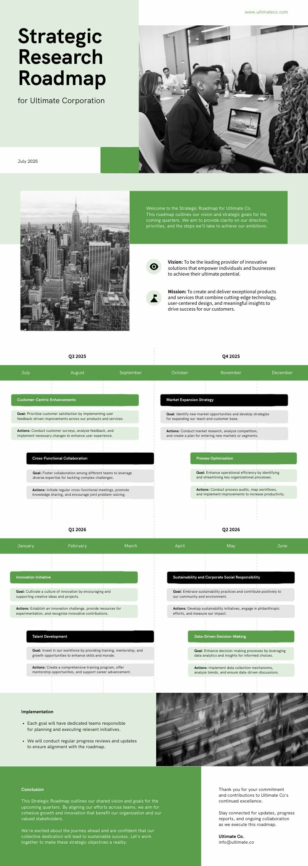
Research Roadmap
Sales
Research Roadmap
 Sales
Business Roadmap
Sales
Business Roadmap
Sales deck templates for pipeline and pitches
Presentations can make or break deals. Our platform bridges the gap between complex data and compelling visuals, enabling you to craft sales decks that turn investors over to your side.
Gone are the days of wrestling with design software or settling for bland PowerPoints. Our templates offer a perfect blend of professionalism and creativity, allowing you to customize every element to align with your brand. From startup pitch decks to product presentations, we’ve got you covered.
With our intuitive templates, you’ll navigate the creation process smoothly, transforming your ideas into polished slides. Whether you’re pitching to venture capitalists or presenting to potential clients, our tools empower you to communicate your message effectively.
Sign up now or try our free AI presentation maker and experience the power of effortless design. Your next winning presentation is just a few clicks away.
Want a sales deck in seconds? Try our AI sales presentation maker — describe your offer and the tool drafts a fully editable deck you can refine in our editor.
Sales Deck FAQs
How many slides should a sales deck have?
Most effective sales decks run 8–12 slides — long enough to build the case, short enough to hold a buyer’s attention in a 30-minute meeting.
What slides should a sales deck include?
Cover, the buyer’s problem, your solution, how it works, proof (case studies, logos, testimonials), pricing or ROI, and a clear next step — Piktochart’s sales deck templates follow this structure.
What’s the best font for a sales deck?
Sans-serif fonts like Inter, Montserrat, and Roboto stay readable on any screen — all three are built into Piktochart’s editor and used in our sales templates.
Can I customise a sales deck for each prospect?
Yes — duplicate your master deck and swap in the prospect’s logo, industry-specific stats, and tailored value props in minutes via Piktochart’s editor.
Can I export a sales deck to PowerPoint or PDF for follow-up?
Yes — every Piktochart sales deck exports to PPTX for live presenting or PDF for emailing to prospects after the call.