Piktochart Templates Brochure Templates / Product brochures
Product Brochure Templates
Capture your product in the best light our easy-to-use, customizable product brochure templates. Design professional brochures in minutes, no design skills required.
Product Brochure Templates
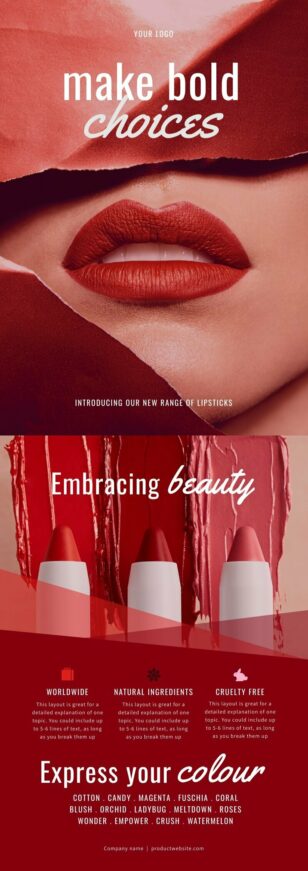 Product brochures
Beauty Product Brochure
Product brochures
Beauty Product Brochure
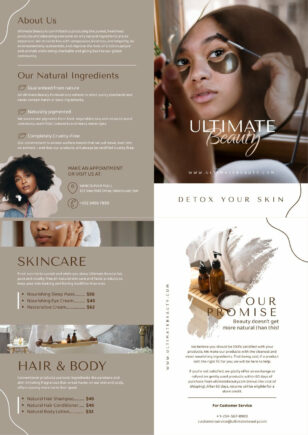 Product brochures
Aesthetic Product Bifold Brochure
Product brochures
Aesthetic Product Bifold Brochure
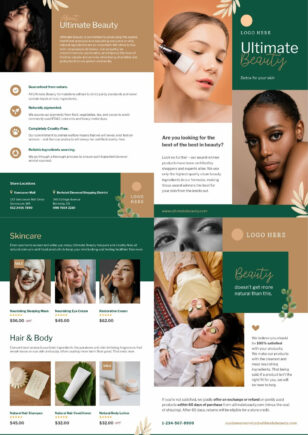 Product brochures
Beauty Product Bifold Brochure
Product brochures
Beauty Product Bifold Brochure
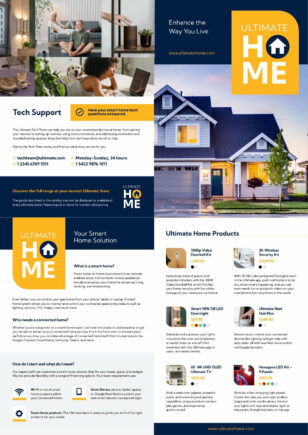 Product brochures
Modern Electronics Brochure
Product brochures
Modern Electronics Brochure
 Product brochures
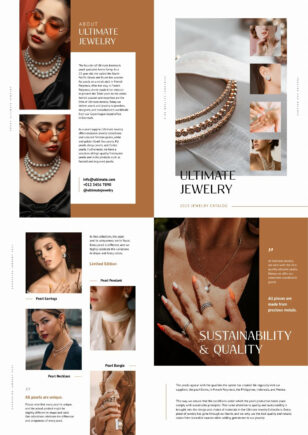
Jewelry Brochure
Product brochures
Jewelry Brochure
 Product brochures
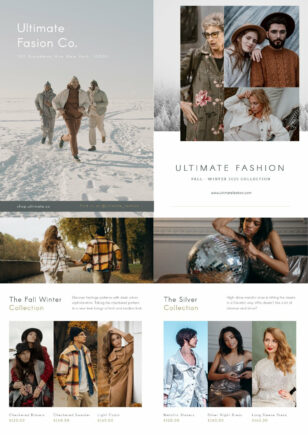
Clothing Fashion Brochure
Product brochures
Clothing Fashion Brochure
 Product brochures
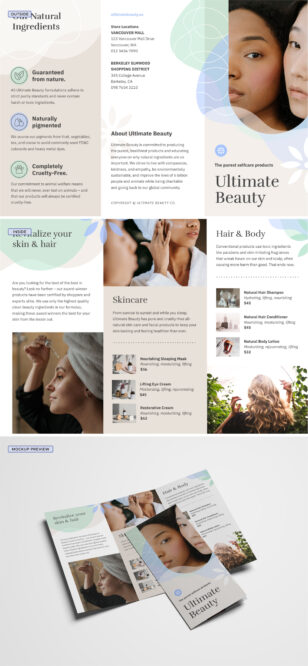
Skin Care Catalogue
Product brochures
Skin Care Catalogue
 Product brochures
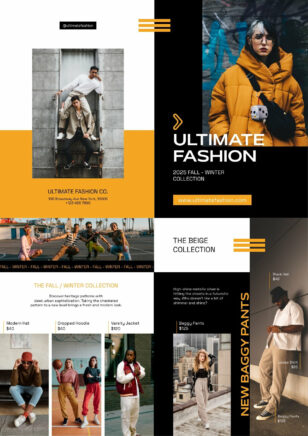
Modern Clothing Fashion Bifold Brochure
Product brochures
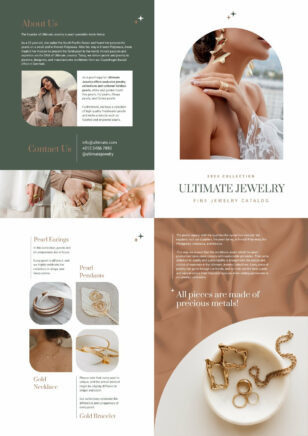
Modern Clothing Fashion Bifold Brochure
 Product brochures
Minimalist Jewelry Bifold Brochure
Product brochures
Minimalist Jewelry Bifold Brochure
 Product brochures
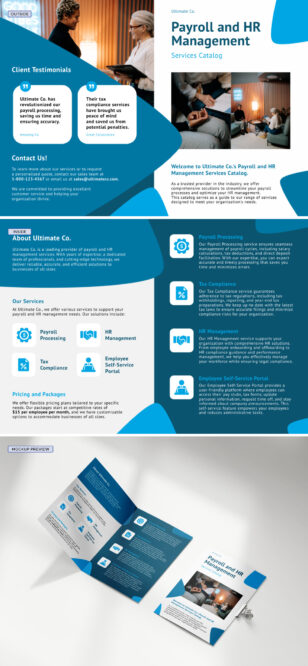
Company Catalog
Product brochures
Company Catalog
 Product brochures
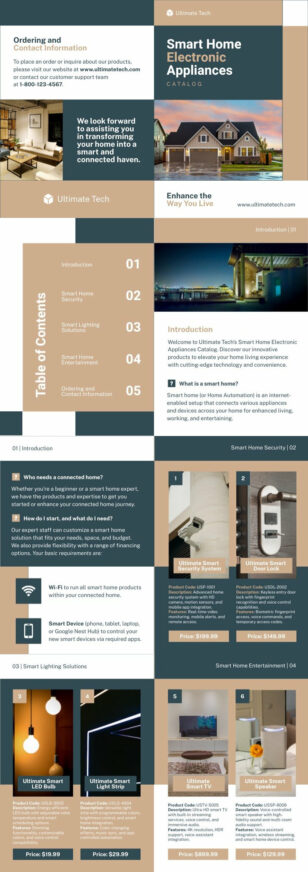
Product Catalog
Product brochures
Product Catalog
Create Stunning Product Brochures with Piktochart Templates
Gain new clients by using our library of product brochure templates. Our user-friendly platform empowers businesses of all sizes to create professional, eye-catching brochures that showcase your products in the best light. Whether you’re promoting a new product line, highlighting features, or presenting your catalog, our customizable templates provide the perfect foundation.
With Piktochart, you don’t need to be a graphic designer to achieve stunning results. Our intuitive drag-and-drop interface allows you to easily customize colors, fonts, and layouts to match your brand identity. Choose from a wide range of infographic elements, charts, and icons to visually represent your product’s benefits and features, making your brochures both informative and visually appealing.
Sales reps, ecommerce teams, retail merchandisers, and product marketers all use product brochures as leave-behinds, in-pack inserts, retail counter cards, and digital lead magnets. Customize once, export to PDF or PNG, and reuse the layout family across an entire product line.
In case you can’t find the right template in our gallery, get started in seconds with our AI brochure maker — describe your product and key features and the tool produces a fully editable brochure you can refine in our editor.
Product Brochure FAQs
What sections should a product brochure include?
A high-converting product brochure leads with a hero image and benefit-led headline, follows with a features-and-specs table, includes social proof (review snippet, award, certification), and closes with a single CTA — buy now, request a quote, scan a QR. Skip generic “About Us” copy on a product brochure; the product is the hero.
How do I make a brochure for a product catalog with multiple SKUs?
Use a multi-page booklet template, group products by category or use case (one category per spread), and include a master SKU index on the back cover. For dense catalogs (50+ SKUs), prioritise the top sellers in front and treat the long tail as an indexed reference section.
Tri-fold or bi-fold for a product brochure?
Tri-fold for product families (six panels = problem, hero product, three variants, CTA). Bi-fold for single hero products where you want the front cover to be one premium hero image and the inside spread to carry detail. Piktochart’s product brochure templates include both.
How do I make product photos look polished without a photographer?
Use Piktochart’s image library for category-relevant stock, apply consistent background removal across every product shot via the AI background remover, and keep the colour palette and lighting matched. For your own photos, upload at 300 DPI minimum so they print sharp.
Can I create A4 and US Letter versions of the same product brochure?
Yes — design once, then duplicate and resize. A4 (210×297mm) for international audiences, US Letter (8.5×11″) for North America. Piktochart’s resize feature reflows the layout automatically, then you fine-tune any tight spots before export.