Trusted slide-deck maker by organizations such as






Time-Saving Efficiency
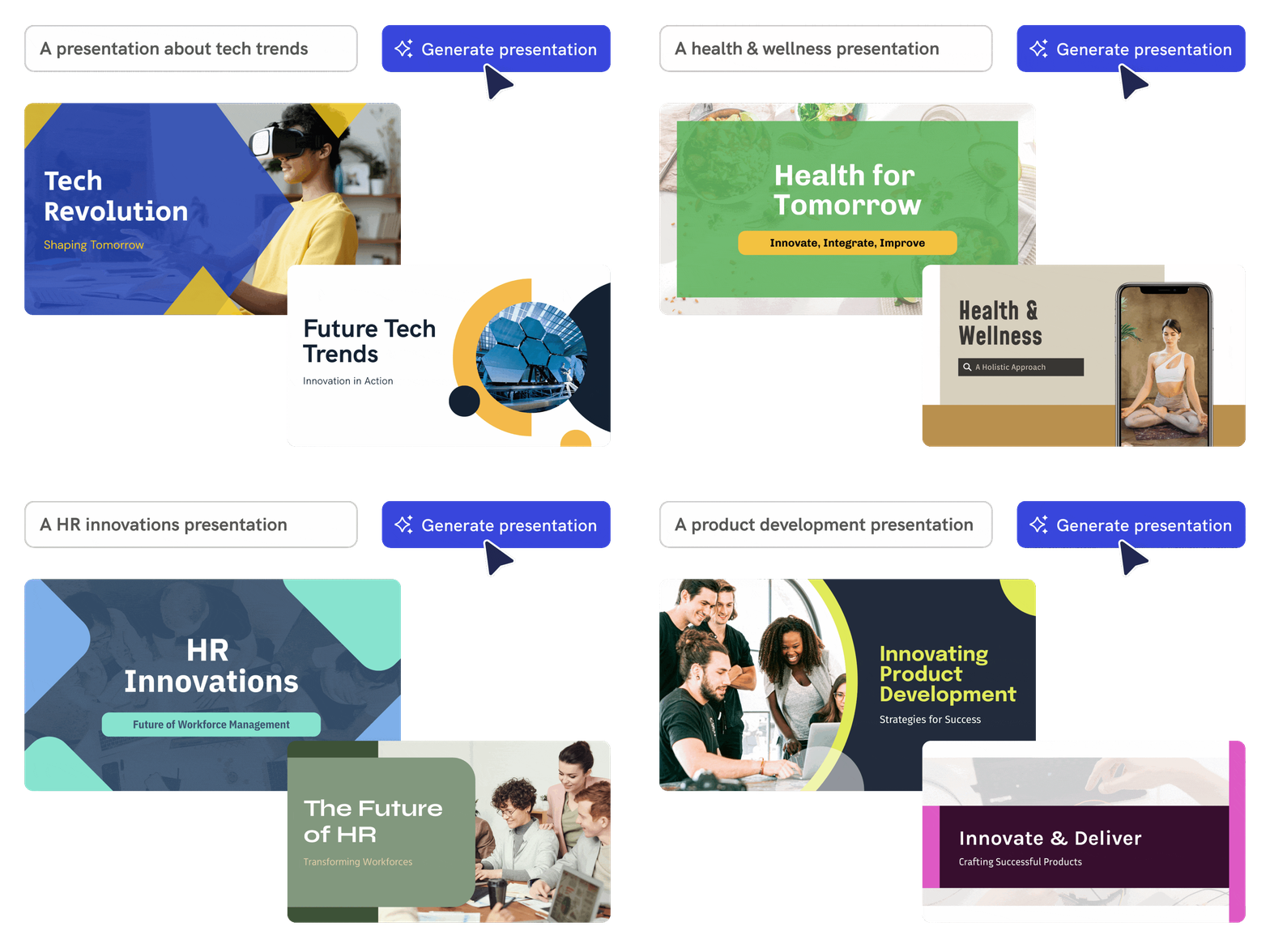
Create presentations from a prompt
Describe a topic, outline, notes, pitch idea, lesson plan, or uploaded content. Piktochart AI turns your input into an editable presentation draft with a clearer structure and visual direction.
Start creating

Customizable Templates
Move from idea to visual faster
Use AI to organize the message, sections, visuals, and call to action so you can start from a useful draft instead of a blank canvas.
Start creating
Boost Brand Message
Customize every detail
Edit text, colors, images, icons, fonts, layout, and brand details in Piktochart’s editor so the final presentation fits your audience and channel.
Start creating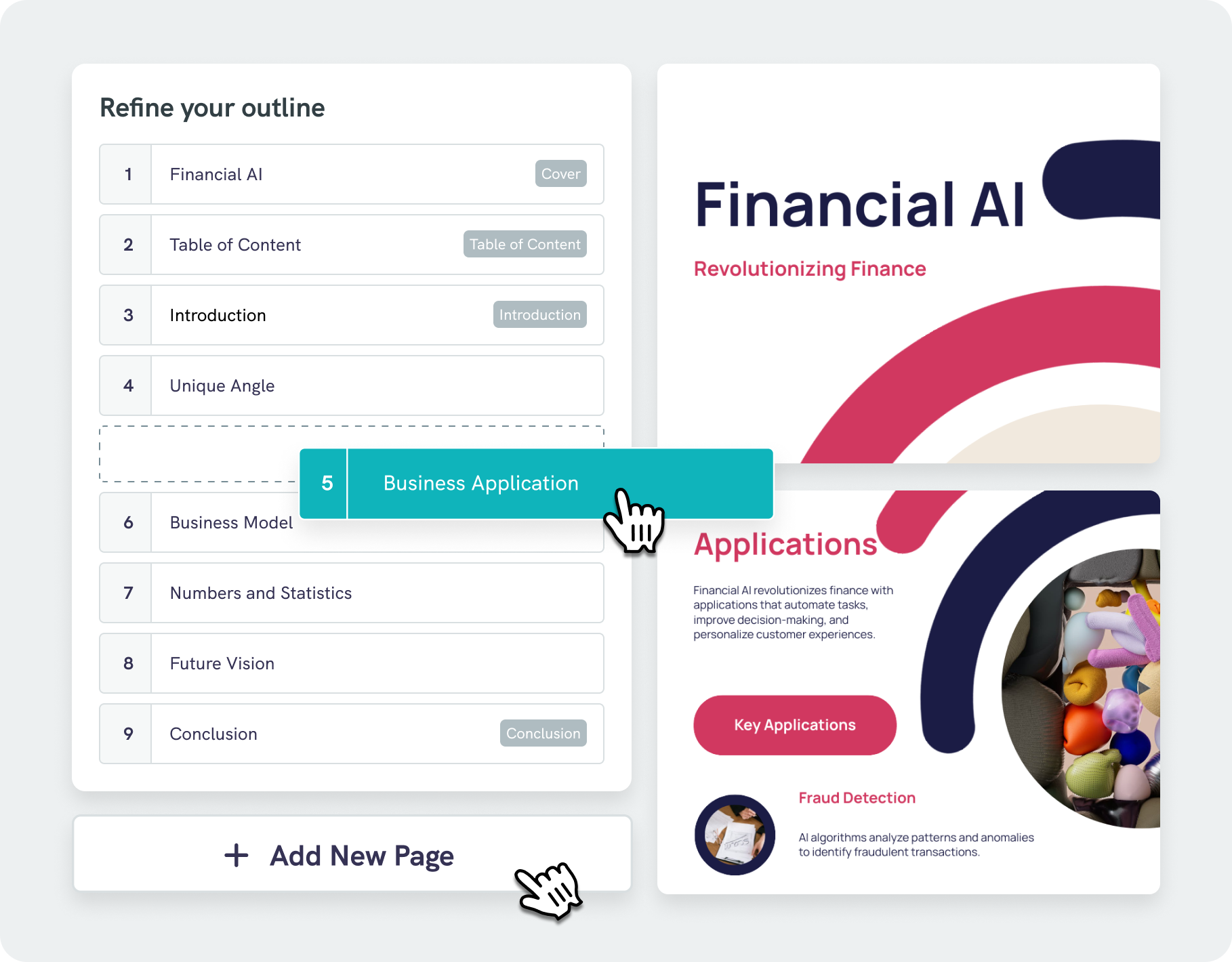
Simplified Structuring
Intelligent design assistance with AI outline
Our AI presentation maker does more than just place text on a page—our algorithms analyze your content and suggest visually appealing designs that boost readability and engagement.
With our AI outline feature, you can effortlessly organize your ideas into a clear, logical structure, keeping your focus on key points. Easily edit and refine your outline, saving both time and effort.
Start creatingProfessionals like you use Piktochart’s free AI presentation maker

Marketers
- Boost brand visibility with cohesive visual stories
- Generate leads using compelling content
- Present insights from market research to stakeholders

SMEs and Enterprises
- Craft persuasive pitch decks in minutes
- Introduce a new project with slides made on our online presentation maker
- Illustrate complex processes clearly through an engaging presentation

NGOs and Government Organizations
- Inform the public and present important topics
- Report to stakeholders with professional presentations prepared with an online presentation software

Business Owners and Consultants
- Design winning pitch decks effortlessly
- Impress clients with professional presentations
- Report on business performance through access to multiple features and professionally designed templates
Presentations created using Piktochart AI


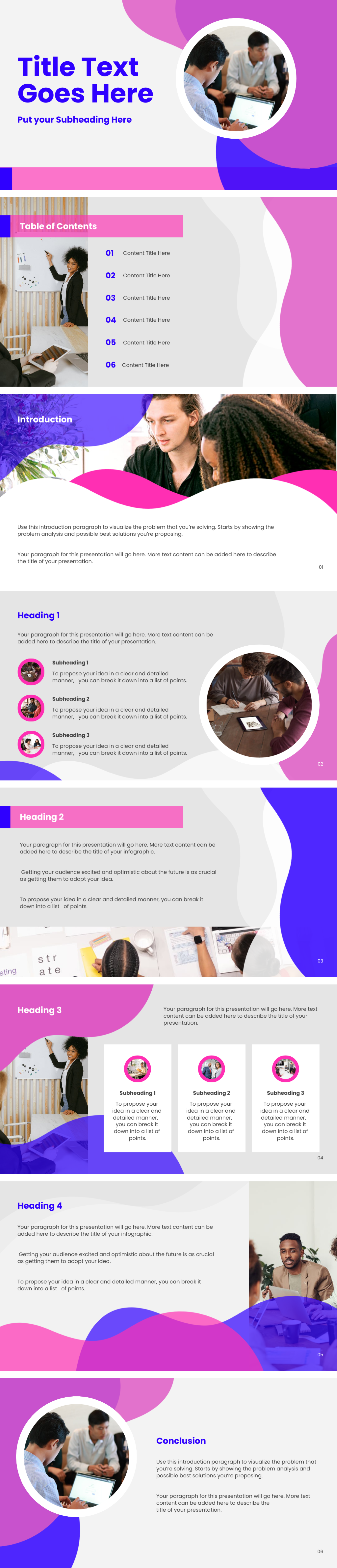
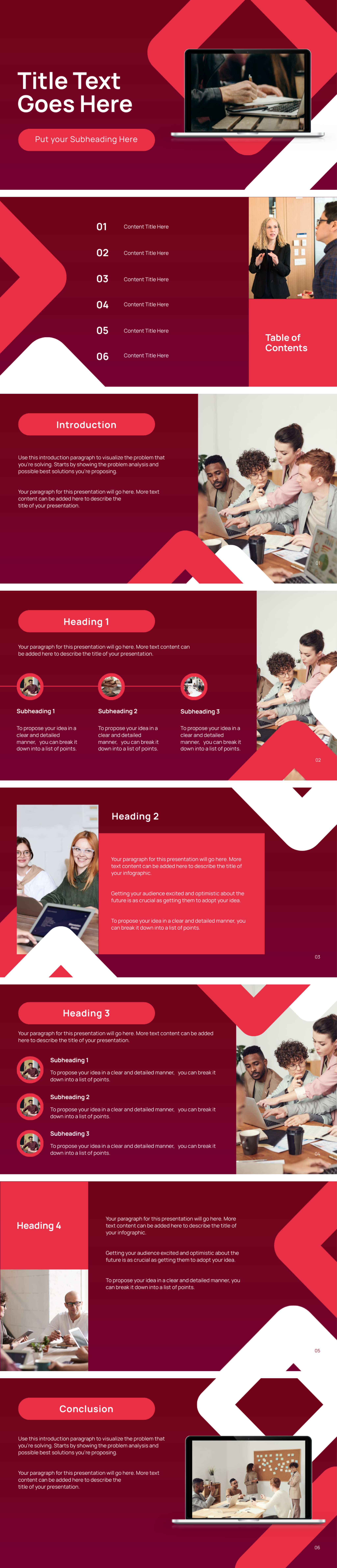
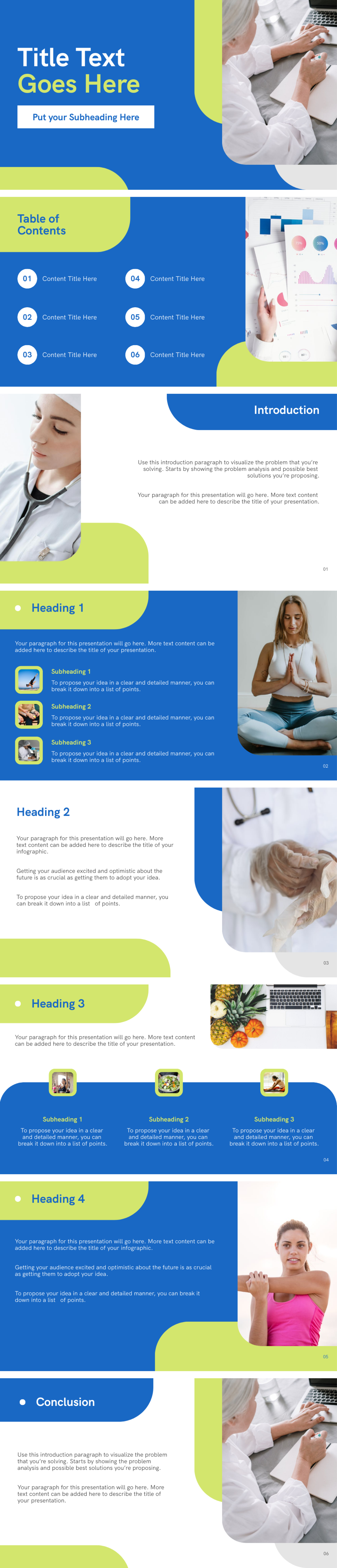
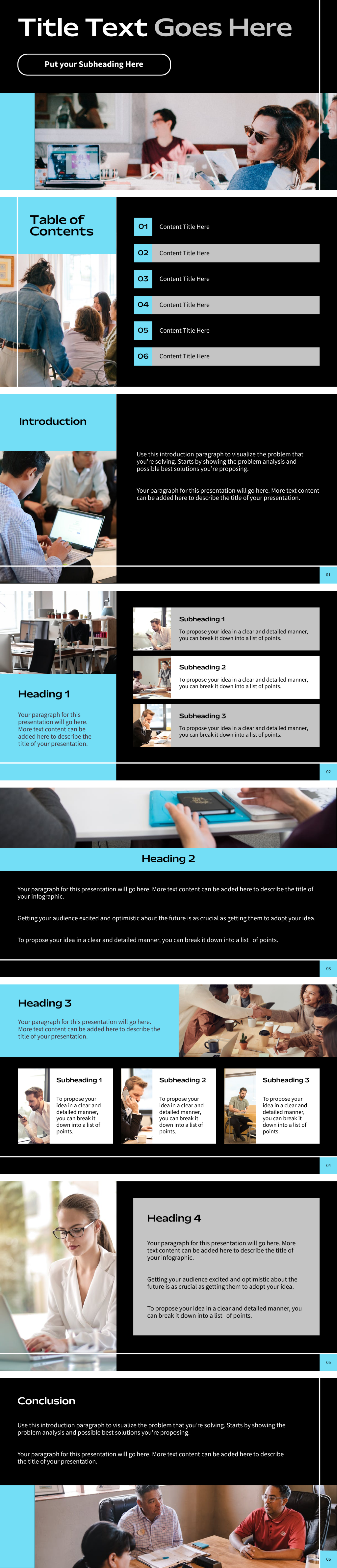
Types of AI presentation formats

Craft an investor-ready and winning pitch deck that captures attention and drives results.
Create an AI Pitch Deck
Transform ideas into impactful presentations for business meetings, pitches, reports, and more.
Create an AI Business Presentation
Create tailored marketing presentations in seconds that is fully customizable for your brand.
Create an AI Marketing Presentation
Elevate your teaching with eye-catching presentations that inspire and educate. Perfect for educators at all levels.
Create an AI Lesson Presentation
Create clear and visually appealing presentations for organizational trainings or courses. Designed to communicate your messages effectively.
Create an AI Training Presentation
Bring your creative ideas to life and customize every detail with design elements that showcase your unique vision and creativity.
Create an AI Creative PresentationHow to create a presentation with AI
1. Describe your presentation
Start with a topic, outline, notes, pitch idea, lesson plan, or uploaded content. Add the audience, purpose, tone, and must-have details so Piktochart AI can create a useful first draft.
2. Generate the first visual draft
Piktochart AI turns your prompt or content into an editable presentation with a clear structure and visual direction.
3. Customize the design
Edit copy, colors, fonts, icons, images, sections, and brand details in Piktochart’s editor. Every generated visual remains editable.
4. Share or download
Use the finished presentation in campaigns, presentations, classes, reports, proposals, or team updates. Free accounts include 60 AI credits every month.
What can you create with an AI presentation generator?
Piktochart AI helps you create business presentations, lesson slides, pitch decks, training decks, project updates, and report presentations without starting from a blank canvas.
Business Presentations
Generate a first draft for business presentations from a short prompt, then customize the content, layout, and visuals in Piktochart’s editor.
Lesson Slides
Generate a first draft for lesson slides from a short prompt, then customize the content, layout, and visuals in Piktochart’s editor.
Pitch Decks
Generate a first draft for pitch decks from a short prompt, then customize the content, layout, and visuals in Piktochart’s editor.
Training Decks
Generate a first draft for training decks from a short prompt, then customize the content, layout, and visuals in Piktochart’s editor.
Ready to create presentations with AI?
Join more than 14 million people who already use Piktochart to turn information into clearer visuals.