Experience the future of social media post creation with the power of AI

Time-Saving Efficiency
Create social media posts from a prompt
Describe a campaign idea, audience, platform, caption angle, offer, or announcement. Piktochart AI turns your input into an editable social media post draft with a clearer structure and visual direction.
Start creating
Elevate Presence and Engagement
Move from idea to visual faster
Use AI to organize the message, sections, visuals, and call to action so you can start from a useful draft instead of a blank canvas.
Start creating

Branding Consistency with Customization
Customize every detail
Edit text, colors, images, icons, fonts, layout, and brand details in Piktochart’s editor so the final social media post fits your audience and channel.
Start creating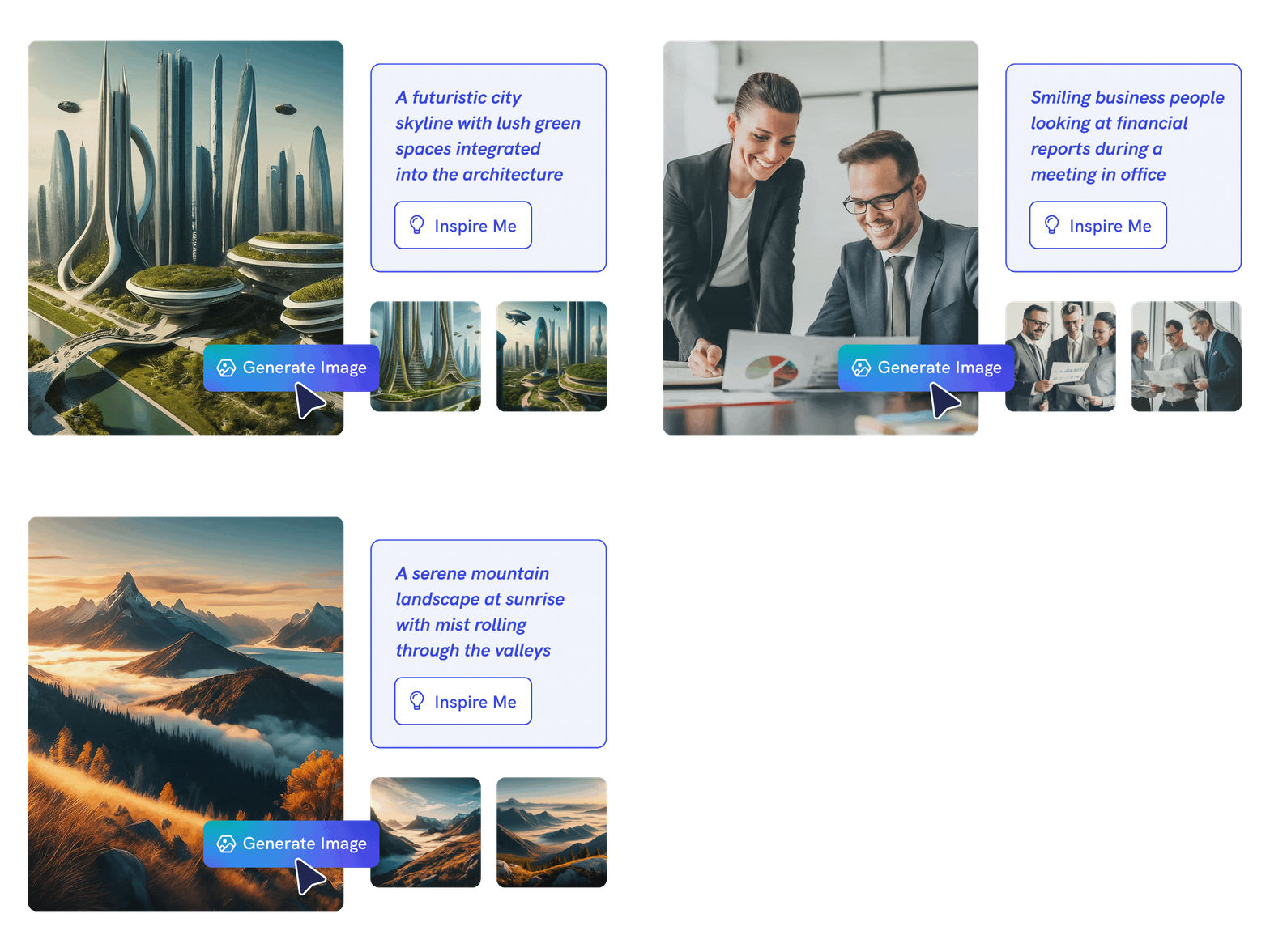
Creativity Without Limits
Unlock your creativity with AI-generated images
Put your creativity to the test and generate highly realistic images that make you stand out. With just a simple text prompt, you can transform your words and ideas into breathtaking, high-quality AI-generated visuals in seconds.
Whether you’re envisioning fantastical landscapes or cutting-edge futuristic designs, the possibilities are limitless. Bring your imagination to life with ease and leave a lasting impression!
Generate AI imageTypes of formats generated by Piktochart AI

Create eye-catching visuals designed to perfectly fit the Facebook feed, ensuring your content stands out with a balanced, attention-grabbing format.
Generate Facebook Post
Make an impact with stunning Instagram visuals designed to make an impression and engage your audience instantly.
Generate Instagram Post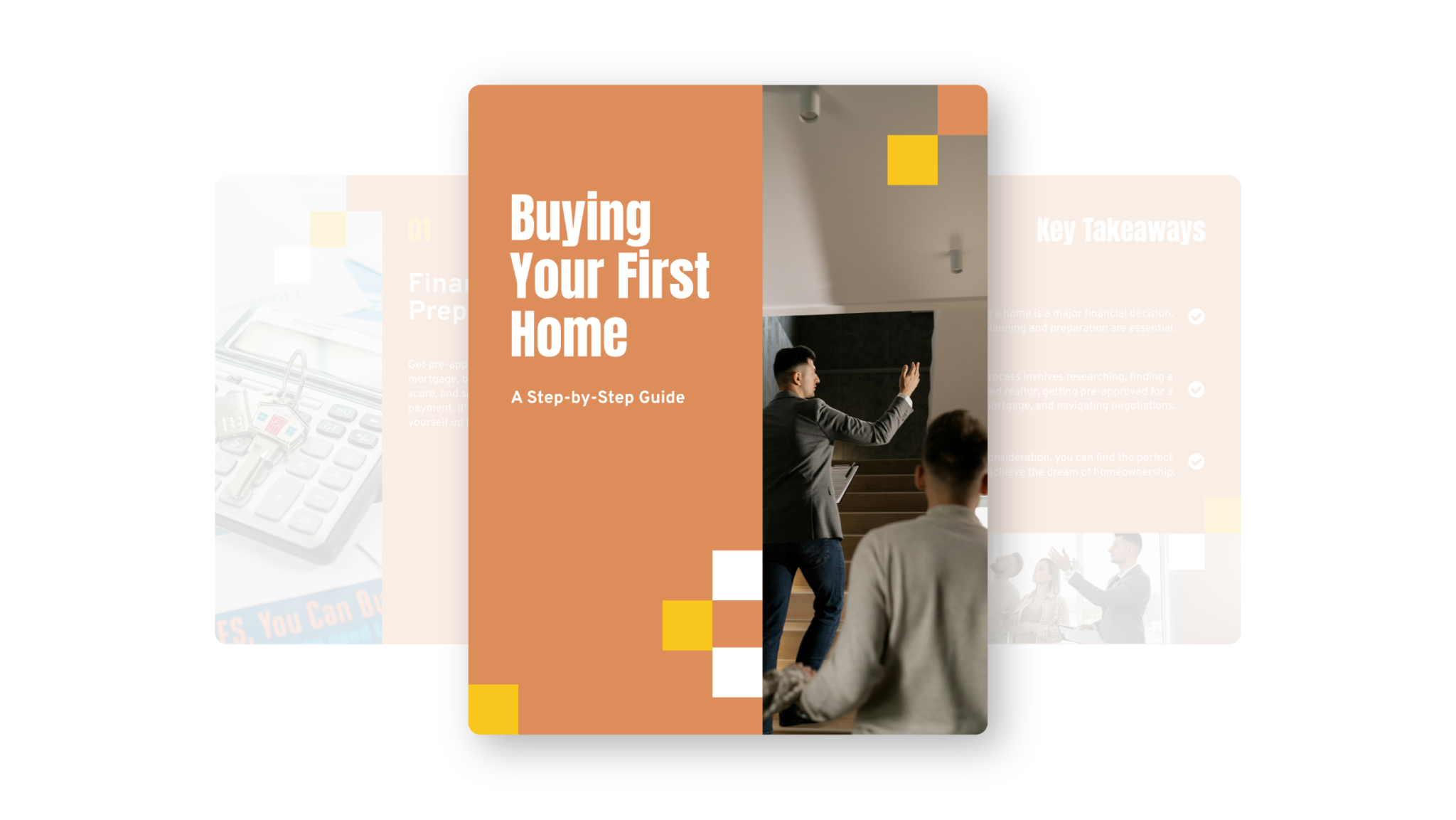
Turn your ideas into polished, professional LinkedIn visuals instantly, ensuring your content is always on-brand, engaging, and optimized for impact.
Generate LinkedIn Post
Stand out on Twitter or X with stunning visuals that grab attention and spark engagement instantly.
Generate Twitter ImageTrusted by industry professionals

Marketers
- Increase brand awareness
- Drive traffic and leads from social media channels
- Increase engagement through social media graphics

HR Professionals
- Promote jobs in social media posts
- Get more applicants with high-quality visual content

Salespeople
- Build a personal brand
- Engage with their social network
- Nurture leads on social channels

Small Businesses & Consultants
- Increase brand awareness
- Promote products through social media marketing
- Drive growth with a strong social media presence
How to create a social media post with AI
1. Describe your social media post
Start with a campaign idea, audience, platform, caption angle, offer, or announcement. Add the audience, purpose, tone, and must-have details so Piktochart AI can create a useful first draft.
2. Generate the first visual draft
Piktochart AI turns your prompt or content into an editable social media post with a clear structure and visual direction.
3. Customize the design
Edit copy, colors, fonts, icons, images, sections, and brand details in Piktochart’s editor. Every generated visual remains editable.
4. Share or download
Use the finished social media post in campaigns, presentations, classes, reports, proposals, or team updates. Free accounts include 60 AI credits every month.
What can you create with an AI social media post generator?
Piktochart AI helps you create Instagram posts, Facebook posts, LinkedIn visuals, carousel posts, campaign graphics, and community updates without starting from a blank canvas.
Instagram Posts
Generate a first draft for Instagram posts from a short prompt, then customize the content, layout, and visuals in Piktochart’s editor.
Facebook Posts
Generate a first draft for Facebook posts from a short prompt, then customize the content, layout, and visuals in Piktochart’s editor.
LinkedIn Visuals
Generate a first draft for LinkedIn visuals from a short prompt, then customize the content, layout, and visuals in Piktochart’s editor.
Carousel Posts
Generate a first draft for carousel posts from a short prompt, then customize the content, layout, and visuals in Piktochart’s editor.
Ready to create social media posts with AI?
Join more than 14 million people who already use Piktochart to turn information into clearer visuals.