The fastest way to create and visualize business plans

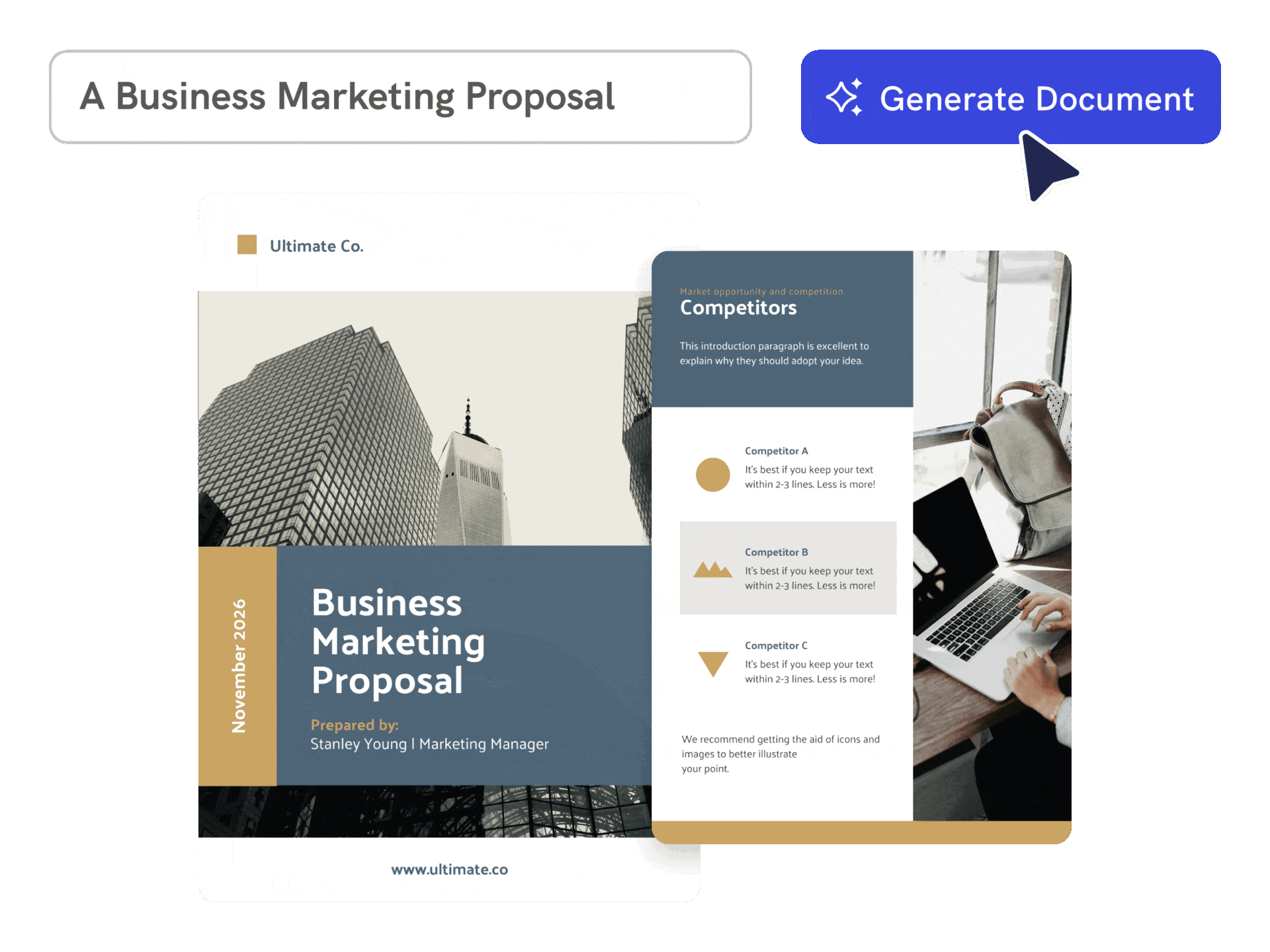
Effortless and Instant
Turn a business idea into a visual plan
Describe your business, market, audience, goals, and offer. Piktochart AI creates a structured visual business plan that is easier to refine and present.
Start creating
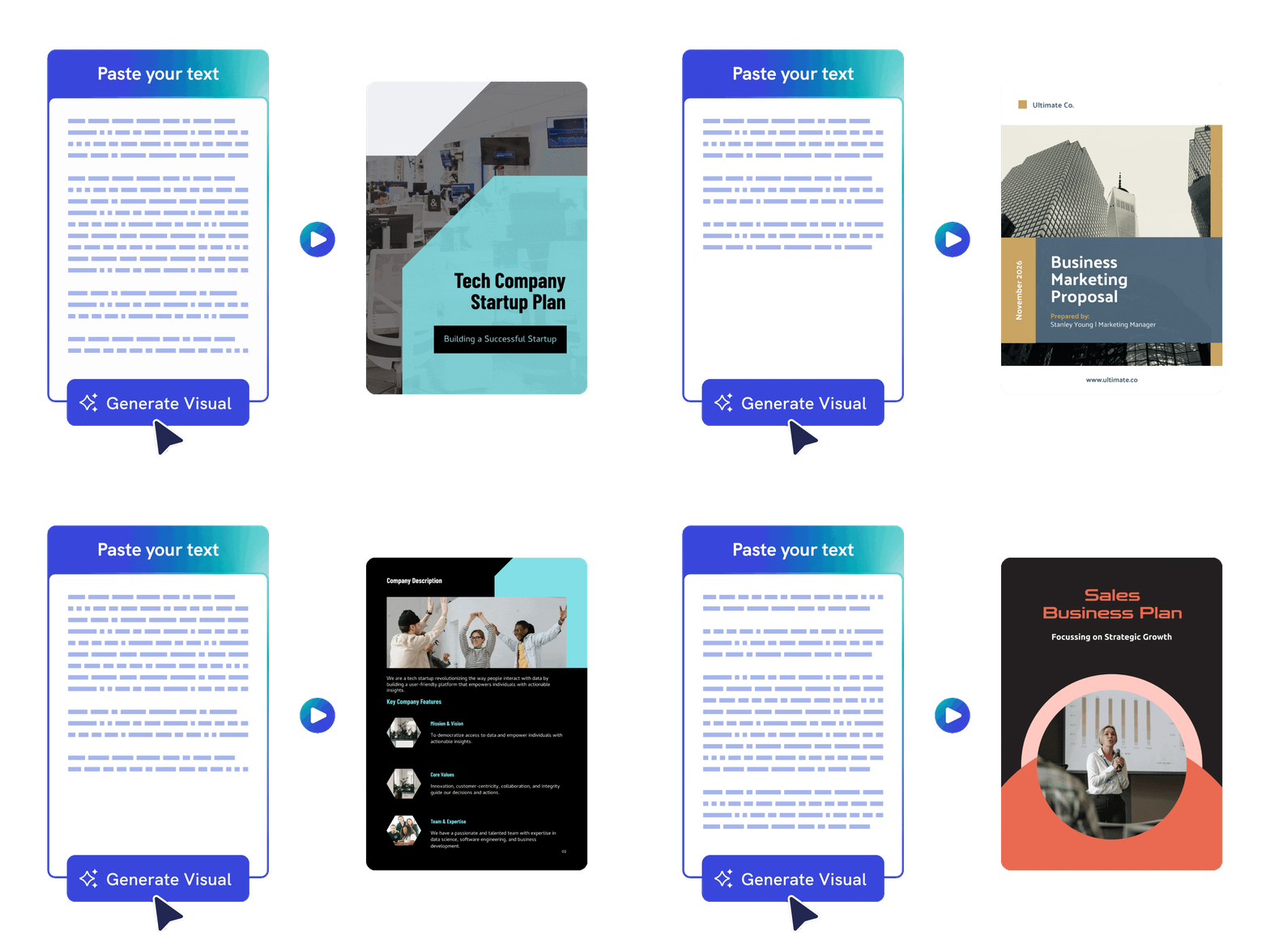
Customized to Your Content
Build from notes, drafts, or uploaded content
Paste existing business plan content or upload a supported document and use AI to organize it into a cleaner, more visual plan.
Start creating
Engaging and Professional
Customize sections for investors and stakeholders
Edit market analysis, goals, timelines, visuals, charts, colors, and brand details so your business plan fits the audience and use case.
Start creating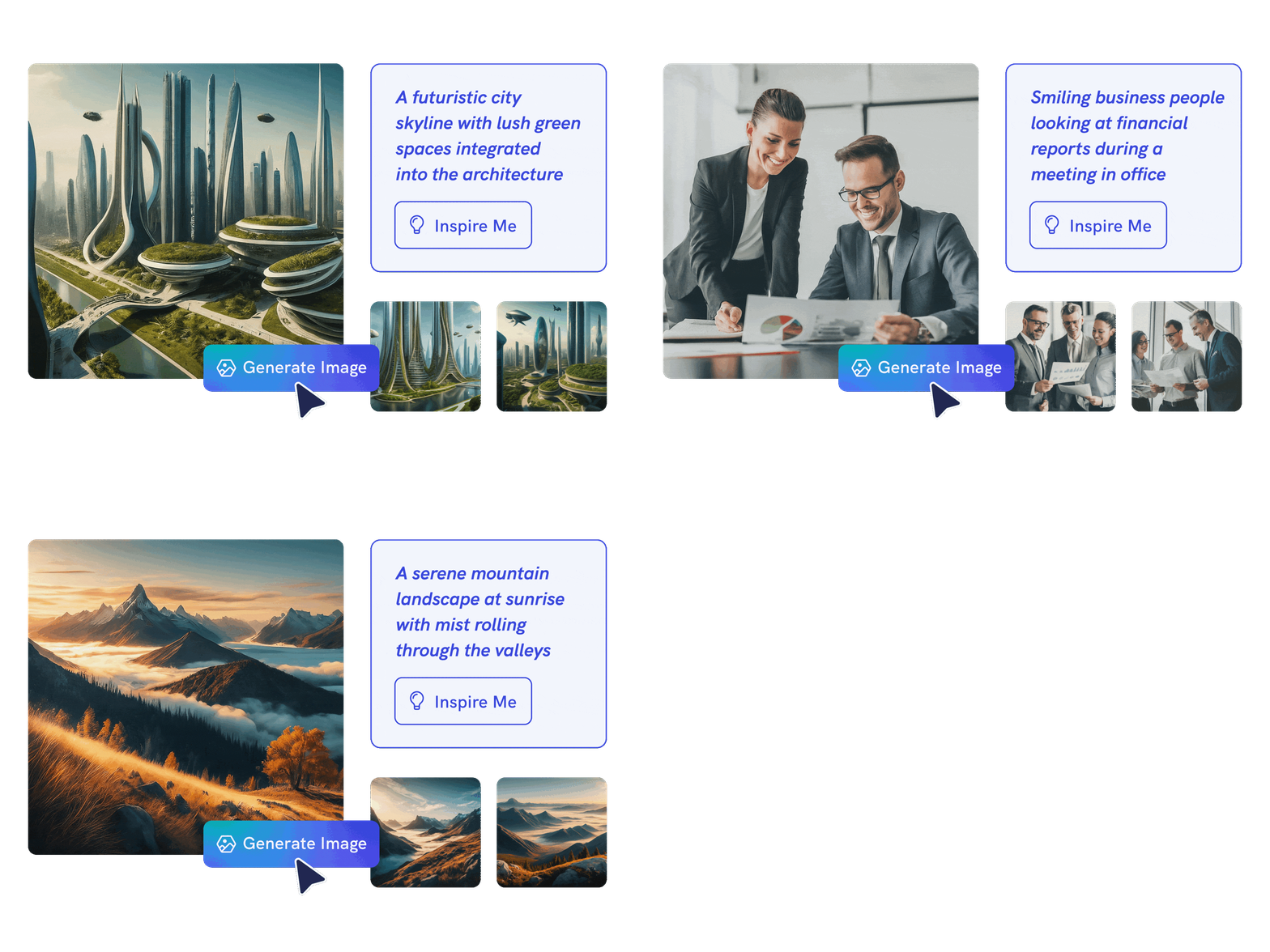
Limitless Creativity
Create anything with AI image generator
Put your creativity to the test and generate highly realistic images that make you stand out. Simply insert your text prompt and transform your words and ideas into stunning, high-quality AI-generated images in seconds.
Whether you’re envisioning fantastical landscapes or cutting-edge futuristic designs, the possibilities are limitless. Elevate your business plan and bring your imagination to life with ease!
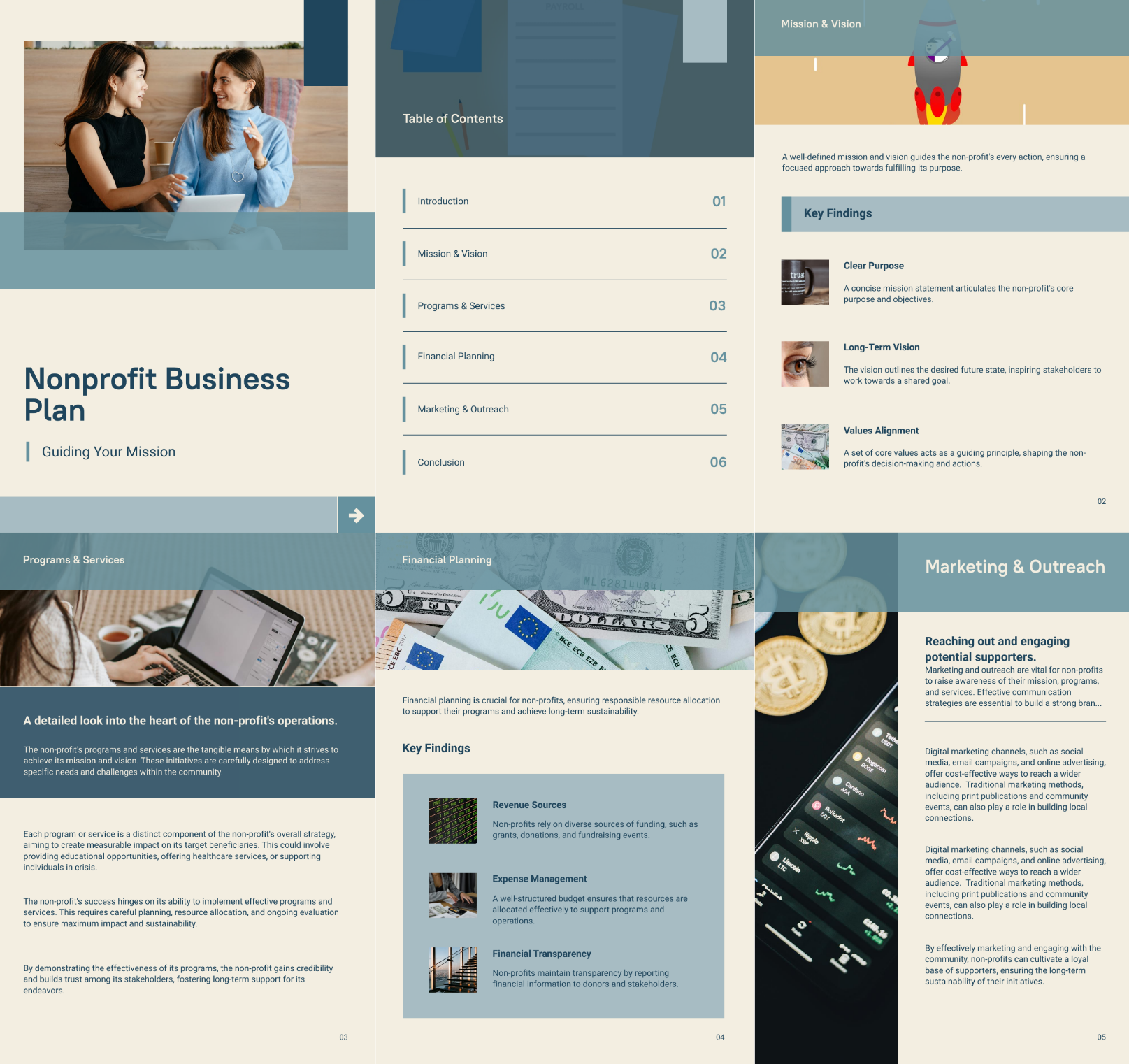
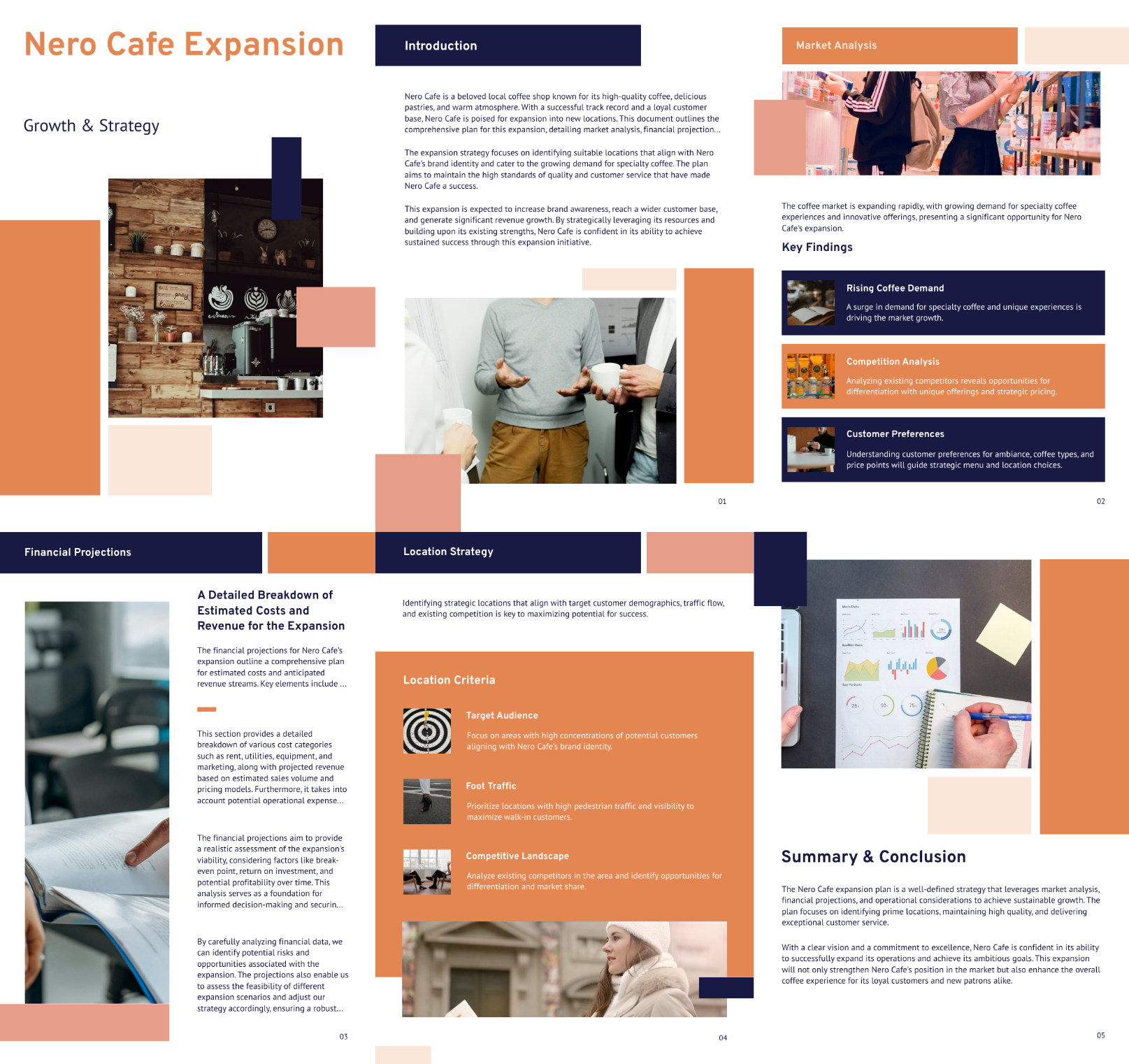
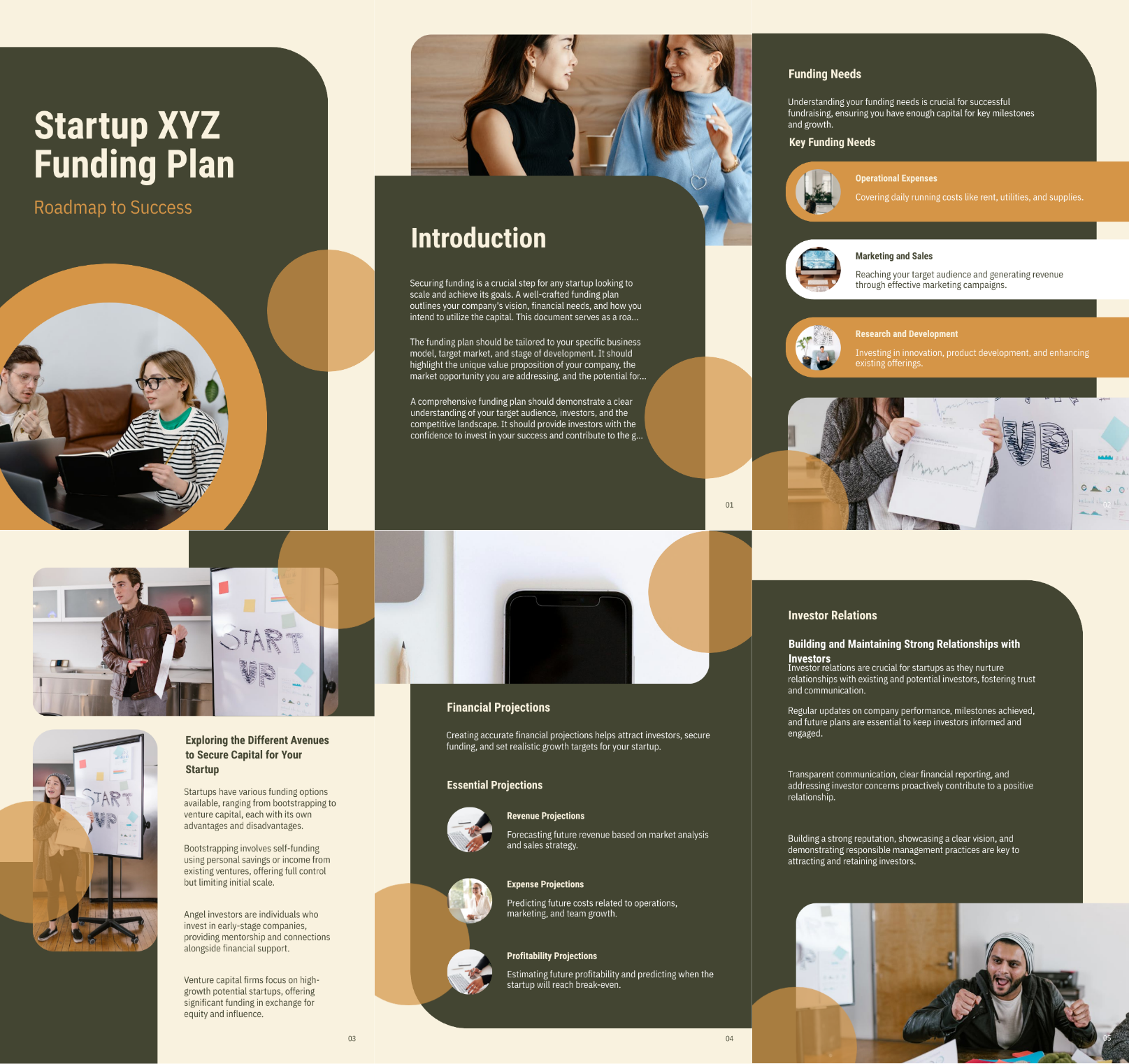
Generate AI imageBusiness plans created using Piktochart AI



Trusted by Industry Leaders

Nonprofits and NGOs
- Applying for grants and funding from donors and foundations.
- Illustrate impact on communities by showcasing progress on projects, beneficiary stories, and fund utilization, essential for donor reports and stakeholder updates.
- Reports on donation usage, program effectiveness, and organizational financial health.
- Analyze program data, helping to assess effectiveness, identify areas for improvement, and inform future project planning and resource allocation.

Entrepreneurs and Startup Founders
- Create business plans to help in presenting a clear vision to investors and lenders, making it easier to secure funding.
- Provide a step-by-step guide for launching and growing the business, outlining goals, strategies, and timelines.
- Visualize results, customer demographics, and market trends, facilitating data-driven decision-making.
- Engaging, easy-to-understand reports for investors, showcasing business performance, ROI, and key metrics.

Corporate Executives and Managers
- Create long-term strategic planning and help in setting departmental goals that align with the overall corporate vision.
- Manage resources in budgeting, allocation, and prioritizing projects to ensure efficient use of company resources.
- Help in managing organizational changes, such as launching new products or entering new markets, by outlining detailed plans and expected outcomes.

Small Business Owners
- Create operation guideline for daily operations, helping in resource allocation and task management.
- Track performance with outlining benchmarks and KPIs to track business performance and make data-driven decisions.
- Helps in understanding the competitive landscape, target market, and customer needs, informing marketing and sales strategies.
- Highlight progress, identify areas for improvement, and facilitate effective improvement plans.
How to create a business plan with AI
1. Describe your business plan
Start with a startup idea, funding goal, market notes, operating plan, or uploaded draft. Add the audience, purpose, tone, and any must-include details so the AI can shape a useful first draft.
2. Generate the first visual draft
Piktochart AI turns your prompt or content into an editable business plan with structure, hierarchy, and visual direction already in place.
3. Customize the design
Open the draft in Piktochart’s editor to adjust copy, colors, fonts, icons, images, sections, and brand details. Every generated visual remains editable.
4. Share or download
Use the finished business plan in presentations, campaigns, classes, reports, applications, or team updates. Free accounts can start with 60 AI credits every month.
What can you create with an AI business plan generator?
Piktochart AI works best when you need a clear, editable visual instead of a blank canvas. Use it to create startup business plans, funding plans, market plans, operations plans, investor summaries, and strategic plans.
Startup Business Plans
Generate a first draft for startup business plans from a short prompt, then customize the content, layout, and visuals in Piktochart’s editor.
Funding Plans
Generate a first draft for funding plans from a short prompt, then customize the content, layout, and visuals in Piktochart’s editor.
Market Plans
Generate a first draft for market plans from a short prompt, then customize the content, layout, and visuals in Piktochart’s editor.
Operations Plans
Generate a first draft for operations plans from a short prompt, then customize the content, layout, and visuals in Piktochart’s editor.
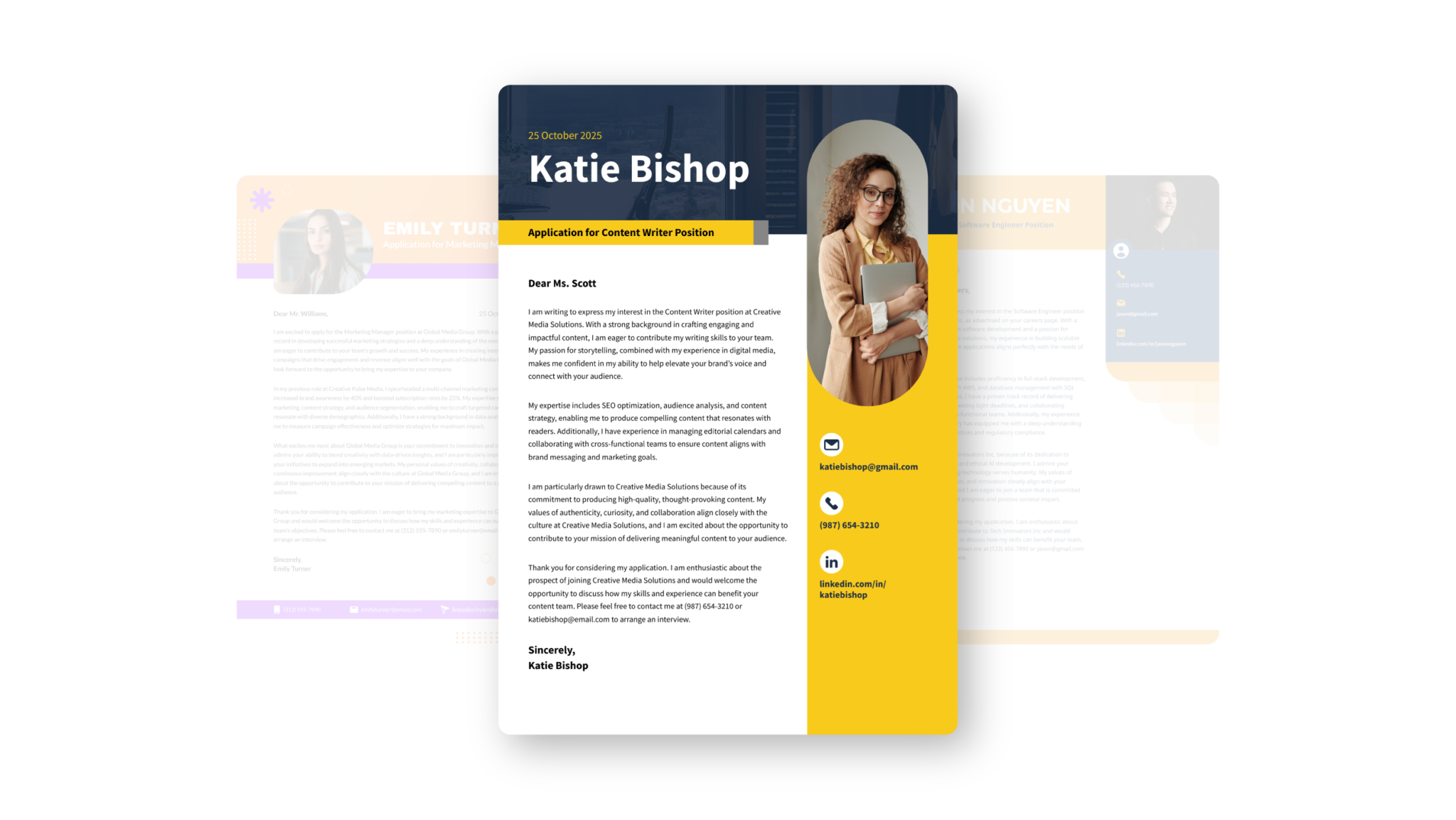
Discover other types of documents you can generate with Piktochart AI




Ready to create business plans with AI?
Join more than 14 million people who already use Piktochart to turn information into clearer visuals.