“Piktochart AI is the easiest and fastest way to create visually appealing infographics!”
Aurelius Tjin
YouTuber and Digital Creator
The fastest way to create and visualize documents

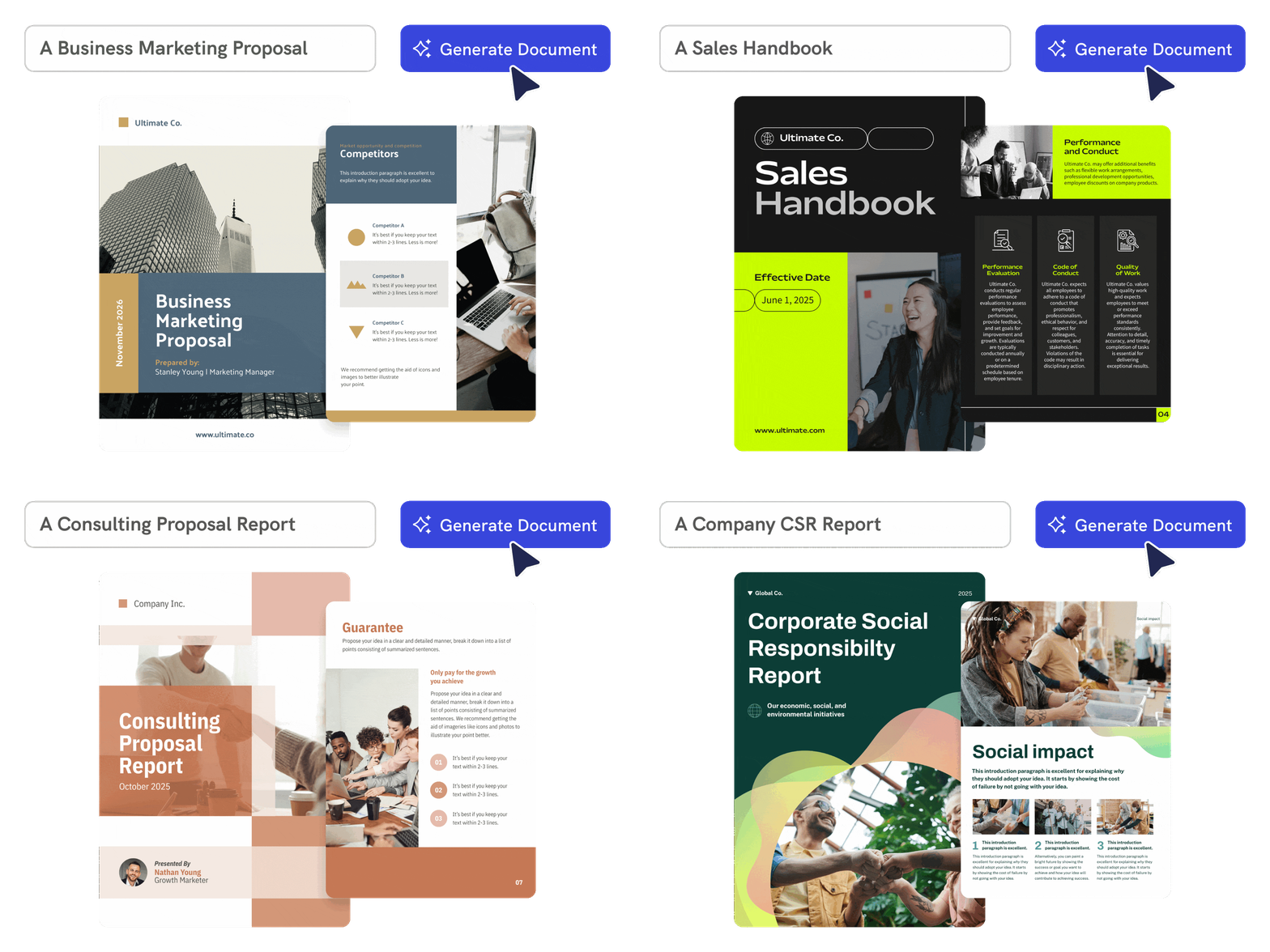
Time-Saving
From text prompt to a designed document in under a minute
Piktochart AI helps you move from blank page to structured first draft fast. Enter a topic or prompt and get a professional document layout with visuals, headings, and sections ready to refine.
Start creating
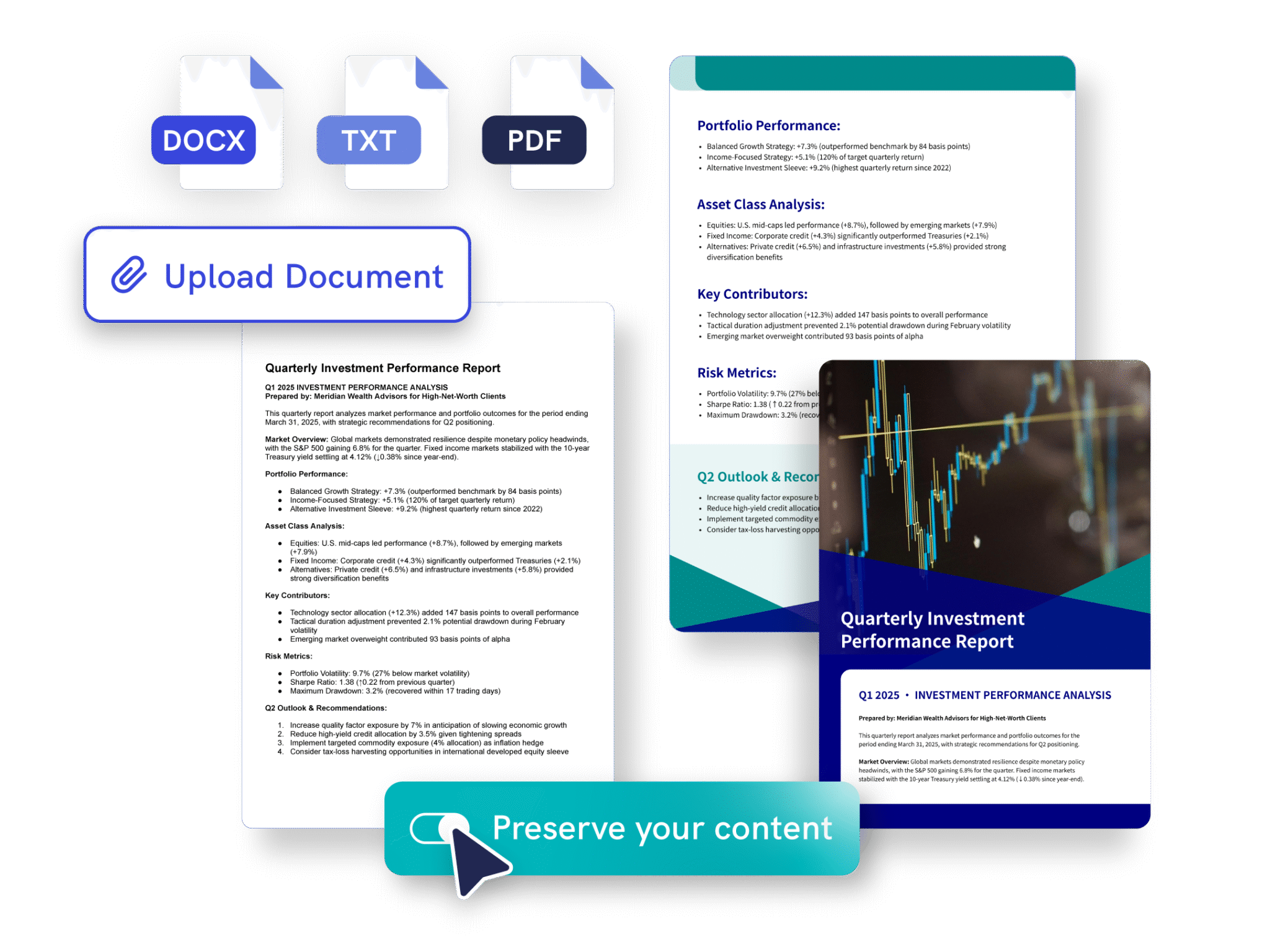
Effortless Creation
Turn existing content into polished documents
Paste text or upload a PDF, DOCX, or TXT file. Piktochart AI can summarize or preserve your original content, then redesign it into a more readable, visual document.
Try Preserve Content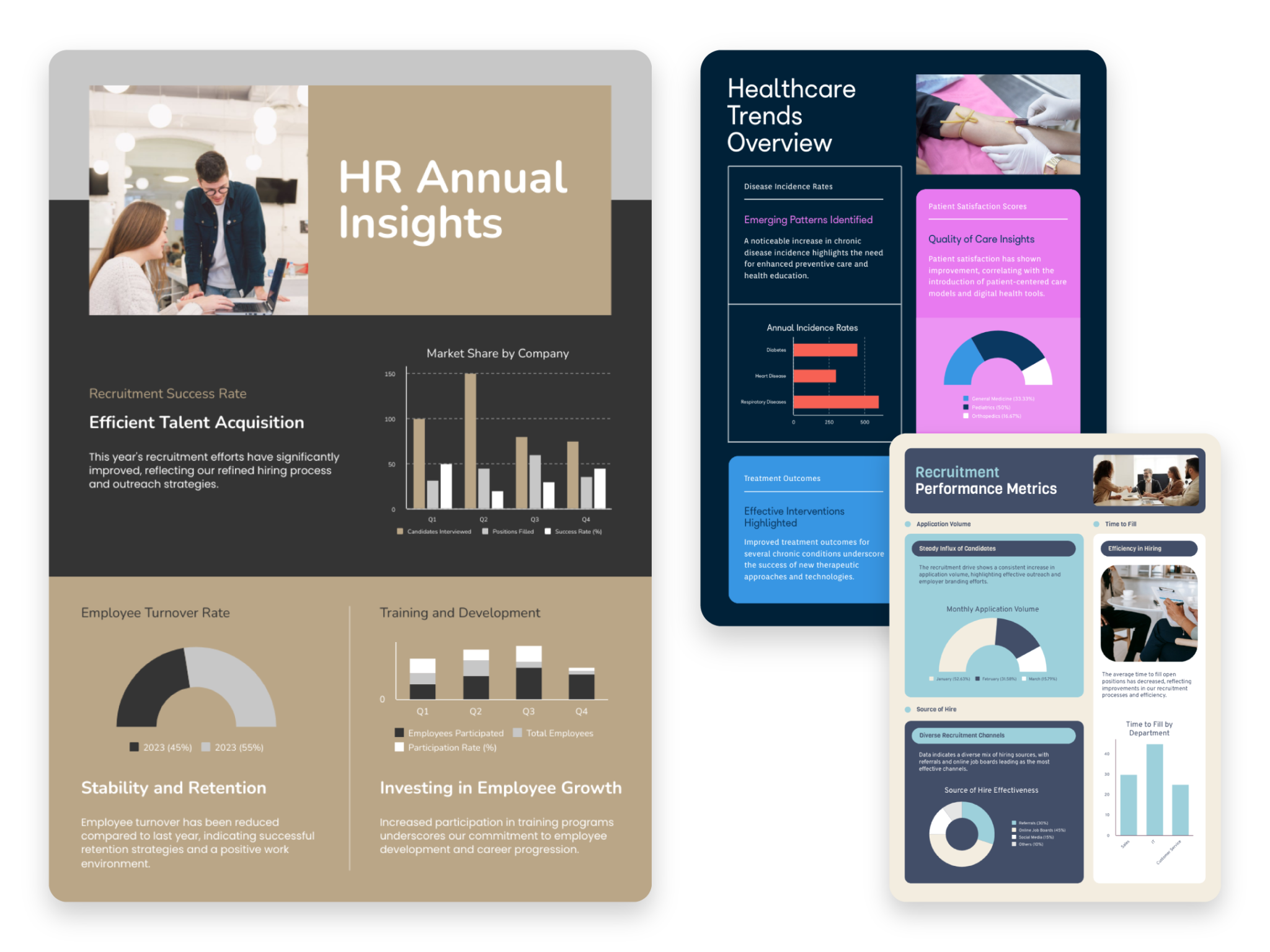
Complete Customization
Customize every page in the editor
Unlike text-only AI doc makers, Piktochart gives you a visual editor for layouts, charts, images, icons, brand colors, and typography, so the final document is ready to present or share.
Start creating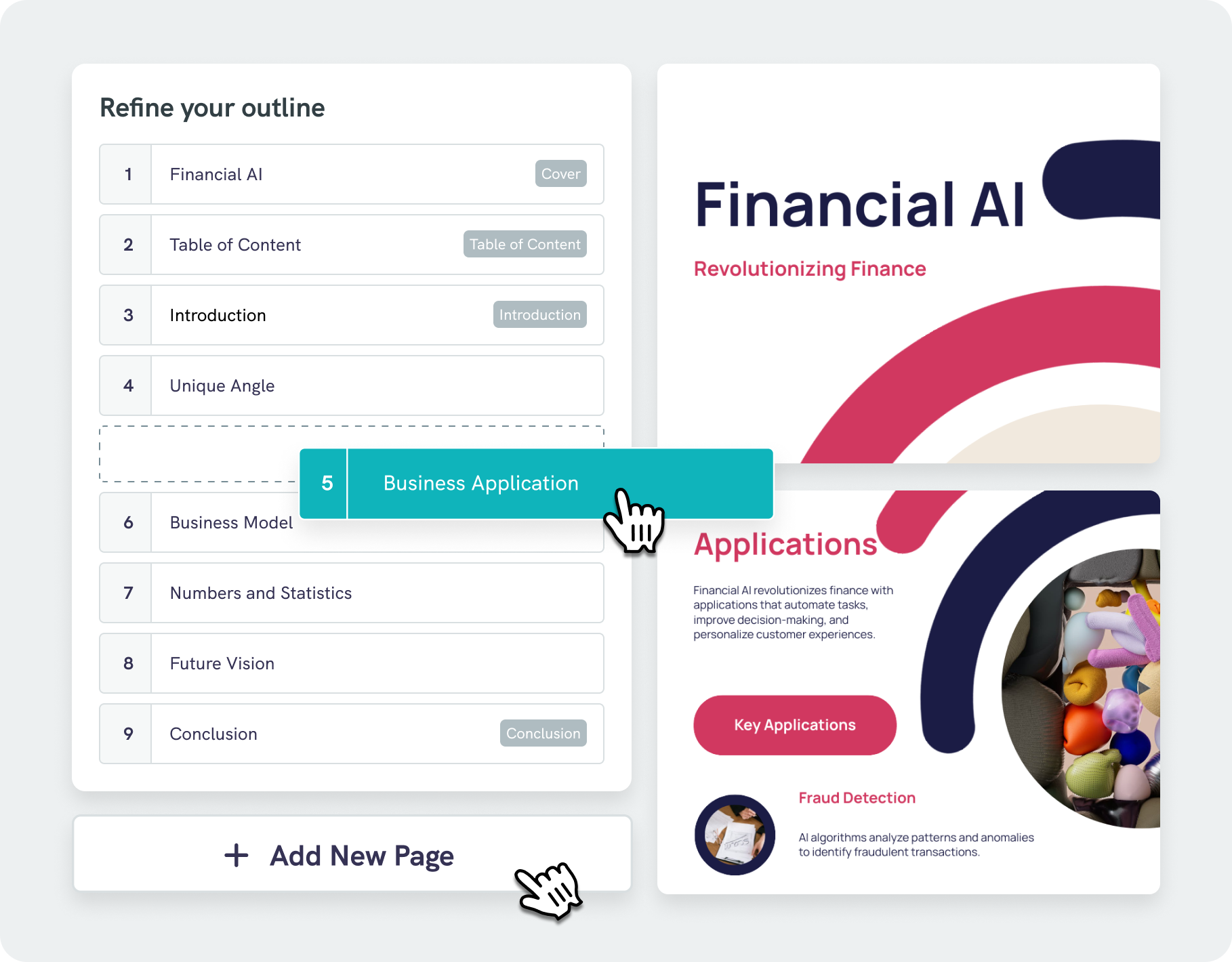
Present Data Beautifully
Intelligent design assistance with AI outline
Piktochart’s AI document generator goes beyond simply arranging text on a page. Our algorithms analyze your content and suggest visually appealing designs that enhance readability and engagement.
With our AI outline feature, you can structure your thoughts and ideas into a clear, logical format, keeping you focused on your main points. Effortlessly edit and refine the outline of your content to save time and effort.
Start creatingTrusted by Industry Leaders

NGOs and Government Organizations
- Illustrate impact on communities by showcasing progress on projects, beneficiary stories, and fund utilization, essential for donor reports and stakeholder updates.
- Reports on donation usage, program effectiveness, and organizational financial health.
- Analyze program data, helping to assess effectiveness, identify areas for improvement, and inform future project planning and resource allocation.

Marketers
- Visualize marketing campaign results, customer demographics, and market trends, facilitating data-driven decision-making.
- Engaging, easy-to-understand reports for clients, showcasing campaign performance, ROI, and key marketing metrics.
- Identify emerging trends and forecasting future market movements.

HR and Learning and Development Reports
- Highlight progress, identify areas for improvement, and facilitate effective performance reviews.
- Visually represent the impact and effectiveness of training programs.
- Compile and interpret data on workforce diversity, employee satisfaction, and organizational culture.

Researchers
- Transform complex datasets into clear, comprehensible visuals, aiding in the presentation of research findings.
- Easy sharing and editing of reports, essential for multi-author studies and publications.
- Prepare reports for academic journals or conferences, aligning with publication standards.
Types of documents you can generate with Piktochart AI




How to create AI documents with Piktochart AI
1. Describe the document you need
Start with the document type, audience, purpose, and any key details. For example: “Create a quarterly marketing report for executives with campaign results and next steps.”
2. Generate a structured draft
Piktochart AI turns your prompt, pasted text, or uploaded PDF, DOCX, or TXT file into a multi-page document with headings, sections, and visual hierarchy.
3. Add visuals and brand details
Customize the draft with charts, icons, images, colors, fonts, and brand assets. You can edit every block, add pages, and refine the message before sharing.
4. Download or share
Export your document as PDF or PNG where available, share by link, or continue editing it as a report, proposal, ebook, handbook, or one-pager.
AI-Powered Visualization for Any Topic
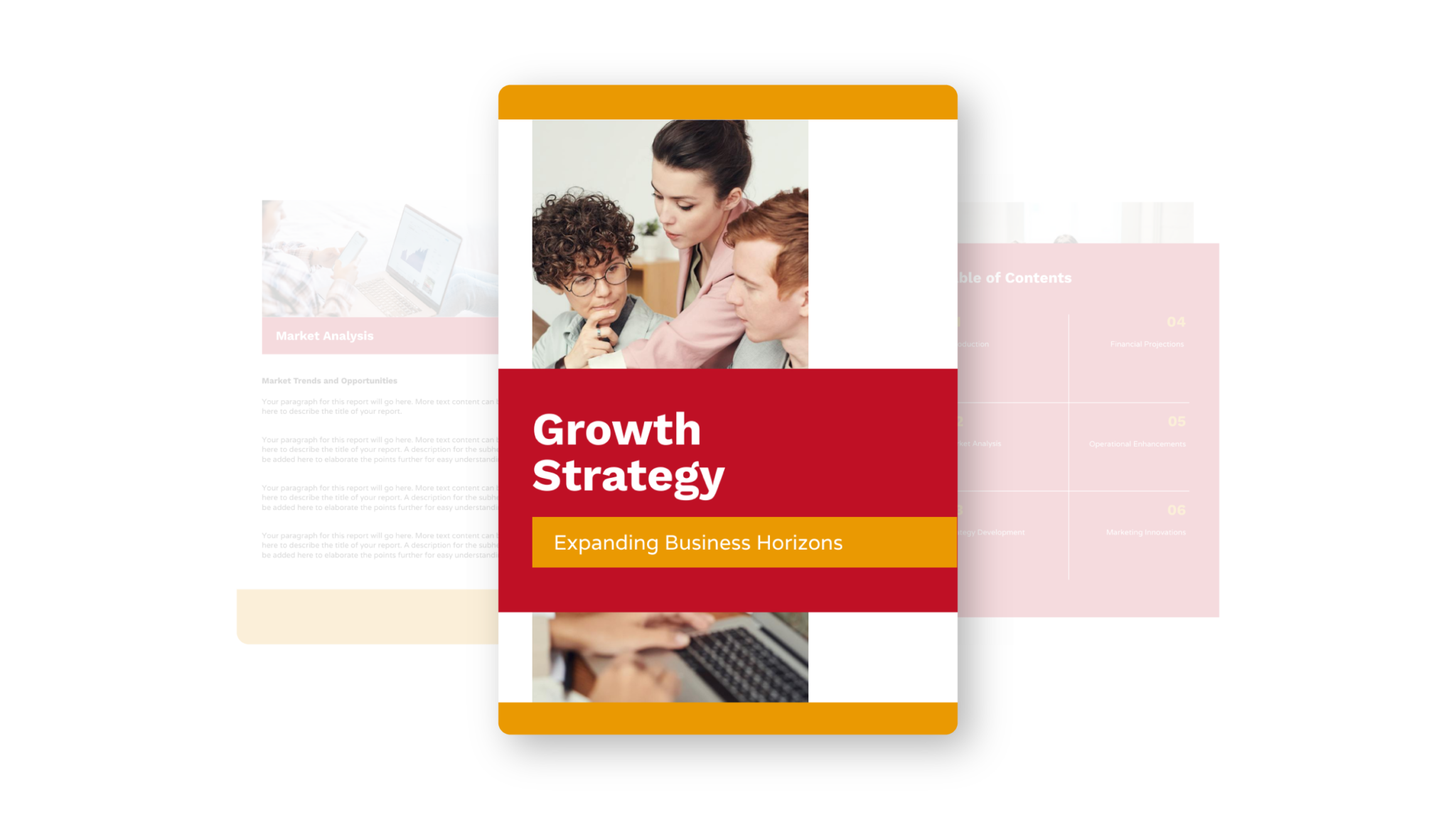
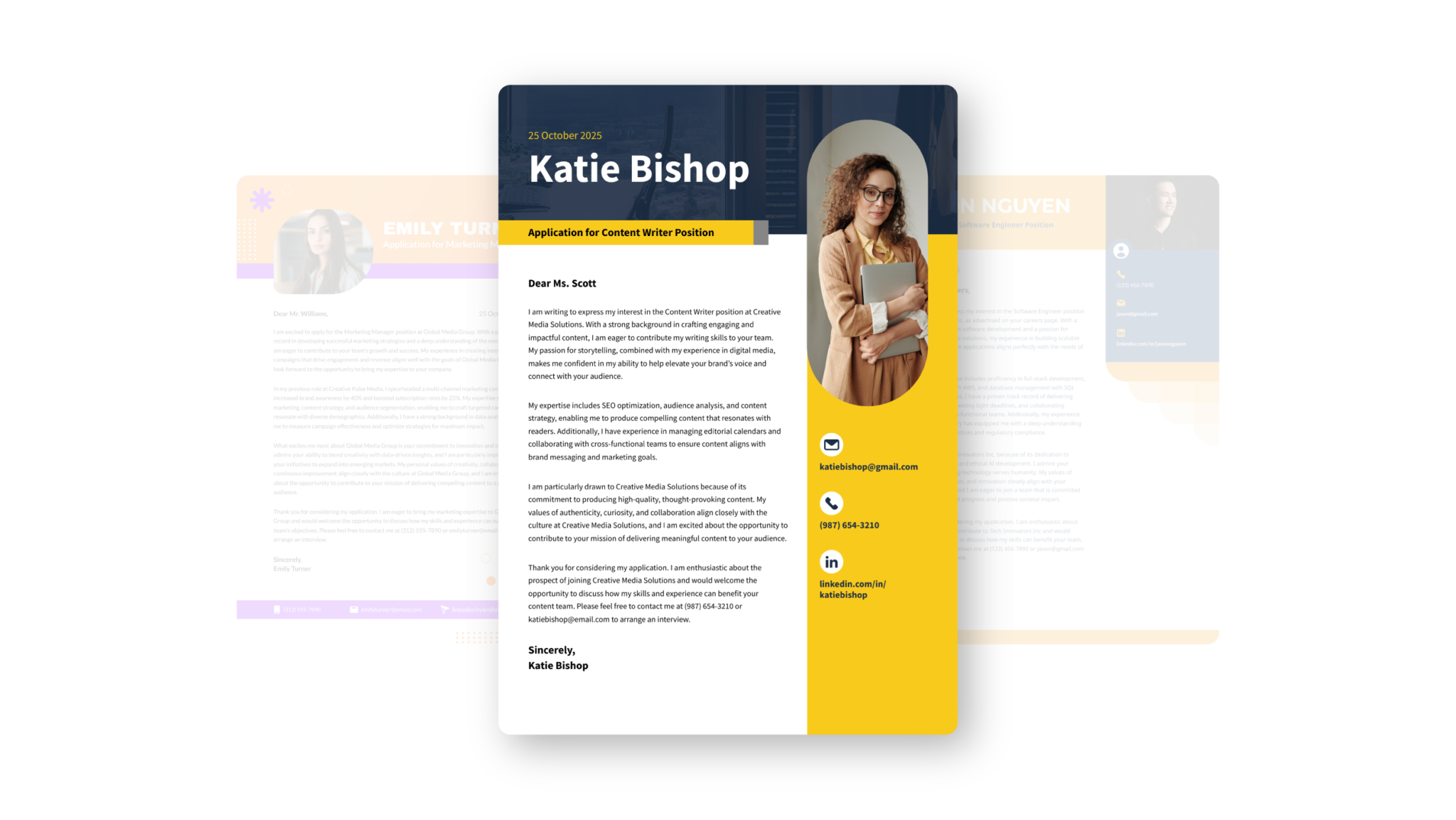
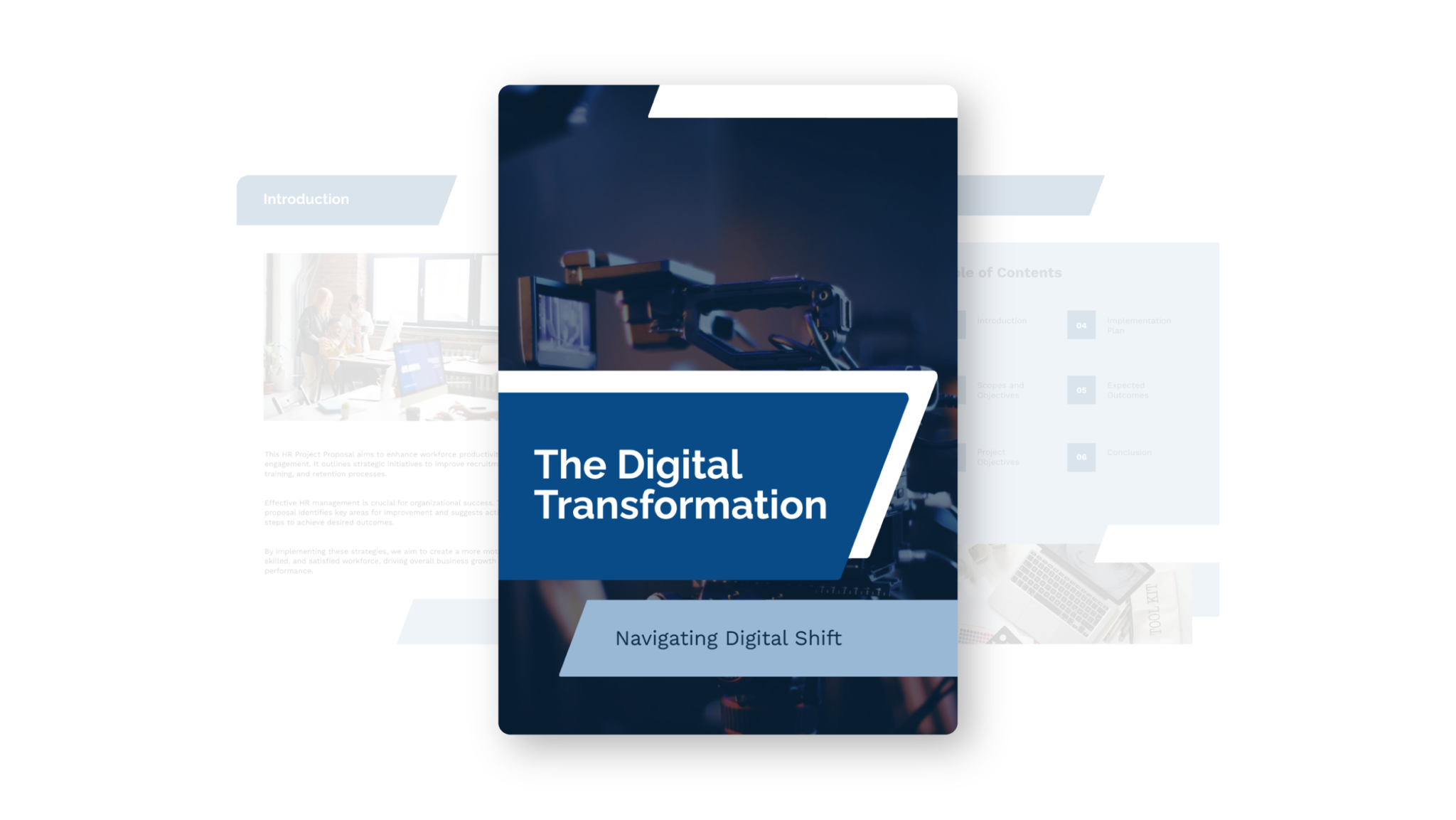
Reports, proposals, case studies, and white papers
Piktochart AI can create visual business documents from prompts or uploaded content. It is especially useful when the document needs structure, design, and supporting visuals rather than plain text alone.
Reports
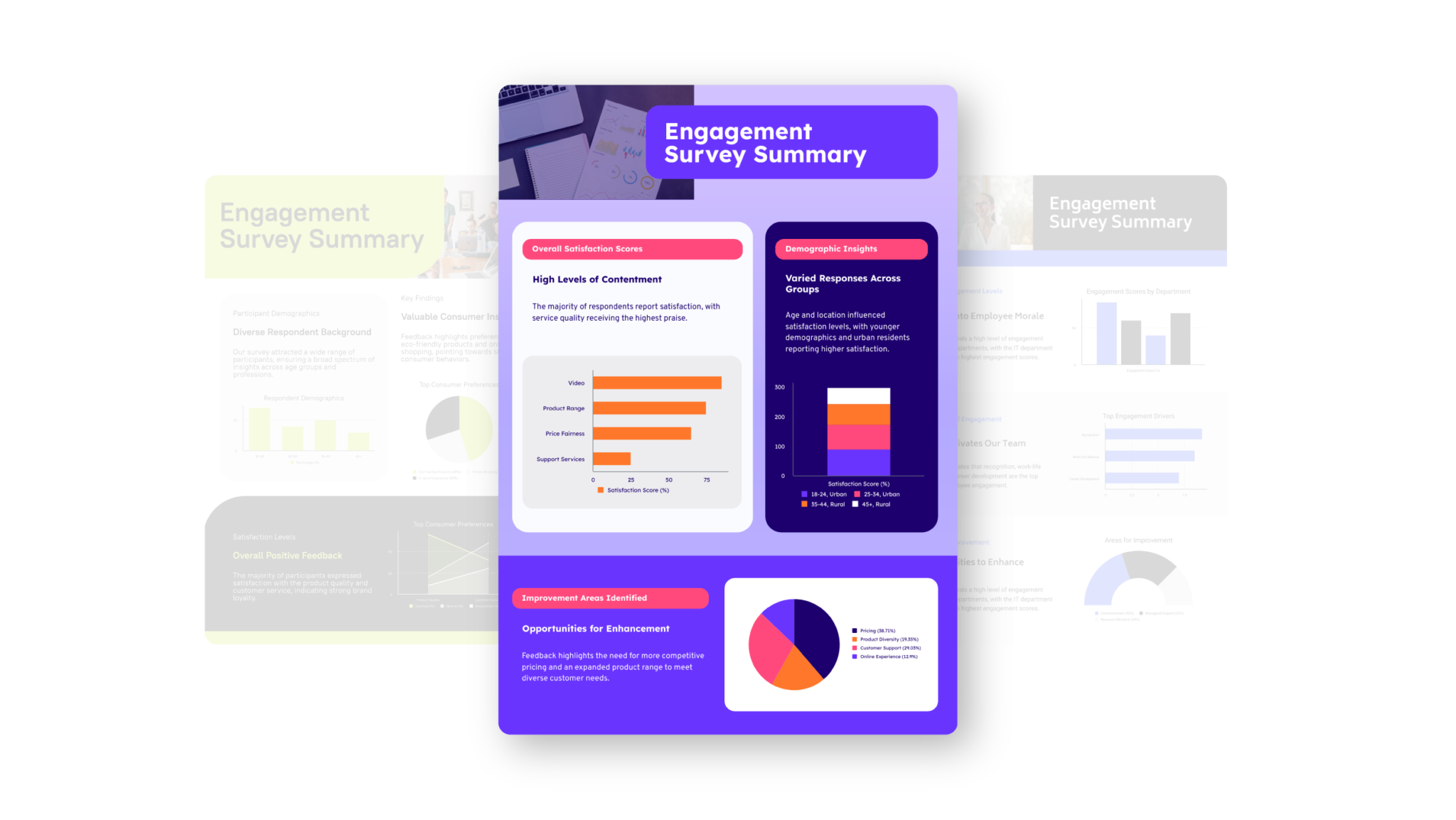
Create marketing reports, survey summaries, performance updates, and stakeholder reports. For report-specific workflows, use the AI report generator.
Proposals and business plans
Draft client proposals, project plans, business plans, and sales documents with clear sections and a visual layout. For proposal-first content, use the AI proposal generator.
Case studies and white papers
Turn research, customer stories, and thought leadership into polished documents with headings, visuals, and concise takeaways.
Ebooks, handbooks, and guides
Create longer resources for education, onboarding, and lead generation. For ebook-specific layouts, use the AI ebook generator.
Ready to use AI to create professional documents?
Join more than 14 million people who already design information with Piktochart.