The quickest way to design stunning Facebook posts

Effortless Content Creation
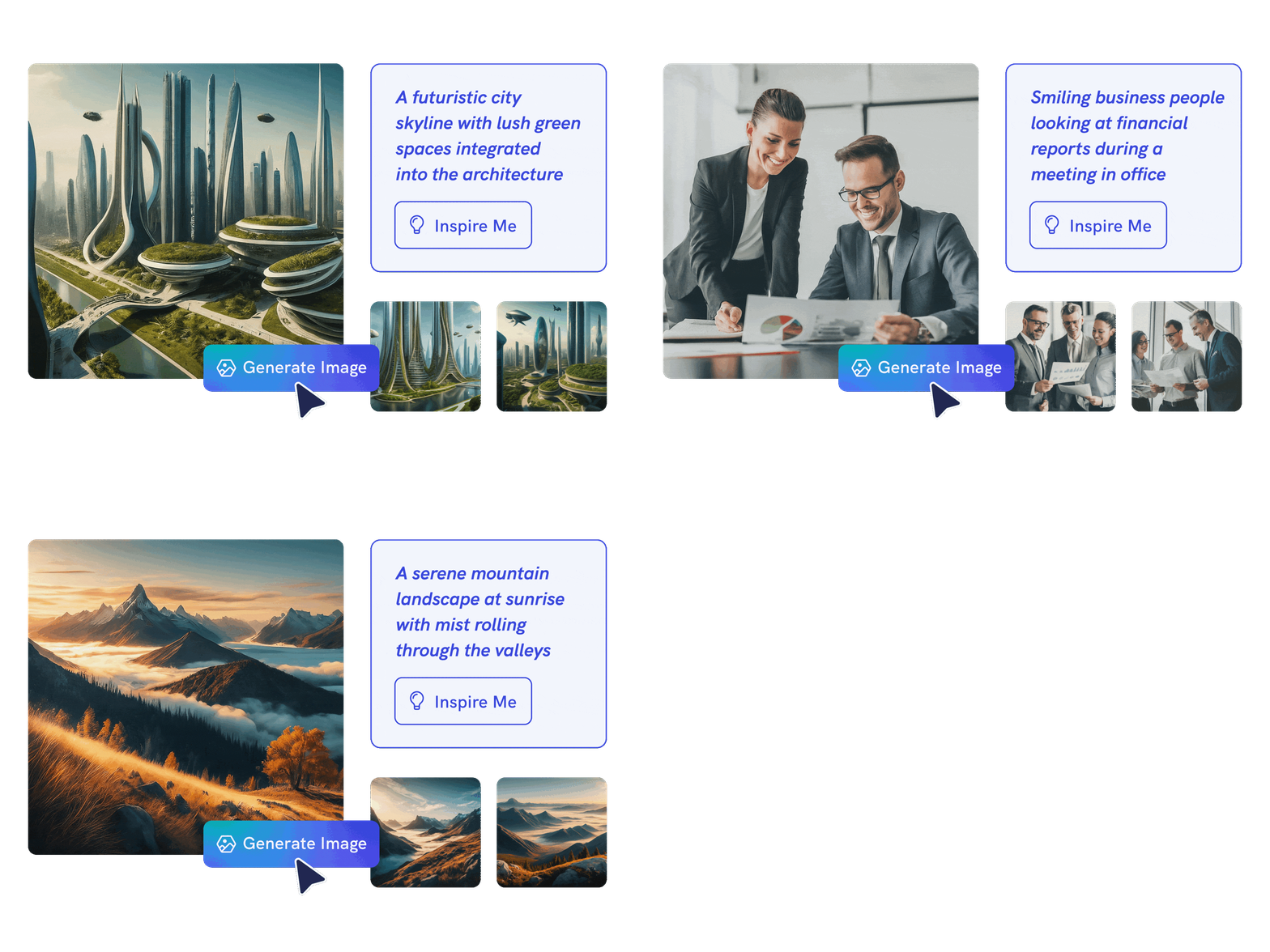
Create Facebook post visuals from a prompt
Describe your campaign, audience, message, and style. Piktochart AI creates editable Facebook post designs that help you move faster from idea to publishable visual.

Personalize With Ease
Make posts for feed, stories, and carousels
Use AI to draft social visuals for square posts, wide posts, carousel-style content, and stories, then tailor each design for the message and format.

AI-Powered Image Creation
Customize posts for your brand
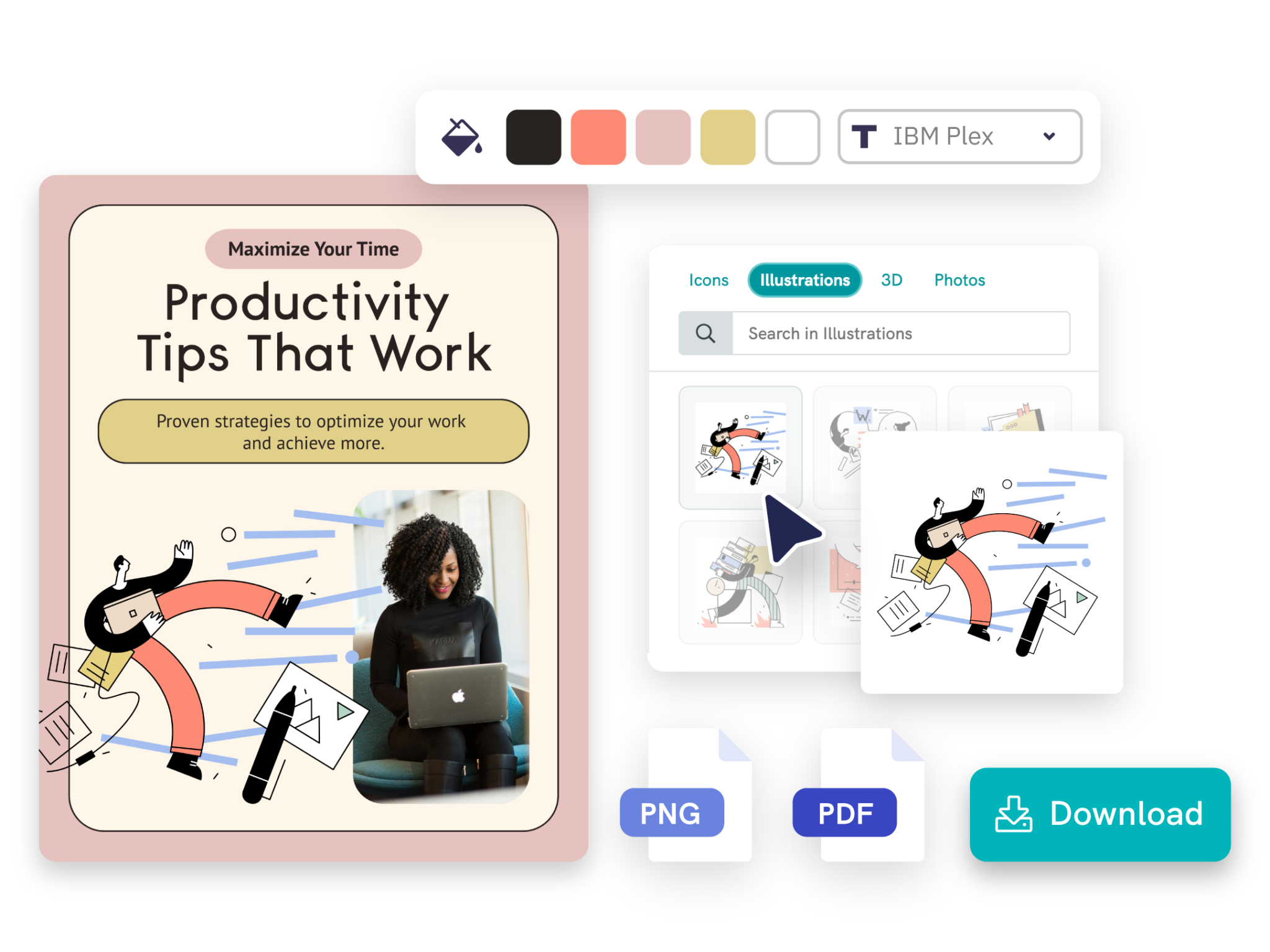
Adjust copy, fonts, images, colors, icons, and layouts in Piktochart’s editor so every Facebook post feels consistent with your brand and audience.
Types of formats generated by Piktochart AI

Create eye-catching 1:1 visual designed to perfectly fit the Facebook feed, ensuring your content stands out with a balanced, attention-grabbing format.
Generate Facebook square post
Create wide-format visuals designed to capture attention, perfect for showcasing images, promotions, or announcements in a more expansive layout.
Generate Facebook landscape post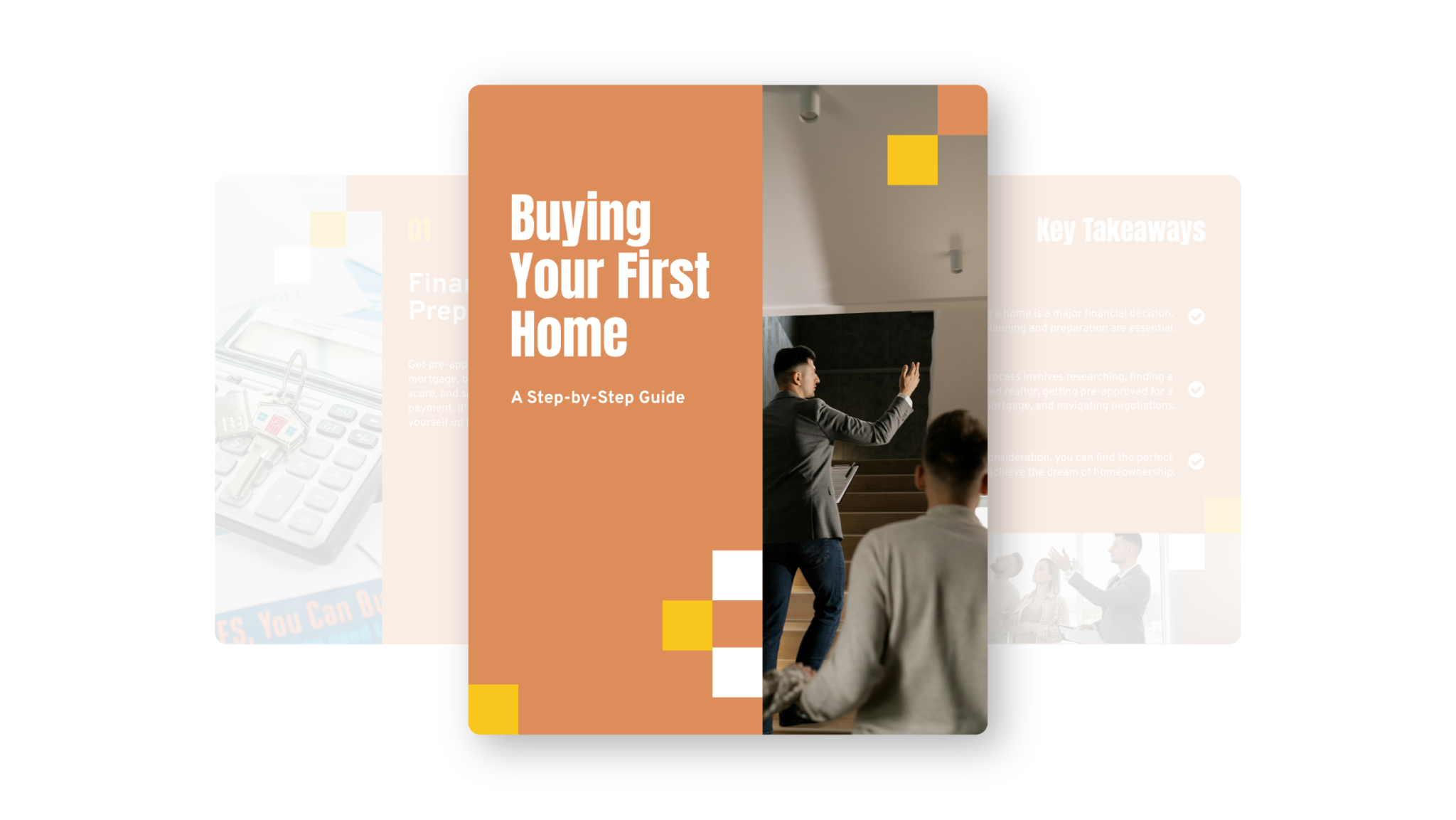
Showcase multiple images in a single post, enabling interactive and engaging storytelling for your audience.
Generate Facebook carousel
Create engaging Facebook Stories with custom visuals that capture attention and share your message in a dynamic, full-screen format.
Generate Facebook StoryTrusted by industry professionals

Marketers
- Share valuable content, including industry insights, expert tips, and how-to guides, to boost engagement on social media.
- Highlight successful projects, client testimonials, and compelling case studies to showcase impact and build trust with audience.
- Visually present offerings and services to attract potential clients and drive conversions effectively.

Educators & Trainers
- Promote upcoming training sessions, webinars, and courses using eye-catching visuals to capture audience’s attention.
- Share bite-sized, informative content in an engaging format that boosts learning and enhances knowledge retention.
- Showcase successful case studies and testimonials from workshops and courses to demonstrate effectiveness and inspire potential participants.

Entrepreneurs & Business Leaders
- Educate audience by sharing valuable industry insights that foster engagement and encourage discussion.
- Highlight unique value proposition to establish thought leadership on social media.
- Showcase success stories and case studies through visually compelling carousels to build credibility and demonstrate expertise.

Content Creators & Influencers
- Share insights and trends through easy-to-digest carousels that highlight expertise and knowledge.
- Promote services and upcoming events using visually appealing content to capture attention and drive interest.
- Share personal stories and experiences to foster interaction with social media followers and encourage meaningful engagement.
How to create a Facebook post with AI
1. Describe your Facebook post
Start with a campaign idea, promotion, event, product update, caption angle, or audience. Add the audience, purpose, tone, and any must-include details so the AI can shape a useful first draft.
2. Generate the first visual draft
Piktochart AI turns your prompt or content into an editable Facebook post with structure, hierarchy, and visual direction already in place.
3. Customize the design
Open the draft in Piktochart’s editor to adjust copy, colors, fonts, icons, images, sections, and brand details. Every generated visual remains editable.
4. Share or download
Use the finished Facebook post in presentations, campaigns, classes, reports, applications, or team updates. Free accounts can start with 60 AI credits every month.
Ready to create Facebook posts with AI?
Join more than 14 million people who already use Piktochart to turn information into clearer visuals.