The quickest way to create YouTube banners

Fast Results
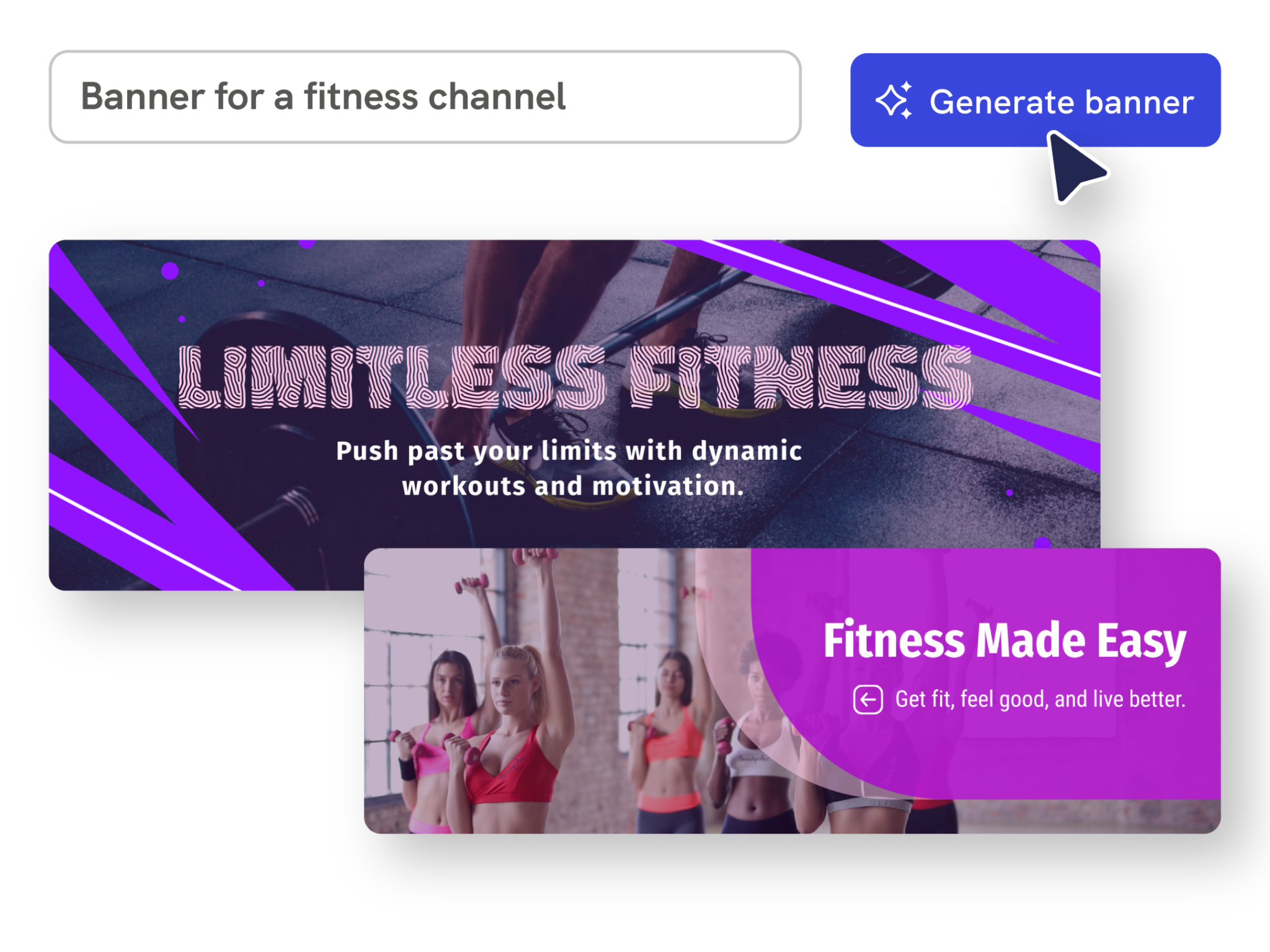
Generate YouTube channel art from a prompt
Describe your channel, niche, tone, and visual style. Piktochart AI creates an editable YouTube banner draft you can refine for your channel identity.
Start creating
Endless Possibilities
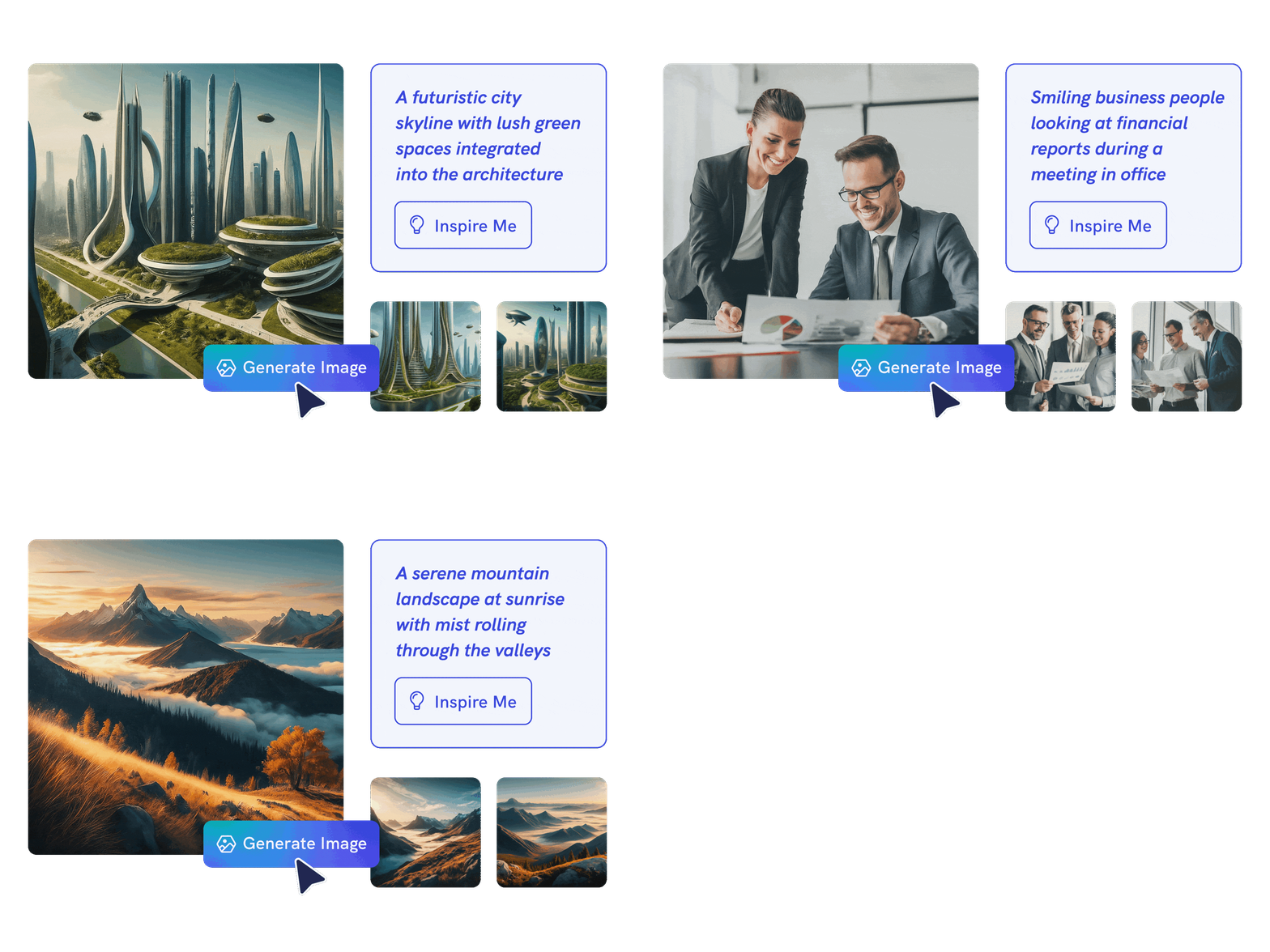
Design without starting from a blank canvas
Use AI to create the first layout, then edit text, colors, fonts, icons, images, and composition so the banner feels consistent with your videos and brand.
Start creating
Effortless Customization
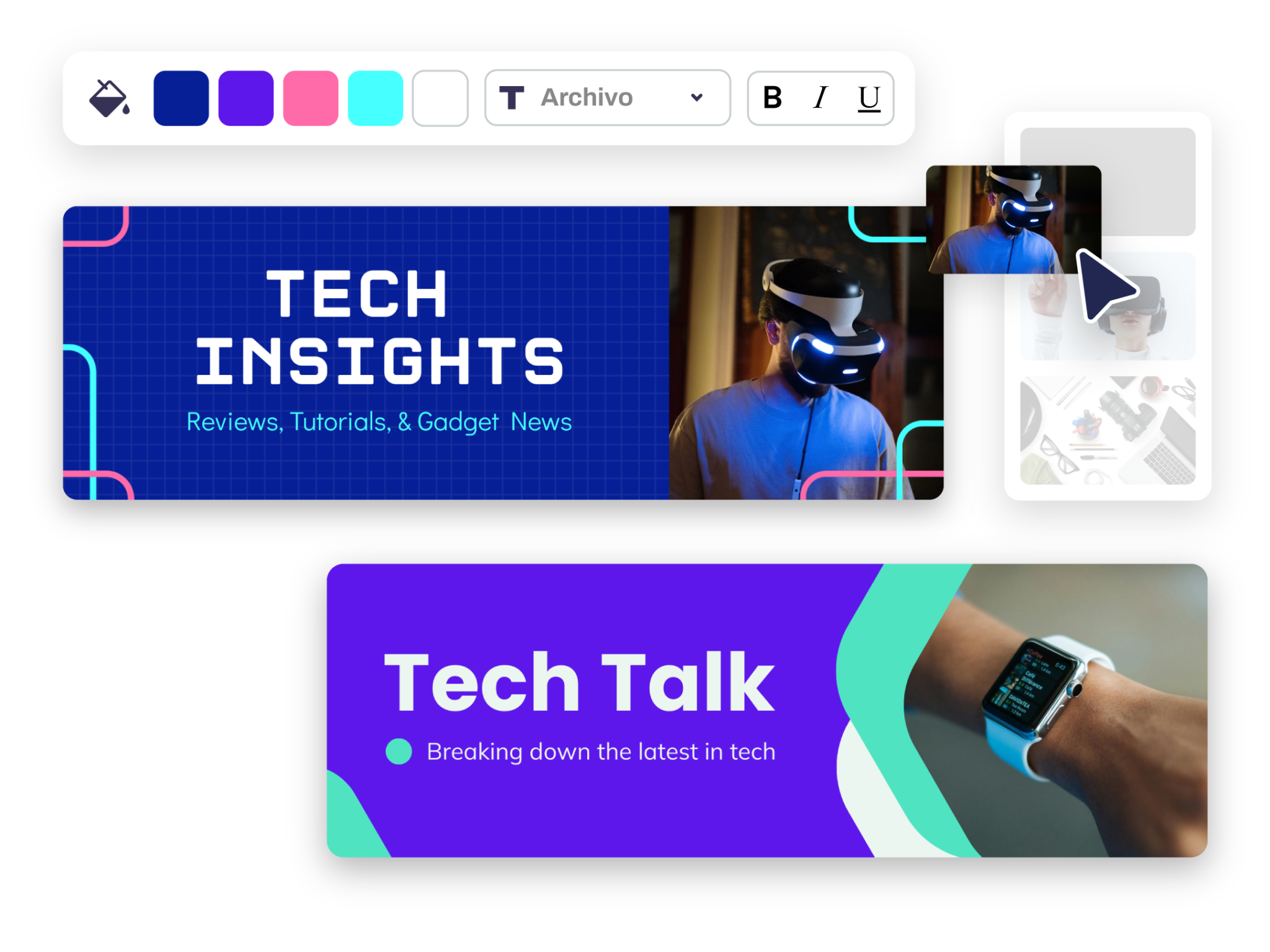
Create banners for every channel style
Make channel art for tutorials, gaming, education, podcasts, business channels, personal brands, and campaign launches without hiring a designer.
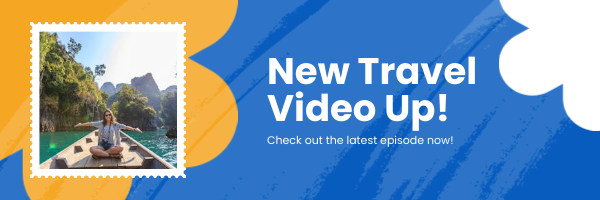
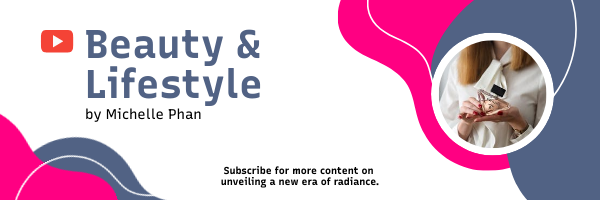
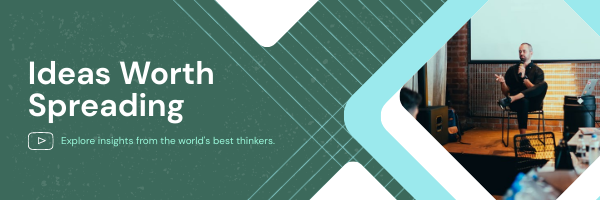
Start creatingYouTube banners created using Piktochart AI
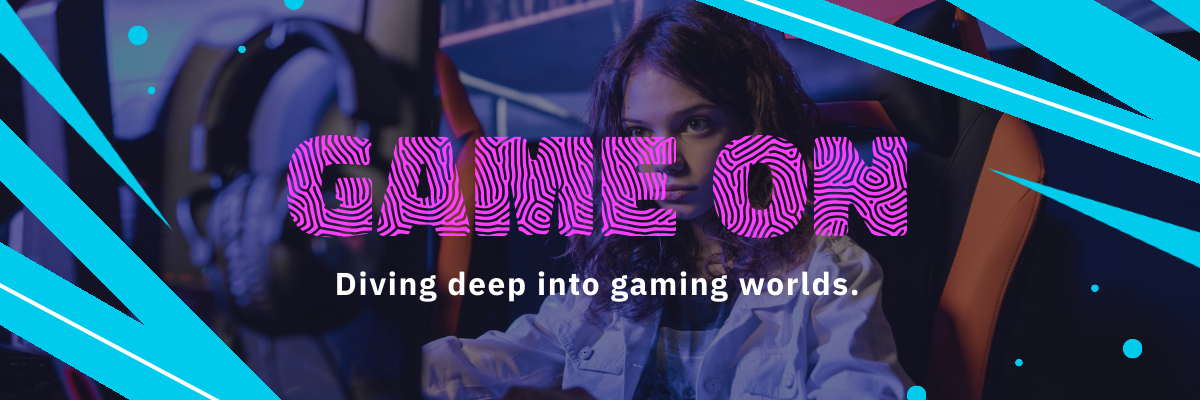
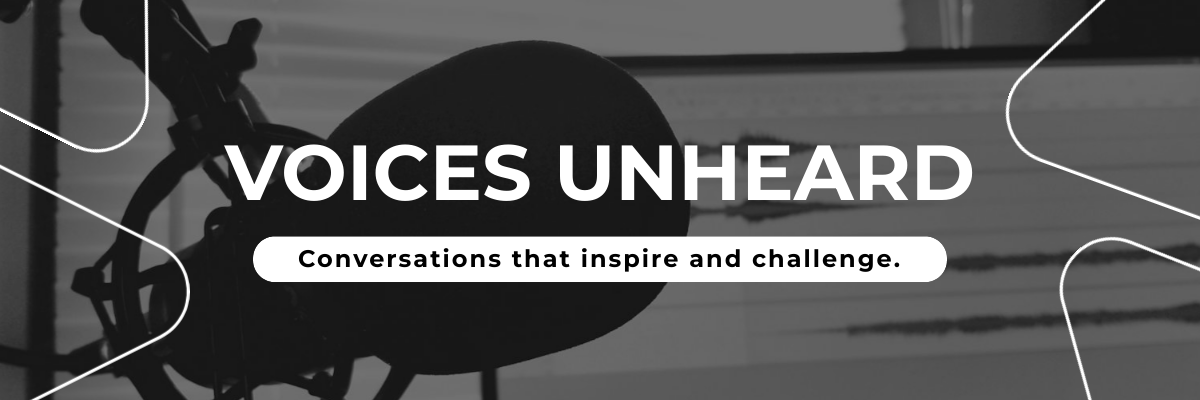
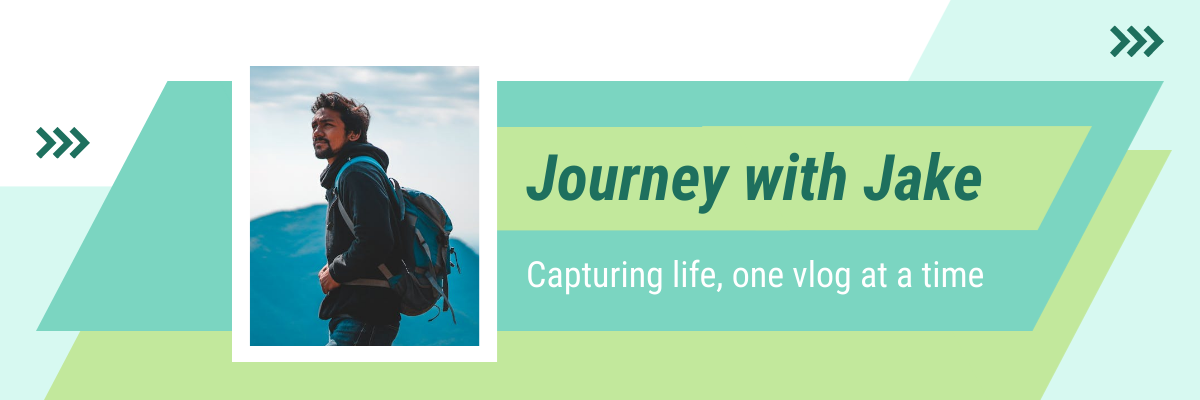
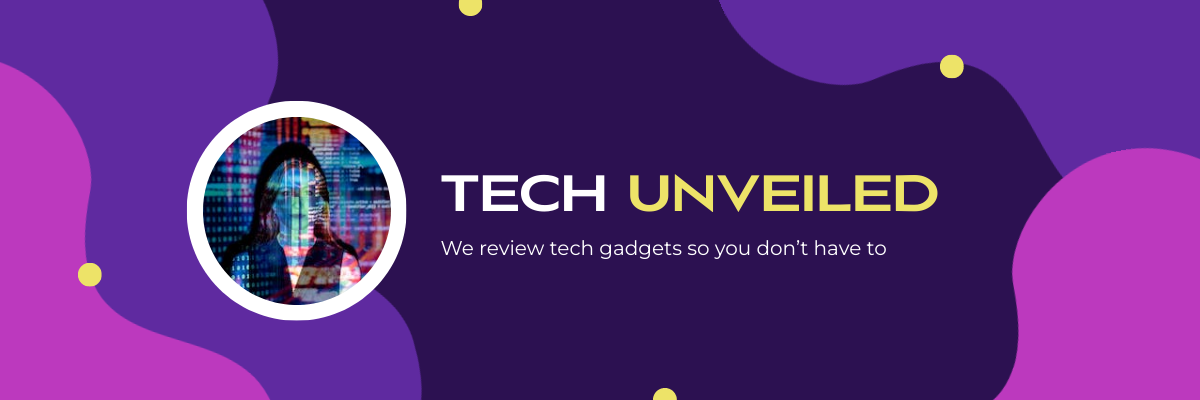


How to create a YouTube banner with AI
1. Describe your YouTube banner
Start with your channel niche, creator style, brand colors, slogan, or campaign idea. Add the audience, purpose, tone, and any must-include details so the AI can shape a useful first draft.
2. Generate the first visual draft
Piktochart AI turns your prompt or content into an editable YouTube banner with structure, hierarchy, and visual direction already in place.
3. Customize the design
Open the draft in Piktochart’s editor to adjust copy, colors, fonts, icons, images, sections, and brand details. Every generated visual remains editable.
4. Share or download
Use the finished YouTube banner in presentations, campaigns, classes, reports, applications, or team updates. Free accounts can start with 60 AI credits every month.
Ready to create YouTube banners with AI?
Join more than 14 million people who already use Piktochart to turn information into clearer visuals.