The new way of creating banners

Make it Quick
From idea to banner in seconds
Say goodbye to the long hours of design work. Simply share your prompt, and our AI banner generator will provide a beautiful banner in no time.
Start creating
Make it Creative
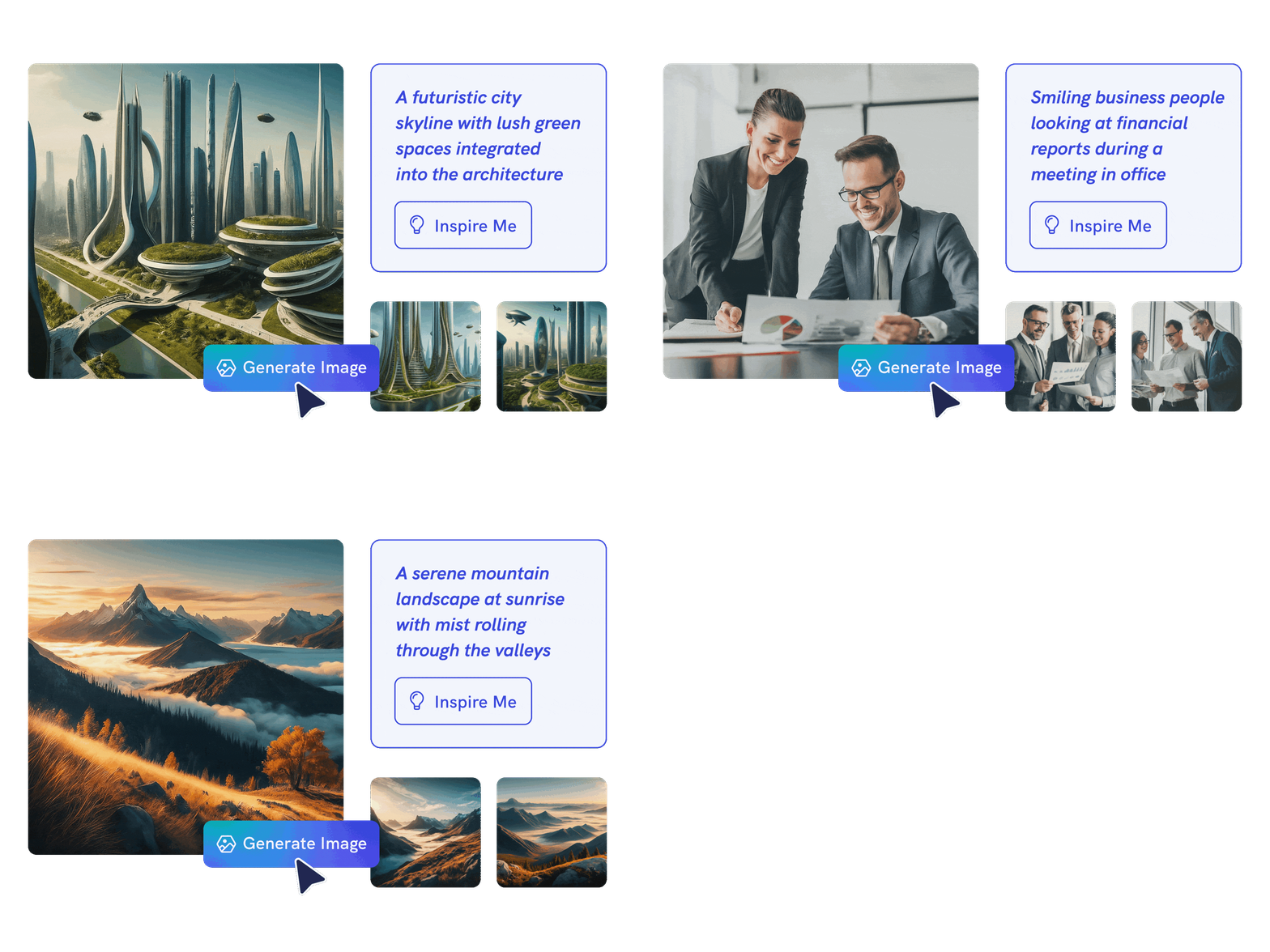
Create anything with AI image generator
Go stock photos and generate images that are contextualized to your needs with our advanced AI model. Put your creativity to the test and generate highly realistic images that make you stand out.
Start creating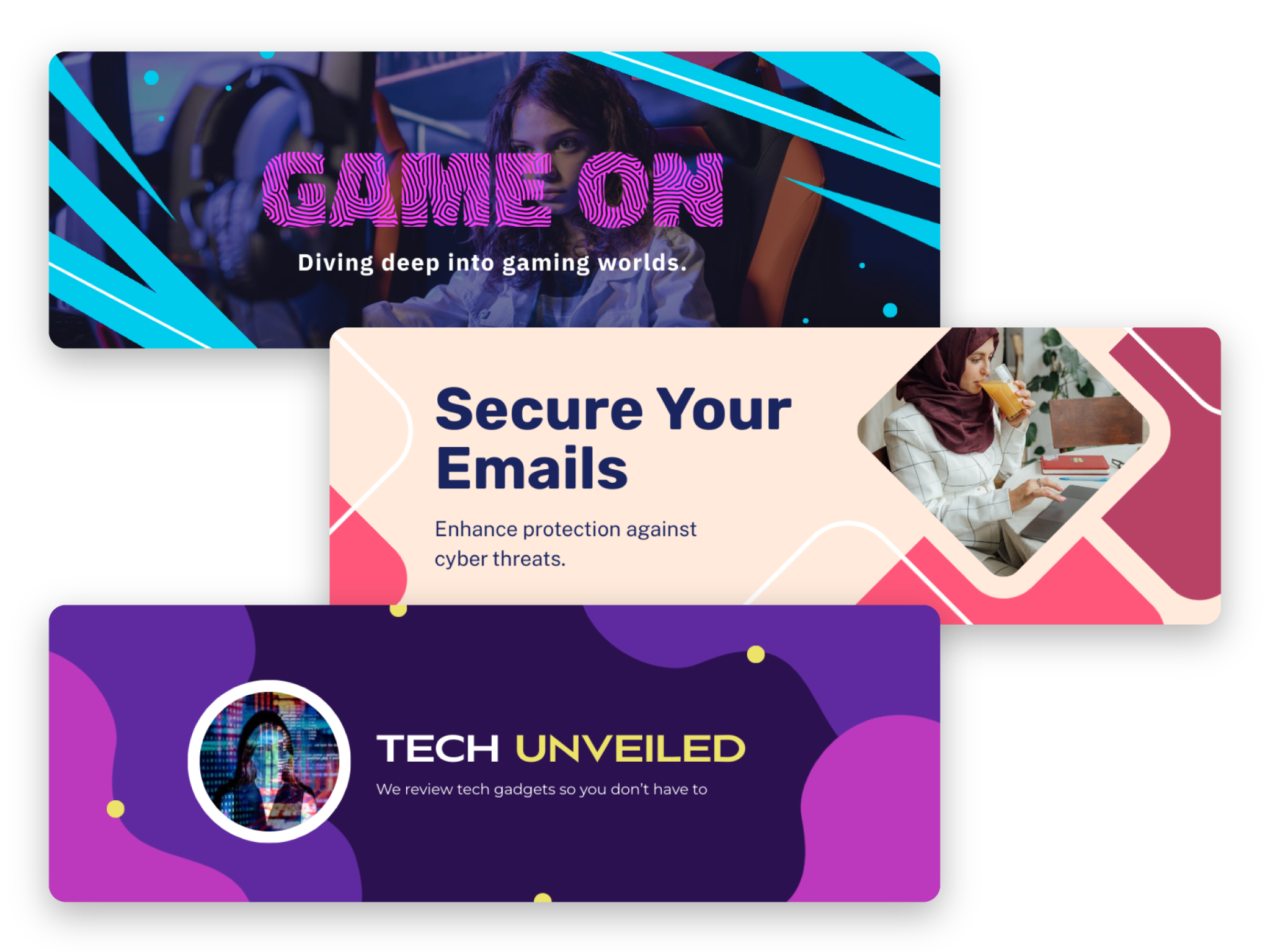
Make it Happen
High-quality designs for any theme
Whether it’s for a YouTube channel, Facebook profile, or any social media channel, Piktochart AI offers a custom banner design for your branding. Explore a world of stunning visuals that align with any topic.
Start creating
Make it Yours
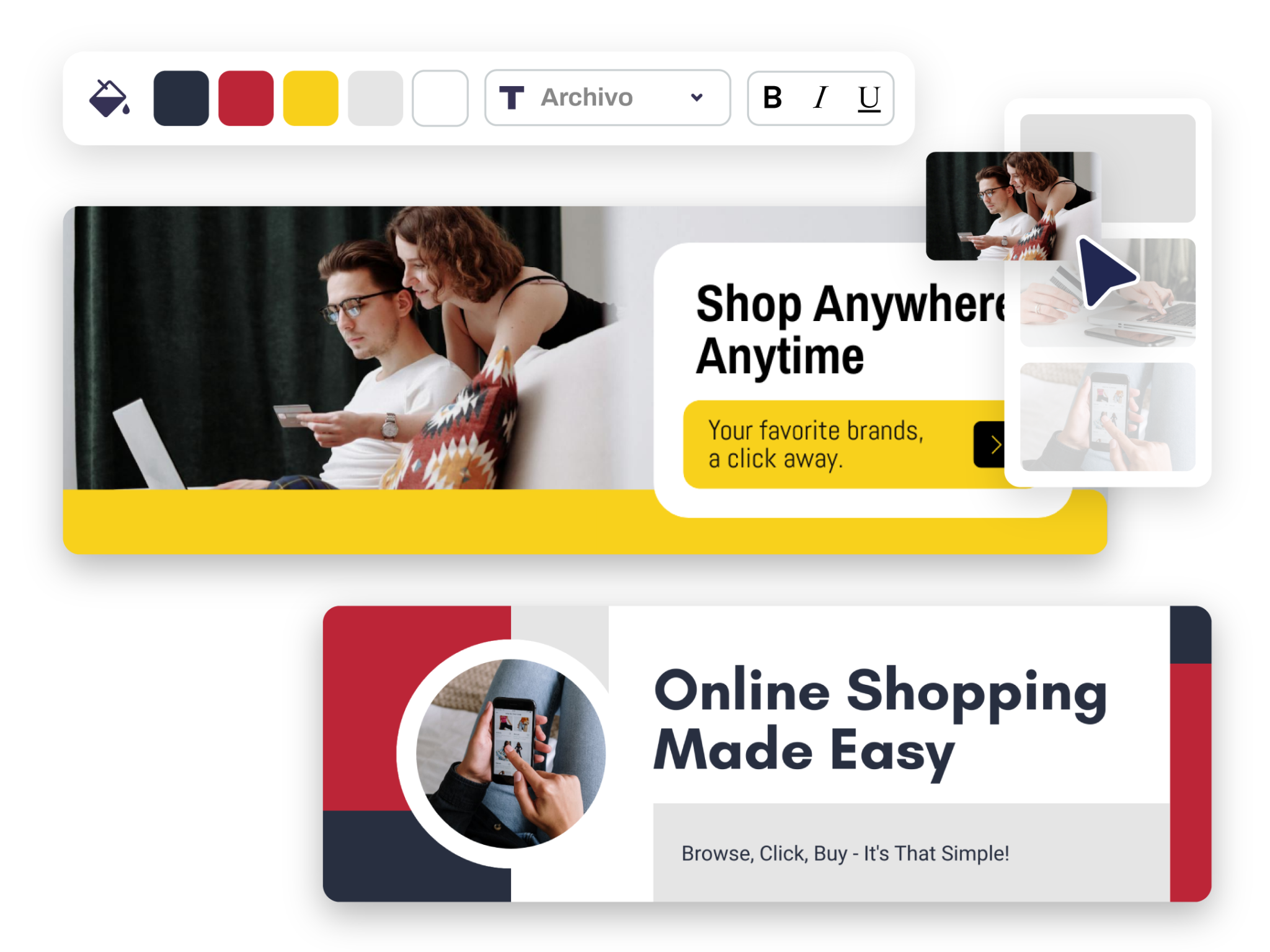
Precision in every pixel
With our extensive template library, you’re guaranteed to find a match for whatever banner you envision—no matter what you need. Then, it’s over to you to customize your banner to however you see fit.
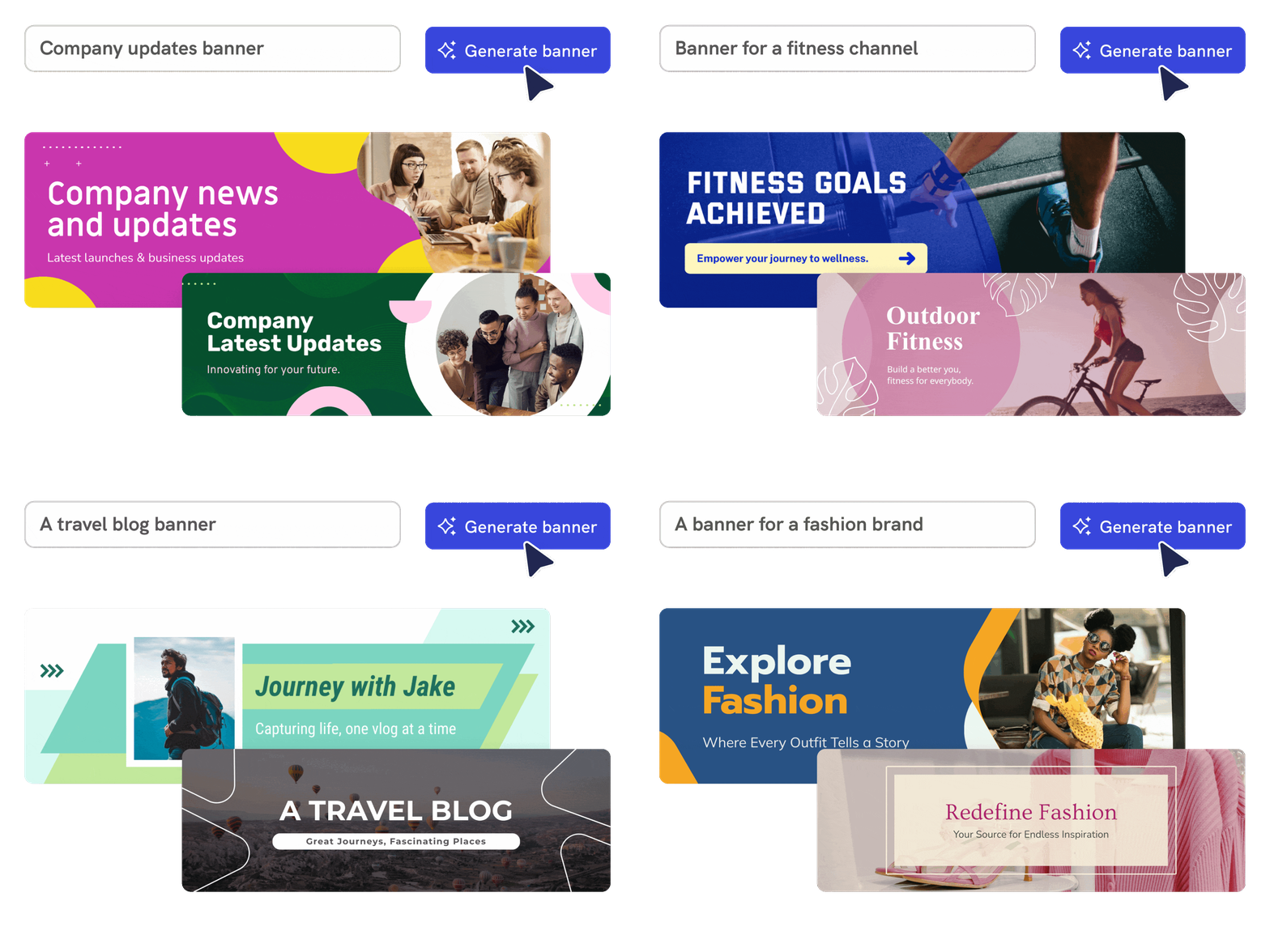
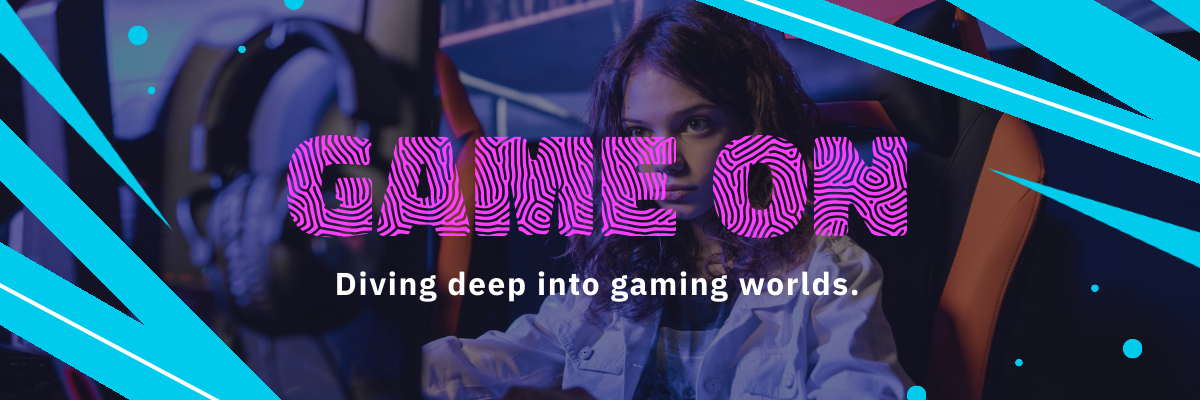
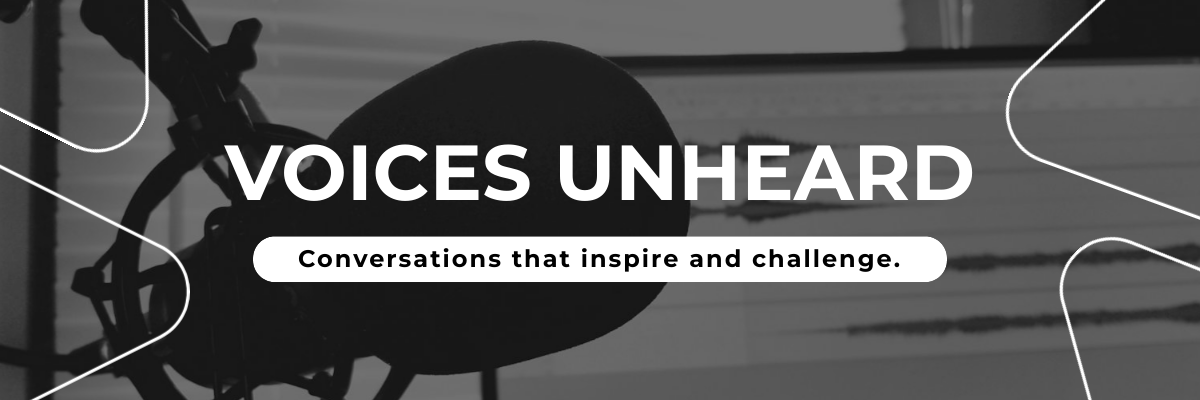
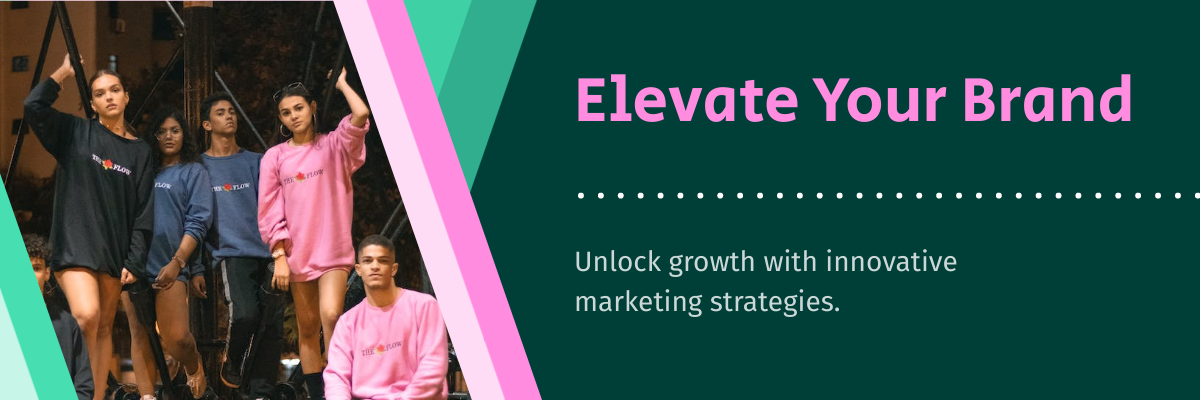
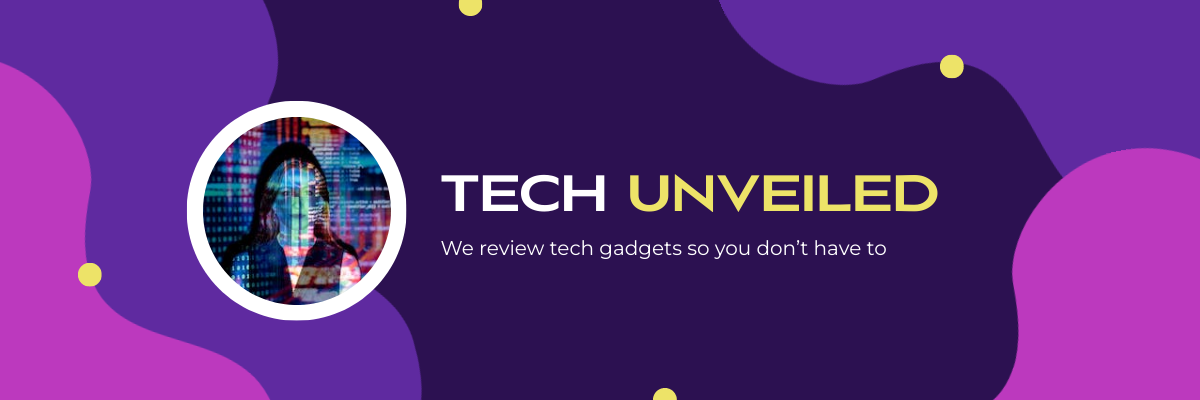
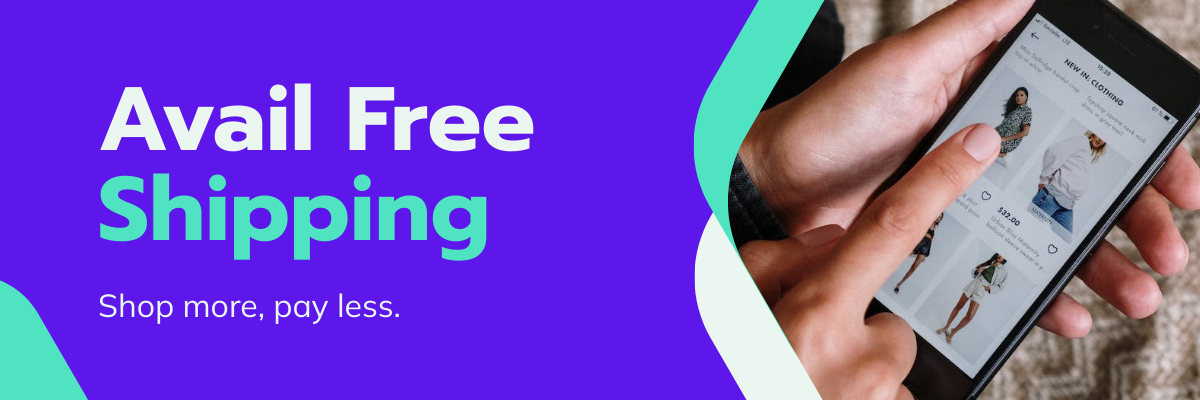
Start creatingBanners created using Piktochart’s AI-powered banner generator







How to Create a Banner Using AI
1. Bring Your Banner to Life With a Prompt
Whether it’s “Launching Our Summer Collection” or “Sign Up for Our Free Webinar”, start the process by sharing what you want to create in just a few words (up to 120 characters).
2. Select Your Ideal Banner Template
Jump into our selection of high-quality banner templates instead of building from the ground up. These templates are crafted to enhance every message. After picking the right template, you’ll enter our banner design space.
3. Customize in the Piktochart Banner Editor
4. Incorporate Graphics and Visual Elements
Enhance your banner by adding unique elements using our intuitive drag-and-drop interface. Choose from an extensive collection of free graphics, icons, and visuals to make your banner pop, or upload your own visuals to give it a personal touch.
5. Publish and Promote Your Banner
Once you’re happy with the visual, save your work and download it in PNG or PDF (Pro subscription required). It’s now ready to be shared with the world—on social media, in your email campaigns, or on your website.
AI-Powered Visualization for Any Topic
What kinds of banners can be generated using this AI tool?
Designing banners should be inspiring, not overwhelming. Piktochart AI makes it easy to find the right fit for your message, from social media to event promotions, without the stress of endless design choices.
Social media banner
Level up your social media marketing and create an eye-catching banner that captures the attention of your target audience. With our AI banner maker, it’s effortless to create captivating banners for YouTube, Facebook, LinkedIn, X, or any other social media channels.
Blog banner
Educate and inform your audience with a glance. Piktochart AI transforms information into clear and engaging visuals to increase awareness and motivate action on your blog or website.
Advertising and promotion banner
Generate scroll-stopping ad creatives to promote a product or business service, drive traffic to a website, or announce an event or sale with Piktochart AI’s user-friendly banner generator.
Small business branding
Use Pikto AI’s banner maker to promote seasonal campaigns, improve your brand presence, or even wrap your vehicle in store branding to grab attention.
Ready to use AI to create unique banners?
Join more than 14 million people who already Piktochart to craft amazing visual stories.