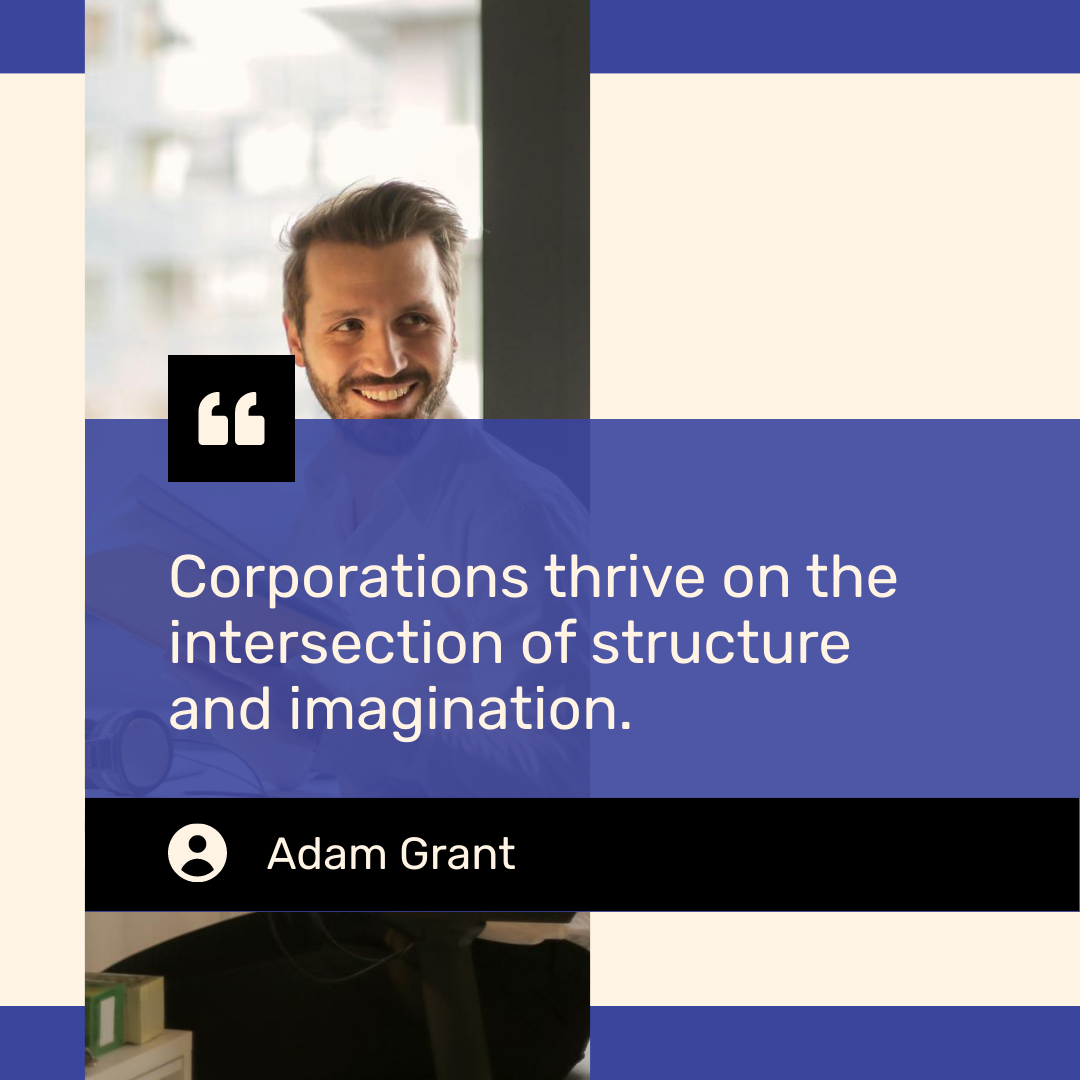
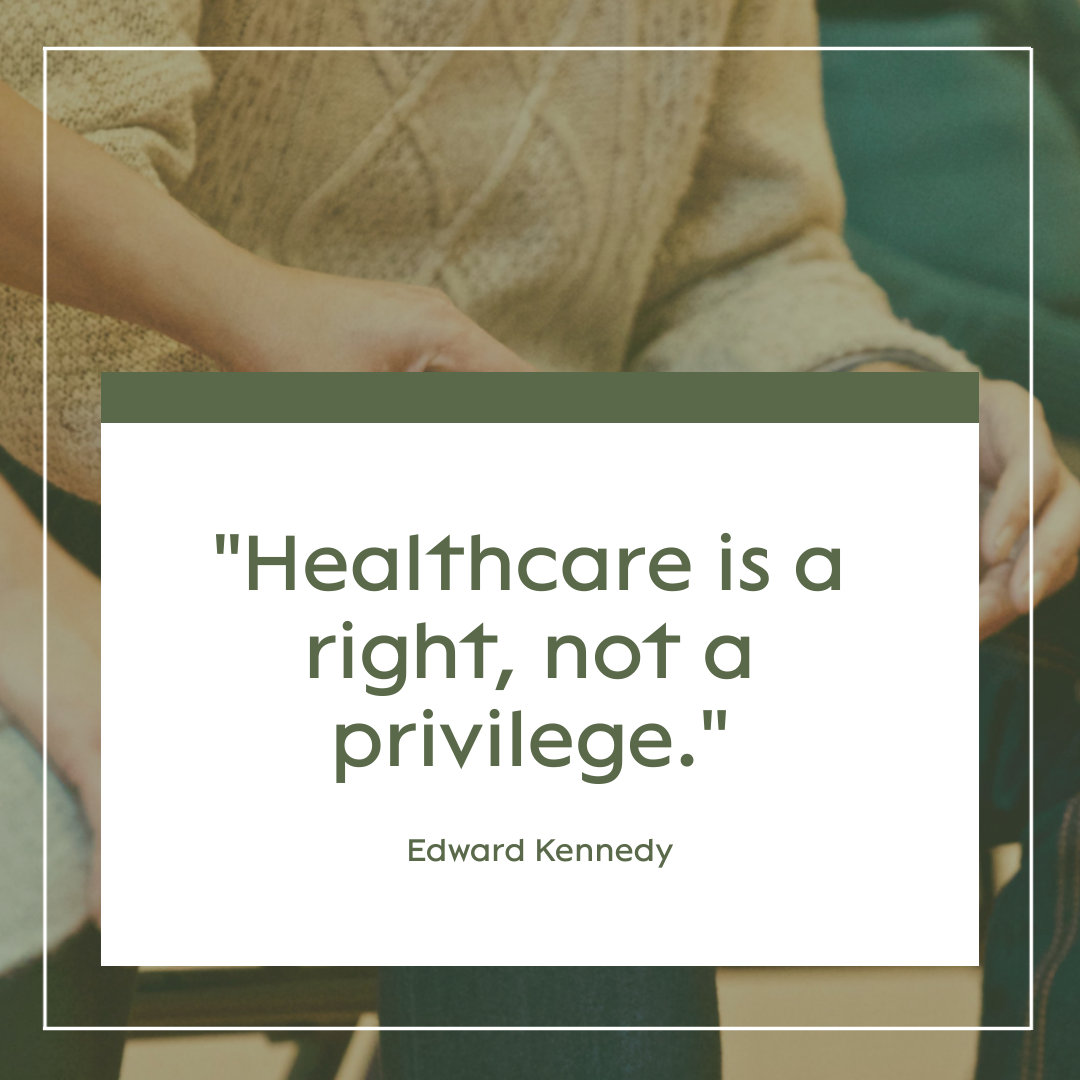
AI Quote Generator

Create an editable quote image from a topic, theme, audience, quote text, brand mood, or social campaign idea. Piktochart AI helps you move from idea or uploaded content to a polished visual draft, with 60 AI credits every month on the forever-free plan.

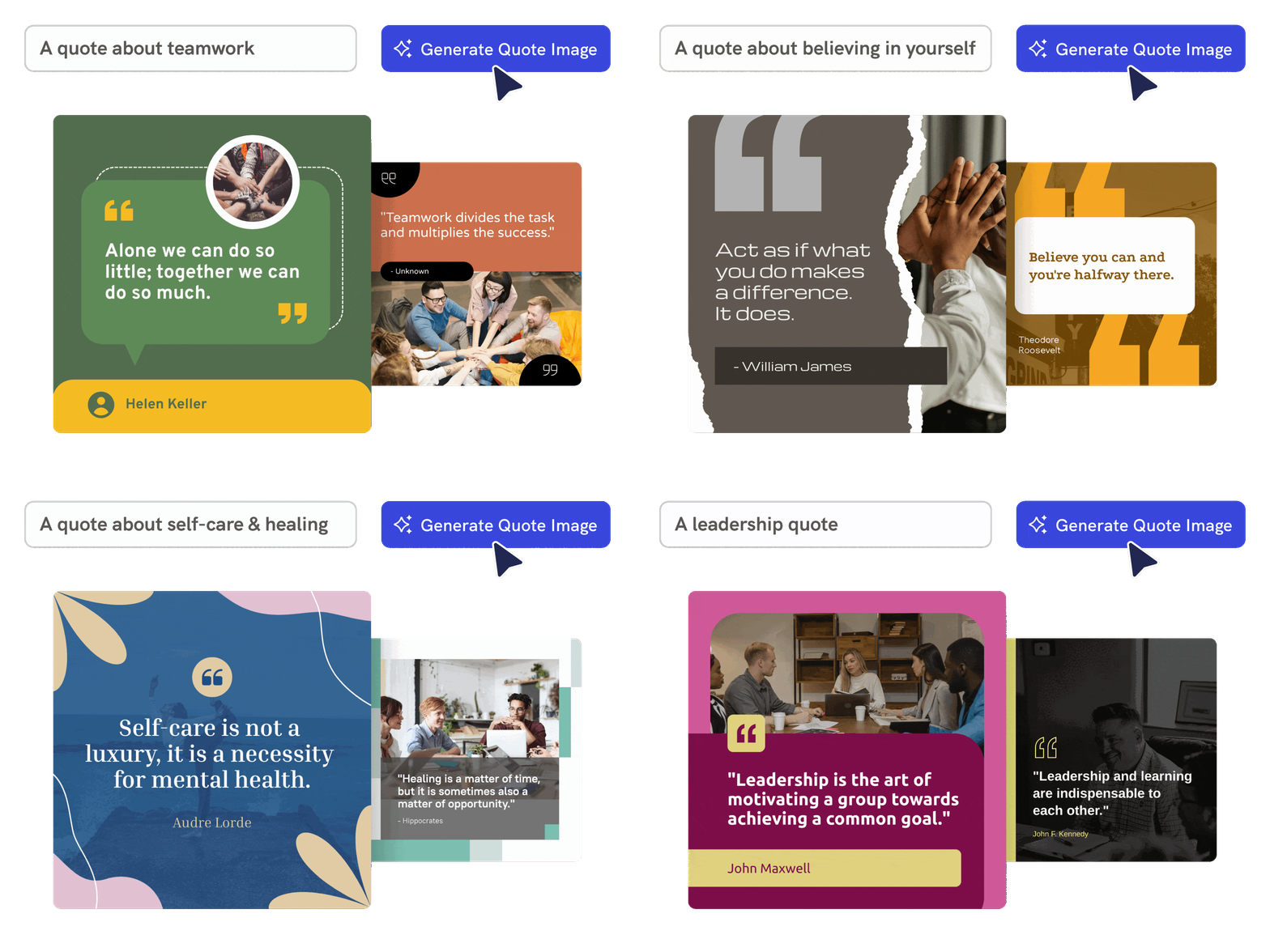
create stunning quote visuals using piktochart ai quote generator

Effortless and Intuitive Design

Generate quote images from a topic or text

Enter a theme, keyword, or existing quote and Piktochart AI creates an editable quote image that pairs strong wording with a visual layout.

Start creating

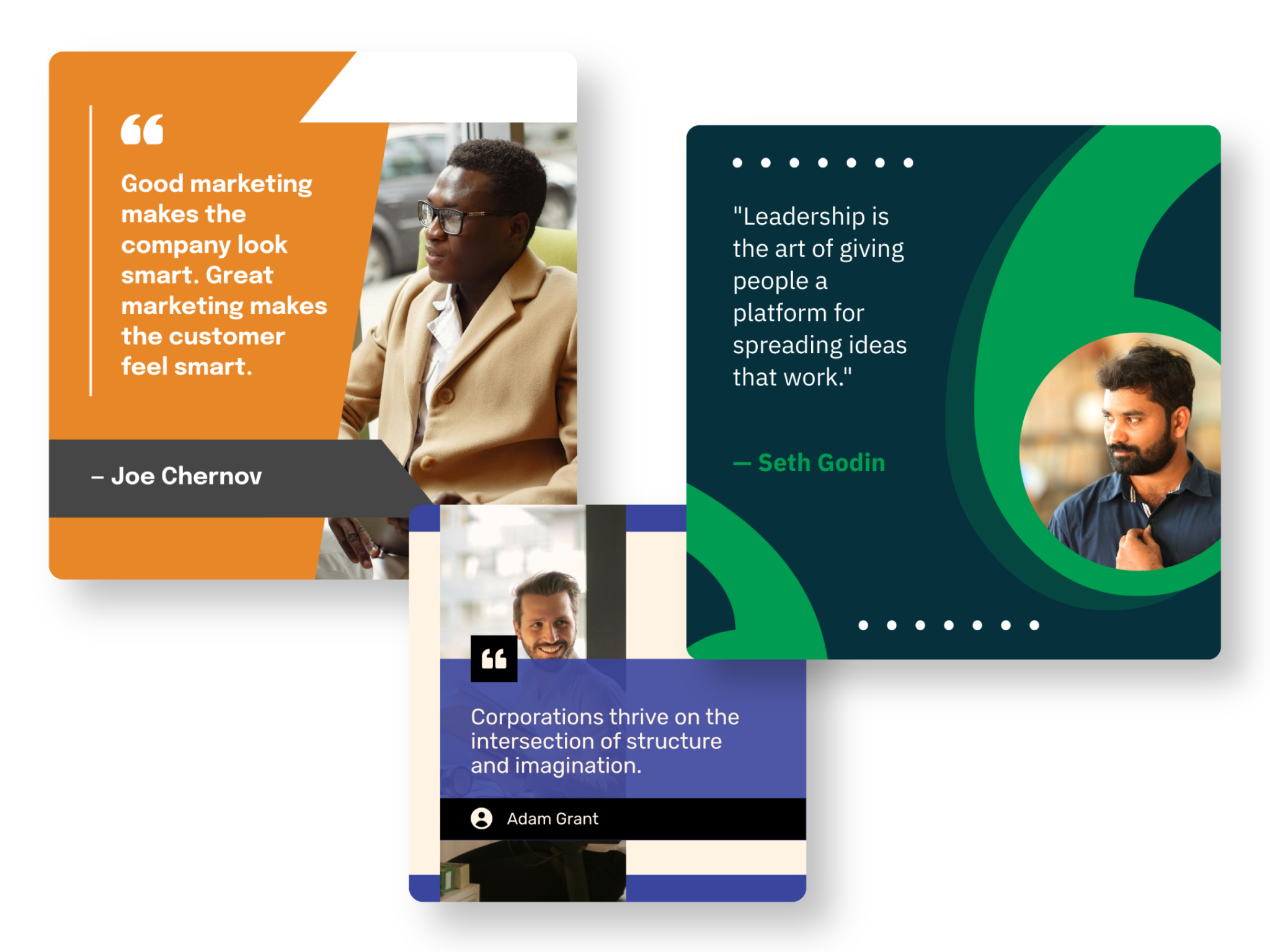
quote templates generated by piktochart ai

Endless Customization

Create original quote visuals for social media

Use AI to explore quote ideas for Instagram, Facebook, LinkedIn, classrooms, campaigns, events, and internal communications.

Start creating
turn your quotes to powerful brand assets with piktochart ai quote generator

Enhanced Branding

Customize the quote image for your brand

Edit typography, backgrounds, images, icons, colors, and layout so the final quote visual fits your message, channel, and audience.

Start creating

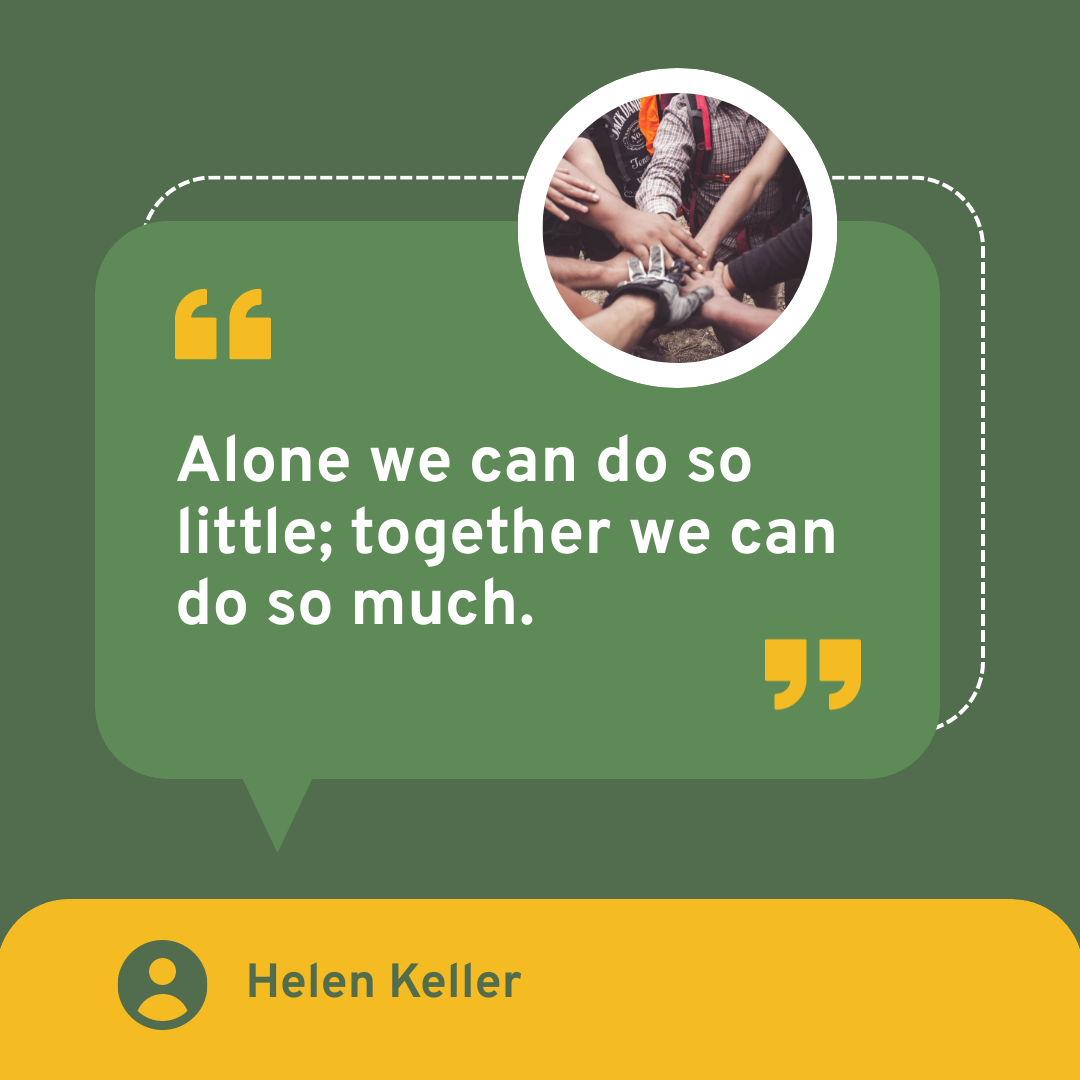
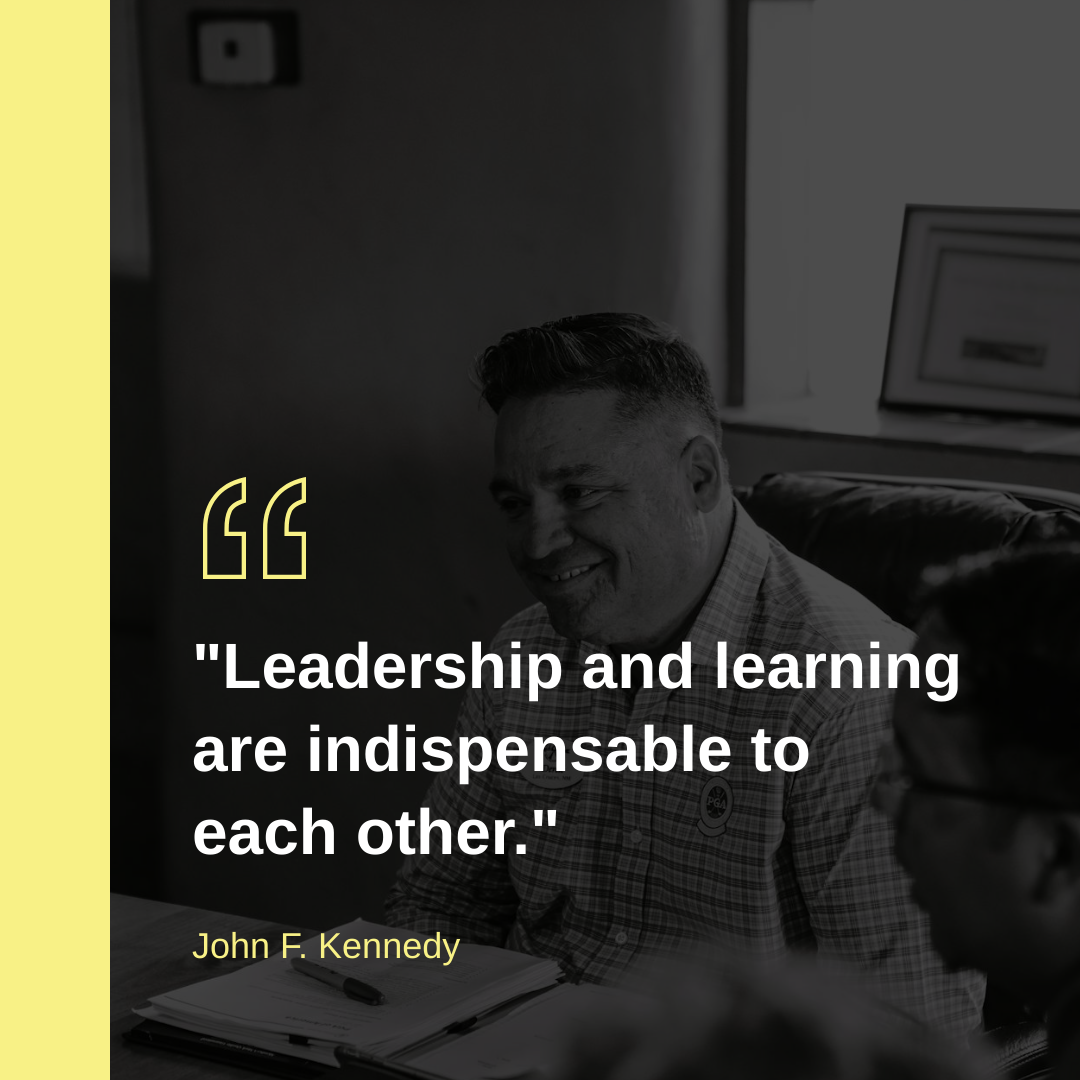
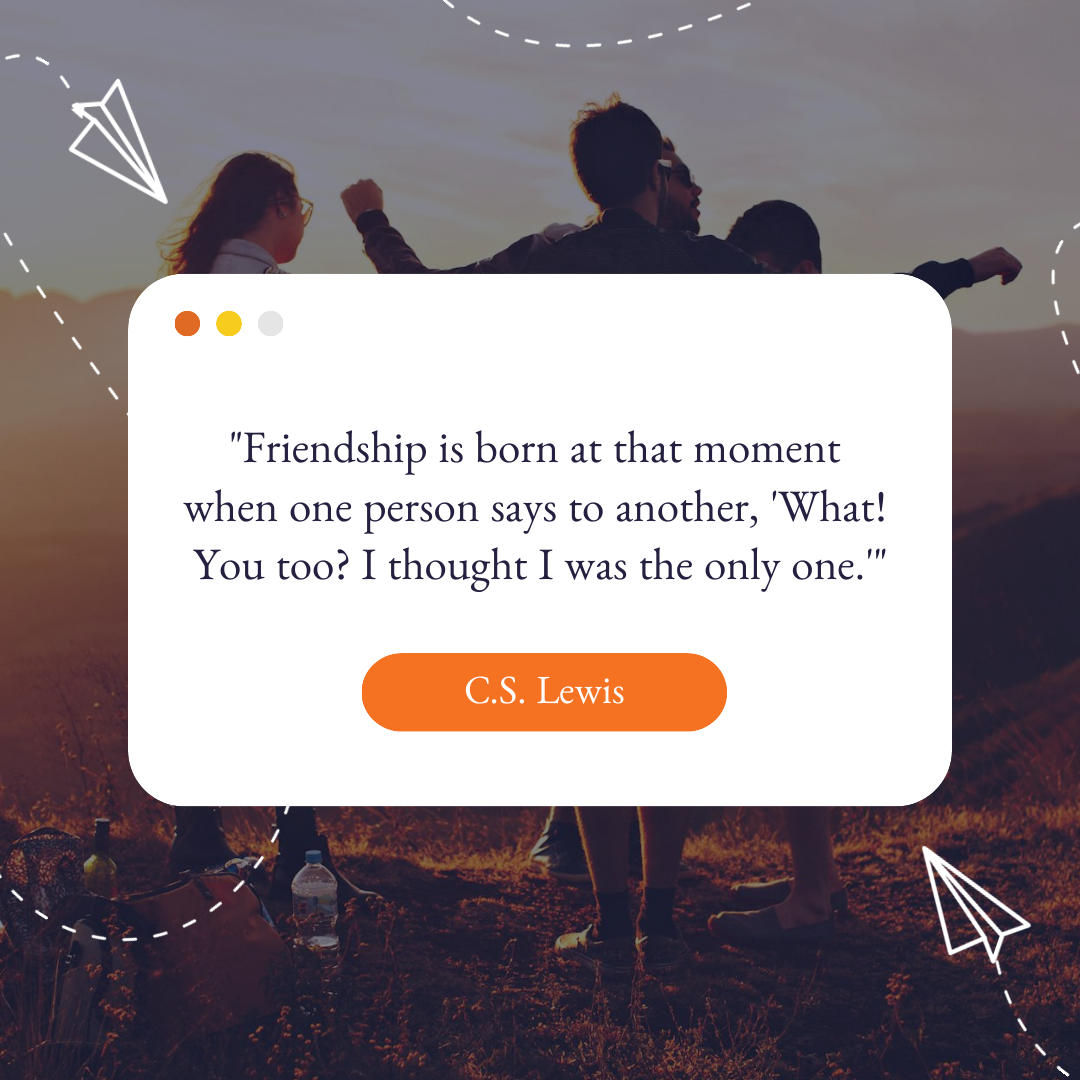
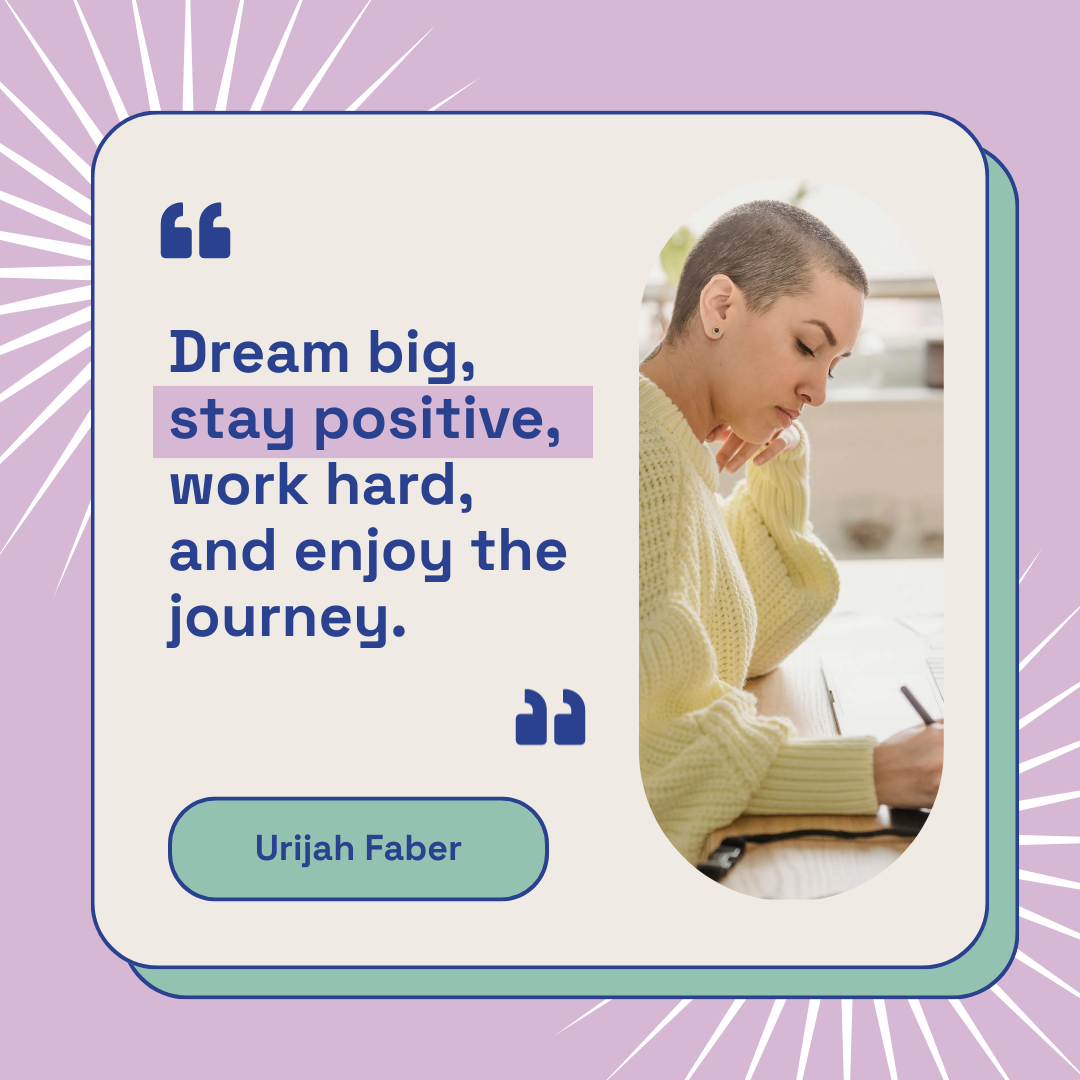
Quote images created using Piktochart’s AI-powered quote generator
How to create a quote image with AI

1. Describe your quote image

Start with a topic, theme, audience, quote text, brand mood, or social campaign idea. Add the audience, purpose, tone, and any must-include details so the AI can shape a useful first draft.

2. Generate the first visual draft

Piktochart AI turns your prompt or content into an editable quote image with structure, hierarchy, and visual direction already in place.

3. Customize the design

Open the draft in Piktochart’s editor to adjust copy, colors, fonts, icons, images, sections, and brand details. Every generated visual remains editable.

4. Share or download

Use the finished quote image in presentations, campaigns, classes, reports, applications, or team updates. Free accounts can start with 60 AI credits every month.

What can you create with an AI quote generator?

Piktochart AI works best when you need a clear, editable visual instead of a blank canvas. Use it to create motivational quote images, brand quotes, social posts, classroom visuals, event graphics, and campaign quote cards.

Motivational Quote Images

Generate a first draft for motivational quote images from a short prompt, then customize the content, layout, and visuals in Piktochart’s editor.

Brand Quotes

Generate a first draft for brand quotes from a short prompt, then customize the content, layout, and visuals in Piktochart’s editor.

Social Posts

Generate a first draft for social posts from a short prompt, then customize the content, layout, and visuals in Piktochart’s editor.

Classroom Visuals

Generate a first draft for classroom visuals from a short prompt, then customize the content, layout, and visuals in Piktochart’s editor.

Ready to create quote images with AI?

Join more than 14 million people who already use Piktochart to turn information into clearer visuals.

AI Quote Generator FAQ

Sign up for a free Piktochart account and receive 60 AI credits each month to explore our AI capabilities. Credits are used based on features, with 1 credit for topic generation, 3 credits for pasting text or uploading documents, and 25 credits for image generation. Upgraded plans come with even more credits: 250 credits for EDU/NPO Pro, 500 for Pro, and 1,000 for Business/Enterprise subscribers, all renewed monthly. Learn more here.

We recommend you to be as descriptive as possible about the intent of your quote image. You can try different prompts to better refine the results. Alternatively, you can insert your own quote to generate a customized design.

You sure can! Piktochart’s editor allows you to easily upload and incorporate your own images into your design with a free account. In addition, you can also choose more options from our extensive library of design elements.

Yes, creating a free Piktochart account is necessary to edit, customize, or download your visual. Free accounts include 60 AI credits every month on the forever-free plan.

Creating compelling and visually appealing content is essential for capturing and maintaining your audience’s attention. An AI image quote generator offers numerous benefits that make it an invaluable tool for content creators, marketers, educators, and business owners alike. By saving time, ensuring consistency in branding, enhancing visual appeal, and boosting engagement, it helps you effectively communicate your message and connect with your audience. Our AI-powered quote image generator is here to empower you to inspire and engage your audience like never before.

Read our terms of use here.

Yes. Give Piktochart AI a theme such as resilience, teamwork, leadership, or overcoming failure, and it can help create quote visuals you can edit.

Yes. Paste your quote, choose the mood or audience, and use Piktochart AI to create an editable quote image around your text.

Include the topic, tone, audience, channel, and any required wording. For example, ask for a short motivational quote for an Instagram post about overcoming failure.

You can start with Piktochart’s forever-free plan, which includes 60 AI credits every month for creating quote images and other AI visuals.