The quickest way to design professional LinkedIn posts

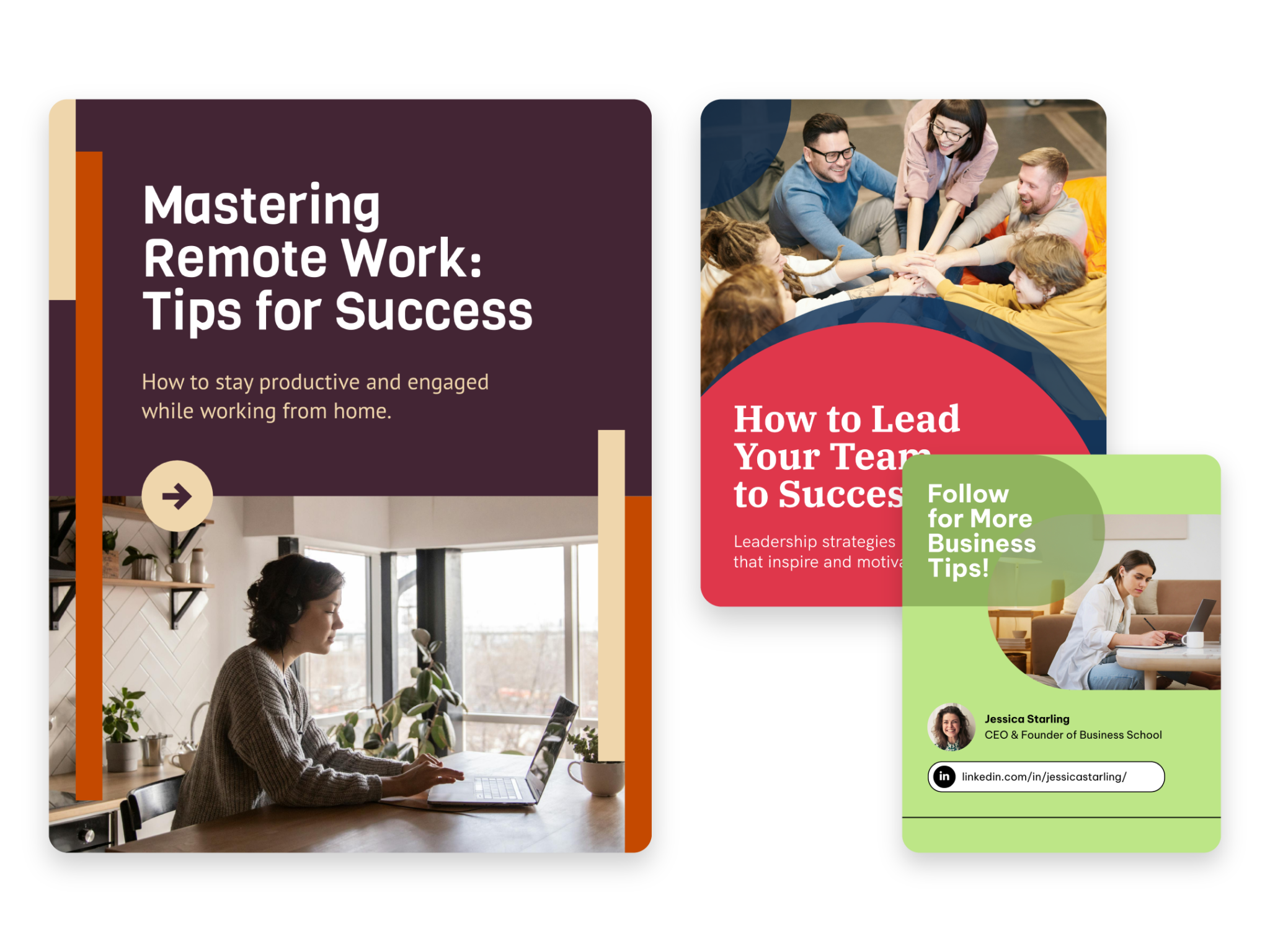
Instant Content Creation
Create LinkedIn post visuals from a prompt
Describe your topic, audience, and message. Piktochart AI generates an editable LinkedIn post design with layout, typography, and copy placement optimized for the feed.

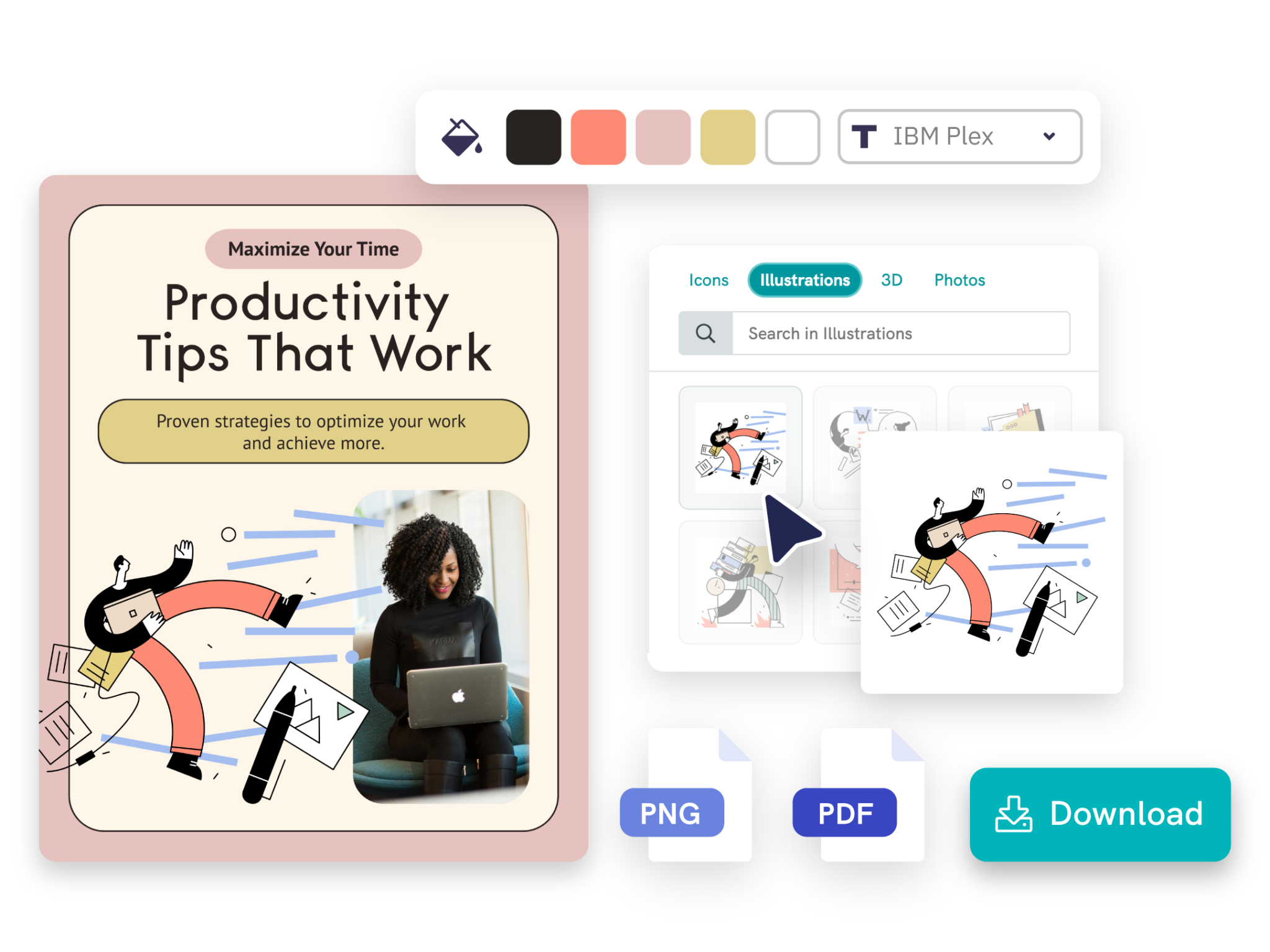
Customization With Impact
Turn insights into shareable graphics
Use AI to transform a stat, quote, tip, or case study into a visual LinkedIn post that stands out in the feed and communicates your point at a glance.

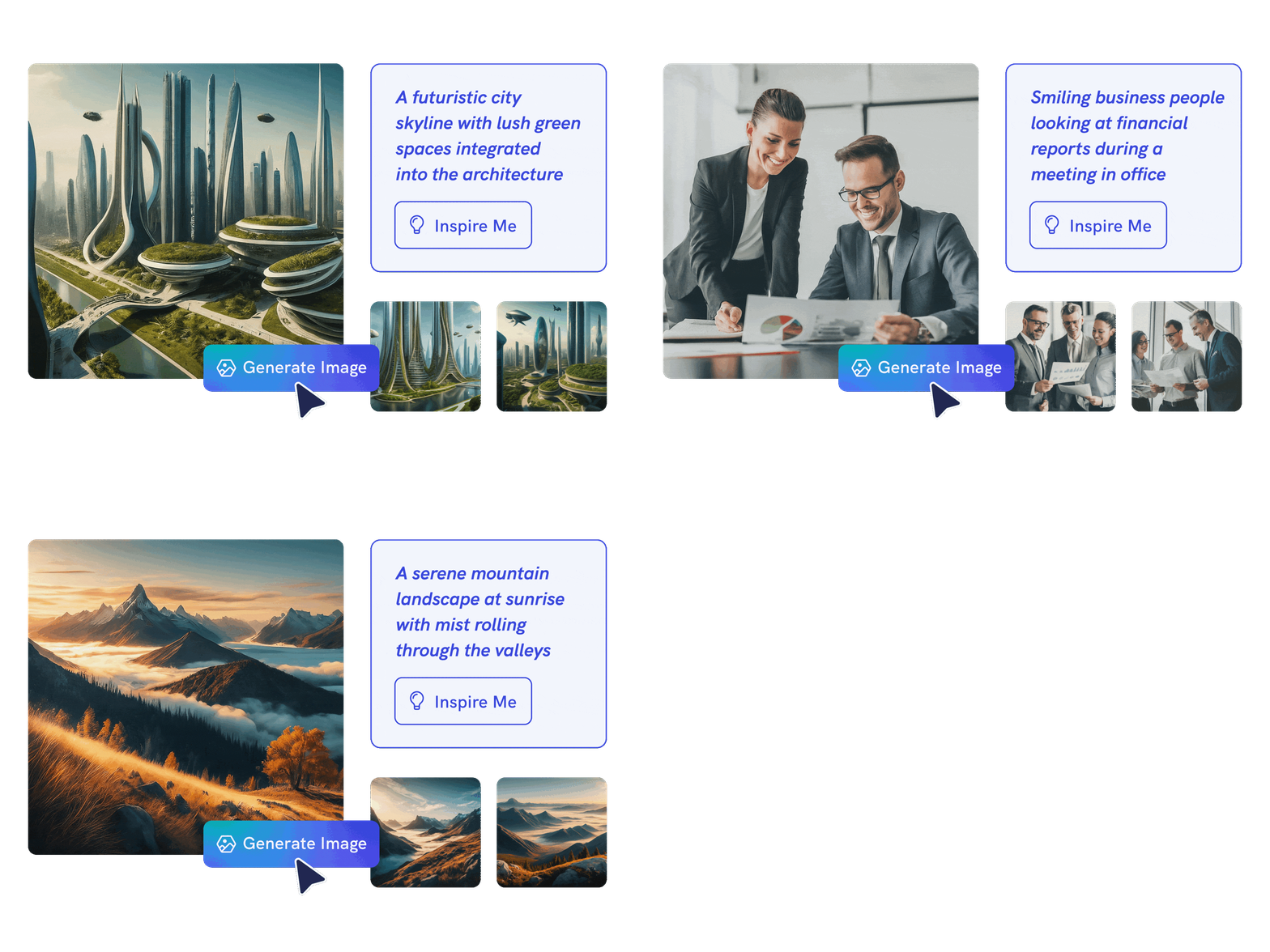
AI-Powered Image Creation
Customize for your professional brand
Edit fonts, colors, images, icons, text, and layout in Piktochart’s editor so every post matches your personal brand or company identity.
Types of formats generated by Piktochart AI

Design LinkedIn-ready 1:1 visuals that captivate your audience with a perfectly tailored, professional format built to stand out.
Generate LinkedIn square post
Craft attention-grabbing wide-format visuals, ideal for showcasing images, promotions, or announcements in an expansive layout.
Generate LinkedIn landscape post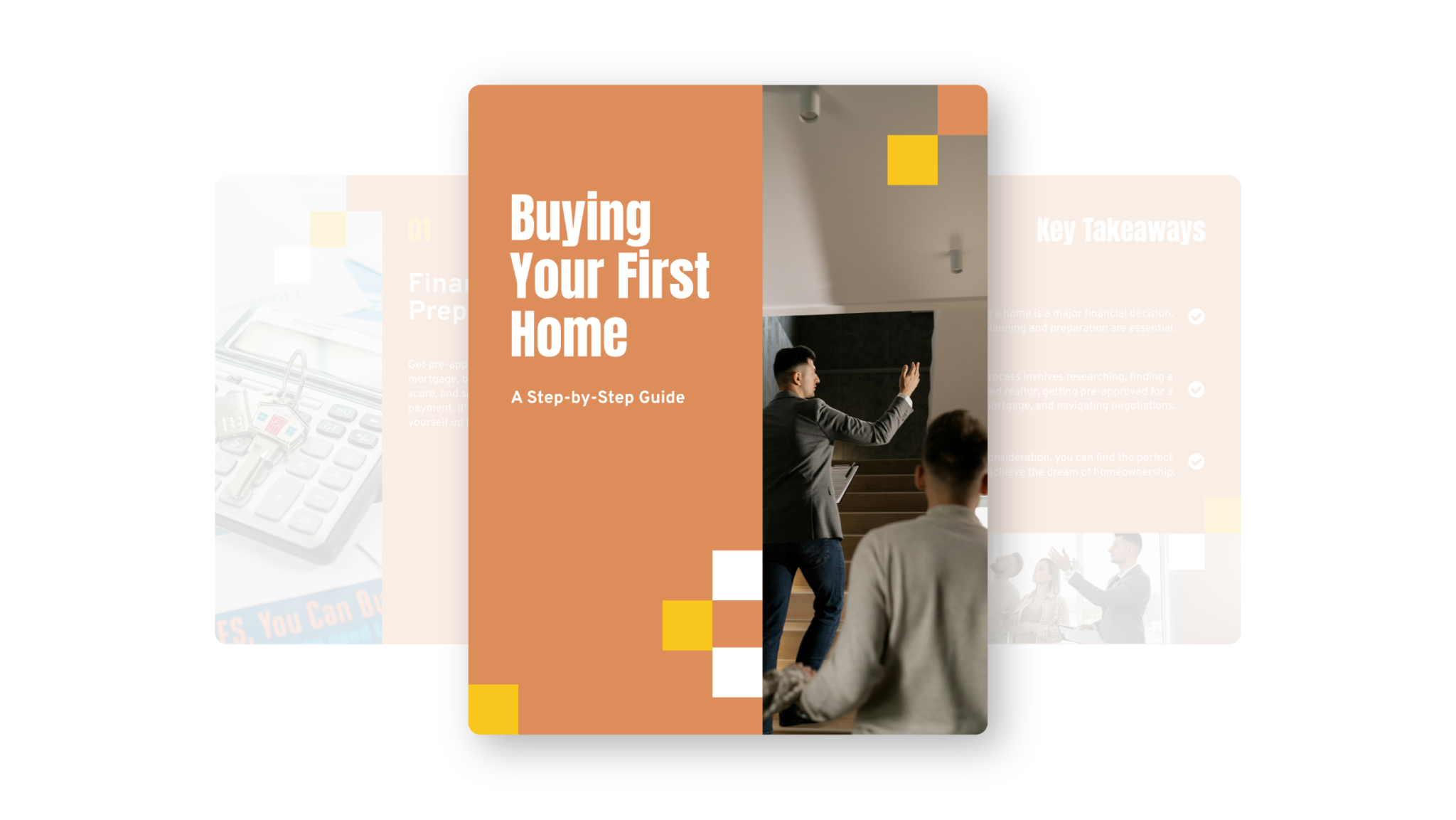
Share multiple images in a single post to create a rich, interactive narrative that draws your audience in.
Generate LinkedIn carouselTrusted by industry professionals

Marketers
- Post industry trends, expert tips, and practical how-to guides to engage your LinkedIn network and position yourself as a thought leader.
- Highlight successful projects, client testimonials, and compelling case studies to build trust and demonstrate your brand’s impact.
- Use captivating visuals to present your offerings and services, capturing the attention of potential clients and driving conversions.

Educators & Trainers
- Promote upcoming training sessions, webinars, and courses with striking visuals that grab your audience’s attention and drive engagement.
- Share bite-sized, impactful content in a dynamic format, making learning more interactive and improving knowledge retention.
- Highlight successful case studies, testimonials, and course outcomes to showcase your impact, inspire future participants, and build trust within your professional network.

Entrepreneurs & Business Leaders
- Share valuable industry insights to educate your audience, sparking meaningful engagement and conversation.
- Highlight your unique value proposition to establish thought leadership and stand out in your field.
- Leverage visually captivating carousels to showcase success stories and case studies, building credibility and demonstrating your expertise to a wider network.

Content Creators & Influencers
- Share valuable insights and trends on LinkedIn through easy-to-digest carousels that showcase your expertise and thought leadership.
- Promote your services and upcoming events with visually engaging content that grabs attention and drives interest from your LinkedIn network.
- Share personal stories and experiences to build stronger connections, encouraging interaction and meaningful engagement with your LinkedIn followers.
How to create a LinkedIn post with AI
1. Describe your LinkedIn post
Start with a professional insight, career update, industry trend, case study, or thought-leadership angle. Add the audience, purpose, tone, and any must-include details so the AI can shape a useful first draft.
2. Generate the first visual draft
Piktochart AI turns your prompt or content into an editable LinkedIn post with structure, hierarchy, and visual direction already in place.
3. Customize the design
Open the draft in Piktochart’s editor to adjust copy, colors, fonts, icons, images, sections, and brand details. Every generated visual remains editable.
4. Share or download
Use the finished LinkedIn post in presentations, campaigns, classes, reports, applications, or team updates. Free accounts can start with 60 AI credits every month.
Ready to create LinkedIn posts with AI?
Join more than 14 million people who already use Piktochart to turn information into clearer visuals.