Trusted by top educational institutions worldwide






Quick Creation
Create lesson presentations from a prompt
Describe a lesson topic, grade level, learning objective, class notes, or teaching goal. Piktochart AI turns your input into an editable lesson presentation draft with a clearer structure and visual direction.


Craft Your Own
Move from idea to visual faster
Use AI to organize the message, sections, visuals, and call to action so you can start from a useful draft instead of a blank canvas.

Easy Customization
Customize every detail
Edit text, colors, images, icons, fonts, layout, and brand details in Piktochart’s editor so the final lesson presentation fits your audience and channel.
Simplified Structuring
Organize and design your presentations with AI efficiency
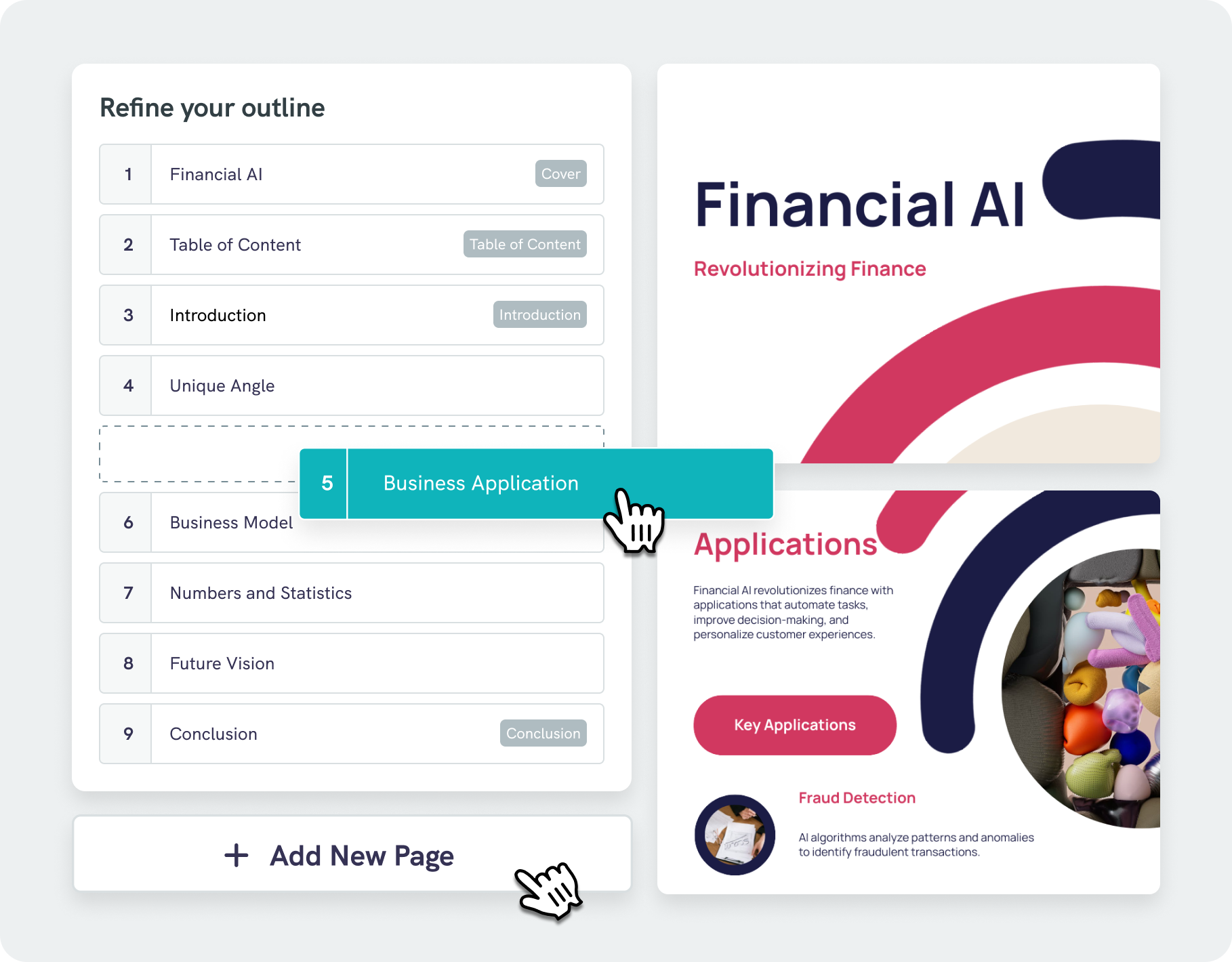
Piktochart AI-driven lesson presentation generator not only arranges your content but also analyzes it to suggest professional designs that improve readability and elevate audience engagement.
Our AI outline tool makes it simple to organize your ideas in a clear, logical sequence, ensuring your presentation remains focused on the key points. Quickly adjust and refine your outline, maximizing efficiency.
Start creating
When there are more complex concepts or when we’re doing something in the class that’s not that interesting, Piktochart helps the kids stay more engaged for a longer time.
Jamie BarkinEnglish and AP Literature Teacher at Wheaton High School

Everything I do is on Piktochart right now. It’s so easy for me to modify different decks and it saves me so much time with the variety of templates.
Venus WongHealthcare Design Fellow at Stanford University
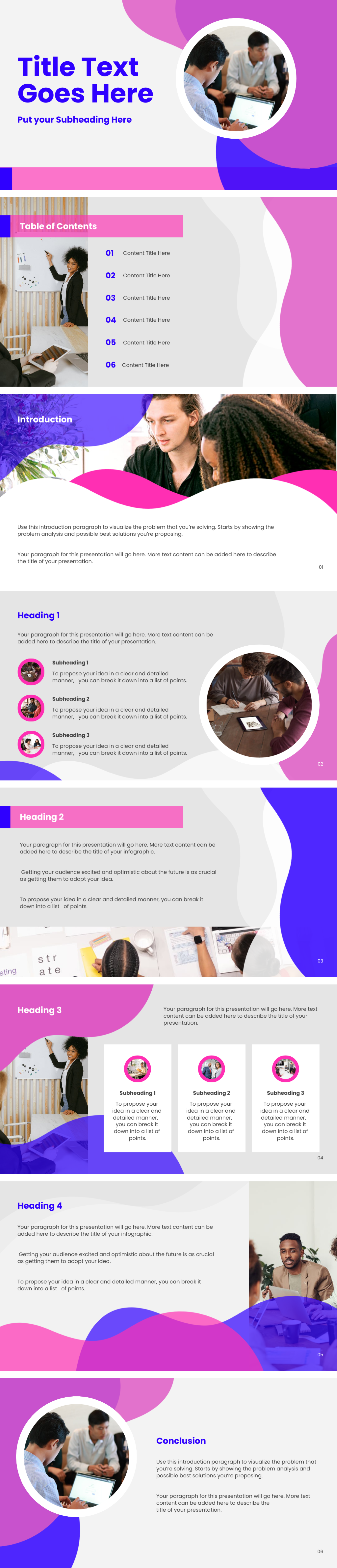
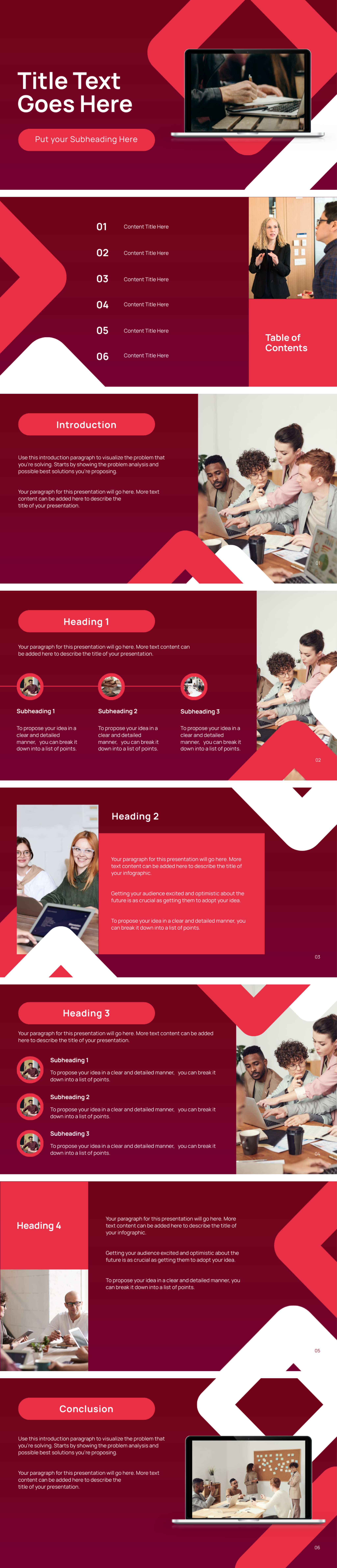
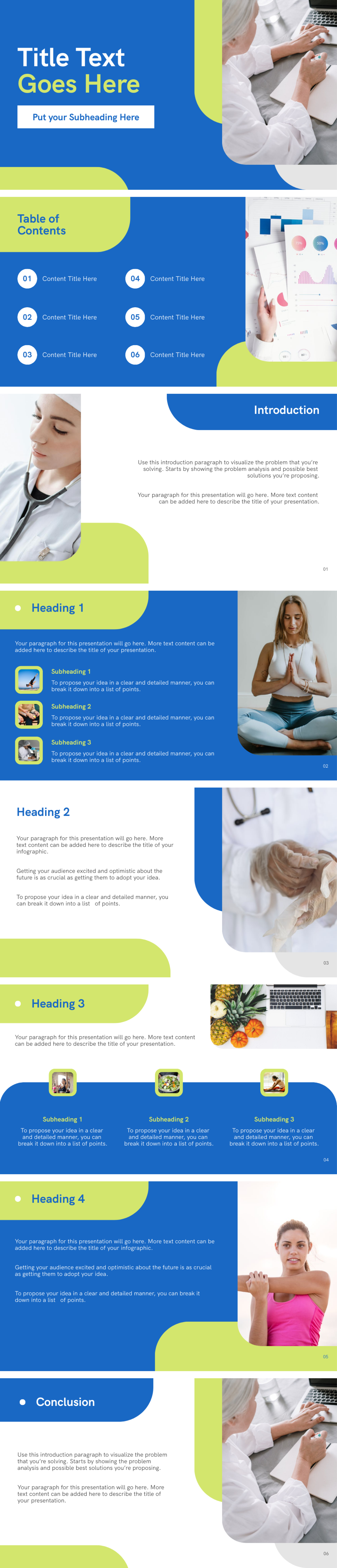
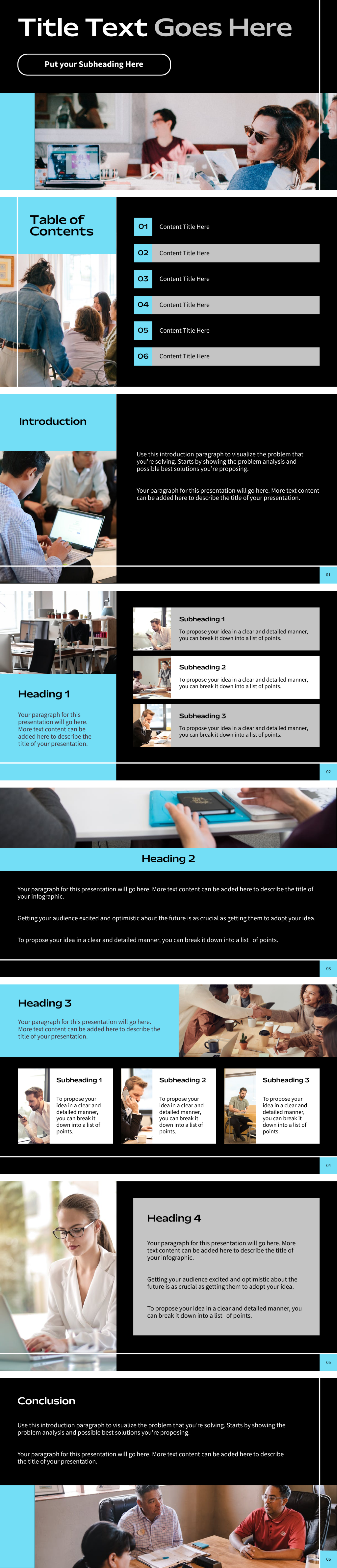
Lesson presentations created using Piktochart AI


How to create a lesson presentation with AI
1. Describe your lesson presentation
Start with a lesson topic, grade level, learning objective, class notes, or teaching goal. Add the audience, purpose, tone, and must-have details so Piktochart AI can create a useful first draft.
2. Generate the first visual draft
Piktochart AI turns your prompt or content into an editable lesson presentation with a clear structure and visual direction.
3. Customize the design
Edit copy, colors, fonts, icons, images, sections, and brand details in Piktochart’s editor. Every generated visual remains editable.
4. Share or download
Use the finished lesson presentation in campaigns, presentations, classes, reports, proposals, or team updates. Free accounts include 60 AI credits every month.
What can you create with an AI lesson presentation generator?
Piktochart AI helps you create lesson slides, classroom presentations, training decks, student explainers, course summaries, and review slides without starting from a blank canvas.
Lesson Slides
Generate a first draft for lesson slides from a short prompt, then customize the content, layout, and visuals in Piktochart’s editor.
Classroom Presentations
Generate a first draft for classroom presentations from a short prompt, then customize the content, layout, and visuals in Piktochart’s editor.
Training Decks
Generate a first draft for training decks from a short prompt, then customize the content, layout, and visuals in Piktochart’s editor.
Student Explainers
Generate a first draft for student explainers from a short prompt, then customize the content, layout, and visuals in Piktochart’s editor.
Ready to create lesson presentations with AI?
Join more than 14 million people who already use Piktochart to turn information into clearer visuals.