





Create Fast
Create a pitch deck from startup notes
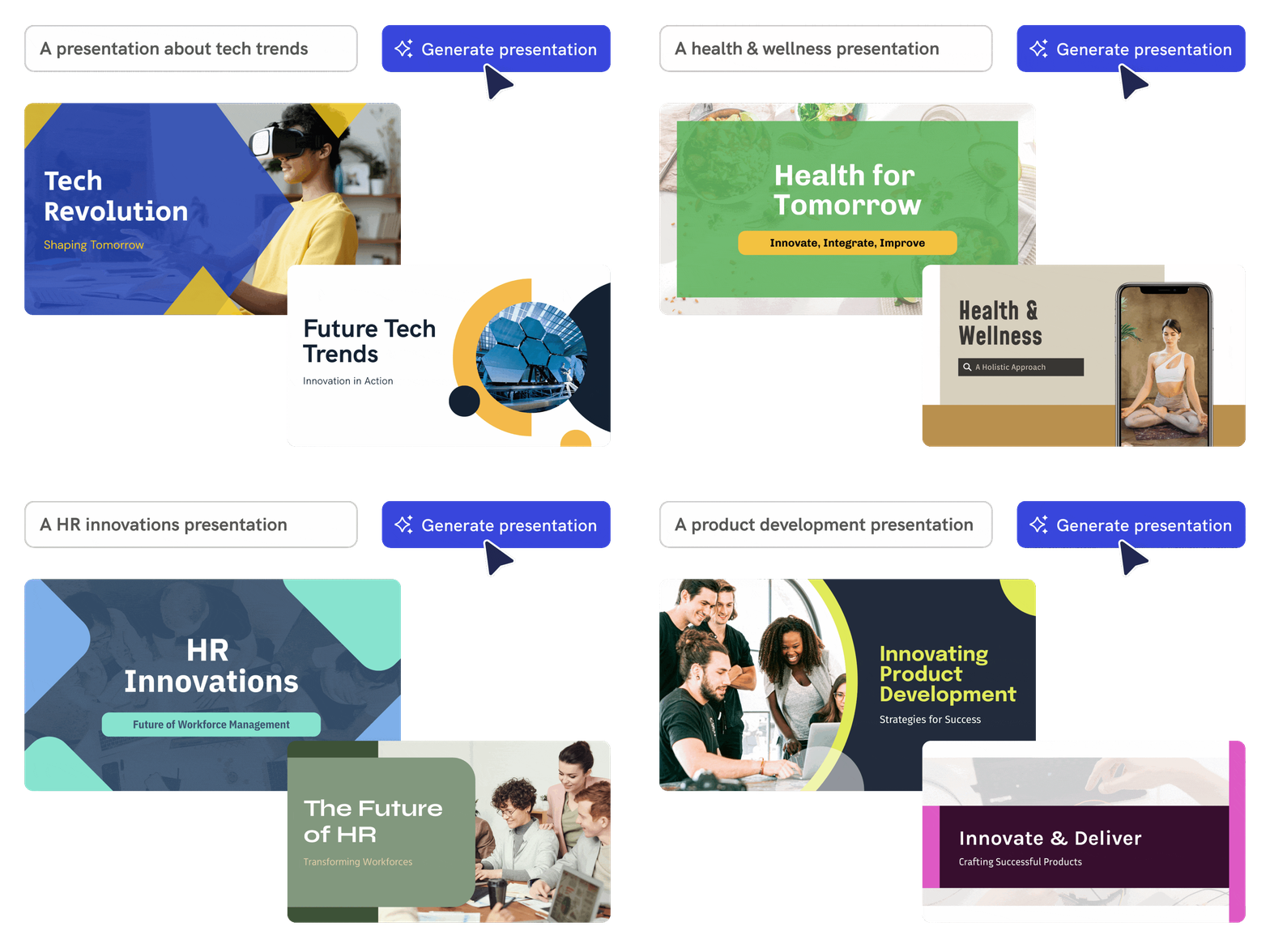
Add your business idea, audience, market, problem, solution, and traction, and Piktochart AI creates an editable pitch deck draft.
Start creating

Customize Fully
Structure the story for investors
Use AI to organize your idea into clear sections such as problem, solution, market, product, traction, team, and next steps.
Start creating
Lasting Impression
Customize the deck before presenting
Edit slides, visuals, charts, icons, colors, and brand elements so the pitch deck matches your company and fundraising stage.
Start creating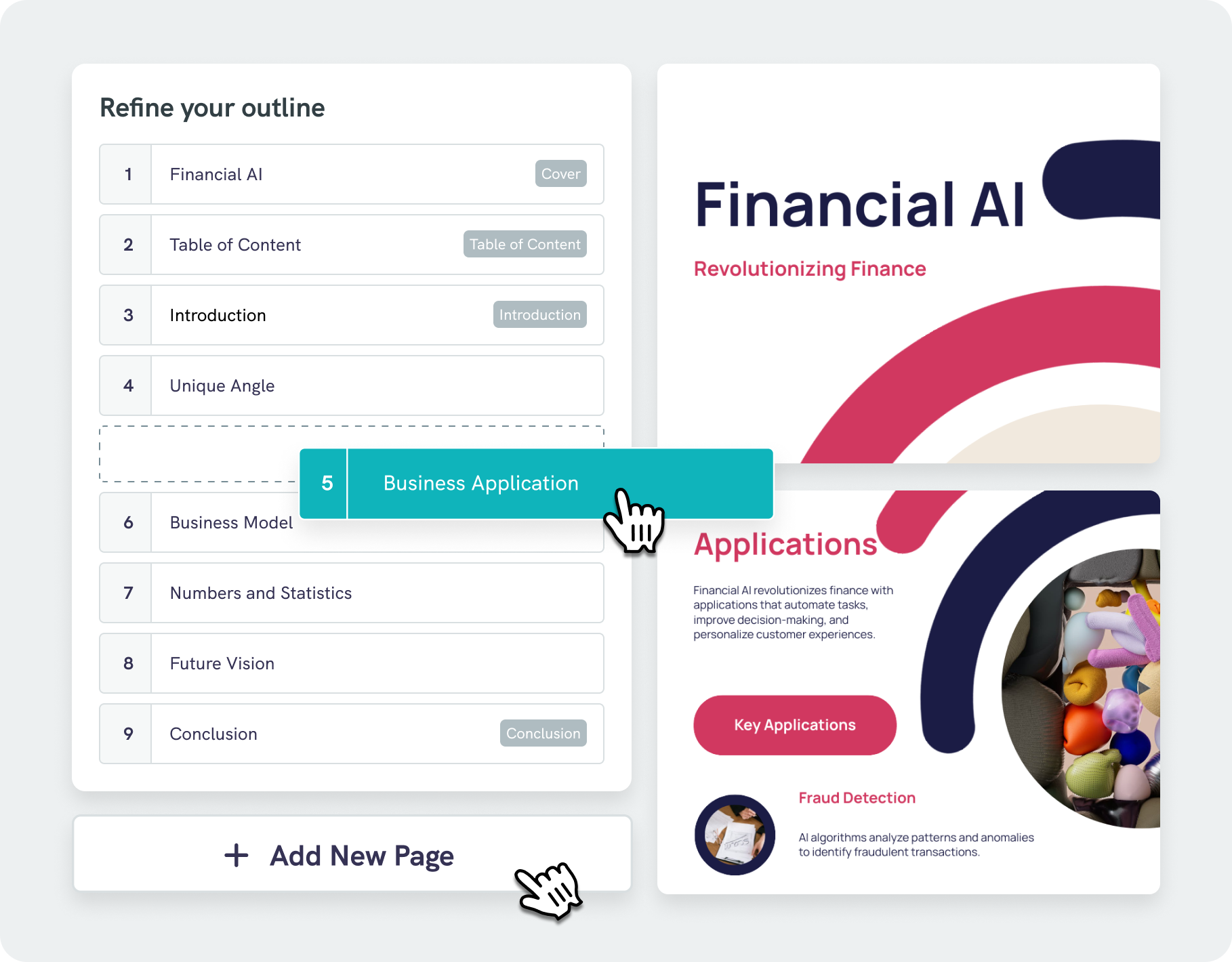
Simplified Structuring
Intelligent design assistance with AI outline
Our AI pitch deck generator goes beyond simply adding text to slides. Using advanced algorithms, it analyzes your content and recommends visually optimized designs that enhance readability and audience engagement.
With our AI outline feature, you can seamlessly organize your ideas into a clear, structured format, ensuring focus on the key messages. Easily adjust and refine your outline, streamlining your workflow and saving valuable time.
Start creatingTrusted by leading industry professionals

Entrepreneurs and Startup Founders
- Pitch decks help convince investors of the startup’s value and potential, aiming to secure the necessary funding for growth.
- To outline the startup’s business model and strategy, showing how it plans to generate revenue and stand out from competitors.
- Highlight startup’s value proposition to potential partners, aiming to create strategic alliances that drive growth.

Sales and Business Development Teams
- Communicate the value and unique features of products or services, and how it solves specific problems.
- Tailored pitch decks to address the specific requirements and goals of each prospect, which demonstrates a deep understanding.
- Serve as a visual aid during sales presentations, guiding the conversation and keeping it focused on key selling points.

Nonprofit Organizations and Fundraisers
- Nonprofits use pitch decks to clearly present their mission, goals, and impact, persuading potential donors and sponsors to support their cause.
- Pitch decks help nonprofits communicate projects or initiatives, detailing their objectives, budget needs, and expected outcomes.
- Create compelling visual stories that raise awareness about social issues, encouraging audience engagement and inspiring action from supporters and volunteers.

Corporate Executives and Team Leaders
- To outline strategic plans and initiatives detailing long-term goals, key performance indicators, and the overall direction of the company, ensuring alignment among stakeholders.
- Fostering transparency and accountability with updates on ongoing projects by summarizing achievements, challenges, and next steps.
- To inspire and align their teams around a common vision or goal, reinforcing the importance of their contributions to the organization’s success.
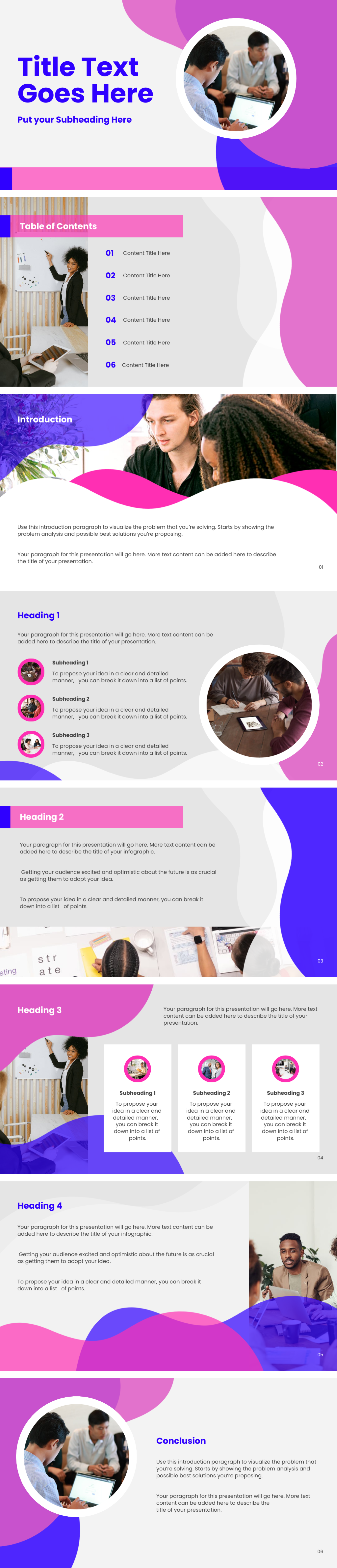
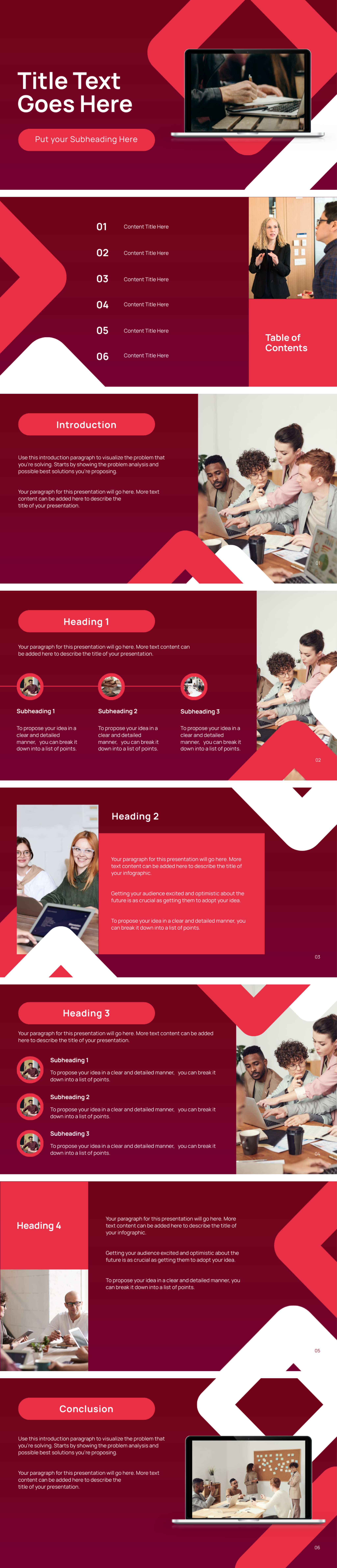
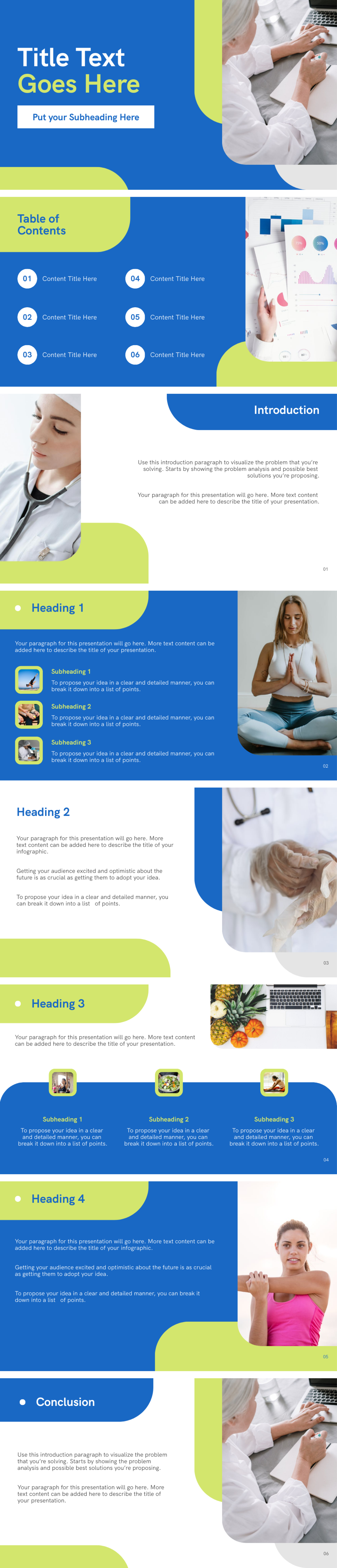
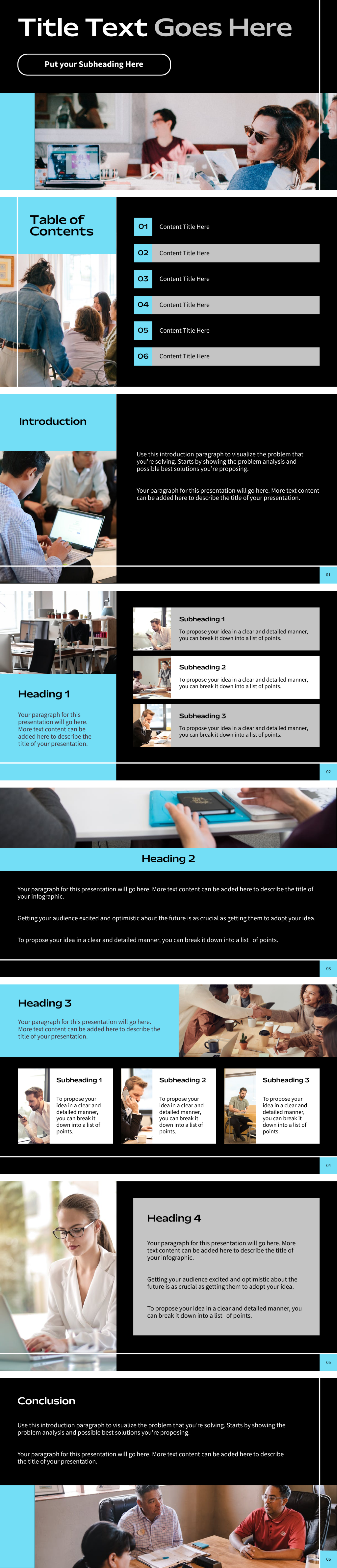
Pitch decks created using Piktochart AI


How to create a pitch deck with AI
1. Describe your pitch deck
Start with a startup idea, investor brief, product summary, market notes, traction metrics, or uploaded draft. Add the audience, purpose, tone, and must-have details so Piktochart AI can create a useful first draft.
2. Generate the first visual draft
Piktochart AI turns your prompt or content into an editable pitch deck with a clear structure and visual direction.
3. Customize the design
Edit copy, colors, fonts, icons, images, sections, and brand details in Piktochart’s editor. Every generated visual remains editable.
4. Share or download
Use the finished pitch deck in campaigns, presentations, reports, classes, proposals, or team updates. Free accounts include 60 AI credits every month.
What can you create with an AI pitch deck generator?
Piktochart AI helps you create startup pitch decks, investor decks, product pitches, sales decks, demo day decks, and funding presentations without starting from a blank canvas.
Startup Pitch Decks
Generate a first draft for startup pitch decks from a short prompt, then customize the content, layout, and visuals in Piktochart’s editor.
Investor Decks
Generate a first draft for investor decks from a short prompt, then customize the content, layout, and visuals in Piktochart’s editor.
Product Pitches
Generate a first draft for product pitches from a short prompt, then customize the content, layout, and visuals in Piktochart’s editor.
Sales Decks
Generate a first draft for sales decks from a short prompt, then customize the content, layout, and visuals in Piktochart’s editor.
Ready to create pitch decks with AI?
Join more than 14 million people who already use Piktochart to turn information into clearer visuals.