Piktochart Templates Ebooks
Ebook Templates
Turn long-form content, lead magnets, and client deliverables into beautifully designed ebooks — without starting from a blank page. Pick a free Piktochart ebook template, drop in your content, and customize the layout, colors, and brand in minutes.

How to design an ebook your audience will actually read
 Ebooks
Guidebook
Ebooks
Guidebook
 Ebooks
Marketing Guidebook
Ebooks
Marketing Guidebook
 Ebooks
Horizontal Ebook
Ebooks
Horizontal Ebook
 Ebooks
Landscape Ebook
Ebooks
Landscape Ebook
 Ebooks
Lead Gen Ebook
Ebooks
Lead Gen Ebook
 Ebooks
Lead Gen Ebook 2
Ebooks
Lead Gen Ebook 2
 Ebooks
Horizontal Ebook Pastel
Ebooks
Horizontal Ebook Pastel
 Ebooks
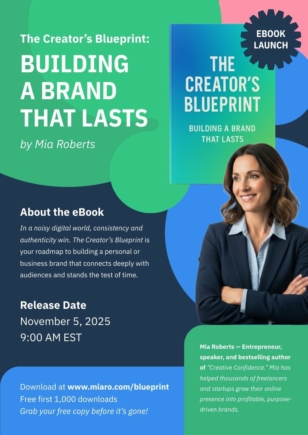
Creative eBook Launch Poster
Ebooks
Creative eBook Launch Poster
 Ebooks
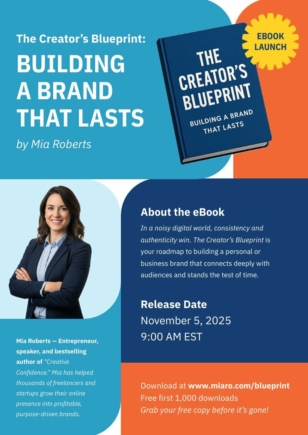
eBook Launch Poster
Ebooks
eBook Launch Poster
 Ebooks
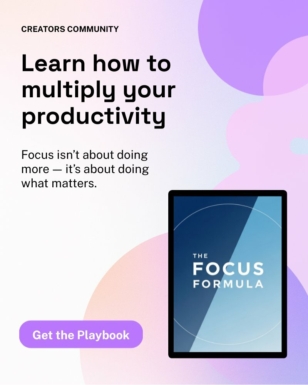
New eBook Launch Instagram Post
Ebooks
New eBook Launch Instagram Post
 Ebooks
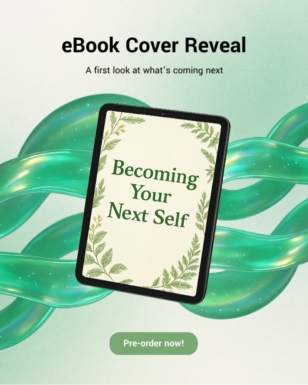
eBook Cover Reveal Instagram Post
Ebooks
eBook Cover Reveal Instagram Post
 Ebooks
Founder Habits Checklist
Ebooks
Founder Habits Checklist
 Ebooks
Free Leadership E-book Access
Ebooks
Free Leadership E-book Access
 Ebooks
Workplace Trends eBook Banner
Ebooks
Workplace Trends eBook Banner
 Ebooks
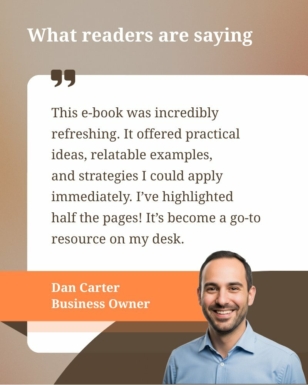
EBook Testimonial Instagram Post
Ebooks
EBook Testimonial Instagram Post
 Ebooks
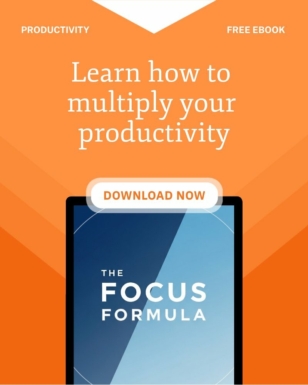
EBook Download Instagram Post
Ebooks
EBook Download Instagram Post
 Ebooks
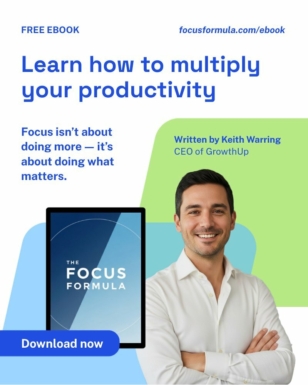
EBook Promo Instagram Post
Ebooks
EBook Promo Instagram Post
 Ebooks
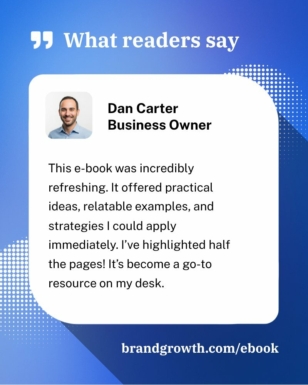
Modern eBook Testimonial Instagram Post
Ebooks
Modern eBook Testimonial Instagram Post
 Ebooks
HR Best Practices E-book Template
Ebooks
HR Best Practices E-book Template
 Ebooks
Branding Guide Download Template
Ebooks
Branding Guide Download Template
 Ebooks
Free Chapter Download Instagram Post
Ebooks
Free Chapter Download Instagram Post
 Ebooks
Get the Lead Magnet Instagram Post
Ebooks
Get the Lead Magnet Instagram Post
 Ebooks
eBook Quote Instagram Post
Ebooks
eBook Quote Instagram Post
 Ebooks
Business Model eBook Instagram Post
Ebooks
Business Model eBook Instagram Post
 Ebooks
Scaling Businesses eBook Instagram Post
Ebooks
Scaling Businesses eBook Instagram Post
 Ebooks
Career Growth eBook Instagram Post
Ebooks
Career Growth eBook Instagram Post
 Ebooks
Business Statistic eBook Instagram Post
Ebooks
Business Statistic eBook Instagram Post
 Ebooks
Business Strategy eBook Instagram Post
Ebooks
Business Strategy eBook Instagram Post
 Ebooks
My Bestseller Instagram Post
Ebooks
My Bestseller Instagram Post
 Ebooks
Business Statistics eBook Cover
Ebooks
Business Statistics eBook Cover
 Ebooks
Practical Geometry eBook Cover
Ebooks
Practical Geometry eBook Cover
 Ebooks
Small Business Growth eBook Cover
Ebooks
Small Business Growth eBook Cover
A great ebook earns attention and trust at the same time. That comes down to readable typography, considered pacing, and visuals that reinforce — not distract from — the core idea. Whether you’re packaging a free lead magnet, a coaching workbook, an agency whitepaper, or a self-published novel for Amazon KDP, the design has to feel intentional from cover to call-to-action.
Every Piktochart ebook template is built on this principle. Start with a downloadable, editable layout designed for long-form reading, then swap in your fonts, colors, brand assets, and imagery. Add charts, icons, and infographics where they help comprehension. Export to PDF for distribution, share a live link for in-browser reading, or download print-ready files when you need a physical edition.
The templates work for the formats people actually create: B2B lead magnets and corporate whitepapers, coaching workbooks and course companion guides, agency case studies, recipe books, internal training manuals, and self-published novels formatted for KDP and EPUB readers. Each template ships with cover, table of contents, chapter dividers, and CTA pages already laid out — so authors and consultants spend their time on the writing, not the wrestling. No designer required.