Piktochart Templates Flyers / Training
Training Flyers
Unleash a visual revolution for your events. Make every flyer a masterpiece, and watch classes be overbooked. Start with our training flyers.
Training Flyers
 Training
Simulation Training
Training
Simulation Training
 Training
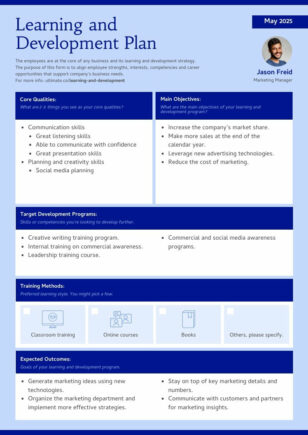
Learning & Development Plan
Training
Learning & Development Plan
 Training
 Flyer
Training
Training Flyer
 Training
Computer Training Flyer
Training
Computer Training Flyer
 Training
 Plan
Training
Training Plan
 Training
 Plan Presentation
Training
Training Plan Presentation
 Training
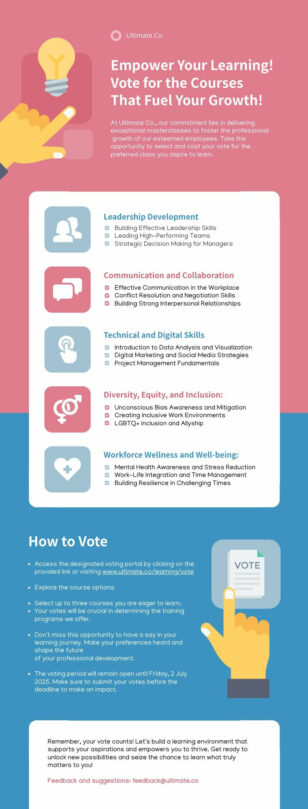
List of Training Programs for Employees
Training
List of Training Programs for Employees
 Training
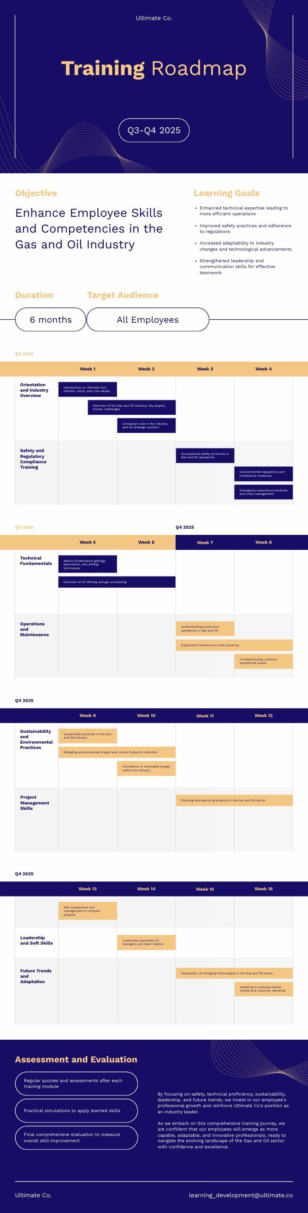
 Roadmap
Training
Training Roadmap
Training flyer templates for workshops and courses
Ever tried to convey excitement about an upcoming training session through words alone? It’s like attempting to paint a sunset using only shades of gray. Our training flyer templates bring your event announcements to life, infusing them with color, style, and visual appeal that captures attention and sparks interest.
These aren’t your run-of-the-mill, cookie-cutter designs. Each template is a springboard for your creativity, allowing you to customize every element to match your brand and event perfectly. Whether you’re organizing a corporate workshop, a fitness boot camp, or an educational seminar, you’ll find a template that speaks your language and resonates with your audience.
The best part? You don’t have to be a design guru to create flyers that look like they were crafted by a professional. Our user-friendly editor makes it simple to adjust text, swap images, and tweak colors. The result? A visually stunning flyer that not only informs but inspires action. Say goodbye to low turnout and hello to events where every seat is filled.
Want to make your own flyer in seconds? Try our free AI flyer generator. Your journey from blank canvas to packed house starts here.
Want a training flyer in seconds? Try our AI training presentation maker — describe your course and the tool produces a flyer you can refine in our editor.
Training Flyers FAQs
What should a training flyer include?
Course name, learning outcomes, dates, duration, instructor, location or platform (in-person or online), and an enrolment link or QR code — Piktochart’s training flyer templates cover all of these.
What size should a training flyer be?
US Letter (8.5 × 11 in) and A4 for posting on noticeboards and handouts; A5 for table-top distribution; Piktochart has presets for each.
Can I list multiple training sessions or modules on one flyer?
Yes — use Piktochart’s schedule template to lay out a weekly or modular course timetable in one easy-to-scan view.
How do I create a flyer for online vs in-person training?
Pick a Piktochart training template and just toggle the location field — for online courses, add the platform name and a join link or QR code.
Can I add my company or training provider branding to the flyer?
Yes — apply your brand colours, fonts, and logo via Piktochart’s brand kit and every training flyer will be on-brand automatically.