Piktochart Templates Flyers / Seminar
Seminar Flyers
Spread the word and fill out the seminar hall with a single design with our eye-catching gallery of template for seminar flyers. Our templates blend data visualization with artistic flair, making it easy to let people know when, where, and what with flair.
Seminar Flyers
 Seminar
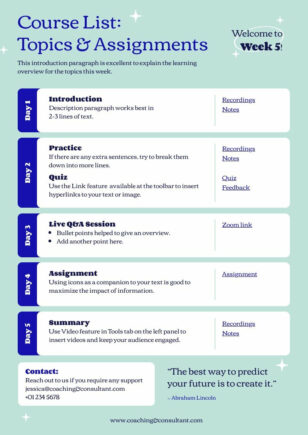
Simple Course Plan & Schedule
Seminar
Simple Course Plan & Schedule
 Seminar
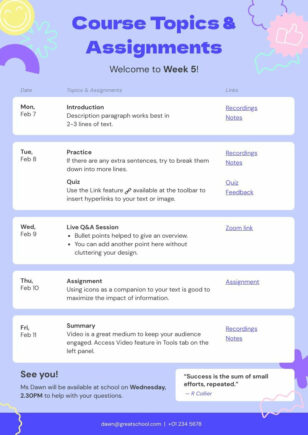
Colorful Course Plan & Schedule
Seminar
Simple Course Plan & Schedule
Seminar
Colorful Course Plan & Schedule
Seminar
Simple Course Plan & Schedule
 Seminar
Modern Seminar Flyer
Seminar
Modern Seminar Flyer
 Seminar
 Flyer
Seminar
Seminar Flyer
 Seminar
Minimalist Seminar Flyer
Seminar
Minimalist Seminar Flyer
 Seminar
Online Class Flyer
Seminar
Online Class Flyer
Seminar flyer templates for workshops and events
Worried no one will turn up to your seminar? Our seminar flyer templates are your secret weapon for increasing foot traffic. With a vast library of customizable designs, you’ll find the perfect canvas for your seminar.
Gone are the days of wrestling with complicated design software or settling for bland, text-heavy flyers. Our intuitive platform empowers you to create professional-grade seminar flyers in minutes. Drag-and-drop functionality, pre-designed elements, and smart color schemes make the design process a breeze.
Whether you’re promoting an academic lecture, a business workshop, or a community event, our templates cater to every need. From sleek and modern to bold and playful, you’ll discover a style that resonates with your audience. Sign up now and elevate your seminar promotions – because your ideas deserve to shine.
Want a seminar flyer in seconds? Try our AI flyer generator — describe your seminar and the tool produces a flyer you can refine in our editor.
Seminar Flyers FAQs
What information should a seminar flyer include?
Seminar title, speaker name and credentials, date, time, venue, registration link or QR code, and a short benefit-led description — Piktochart’s seminar flyer templates have space for all of these.
What size should a seminar flyer be?
US Letter (8.5 × 11 in) and A4 are the standard sizes for academic and professional seminars; Piktochart’s templates default to both.
Can I add a speaker photo and bio to a seminar flyer?
Yes — drop a headshot into the speaker block and add a short bio underneath; every Piktochart seminar template has a dedicated speaker section.
How do I create a flyer for a multi-day seminar or workshop series?
Use a Piktochart seminar template with a schedule block to list each day’s topics, times, and speakers in one scannable layout.
Can I add a QR code linking to seminar registration?
Yes — Piktochart’s built-in QR code generator turns any registration link into a scannable code you can drop straight onto the flyer.