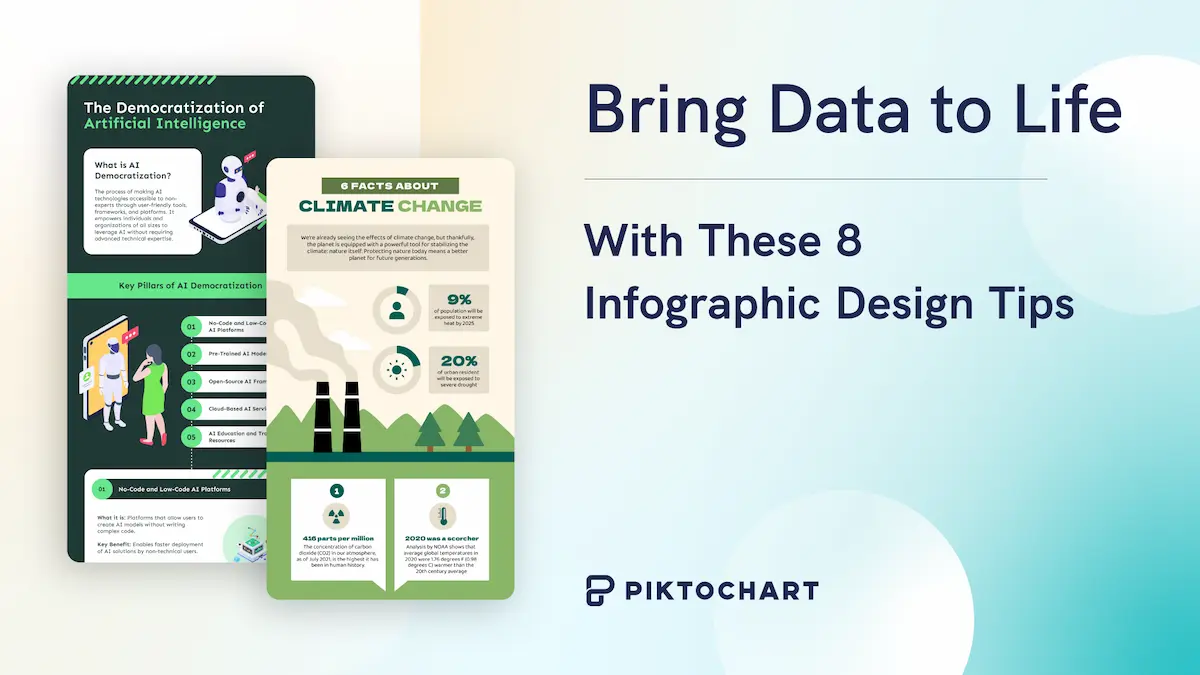
The best infographic makers in 2026 turn raw numbers into visuals a reader can scan in seconds. We tested 9 tools on ease of use, AI generation, template depth, data visualization, and pricing, so you can skip the trial-and-error. Pikto AI leads for business communication; Canva wins for personal branding; Infogram takes data-heavy reports; Visme suits teams who want animation built in.
Pick the wrong tool and you waste hours wrestling with clunky editors. Pick the right one and a 30-minute draft walks out the door polished.
This guide breaks each tool down by who it serves best, what sets it apart, and where it falls short. You get concrete pricing, AI capabilities, template counts, collaboration features, and export formats for every option. Marketers, educators, HR teams, students, and agency designers will find a match below. Jump to the comparison table if you want the one-page verdict.
For a related read, see our guide on infogram vs piktochart.
An infographic can help people process information six times faster than text alone. When your data is easy to understand and visually appealing, people are more likely to share it across social media or email it to their network.
You could create infographics from scratch, but without design experience, this becomes time-consuming and frustrating. The best infographic makers solve this by offering customizable templates, AI-powered generation, and intuitive editors.
A good infographic maker helps you transform data into clear visual stories, whether you’re enhancing reports, building presentations, or creating social media content for internal teams or external audiences.
We picked the most effective infographic software based on ease of use, AI features, template quality, data visualization capabilities, and pricing—so you can find the right tool without wasting time testing dozens of options yourself.
What is an infographic?
We evaluated each tool based on five criteria.
Ease of use: Can you create professional visuals without design experience?
Template variety: Does the library cover business reports, social media graphics, and educational content?
AI capabilities: Can you generate infographics from text prompts or documents in seconds?
Data visualization: Does it support charts, graphs, and interactive maps with real-time data updates?
Collaboration features: Can teams co-create, comment, and manage revisions in one workspace? These factors determine whether a tool saves you time or creates more friction in your workflow.
Best Infographic Makers of 2026

Below is our compilation of the best infographic makers (chosen from a vast library) housing the best standard and professional infographic templates of 2026, along with the users they are best suited for, the availability of various design elements, and ease of collaboration.
- Pikto AI — best infographic maker for businesses (business plan) that must communicate with clients, investors, or internal stakeholders.
- Snappa — best infographic maker for non-designers seeking quick and easy ways to create presentations and publish visual content online without complicated design software.
- Infogram — best infographic creator for businesses looking to visualize complex data sets for Google charts and beyond.
- Freepik — best infographic maker for businesses seeking a variety of vector illustrations.
- Canva — best for personal use and small businesses looking to build their brand from scratch with social media graphics and more.
- Venngage — best for marketers looking to create infographics for external communication without a complex graphic design tool.
- Visme — best for marketers looking for an all-in-one design tool focused on animation and animated infographics.
- Adobe Creative Cloud Express — best infographic maker for businesses looking to make and share quick infographics on the go using their premium plan for pre-made templates.
- Easel.ly — best free infographic maker for educational organizations on a budget, seeking maker software with a free version and/or basic free plan to create scientific infographics and more.
You can also check out our video overview of these good infographic makers to start creating engaging infographics today:
1. Pikto AI — best for businesses that need to communicate with clients, investors, or internal stakeholders.
If you’re new to the world of design and lack professional design skills and want to create images quickly with AI, Pikto AI is the perfect infographic tool for you.
With more than 800 highly customizable templates, infographic layouts, maps, and interactive charts in both Free and Pro plans, you can create stunning infographics in no time with our maker software.
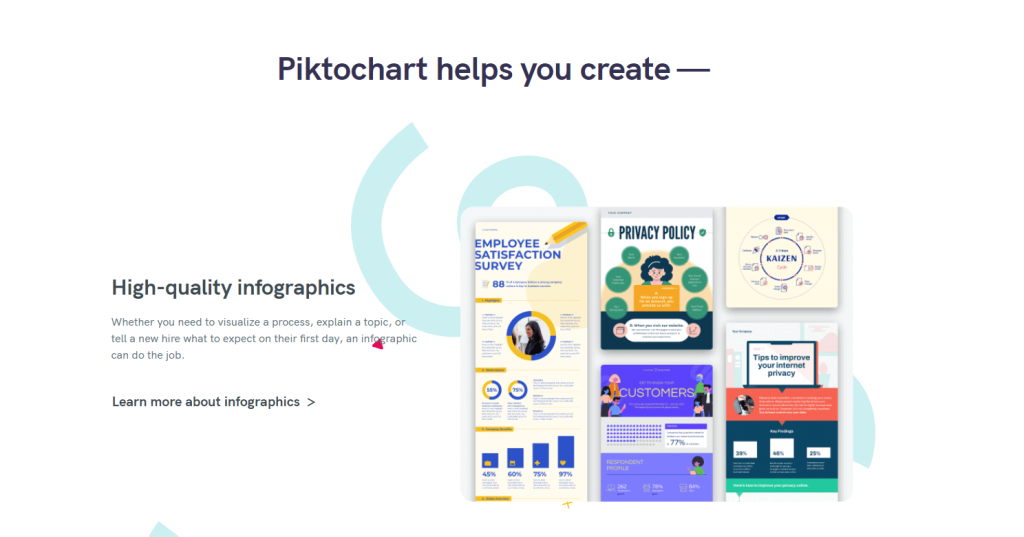
Moreover, the infographic layouts and templates are not generic designs like those provided by other infographic tools on the market, but highly polished and professional.
Another highlight of this free infographic maker is that all the maps are free of charge and accessible in just a few clicks.
Plus, you get enough storage space to upload your own content, photos, custom visuals, marketing materials, multiple download formats, and collaboration options.
In fact, collaboration features for making infographics are open across all plans, including Free.
Notable features of this free infographic maker include:
- 800+ templates
- 4000+ free icons and photos
- Interactive maps and charts with a drag-and-drop interface
- All plans can export visuals in PNG, PDF, and PPT format
Along with infographics, Piktochart caters to a variety of purposes, from pitch decks to social media graphics to class schedules and more.
2. Snappa — best for non-designers seeking quick and easy ways to create and publish visual content online.
Snappa is an easy-to-use infographic maker that provides 48 free infographic templates and trendy charts, along with more than three million free images, fonts, and other assets to visualize data for beautiful infographics.
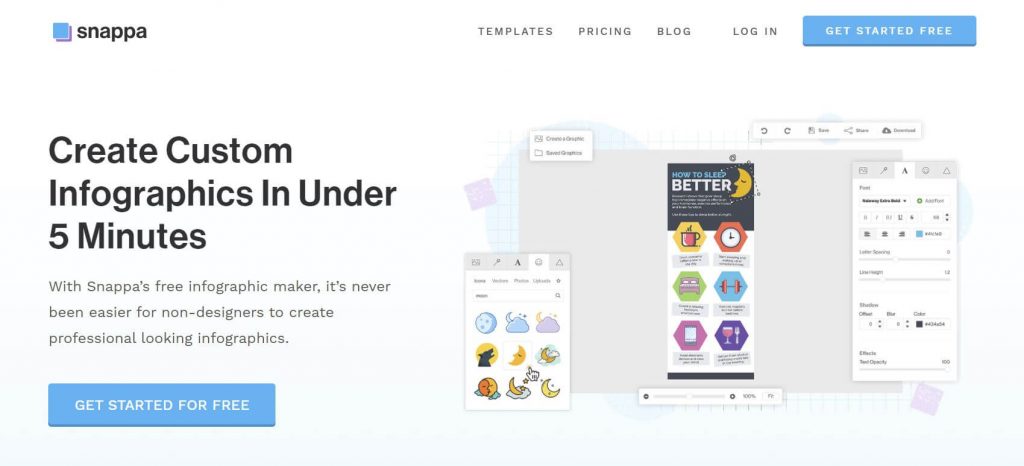
There are a ton of customization options and professionally designed infographic templates.
You can upload your own images and simply drag for your own custom infographic, and edit anything with just a double click (save time and start editing now!).
Both its free and premium versions have similar features, the main difference being the limited number of downloads in the free version.
You also can’t save any of your designs in Snappa unless you have the paid version.
Notable features include:
- 48 infographic templates
- 5 million stock images with a drag-and-drop interface
- 200 fonts and typefaces
3. Infogram — best for businesses looking to visualize complex data sets
Infogram is a great choice if you want to present statistical information visually.
With a ton of stock images, data widgets, 25 icons, seven general shapes, and 41 unique charts in the free plan, you can use this infographic software to create various maps and graphs.
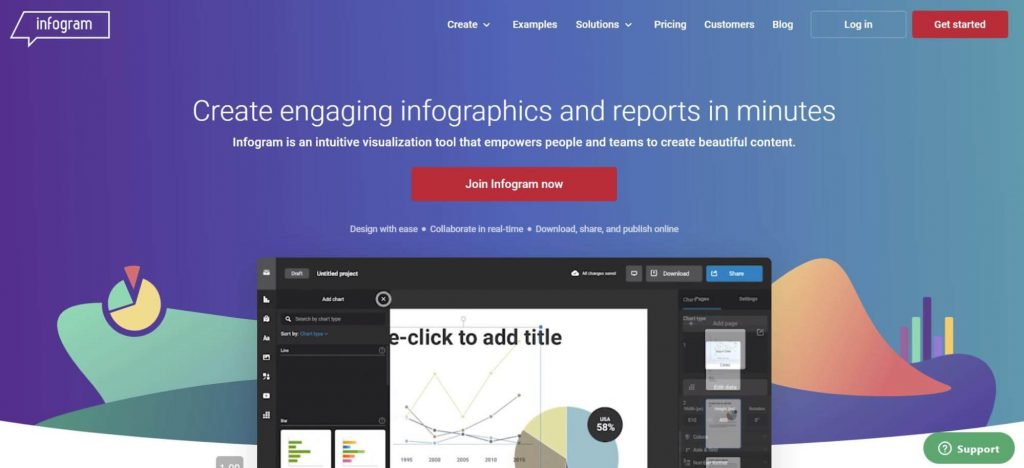
Apart from that, you get access to a simple drag-and-drop infographic editor to fine-tune many aspects of your infographic, such as colors and layout.
Both free and premium plans are available, but you can’t download an infographic or share it privately in the free plan.
Notable features include:
- 100+ infographic templates
- 40+ interactive charts and 25 icons
- 550+ maps
- Real-time data import
4. Freepik — best for businesses seeking a variety of vector illustrations
Freepik is not an infographic maker, but it is still a suitable option if you need vector designs and pictures to use in your infographics.

Even with a free account, it lets you pick from thousands of infographic visuals. And the premium version gives you access to 3 million more.
Notable features include:
- Comprehensive search capabilities
- 72,000+ infographic templates
- 8 million design elements in the premium version
5. Canva — best for personal use and small businesses looking to build their brand from scratch.
Canva is an ideal choice for creating modern infographics.
With a user-friendly interface and a large offering of 53 free infographic templates spanning multiple industries (Business, Social Services, Education, and more), you can easily create any type of infographic (even a video infographic) and even collaborate with others by sharing your design work via email; simplifying infographics creation altogether.
It’s good for when you need to create content for Facebook, Twitter, Instagram, or any other social media post.
With Canva, you get thousands of images for your projects and 2 million more for a monthly fee. There is also an option to upload your own images.
The free plan of this infographic software also comes with charts, frames, color customization, illustrations, and icons, while with a paid plan, you also get extra fonts, special animations, organization tools, transparent backgrounds, and resizing capabilities.
Notable features include:
- 53 free templates
- Graphs, mind maps, charts, and diagrams
- Easy drag-and-drop editor
- Real-time team collaboration
- Best used for social media visuals
6. Venngage — best for marketers looking to create infographics for external communication
Venngage is surely worth checking out if you can get on its paid plan.
It’s a comprehensive infographic creator with hundreds of photos, templates, icons, and charts. It’s not for businesses looking for a simple, free tool.
On the flip side, Venngage’s search engine could use some improvement.
It can sometimes be difficult to find the right image for your project.
And free members cannot download their designs. They are limited to previewing only.
However, Venngage makes up for these minor shortcomings with its user-friendliness and ease of use. The business subscription also lets you work on designs as a team.
Notable features include:
- 7500+ templates (including templates for a video infographic)
- 100 image uploads
- 40,000+ illustrations, charts, and icons
- Real-time team collaboration
7. Visme — best for marketers looking for an all-in-one graphic design tool with a focus on animation
With both free and paid versions available, Visme offers several features, thousands of templates, and 50+ charts and maps to design static and interactive infographics.
And you get 250 MB of storage to upload your own images or free photos.
However, the customization is not as easy as some of the other tools on our list.
You can add a lot of blocks, but you can’t customize them with a simple double-click.
You’ll need to click on the block’s settings to add new data.
Regarding collaboration, the premium plan allows you to share your designs with specific people, along with commenting and annotation tools.
Notable features include:
- 50+ graphs, maps, and charts
- 1000+ content blocks and templates
- 1.5 million high-resolution images and 125 fonts
- Collaborate with comments and annotations
8. Adobe Creative Cloud Express — best for businesses looking to make and share quick infographics on the go
Adobe Creative Cloud Express and Adobe Spark allow you to design infographics from both mobile and desktop devices without graphic design experience, as well as resize them for social media.
Adobe Spark and Adobe Creative Cloud Express do fall short on some essential elements expected from infographic software, such as charts.
Adobe Spark has a variety of images, icons, fonts, layouts, colors, and editing options to realize your imagination. It comes in both free and premium plans.
Notable Adobe Spark features include:
- Cross-device synchronization
- Professionally designed fonts
- Thousands of images, layouts, and colors
- Invite team members to edit your design
9. Easel.ly — best for educational organizations on a budget
Easelly doesn’t offer much in its free plan (lacking a dynamic free license, free assets, etc.) as an infographic tool, but its premium subscription is one of the most affordable plans in the market.
It provides you with 1.1 million images, 320+ templates, and 112 fonts for a low monthly fee.

It has a user-friendly drag-and-drop interface. You can also download your designs and share them privately with your team.
Notable features include:
- 1.1 million photos
- 320 templates
- 112 fonts
How AI infographic generators work in 2026
AI infographic generators in 2026 take a prompt, a document, or a spreadsheet and return a finished visual in under a minute. The strongest tools read your input, pick a layout, build charts from your data, and apply your brand kit without a human touching the canvas. Six tools on our list ship real AI workflows, and the gap between them matters.
Pikto AI accepts a topic, a block of text, or an uploaded PDF and produces a full infographic with editable charts, icons, and layout. Templates pull from Piktochart’s 800+ library, and the output lands in the same editor you would use for manual design. Brand kits sync across every draft.
Visme AI runs a similar flow and specialises in animated and interactive output; Venngage AI leans toward marketing-report layouts with data widgets. Canva Magic Design generates quick social-first infographics and is best for personal projects. Infogram uses AI to suggest chart types once you paste data from Google Sheets or a CSV file. Adobe Express ships text-to-template AI inside its wider Creative Cloud toolkit. Animaker focuses on animated AI scenes for explainer-style infographics, and VistaCreate applies AI to resize and repurpose a single visual for every social channel.
What separates the winners: data fidelity (does the chart match your numbers?), brand consistency (does it respect your colors and fonts?), and editor depth (can you tweak the output without starting over?). Pikto AI, Visme, and Venngage score highest across every criterion. Canva and Adobe Express win on speed for lighter use cases.
If your workflow starts with raw data, use Pikto AI or Infogram. If it starts with a marketing brief, use Venngage. If it starts with a rough idea, use Canva Magic Design. Pick the AI built around your first input.
How can I create an infographic online for free?
There’s a lot more to designing an infographic than just arranging some text and images together.
From defining your infographic’s audience and gathering content to forming a layout and adding visual elements, your infographic software should support you every step of the way.
Choose Piktochart for your infographic maker
If you’re looking to create your own infographic for free, you can’t go wrong with Piktochart’s infographic maker.
Its free plan has tons of superb infographic templates, along with thousands of free assets to create stunning visuals and resources to customize your design.
So create a free Pikto account and follow our free tutorial to create a dazzling infographic in under 10 minutes.
Conclusion: Infographic maker software suggestions
Gathering information and designing it to create infographics can seem difficult. You can go through our forty handpicked infographics for some inspiration.
Still, the importance of visuals and employing an online infographic maker cannot be overlooked if you want to drive more engagement.
Well-designed and engaging infographics can go a long way in meeting your communication objectives.
It’s all a matter of persistence, practice, and having the right infographic software.
We hope this article has encouraged you to pick the best infographic maker software and get started on the right foot.
Once you get the hang of the design process, you’ll not just be able to create eye-catching infographics but also enjoy designing them.