A well designed resume gets you an interview. A poorly designed one gets you six seconds of a recruiter’s attention before it hits the reject pile.
With the average job posting attracting 250 applicants (Glassdoor), your resume needs to do two things at once: pass through Applicant Tracking Systems and catch a human eye. The 70 examples below show you exactly how top candidates pull this off, and the design tips following each section will help you build a resume worth a second glance.
For a related read, see our guide on objective for resume.
Whether you’re a seasoned professional refreshing your personal brand or a recent graduate making a first impression, these well-designed resume examples give you a concrete starting point. Pair them with Piktochart’s resume maker to go from inspiration to finished document in minutes.
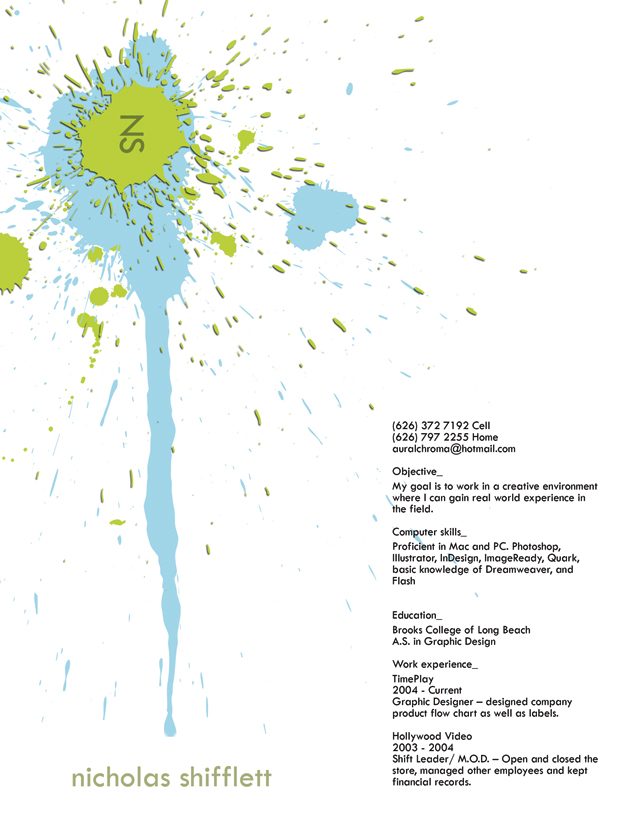
3. Self Promo by Sara Duncan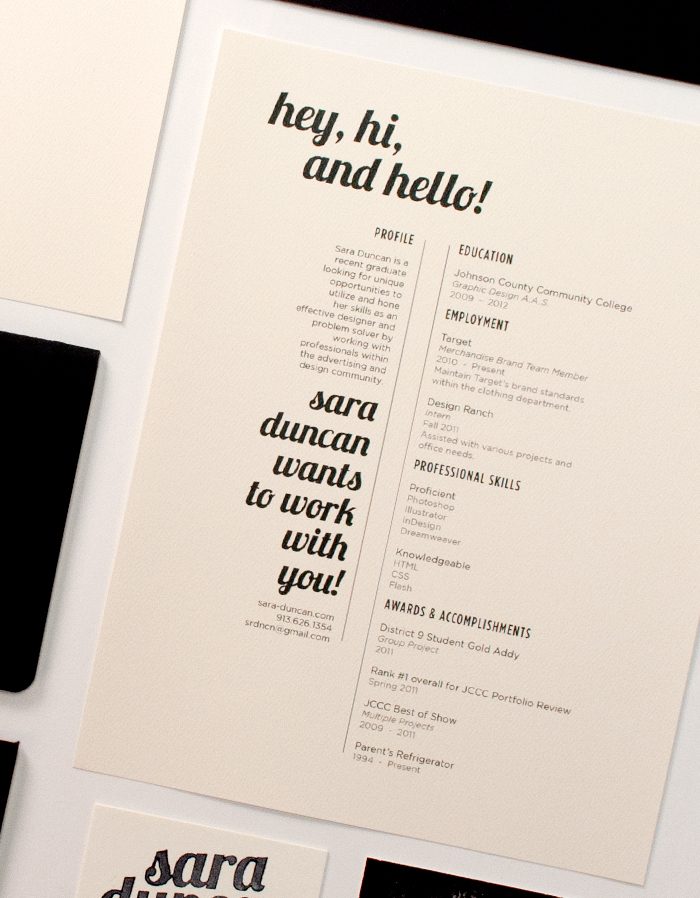
4. Infographics Resume Examples by Chen Zhi Liang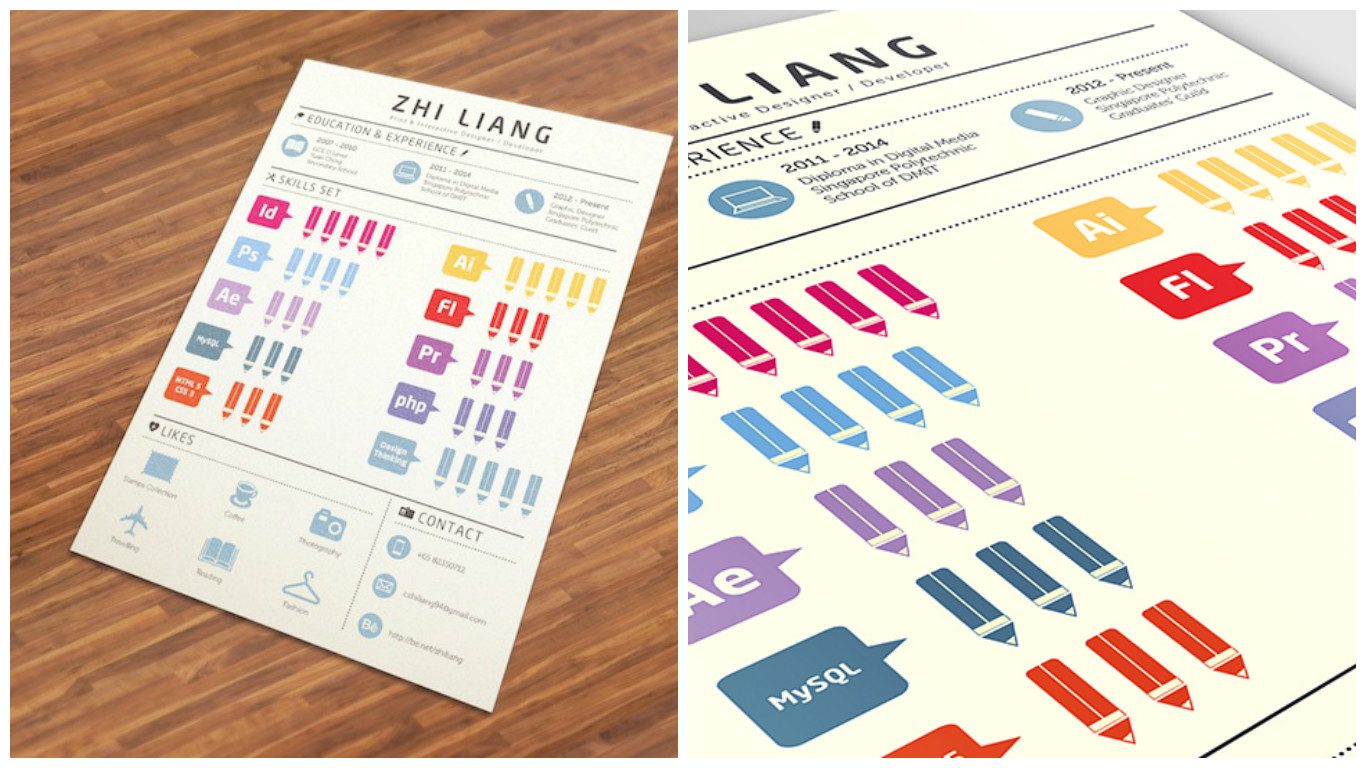
5. Resume Example by Mikha Makhoul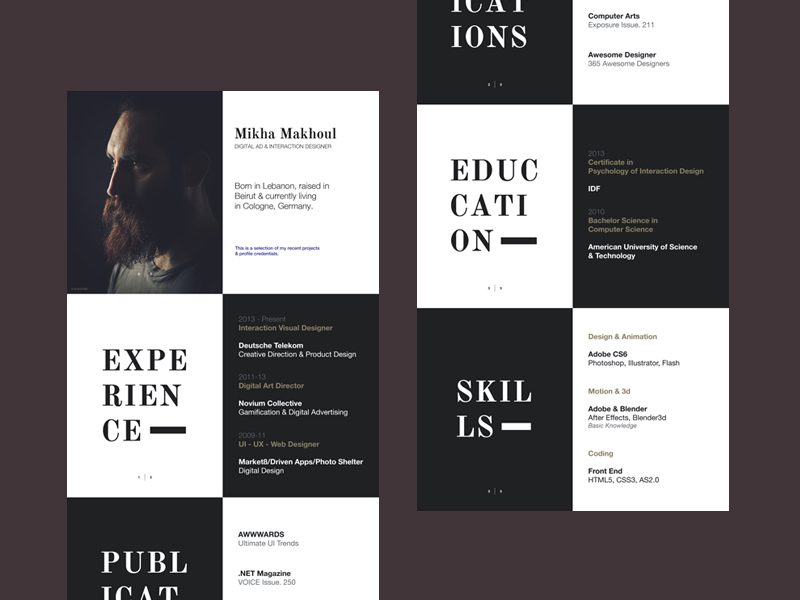
6. Resume Sample by Evelien Callens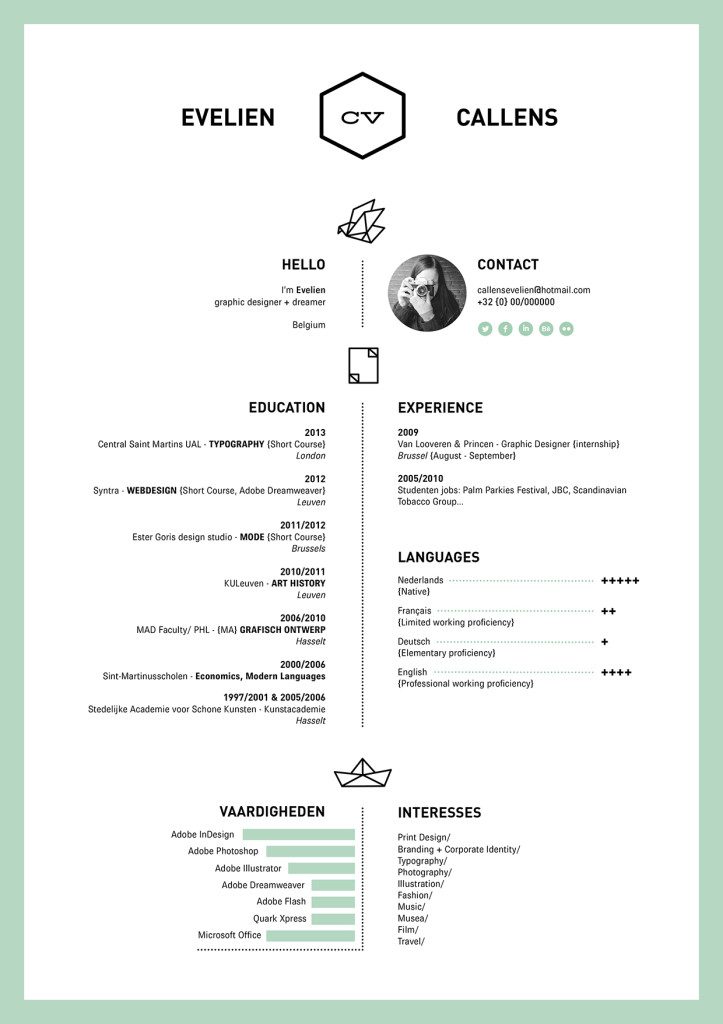
7. Resume Example by xiruxiru
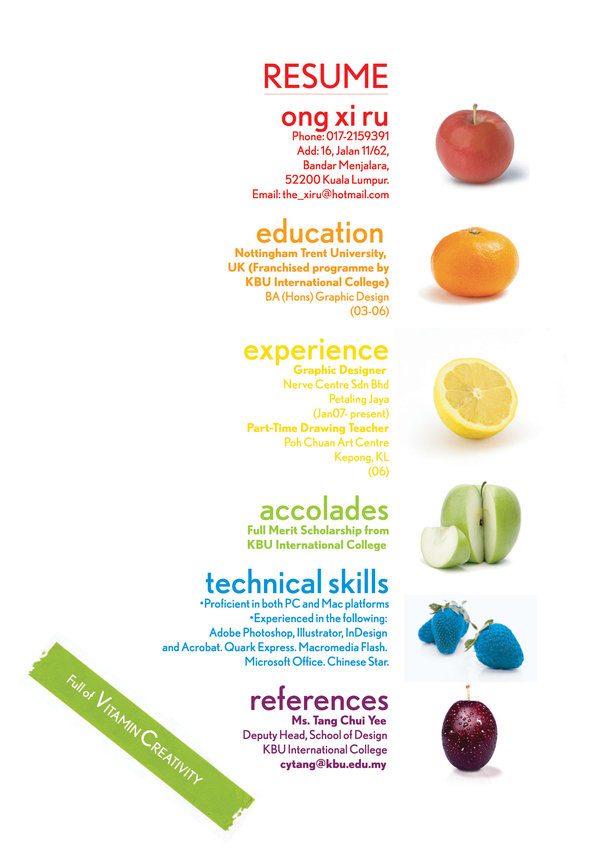
8. Self Promotion by Paolo Pettigiani

9. CV Samples by Anton Yermolov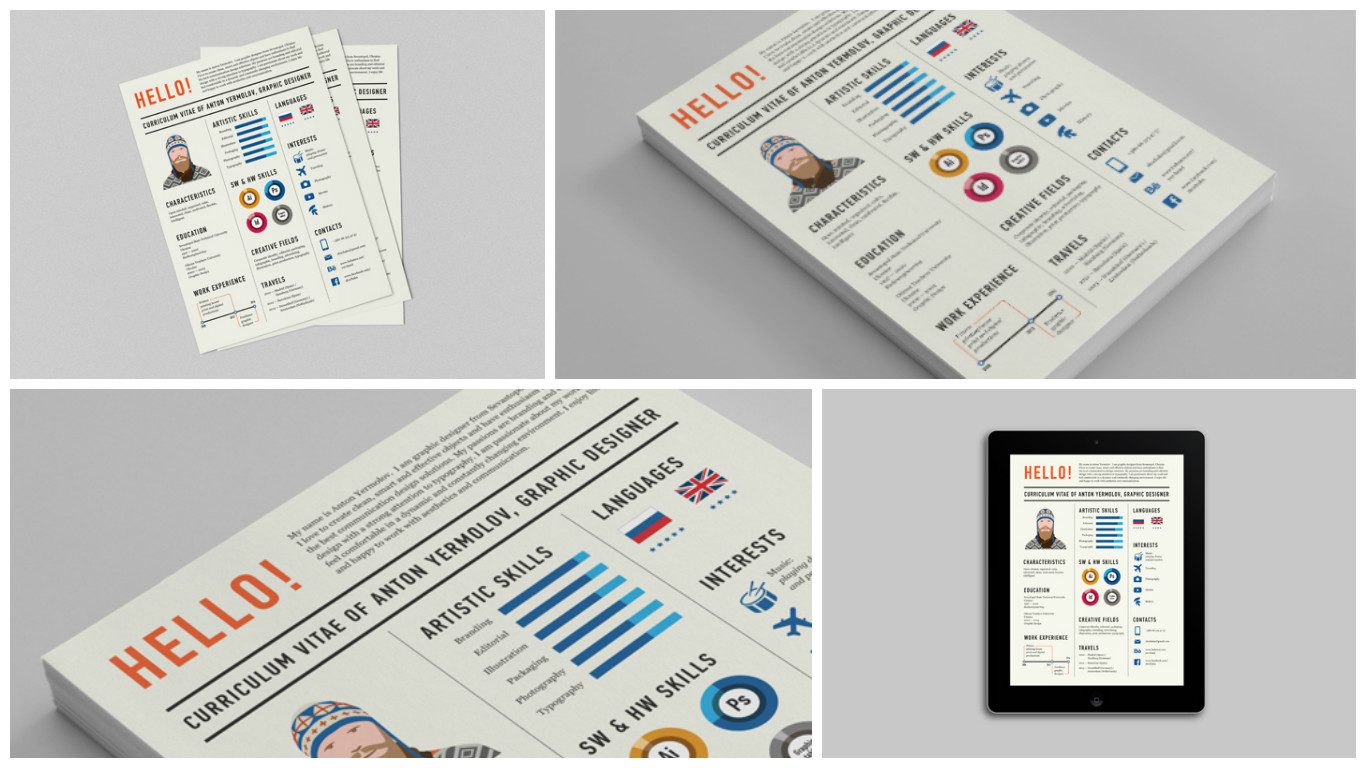
10. Creative Portfolio by web duck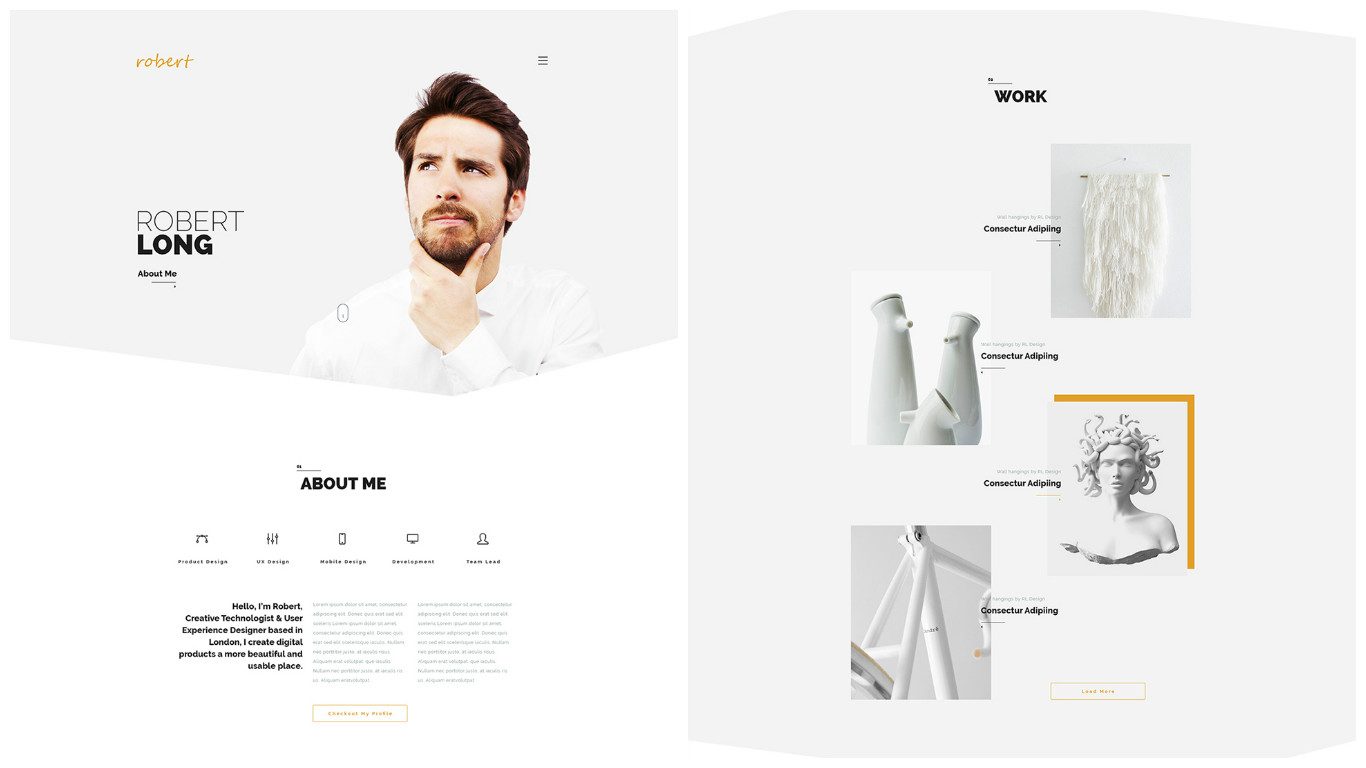
11. Personal Brand Identity by Roland Martial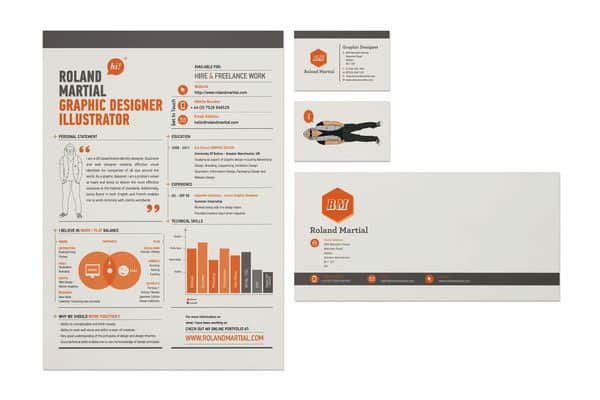
12. Self Promotion by Leonardo Zakour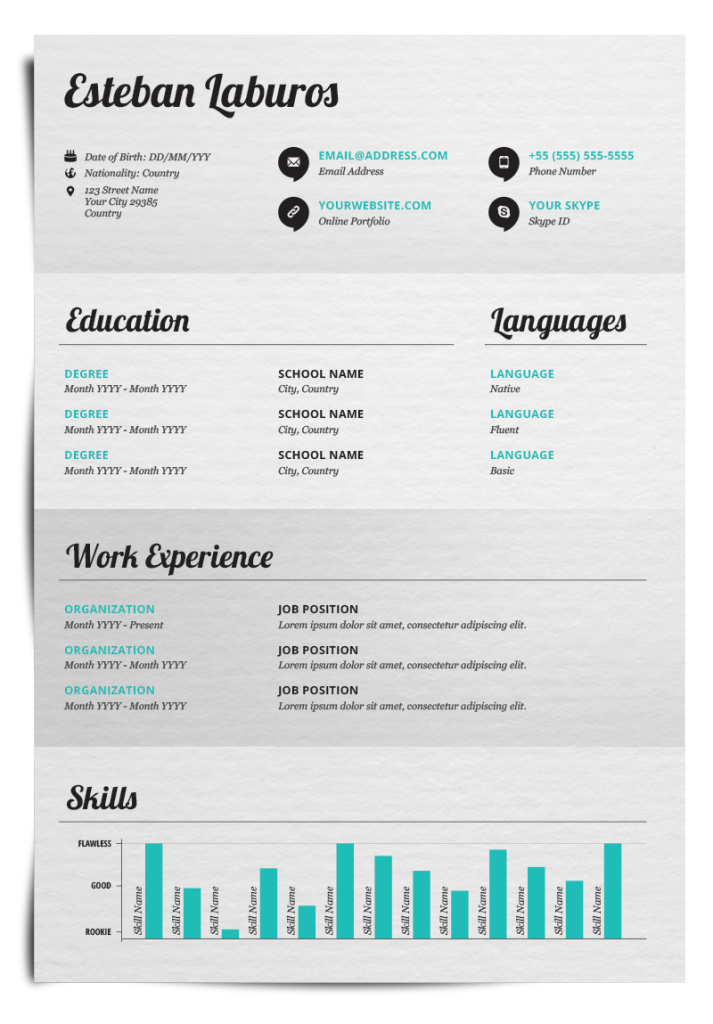
13. Creative CV Example by Joseph Acena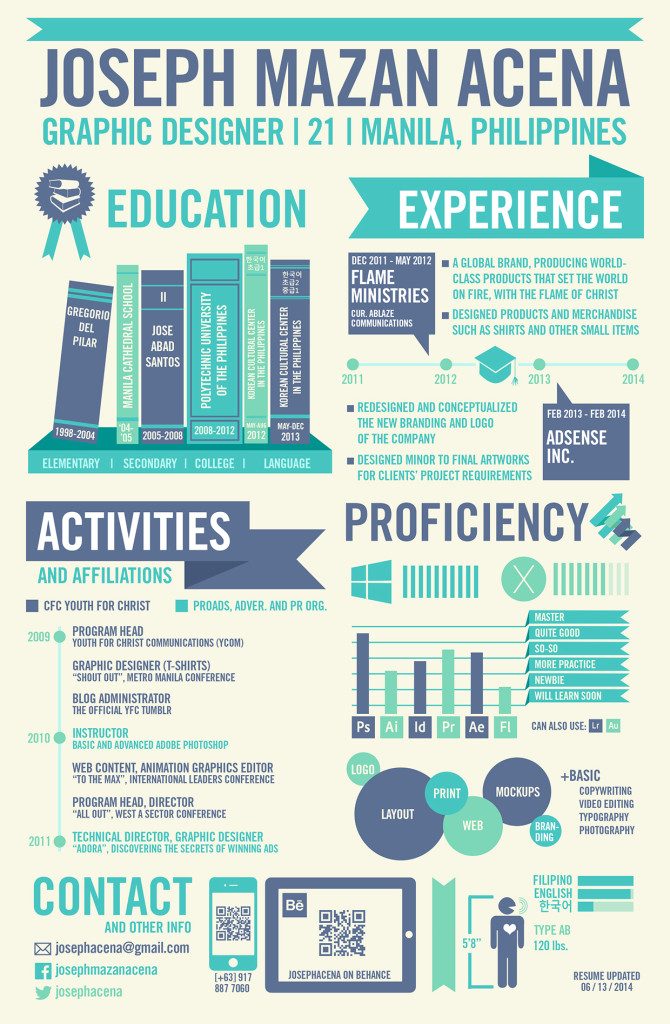
14. Typographic CV Sample by christamr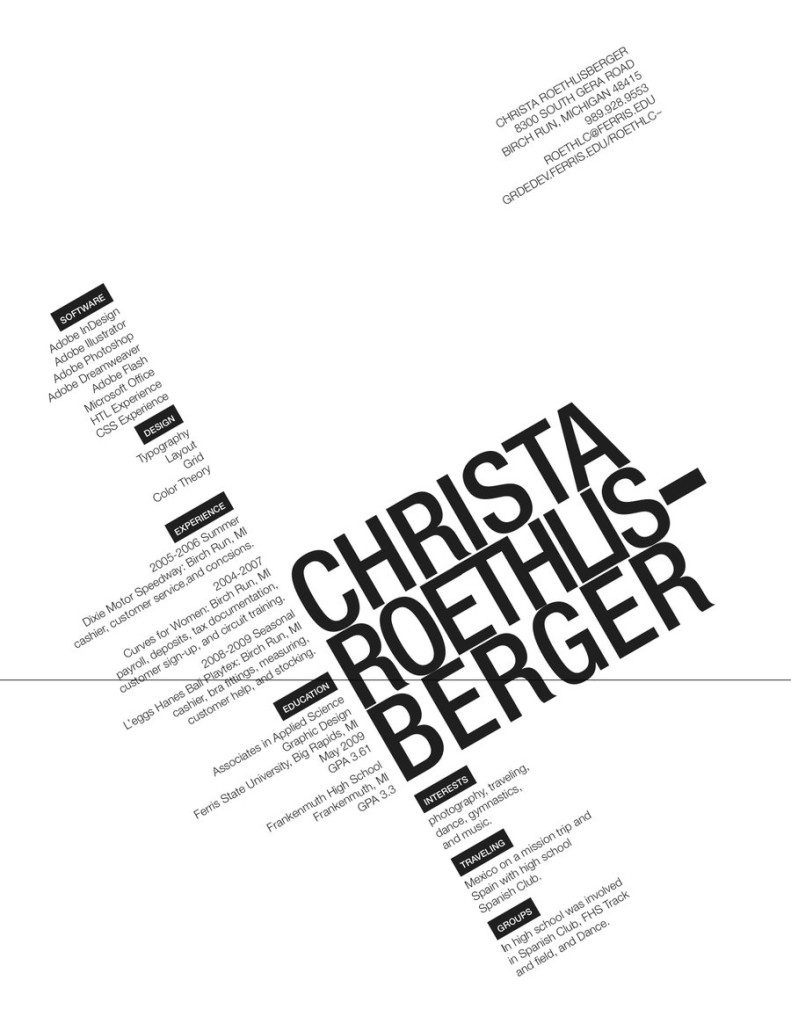
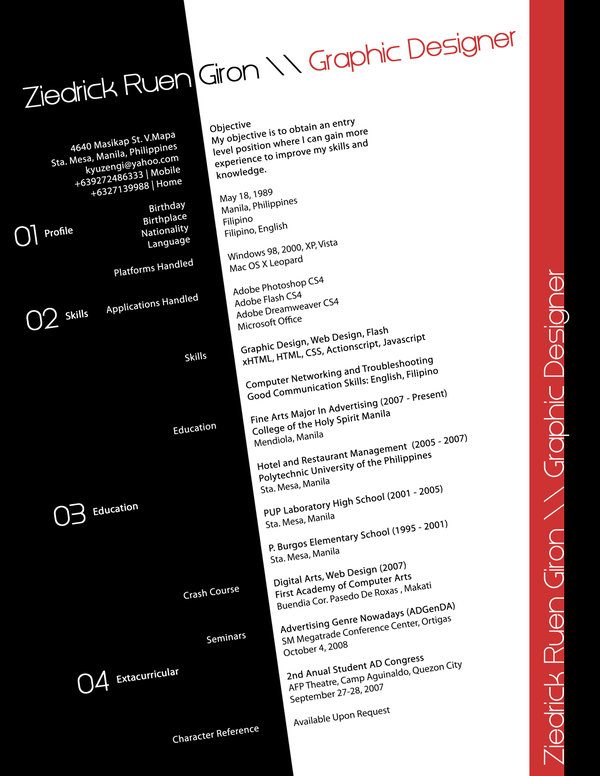
15. Resume Sample by Kyuzengi
16. Clean Resume Example by Patrick Rogan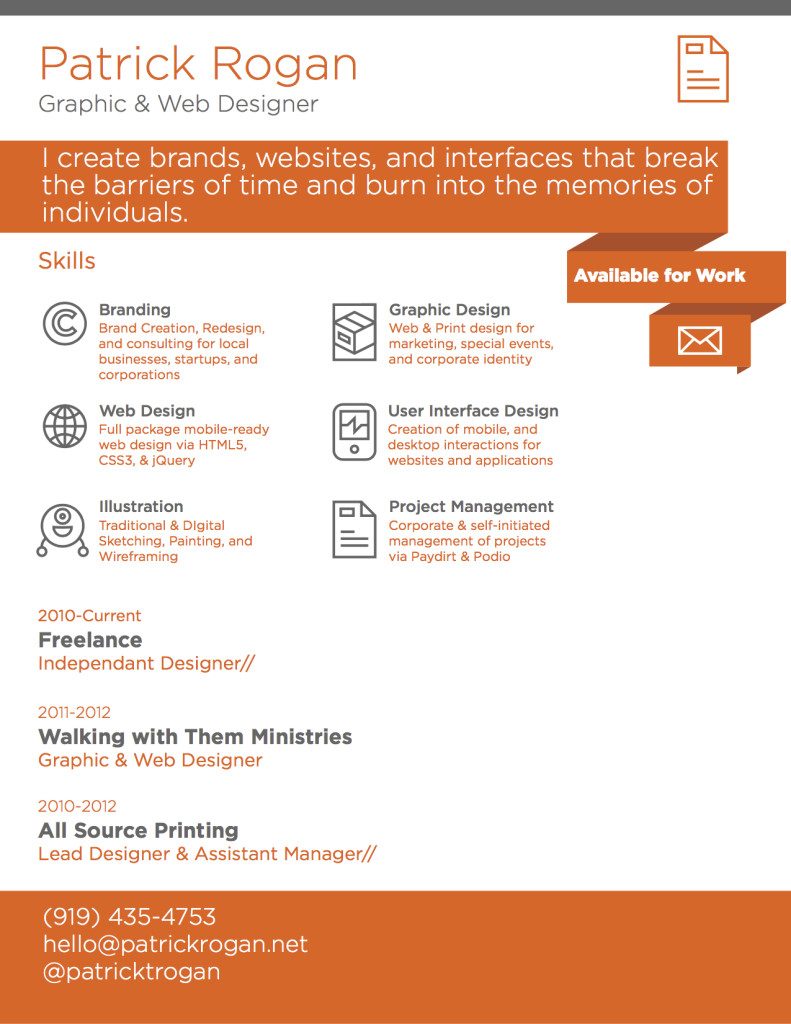
Tip: This resume is a great example of choosing the right font for readability!
17. Self Promotion by Tai Hsiung Huang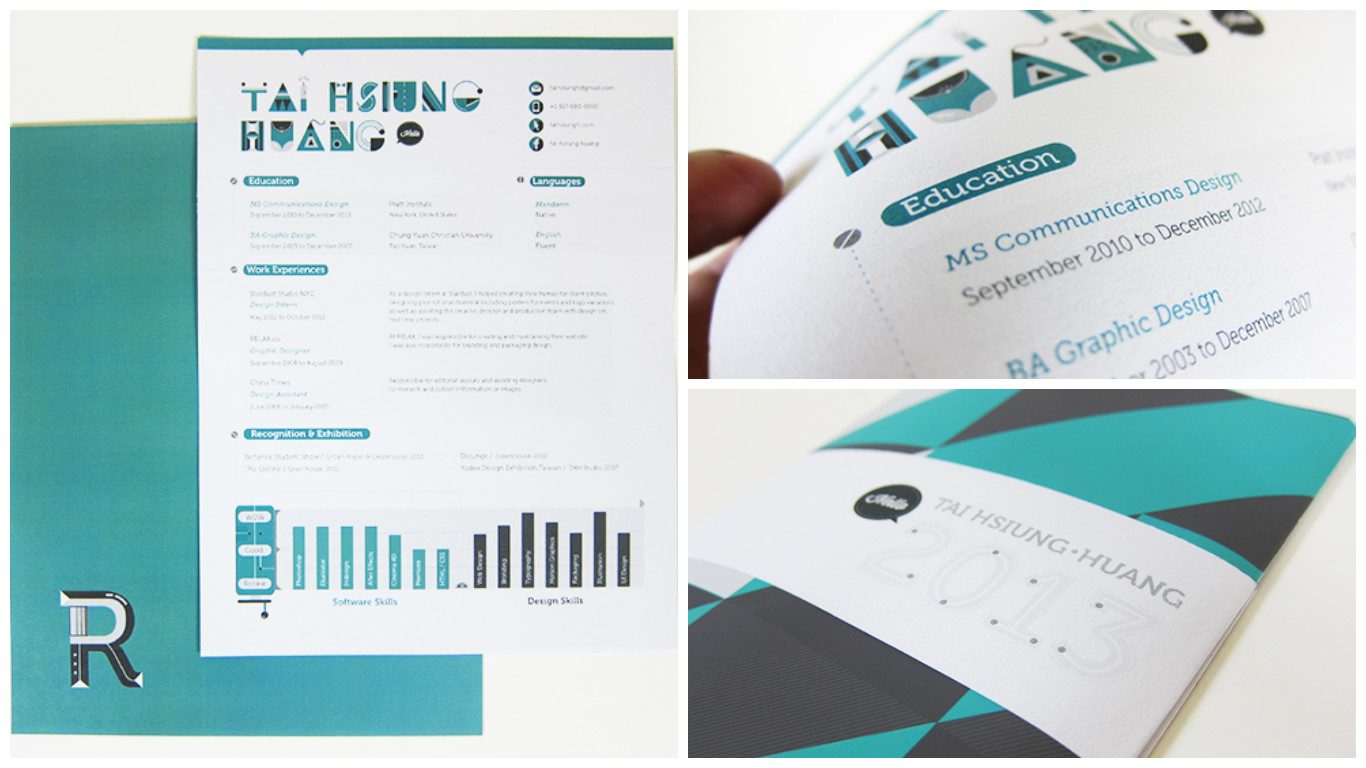
18. Employify by Sean Halpin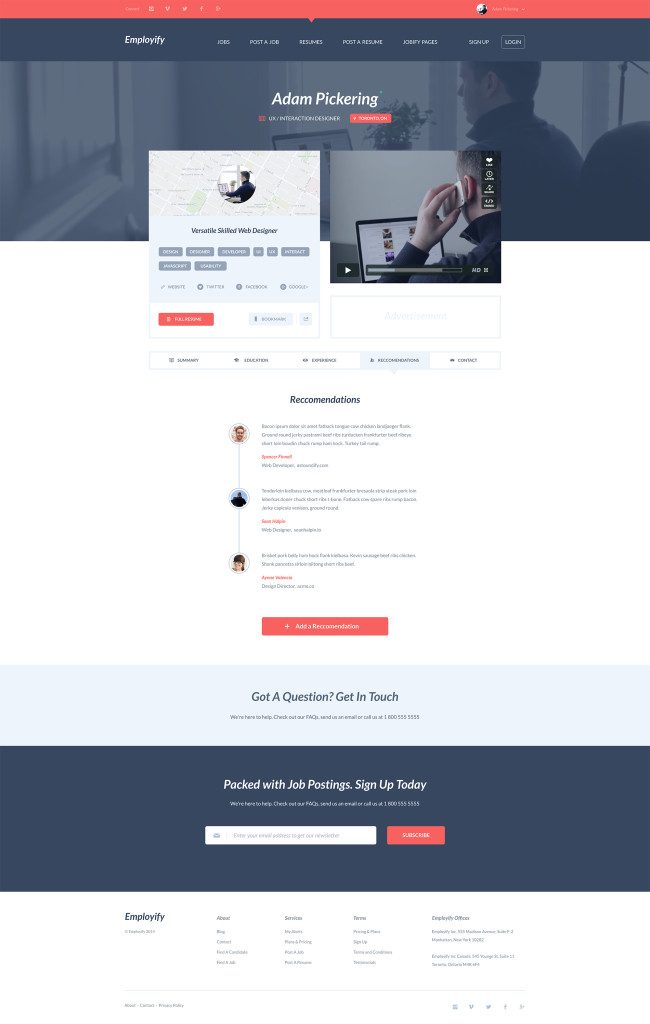
19. icART Resume Examples by icasialnrdy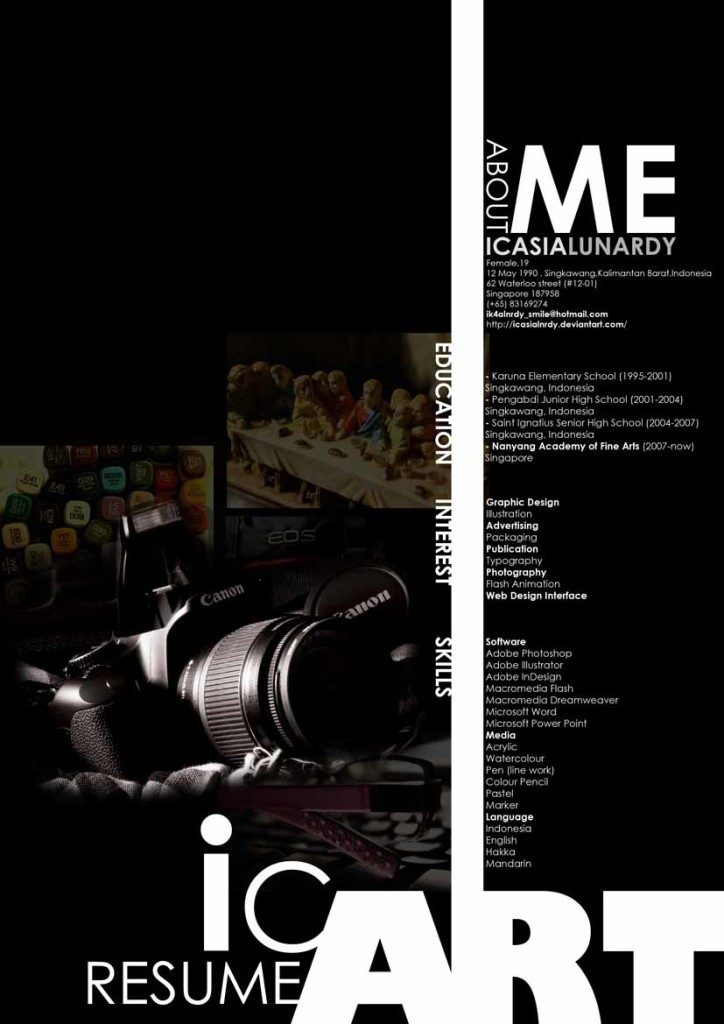
20. 2014 Resume Example by Steve Fraschini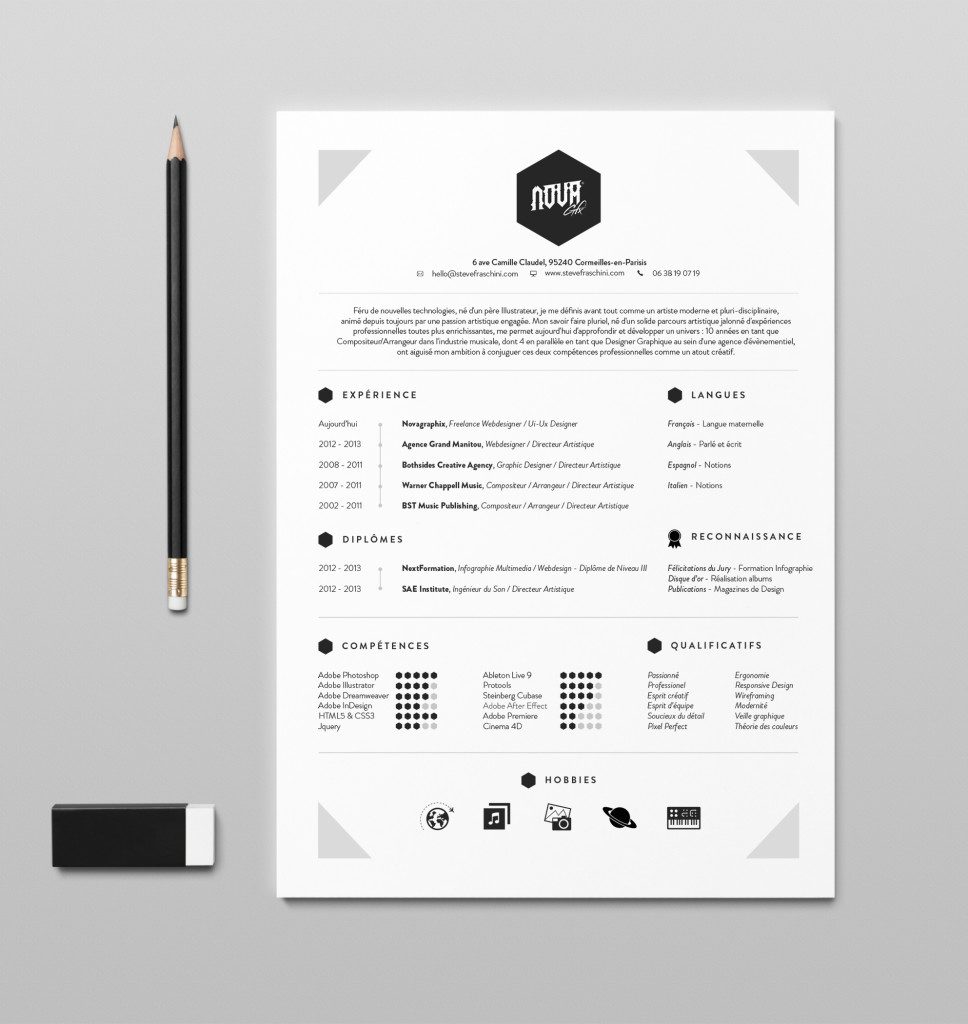
21. Trifold Resume Sample by S1M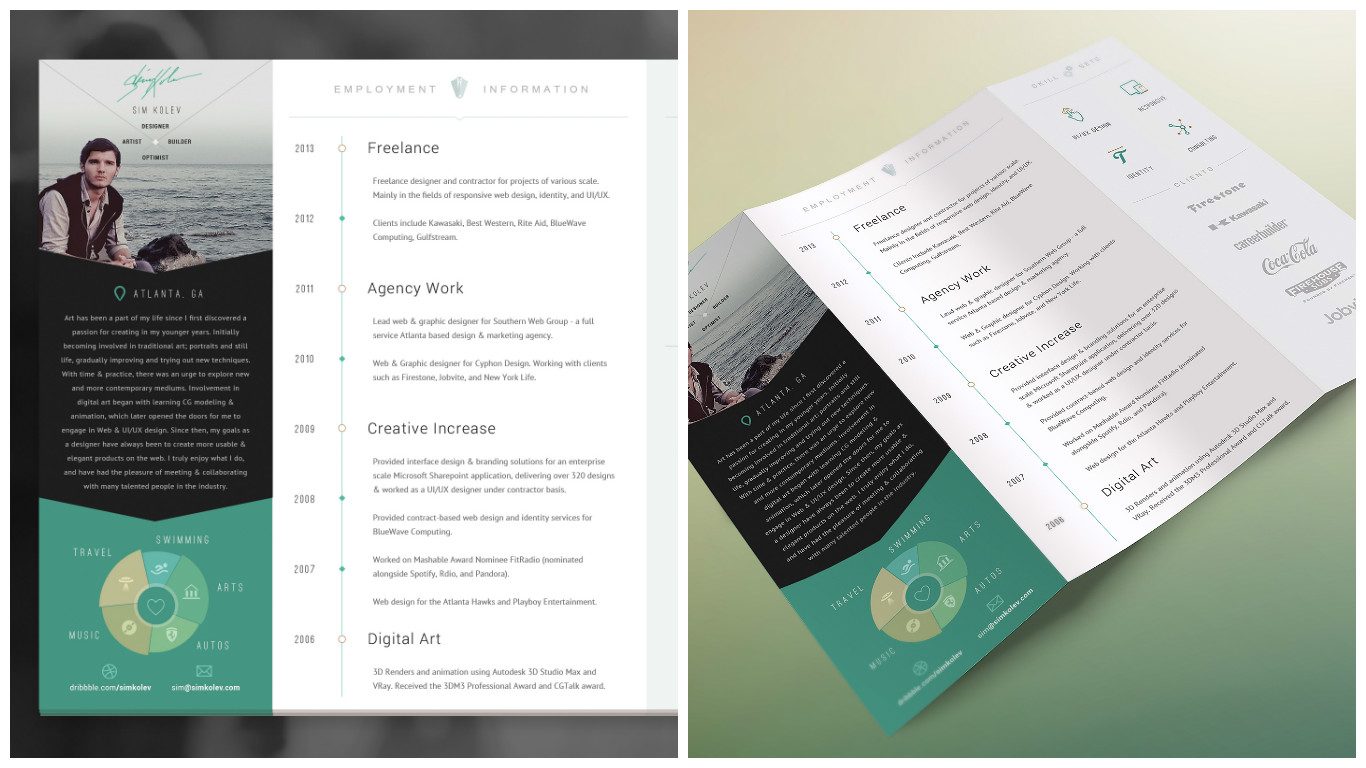
22. Clean Resume Sample by Barthelemy Chalvet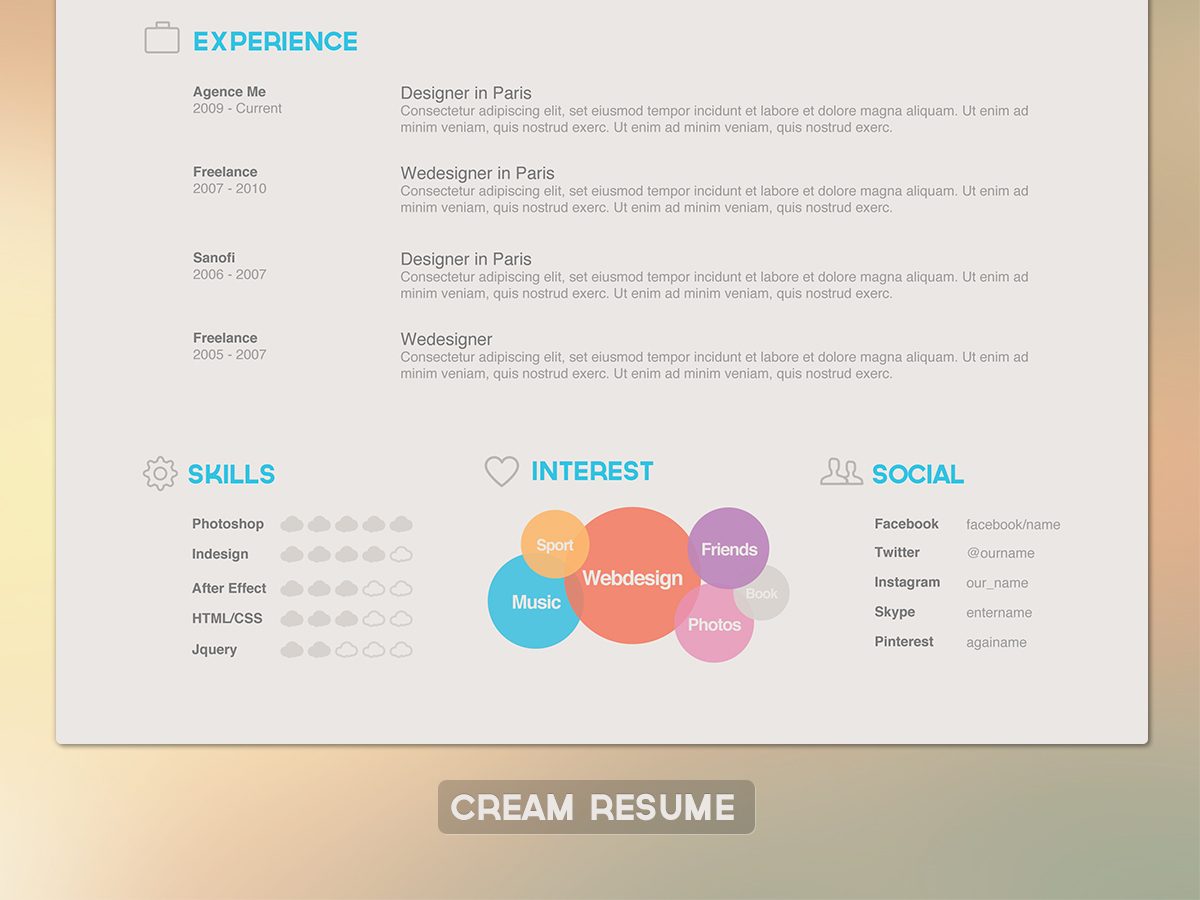
23. Resume CV Example by bilmau creative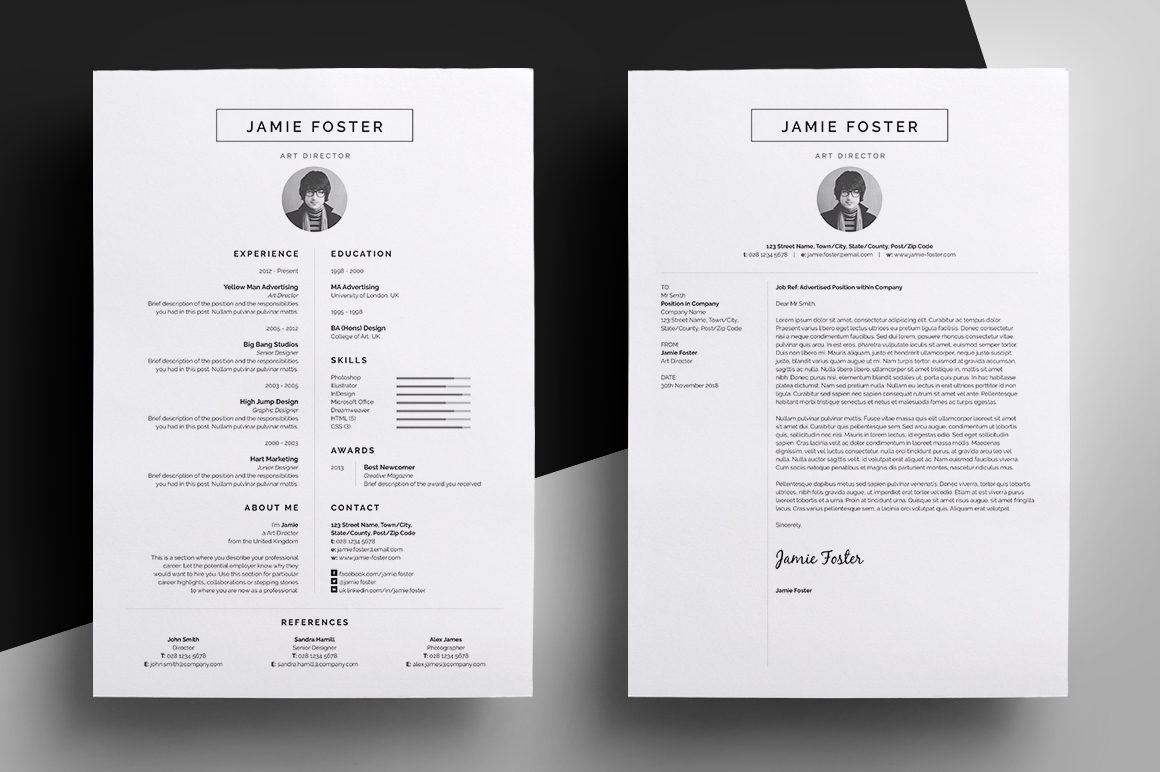
24. Resume Sample by Franklin Schamhart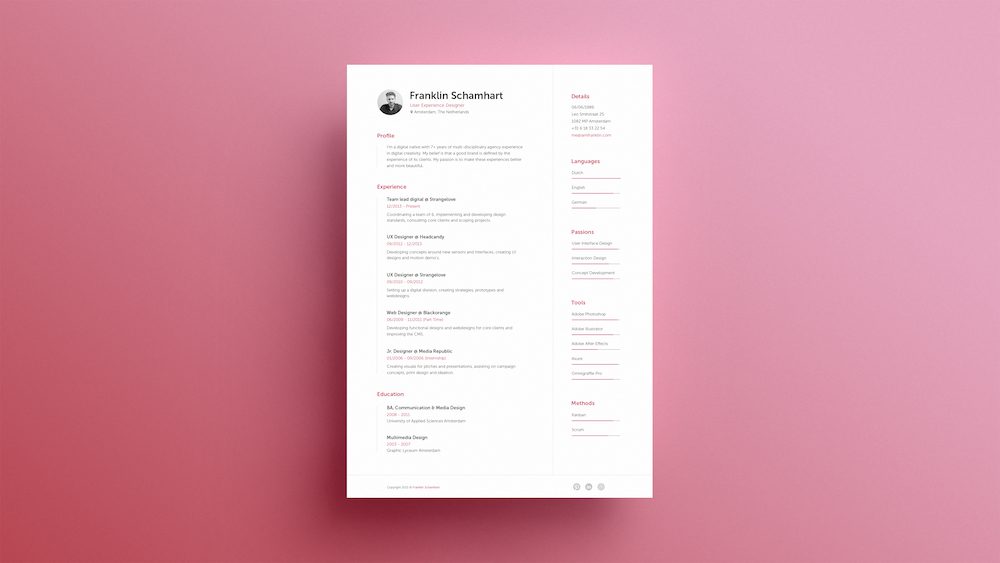
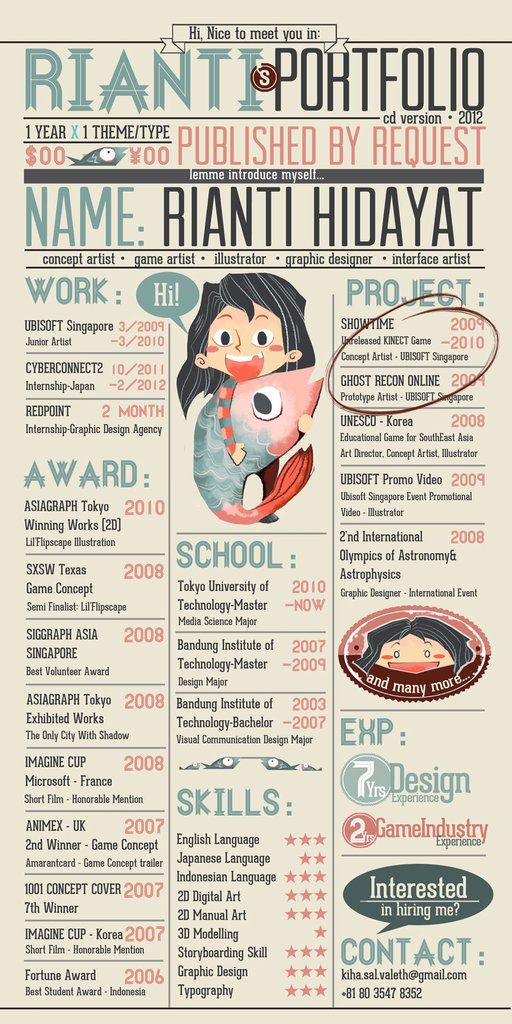
25. My CV Example by Rianti Hidayat
26. Dynamic Resume Sample by Alfiyan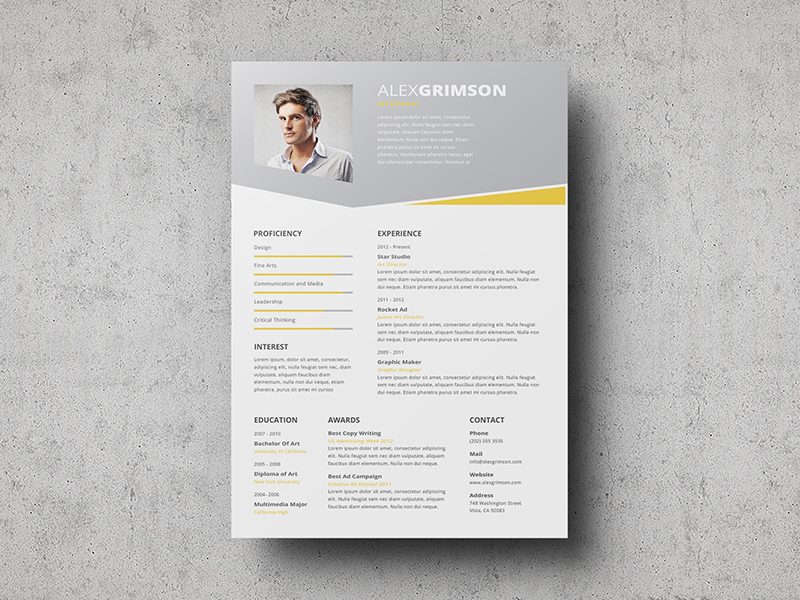
27. My New Resume Sample by Marek Dlugos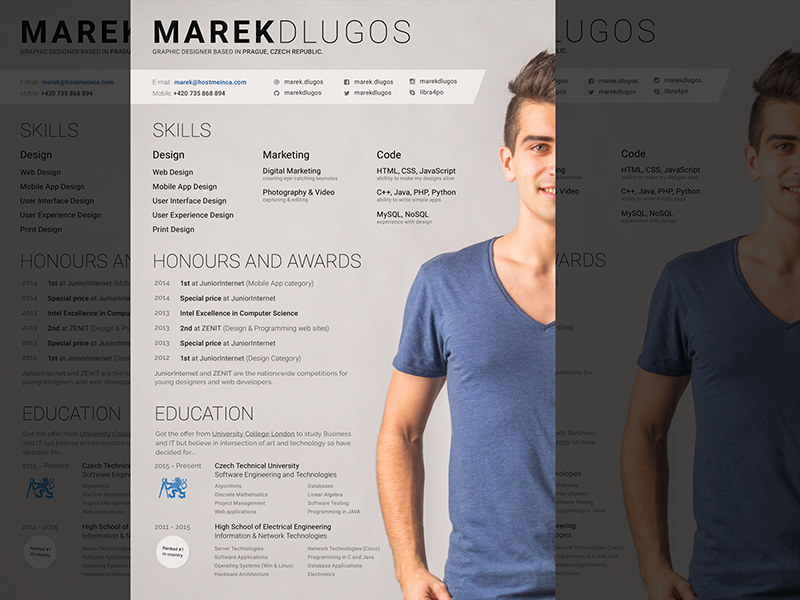
28. Curriculum Resume Sample by toromuco
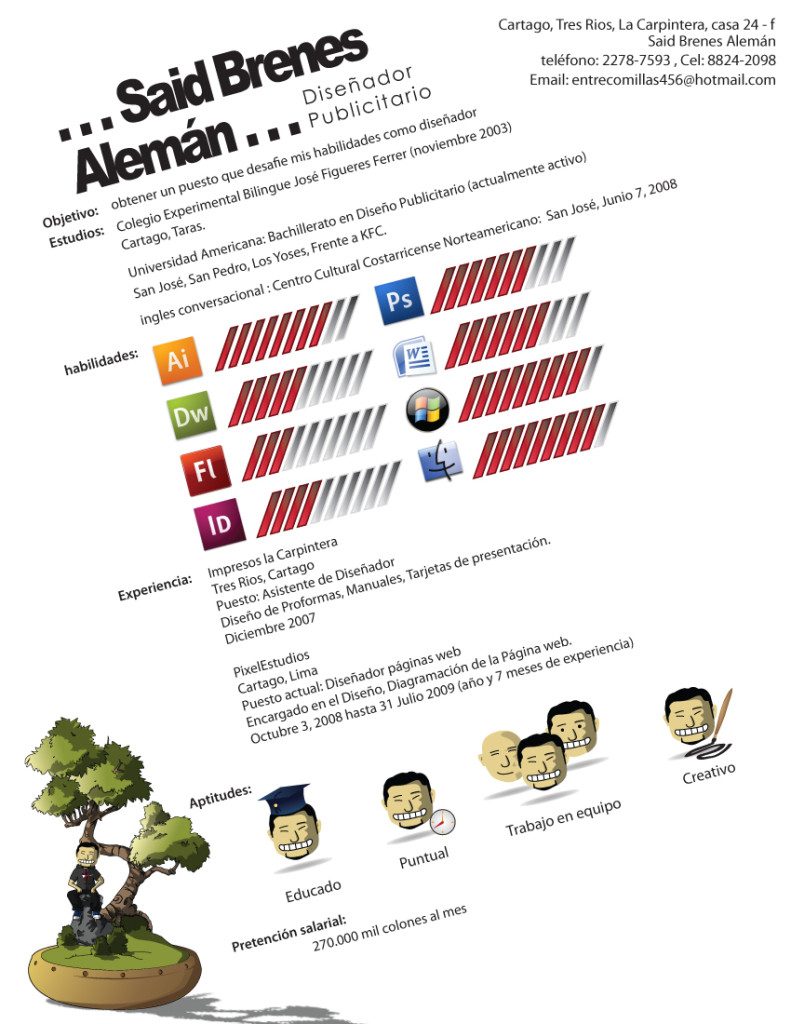
29. Free a4 Resume Example by César Santiago Molina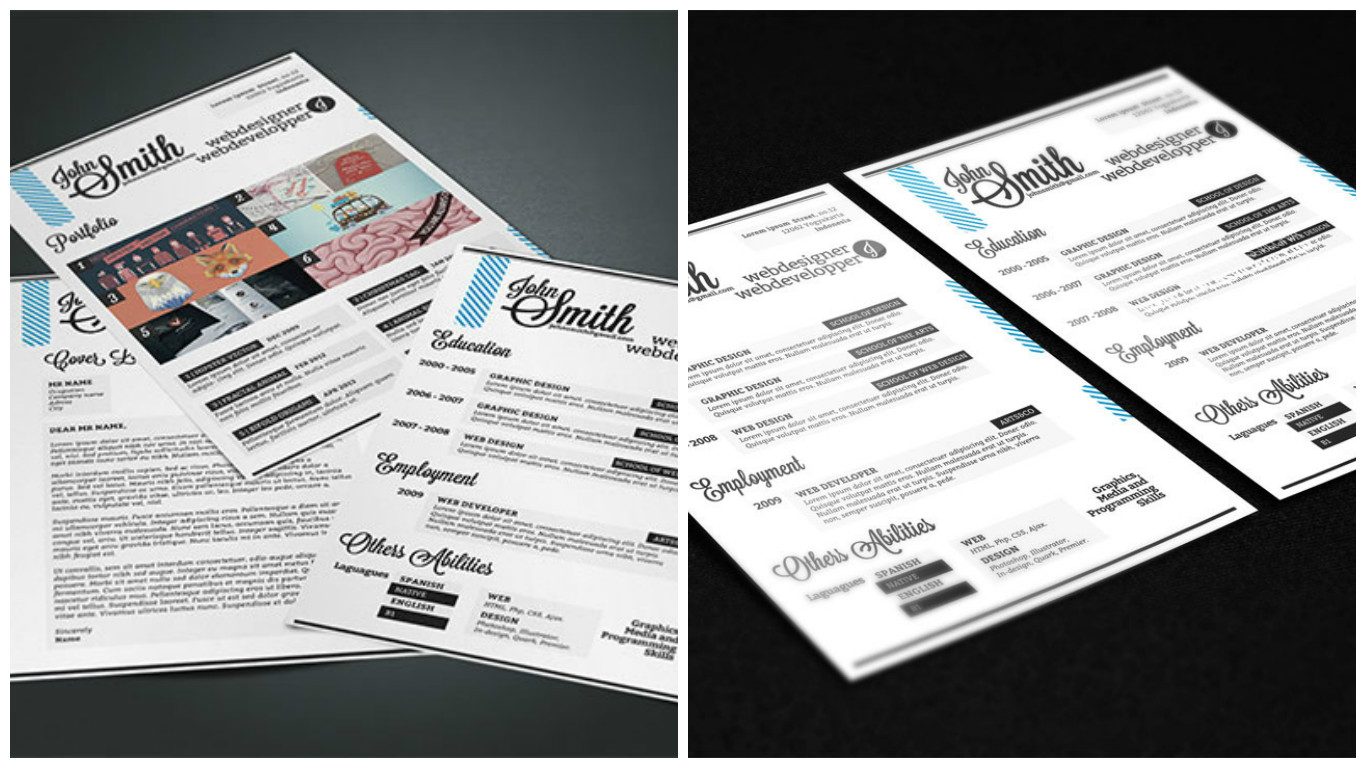
30. CV Example by Verine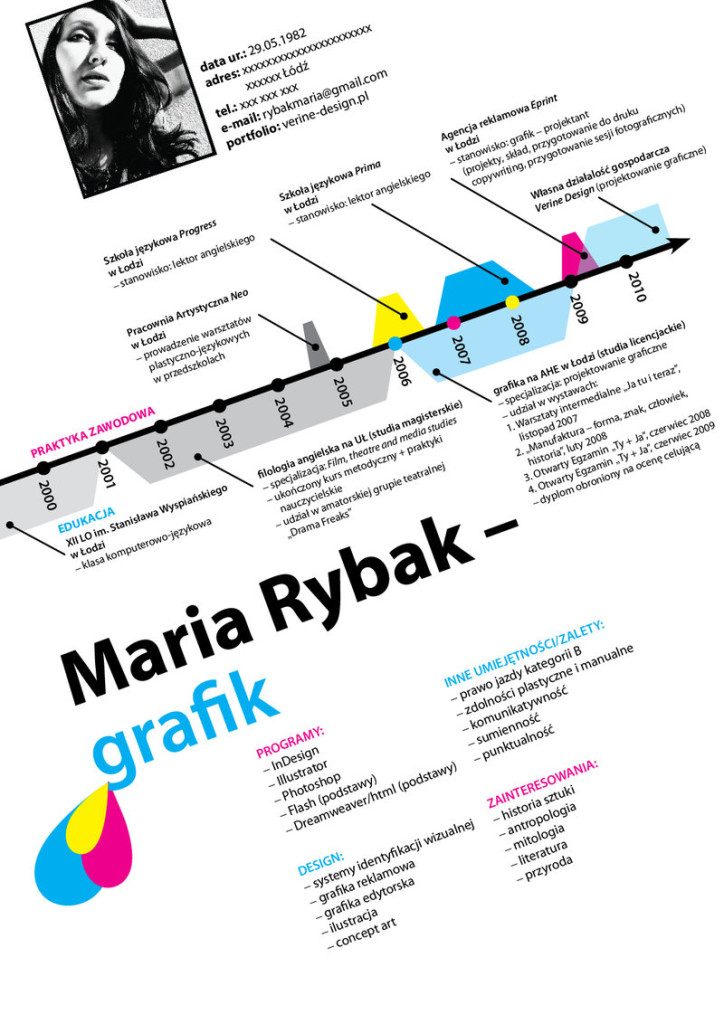
31. Resume Sample by Bradley Brooks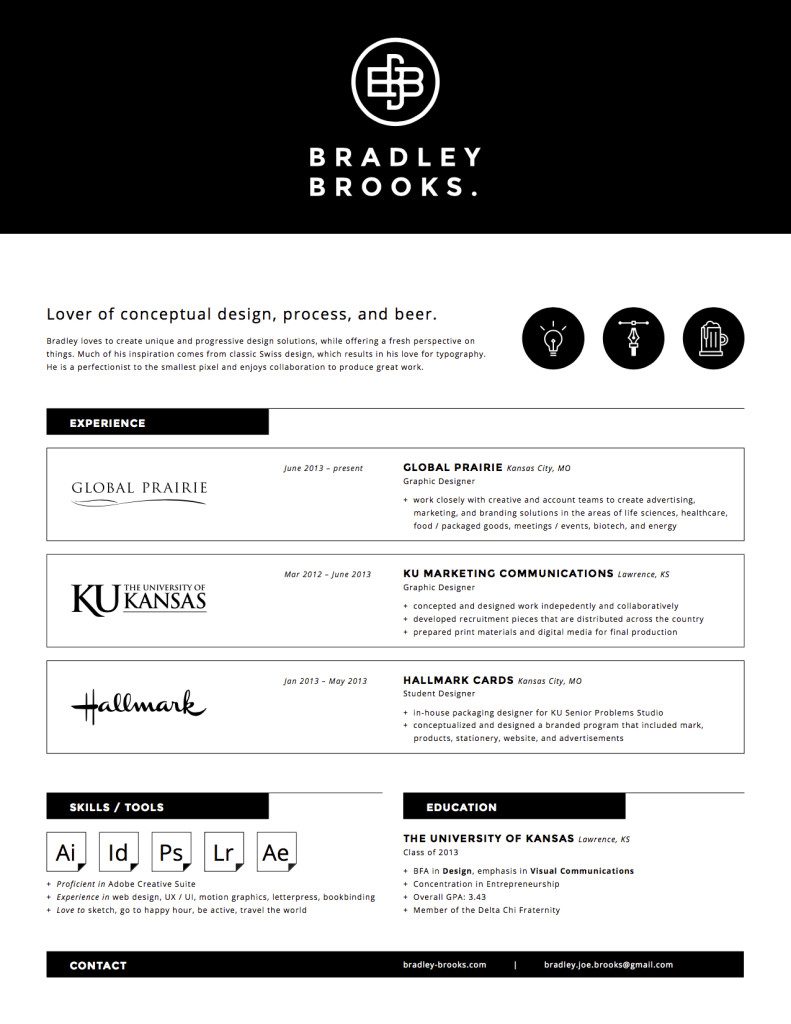
32. Personal Stationery by Alysa Choudri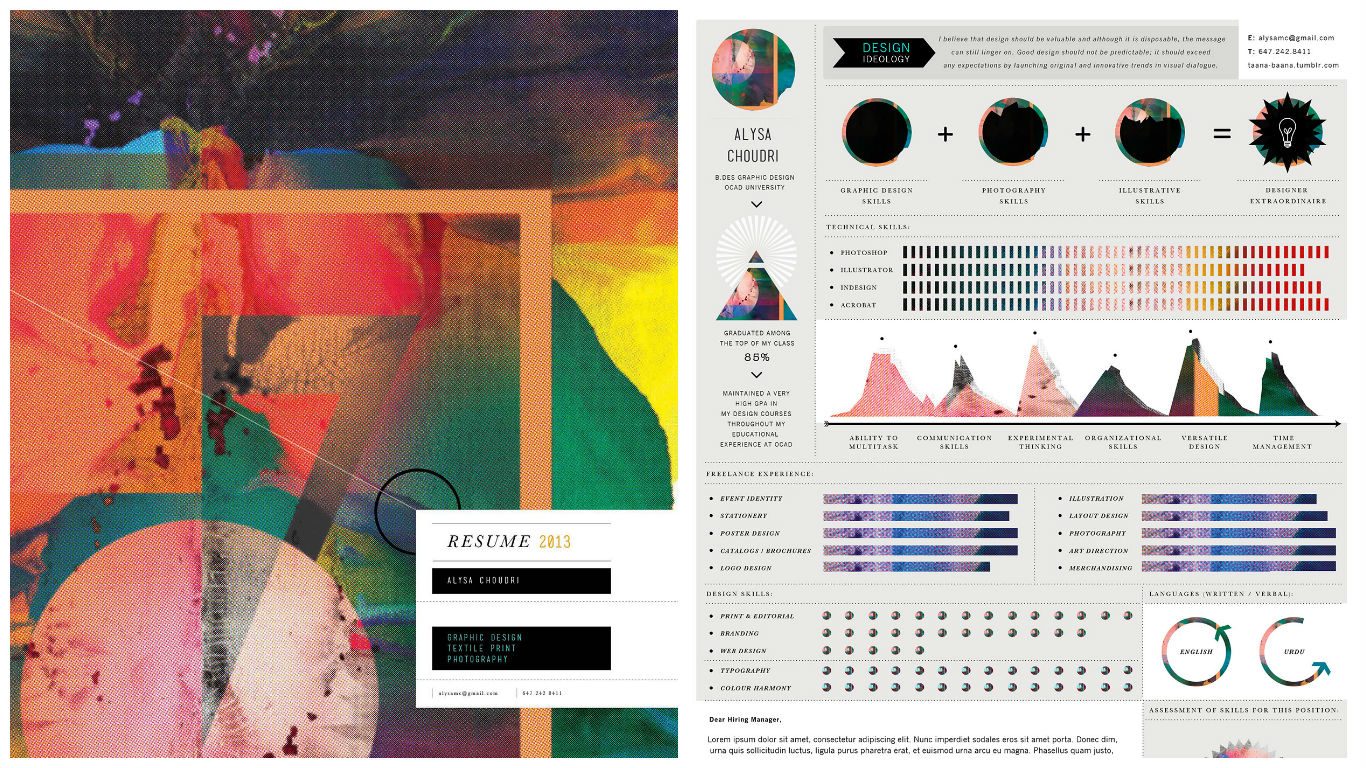
33. Personal Branding Resume Example by Nilyam Chirinos
34. Photographer Resume Example by Cursive Q Designs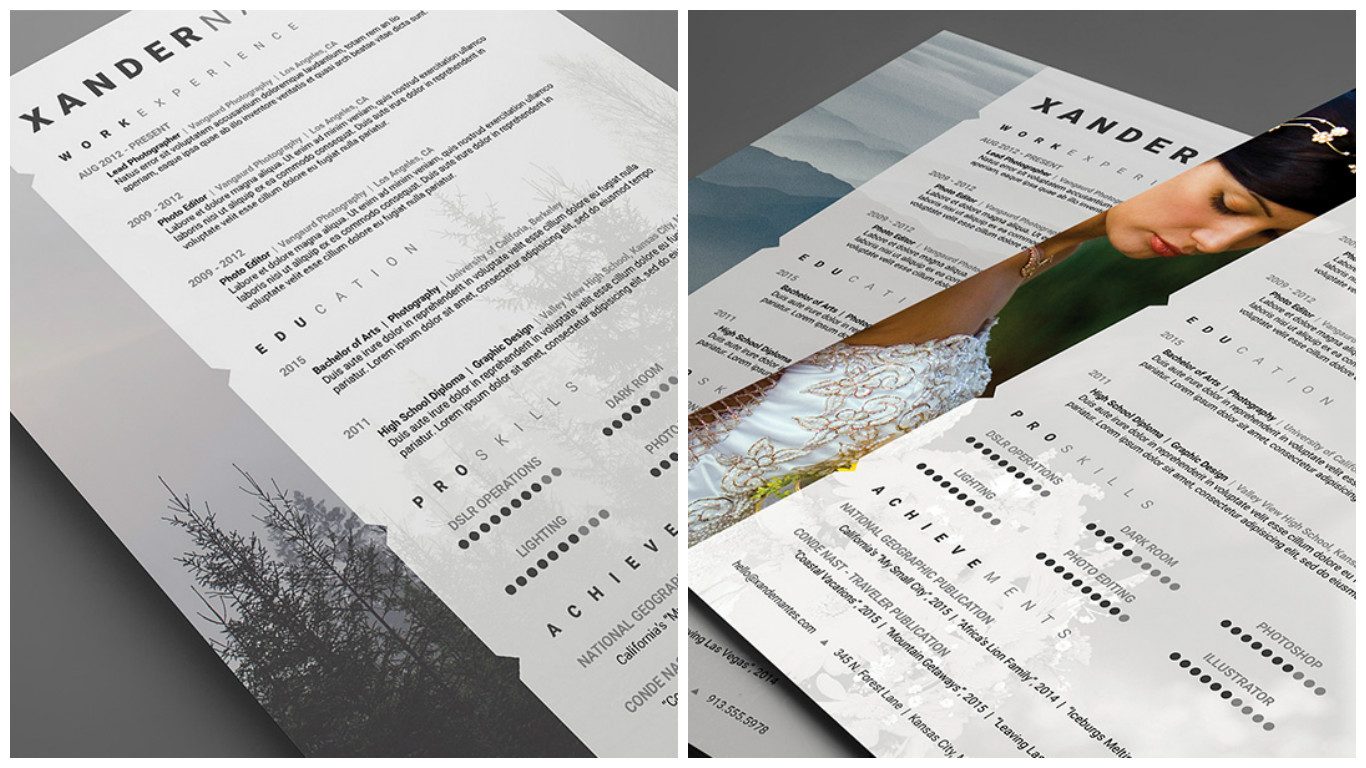
35. CV Example: Take A Look Inside by Amber Van Mieghem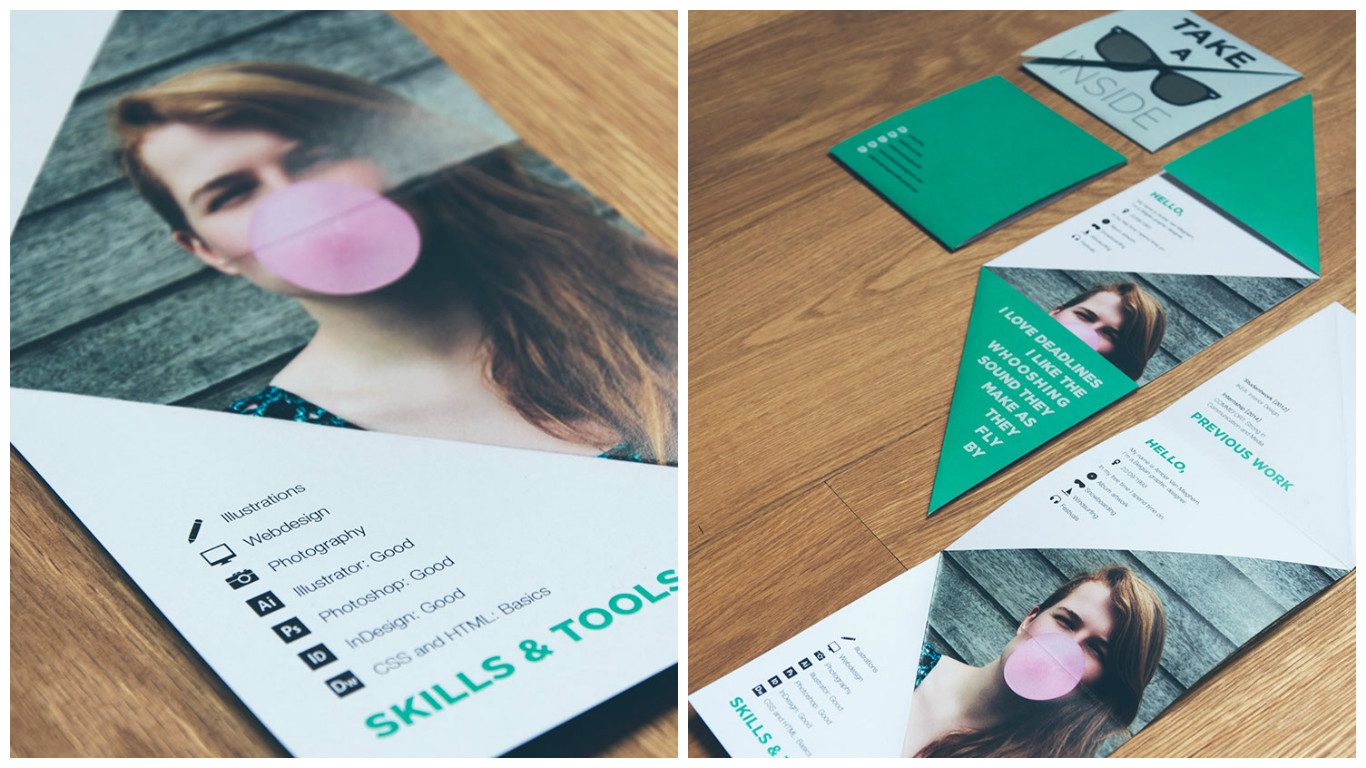
36. My Resume Example by Navdeep Raj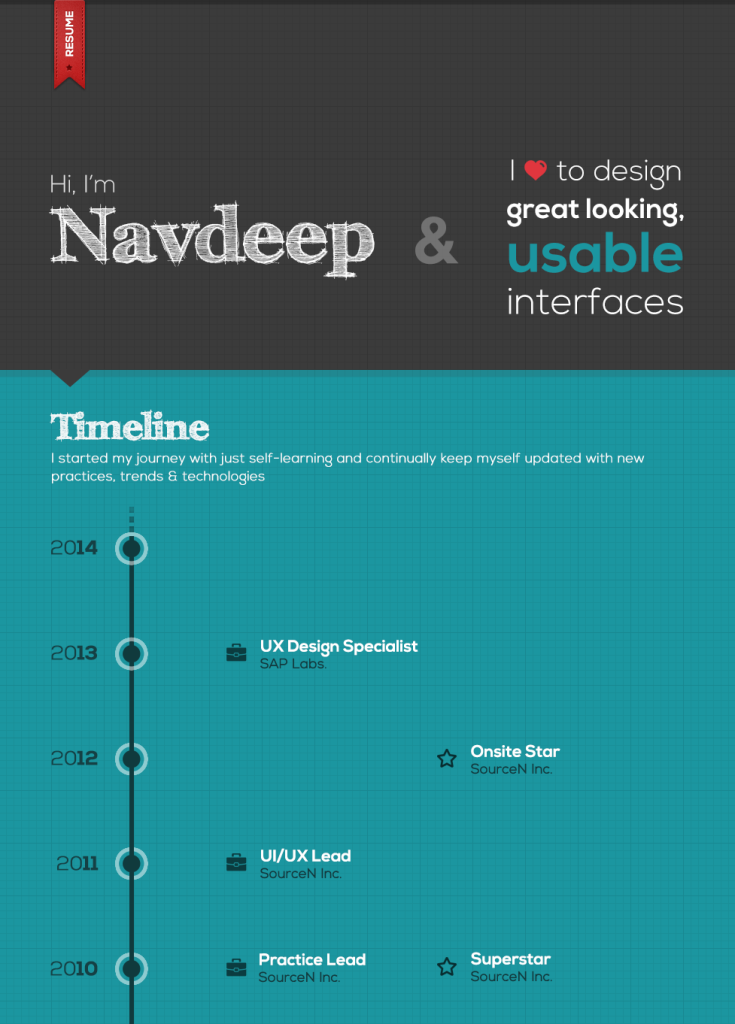
37. My CV Sample by littlearashi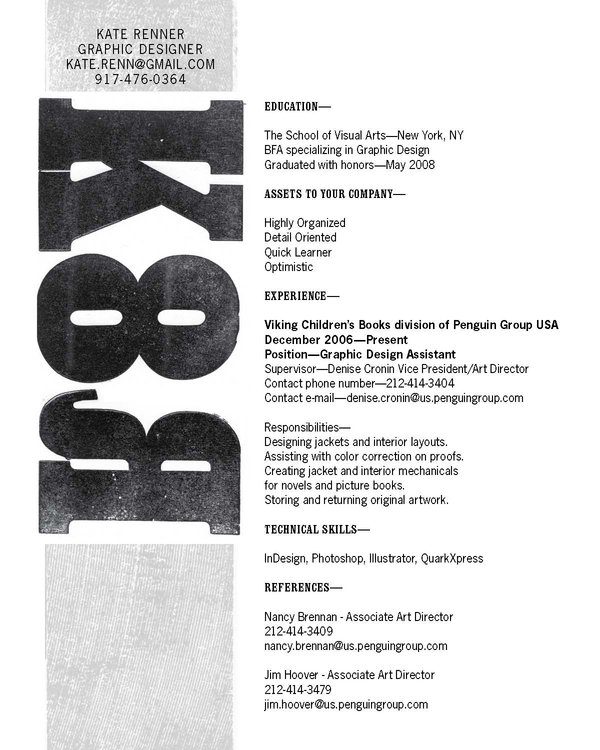
38. Self Promotion by Vidar Olufsen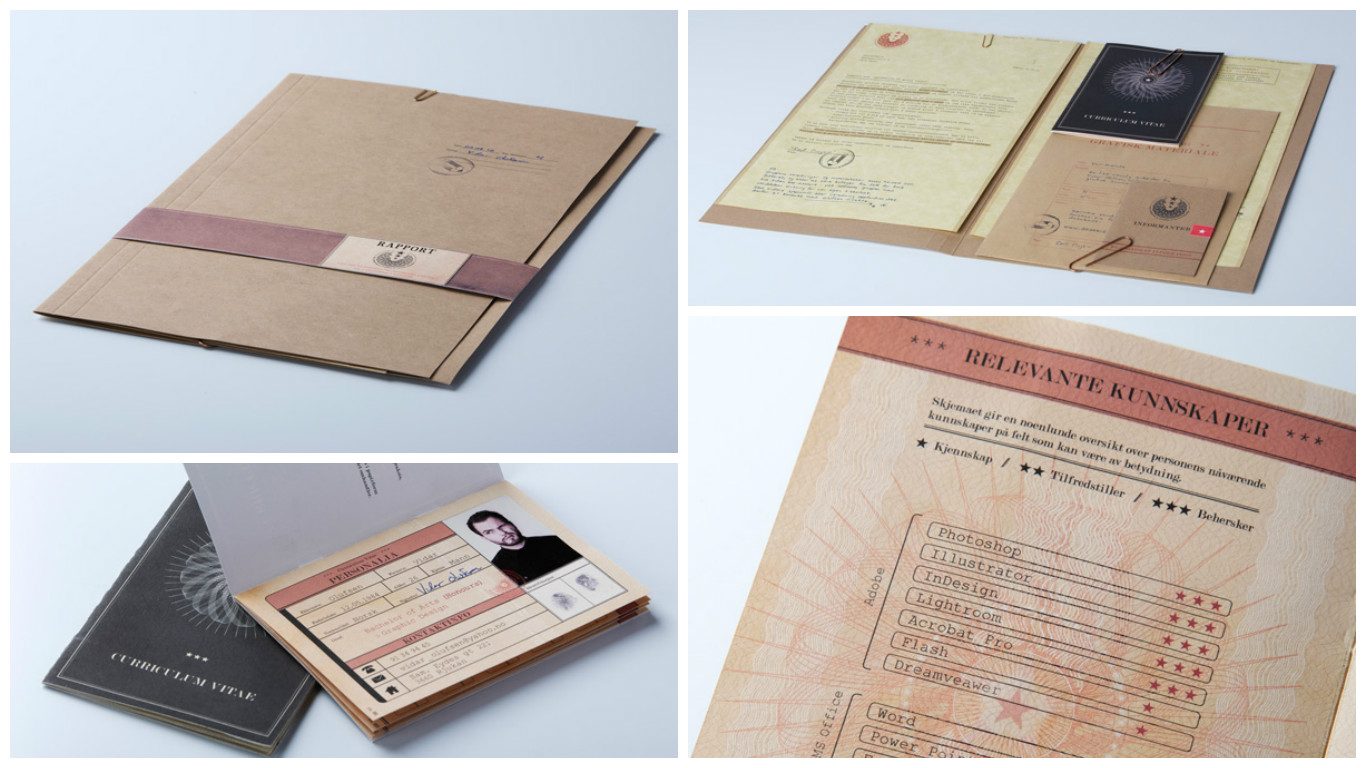
39. Infographic CV Example by Ana Lourenço
40. Clean Resume Example by Cursive Q Designs
41. Personal Portfolio by Lu Paul
42. Self Promotion by Kenny Barela
43. Self Promotion Pack by Adrianna Napiorkowski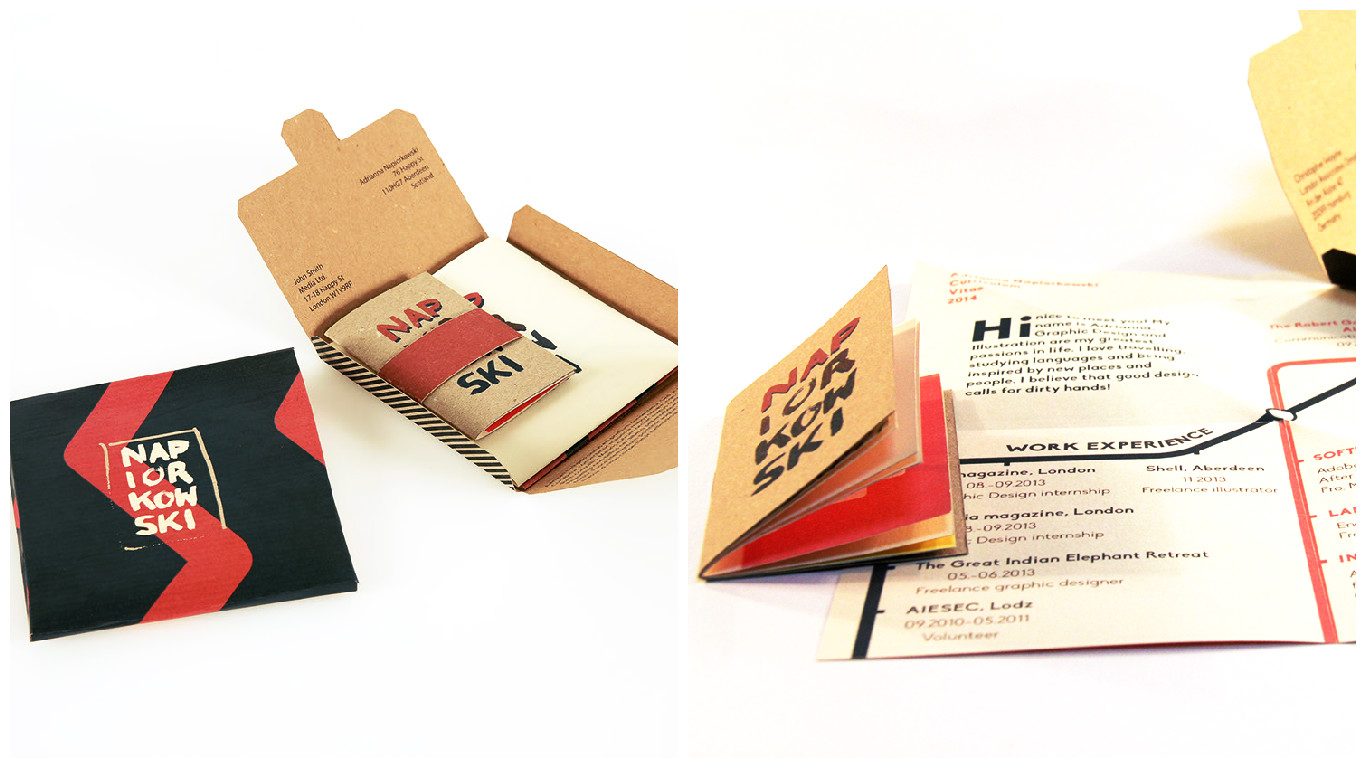
44. Resume Sample Template by Refinery Resume Co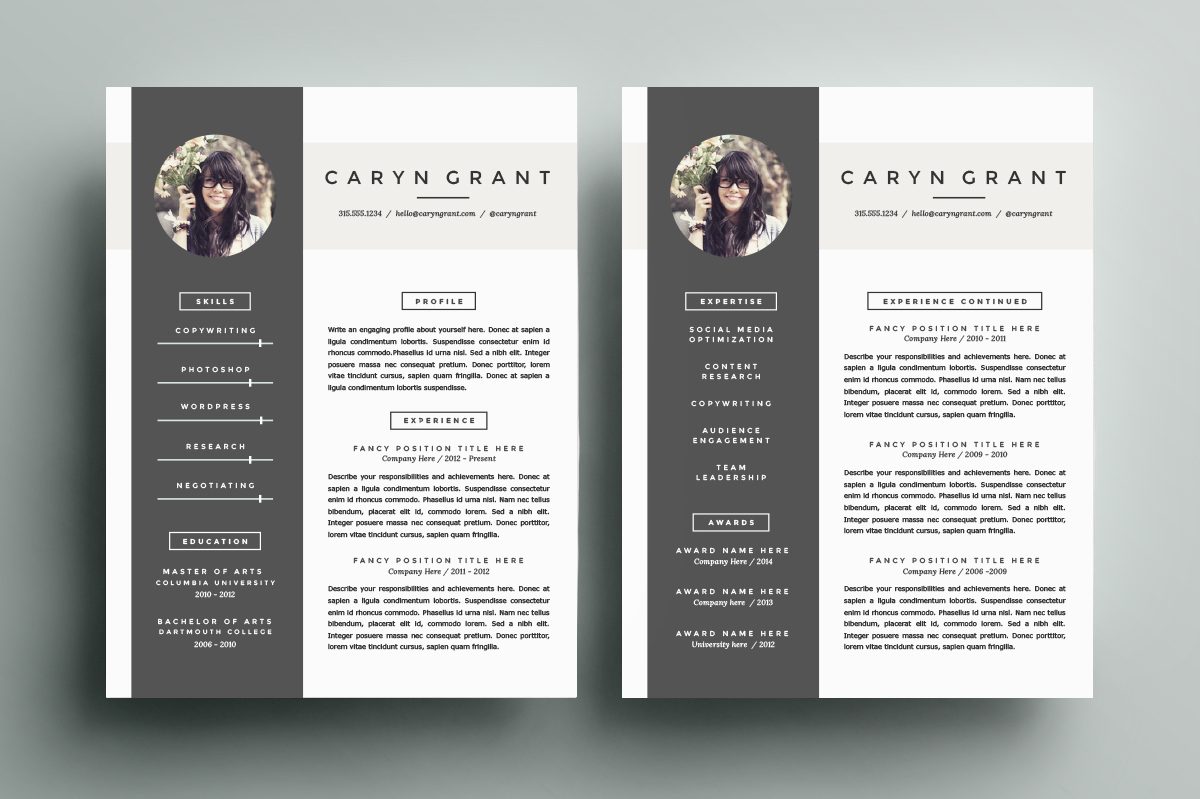
45. Personal Presentation by Lenka Kubisova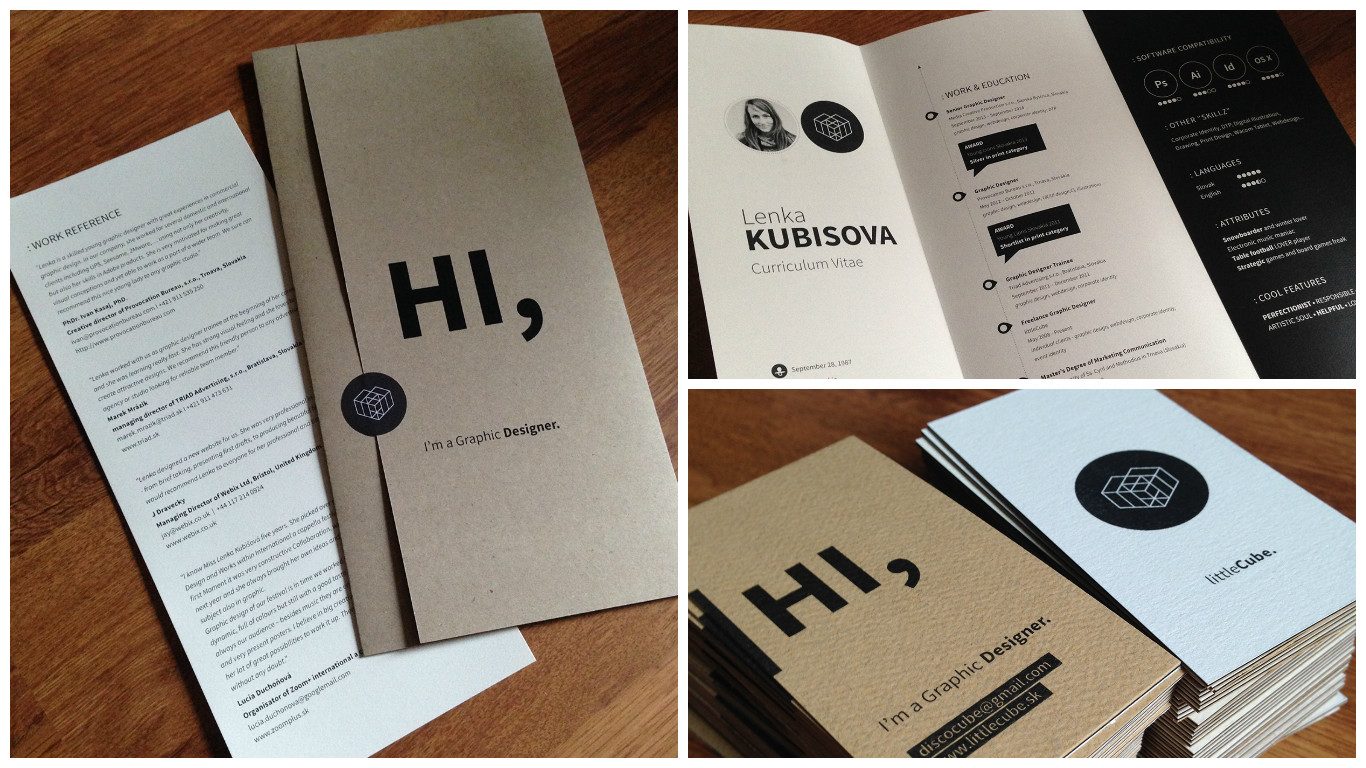
46. CV Example by Noemi Bugli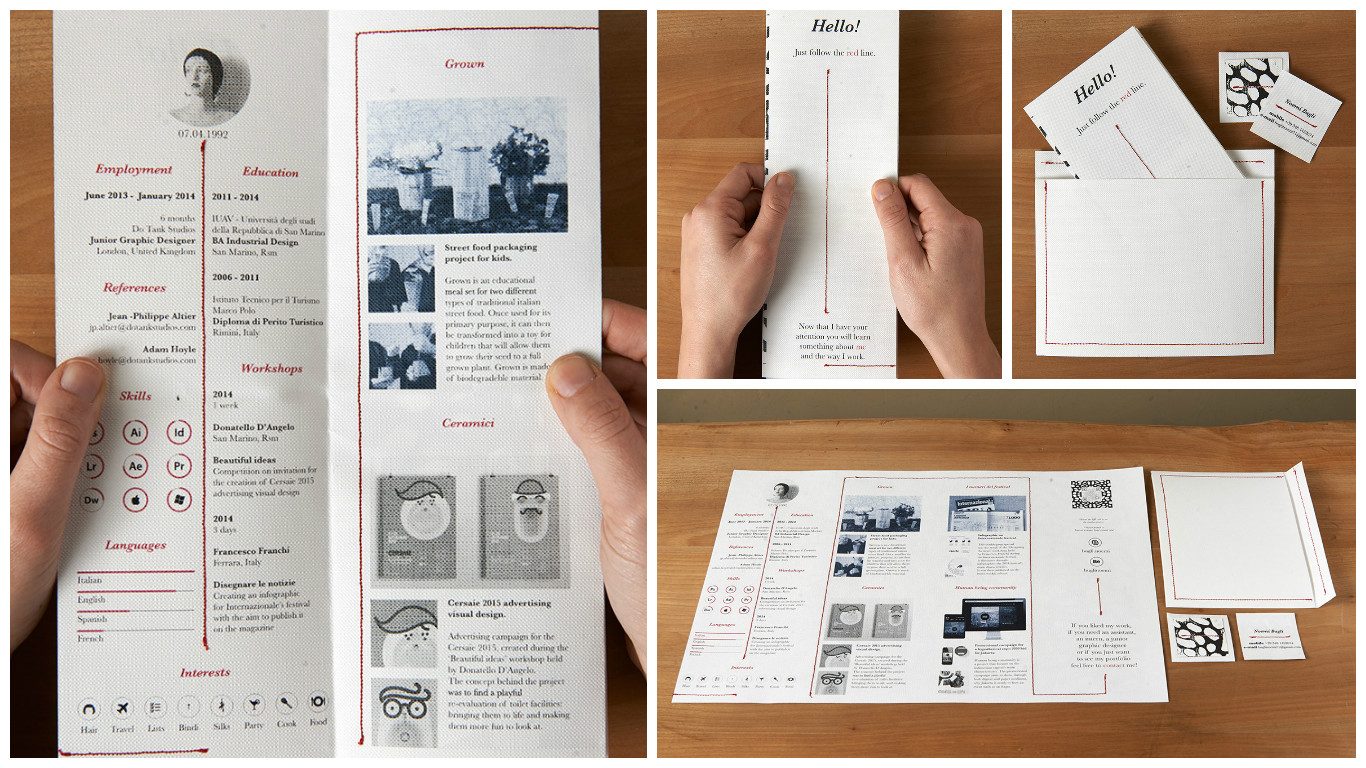
47. Elegant Resume Template Package by Janna Lynn Creative
48. Self Promotion 2011 by Chul hwee Kim
49. CV Sample by Jonny Evans
50. Free Clean Interactive CV Example by Ola Hamdy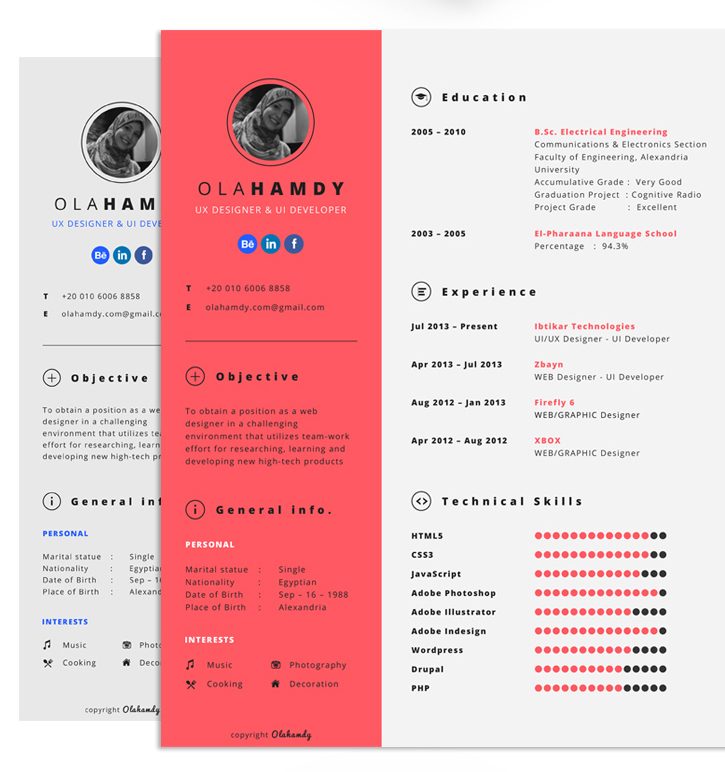
51. CV Sample by Fortunelle Resumes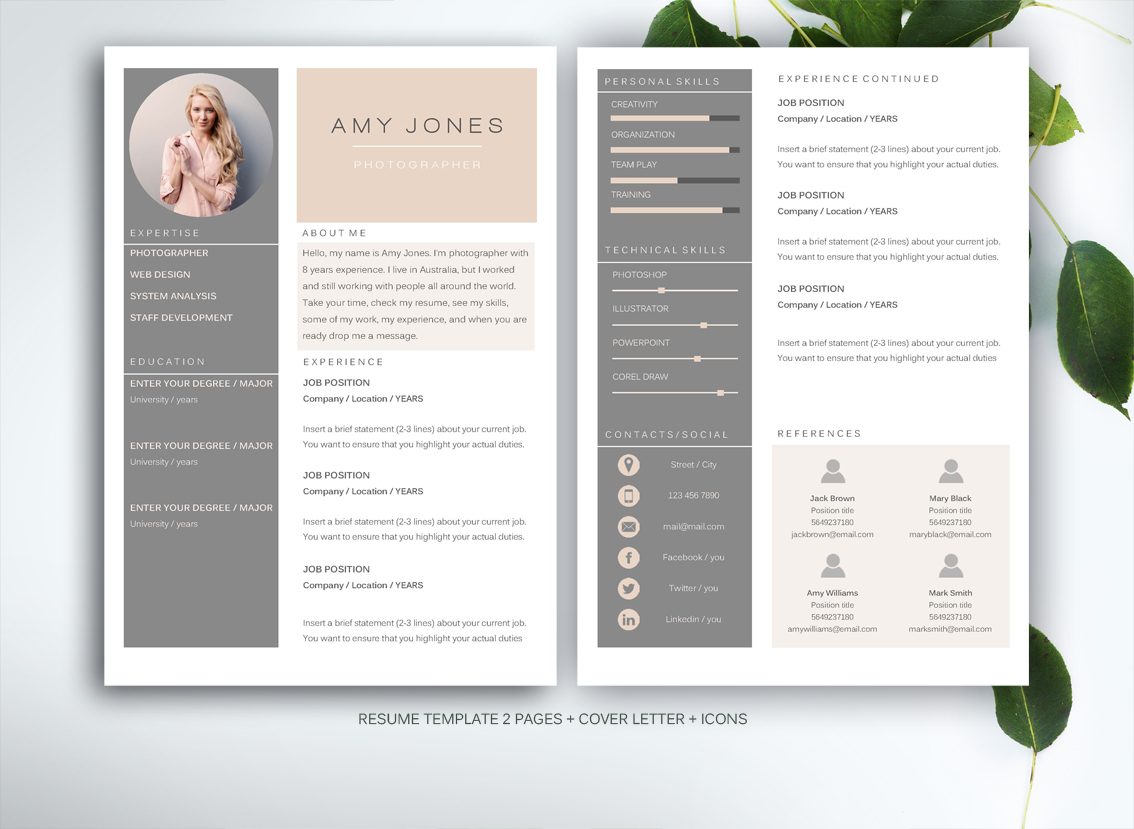
52. Curriculum Vitae by Giuliana Castelliti
53. Resume CV Example by Egotype
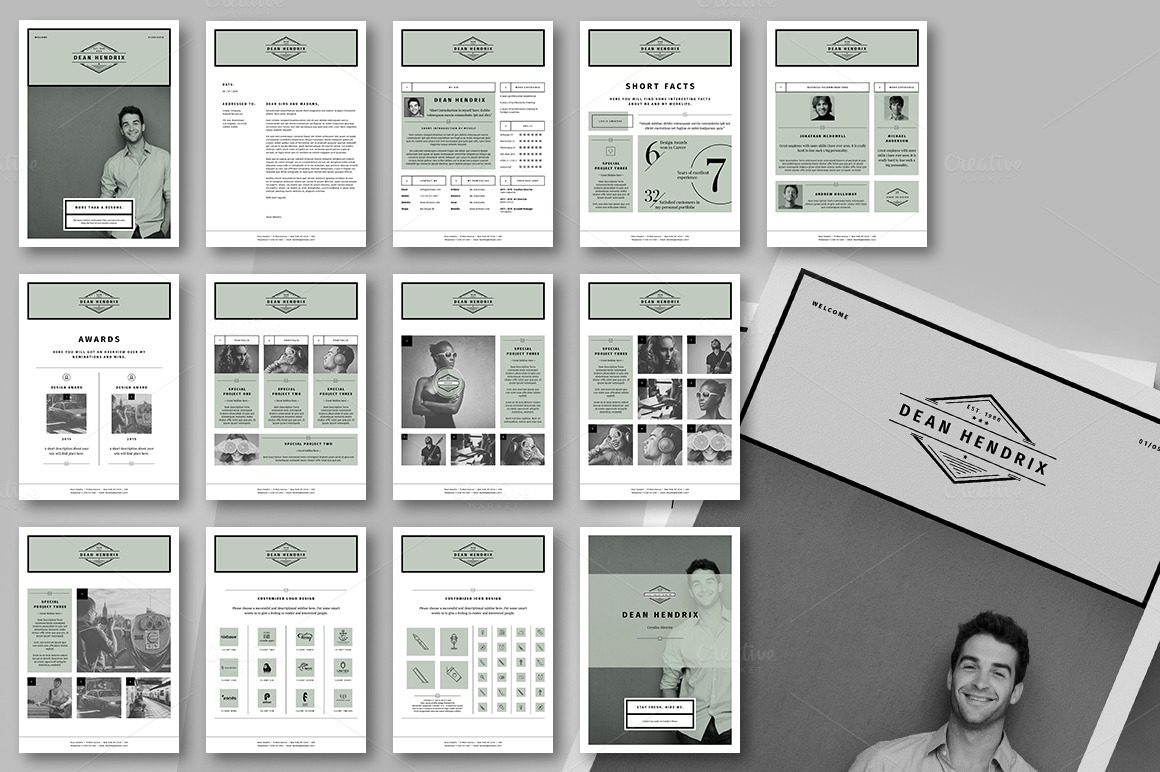
54. Resume Inner Page by Brice Séraphin
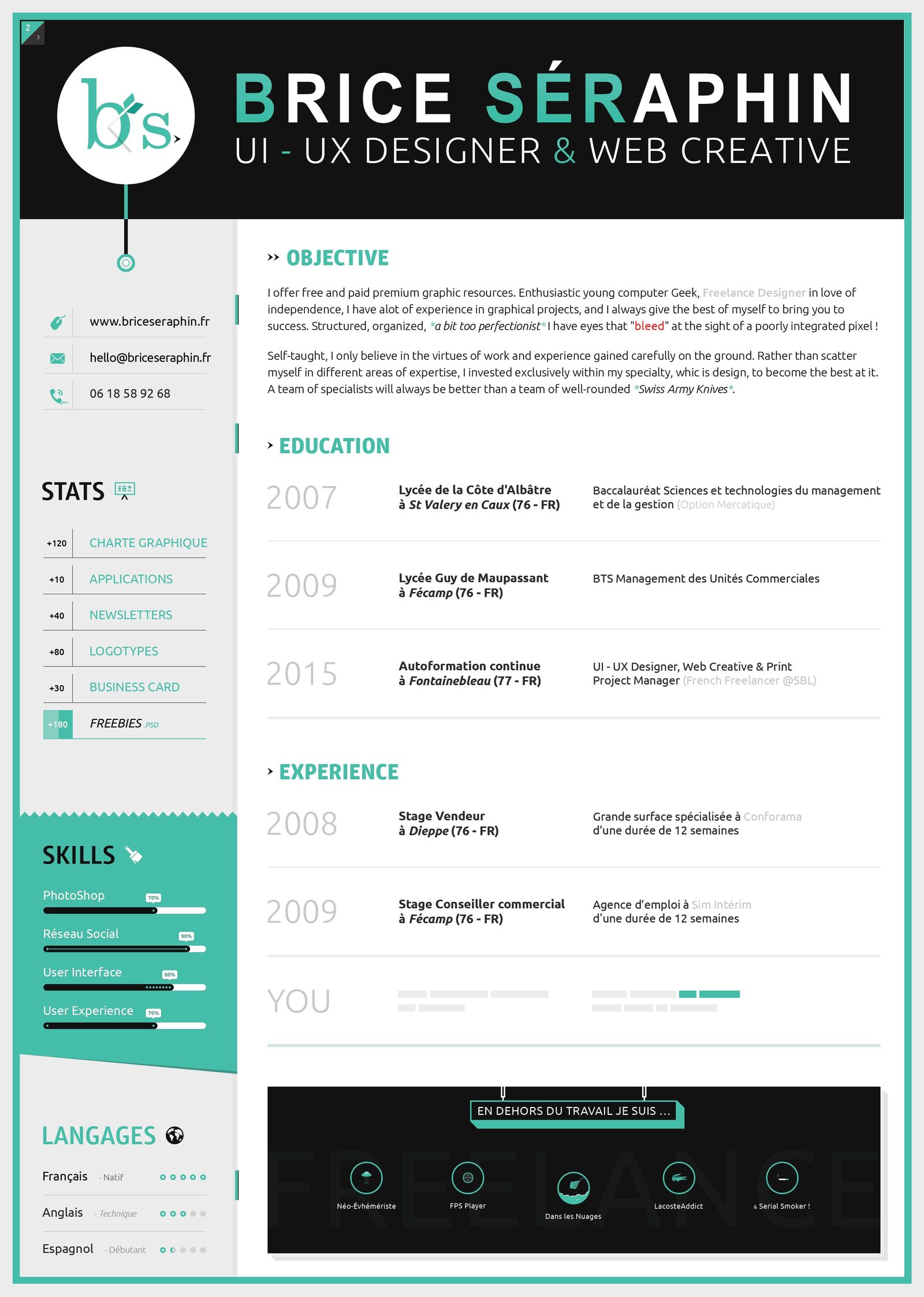
55. Infographic CV Sample by PAUL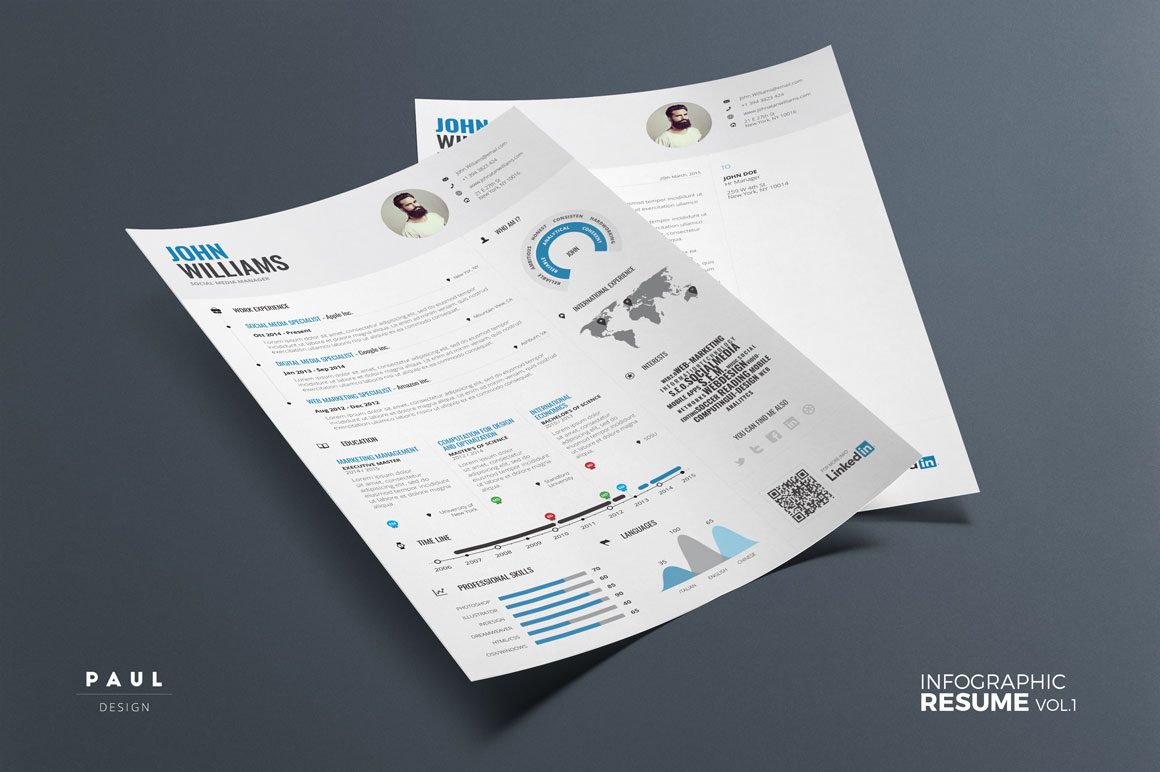
56. Sample Portfolio Design by Rahul Chakraborty
57. SMOG Creative CV Example by Miguel Rato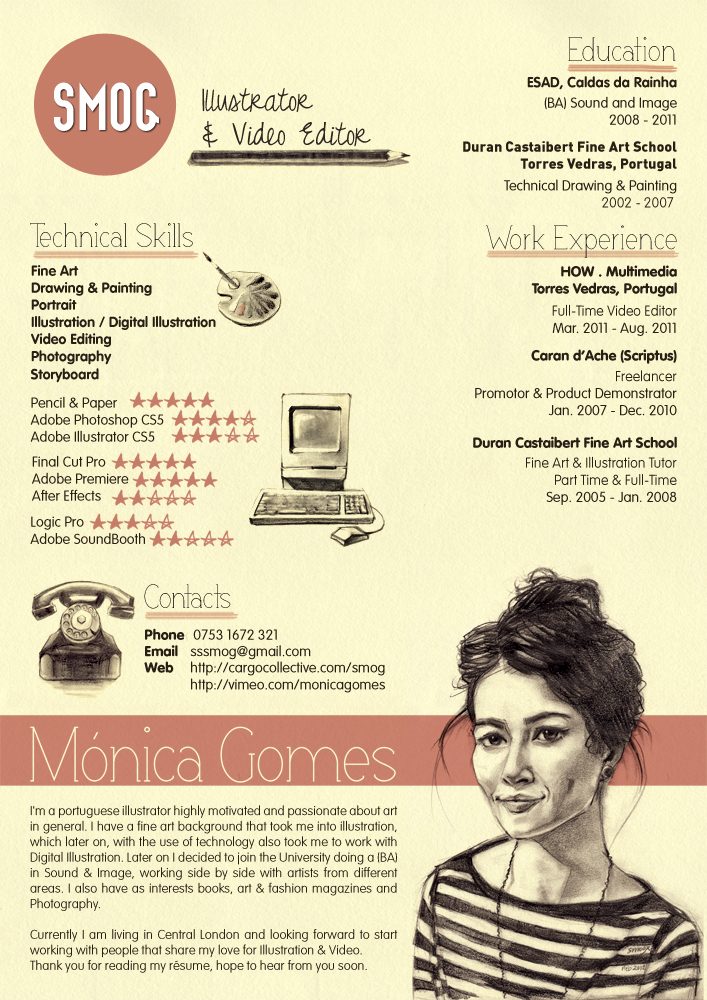
58. Creative Resume by Emily’s ART Boutique
59. Resume by jesss33
60. Resume Redesign by Chen Liu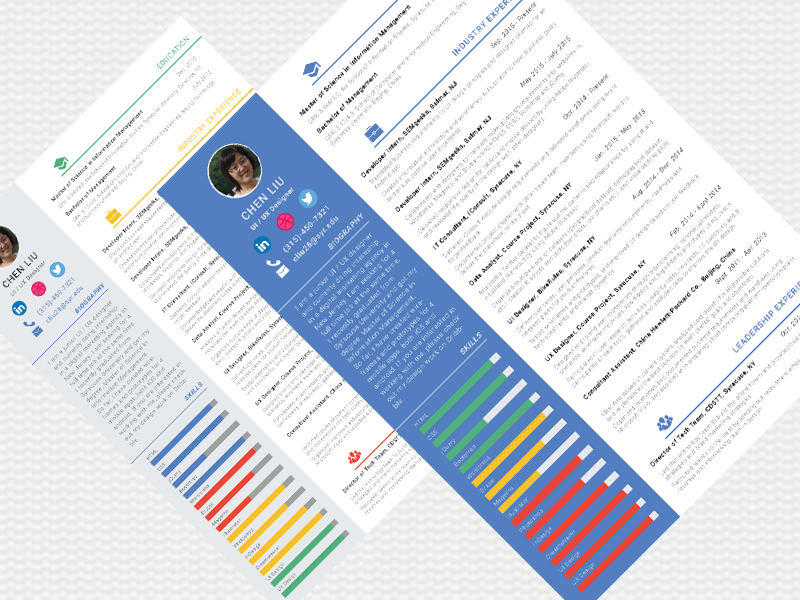
61. Self-Promotion by Syril Bobadilla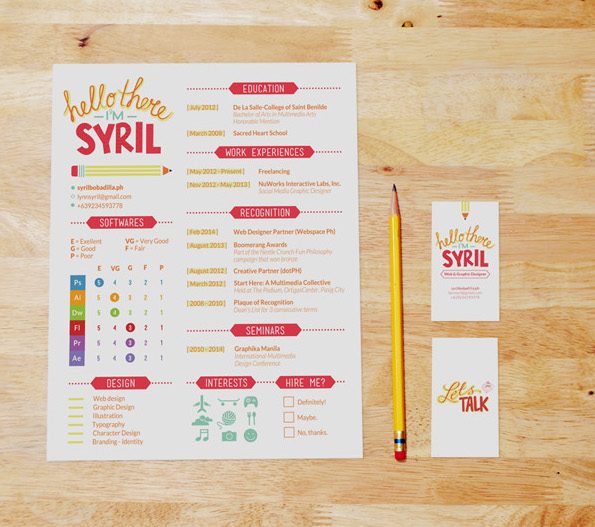
62. Diamond CV Sample by Pixel Strawberry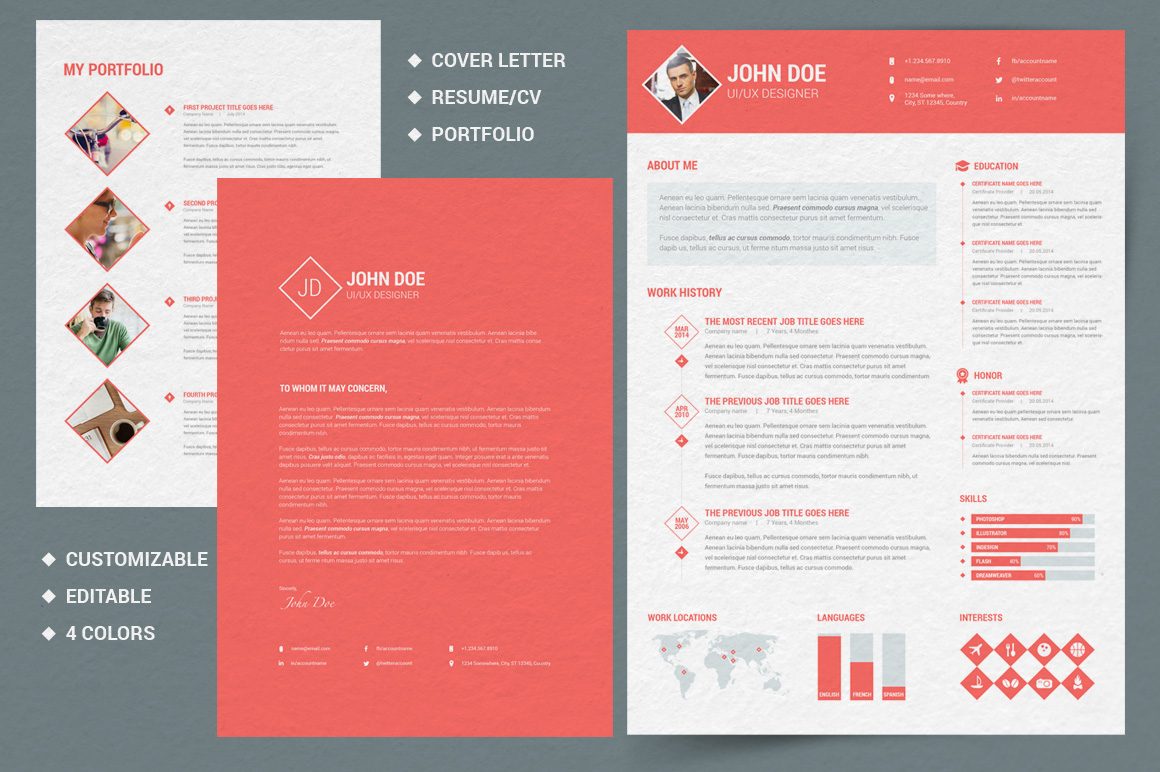
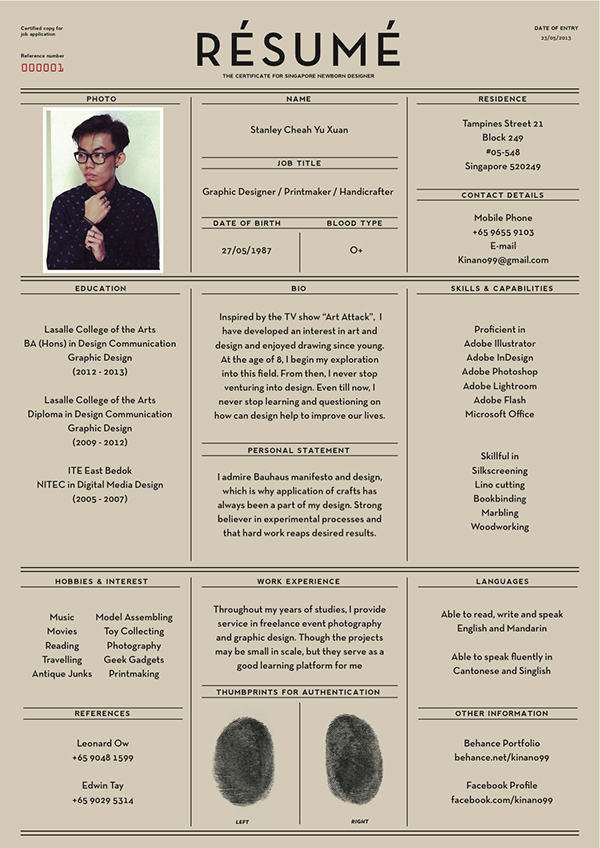
63. Résumé by Yu Xuan / Stanley Cheah
64. Sunrise Resume Template by JannaLynnCreative
65. CV Sample by João Andrade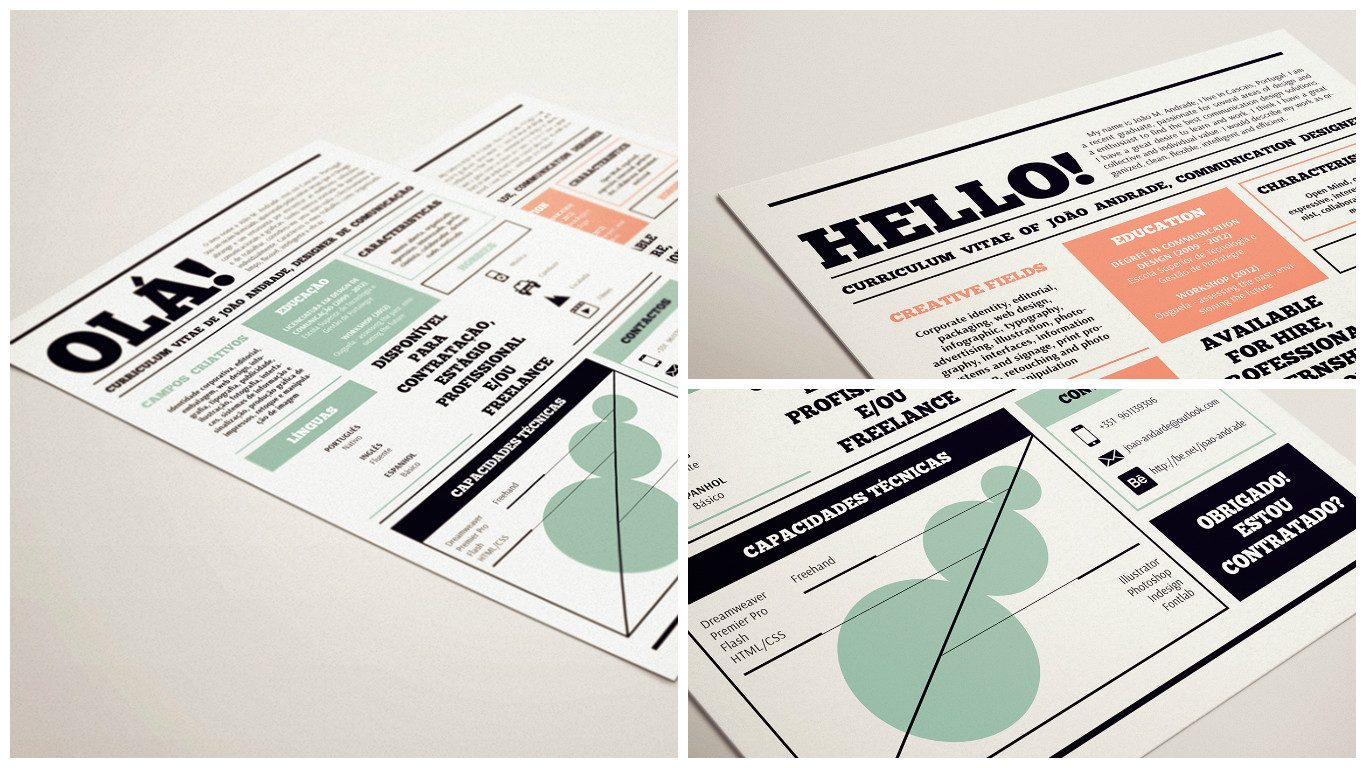
66. Self Promotion by Siri Lønvik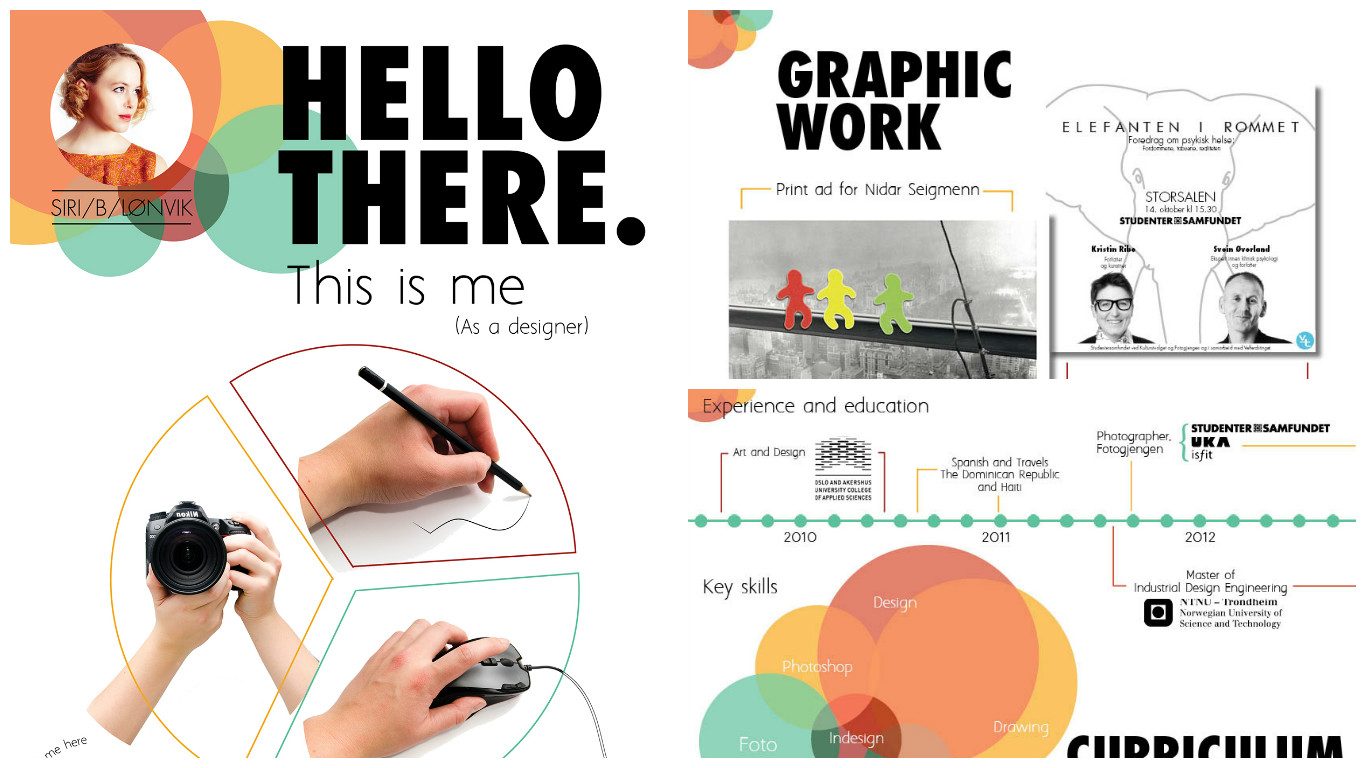
67. Interests by Gabriel Valdivia

68. Instant Download Resume by 23and9Creative
69. CV Sample by Mats-Peter Forss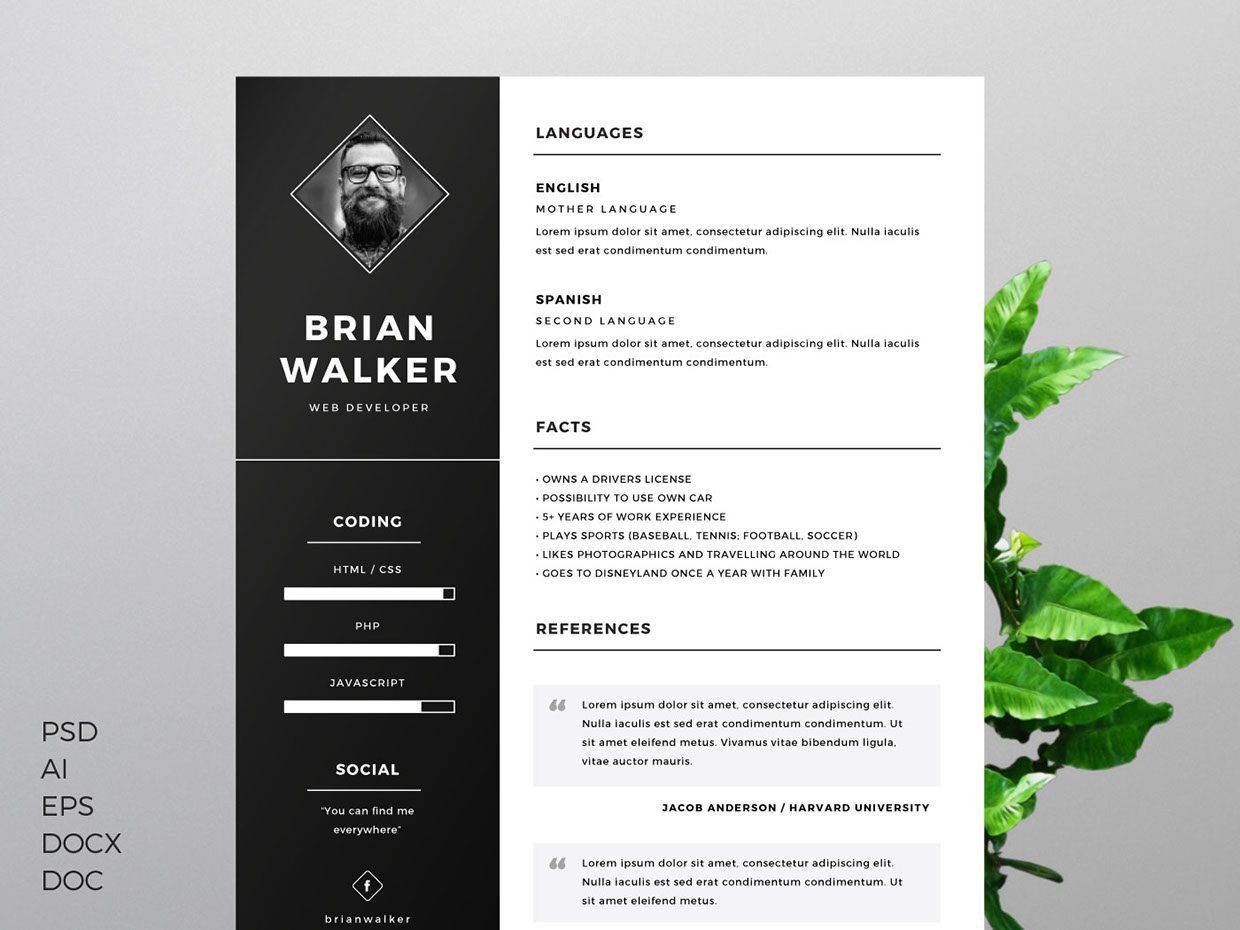
70. LinkedIn by Ramil Derogongun
8 Resume Design Tips to Stand Out in 2026
Your resume is a one-page billboard for your career. The examples above showcase what strong resume design looks like in practice; the tips below explain the principles behind them.
You might also find our article on resume with no experience useful.
1. Choose No More Than Two Fonts
Stick to one font for headings and one for body text. Pairing a sans-serif header (like Raleway or Montserrat) with a clean body font (like Open Sans or Lato) creates visual hierarchy without clutter.
2. Use Color With Purpose
A single accent color draws the eye to your name, section headings, or key metrics. Stick to muted, professional tones for corporate roles. Creative fields give you more room to experiment.
3. Protect Your White Space
White space is not wasted space. Generous margins and consistent padding between sections keep a resume readable at a glance.
4. Build a Clear Visual Hierarchy
Recruiters’ eyes follow a predictable path: top to bottom, left to right. Place your name and contact details at the top. Follow with your strongest section. Use bold text and font size differences to signal where one section ends and the next begins.
5. Match Your Design to Your Industry
A graphic designer’s resume can afford illustrated headers. A financial analyst’s resume should not. Conservative fields reward clean layouts; creative roles appreciate more personality.
6. Keep It to One Page (Most of the Time)
One page works for candidates with fewer than ten years of experience. Senior professionals may need two. Every line should earn its place.
7. Export as PDF
A PDF preserves your formatting across devices and operating systems. Word documents can shift fonts and alignment depending on the reader’s software.
8. Test for ATS Before You Send
Many companies use Applicant Tracking Systems to filter resumes before a human sees them. If you use a creative layout, prepare a second, ATS-friendly version with a single-column structure and standard section headings.
Ready to put these tips into action? Browse our resume templates to start with a professionally designed foundation.
Adapt to fit you
As you might have noticed, design is just one of many elements in your resume that can capture attention. Take bits and pieces from these resume examples, and put them together to make a resume that screams you.
Need more inspiration? Have a look at where Piktochart’s own design team goes to get fired up here, and how this guy used Piktochart to create a resume that got him hired! Or visit our Pinterest board for more inspirational examples.
01. Email Marketer Resume Template
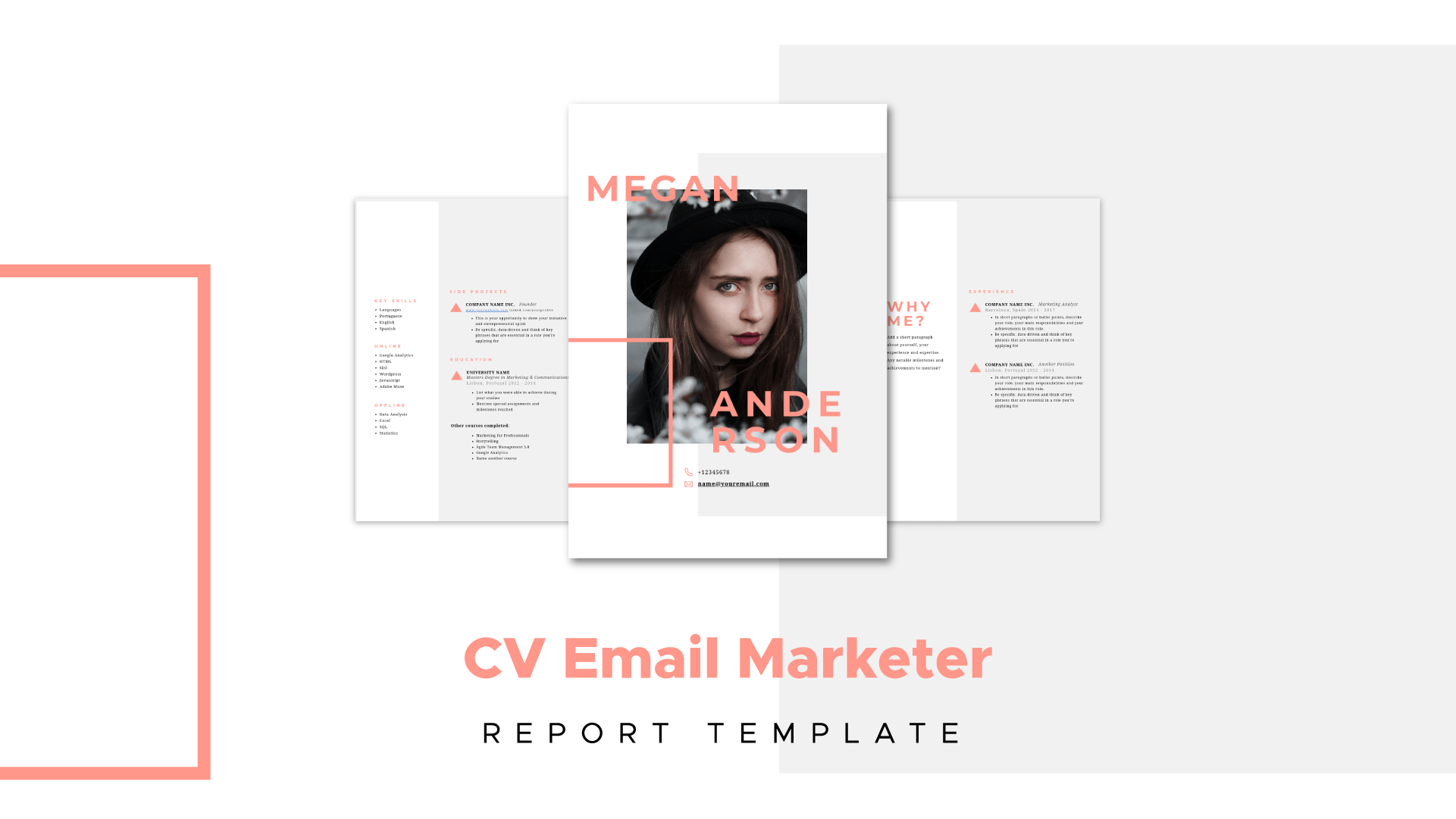
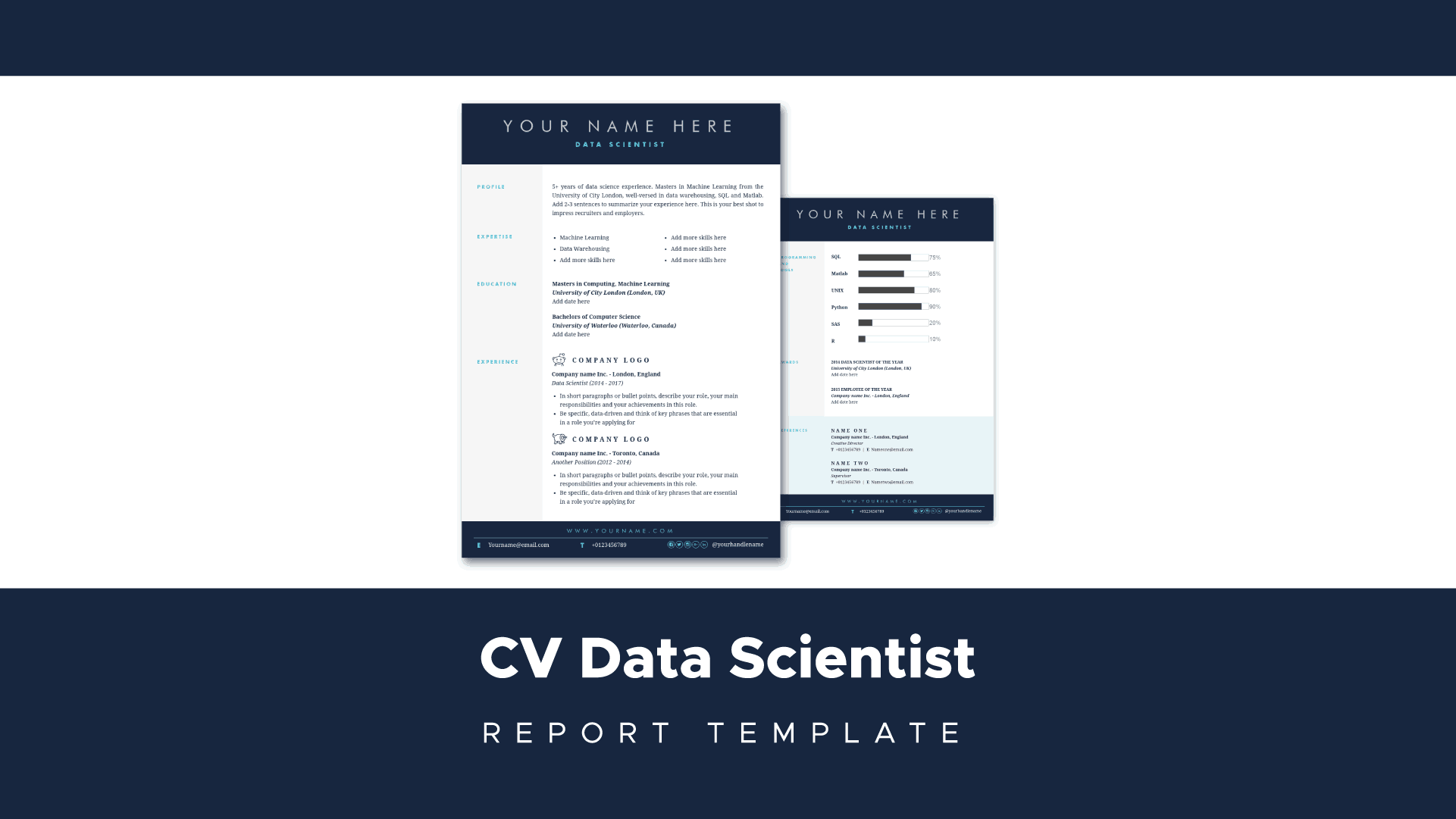
02. Data Scientist Resume Template
03. Designer Resume Template

04. Financial Analyst Resume Template
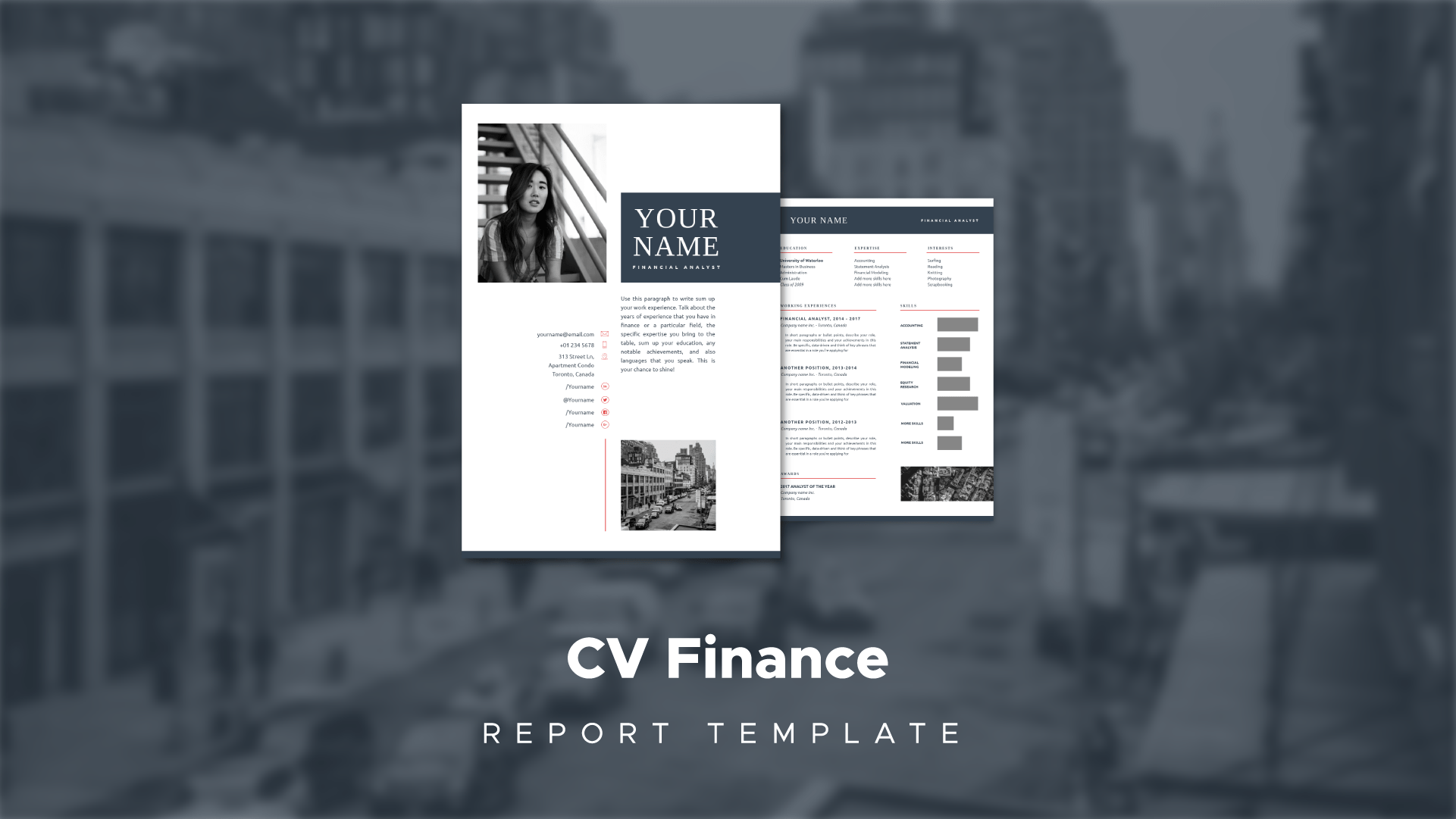
Image via Pexels
Create visuals online without graphic design skills.
Piktochart was built to enable everyone to create beautiful graphics. Watch this free demo to learn how you can get started.
Watch the demo