The best canva alternatives in 2026 give you drag-and-drop design power, professional templates, and brand kit controls: without Canva’s rising price tag. Whether you are a marketer rushing to publish social graphics, an HR lead building internal newsletters, or a consultant polishing a client deck, the right web-based design platform can save you hours every week.
Canva has earned its reputation. No argument there. But its recent team-pricing jump (from roughly $26/month to $45/month for five seats) has pushed many professionals to explore other options. Some users need deeper data visualization. Others want a lighter tool with no learning curve; one they can open in a browser and master in minutes. Still others are tired of sifting through premium-locked assets every time they search for an icon or illustration.
This guide compares 10 beginner-friendly design platforms across features, pricing, AI capabilities, and collaboration tools. Every option listed here has been tested with non-designers in mind: real people who need polished visuals, not a design degree. Explore tools like Piktochart Visual and Piktochart AI as powerful starting points.
Top Canva alternatives for 2026: 11 Best Canva Alternatives and More
Here are the 11 best Canva alternatives in 2026, both free and paid, with a quick breakdown of what each one does best:
- Piktochart — best for B2B professionals who need to turn complex data into professional visuals without design skills
- Snappa — best for users looking to share their designs instantly on social media
- Pixlr — best for complex photo editing at a cost less than Canva
- Crello — best for users who want to create and share animations on social media
- Fotoram — best for users looking for a free online photo editing software
- Adobe Express — best for professional designers who need a more powerful suite of tools with AI features
- DesignBold — best for users looking for features similar to Canva but more affordable
- Desygner — best for users looking for a multipurpose tool with no need for collaboration
- Pixelied — best for users seeking a wide range of design capabilities at an affordable price
- PicMonkey — best for users who need advanced photo editing capabilities
The 10 options below will surely help you find an online graphic design software with the same features you liked in Canva — without the drawbacks that pushed you away.
1. Piktochart — best for B2B professionals who need to turn complex data into professional and interesting visuals without needing design skills
Piktochart is a great alternative to Canva when you are looking to create infographics, presentations, or reports with an extensive collection of data visualization tools. Besides that, you can also design social media images, brochures, and other graphics to create stunning visual content.
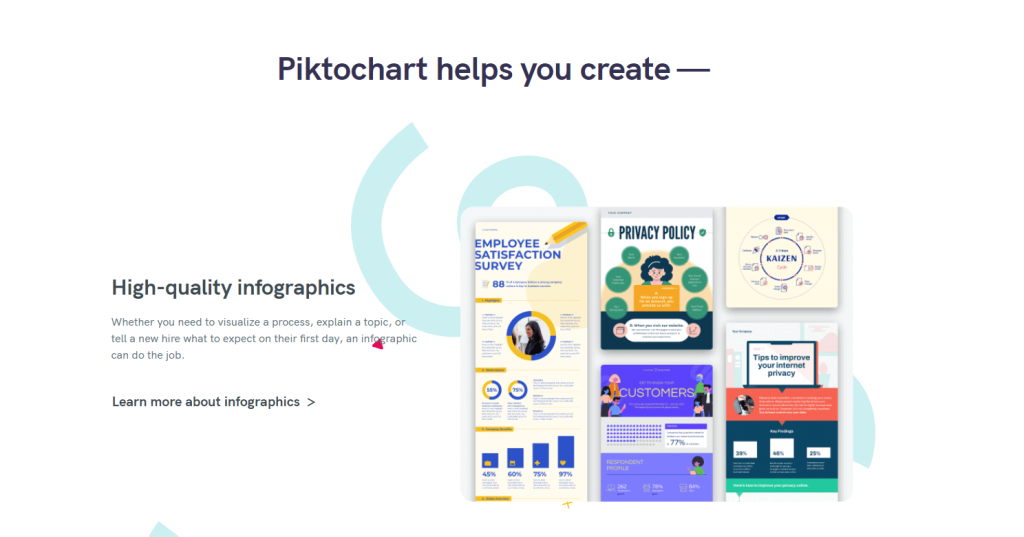
Piktochart has a wide selection of polished premade templates created by professional designers. If you’re going to design a lot of infographics, charts, and reports, creating your own template and re-using it over and over again is a good idea. You can also upload your own brand assets such as fonts or brand colors.

Furthermore, Piktochart AI is entirely free to try. You can generate any infographic within seconds from a simple prompt.
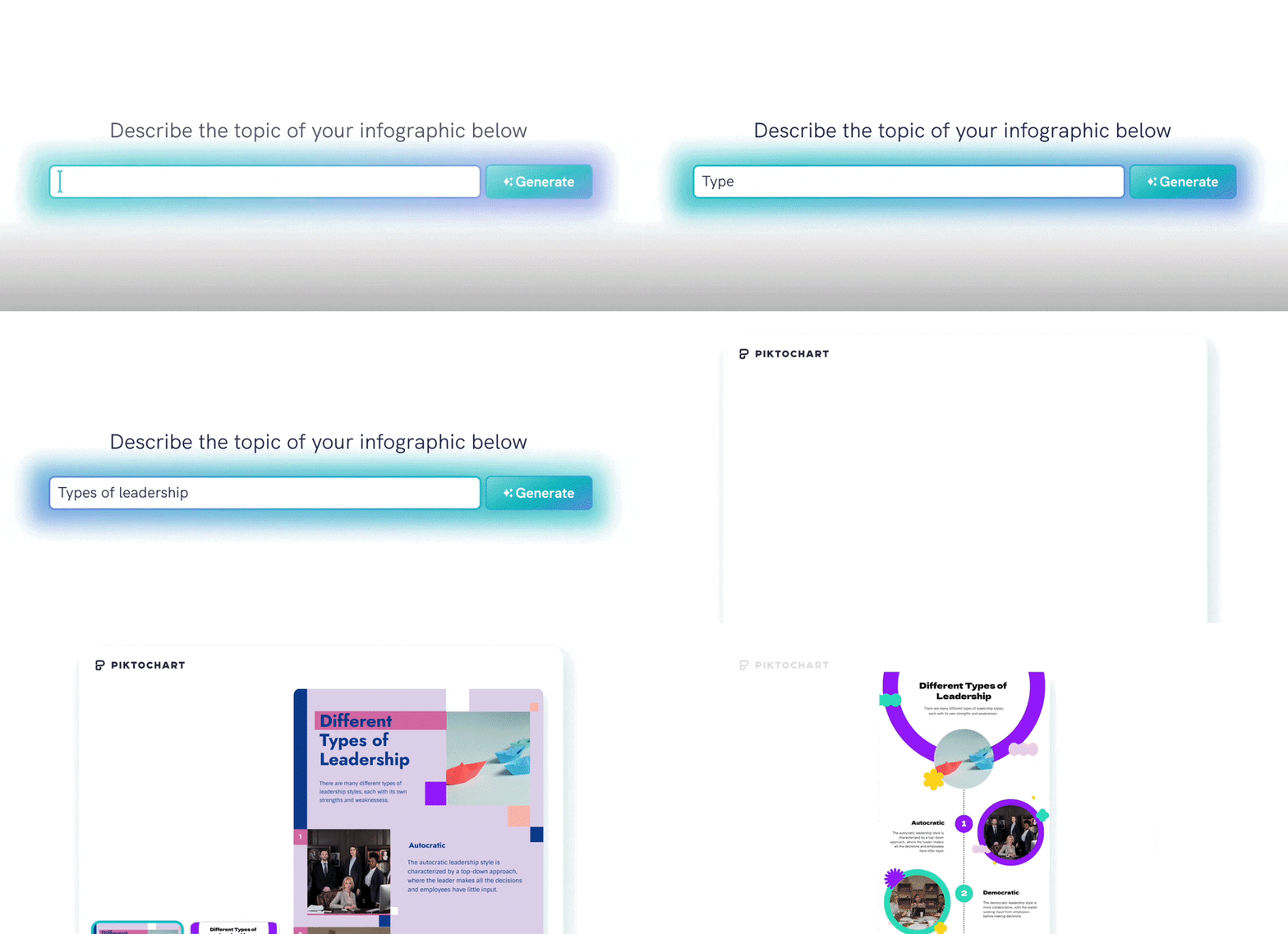
All you have to do is share your prompt, and the AI design generator will create templates with text that are relevant to your prompt – all in seconds. You can choose any template which meets your needs best, and finetune it further in our editor.

You can also upload any document and generate a visual at the click of a button!
From there, you can upload your brand colors and customize the template to match your brand style guidelines, including the font, colors, and images.
For anyone looking to create social media graphics with data visualization, Piktochart’s free templates and intuitive AI tool make it suitable even for those with no prior design experience.
Piktochart vs. Canva: Piktochart’s biggest strengths are the extensive choice of charts and maps, as well as the competitive pricing. What’s unique about Piktochart, when compared to the other Canva alternatives, is the level of flexibility you get. You can access all the professionally designed templates, photos, and other assets independent of the plan you are on.
Try Piktochart for yourself!
Sign up for free today2. Visme: Best for Presentations and Data Visualization
Canva can build a passable bar chart. Visme can build an interactive, animated dashboard you present live to a boardroom. For professionals whose content lives or dies on data visualization tools, the gap between these two platforms is enormous.
Visme launched as a presentation and infographic tool and has steadily expanded into a full visual content creation suite. Its drag-and-drop editor is intuitive for beginners, yet the platform hides serious depth under the hood: animated data widgets, branching interactivity, and a built-in analytics layer tracking how audiences engage with your published content.
Key Features
- 40+ chart types: Bar, line, pie, radar, treemap, funnel, Gantt, and more; import data from Excel, CSV, or Google Sheets
- Interactive content: Embed clickable elements, hover-state popups, and video inside any design
- Presentation tools: In-browser presenting with speaker notes, transitions, and real-time audience analytics. Learn how to make a presentation that stands out.
- Brand kit: Lock colours, upload custom font libraries, save master layouts, and enforce brand consistency across teams
- Template library: 1,500+ professionally designed layouts spanning infographics, slide decks, proposals, social posts, and documents
- Stock assets: Access millions of royalty-free photos, icons, illustrations, and video clips
Pricing
Visme operates on a freemium model with four tiers. The free plan gives you 5 active projects and basic exports. Starter ($12.25/month, billed annually) unlocks premium templates, brand kit controls, and PDF/PowerPoint downloads. Pro ($24.75/month) opens the full asset library, advanced data visualization, and analytics. Enterprise pricing is custom and includes dedicated onboarding, SSO, and priority support. Every paid plan includes a brand kit.
Who Is It For?
Educators preparing lecture decks. Marketing managers assembling quarterly performance reports. Internal-comms specialists rolling out company-wide announcements. If your daily content creation demands go beyond social media graphics and into data-heavy presentations, reports, and proposals, Visme delivers where Canva runs thin. Discover how Piktochart for teams can also support collaborative workflows.
3. Snappa — best for users looking to share their designs instantly on social media
Snappa is a tool for social media content creators who need quick and easy social media posting. Its customization options are ideal for anyone who needs to help you create consistent brand content.
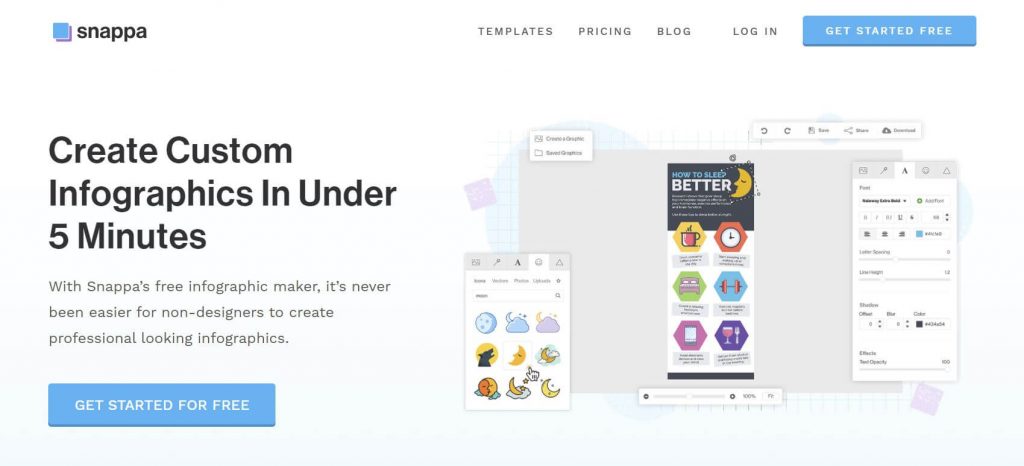
Snappa limits downloads for free members to five at most per month. Besides that, free users can’t share their graphics on social media. So you’ll be better off with the premium version if you want to take full advantage of everything Snappa has to offer.
Snappa vs. Canva: The main differentiator of Snappa is that you get the ability to share your graphics on social media without leaving the Snappa interface.
4. Pixlr — best for complex photo editing at a cost less than Canva
Pixlr is a great alternative to Canva when you want access to both an advanced photo editor and graphic design software. With Pixlr, you can also add accents or textures, such as dust flecks, glitter, and light streaks, to your images.
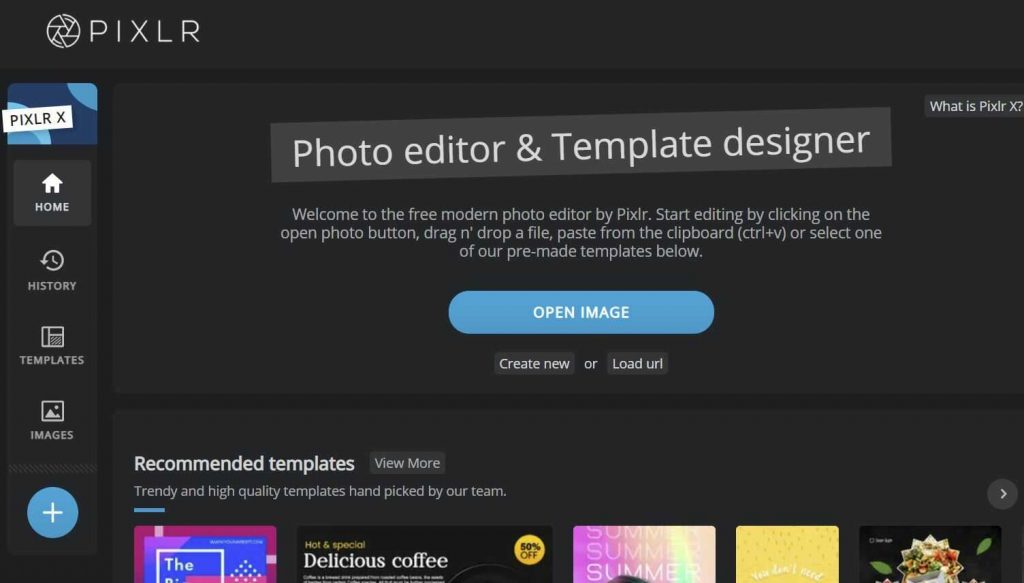
The main highlight of Pixlr is an AI-based Cutout button. If you have ever tried to remove unwanted objects from an image or blur out an ugly-looking background, you’re going to love this handy feature that lets you eliminate backgrounds with just a few clicks.
As an online photo editor that offers advanced capabilities, Pixlr exceeds Canva in terms of image manipulation. Its interface is easy to use for both beginners and experienced users.
Pixlr vs. Canva: When compared to Canva, the area where Pixlr shines is photo editing. With Pixlr, editing your images is a lot easier, smarter, and faster, making it a good Canva alternative.
5. Crello — best for users who want to create and share animations on social media
Crello is a multipurpose graphic design software with an interface very similar to Canva. It lets you create graphics for social media, advertising banners, animated design, marketing materials, blogs, events, print, and so on.
This tool offers animation features that make it stand out among many Canva alternatives. With a reasonable paid plan, it’s perfect for creating social media graphics with movement.
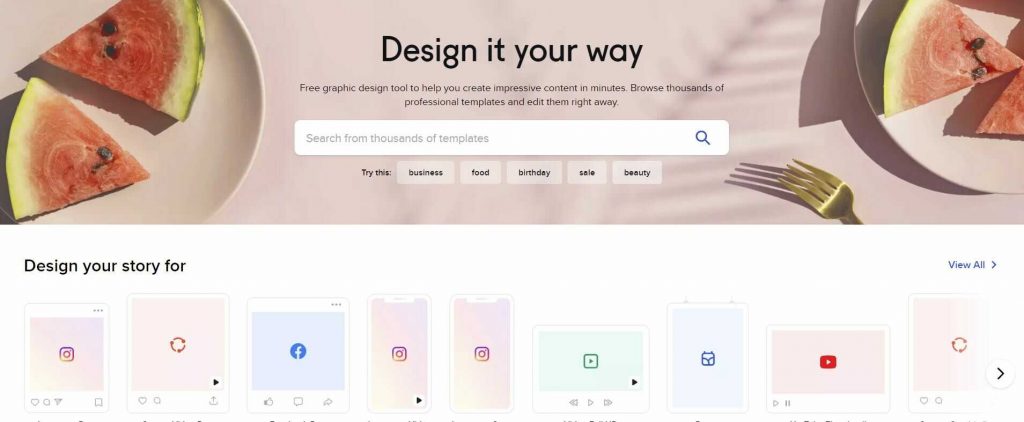
Crello boasts of a huge selection of templates and photos to pick from, including illustrations and several options for different platforms and formats. It comes with a free plan, but main features such as the animation maker can only be accessed from the premium plan.
Crello vs. Canva: The feature that separates Crello from Canva and the rest of the alternatives to Canva is the Animation Maker suite. With Crello, you get animated objects and templates to create more engaging photos and videos.
6. Fotoram — best for users looking for a free online photo editing software
Fotoram.io is a free photo editing tool similar to Canva that includes a collage maker, an art photo maker, and of course, a photo editor. The tool gives you the ability to perform a number of edits, including resizing, cropping, flipping, adjusting brightness, blurring, adding effects, and so on.
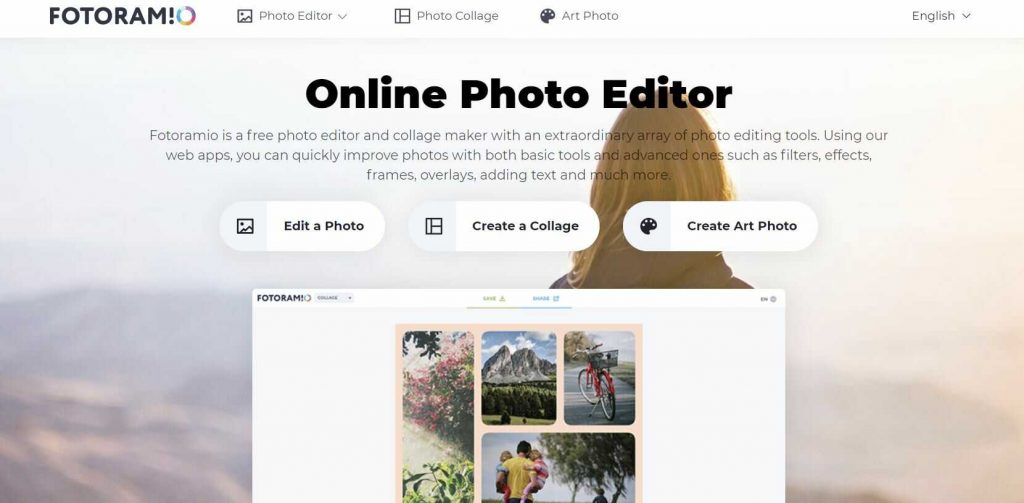
Perhaps, the most impressive feature of Fotoram is its art maker. It allows you to quickly make any image similar to the picture of a famous artist. In addition, you are allowed to download these images at no charge and without creating a user account.
Fotoram vs. Canva: As an alternative to Canva, Fotoram focuses more on image editing than the ability to create different types of graphics for social media, website banners, presentations, or data visualization. So if you’re looking to create graphics from scratch, you may want to look elsewhere.
7. Adobe Express — best for professional designers who need a more powerful suite of tools with AI features
Adobe Express is a versatile design tool that lets you create stunning social media content with minimal graphic design experience. As another Canva alternative that I’ve found impressive, it offers a wide range of templates for everything from social media posts to presentations.
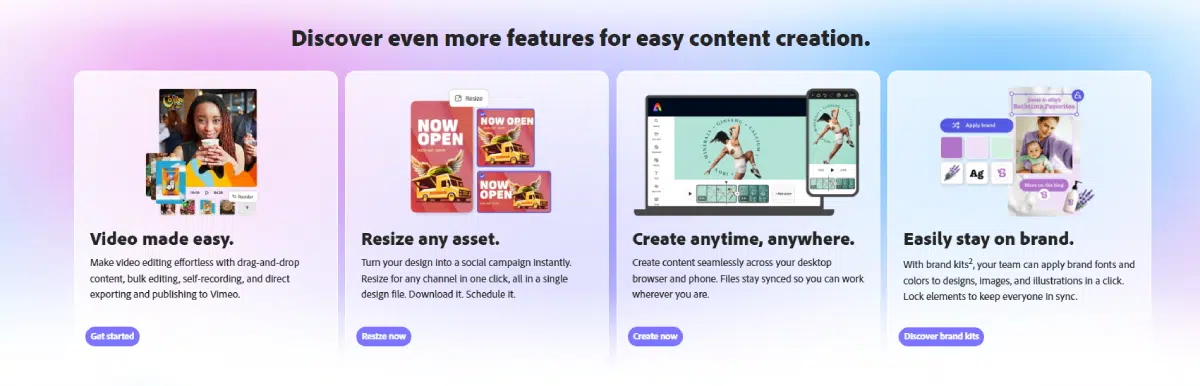
Adobe Express integrates seamlessly with Adobe Creative Cloud, giving you access to premium fonts, stock images, and advanced editing tools. Its collaboration features allow teams to work together efficiently, and its video editing capabilities make it ideal for creating engaging video content for marketing campaigns.
Adobe Express vs. Canva: While Canva offers an intuitive interface, Adobe Express provides more professional customization options and access to Adobe’s extensive resource library. Though it has a learning curve, both beginners and experienced users can master it with practice. If you regularly use Canva but need more advanced options, Adobe Express might be the right upgrade for your online content needs.
8. DesignBold — best for users looking for features similar to Canva but more affordable
DesignBold is among the popular alternatives to Canva for many reasons. Its free version has basic editing tools and comes with more than 10,000 layouts, along with the ability to share your designs with others for collaboration.

The limitation of the free plan is that you can download only up to 5 designs in a given month. Nevertheless, it’s a great choice for the occasional presentation or graphic. And you can always upgrade to the premium plan that is more affordable than the paid Canva subscription.
DesignBold vs. Canva: DesignBold offers more design elements than Canva at a cheaper cost. For instance, you have access to 40 million free stock images, as compared to Canva’s 1.5 million. In addition, DesignBold gives you 20 premium images free as part of the paid subscription, whereas Canva gives you none.
9. Desygner — best for users looking for a multipurpose tool with no need for collaboration
Desygner is a versatile graphic design tool. It is not just an image editing solution but a combination of three different tools, one each for logo creation, graphic design, and PDF editing.
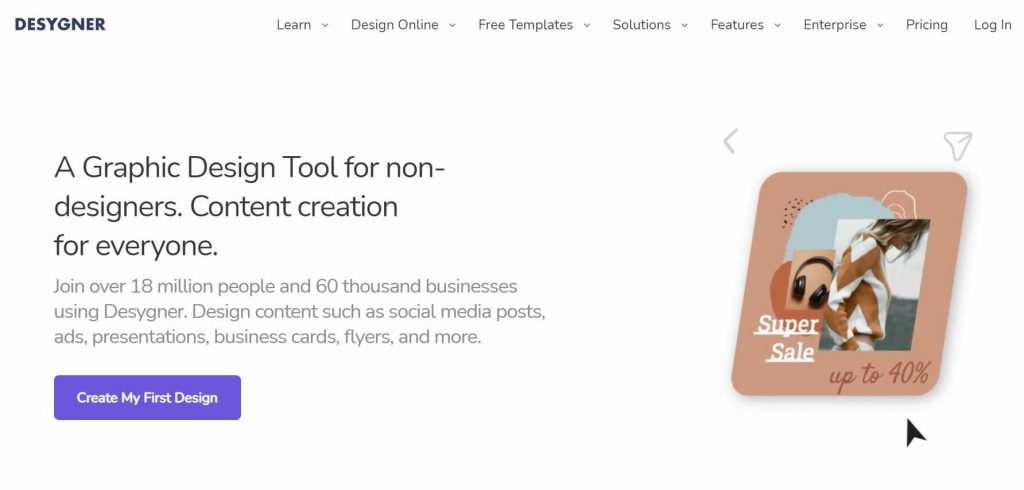
With respect to graphic design, Desygner provides you with multiple Facebook, Twitter, Etsy, Instagram, LinkedIn, Pinterest, and more types of templates to make engaging visual content. It supports many formats, including PSD and PPT. In contrast, PDFs require you to purchase a premium plan.
Desygner vs. Canva: Desygner is a great alternative to Canva with more features and templates. The only flip side is that it lacks team collaboration tools.
10. Pixelied — best for users seeking a wide range of design capabilities at an affordable price
One of the more advanced image editing tools on this list, Pixelied offers a rich feature set with simple premium plans that don’t cost an arm and a leg. As such, it’s a great pairing of quality and low pricing.
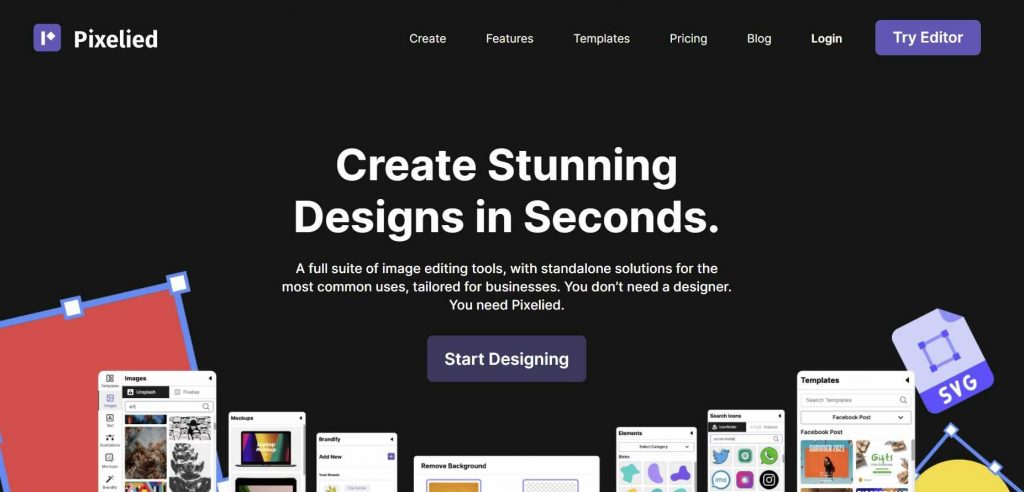
Pixelied has two great features that set it apart from not just Canva, but many other tools on our list. These include the ability to design product mockups for branding, and to switch between different workspaces, each having its own unique team members, assets, and designs.
Pixelied vs. Canva: Pixelied is a tool similar to Canva but has a bigger collection of ready-made templates, icons, and 3 million free stock photos, along with advanced photo-editing features such as background-image removal.
11. PicMonkey — best for users who need advanced photo editing capabilities
PicMonkey is one of the most affordable Canva alternatives. It’s user-friendly and lets you edit images without any hassle. With PicMonkey, you can make business cards, event invites, collages, banner ads, and more.
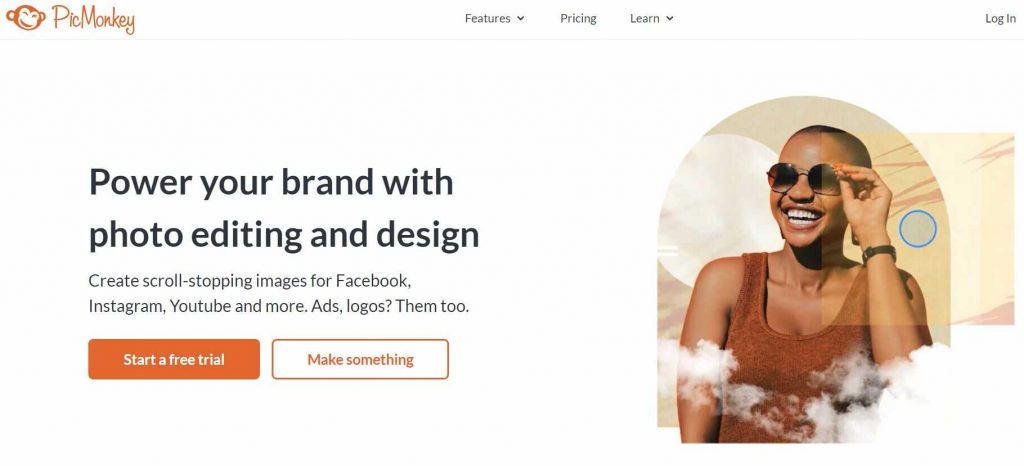
PicMonkey has robust image editing features, allowing you to perform advanced editing with several filters and effects. With PicMonkey, you get a 7-day free trial, following which you’ll be asked to pay for a premium subscription.
PicMonkey vs. Canva: PicMonkey’s original value proposition was photo editing and quality, and that’s the area where it has the edge over Canva. However, if your goal is to design images for social media and the web, it’s a good idea to consider other websites like Canva on our list.
Why Look for Canva Alternatives in 2026?
Canva is still a capable design tool. No debate there. But over the past year, a growing number of users have started shopping around — and for good reason.
The pricing is the most cited complaint. A team of five users that used to pay ~$26/month now pays ~$45/month. Canva’s justification is the rollout of AI features across its platform. The problem: most teams don’t use most of them.
Beyond pricing, there are genuine feature limitations worth knowing about. Searching for free assets without accidentally landing on premium ones is a persistent frustration. Charts and maps remain limited compared to dedicated data visualization tools. And downloading a design only to find it looks different outside the canvas is a small issue with a disproportionate impact on professional work.
Then there’s the question of fit. Canva is built as a general-purpose tool. If your work is presentation-heavy, infographic-heavy, or requires real-time team collaboration with approval workflows, you may find it stretches to cover your needs rather than being built for them.
The alternatives listed above aren’t Canva clones. Each one has a specific strength. The goal of this list is to help you find the one that matches how you actually work — not how Canva assumes you do.
Wrapping up on the best Canva alternatives
While Canva is still a popular choice, these 11 Canva alternatives demonstrate there are many excellent options for graphic design needs. Whether you’re creating social media graphics or comprehensive marketing materials, these tools can produce visually appealing content without requiring extensive training.
The best Canva alternatives for graphic design professionals might differ from the best choices for casual users. Consider your specific needs, from collaboration features to video editing capabilities, when choosing the right Canva alternative that offers what you need.
Creating visual content is mandatory. But using only Canva and Adobe products isn’t your only option. Luckily, you have plenty of platforms like the ones mentioned above to pick from, each with as many options as Canva but with their own unique strengths. Happy hunting!