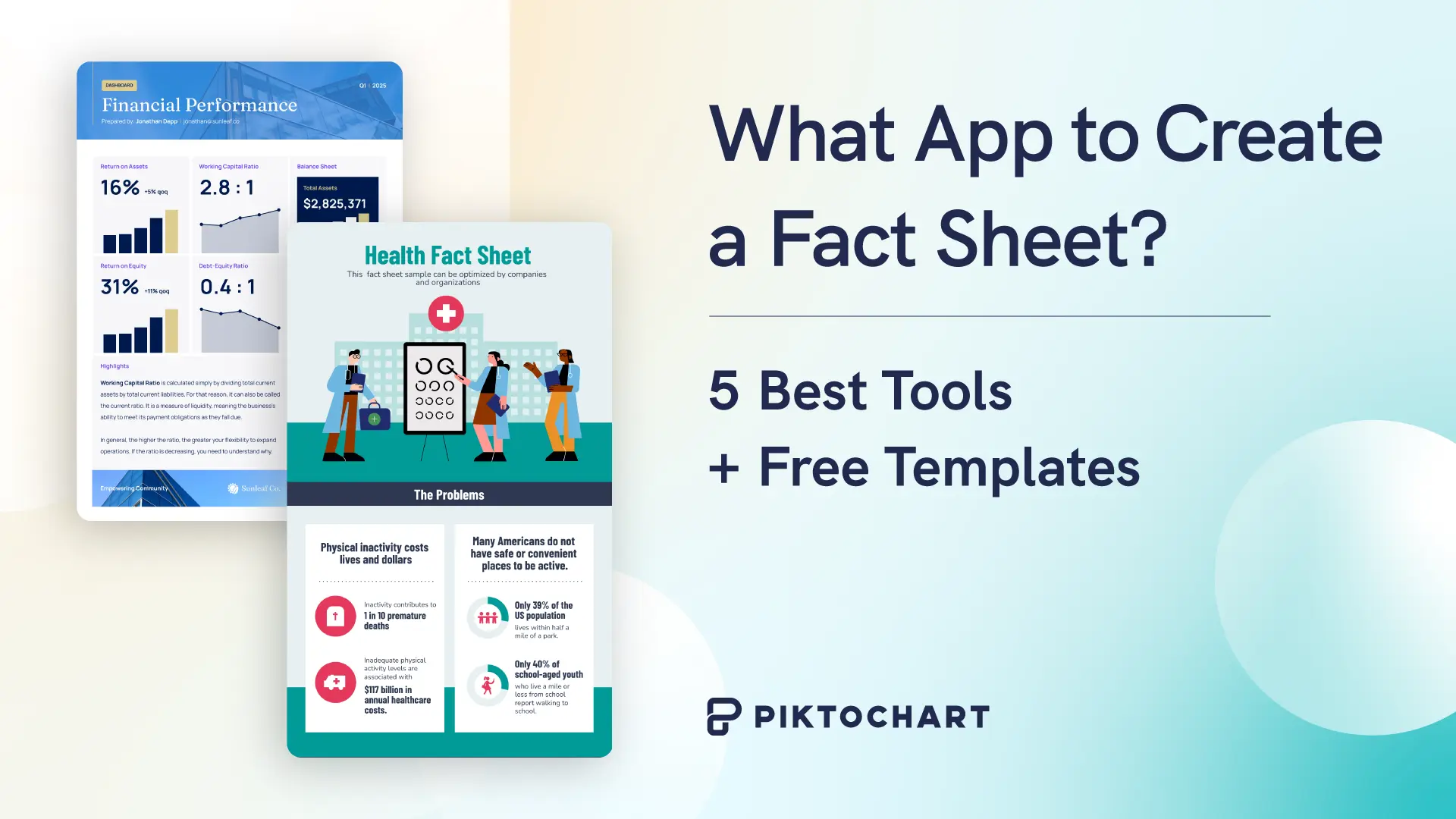
A fact sheet is a single-page document designed to present key information in a scannable, structured format. Businesses, educators, nonprofits, and government agencies rely on them to communicate data points, policy summaries, product specs, and organizational overviews without forcing the reader through a 20-page report.
But creating one from scratch can stall fast. What goes on the page? How do you balance text and visuals? Which tool gives you a professional layout without a design background?
This guide answers each of those questions. Below, you will find a breakdown of the best apps for building fact sheets, free templates to start with, and practical guidance on structure, content, and design so your finished document communicates clearly on the first read.
Need inspiration first? Browse our collection of fact sheet examples to see what works.
What Is a Fact Sheet?
A fact sheet is a one-page document built to deliver key information fast. It strips a complex subject down to its most relevant points: facts, figures, definitions, and next steps, arranged so a reader can absorb the core message in under two minutes.
The one-page constraint is the point, not a limitation. It forces the writer to decide what belongs and what does not. Every sentence earns its place or gets cut.
Organizations of every size depend on fact sheets. PR teams distribute them at press events. Sales teams attach them to follow-up emails. HR departments include them in onboarding kits. Educators hand them out as study guides. Nonprofits send them to donors and grant committees. The format adapts to the audience; the principle stays fixed: be brief, be factual, be useful.
Types of Fact Sheets
The category depends on who receives the document and why:
- Company overview fact sheet: Summarizes the business at a glance; mission, key figures, milestones, and contact information.
- Product fact sheet: Covers features, pricing, specifications, and competitive differentiators.
- HR or policy fact sheet: Breaks down benefits, procedures, or compliance requirements into plain language for employees.
- Educational fact sheet: Distills a topic for students, patients, or community members.
- Nonprofit fact sheet: Presents the organization’s mission, impact metrics, and a clear call-to-action for supporters.
- Financial fact sheet: Reports fiscal performance, fund allocations, or investment highlights for stakeholders.
What Makes a Fact Sheet Effective?
Two things drive quality: audience awareness and visual clarity.
Start with your audience. A fact sheet written for board members needs precise financial language and outcome data. One created for a campus event needs accessible wording and a prominent schedule.
Design is the other half. White space keeps the page readable. A clear visual hierarchy guides the eye from top to bottom without confusion. Bullet points work better than dense paragraphs. Charts or data visualizations replace sentences when the data is quantitative.
Every statistic on the page needs a source. Fact sheets are credibility documents. An uncited number raises doubt about every other number on the page.
Quick comparison: Best apps for creating fact sheets
| Top pick | Verdict | |
| Best overall | Piktochart | Professional results + easy to use + watermark free |
| Fastest to learn | Canva | Designed to be accessible to anyone |
| Most features | InDesign | Professional quality desktop editing |
| No sign-in required | Word | If you’re already using Word, templates instantly load |
| Best free option | Piktochart | Free access to all templates and no watermarks on download |
| Best for startups | Xtensio | Lots of resources for business content |
Top 5 apps to create professional fact sheets
We looked at the following elements for each app:
- Ease of access
- Cost / free plan restrictions
- Ease of use
- Quality and quantity of templates
Quick note: Pricing and features accurate as of June 2025
| App name | Best for | Starting price | Ease of use ★ | Templates available |
| Piktochart | Ease of use, professional templates, free plan | Free | ★★★★★ | 1000+ on free plan |
| Canva | Personal and educational fact sheets | Free | ★★★★★ | 2+mil (full access on Pro plan only) |
| InDesign | Professional printing | Free 7-day trial | ★★ | Available to purchase through Adobe store |
| Microsoft Word | Instant access | Free web-based version | ★★★★★ | Yes |
| Xtensio | Start-up business materials | Free (downloads have Xtensio branding) | ★★★★ | Yes |
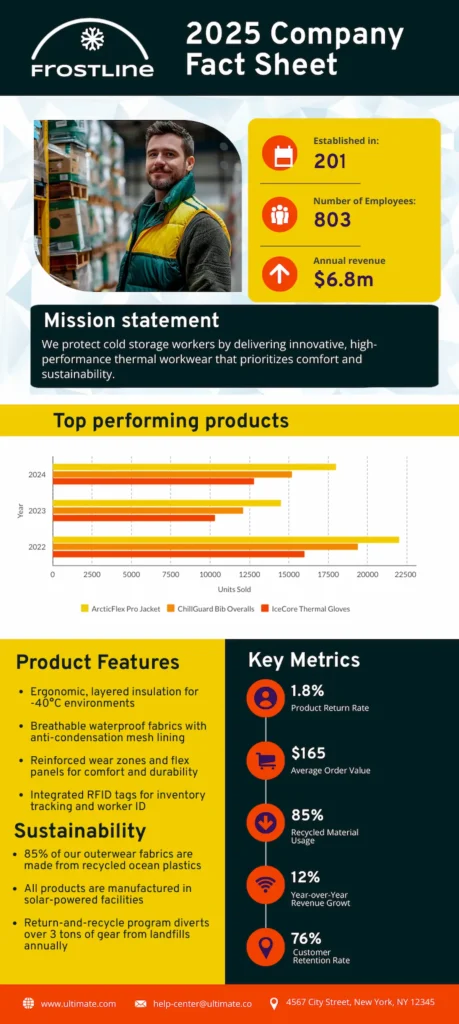
1. Piktochart: Best overall for professional fact sheets
The verdict: professional output and easy-to-use interface
Piktochart comes top of our list because it’s easy to use and has lots of high quality templates. It only takes a few minutes to customise colors and fonts, and the finished product looks professional.
Whereas other apps keep their best templates for pro accounts, Piktochart lets you pick any fact sheet template and edit it for free. You can download two free designs a month, so no problem if you need a solution today.
Piktochart also has powerful data visualization tools. The big time-saver is the built-in chart creators with 15+ chart types. These make your stats look professional in minutes. (No more pasting ugly Excel charts!)
Key features
- 15+ ready-made data visualization charts
- Industry-specific fact sheet templates
- AI content generator to support writing copy
- No watermarks on free plan (2 downloads/month)
| Piktochart pricing breakdown | |||
| PLAN | Free | Pro | Business |
| COST | Free forever | $14 per month | $24 per month |
| FEATURE SUMMARY | Access to all templates, 2 downloads per month | Unlimited downloads, monthly AI credits, graphics library | Brand kits and branded templates |
Learning curve
Piktochart is designed to be quick and easy to use for design newbies. It takes around 20-30 minutes to create a fact sheet by editing a professional fact sheet template from the library.
When to choose
Good for when you need professional results without the learning curve.
2. Canva: Best for personal and education fact sheets
The verdict: easy to use, but lots of templates require a Pro account to access.
Canva makes it intuitive to edit templates, change colors and add your own text and images.
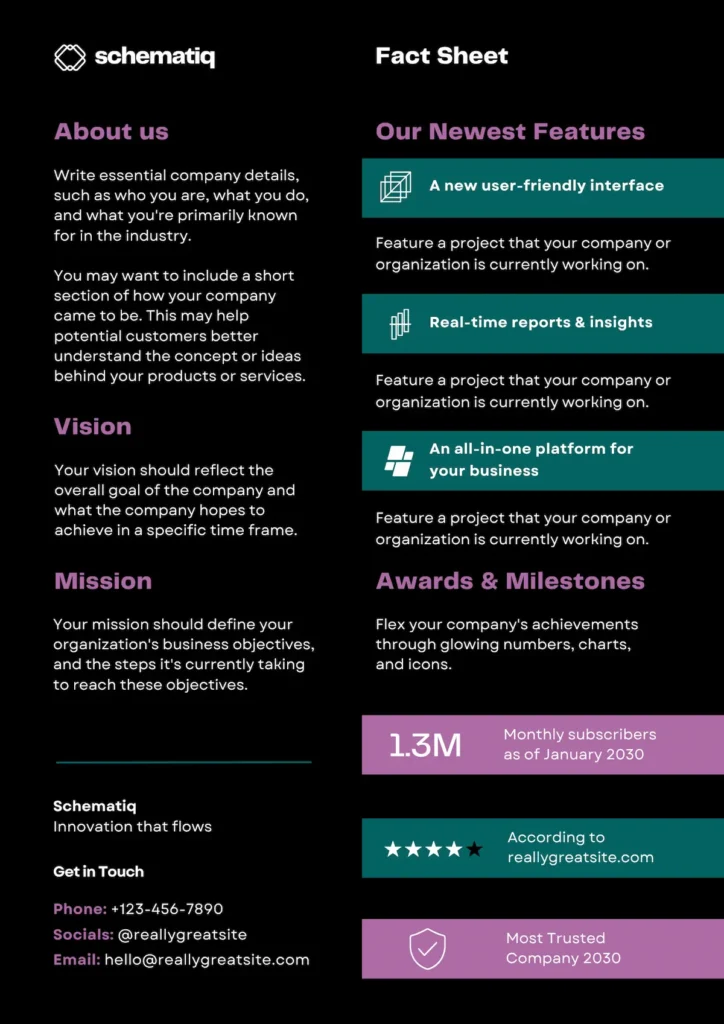
The issue we found was that although there are some fact sheet templates available on the free plan, many of the best require a Pro account to use. This is one of the fact sheet templates available on the free plan:
Key features
- No design experience required
- Large template library on the Pro plan
- Free downloads of some designs
- AI writing support for copy
| Canva pricing breakdown | ||
| PLAN | Free | Pro |
| COST | Free forever | $15 per month |
| FEATURE SUMMARY | Access to design tools and some templates | Access to all templates, graphics resources and AI tools |
Learning curve
Canva is designed to be used by anyone, no matter what their design experience.
When to choose
Good for educational and personal fact sheets, as there are more free templates of these.
3. InDesign: Best for professional printing needs
The verdict:a feature-rich platform excellent for creating professional printed business material
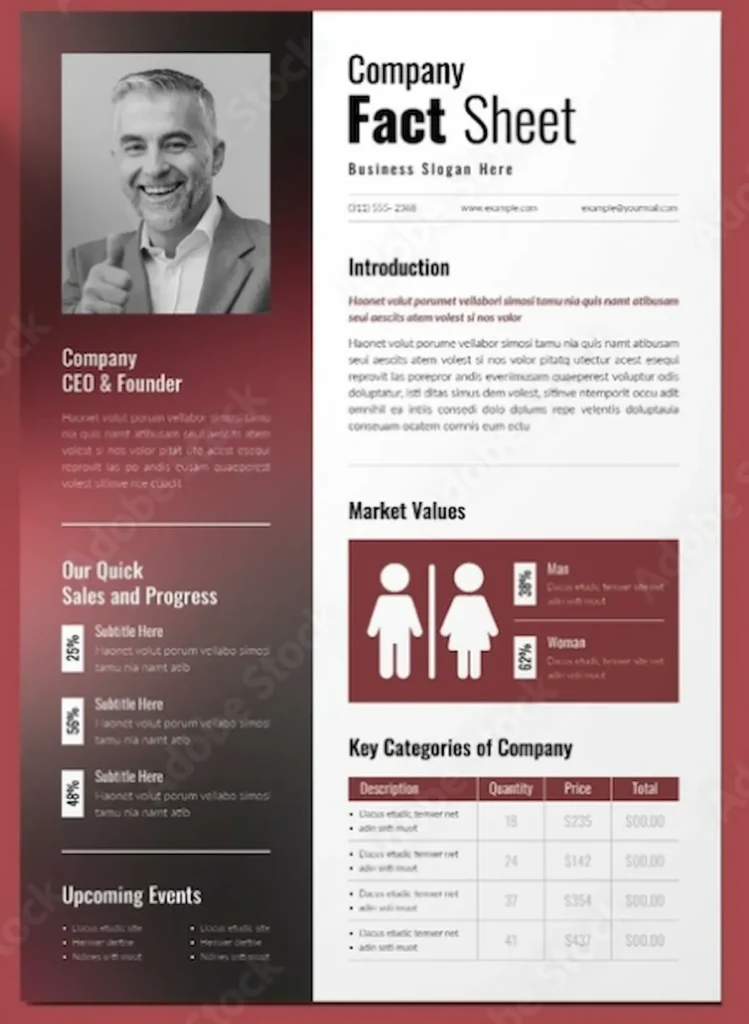
Adobe InDesign is aimed at professional designers creating print-quality graphics, and its complexity reflects that. There’s no free plan, but you can get a 7-day free trial.
There are fact sheet templates accessible through the Adobe Stock Library. Downloading requires a subscription, but you can access for free during the 7-day free trial.
Key features
- Precise control of document layout
- Typography tools make text handling easy
- Template library available through Adobe Stock Library
| InDesign pricing breakdown | ||
|---|---|---|
| PLAN | Free trial | Licence |
| COST | Free for 7 days | $22.99 per month |
| FEATURE SUMMARY | Professional quality desktop publishing tools | |
Learning curve
If you haven’t used InDesign before, it’s a steep learning curve. If you need a fact sheet quickly, it’s probably not the right option.
When to choose
If you need a fact sheet for professional printing, InDesign may be a good choice.
4. Microsoft Word: Best for text-heavy fact sheets
The verdict: easy access for Word users with some fact sheet templates available
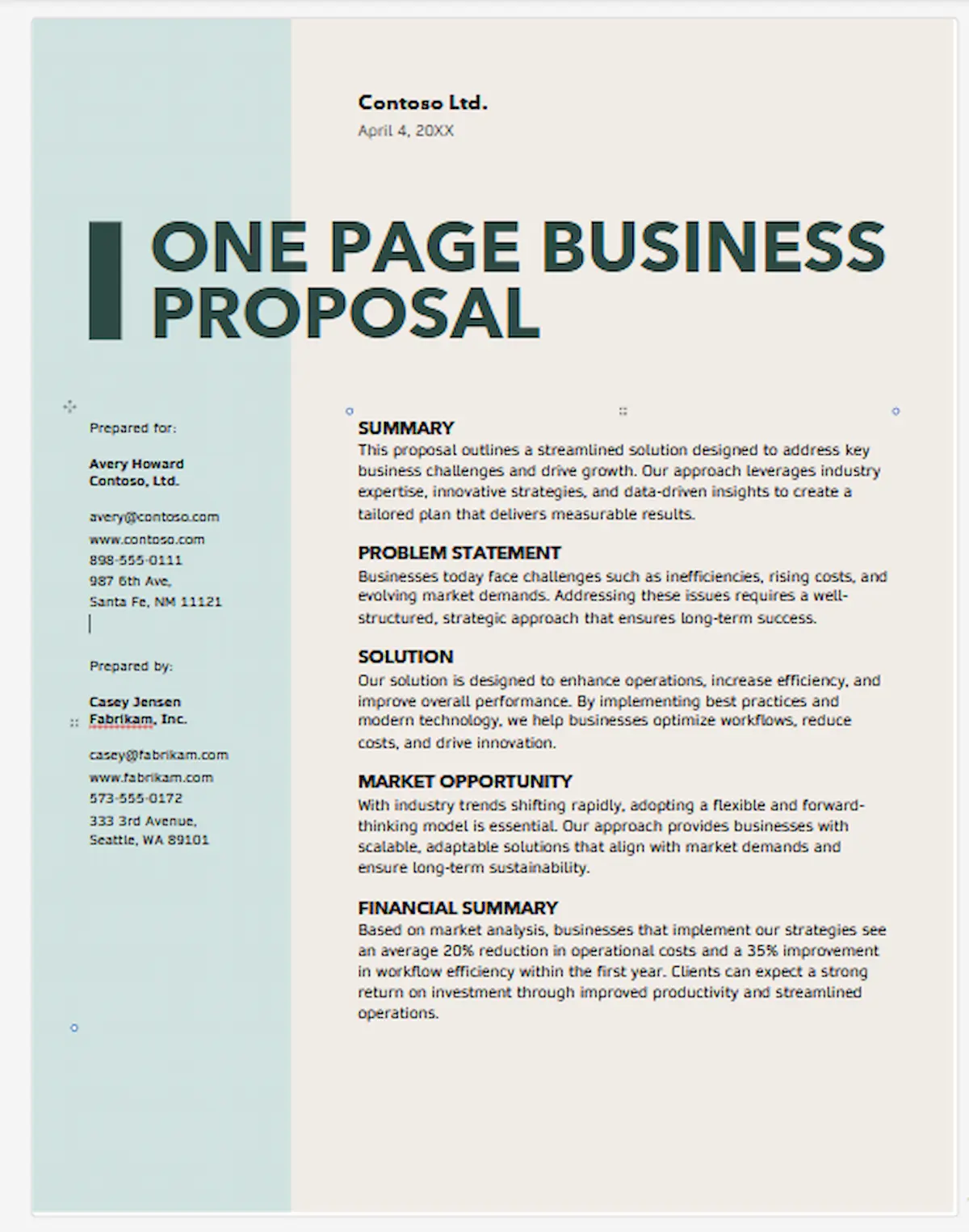
With 1.4 billion Windows devices in use each month, it’s a good bet you’re already familiar with MS Word. That makes it a simple option if you want to create a text-heavy fact sheet with basic graphic design.
Word does have tools for making a fact sheet look professional, including fact sheet templates.
Key features
- Free library of professional-looking templates
- Free online version
- Easy to adapt information from an existing Word doc
| Word pricing breakdown | ||
|---|---|---|
| PLAN | Free | Licence |
| COST | Free online version available | $9.99/month through Microsoft 365 plan |
| FEATURE SUMMARY | Easy to use for anyone already familiar with Word or Google Docs. | |
Learning curve
If you’re already using Word then you probably know all you need to make a basic fact sheet.
When to choose
A good choice if your fact sheet is text-heavy, or if you only need a simple design.
5. Xtensio: Best for start-ups
The verdict: a collaborative business tool with fact sheet templates and easy-to-use graphic design tools.
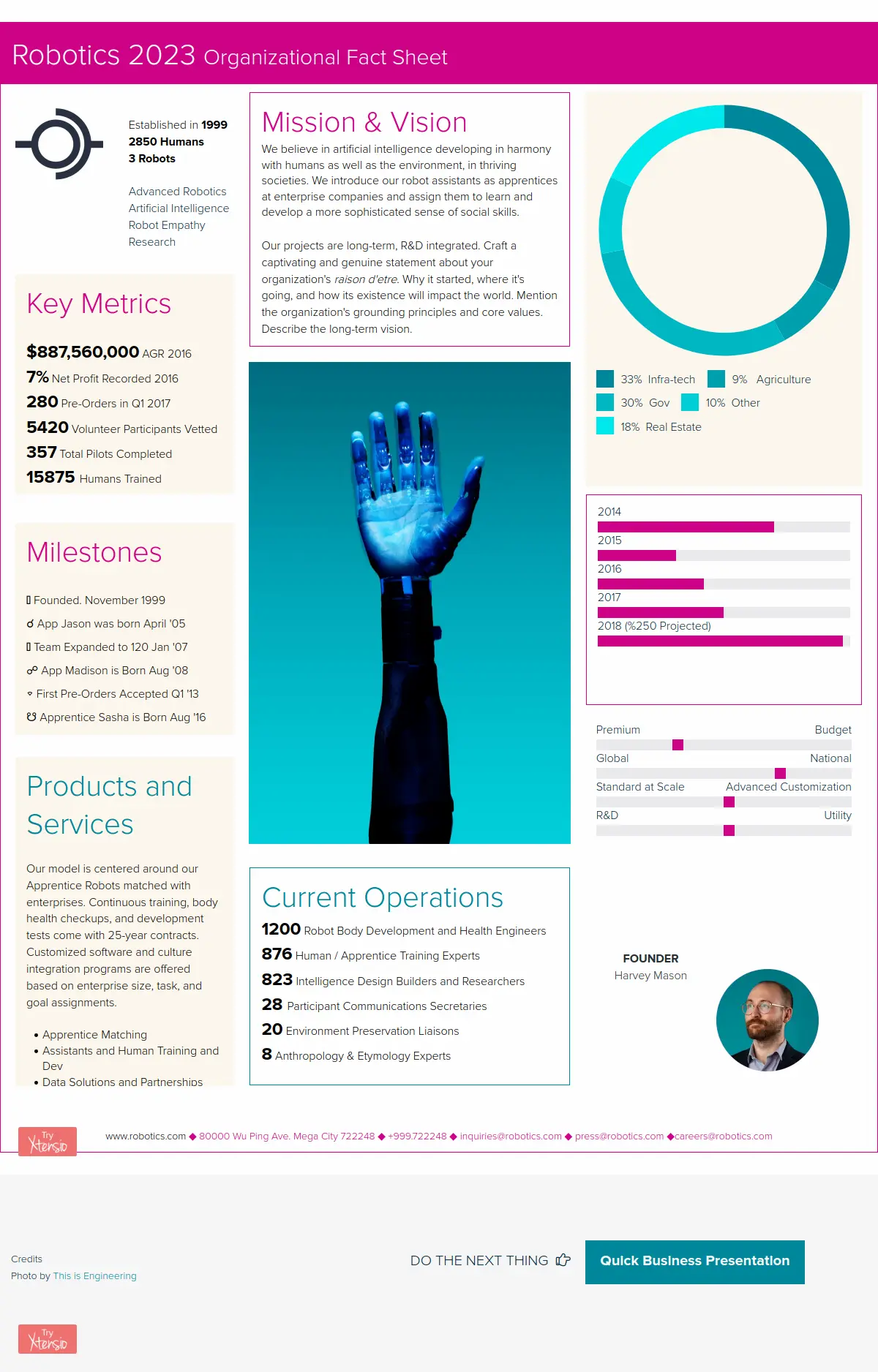
Xtensio enables teams to collaborate on business content such as pitch decks and proposals. The template library has fact sheets that can be edited with your branding.
Key features
- Teamspace that allows you to collaborate on designs
- Libraries of free images
- Ability to insert charts and graphs into fact sheets
| Xtensio pricing breakdown | |||
| PLAN | Free | Plus | Business |
| COST | Free forever | $10 per seat per month | $40 per month |
| FEATURE SUMMARY | Downloaded designs have Xtensio branding | Unbranded downloads and unlimited workspaces | Upload brand fonts and logos. |
| Free trials available on all plans | |||
Learning curve
Adapting a fact sheet template is straightforward and intuitive.
When to choose
A good choice if you are likely to use the teamspace for other collaborative business content.
How to choose the right fact sheet app for you
Choosing the best fact sheet app depends a lot on what you need to do. Here are some common use cases:
You need a free option
Most of the options reviewed here have free options. And ‘free’ doesn’t always mean unprofessional – while many tools add ugly watermarks on their free plan, Piktochart’s free plan lets you download two designs per month in PNG format without watermarks, so you can make professional fact sheets without embarrassing branding.
You need a fact sheet for educational purposes
Apps like Canva and Piktochart have large libraries of educational templates. Some other options are free for educational use, but have steeper learning curves.
You need an app that can do all the design work for your fact sheet needs
Pick an app with AI capabilities, like the Piktochart AI-powered visual generator. The AI can structure and write your fact sheet content too.
Red flags to watch out for when choosing an app for a fact sheet
Don’t sink valuable time into finding a design platform, only to discover a crucial drawback that makes it unsuitable. Here are some common ones to look out for:
- Services with steep learning curves
- Apps with watermarks on free plans
- Tools requiring software downloads
- Platforms with limited export options
Free fact sheet templates you can start using today
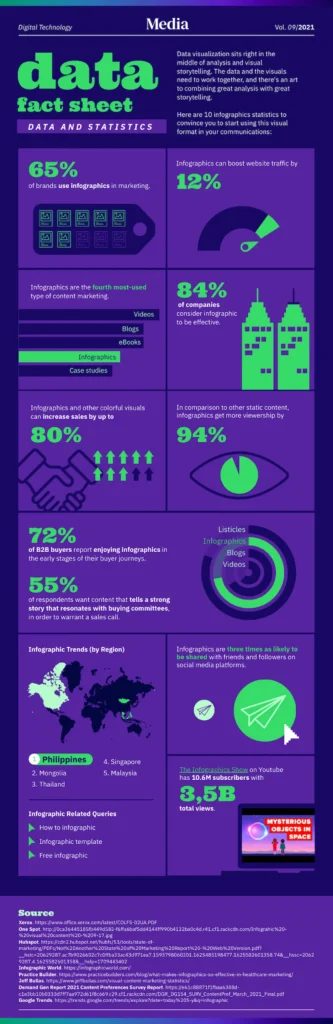
Here are some free Piktochart templates to use as a starting point; you can change colors, fonts and layouts.
Fact sheet template for data visualization
Fact sheet template for corporate HR
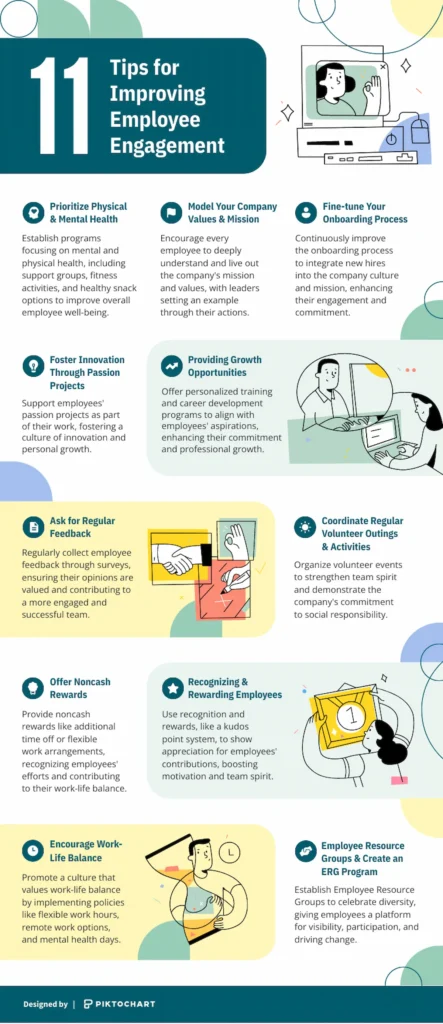
Fact sheet template for educational use
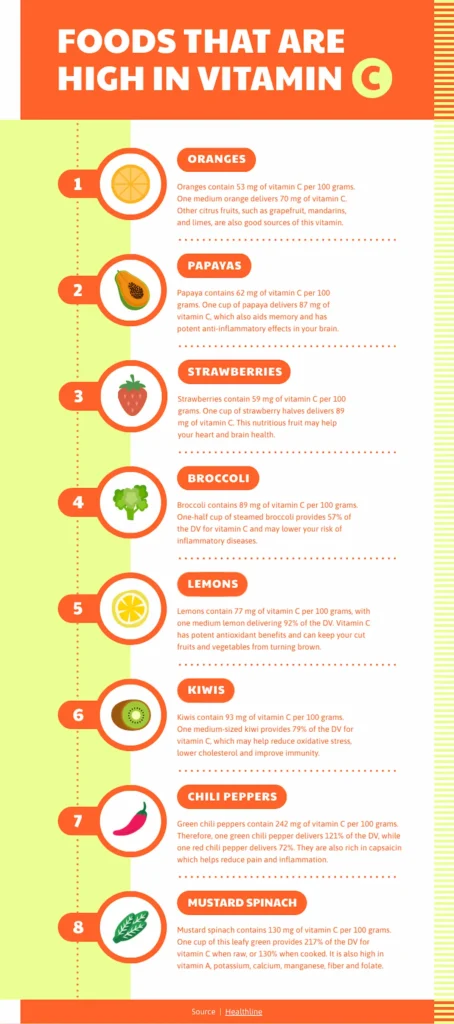
Fact sheet template for presenting statistics
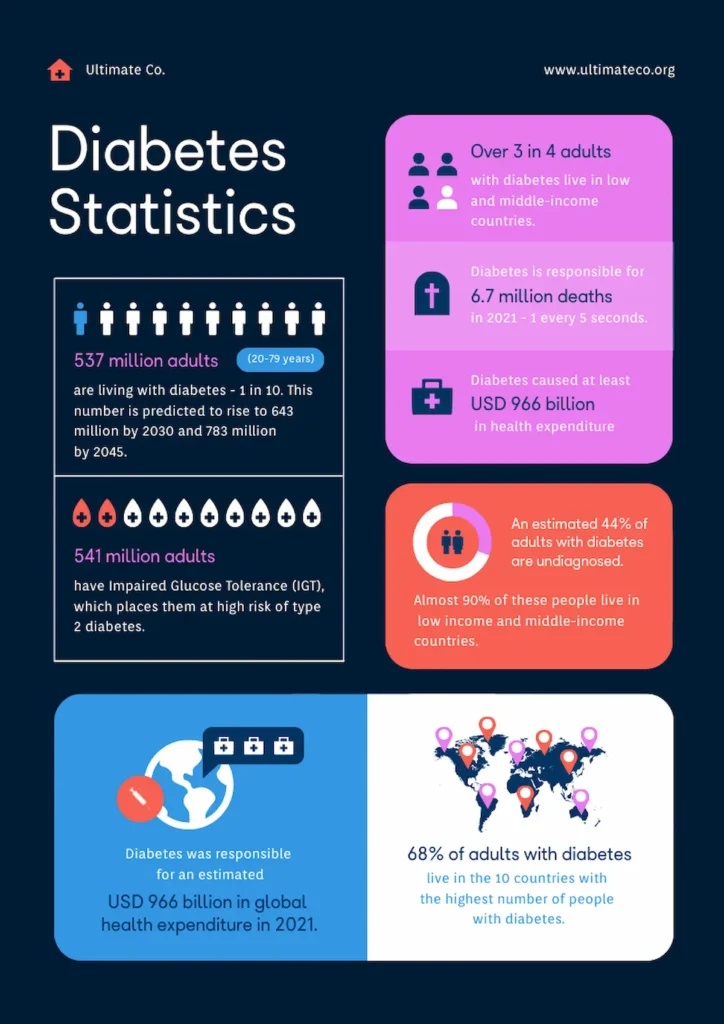
Fact sheet template for start-ups
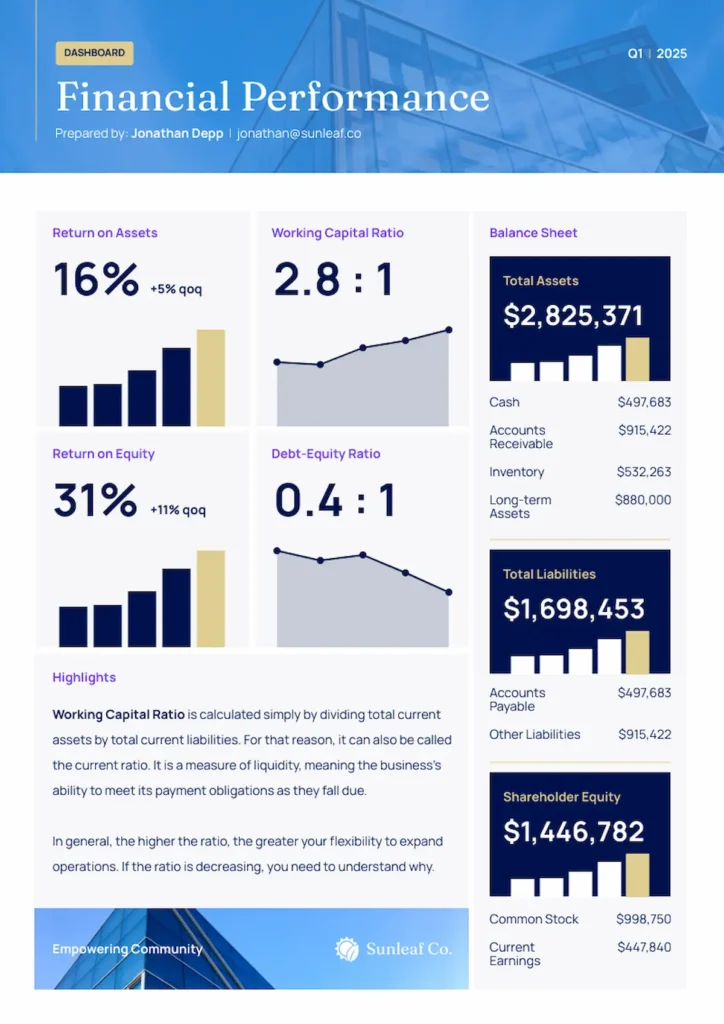
Want to create your own fact sheet? Head to our templates library, or create one with the help of our AI deign generator.
Frequently asked questions about fact sheet apps
What’s the easiest app to create a fact sheet?
Piktochart is our top pick because it combines an intuitive interface with an extensive template library and AI design assistance.
Can I create professional fact sheets for free?
Yes, absolutely! Piktochart offers a free-forever plan that gives you access to the full fact sheet template library. You can download two designs per month with no watermark.
How long does it take to create a fact sheet?
You can use a template to create a professional fact sheet in under half an hour, or use the Piktochart AI-Powered Visual Generator to help with design and content structure.
Do fact sheets have images?
Fact sheets do sometimes use images, but it’s not essential. Graphic elements help present your content in an engaging way, such as:
- Box-outs or bullet points
- Colored headings and text boxes
- Charts and graphs
- Different font sizes