All-in-one AI suite replaces multiple design subscriptions for non-designers
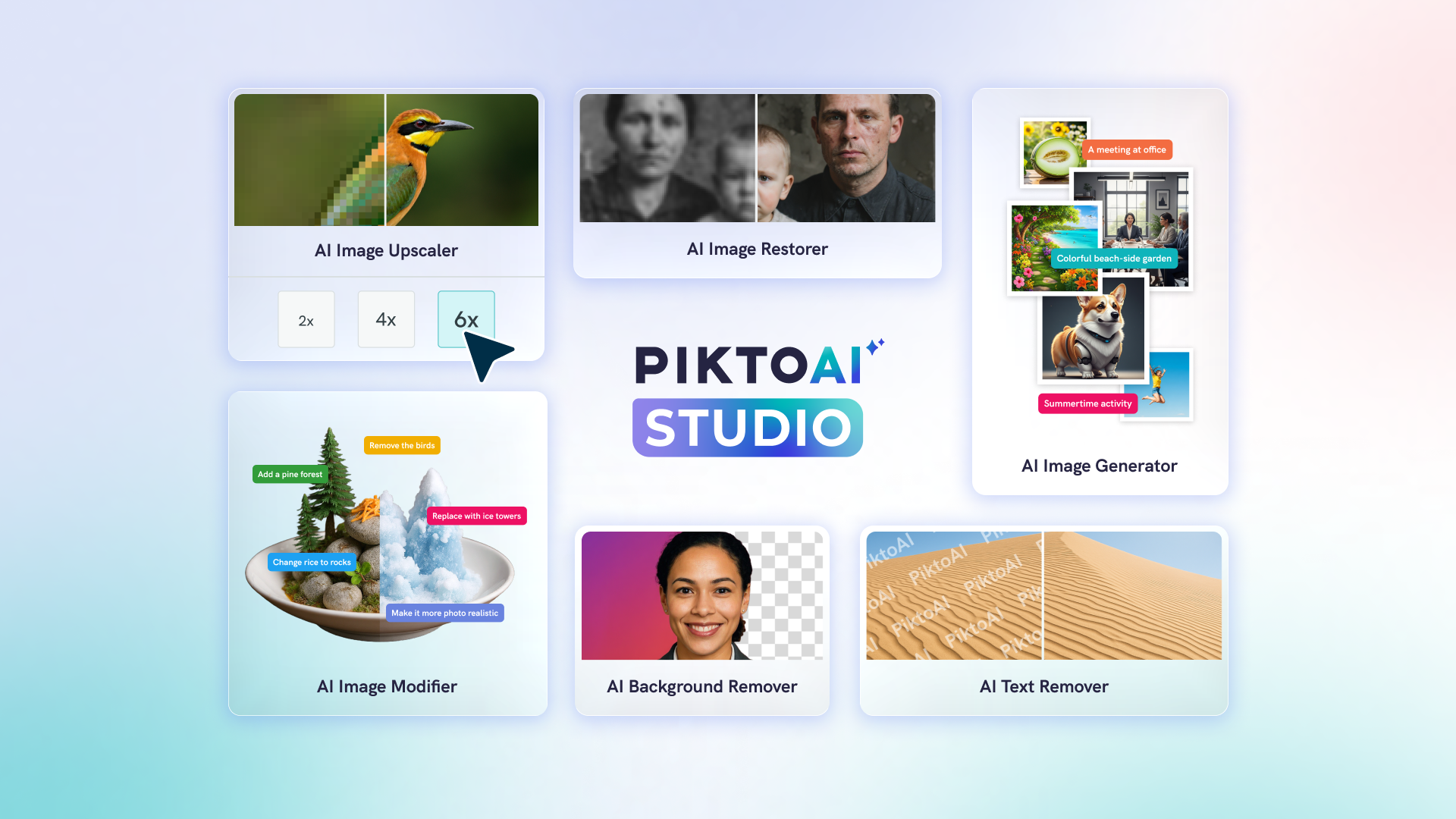
Piktochart today announced the launch of Pikto AI Studio, a comprehensive suite of six AI-powered image tools that consolidates the entire visual creation workflow into a single platform. The new offering includes AI Image Generator, AI Image Modifier, AI Image Upscaler, AI Background Remover, AI Image Restorer, and AI Text Remover – providing professionals with studio-level capabilities without requiring design expertise or multiple software subscriptions.
“This launch represents a fundamental shift in how professionals approach visual content creation,” said Girithaara Ramanan, General Manager of Piktochart. “We’ve eliminated the friction of juggling multiple AI tools and subscriptions. Now, marketing teams, HR departments, consultants, and educators can generate, modify, and perfect visuals in one seamless workflow. The creative control remains entirely with the user – AI simply handles the technical execution.”
Complete Visual Creation in One Platform
Most AI image tools solve one specific problem. Pikto AI Studio tackles the entire visual creation workflow on a single platform. The integrated approach allows users to move fluidly between tools without file exports, format conversions, or platform switching.
Whether you’re starting from scratch with a text prompt or polishing an existing image, every tool you need lives in the same platform. No need for multiple file downloads, format conversions, or even switching between tabs.
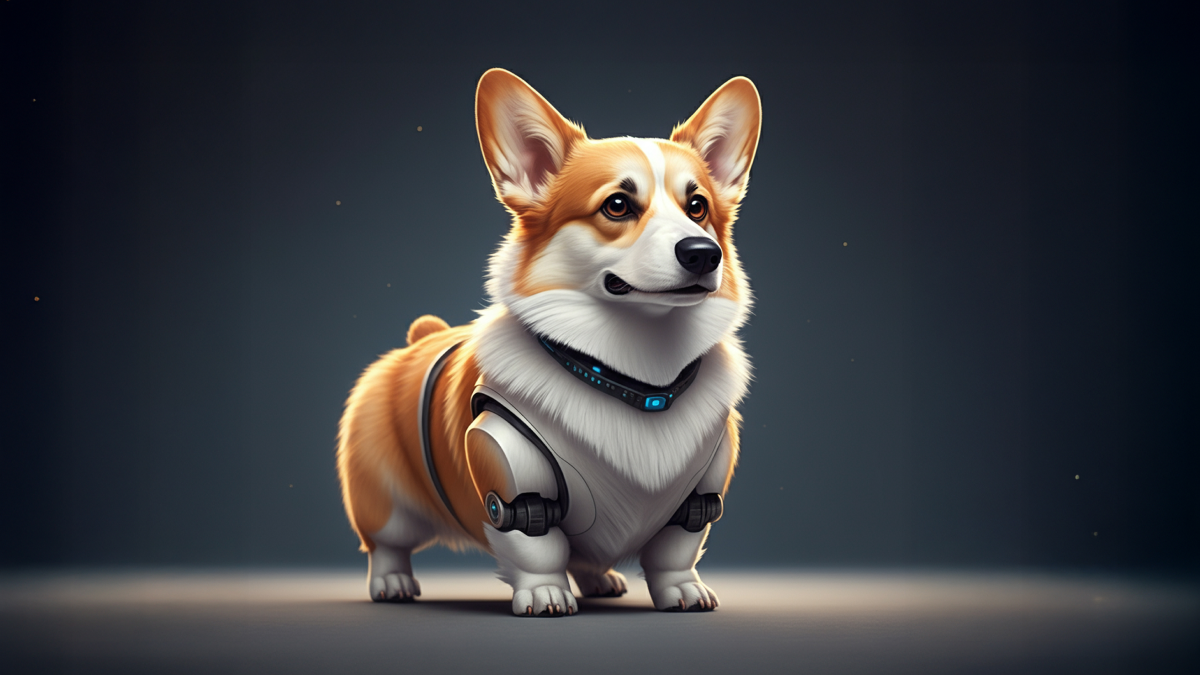
Transform any text description into professional visuals instantly. Instead of spending hours searching stock photo libraries, describe what you need: “confident business team in modern office” or “sustainable energy infographic icons.” The AI creates custom images that match your exact requirements.

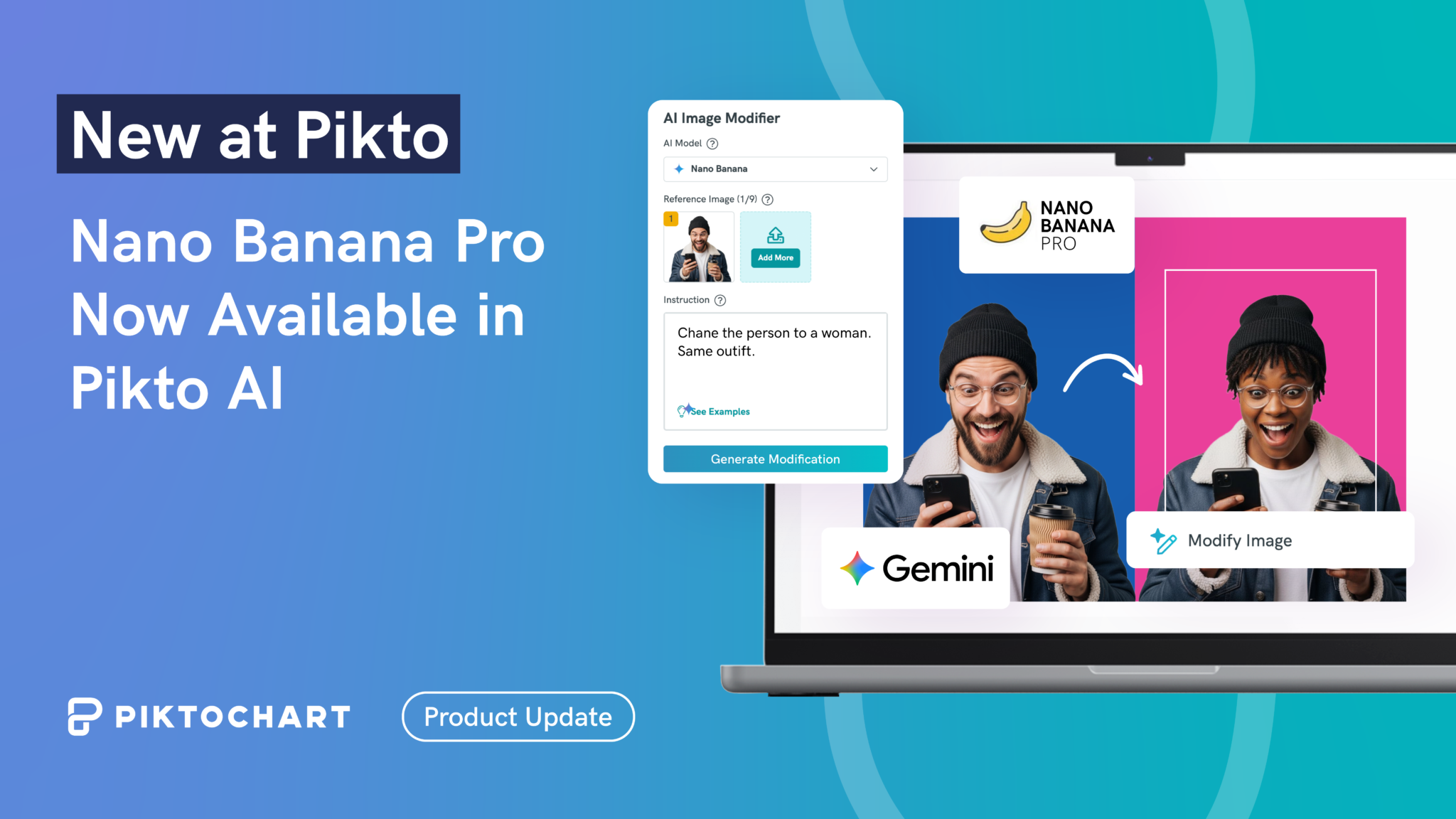
Fine-tune any visual to perfection. Add objects, change styles, or adjust aesthetics without learning complex editing software. Need to add a laptop to a desk scene or change a blue shirt to red? Describe the modification, and the AI handles the technical execution.
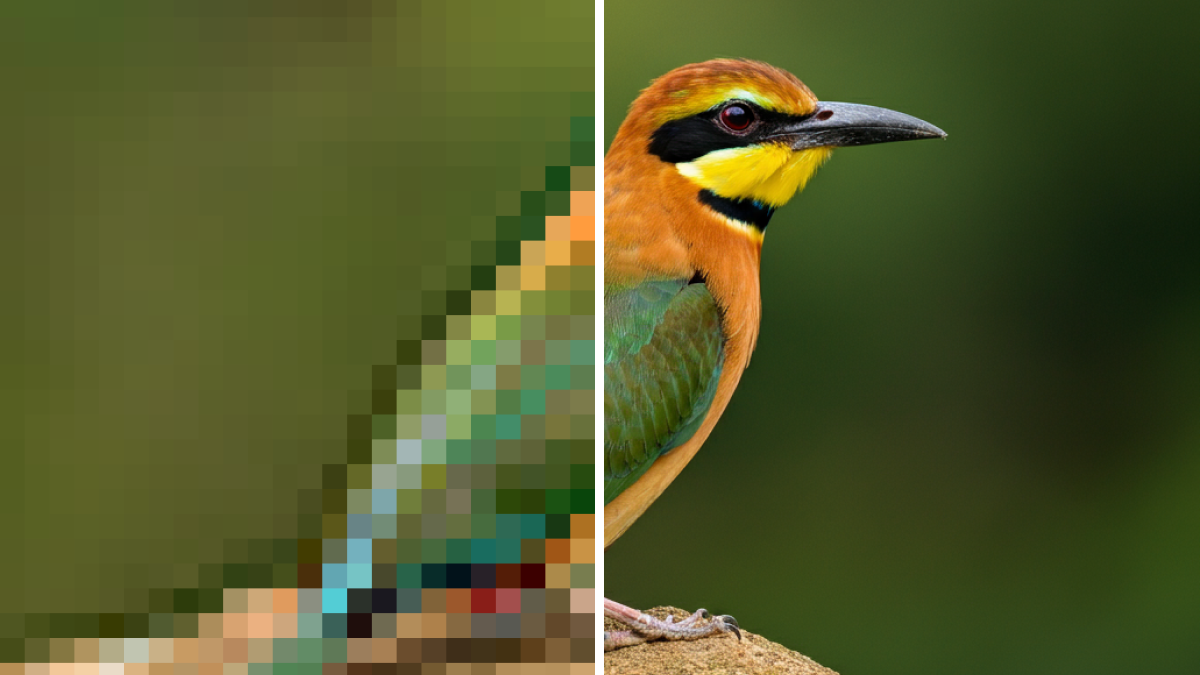
Convert low-resolution images into crisp, high-quality assets suitable for any medium. Those pixelated logos from your company’s early days? Transform them into sharp, professional graphics ready for large-format printing or high-resolution displays.

Create professional product shots and headshots with one click. Remove distracting backgrounds from team photos, isolate products for catalogs, or prepare images for presentations. No manual selection tools or tedious edge refinement required.
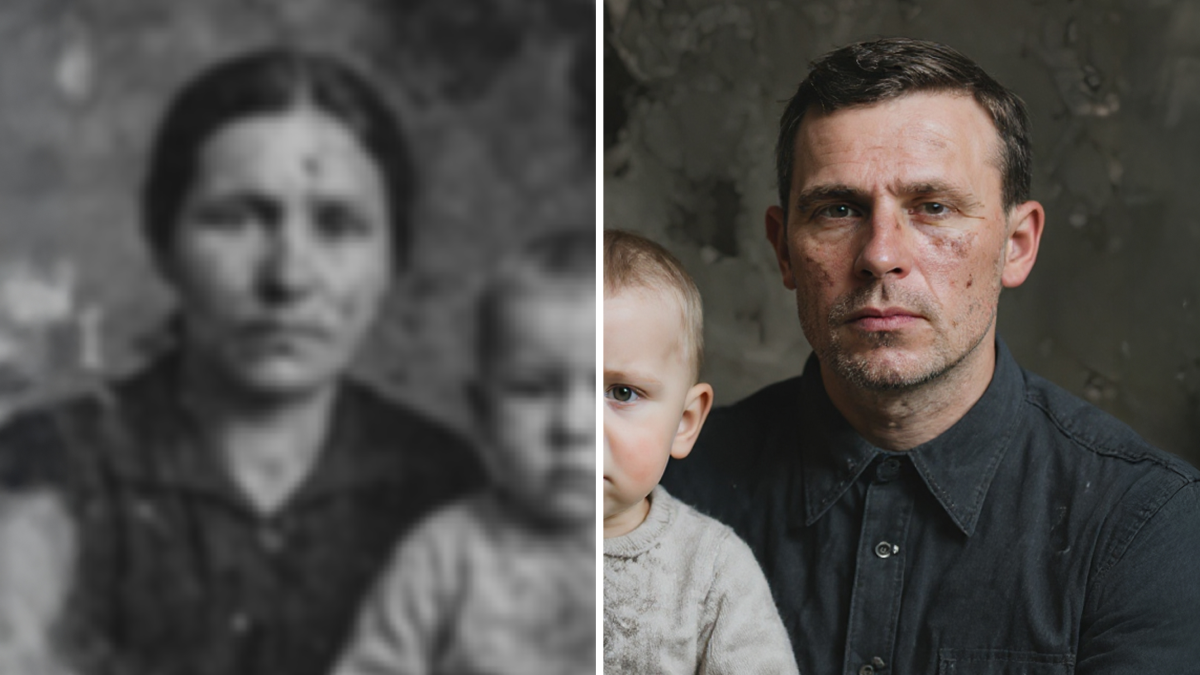
Breathe new life into damaged or aged photographs. Perfect for “then and now” campaigns, historical content, or salvaging important images with scratches, tears, or fading. The AI reconstructs missing details and corrects imperfections automatically.
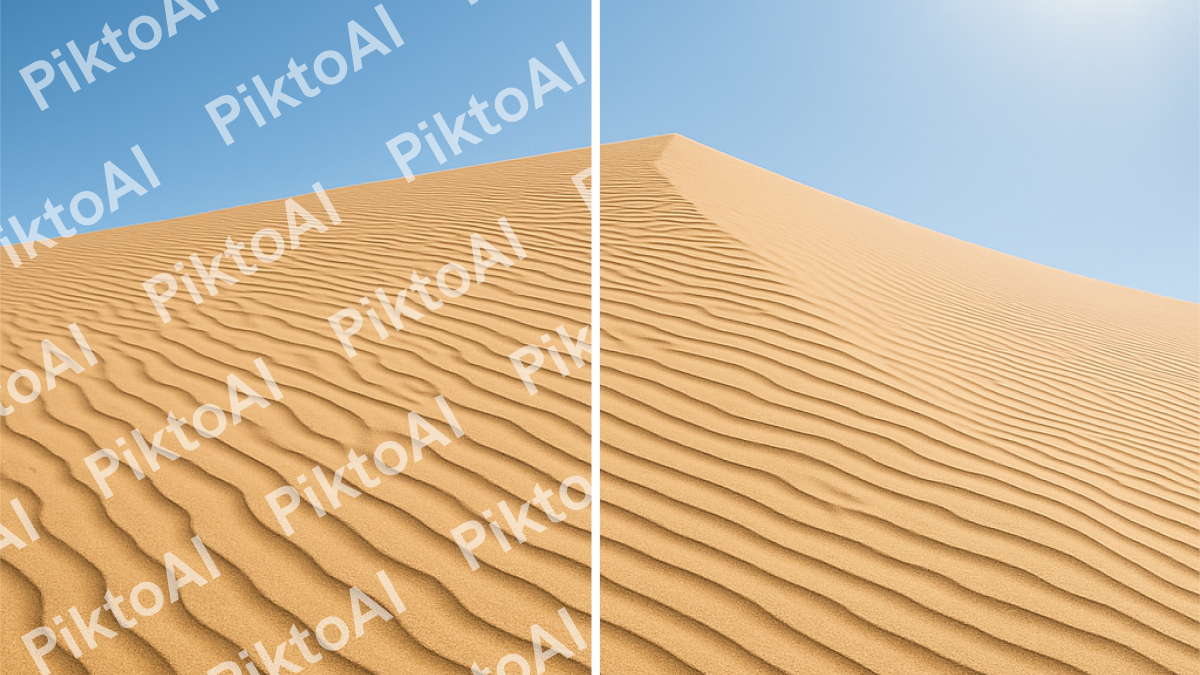
Clean up user-generated content or repurpose existing visuals by erasing unwanted text elements. You can clear text overlays from images you want to reuse or prepare graphics for new messaging.
Added to the growing list of AI tools
These are just some of our ever-growing set of AI visual formats. On top of these ready-made visuals, subscribers can use the following features that have been heavily in demand over the past year.
Preserve Content
Upload any document and instantly transform it into a polished visual while maintaining every word, number, and table. Your quarterly reports, research findings, or policy documents become engaging infographics without losing critical information.
AI Outline
Reorganize multi-page visual documents with drag-and-drop simplicity. Restructure presentations, reorder report sections, add new pages, or remove outdated content. Perfect for keeping long-form visual documents current and logically organized.
Pikto AI Studio joins Piktochart’s comprehensive suite of AI-powered visual creation tools spanning five major categories.
Transform data and concepts into engaging visual stories, including formats such as:
- List
- Newsletter
- Comparison
- Timeline
- Chart
- And more
Create professional slide decks with suitable for any public speaking occasion, such as:
- Pitch deck
- Business
- Marketing/sales
- Education/lecture
- Training
- Course
- And more
Generate business-critical materials including
- Cover letter
- Report
- Proposal
- Business plan
- Handbook
- Ebook
- Case study
- White paper
- And more
Produce visuals suited for different social media platforms in these dimensions:
- Square post
- Landscape
- Story
- Carousel
- Thumbnail
- Banner
- And more
Design professional marketing collateral with
Getting Started
Starting with Pikto AI Studio is simple. Each tool works through simple text prompts or one-click actions. Just tell the tool what type of visual you want or how you want to edit your visuals, and Pikto AI will handle the rest.
No tutorials required, no complex interfaces to master.
You can sign up today for free to test it out for yourself.
Start with your most pressing visual need. Generate a custom image for your next presentation, or upload an existing photo that needs background removal. The integrated workflow becomes apparent once you begin using multiple tools together.
Availability and Pricing
Pikto AI Studio is available immediately to all Piktochart users. New users can explore the complete feature set with 60 free AI credits during a seven-day trial period. The integrated toolkit joins Piktochart’s existing AI-powered visual creation capabilities, forming the industry’s most comprehensive end-to-end visual communication platform.
Join over 14 million users who trust Piktochart for their visual communication needs, including teams at Disney, United Nations, Johnson & Johnson, and Verizon.
Explore Pikto AI Studio and discover how eight AI tools in one platform can transform your content creation process.