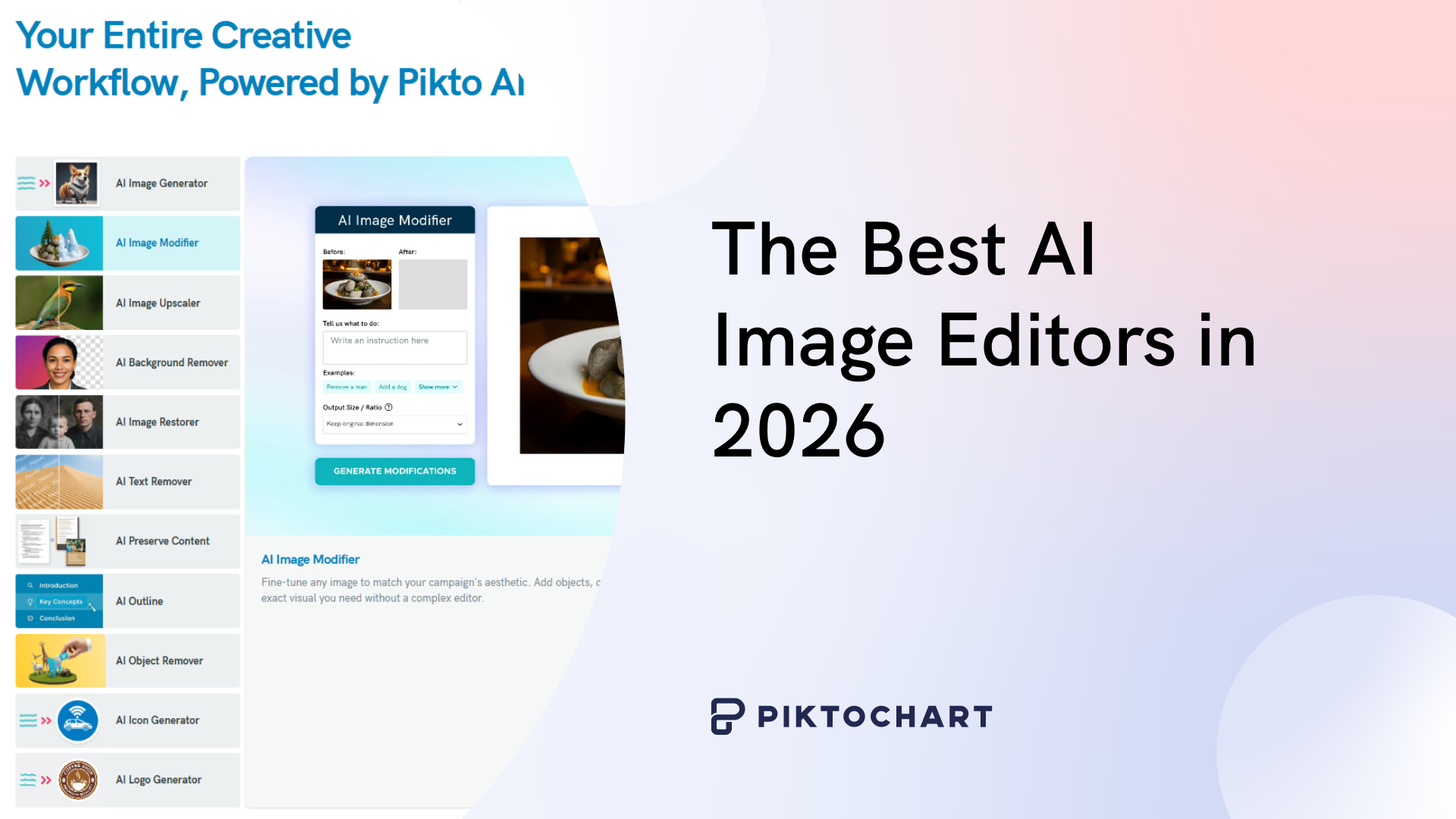
The best AI image editors in 2026 can remove backgrounds, swap objects, upscale resolution, and retouch portraits in seconds; no Photoshop skills required. We spent weeks testing 10 of the top-rated options so you can skip the learning curve and pick the right tool for your workflow.
Each editor was scored on ease of use, AI accuracy, pricing, and real-world performance with product photos, social media graphics, and presentation visuals. Below, you will find our honest rankings, feature breakdowns, and the specific scenarios where each tool shines.
For a related read, see our guide on ai art styles guides.
Whether you are a marketer on a deadline, a consultant building a client deck, or an entrepreneur updating your online store, this guide matches you with the AI image generator built for your situation.
The Best AI Image Editors in 2026
To test the best AI image editors, we focused on a few main factors. I’m no design expert, so they had to be easy to use.
I’m also always busy, which is why we tested all AI photo editing tools for workflow integration – particularly for marketers and creators.
For each AI tool, we also looked at price point and whether they offer a truly free option… unlike so many that sting you with a paywall immediately after creating an account.
What to Look For in an AI Photo Editor
Here’s what to look for when choosing an AI photo editor:
Ease of Use
There’s nothing more annoying than a convoluted program interface. I needed an AI photo editor that felt intuitive enough for me to manage tasks without having to consult Professor YouTube every five minutes.
Core Features
Right now, I just need an AI photo editor that has basic features like background removal. But later down the track, I might need some more firepower up my sleeve. It really tends to go that way, right?
So I was on the hunt for an AI image editor that has a good range of core features, including an object remover, enhancer, resolution upscaler and colorizer. I’m safeguarding myself against outgrowing a basic program.
Pricing Models
I just want a pricing model that is transparent and doesn’t cost me an arm and a leg.
Integration Capabilities
I’m not planning on using a bunch of apps for image editing, but you might be, so integration capability might be a must-have quality for you. If you’re like me and just need one app to do a couple of things, then it’s not such a big deal.
Our Top 10 Picks for Best AI Image Editors
Let’s get into the meat of it! Here, we tested 10 of the most popular AI image editors for creators and marketers.
1. Pikto AI
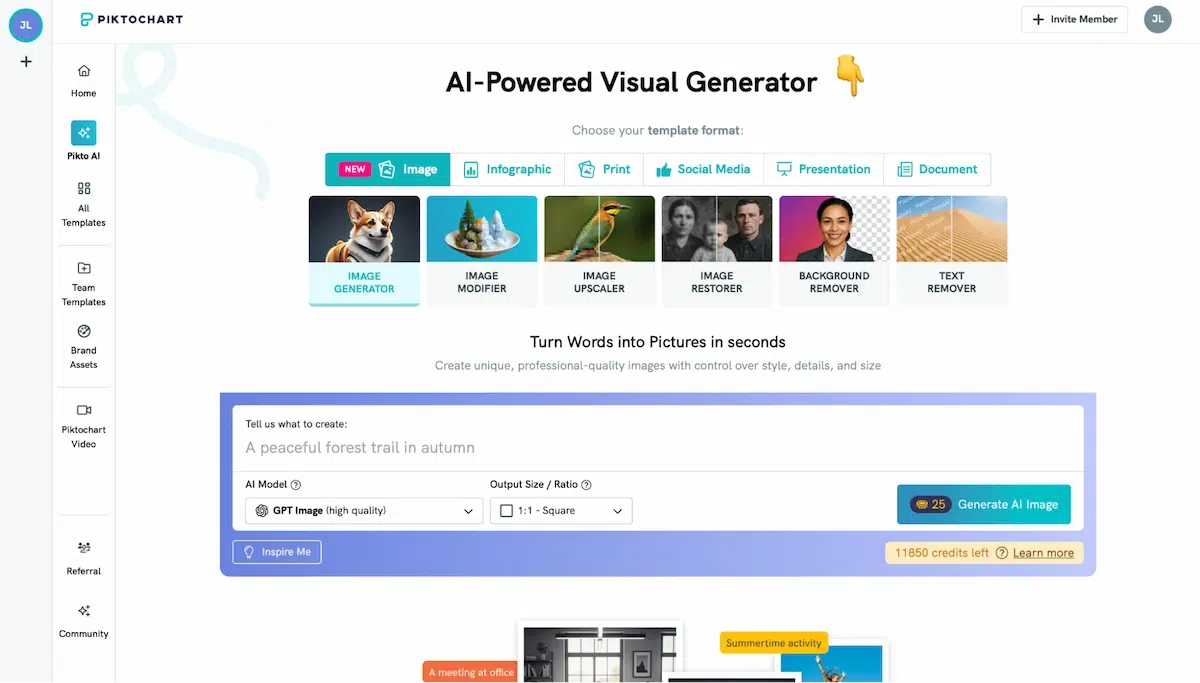
Kicking off with our most impressive find, Pikto AI is a powerful AI-driven image editor. Here’s what we love about it:
Superb range of features
Piktochart has an excellent range of features for non-designers like me. Its hands-down coolest feature is the Image Modifier which lets you remove and add features, adjust colors, and alter visual styles, simply by giving the AI an instruction (e.g. ‘change the sky from blue to orange’).
It also has an Image Upscaler, which improves resolution while preserving fine details, a fantastic and easy-to-use Background Remover. Plus, among the many AI image generators that exist, Piktochart’s is fast and effective.
Very easy to use
Unlike when using many other tools, Pikto AI didn’t have me in tears by the end of it. In fact, I found it super easy to use with a very intuitive interface. For example, you can easily find the AI tool you want in the left-hand sidebar, click on it and wait for the magic to happen.
The text prompts work remarkably well, certainly the best of all programs tested in this review.
Free and paid tools, modestly priced
Piktochart also has a free version, which comes with 60 free AI credits – more than enough to edit an image or two. Its Pro account is modestly priced at $14 per month when billed annually.
2. Canva

The market leader in designing tools for non-designers, Canva’s Magic Studio has got a lot going for it.
Great range of features
You might also find our article on how to restore old photos using ai useful.
Top features of Canva’s Magic Studio include Magic Edit, which lets you add or replace elements with a text prompt, Magic Grab, which identifies the main subject of an image and lets you reposition it, and Magic Expand which is handy for extending the borders of an image.
Easy to use
With Canva’s signature user-friendly feel, Magic Studio’s features are easy to use. I’d say they’re about on par with Pikto AI in this regard.
Limited free features
Sadly, none of the cool features mentioned here, like Magic Edit, Expand or Grab, are available on a free account. These are unlocked only with a Pro account, which is priced at $15 per month.
3. Adobe Firefly
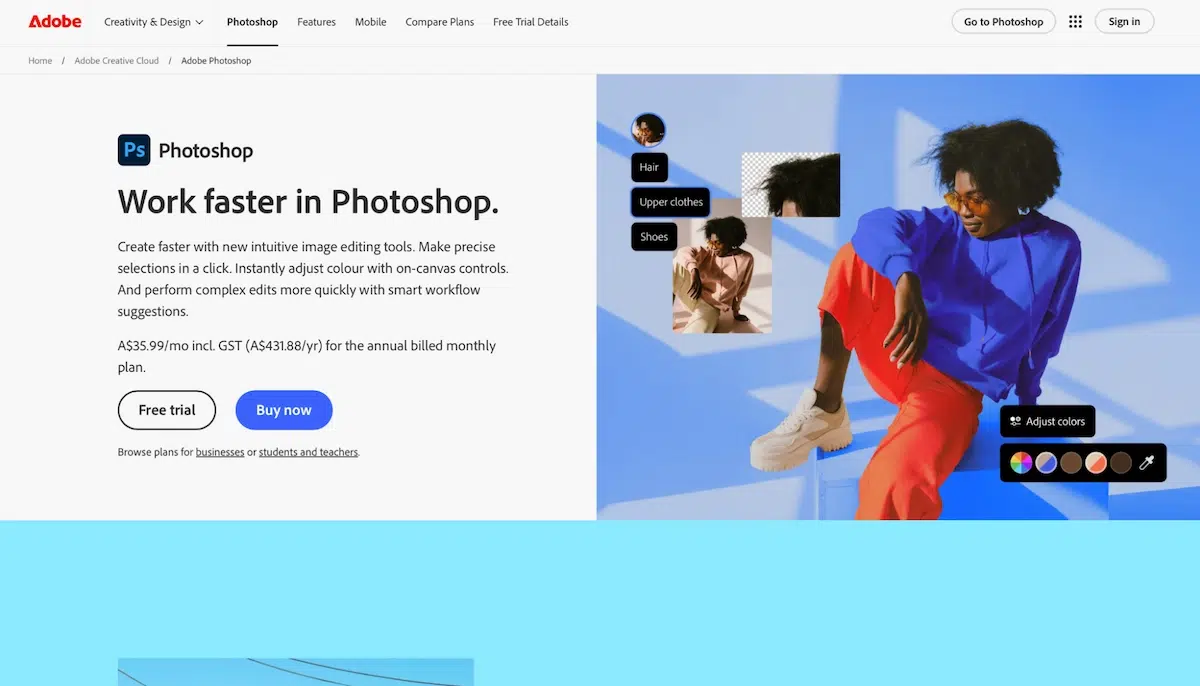
Adobe Firely – known by most non-designers, but traditionally feared for its complicated interface and steep learning curve. Could their AI integration change that? The answer is yes.
Top features
Like most of the AI photo editors mentioned, Adobe Firefly has key features like Generative Fill and Generative Expand, which allow you to add or remove content and extend images with text prompts.
Pretty easy to use
I know what you’re thinking. You hear the ol’ Photoshop and get horrible flashbacks. But Adobe Firefly is surprisingly easy to use, thanks to its Contextual Task Bar which presents AI tools as you select elements.
Tasks like extending the background of a photo are difficult to do manually in Firefly, but the AI tools change this entirely.
Pricey compared to other tools
Photoshop is pricier than Piktochart and Canva, costing $22.99 per month. If you’re a non-designer who’s just looking for quick AI photo editing, we’d suggest a cheaper program like Pikto AI which gives you all the same tools.
4. Adobe Lightroom

The younger sibling of Photoshop, Adobe Lightroom is a tool that specialises in photography editing, rather than images in general. Its AI capabilities are similar to Photoshop’s.
Top features
For non-designers, Lightroom AI can basically do all the same things as Photoshop AI: change element colors, extend the background, remove elements.
Lightroom also features the super cool Adaptive Presets that automatically apply effects to specific areas of a photo, such as eyes or clothing.
Possibly the most sought-after feature in Lightroom AI is Generative Remove. This nifty little guy removes unwanted objects from photos by analyzing the surrounding area and generating a new, blended background to fill the void.
Good workflow, but no text prompts
Lightroom AI is easy to use if you’re a design noob like me. The workflow is pretty intuitive, and it’s easy enough to get your head around.
But the big drawback for me is the lack of text prompt ability. You can’t just say, “hey – turn my head into a Granny Smith apple.”
Massive dealbreaker for me.
Looking for more? Check out viral ai images.
Price is good if you just want photos edited with AI
Lightroom only really does photos, lacking layer editing and vector tools. So at $12 per month, we’d suggest spending a couple bucks more and going for something like Pikto AI which gives you a full suite of AI image editing tools.
5. Luminar Neo
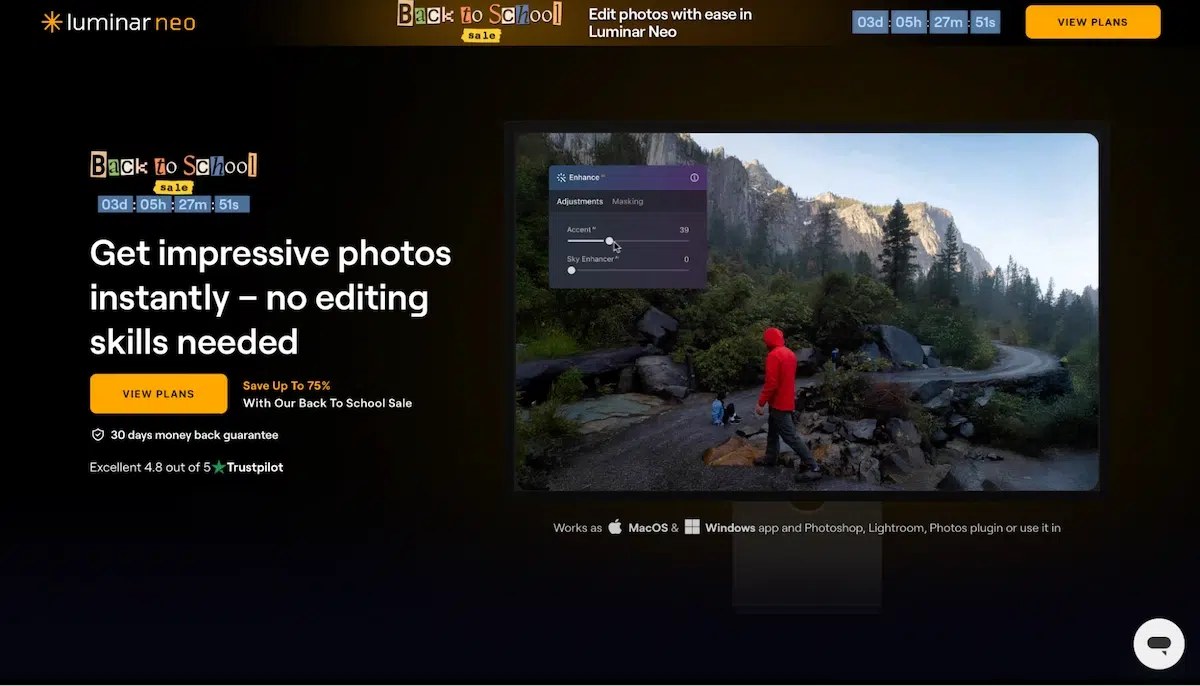
I’d heard a lot about Luminar Neo, and had seen slick ads for its self-described ‘seamless’ editing. But to be honest, Luminar Neo’s AI was a little disappointing. Here’s why:
Features
Luminar Neo is often billed as a Lightroom competitor, considering it specialises in photo editing (and isn’t super useful for other graphics).
Among the standard AI editing features like sky editing and object removal, it also has Portrait Bokeh AI for creating a professional-looking depth-of-field effect and Powerline Removal AI to automatically clean up landscapes.
A bit clunky to use
Easy enough to change the color of the sky – but difficult to change it to one that’s realistic, or one you actually like. Luminar Neo’s AI tools seem to ‘overcook’ the photo editing, making colors unrealistically bright and giving your edits a harsh, cheap-looking effect.
Deceptive pricing
You can buy a lifetime licence for Luminar Neo for $199. Pretty reasonable to me. But what I don’t find reasonable is the constant updating of the program which pushes you towards a subscription model ($99 per year) if you want the latest features.
Considering AI tools are rapidly changing, this doesn’t make sense for anyone who wants AI photo editing – as you’ll be stuck in the past, pretty quickly.
6. Fotor

A relative newcomer to the field, Fotor is a budget photo editing platform that now comes with some cool AI tools, but it’s not without its problems.
Features
Fotor comes with a few neat AI features, including background removal, generative expand and image enhancer. They work fine, but the quality just isn’t as high as some of the other programs mentioned here.
You know when you can just tell that an image has been AI-modified? Fotor kind of has that feel to it.
Poor interface
In terms of usability, I found Fotor’s interface less intuitive than some of the other programs. The Background Removal tool, for example, isn’t grouped in with the other AI features in the Photo Editor – it’s weirdly located in the Home menu instead.
Another minor gripe was that I couldn’t switch to another editing space for further work – instead, I had to save a new file and reopen it.
Cheap price
At $8.99 a month, Fotor is cheap, there’s no denying that. I think for a lot of these programs, you pay for what you get. Paying slightly more will grant you a more user-friendly experience such as Pikto AI.
7. Picsart

Picsart is an AI image editor that does more or less the same thing as the others, with a focus on social media content. Having not heard of Picsart but reading recommendations, I was keen to test out their tools and compare them to some of the better-known programs.
Features
Like Pikto AI and Canva, Picsart has the features of background removal, AI enhancement and object removal. I gave the enhancer a try, but it was a little lackluster compared to some of the other tools I’ve used. The difference in image quality before and after wasn’t immediately noticeable.
User-friendly
Picsart has a pretty decent interface that makes for an easy workflow. It’s more user-friendly than Fotor, for example, but less so than Pikto AI or Canva.
Low price, but deceiving ‘free’ account
The price for Picsart Pro is $13 per month, and they do offer a free account. But all the cool AI tools you want are locked behind a paywall – the enhancer and background remover are limited to the Pro account.
8. Pixlr
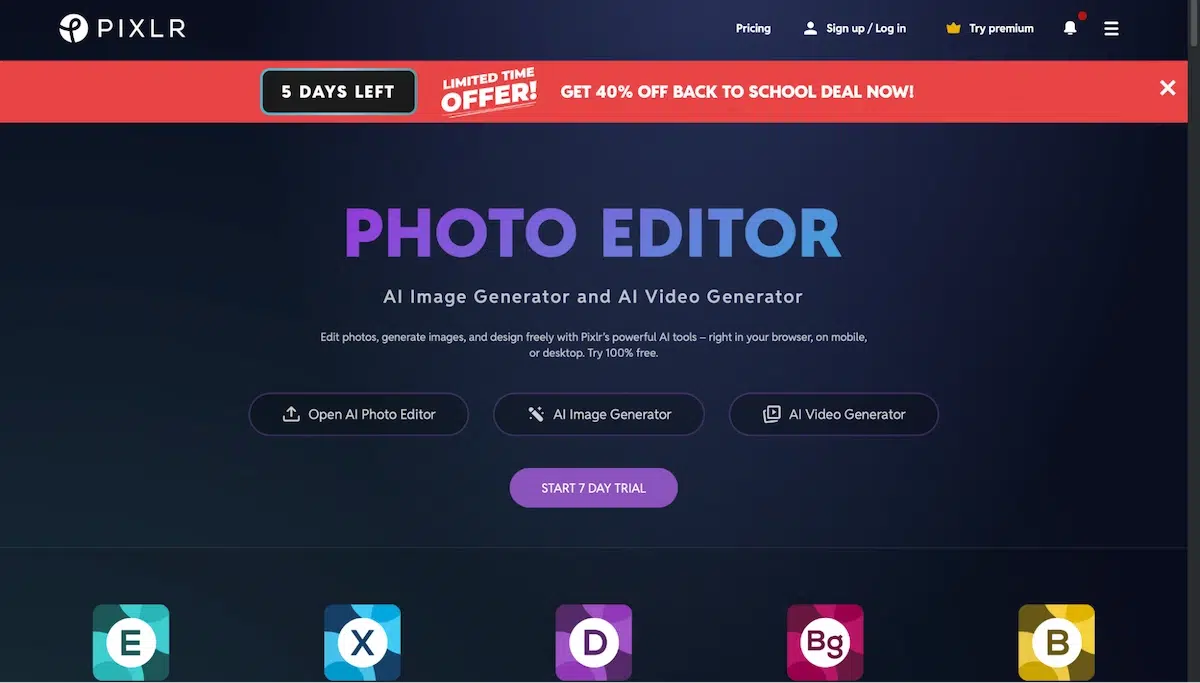
Pixlr is another AI image editor that has a few things going for it. It’s good for both photos and other images, and has a few cool AI tools.
Features
Like most of the AI image editors mentioned here, Pixlr has AI tools like generative expand, background removal, object removal and generative fill – some of which use text prompts to get you there.
I gave the object removal tool a whirl, and was a little disappointed. It turned a car in the background of a photo into a grey smudge… which I wouldn’t classify as ‘removing’ so much as ‘blurring’.
User-friendly
For a program I hadn’t heard of before using, Pixlr was surprisingly user-friendly and had a good workflow. What’s annoying about Pixlr is the ads that pop up all the time when you only have a free account.
Low price and decent free options
Pixlr has a low price of $8.99 per month. But given my experience with it, I’m not sure it hits the mark. Again, I’d rather spend a little extra on a more reputable tool.
9. Topaz
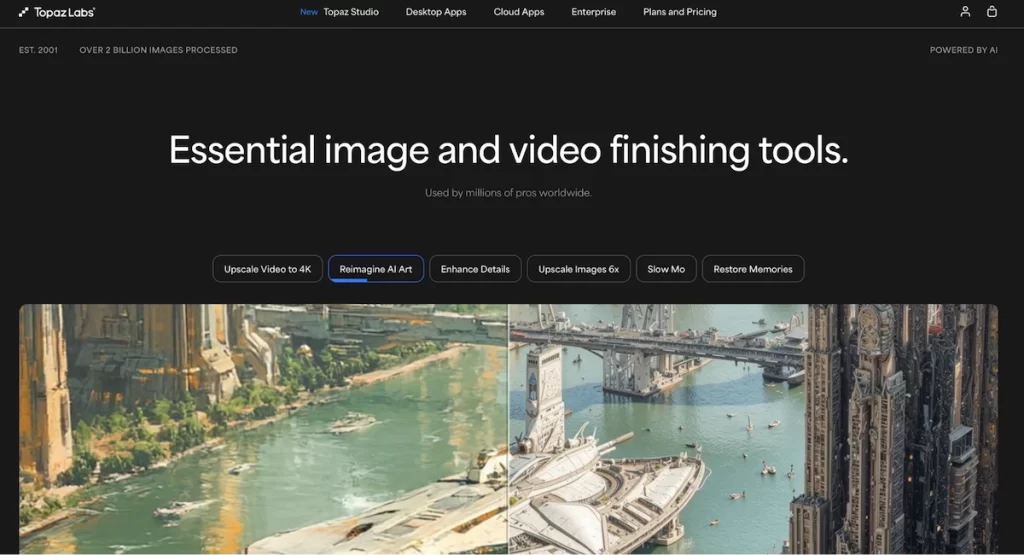
Topaz Photo AI specializes in photo enhancement using AI tools. I was impressed with what I saw: actually, I was overwhelmed by how professional it was. Topaz is more on the side of professional photo editing which, personally, surpasses my needs.
Features
Again, you can expect the standard photo editing tools with Topaz – ‘Sharpen’ for correcting blur, ‘Gigapixel’ for upscaling images and a functional object removal tool.
One trick up their sleeve, however, is the ‘Super Focus’ tool which lets you correct specific areas of your photos that are out of focus. Helpful if you’re really into photography.
User-friendly
Like most other AI photo editors mentioned here, Topaz is easy to use. Its interface is clean and straightforward, with most of the work being done automatically by the Autopilot feature. You simply import your photos, and the software recommends the enhancements.
Price point – a little high
What I like about Topaz is the one-time purchase model, costing $199 currently. It’s fair if you’re a photography buff but, for me, it’s a little too advanced and too pricey. Other tools are more suited and more affordable for non-designers.
10. PhotoDirector

And finally, we have Cyberlink PhotoDirector – a solid AI photo editing software that has nice features but a couple of drawbacks.
Features
PhotoDirector has all the features I look for in an AI photo editor – sky replacement, background remover, object remover/replacer, and image extender.
Complicated interface
PhotoDirector’s interface isn’t as straightforward as some of the other tools, but I’ve read that this initial confusion fades pretty quickly.
For me personally, I’m looking for a quick-easy fix. For others, however, PhotoDirector might come more naturally.
Pricing is deceiving
So, for the non-subscription version of PhotoDirector, you’re looking at $99.99 – a fair price, but that doesn’t include all the AI features we want. Disappointing! The subscription version is $59.99 which comes with the full suite of AI tools.
Can AI Photo Editors Replace Manual Photo Editing?
Simply put? Yes. I definitely think AI photo editors can and, to some extent, already have replaced manual photo editing.
For the vast majority of business and marketing tasks, AI photo editing is far better and more efficient than laboring over manual editing in Photoshop.
Sure, for highly artistic or complex technical photo manipulation, professional photographers will still rely on manual control. But most of us, myself included, are not skilled in that area. AI photo editors give us a quick, easy option to create what we need.
FAQs
Which AI Photo Editing App is the Best for Beginners?
Choosing the best AI photo editing app for beginners often comes down to simplicity and a gentle learning curve. I found Pikto AI an excellent choice thanks to its intuitive, prompt-based controls.
It avoids complex menus and instead lets you simply describe the changes you want to make. This “no technical knowledge required” approach is perfect for those like me: zero design skills.
With features like intelligent object removal and a complete style transformation from text, Pikto AI lets beginners get professional results effortlessly, making it my top pick if you’re looking for an easy-to-use AI photo editor.
Are There Free AI Photo Editors That Don’t Have a Watermark?
There are many AI photo editors that offer a free tier without a watermark. Most of them have usage limitations, as is the case with Pikto AI.
It provides a generous number of free AI credits each month that can be used for various tasks like text-to-image generation or background removal.
This credit system lets you use the software’s powerful features and download your creations without any watermarks. When you need more credits for higher usage, you can then upgrade to a paid plan.
Can AI-Edited Images Be Used for Commercial Projects?
In most cases, yes. Tools like Piktochart, Canva, Adobe Firefly, and Fotor grant commercial usage rights for images created or edited with their AI features under standard subscription plans. Picsart and Pixlr include similar permissions in their paid tiers.
The exception is AI-generated content (as opposed to AI-enhanced existing photos). Some platforms restrict commercial use of fully generated images on free plans or require attribution. Before publishing edited images in ads, product listings, or client deliverables, check the specific tool’s terms of service. Adobe, for example, provides an IP indemnity clause for Firefly outputs on its paid Creative Cloud plans, giving businesses an extra layer of protection.
A practical rule: if you are editing your own original photograph with an AI tool, commercial rights are almost never an issue. If you are generating an entirely new image from a text prompt, read the fine print.
Which AI Image Editor Works Best for E-Commerce Product Photos?
For online store owners and e-commerce teams, the top choice depends on volume. Photoroom (not in our top 10 but worth mentioning) is purpose-built for product photography: it strips backgrounds instantly, generates studio-quality backdrops, and supports batch processing for hundreds of SKUs at once.
Among the tools we reviewed, Canva handles product imagery well through its background remover and brand kit features. Adobe Lightroom is the better option if you need consistent color correction across a product catalog. Fotor offers a budget-friendly middle ground with solid background removal and one-click enhancement.
The key features to prioritize for e-commerce: batch processing (editing many product images in one session), automatic background removal, consistent lighting adjustments, and export at web-optimized resolutions. If your catalog exceeds 50 products, invest in a tool with batch capabilities to save hours of repetitive work.
How Accurate Is AI Photo Editing Compared to Manual Editing?
AI editing accuracy has improved dramatically since 2024, but it still varies by task. For background removal, modern AI editors achieve 90-95% accuracy on clean product shots and portraits. Complex edges (hair, transparent objects, intricate patterns) remain the weak point where manual touch-ups may be needed.
Object removal is similarly strong on simple compositions. Ask an AI editor to remove a person from a crowded street scene, and you will likely need to fix artifacts around overlapping elements. On a product photo with a plain backdrop, the result is often indistinguishable from a manual edit.
Where AI consistently outperforms manual work is speed. An AI upscaler processes a batch of 50 images in the time it takes a skilled retoucher to finish one. For most marketing and e-commerce workflows, the accuracy-to-speed trade-off heavily favours AI tools. Professional photographers working on high-end campaigns still rely on manual editing for pixel-perfect control, but those projects represent a small fraction of the total editing market.
Do AI Image Editors Support High-Resolution and RAW Files?
Several of the tools in our list support high-resolution output, though RAW file support is less common. Adobe Lightroom is the strongest option for RAW file editing, with full support for CR2, NEF, ARW, and other camera-native formats combined with AI-powered presets and masking.
Luminar Neo reads RAW files and applies AI adjustments non-destructively, making it popular with hobbyist and semi-professional photographers. Topaz Photo AI specializes in AI upscaling and noise reduction for high-resolution output; it processes RAW files and can quadruple resolution on exports.
Browser-based editors like Canva, Fotor, and Pixlr work with JPEG and PNG uploads and typically export at up to 4K resolution. They do not support RAW natively, so photographers will need to convert files before uploading. For most marketing and social media workflows, JPEG/PNG support is sufficient.