
Adobe Express charges $9.99/month for its Premium plan, and the features most teams actually need sit behind a $69.99/month Creative Cloud subscription. Since the legacy version shut down in May 2025, users who relied on the free tier have been scrambling for a replacement.
Good news: strong Adobe Express alternatives exist at every price point. Pikto AI turns raw data into polished infographics in seconds. Canva offers thousands of social-media-ready templates on a generous free plan. Affinity sells professional-grade design tools for a one-time $69.99 fee. No recurring subscription required.
Below, we test and compare 10 options side by side so you can pick the right tool for your workflow, your team size, and your budget.
What Is Adobe Express (and Why Are People Leaving)?
Adobe Express is Adobe’s browser-based design platform aimed at non-designers who need social media graphics, short videos, flyers, and branded visuals without opening Photoshop or Illustrator. It launched in December 2021 as a rebrand of Adobe Spark, which itself evolved from three separate mobile apps: Spark Post, Spark Page, and Spark Video.
The free plan gives you access to a limited template library and basic editing features. Adobe Express Premium ($9.99/month) unlocks the full template collection, Adobe Firefly AI image generation, premium fonts from Adobe Fonts (over 25,000 families), and background-removal tools. The catch: features like advanced brand kits, shared team workspaces, and bulk asset creation still require a Creative Cloud subscription at $69.99/month or higher.
So why the exodus? Three patterns keep surfacing in G2 reviews and Reddit threads:
Price escalation. Users sign up for the $9.99 tier, hit a feature wall, and discover the real cost is seven times higher.
Limited output formats. Adobe Express handles social posts and simple videos well. It stumbles with infographics, data-heavy reports, and print-ready files like brochures or large-format posters.
The May 2025 shutdown. When Adobe retired the legacy free version, it forced casual users to either upgrade or leave. Many chose to leave.
If any of these frustrations sound familiar, the alternatives below are worth your time.
What Is Adobe Express?
Think of Adobe Express as Adobe’s answer to Canva: a simplified, template-driven design tool built for people who do not live inside Photoshop or Illustrator. It handles social media posts, animated videos, flyers, and quick web pages through a drag-and-drop editor available in any modern browser.
The platform started life as Adobe Spark back in 2016 before Adobe rebranded it in late 2021. Since 2023, it includes generative AI features through Adobe Firefly, letting users create images from text prompts and auto-resize designs for different platforms.
Pricing breaks down into two tiers. The free plan covers basic templates and limited stock assets. Adobe Express Premium costs $9.99/month on its own, or it comes bundled with any Creative Cloud subscription ($69.99/month), which adds the full template library, 25 monthly AI generation credits, brand kits, and scheduled social posting.
So why do people leave? The editing tools stay surface-level: no advanced photo retouching, no vector creation, and no support for data-heavy formats like infographics or reports. Collaboration is restricted unless every team member has a paid Creative Cloud account. For users who outgrow those boundaries, the 10 alternatives below offer wider creative range at competitive price points.
Why look for an Adobe Express alternative?
Adobe has a powerful brand presence that comes from nearly 40 years on the market, and Express has its strengths. For non-designers, Adobe Express offers the ability to create polished and professional graphics without advanced skills.
However, a big name doesn’t guarantee the best fit. Express has its flaws, and one of these may be why you’re currently searching for an alternative.
A common complaint is pricing. Adobe Express Premium is $9.99/month, which is comparable to similar platforms like Canva or VistaCreate. However, access to the full Adobe Suite, which can be necessary for more advanced marketing efforts, substantially raises the cost to $69.99/month.
Some people decide to switch because of feature gaps. Small annoyances– like the effort it takes just to switch fonts and limited photo editing capabilities– can accumulate, turning even minor projects into time-consuming tasks.
Recent updates have also resulted in unhappy users. In May of 2025, the legacy version of Adobe Express was shut down, and everyone switched over to an updated version. For those who opted to stay with the old UI as long as possible, the change was jarring and unwelcome.
Adobe Express Alternatives at a Glance
Before diving into the detailed reviews, here is a side-by-side snapshot of every tool covered in this guide. Use the table to shortlist your top two or three options, then read the full write-ups below.
| Tool | Free Plan | Paid Price | Best For | AI Features | Video | Brand Kit | Mobile App |
|---|---|---|---|---|---|---|---|
| Pikto AI | Yes (7-day trial) | From $29/mo | Data visuals, reports | Yes (Image Gen, Modifier) | Yes | Yes (Business) | No |
| Canva | Yes | From $15/mo | Social media, team collab | Yes (Magic Media) | Yes | Yes (Pro+) | Yes |
| Stencil | Yes (10 images/mo) | From $15/mo | Quick social graphics | No | No | No | No |
| PosterMyWall | Yes | From $9.95/mo | Event posters, flyers | Yes | Yes | No | Yes |
| Visme | Yes | From $29/mo | Infographics, data visuals | Yes | Limited | Yes (Pro) | No |
| Affinity | No | $69.99 one-time | Pro-grade design | No | No | No | Yes (iPad) |
| Snappa | Yes (3 downloads/mo) | From $15/mo | Fast social content | No | No | No | No |
| Bazaart | 7-day trial | $4.99/week | Mobile photo editing | Yes (AI backgrounds) | Yes | No | Yes |
| PicMonkey | Yes (limited) | From $7.99/mo | Photo editing + design | No | No | Yes (Pro) | Yes |
| VistaCreate | Yes | From $13/mo | Templates, animation | Yes | Yes | No | Yes |
| Microsoft Designer | Yes | M365 Copilot $30/user/mo | Microsoft 365 teams | Yes (DALL-E, Copilot) | No | Yes (M365) | Yes |
The 10 best Adobe Express alternatives (Free & paid)
As of 2026, the strongest all-round Adobe Express alternatives are Pikto AI for data-driven content, Canva for social media and team collaboration, and Affinity for professional-grade design without a subscription.
If you have zero design experience, tools like Stencil, Snappa, and Canva are purpose-built for non-designers — offering drag-and-drop editors, pre-formatted templates, and guided layouts that eliminate the blank-canvas problem entirely.
Several of these alternatives now include generative AI text-to-image features: Pikto AI offers an AI Image Generator and Image Modifier, Canva includes its Magic Media tool, and Bazaart provides AI-powered background and image generation — all viable replacements for Adobe Firefly built into Express.
The best alternative depends on what you use Adobe Express for. We’ve noted each tool’s main strength to help you find exactly what you need.
1. Piktochart — Best for AI-driven infographics, reports, and data-heavy visuals

Piktochart is built for data-heavy content — internal reports, training decks, executive summaries, and the kind of long-form infographic Adobe Express was never designed for. Pikto AI Studio (launched 2025) bundles AI Image Generator, AI Infographic Generator, AI Video Generator, and a ChatGPT plugin for in-thread design. Where Express stays surface-level on data and charts, Piktochart is built for it.
Pros
- Pikto AI Studio includes AI Infographic, AI Image, and AI Video Generator — plus a ChatGPT plugin
- 1,000+ infographic templates with native chart and map widgets and live data linking
- Preserve Content: upload a text-heavy document, get a polished visual at the click of a button
- G2 4.5/391, Capterra 4.7/198, Trustpilot 4.7
Cons
- 7-day trial with 2 lifetime PNG downloads — not a forever-free plan
- Chart label crowding on dense data is the most-cited complaint
- Less polished for pure social-tile creation than Canva or Adobe Express
- Template search and filtering could be sharper
Pricing
- Free trial: 7 days, 60 AI credits, 2 lifetime PNG downloads
- Pro: $14/month annual or $29/month monthly — 1,000 AI credits
- Business: $24/month annual or $49/month monthly — 3,000 AI credits, brand kit, team
- Enterprise: Custom
Piktochart is the right pick when your work is data-driven content — quarterly reports, white papers, case studies, internal comms — that Express handles awkwardly. Wrong pick if you only need quick social tiles.
If your content needs are bigger than what Express handles well, give Piktochart a try — the AI infographic generator alone replaces several Express + chart-tool workflows.
2. Canva — Best for general design across social, presentations, and marketing collateral
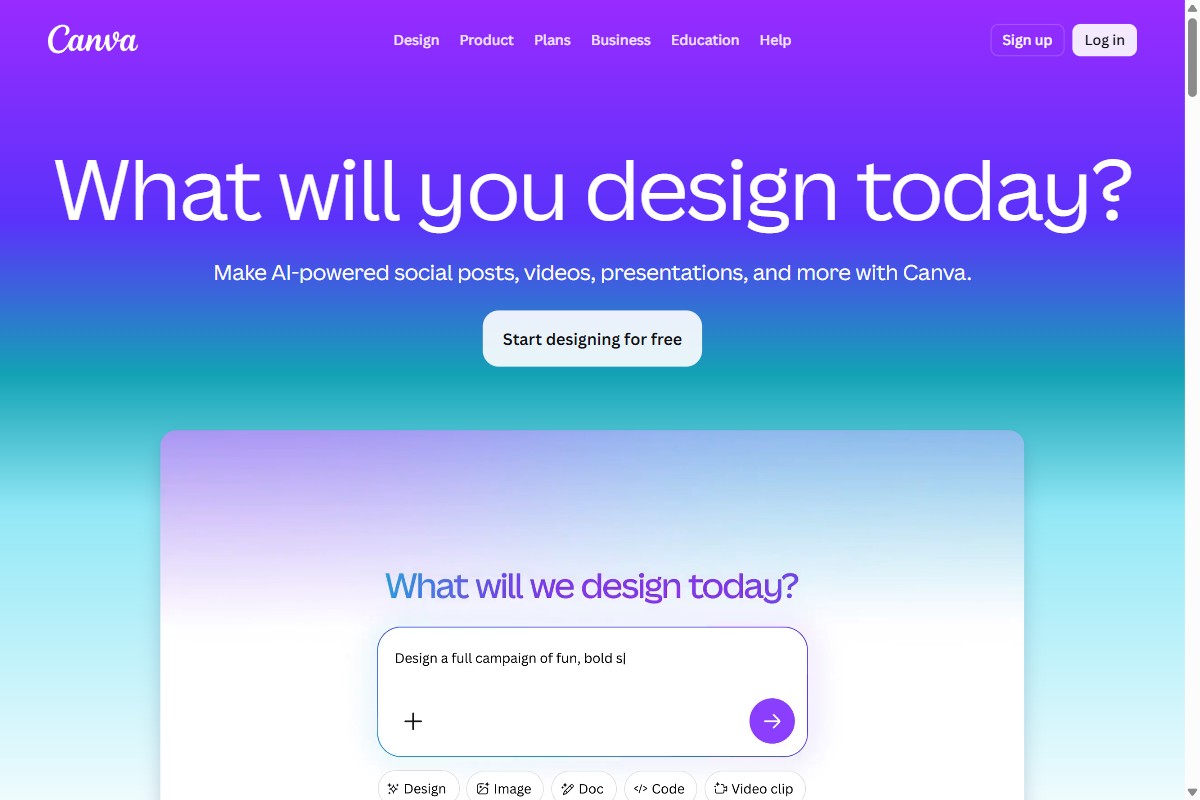
Canva is the broadest of the tools here. If you need one tool for social posts, slide decks, posters, marketing collateral, and the occasional infographic, it’s the safe pick. Where it beats Adobe Express: template breadth (4.5M+), Magic Studio AI depth, and a Business plan structure that often beats Adobe’s once you’re past the 3-seat minimum.
Pros
- 4.5M+ templates — the broadest content library in the category
- Magic Studio bundles Magic Write, Magic Media, Veo 3 video, Magic Edit — Free 50 lifetime, Pro 500/month, Business 500/seat/month
- Pro at $15/month is single-user-friendly — Adobe Express Premium is $9.99 but real total cost climbs with Creative Cloud
- Business at $10/seat annual undercuts Adobe Express Teams in many configurations once the 3-seat minimum is met
Cons
- Trustpilot ~3.5/5 — almost every complaint is cancellation, surprise renewals, or refunds
- Pro paywall creep: features that were free in 2022 are now Pro-locked
- Chart breadth and data binding are shallow vs Visme and Piktochart
- October 2025 Creative OS rollout caused a rough mobile experience and a forced migration
Pricing
- Free: 250K+ templates, 5GB storage, ~50 lifetime Magic Studio uses
- Pro: $15/month or $120/year — full library, brand kit, 500 AI credits/month, 1TB
- Business: $10/seat/month annual (3-seat min) or $20/seat/month monthly
- Enterprise: Custom
Canva is the right pick if your work spans many formats and few are data-heavy. It’s the wrong pick if your weekly deliverables are infographics, analyst reports, or chart-driven content.
If you need a Canva alternative for infographic-heavy work, see how Piktochart compares to Canva.
3. PosterMyWall — Best for local-business marketing where design, email, and social live in one tool

PosterMyWall is the local-business marketing pick — restaurants, real estate agents, gyms, churches, schools. The standout 2026 update is bundled email marketing (3,000 sends Premium / 10,000 Premium Plus) — for $9.95/month you replace Mailchimp + Canva + Buffer for SMB-scale needs. Square POS sync auto-updates restaurant menus.
Pros
- Bundled email marketing (3K-10K sends) — Mailchimp + Canva + Buffer collapsed into one subscription
- Massive vertical template library — restaurants, real estate, gyms, churches, schools, events
- PosterMyWall AI: 100 credits/month Premium, 250/month Premium Plus — prompt-to-design and AI text
- G2 4.8/69, Capterra 4.8/183 — strong B2B reviews from local-business owners
Cons
- Trustpilot 2.5/22 — billing pattern complaints (the B2B/consumer divergence is a credibility flag)
- No native print-on-demand fulfillment (older listings claim this; 2026 reality is print-ready file export only)
- Visual aesthetic skews toward “local business” — not the best pick for design-led marketing
- Templates can feel formulaic for high-volume one-of-a-kind work
Pricing
- Free: 1M+ templates, watermarked exports
- Premium: $9.95/month (or ~$8.33 annual) — unlimited downloads, brand kit, 100 AI credits, 3K email sends
- Premium Plus: $29.95/month (~$26.66 annual) — 250 AI credits, 10K email sends
PosterMyWall is the right pick for local businesses, event venues, real estate agents, restaurants, churches, and schools who need fast print-ready posters plus email and social tooling in one place. Wrong pick for design-led brand work.
If you need infographics, reports, or polished brand storytelling, Piktochart is the closer fit. PosterMyWall wins on local-business marketing breadth.
4. Visme — Best for interactive content, animated dashboards, and lead-capture forms
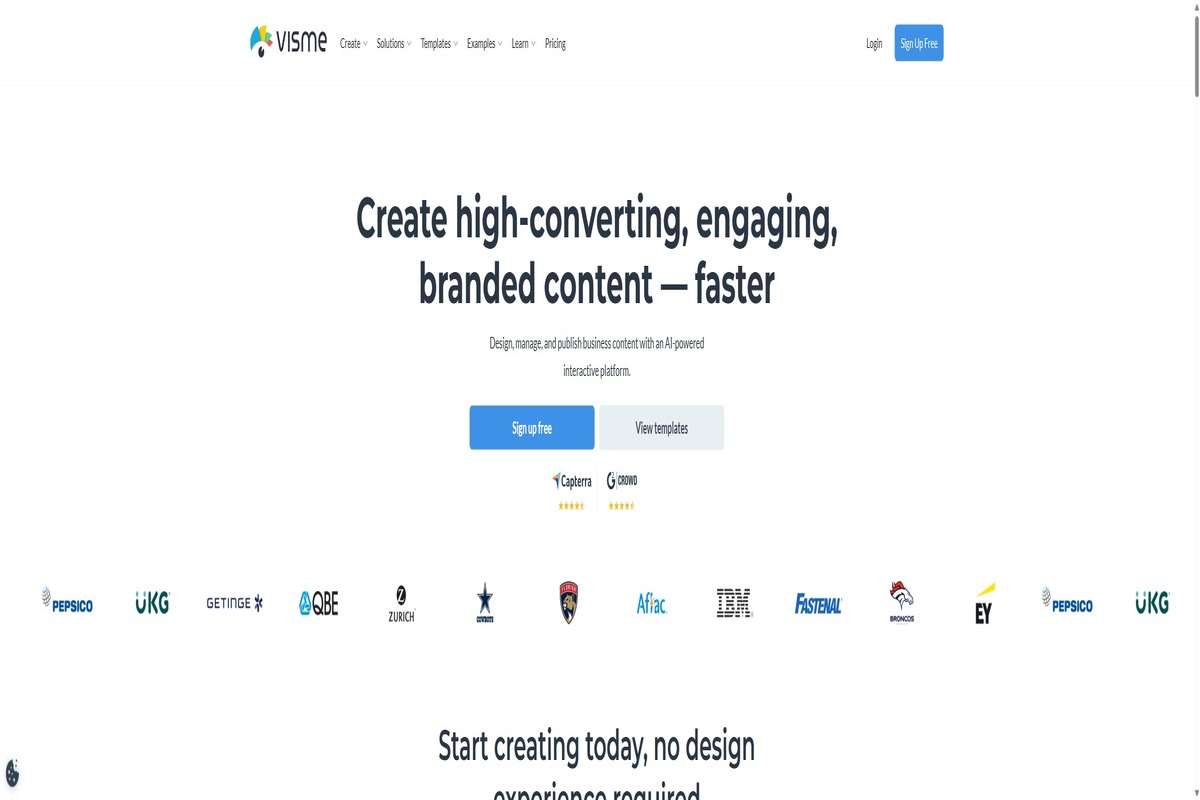
Visme is the interactive-content pick — animated, embeddable dashboards, lead-capture forms, and a deep AI Designer (launched January 2024) that generates up to 10 pages from a single prompt across 100+ content types. Where Adobe Express stays static, Visme can build the live, embed-anywhere version.
Pros
- AI Designer generates multi-page outputs across 100+ content types from a single prompt
- 40+ chart types with Excel/CSV/Google Sheets import; interactive embeds, animated transitions
- Brand Wizard pulls fonts, colors, and logos from a URL automatically
- Lead capture forms and project analytics built in — useful for marketing teams
Cons
- Pricing is per-user — Starter $12.25/month, Pro $24.75/month annual — adds up fast for small teams
- Editor performance and sign-in bugs come up repeatedly in 2024-2025 reviews
- Free plan: 5 active projects, watermarks, 10 AI credits, 500MB
- Cluttered UI for first-time users — learning curve is steeper than Canva
Pricing
- Free: 5 active projects, watermarks, 10 AI credits
- Starter: $12.25/user/month annual ($29 monthly) — 200 AI credits/month
- Pro: $24.75/user/month annual ($59 monthly) — 500 AI credits, brand wizard
- Pro for Teams / Enterprise: Custom
Visme is the right pick when your work needs interactivity or animation Adobe Express can’t deliver — analyst dashboards, embedded reports, lead-gen forms, animated lecture decks. Wrong pick if you want a usable free plan.
For a Visme vs Piktochart head-to-head on infographic-heavy work, see Piktochart vs Visme.
5. Affinity — Best for designers wanting professional desktop power for free (now under Canva)
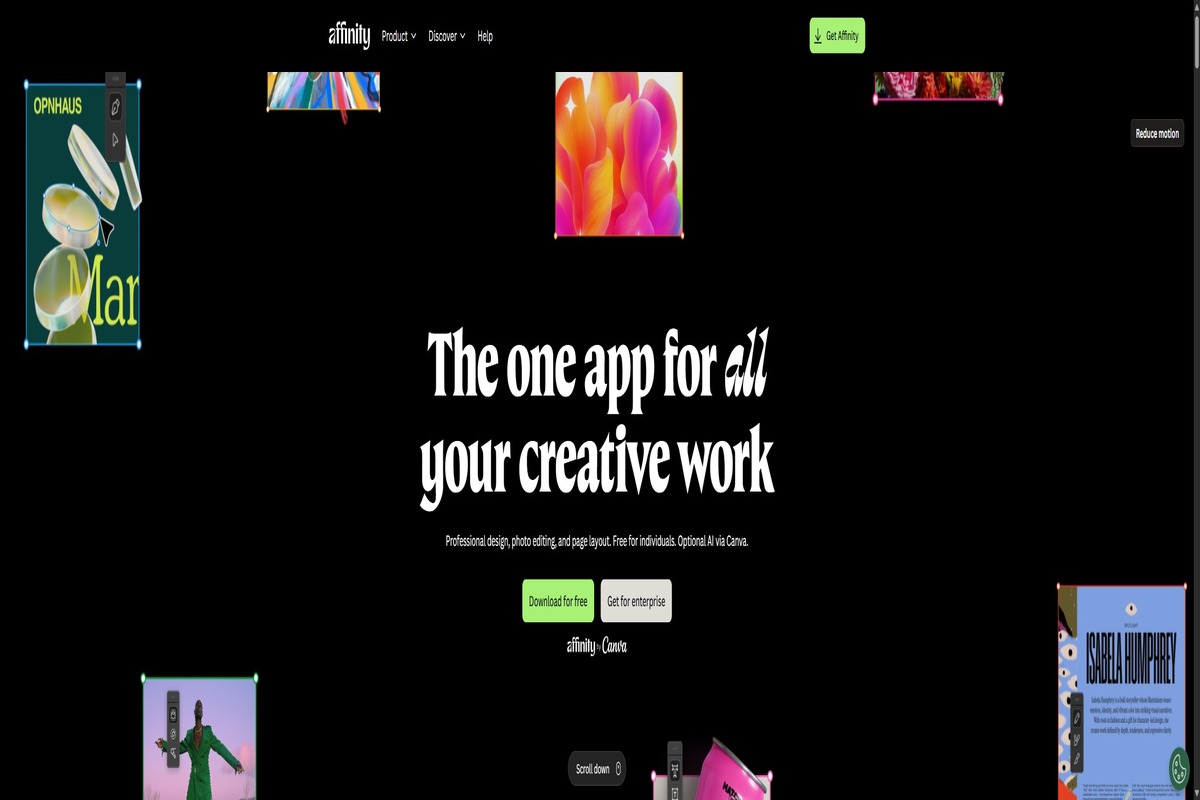
Affinity has changed twice. Canva acquired Serif (Affinity’s maker) in March 2024. Then on October 30, 2025, Canva relaunched it as V3 — a single unified app combining Designer/Photo/Publisher into one tool, free forever for everyone. The old $69.99 perpetual license model is dead. The only paywall is Canva Pro ($12.99/month or $144/year) for AI features. This is the pro-tier Adobe Creative Cloud escape hatch.
Pros
- Free forever with a Canva account — V3 unified app combining vector, pixel, and layout in one
- Professional desktop power — closer to Illustrator/Photoshop/InDesign than any browser-based competitor
- Cross-platform (Mac, Windows, iPad); iPad version still in extended beta as of May 2026
- Canva Pro ($12.99/month) unlocks Generative Fill, Background Removal, AI generation
Cons
- V3 unified UI is described by V2 loyalists as “cluttered” and “overwhelming”
- V2 plugin ecosystem (NIK, Topaz, ON1) broke in V3 and hasn’t fully recovered
- Long-term roadmap is uncertain post-acquisition — Canva has committed to free-forever, but pricing changes haven’t been ruled out by anyone outside the official statement
- Steep learning curve — this is professional design software, not Canva
Pricing
- Affinity V3: Free forever with a Canva account
- Canva Pro (for AI features): $12.99/month or $144/year
- V2 perpetual licenses: Still work but no longer maintained
Affinity is the right pick for Adobe Creative Cloud refugees, designers escaping subscription fatigue, and professionals needing pro-grade desktop tools. Wrong pick if you want quick browser-based templated design.
If you’re stepping up from Adobe Express to professional design, Affinity is the right ladder. If you need infographics specifically, Piktochart is templated and faster than building from scratch.
6. Snappa — Best for one-off social graphics when you don’t need AI or interactivity
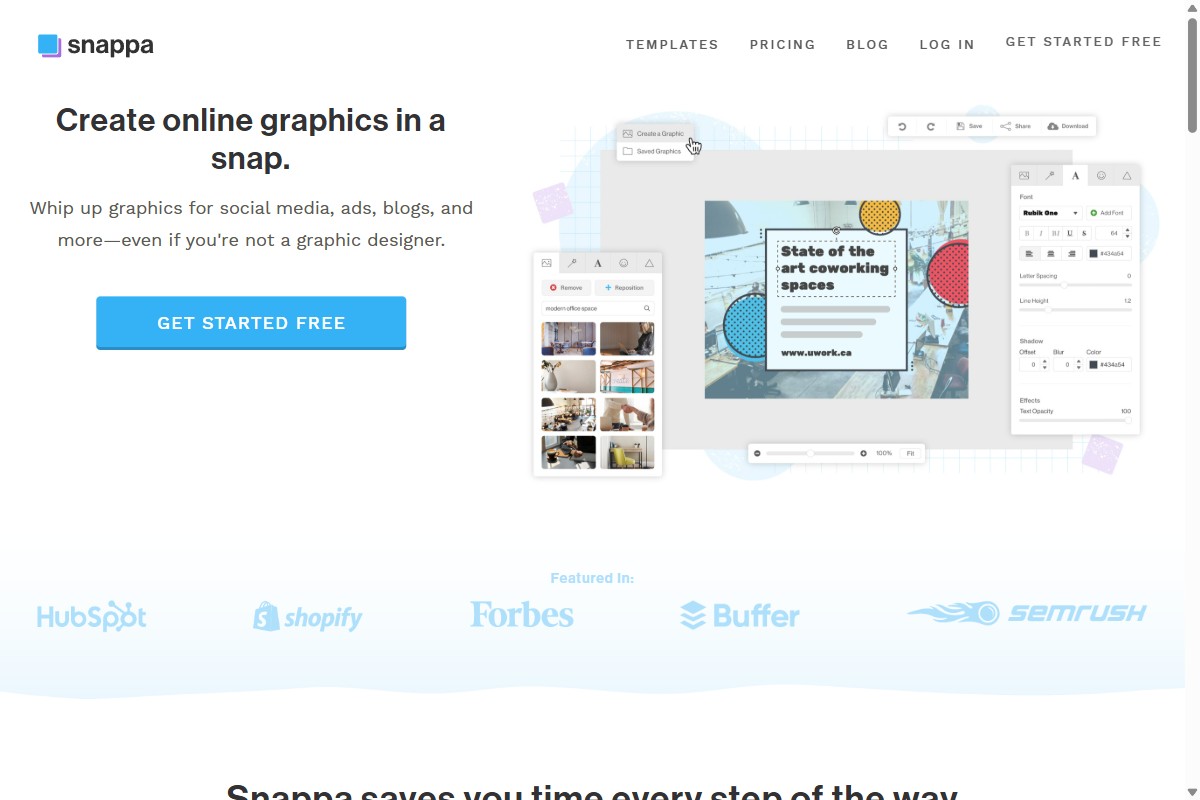
Snappa is the simplest tool in this list. No AI, no interactive content, no mobile app, JPG and PNG export only. That’s a feature, not a bug, if your needs are equally simple. Worth knowing: Snappa hasn’t shipped a major update in over two years, and reviews trail off after 2023.
Pros
- 5M+ stock photos baked in — library is genuinely large for a tool this simple
- Fastest learning curve in this list — ship a graphic in under 5 minutes from sign-up
- Pro at $10/month annual covers unlimited downloads, brand kit, and team folders
- Background removal is one click and works well
Cons
- No AI features — not text-to-design, not magic edit, not AI image generation
- Maintenance-mode signals: footer dated 2025, no public changelog, ~570 LinkedIn followers
- Export is JPG and PNG only — no SVG, no PDF
- No mobile app, and no signal that one is coming
Pricing
- Starter (Free): 3 downloads per month, basic templates
- Pro: $10/month annual or $15/month monthly — unlimited downloads, brand kit
- Team: $20/month for up to 5 users (annual)
Snappa is the right pick for solo creators or bloggers whose design needs are genuinely simple. Wrong pick if you need infographics, AI, vector or PDF export, or a tool actively under development.
If you’ve outgrown Snappa or want active development and AI built in, Piktochart covers infographics, reports, and AI generation in one product.
7. Bazaart — Best for mobile-first content creators editing photos on the go
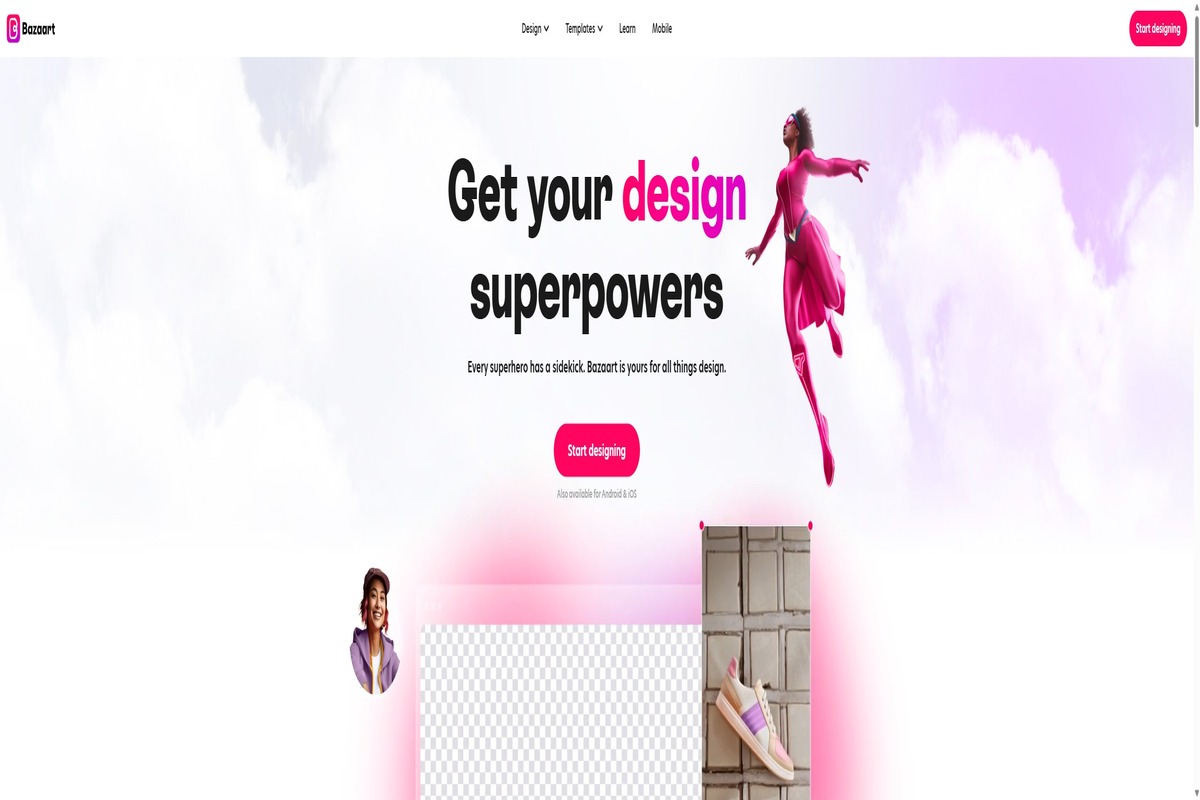
Bazaart is the mobile-first photo and design app in this list — 14 years on iOS and Android, 1.5M MAU, 5M+ installs. The July 2025 cross-platform AI Design Suite added a web app (design.bazaart.com) and won the 2025 Netty for Best Design Software. Best-in-class mobile background remover, fast AI editing tools mapped to creator workflows.
Pros
- Best-in-class mobile experience — 4.8/5 across 258K App Store ratings, 4.8/5 across 69.2K Google Play reviews
- AI photo editing tools optimized for touch input — background remover, magic eraser, AI photo editor
- 2025 Netty Award for Best Design Software
- Web app (launched July 2025) extends the mobile workflow without losing touch-first DNA
Cons
- Subscription-trap reputation — “$83.99 annual auto-charge after 7-day trial” is the dominant App Store complaint
- Premium AI usage caps — Free tier limits to ~5 AI edits per day
- No team or brand kit — solo creator focus
- Template library is thin compared to Canva or Adobe Express
Pricing
- Free: Watermark on exports, ~5 AI edits per day
- Premium: $11.99/month or $83.99/year (~$7/month annualized)
- 7-day trial: Auto-converts to annual — set a calendar reminder
Bazaart is the right pick for mobile content creators, solo online sellers, and on-the-go social posts. Wrong pick for desktop-heavy workflows, teams, or brand-system work.
If your work is mobile-first photo content, Bazaart wins. For infographics or branded reports across desktop and team workflows, Piktochart is the better fit.
8. PicMonkey — Best for users who need deep photo editing and don’t mind a tool in maintenance mode
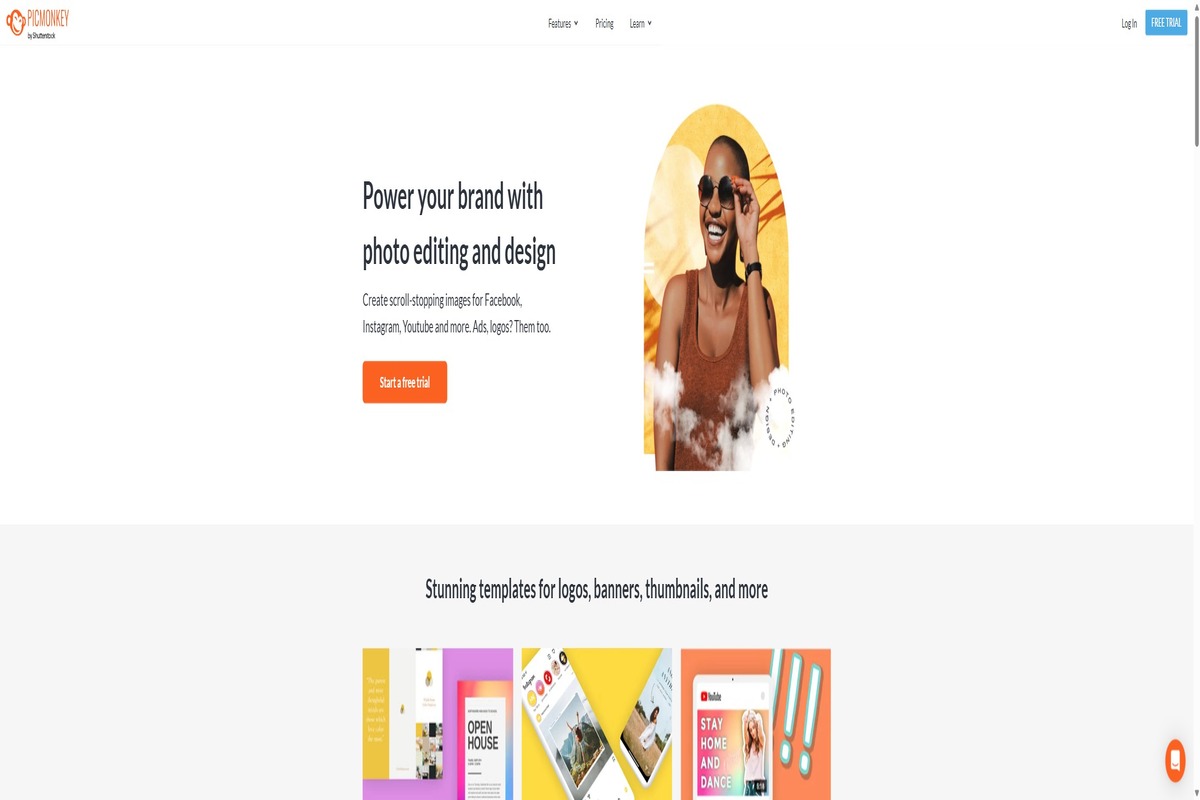
PicMonkey is a photo-editing-first tool acquired by Shutterstock in 2021. The product still works and the photo-editing depth (layered effects, Color Changer, Touch Up, curve text) is meaningfully better than Canva or Adobe Express’s photo tools. But: the public changelog is frozen at 2021, and PicMonkey’s own help docs say small bugs are unlikely to be fixed.
Pros
- Photo editing depth — layered effects, Color Changer, Touch Up — better than Canva or Adobe Express
- Pro tier ($12.99/month) includes a 1M-photo curated Shutterstock library
- 7-day free trial covers basic export and feature exploration
- Capterra 4.5/5 from 1,141 reviews — established, positive user base
Cons
- PicMonkey’s own help docs: “small problems or bugs are unlikely to be fixed at this time”
- Public changelog frozen since October 2021 — nearly 5 years of public silence
- Trial billing is aggressive — billed without warning at trial end is the dominant complaint pattern
- No real AI strategy — Shutterstock’s own AI image generator hasn’t been integrated
Pricing
- Free trial: 7 days
- Basic: $7.99/month or $72/year
- Pro: $12.99/month or $120/year — Shutterstock library, full feature set
- Business: $23/month or $228/year — team and brand features
PicMonkey is the right pick if you need photo editing depth and your needs are stable for the next 12-18 months. Wrong pick if you want active product development, AI features, or a long-term toolchain.
If you need photo-editing depth and accept maintenance-mode trade-offs, PicMonkey serves. For active development and AI shipping, Piktochart is the better long-term fit.
9. VistaCreate — Best for budget-conscious solopreneurs and social media managers
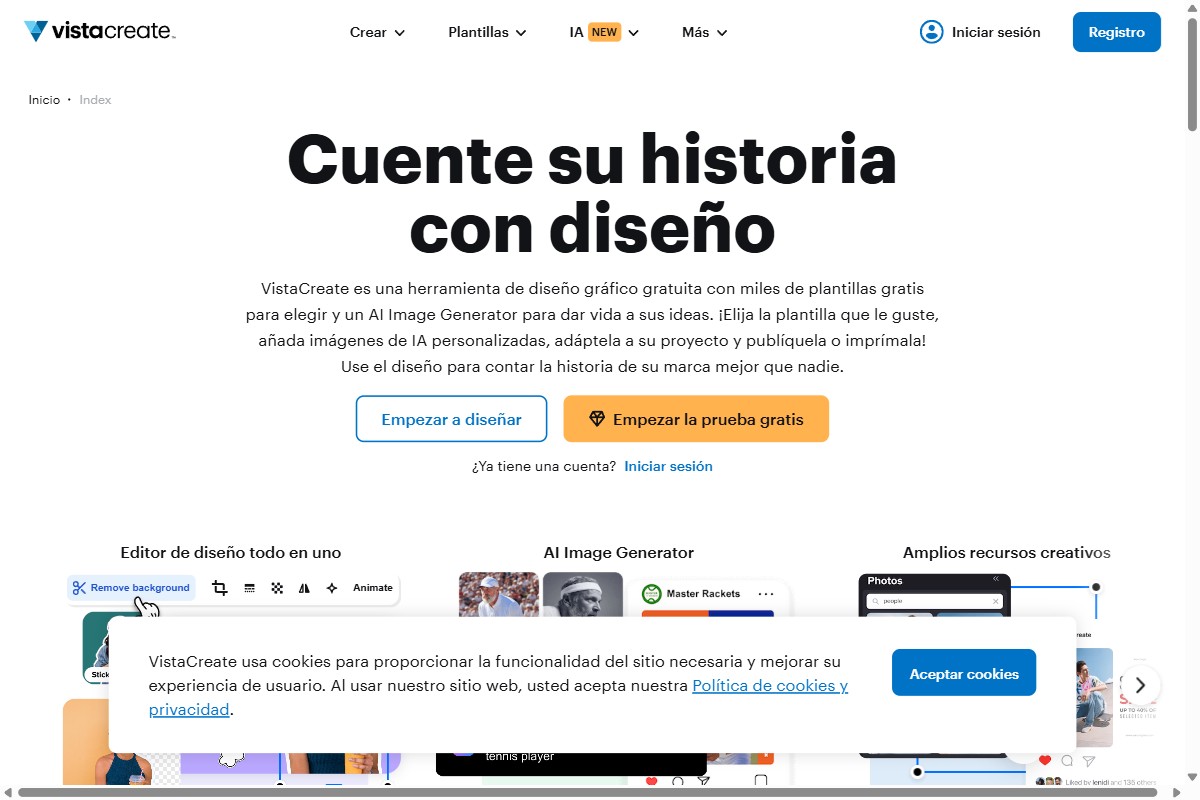
VistaCreate is what Crello became after Cimpress’s Vista acquired it in 2021 and rebranded the following year. The product still leans hard into social: animated stories, Reels and TikTok templates, and a free Brand Kit (which Adobe Express puts behind paywalls). For solo content creators on a tight budget, VistaCreate covers most of what Adobe Express does at a streaming-subscription price.
Pros
- Animated social-media templates for Instagram, TikTok, and Reels are stronger than most tools at this price point
- Brand Kit, font upload, and team folder access are included on the free plan
- 200,000+ templates and 70M+ stock assets
- Pro plan undercuts Adobe Express Premium on annual price
Cons
- Trustpilot is dominated by billing complaints — auto-renewal, surprise charges, and a refund policy that voids itself if you’ve downloaded any design in the past 14 days
- AppSumo reviewers repeatedly call it “Canva in 2017, not 2025” — the roadmap is quiet
- No SVG export, no PDF with bleed, hard cap of 10 team seats
- Infographic and data-visualization tooling is shallow
Pricing
- Starter (Free): Brand Kit, 70K+ free templates, basic export
- Pro: $10/month annual or $13/month monthly — full library, animation, background remover
- Team: Pro pricing per seat, capped at 10 users
VistaCreate is the right pick for solopreneurs and social-first content teams. Wrong pick for print, long-form reports, infographics, or anything beyond a 10-seat team.
If your work is social tiles and ad creative, VistaCreate undercuts Adobe Express on price. For infographics or reports, Piktochart is the closer fit.
10. Microsoft Designer — Best for Microsoft 365 subscribers who want free DALL-E 3 image generation
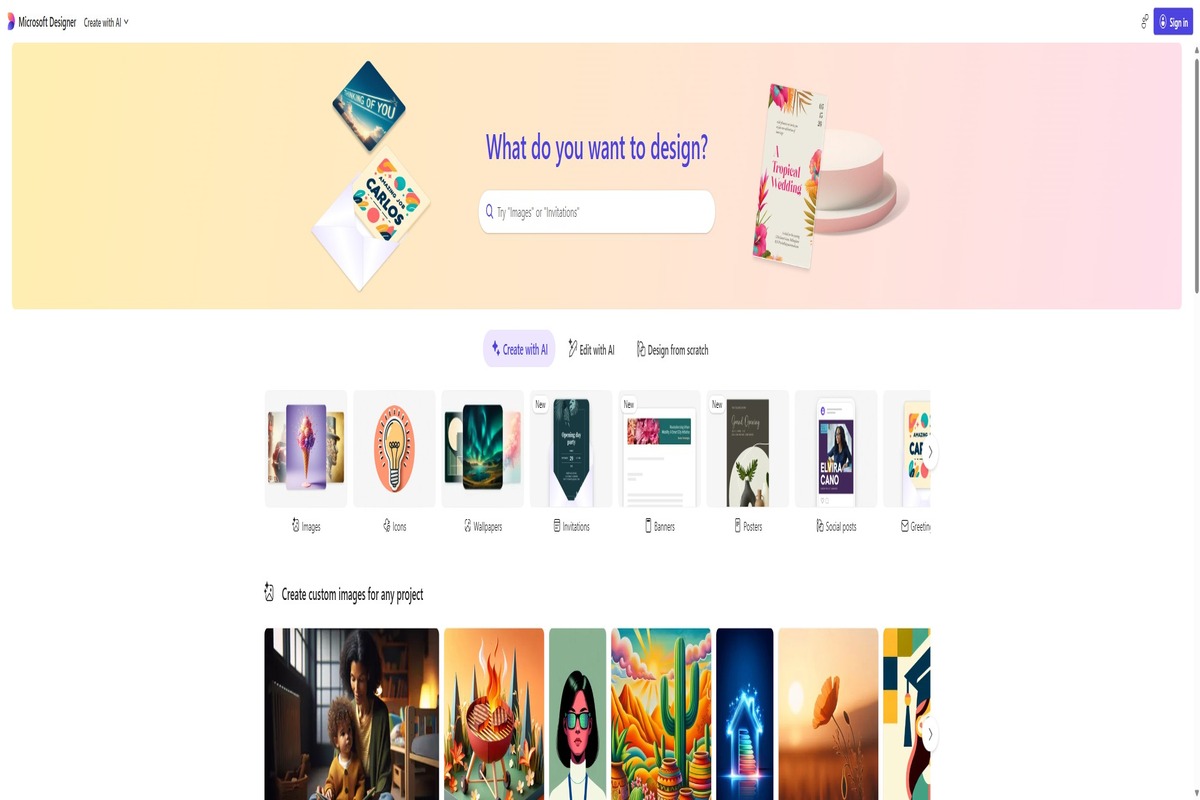
Microsoft Designer is Microsoft’s AI-first answer to Canva, free for everyone with a 15-credits-per-month cap on AI generation. M365 subscribers get 60 credits per month (shared with Copilot, not Designer-exclusive). The 2026 story: Microsoft is absorbing Designer into Copilot/M365 — increasingly accessed via m365.cloud.microsoft/create. Brand Kit and mobile apps continue to ship.
Pros
- Free with a Microsoft account — DALL-E 3 image generation, Sticker Creator, Brand Kit included
- Microsoft 365 integration: PowerPoint, Word, Outlook, Teams, OneNote handoffs
- iOS and Android apps (GA July 2024)
- G2 4.6/5 — strong reviews, especially from M365 enterprise users
Cons
- 15 AI credits/month free cap — was unlimited until 2025
- Office 2024 perpetual license does NOT include Designer — requires active M365 subscription
- Template library is smaller than Canva’s or Adobe Express’s
- Standalone Designer experience is being folded into the broader Microsoft 365 / Copilot surface — same features, but expect the URL and entry point to keep shifting
Pricing
- Free: 15 AI credits/month, basic templates, Brand Kit
- Microsoft 365 Personal/Family: 60 AI credits/month (shared with Copilot)
- Microsoft 365 Premium: ~$25-35/month — replaces standalone Copilot Pro (discontinued 2026)
Microsoft Designer is the right pick for M365 subscribers who want free DALL-E 3 image generation and Office-suite integration. Wrong pick if you don’t already pay for M365 — the 15-credit cap on the free plan limits real use.
If you’re an M365 user and Adobe Express’s pricing is biting, Microsoft Designer is the free answer. For dedicated infographic work, Piktochart covers a different need.
Final verdict: Which Adobe Express alternative is right for you?
The right Adobe Express alternative comes down to a few factors like what you’ll be designing, whether you need to collaborate with others, and what your budget is.
For marketers, content creators, and businesses, I recommend Pikto AI because of its data visualization and professional communication tools.
For social media creators, I recommend Canva. With its massive template library, you won’t have any trouble finding posts for any platform or event.
For aspiring creators on a budget (read: needing to spend $0), I’d suggest trying Visme or PosterMyWall. Both tools have a free plan that allows access to a ton of templates without restricting your downloads.
If you need a free tool specifically for social media posts, Canva, Stencil, and VistaCreate all offer generous free plans with pre-sized templates for Instagram, Facebook, LinkedIn, and more. Snappa also provides a free tier with direct social publishing.
Small business owners who need a consistent branding kit — including saved logos, brand colors, and custom fonts — should look at Canva Pro or Pikto AI Pro, both of which offer centralized brand management alongside their template libraries.
Students and teachers get the best value from Canva, which is completely free for K-12 educators, or Visme and Piktochart, both of which offer discounted education plans with access to premium templates and collaboration features.
For AI-powered video creation, Pikto AI (via Piktochart Video) and VistaCreate both offer recording, editing, and animated template features built for marketing teams. For more advanced video editing outside the design-tool category, dedicated platforms like Descript or Kapwing may be worth evaluating alongside these alternatives.
Still not sure, or feeling paralyzed by decision-making? Almost all of the tools have a free trial or free version.
Try one for a week and evaluate your experience: How fast did you finish? Was it intuitive to use? Keep notes to compare each one you tried, and then commit once you’re done.
If you need infographics, reports, and videos, but don’t have hours to pour into making them, it’s time to try Pikto AI. Our ever-expanding list of AI tools does all the heavy lifting, so you can have professional-looking graphics with minimal time and effort.
