The quickest and most effective way to create lead magnets

Fast and User-Friendly
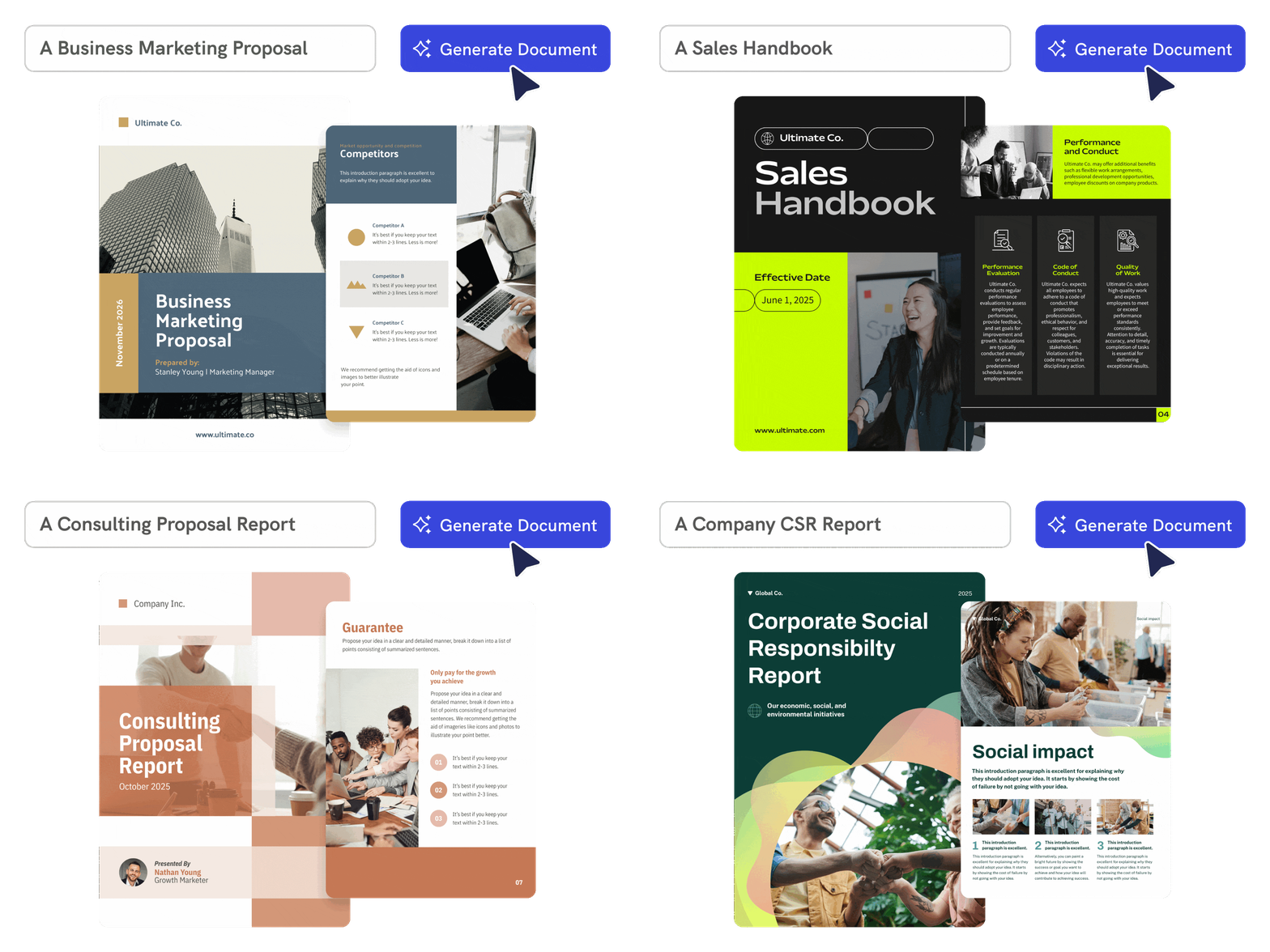
Create a lead magnet from a topic or audience
Describe your niche, offer, and ideal reader. Piktochart AI generates a structured lead magnet draft with clear sections, headings, and visual layout ready to customize.
Start creating

Tailored Solution
Build checklists, guides, and one-pagers fast
Use AI to turn a brief into a specific lead magnet format. Generate checklists, tip sheets, resource lists, or comparison charts without starting from a blank page.
Start creatingExtensive Customization
Customize the design for your funnel
Edit copy, colors, fonts, images, icons, CTAs, and layout in Piktochart’s editor so the lead magnet matches your brand and converts the audience you are targeting.
Start creating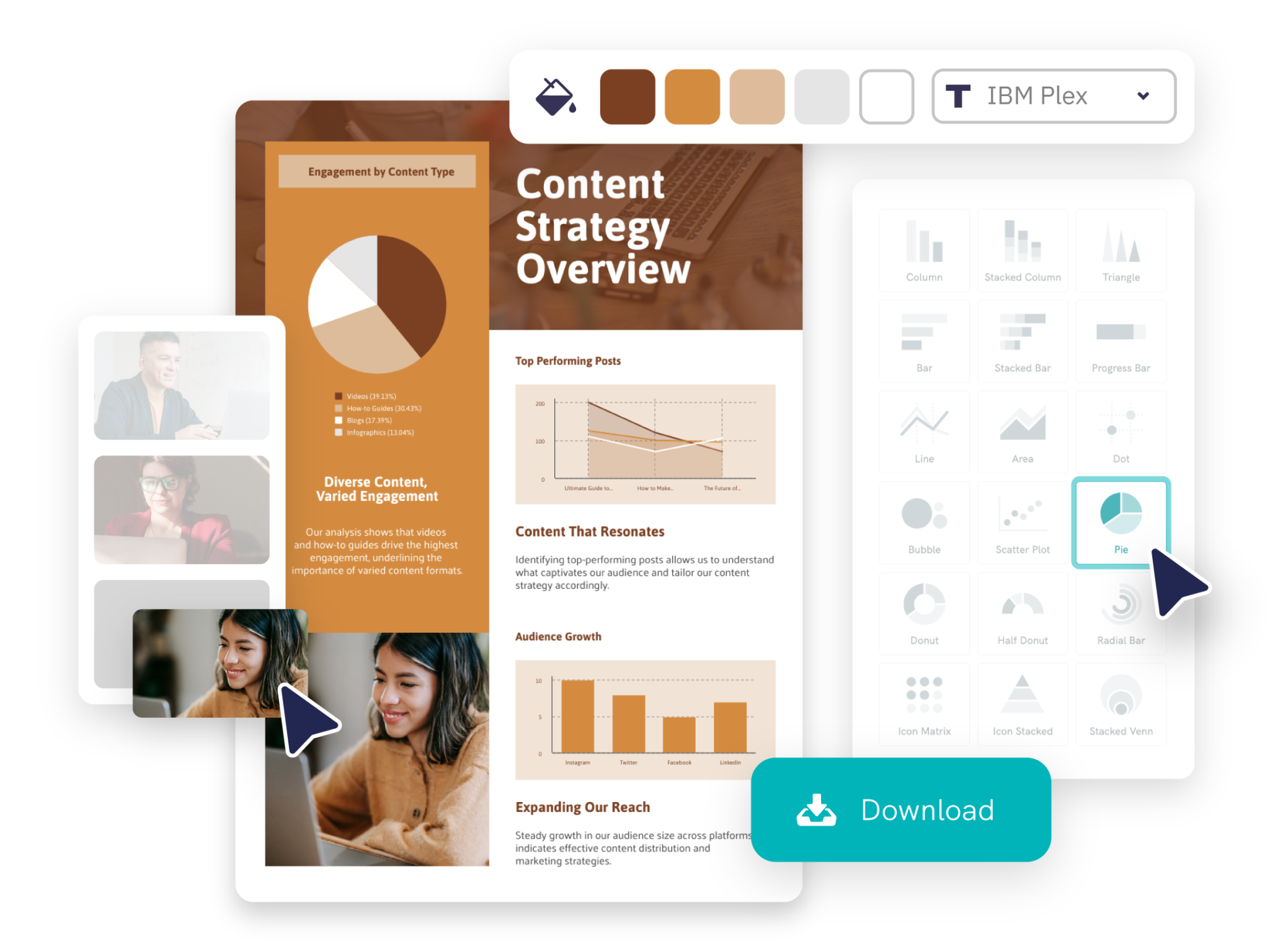
Intelligent Design Solution
Download in the format your funnel needs
Export your lead magnet as a PDF, PNG, or printable document. Piktochart gives you file options that work for email sequences, landing page downloads, and gated content offers.
Start creatingTrusted by Industry Leaders

Marketers
- Lead magnets such as ebooks, case studies, and white papers attract potential customers and collect their contact information, which helps build a targeted email list for future marketing.
- Lead magnets provide valuable content that engages prospects and nurtures them through the sales funnel, building trust and keeping their interest until they are ready to buy.
- High-quality lead magnets position a brand as an industry expert, attracting potential leads and boosting the brand’s credibility and authority.

Nonprofit Organizations
- Nonprofits use lead magnets, such as downloadable guides or ebooks, to attract potential donors by offering valuable content in exchange for their contact details.
- Offering resources like volunteer handbooks or exclusive event invitations as lead magnets to recruit new volunteers.
- Lead magnets, such as infographics or impact reports, help nonprofits educate potential supporters about their mission and achievements, building a stronger connection with the cause.

Educators and Trainers
- Educators use free resources, such as ebooks or infographics, to collect contact information from potential students.
- Lead magnets like case studies or whitepapers help educators highlight their knowledge and build credibility to attract prospects.
- Valuable resources incentivize current students to share with their network, helping educators generate new leads.

E-commerce Businesses
- E-commerce stores use valuable content like ebooks or guides to build email lists, nurturing leads and promoting future products or sales.
- Lead magnets engage potential customers, strengthening brand connections and boosting the chances of conversion.
- Offering valuable resources in exchange for feedback or survey participation helps e-commerce businesses understand customer preferences and behaviors.
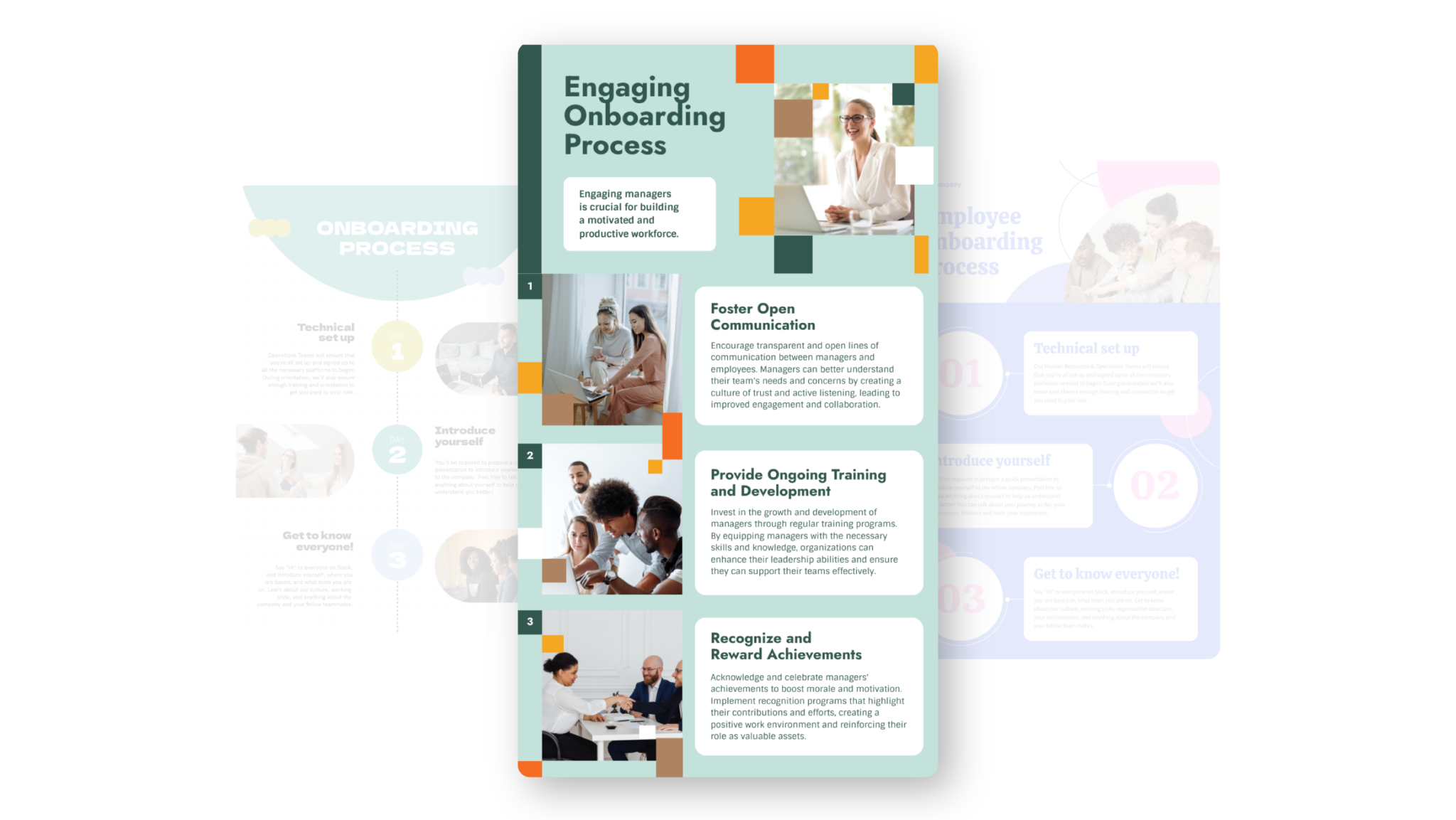
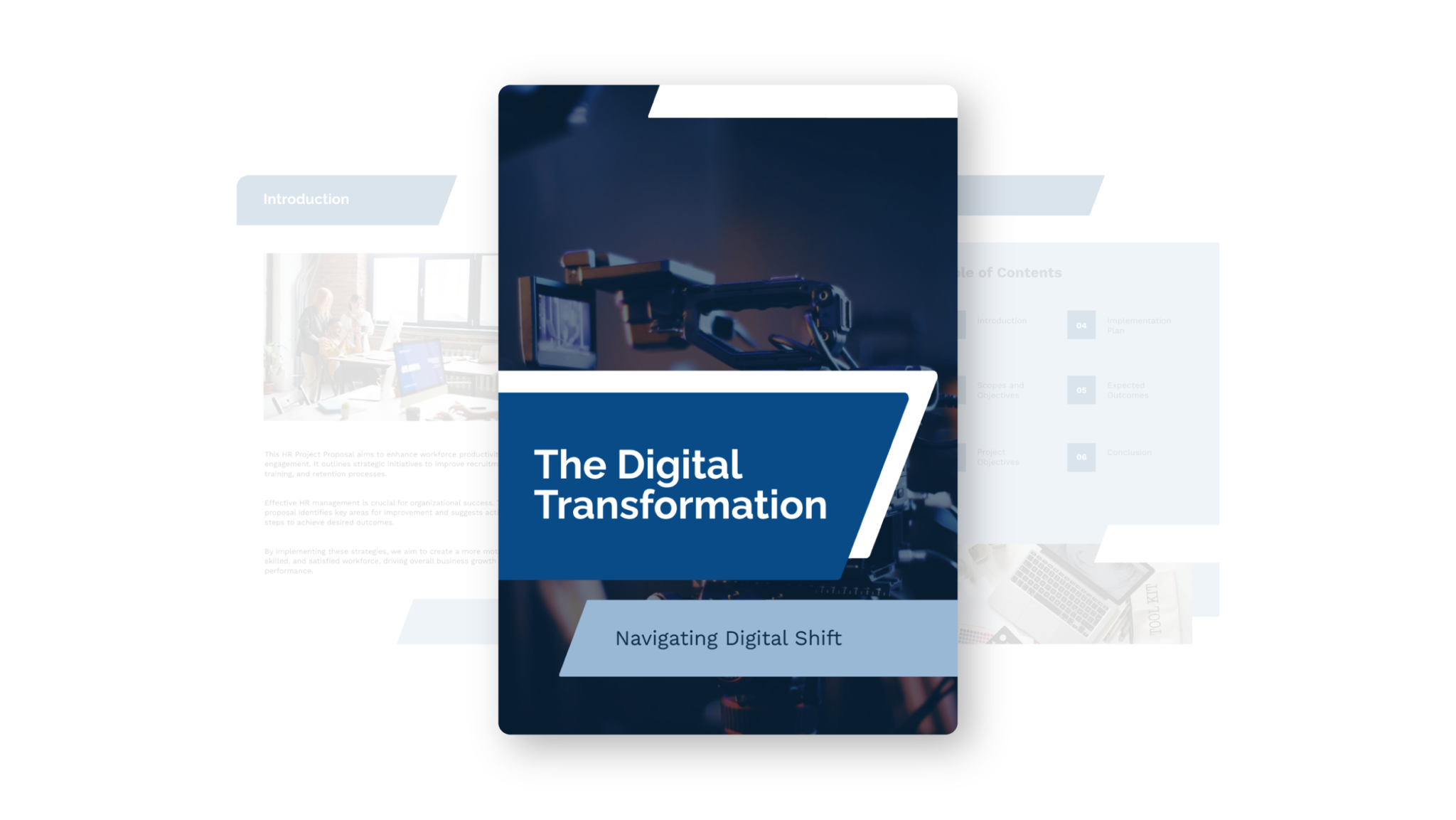
Types of lead magnets you can generate with Piktochart AI


How to create a lead magnet with AI
1. Describe your lead magnet
Start with a topic, target audience, campaign goal, product angle, or industry niche. Add the audience, purpose, tone, and any must-include details so the AI can shape a useful first draft.
2. Generate the first visual draft
Piktochart AI turns your prompt or content into an editable lead magnet with structure, hierarchy, and visual direction already in place.
3. Customize the design
Open the draft in Piktochart’s editor to adjust copy, colors, fonts, icons, images, sections, and brand details. Every generated visual remains editable.
4. Share or download
Use the finished lead magnet in presentations, campaigns, classes, reports, applications, or team updates. Free accounts can start with 60 AI credits every month.
What can you create with an AI lead magnet generator?
Piktochart AI works best when you need a clear, editable visual instead of a blank canvas. Use it to create checklists, one-pagers, tip sheets, mini guides, comparison charts, and resource lists.
Checklists
Generate a first draft for checklists from a short prompt, then customize the content, layout, and visuals in Piktochart’s editor.
One-Pagers
Generate a first draft for one-pagers from a short prompt, then customize the content, layout, and visuals in Piktochart’s editor.
Tip Sheets
Generate a first draft for tip sheets from a short prompt, then customize the content, layout, and visuals in Piktochart’s editor.
Mini Guides
Generate a first draft for mini guides from a short prompt, then customize the content, layout, and visuals in Piktochart’s editor.
Ready to create lead magnets with AI?
Join more than 14 million people who already use Piktochart to turn information into clearer visuals.