Transform Documents Without Losing Content
Upload any document and get professional visuals with every word, number, and table intact. Your content stays complete and looks incredible. Test the feature yourself below!
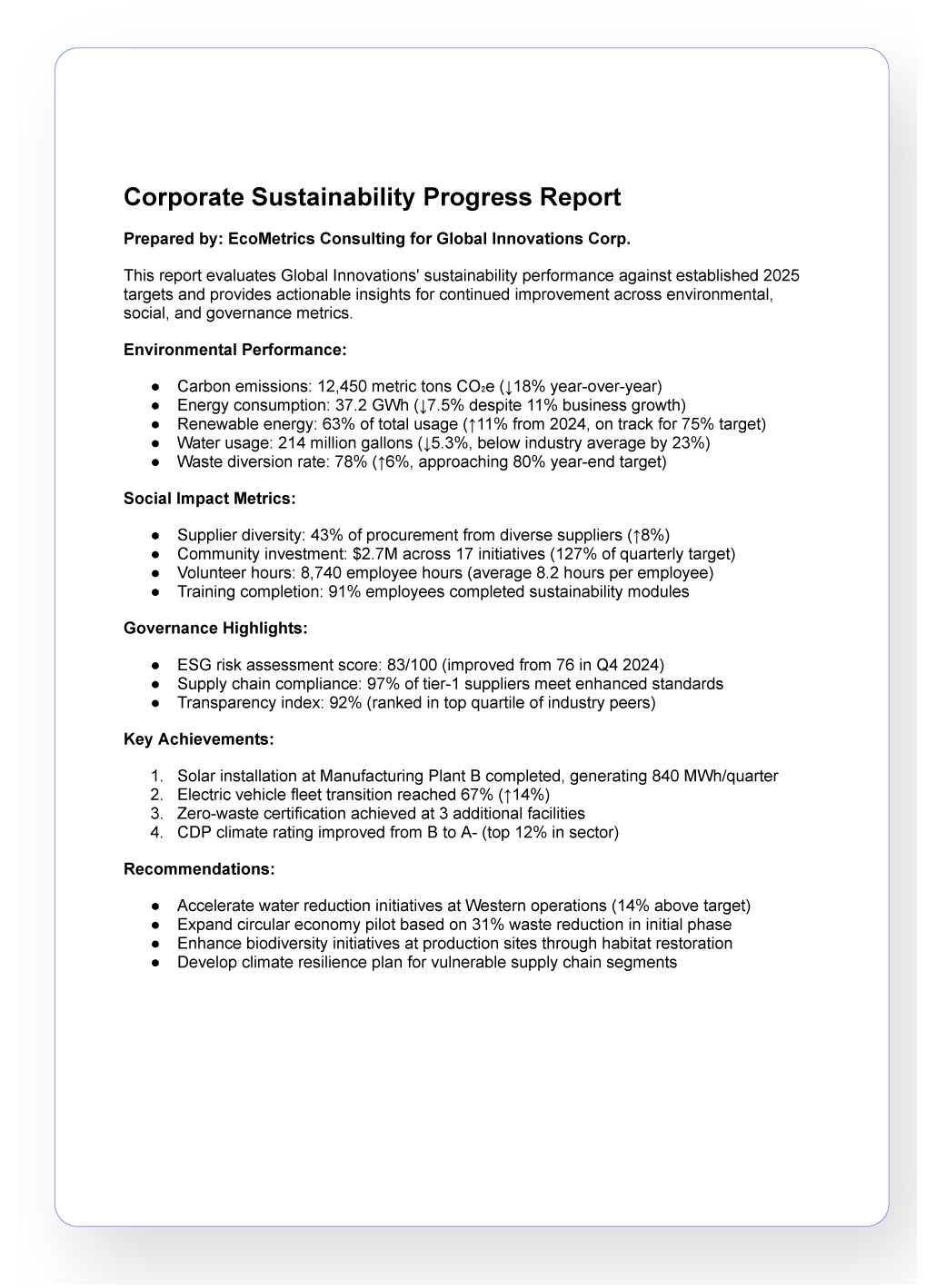
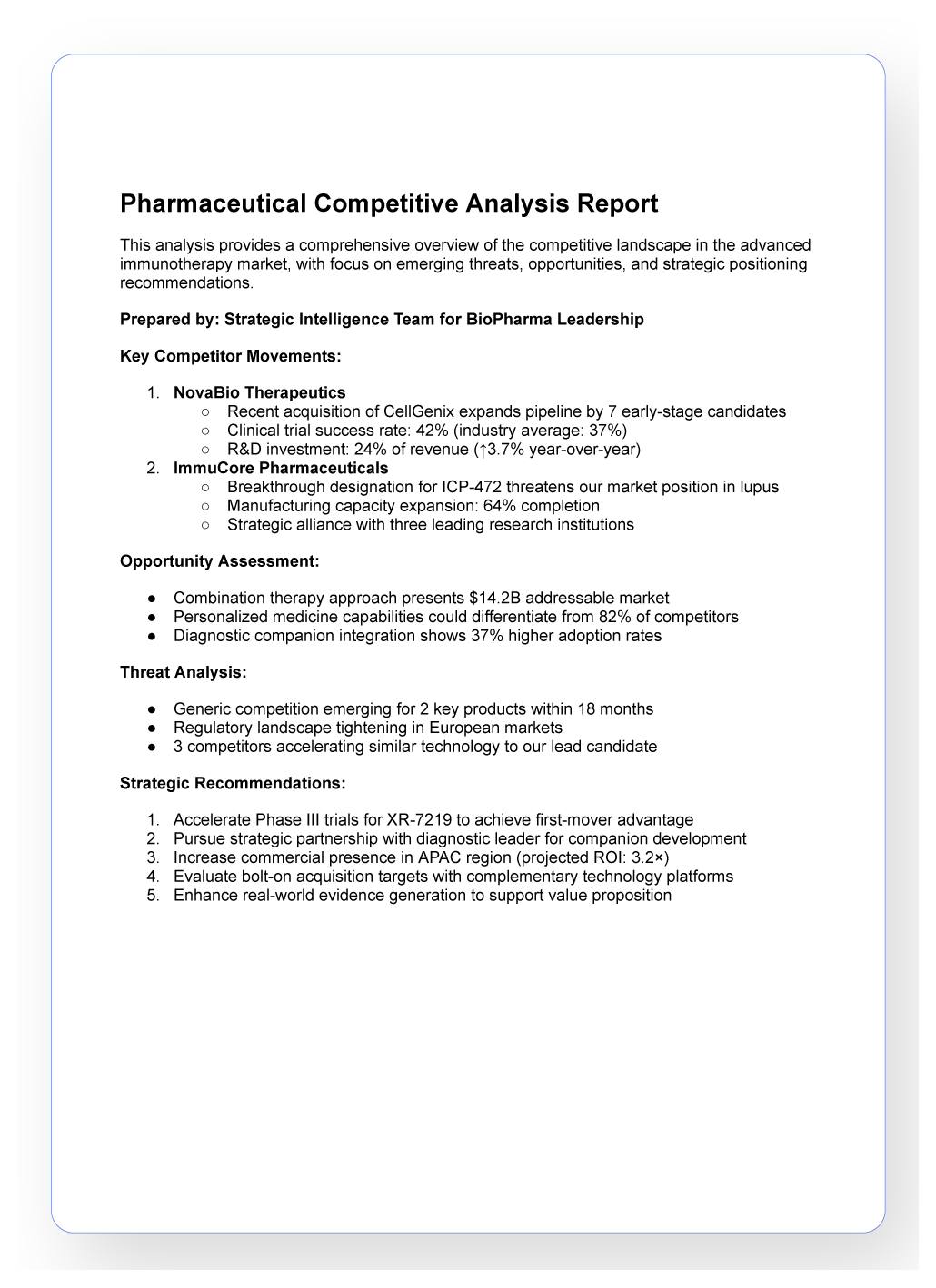
Used by leading organizations






What is Preserve Content?
Piktochart’s Preserve Content is your content shield
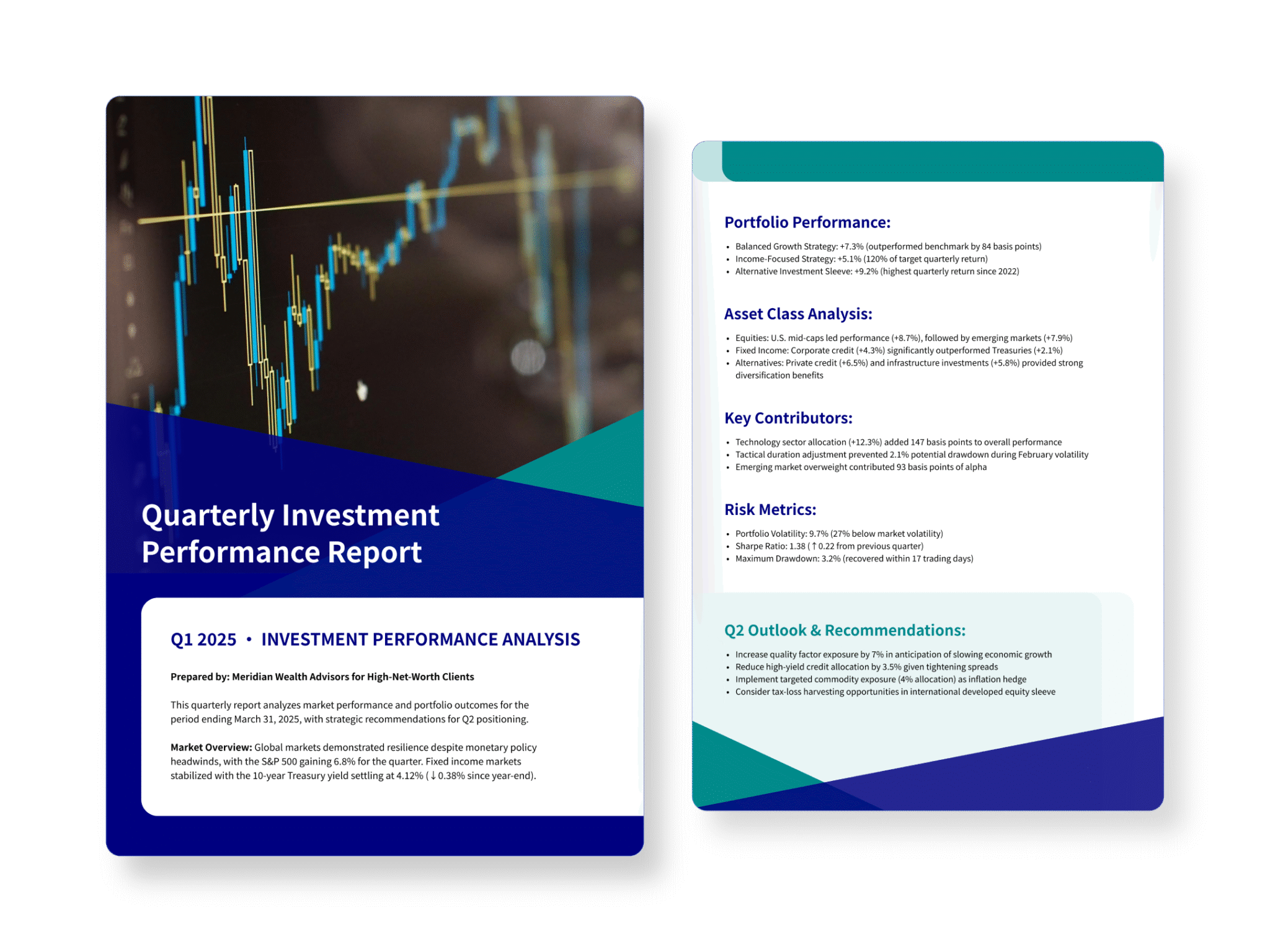
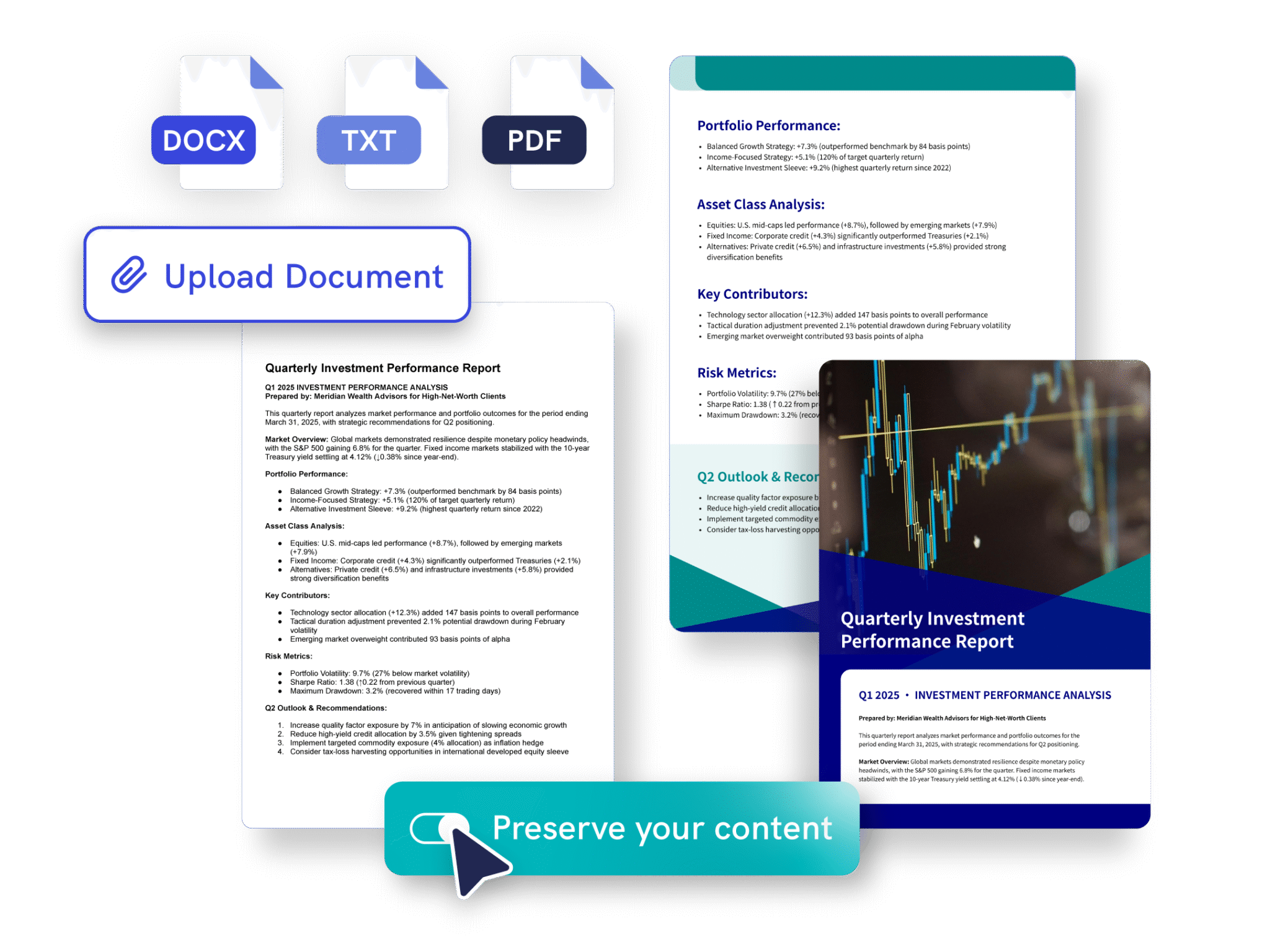
When you want to transform text-heavy documents into visuals, this feature makes sure your key text, images, and tables stay put. Instead of paraphrasing your research, we make it presentation-ready.

Simple to use
Just upload your doc and Piktochart AI will do the rest
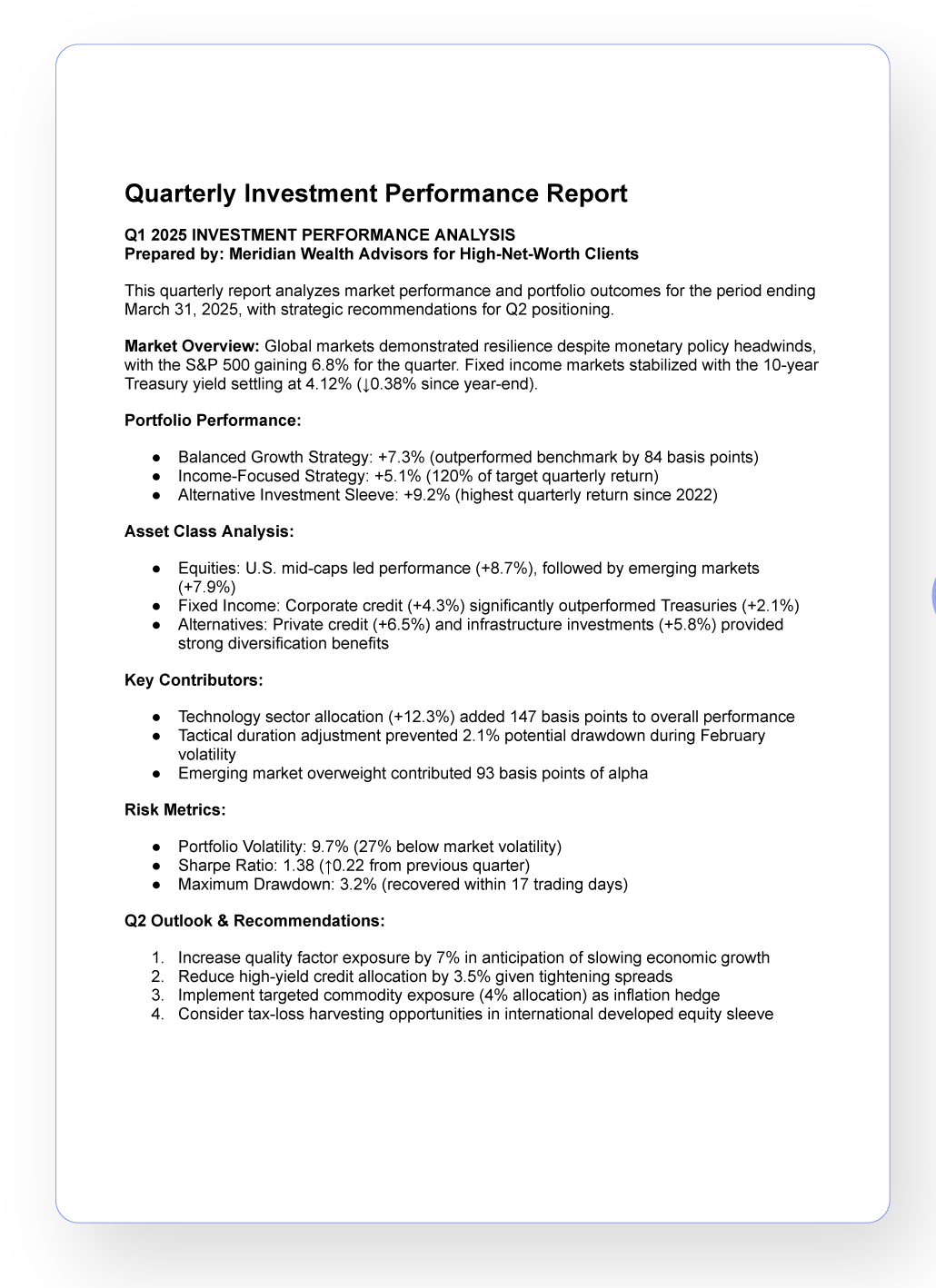
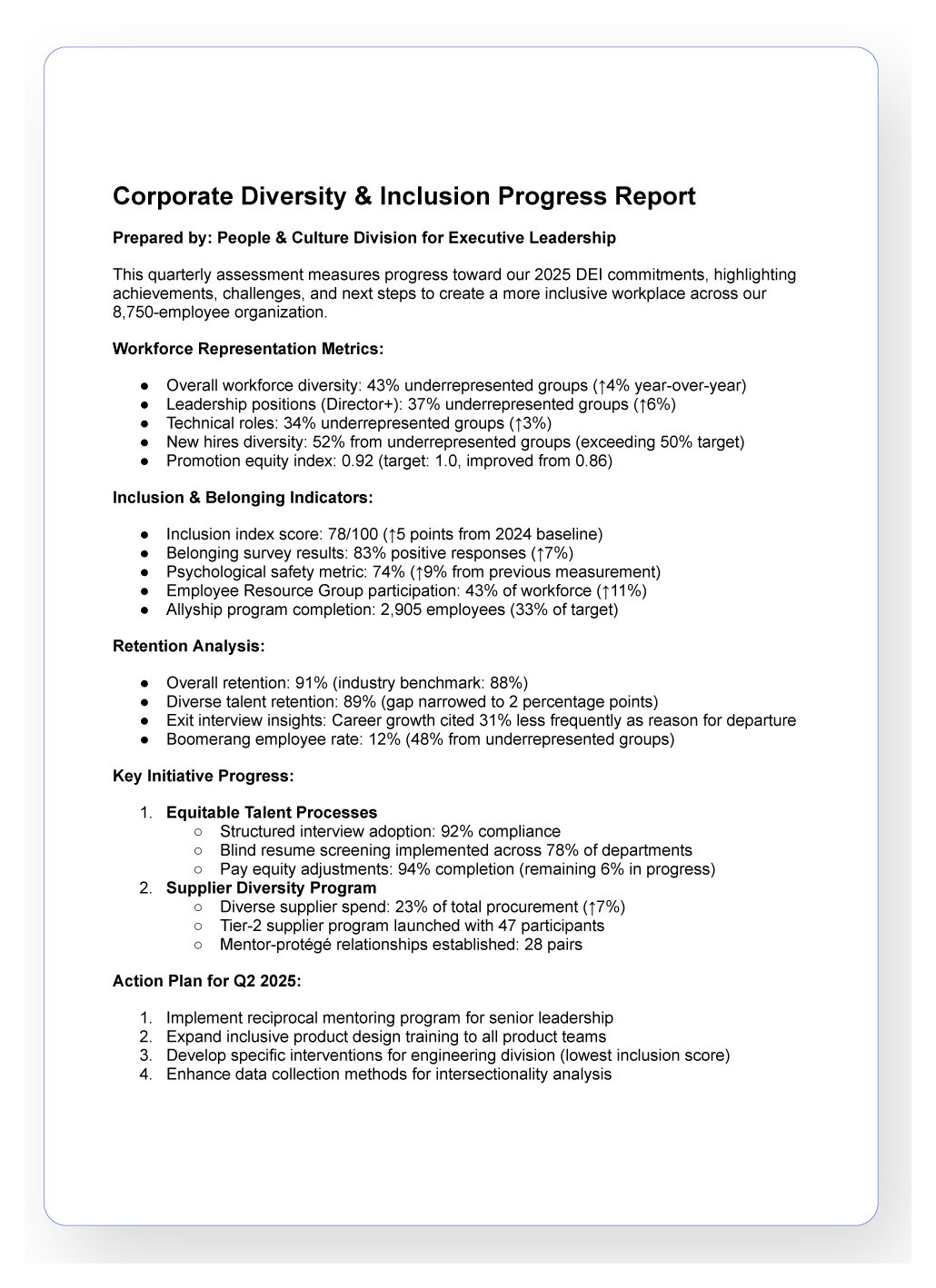
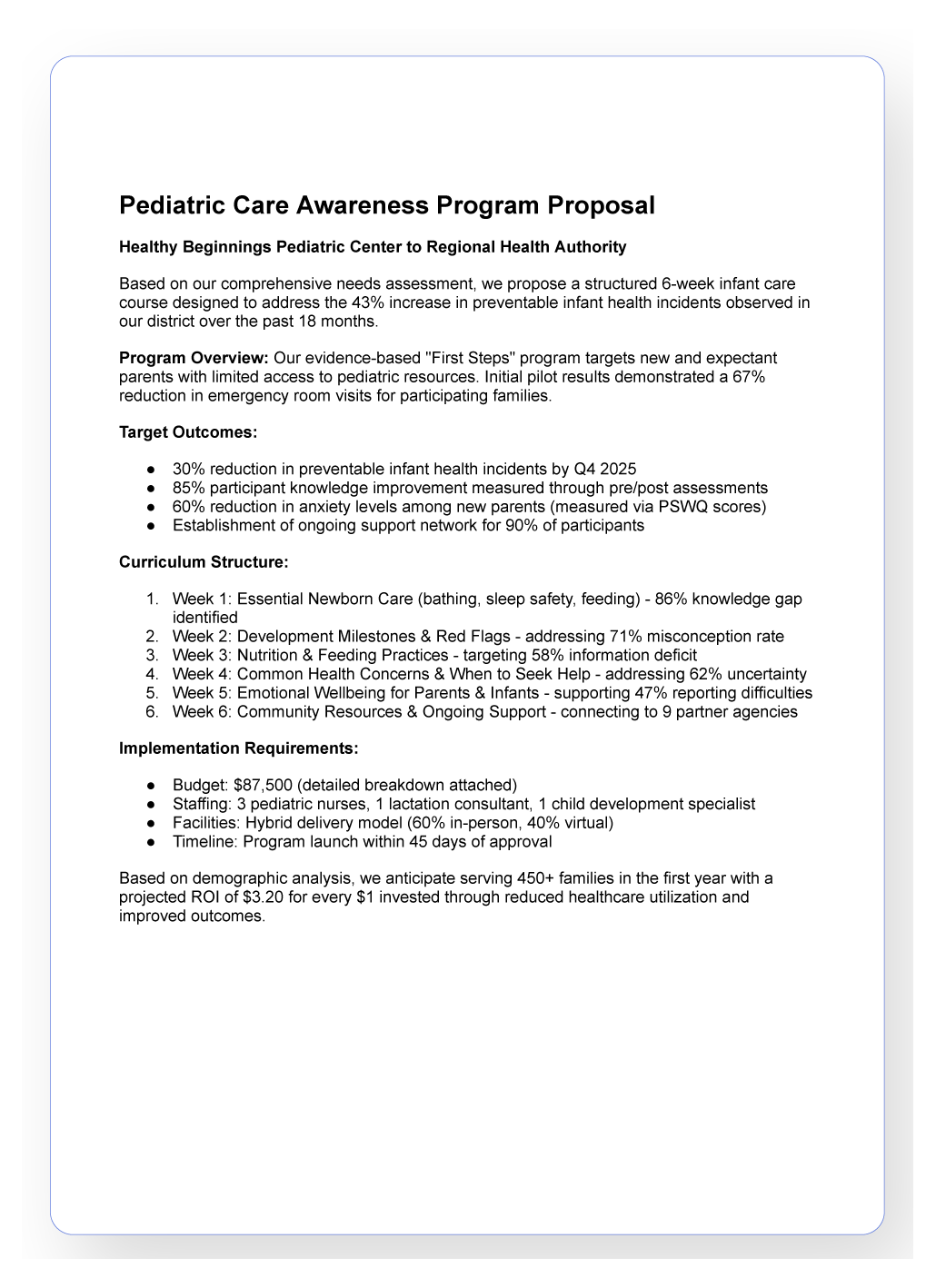
Piktochart AI works with PDF (.pdf), plain text (.txt), and Microsoft Word (.docx) files.
What’s Preserved?
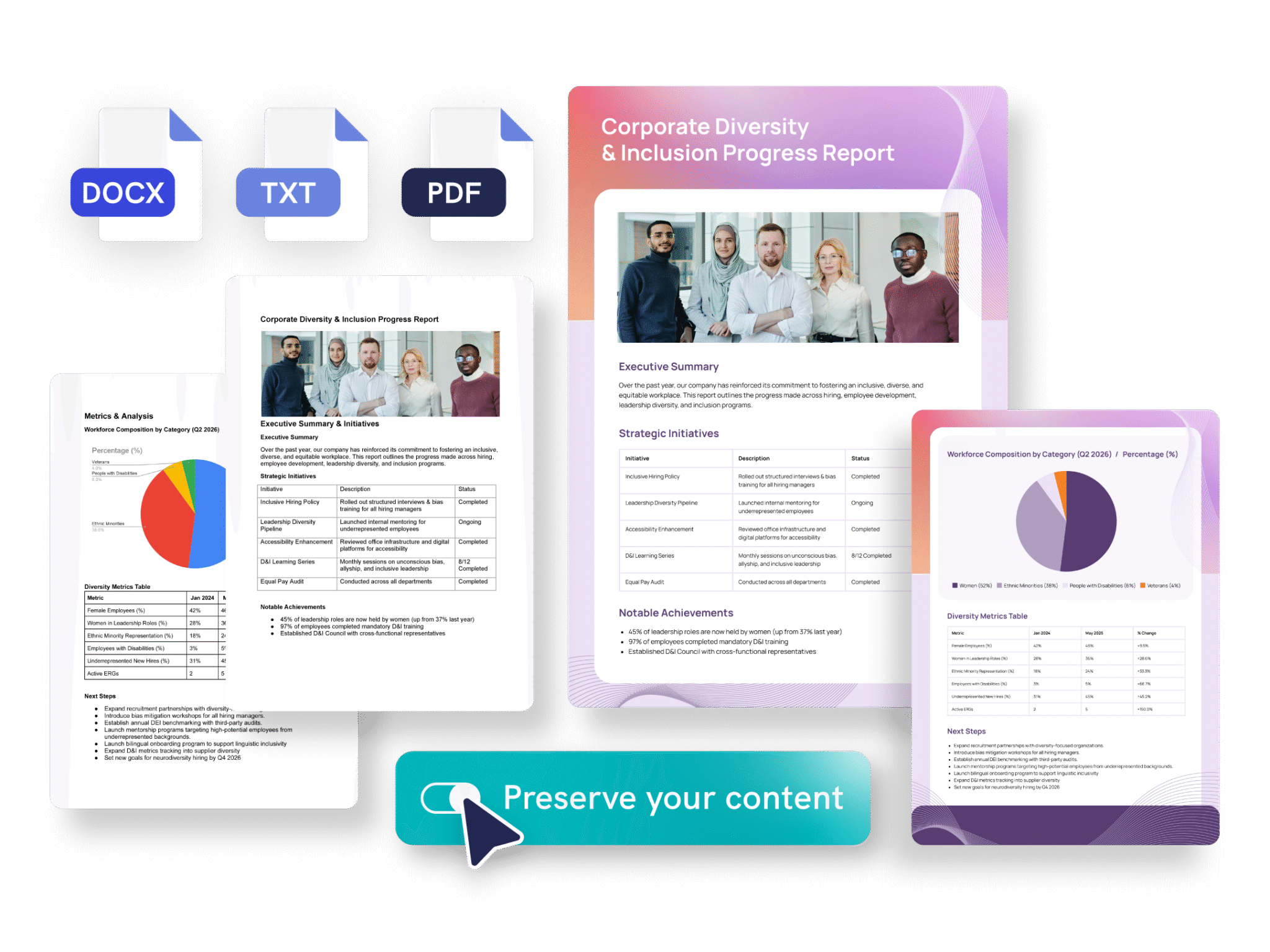
Your text. Your images. Your tables.
All text from your original file is maintained. Images included in your document are carried over. Tables from your uploaded files will appear in the generated visual. Charts are placed right where you need them.
Professionals like you across industries trust Preserve Content

Consultants
- Transform client documentation into polished white papers and professional briefs without losing critical details
- Convert lengthy proposals into visual formats that clients actually read and approve
- Turn dense research findings into compelling case studies that win new business

Academics
- Transform raw academic content into professional reports without AI changing or omitting important information
- Convert dissertation chapters into conference presentation materials while preserving scholarly accuracy
- Turn research findings into grant proposal visuals that secure funding opportunities

Educators & Researchers
- Convert research notes into engaging presentations and academic materials while keeping citations intact
- Transform curriculum content into student-friendly study guides and lesson materials
- Turn conference papers into visually appealing presentations for professional development sessions

Entrepreneurs
- Turn lengthy reports into branded, reader-friendly documents that maintain every data point and insight
- Convert technical documentation into client-facing materials without manual reformatting
- Transform industry analyses into professional publications that establish thought leadership
Piktochart AI formats that support Preserve Content


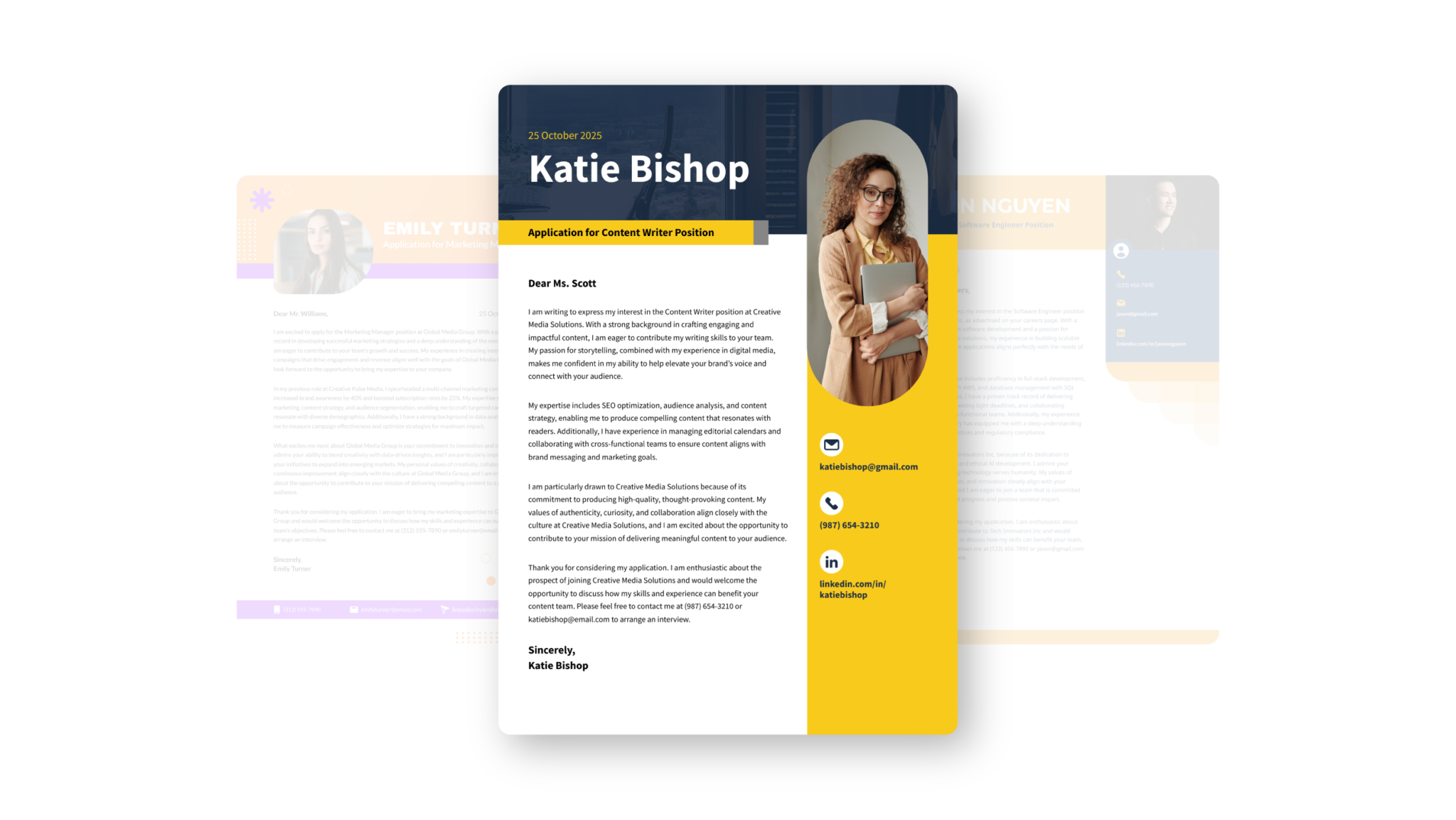



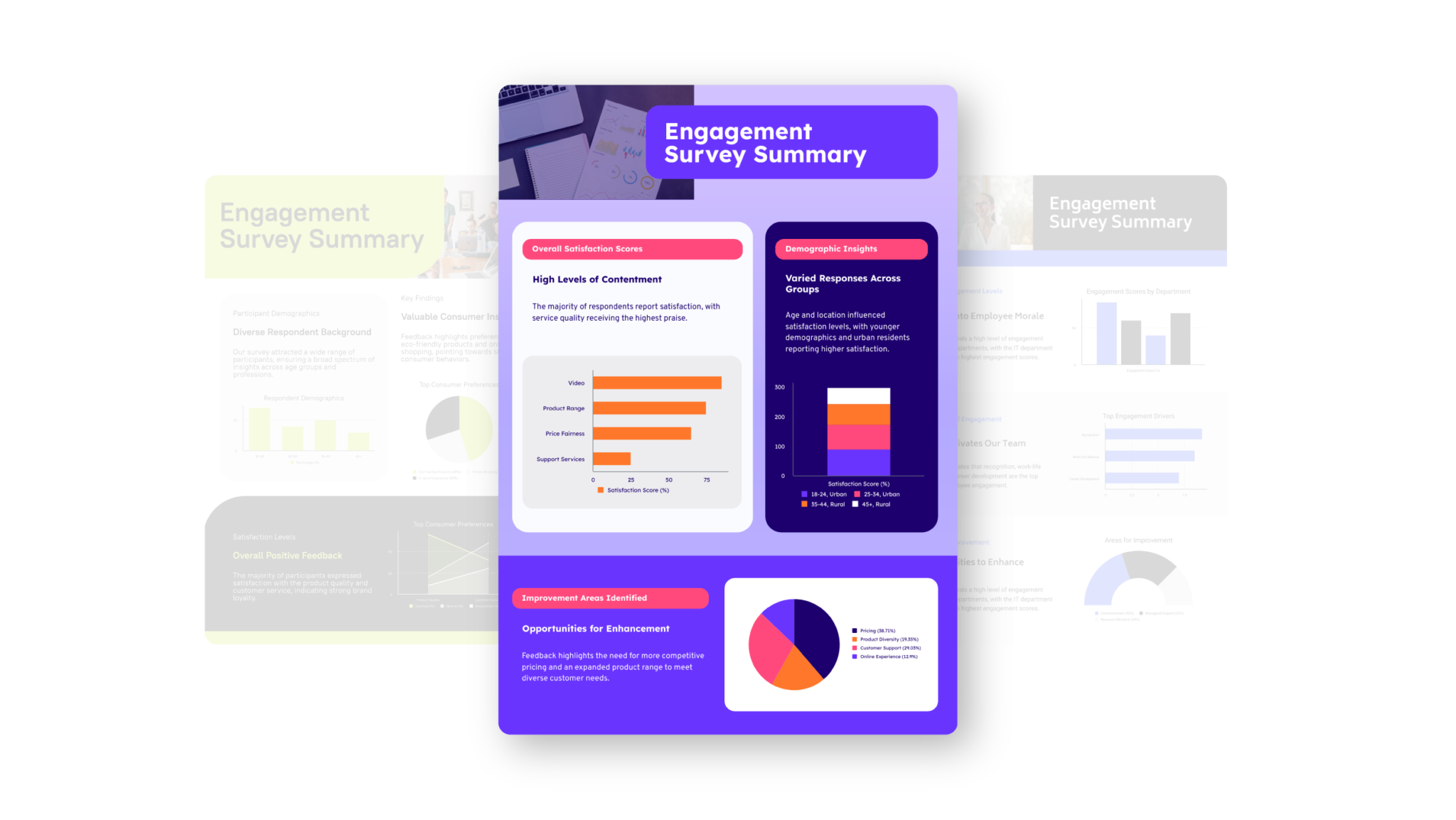
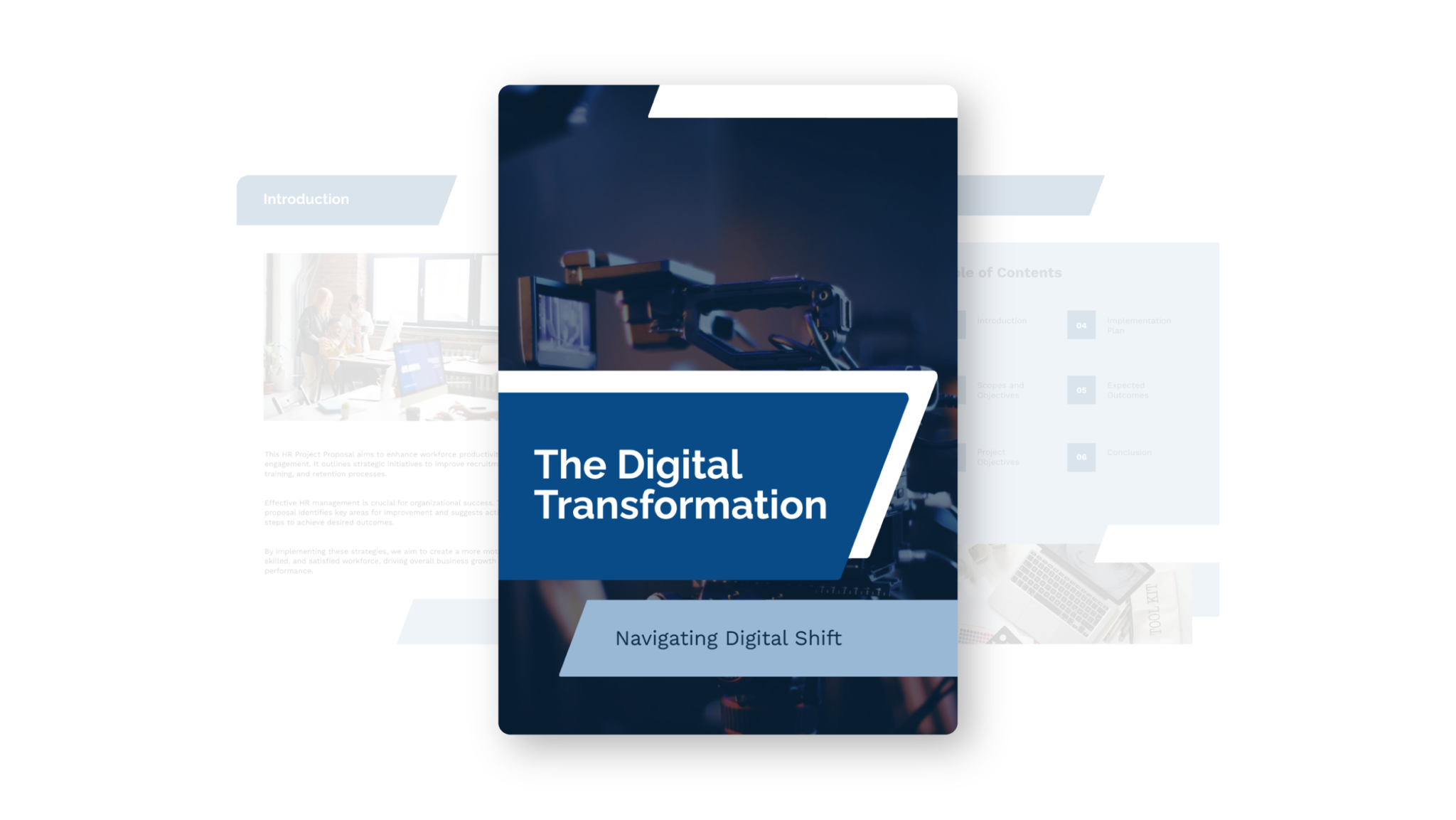
How to use Preserve Content?
1. Upload your document or paste text
Choose from PDF, DOCX, or TXT files up to 10MB. Paste text directly if you prefer. Make sure ‘Document’ format is selected—Cover Letter format doesn’t support content preservation.
2. Turn ‘Preserve Content’ toggle on
Find the toggle switch below your content input area. When enabled, every word, image, and table from your original document stays exactly as you wrote it.
3. Click ‘Generate Visual’
Piktochart AI analyzes your content and creates multiple visual options while maintaining your complete original text, images, and data tables.
4. Pick your template
Browse through AI-generated design options and select the layout that best fits your content style and audience needs.
5. Need changes? Click ‘Edit this Visual’ for the full Editor
Access our complete editing suite to adjust colors, fonts, layouts, or add additional elements while keeping your preserved content intact.
Ready to Transform Your Documents?
Your content preserved. Your audience impressed.
FAQs