Table of contents
Purpose of checklists: Why do we even need checklists in the first place?
A daily checklist is the simplest productivity tool you will ever use; it is one page, a handful of tasks, and a clear line between “done” and “not yet.” Professionals across every industry rely on daily checklists to cut through noise, reduce stress, and finish each workday with proof of progress rather than a vague sense of busyness.
So why do so many people skip this step? Dr. Atul Gawande tackled the question in The Checklist Manifesto, arguing our brains are wired to overestimate what we can hold in memory. A written checklist offloads the mental juggling act, freeing your focus for the work itself. Research backs him up: completing a listed task triggers a small dopamine release, turning your to-do list into a feedback loop of motivation.
Below, you will find 25+ free daily checklist templates you can download and customize in Piktochart in minutes, plus a step-by-step guide to building your own from scratch. Whether you need a project tracker, a morning routine planner, or a S.M.A.R.T. goals worksheet, this guide covers it.
For bigger initiatives, start with our project plan templates.
In “The Checklist Manifesto,” Dr. Atul Gawande presents several key principles to emphasize the importance of checklists and their potential to improve performance, reduce errors, and enhance outcomes in various professional fields. Some of these main tenets include:
- Complexity and fallibility
- Standardization
- Memory aid
- Communication and teamwork
- Balance between autonomy and guidance
- Adaptability
- Simplicity
- Discipline
- Continuous improvement
- Empowerment
There’s a certain dopamine rush that we get from completing tasks, and we hope that these to-do lists and templates will inspire you to revamp your daily routine and develop new habits!
You can also jump right into creating effective to-do lists by selecting a template from our gallery. Create a free account to get started.
Components of a checklist
A workplace checklist is a valuable tool for ensuring that tasks are completed accurately, consistently, and efficiently. The components of an effective checklist at work typically include:
- Task list
- Sequence
- Categories or sections:
- Checkboxes or other indicators
- Instructions or guidelines
- Responsible parties
- Due dates or timeframes
- Dependencies
- Notes or comments section
- Progress tracking
You may choose to print it or download it as a PDF file. Checklists come in many shapes and sizes including Excel files.
How to Create a Daily Checklist (Step by Step)
Knowing why checklists work is useful. Knowing how to build one you will actually follow is what changes your day. These six steps turn a blank page into a reliable productivity system.
1. Brain-dump every task.
Open a blank document, a sticky note, or a Piktochart checklist template and write down everything on your plate for the next 24 hours. Do not filter, prioritize, or organize yet. The goal is to get it out of your head and onto paper (or screen).
2. Identify your Most Important Tasks (MITs).
Scan the list and circle the two or three tasks with the highest impact on your goals. If you are unsure which tasks qualify, ask yourself: “Which of these would I regret not finishing by tonight?” Those are your MITs.
3. Break large tasks into subtasks.
A line item reading “finish quarterly report” is too vague to act on. Split it into concrete subtasks: pull data, draft summary, create charts, send for review. Smaller steps reduce the urge to procrastinate and make progress visible.
4. Assign time blocks.
Next to each task or subtask, estimate how long it will take. Group related items into 60- or 90-minute blocks, and slot your MITs into the hours when your energy peaks. Time blocking prevents a 15-minute errand from expanding into an hour-long distraction.
5. Build in breaks and buffers.
No checklist survives contact with an interruption-free day. Add 10- to 15-minute buffers between blocks so unexpected emails, calls, or questions do not derail the entire schedule. Short breaks between focus sessions keep your concentration sharp.
6. Review and adjust at the end of the day.
Before you close your laptop, spend five minutes reviewing what got done and what did not. Move unfinished items to tomorrow’s list, note any recurring blockers, and celebrate the completed tasks; this end-of-day review turns a one-off checklist into a repeatable habit.
A ready-made template speeds up every step above. Browse Piktochart’s template library to find a daily checklist layout you can customize in minutes, or start with one of the 25+ free templates further down this page.
10 Types of checklist to maximize productivity at work (and 25+ free checklist templates)
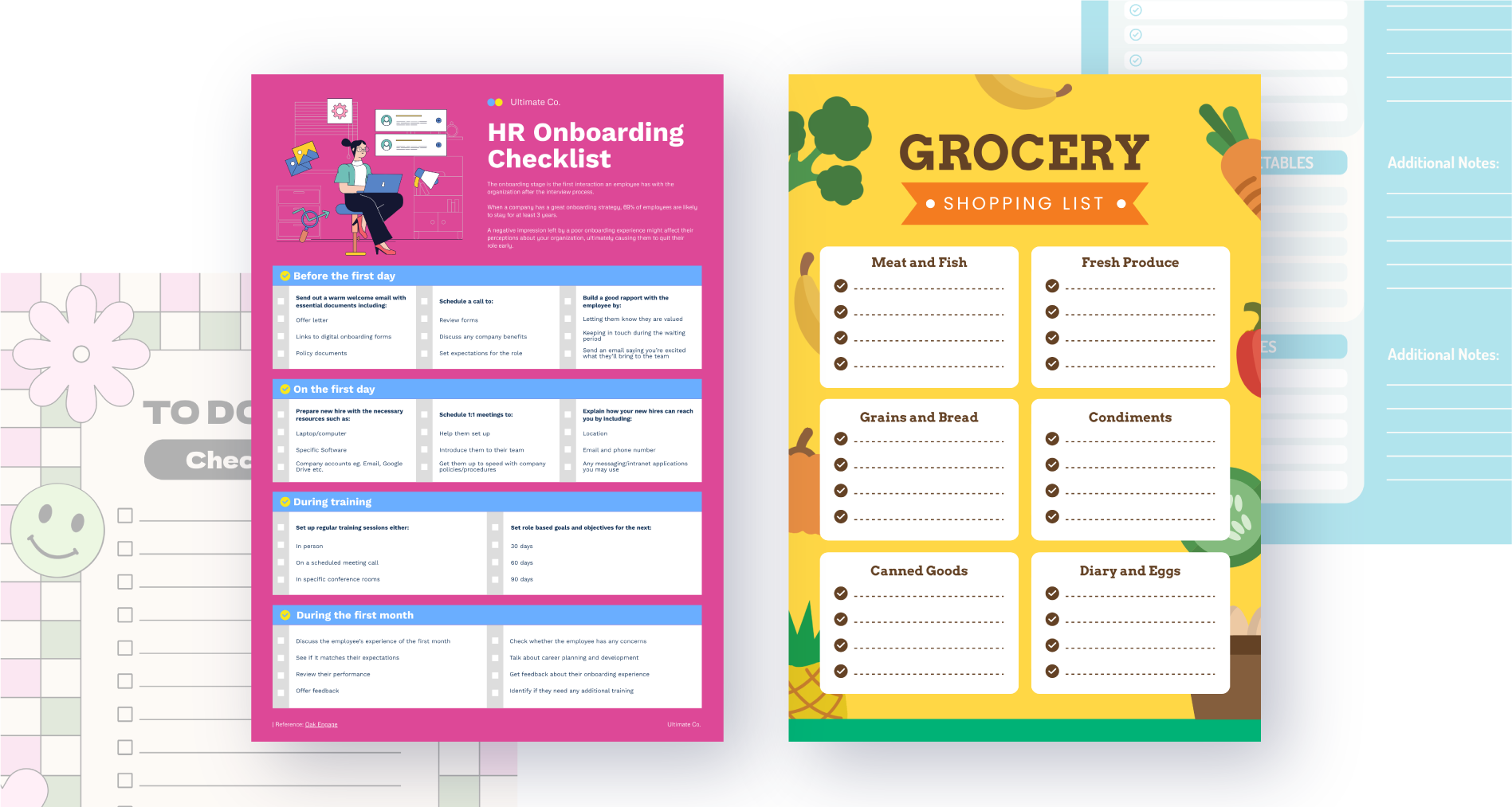
Here are some fully customizable checklist templates of custom checklists that you can download and fully edit online.
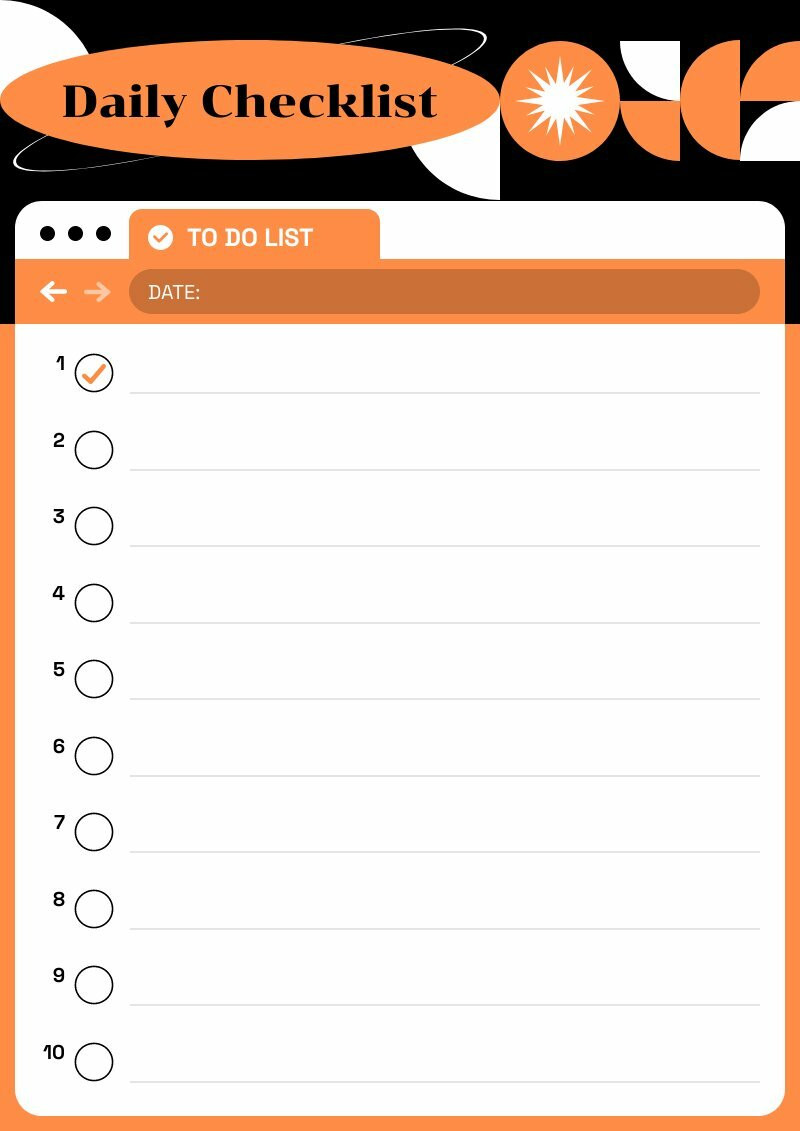
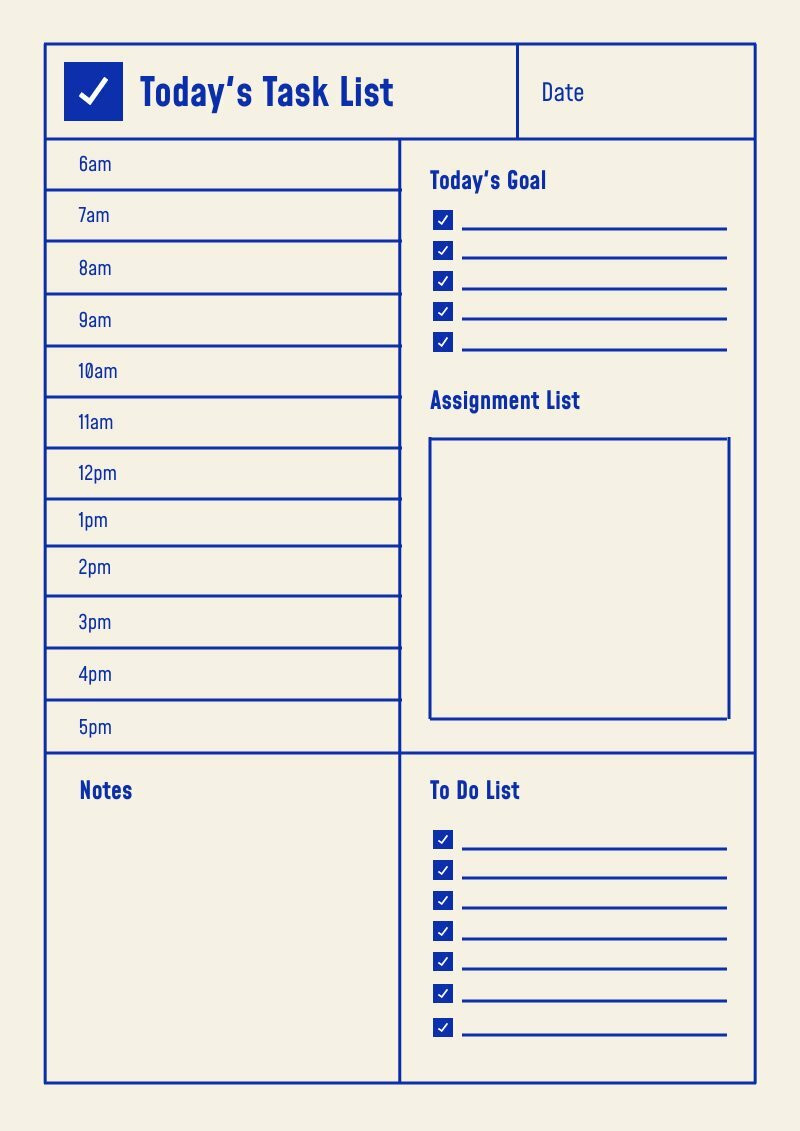
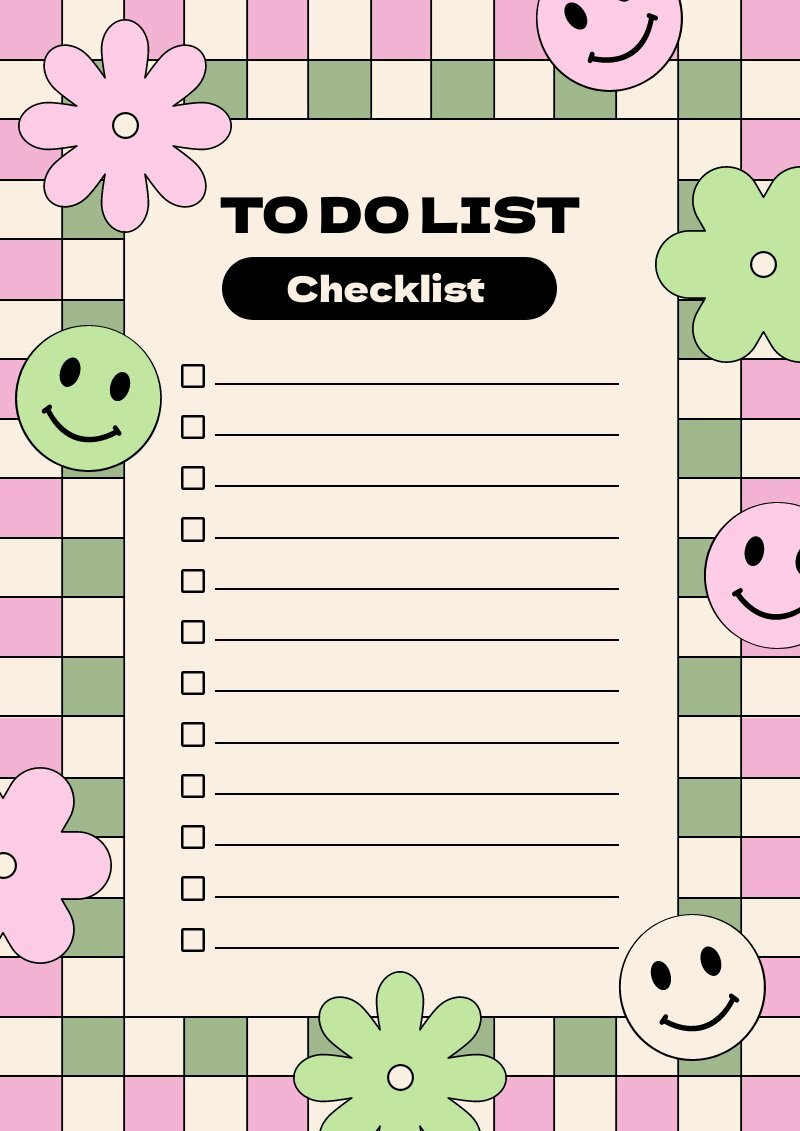
1. Project Checklist
This type of checklist is used for larger tasks that are split into several smaller tasks. It can also be used to keep track of the progress of the project.
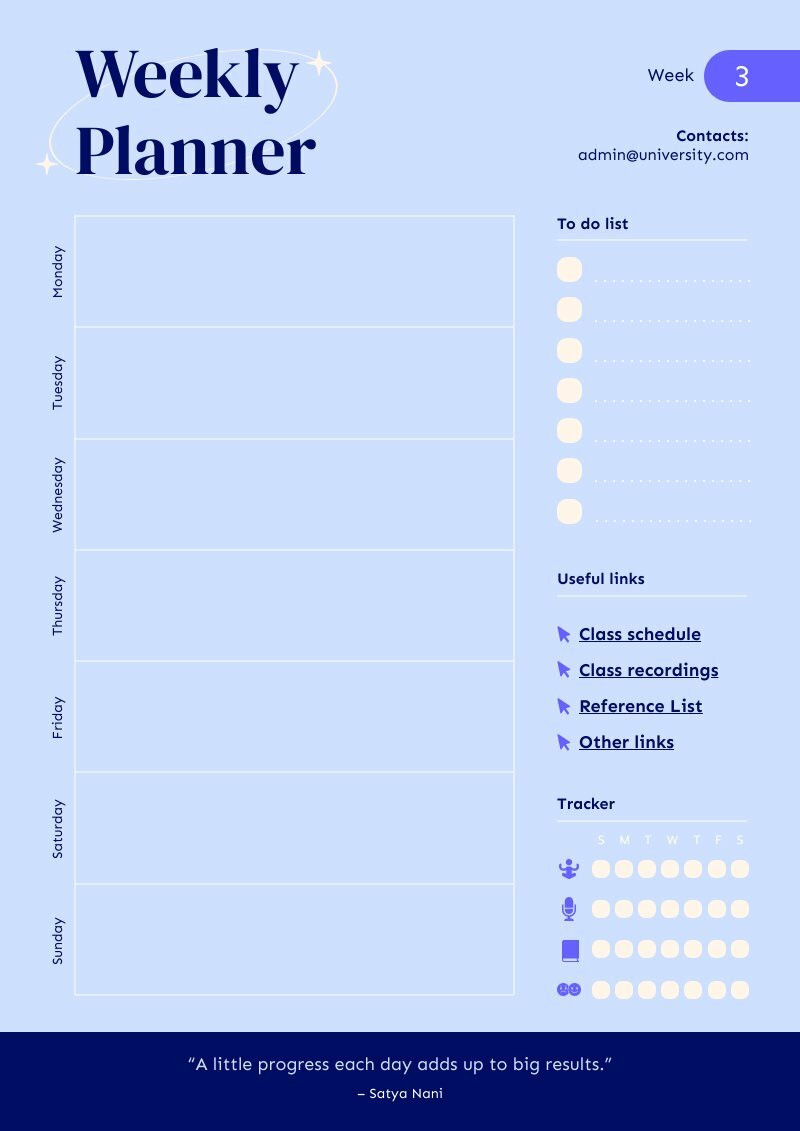
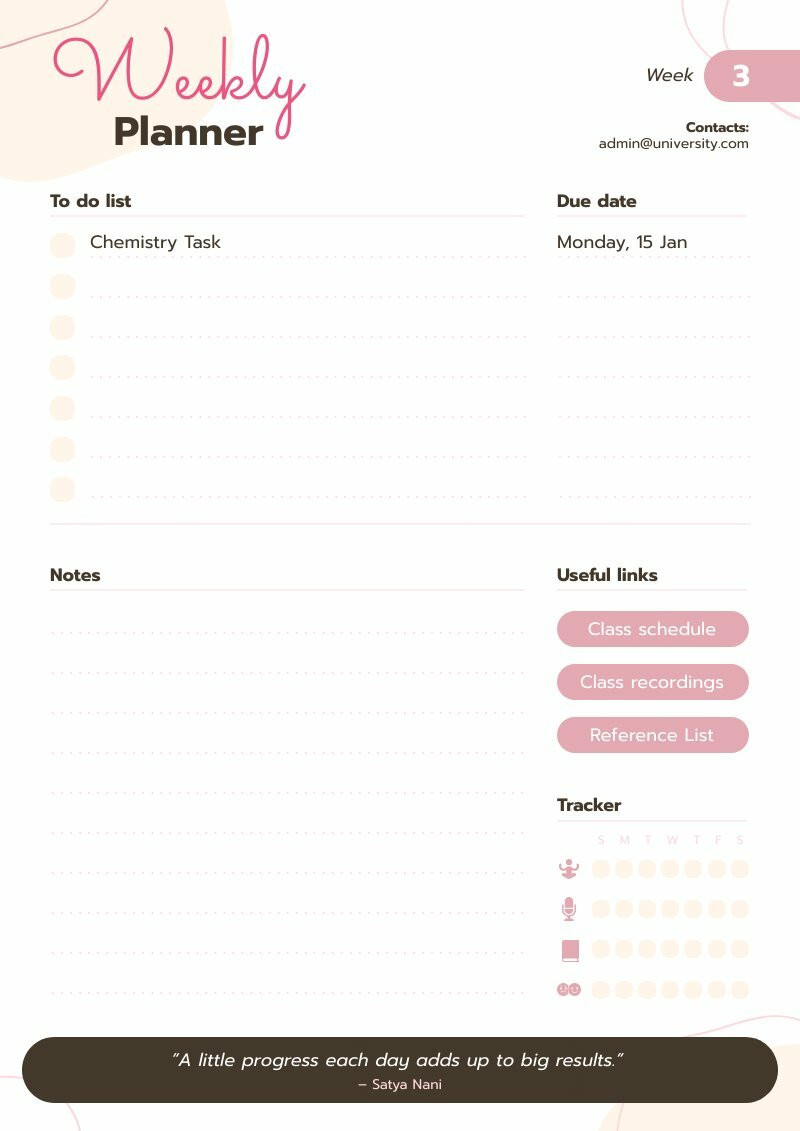
2. Weekly/Monthly Planner
This is a checklist that helps you plan for the week or month ahead. It could involve tasks you need to accomplish, goals you want to reach, or events you have to attend.
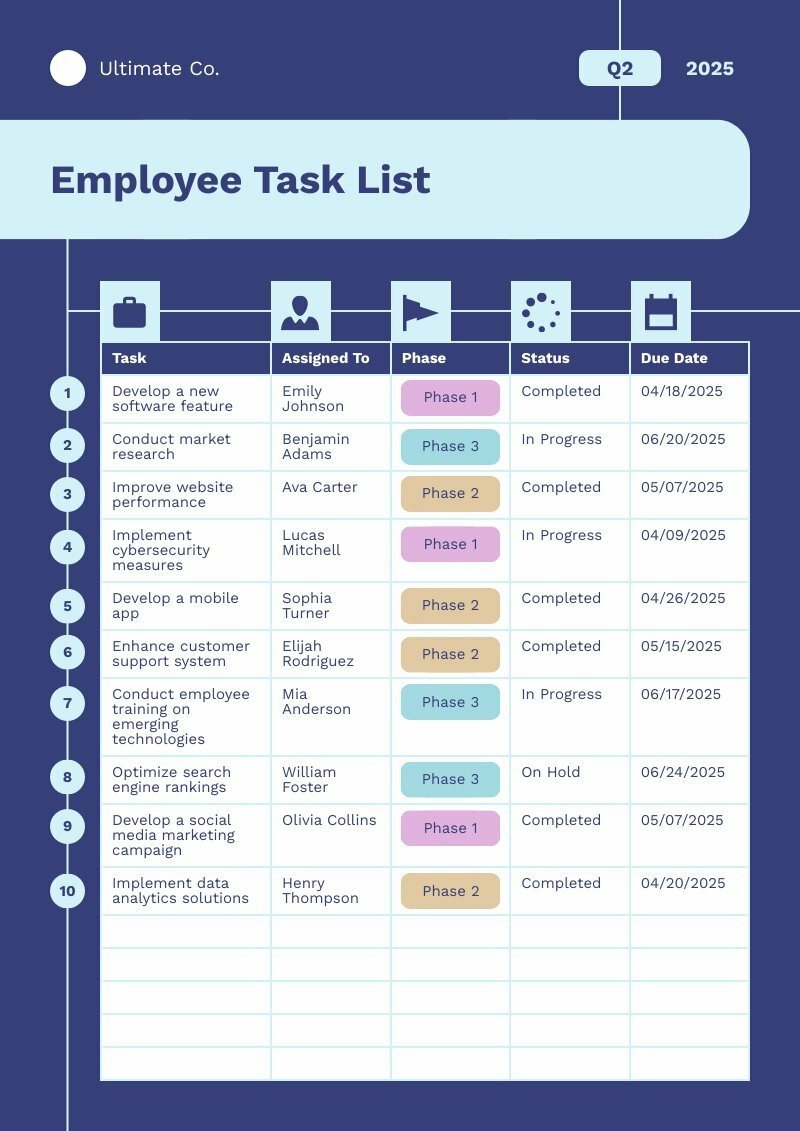
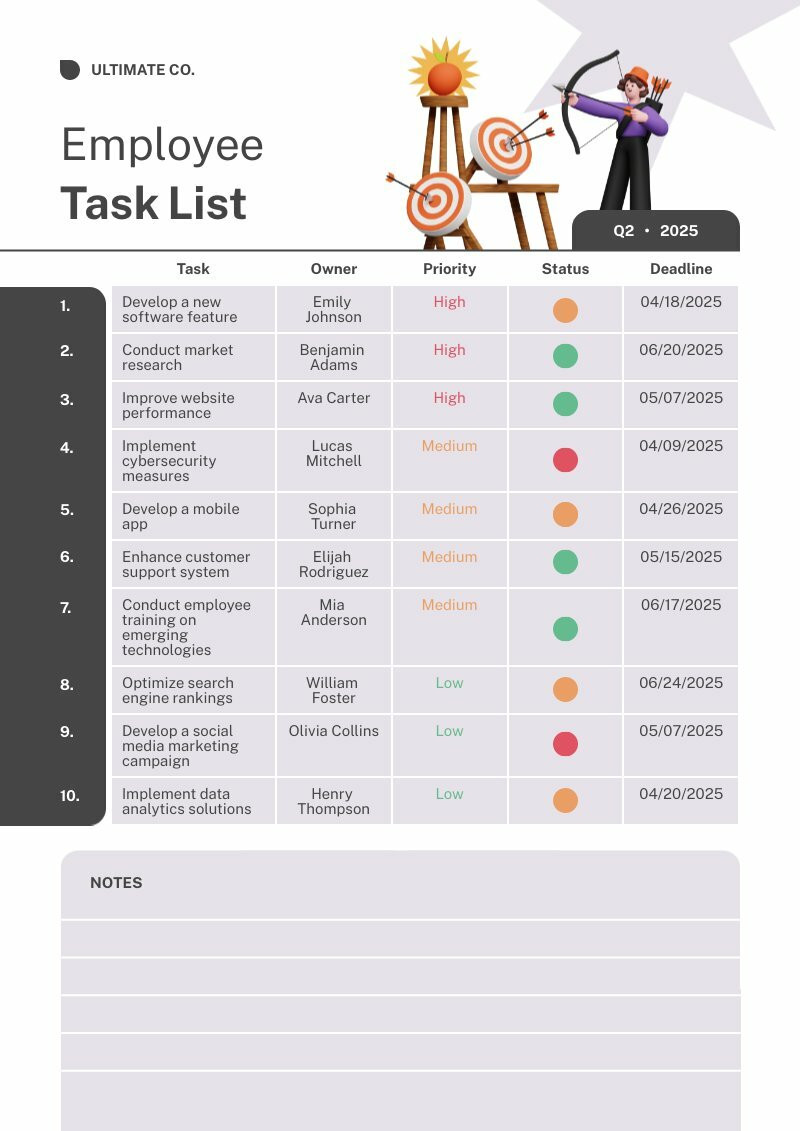
3. Weekly/Monthly Planner
This checklist This is a checklist that helps you plan for the week or month ahead. It could involve tasks you need to accomplish, goals you want to reach, or events you have to attend.
4. Priority Checklist
This checklist helps you identify the tasks that need immediate attention. It’s a great tool to help you manage your time more effectively.
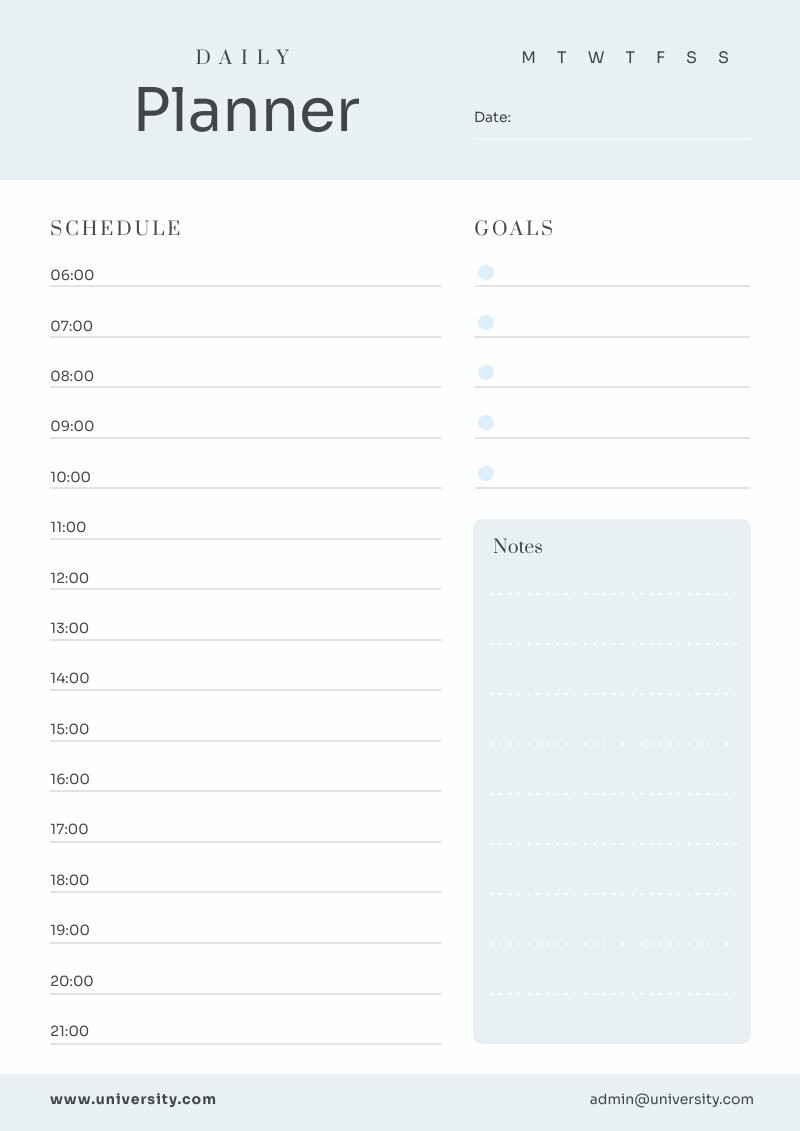
5. Habit Tracker
While not a traditional checklist, this helps you build productive habits by tracking how often you perform certain tasks.
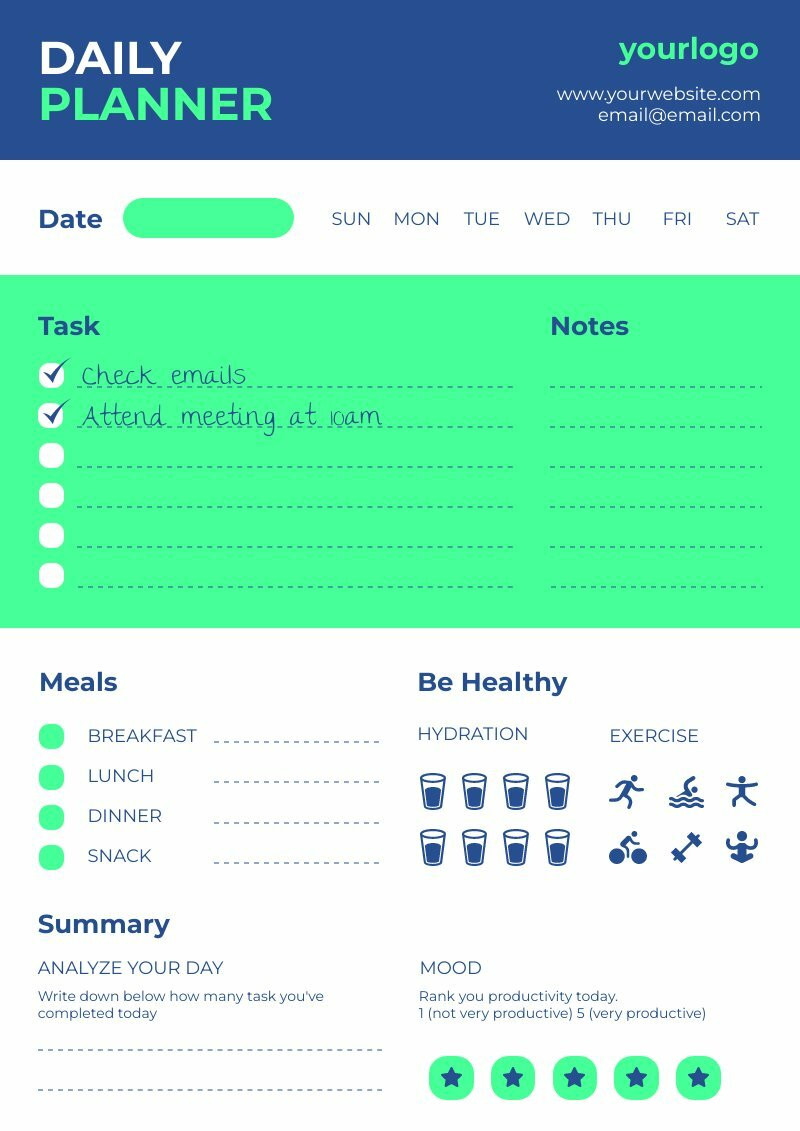
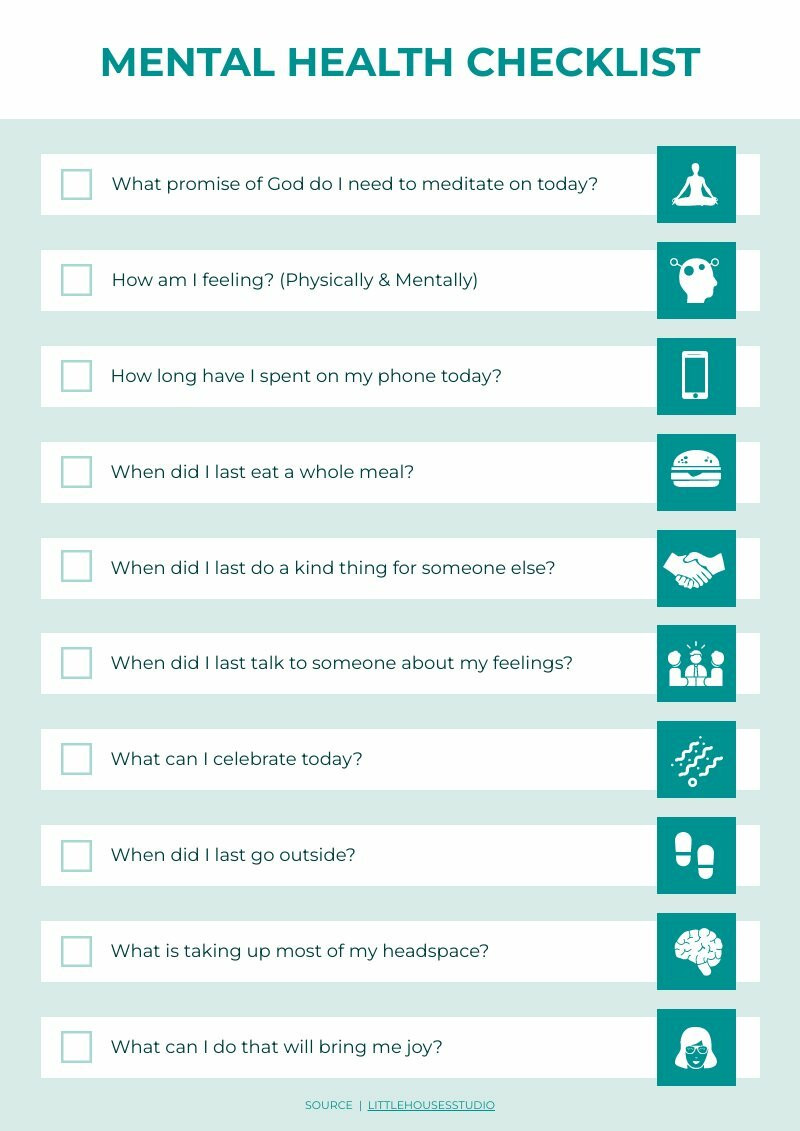
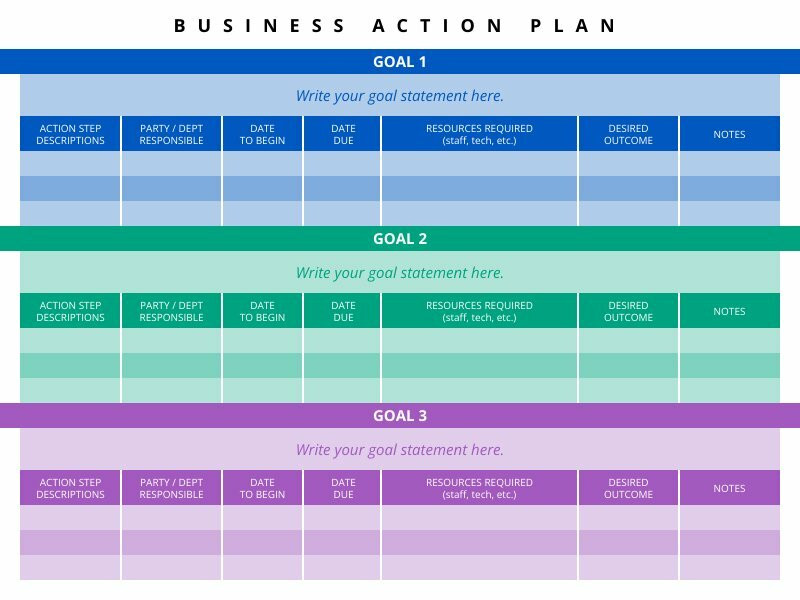
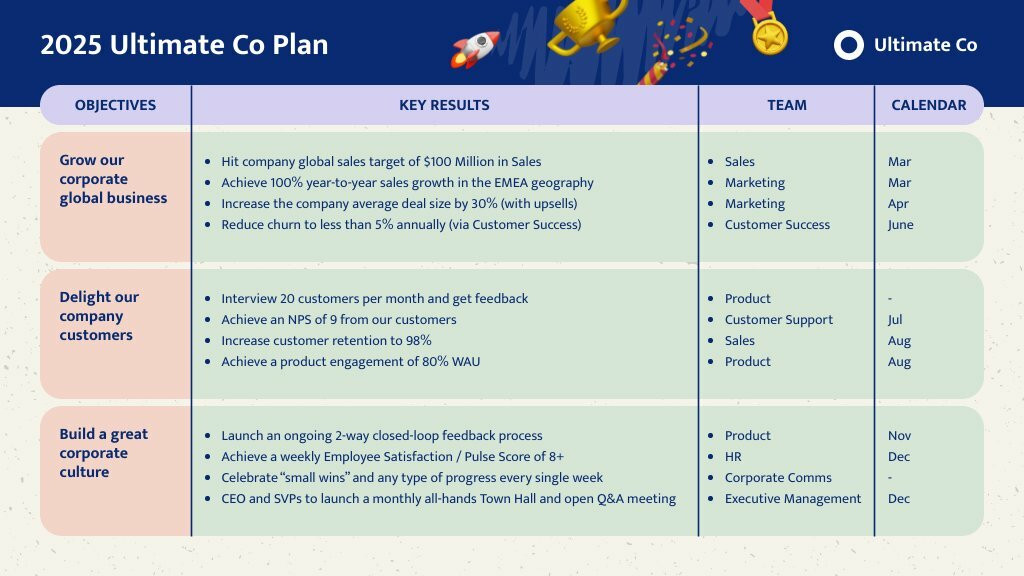
6. Workflow Checklist
This is used to streamline work processes and ensure consistency in repetitive tasks.
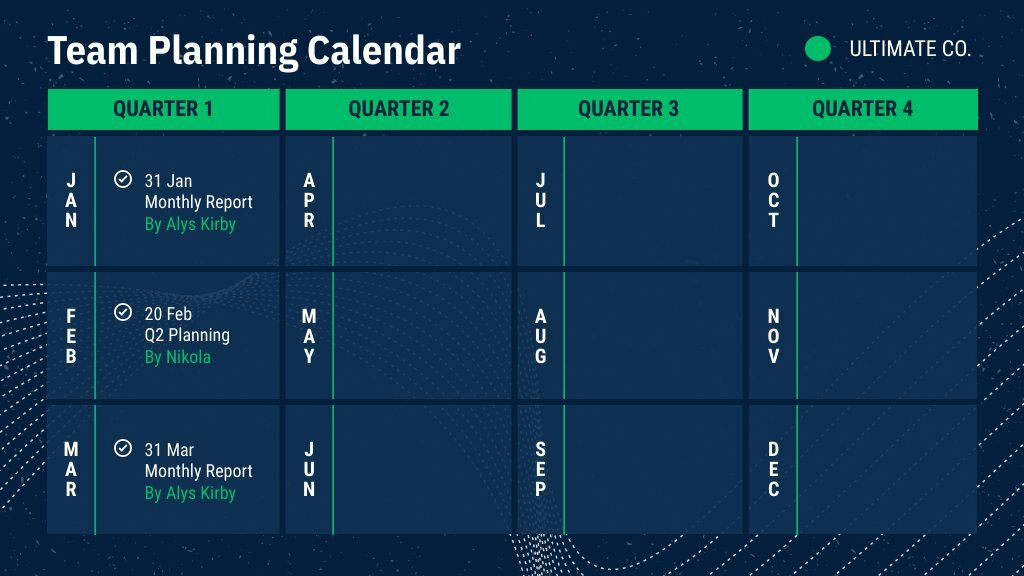
7. Meeting Checklist
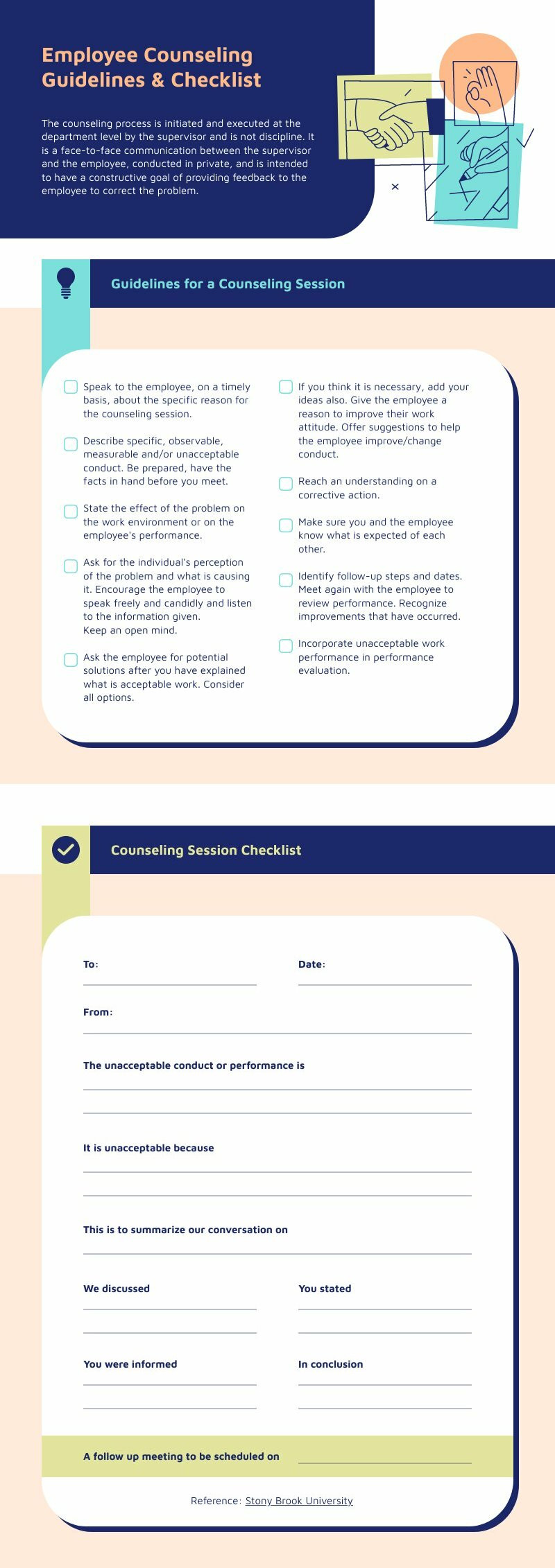
Used for planning and executing effective meetings. It includes things like setting an agenda, gathering necessary materials, and following up after the meeting.
8. S.M.A.R.T Goals Checklist
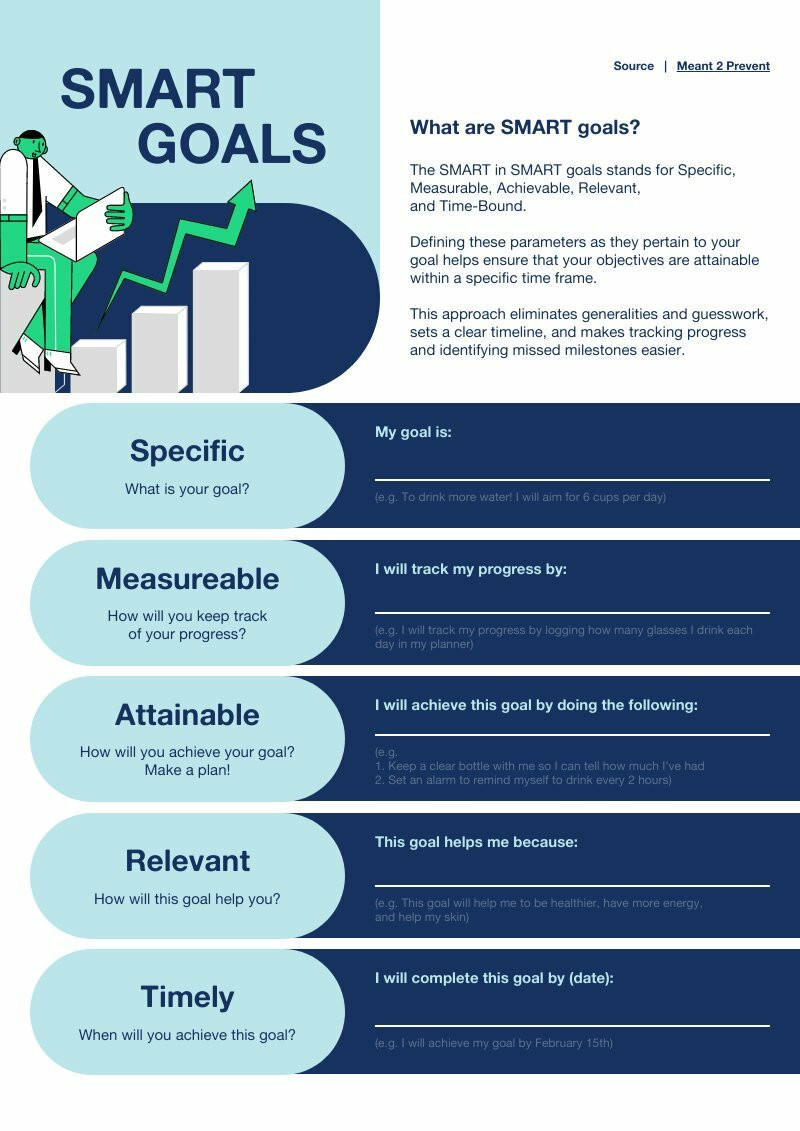
This checklist is for goal setting using the S.M.A.R.T (Specific, Measurable, Achievable, Relevant, Time-bound) principle. It helps in breaking down the steps needed to achieve each goal.

9. Evaluation or Review Checklist
These are used to assess performance or to go over completed projects to learn from successes and failures.
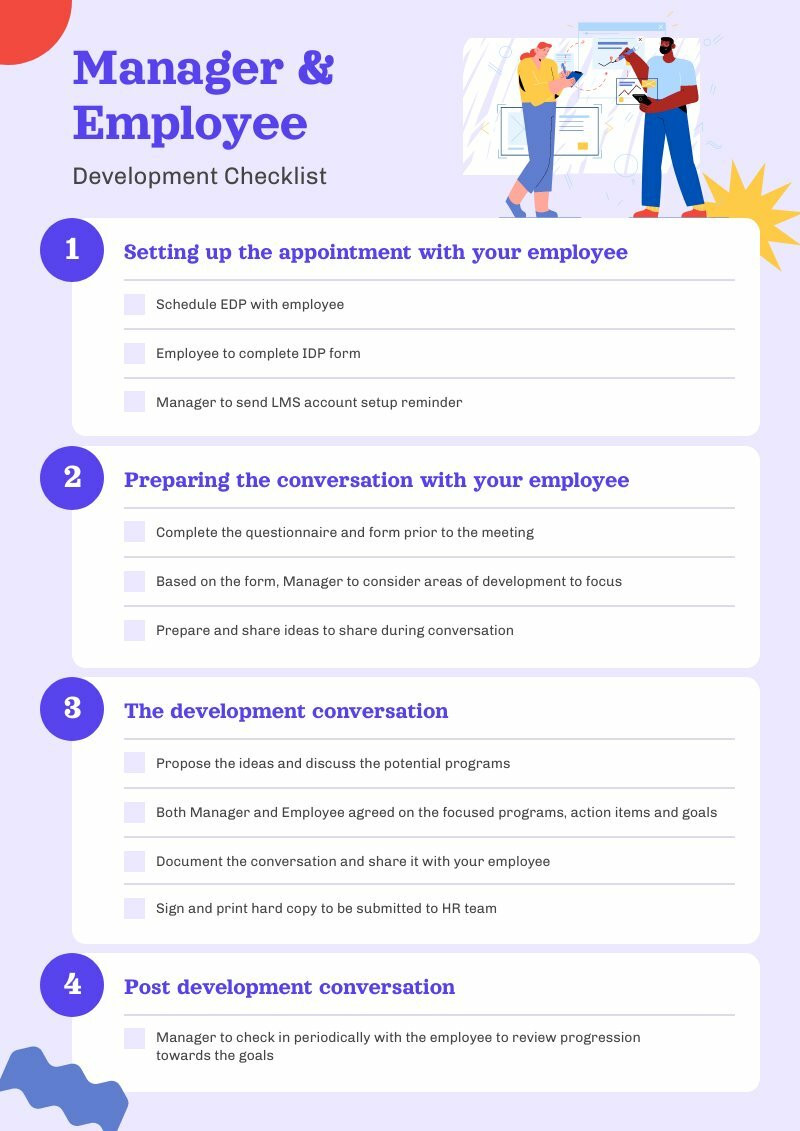
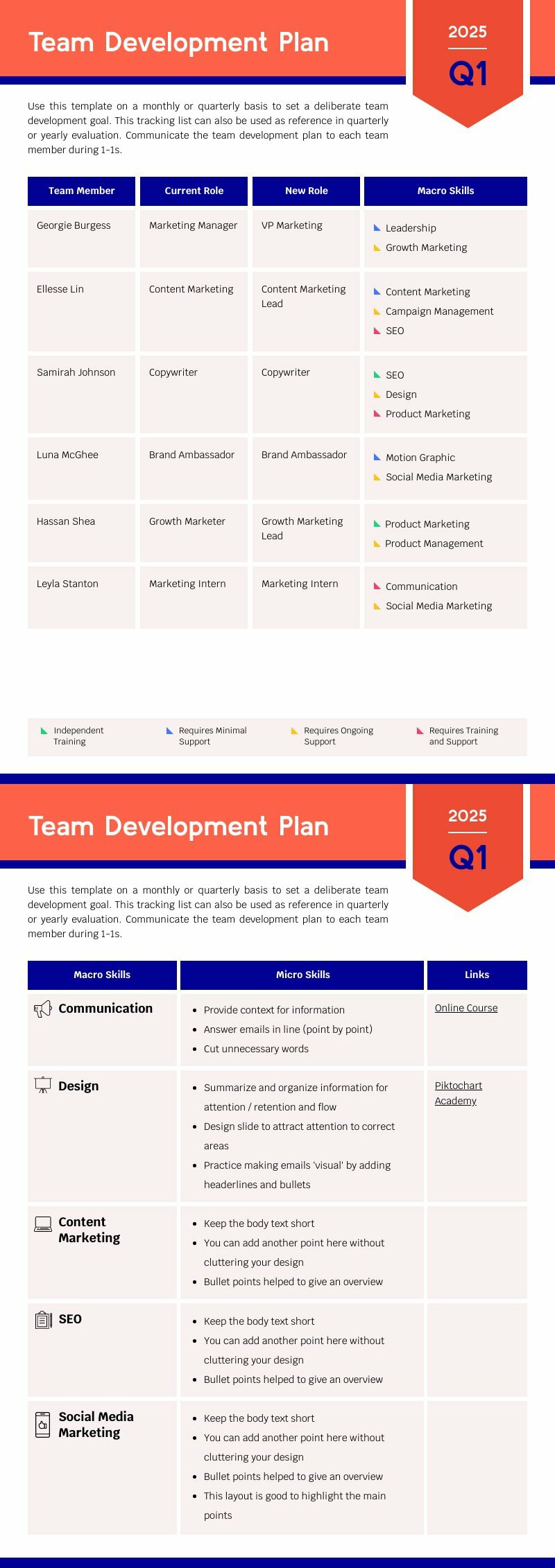
10. Personal Development Checklist
This checklist might include books to read, skills to learn, or self-improvement goals.


11. Wedding Checklist Templates
Simplify your big day preparations with our Wedding Checklist Template, offering a comprehensive guide to ensure every detail, from venue booking to the bridal attire, is planned and executed perfectly.


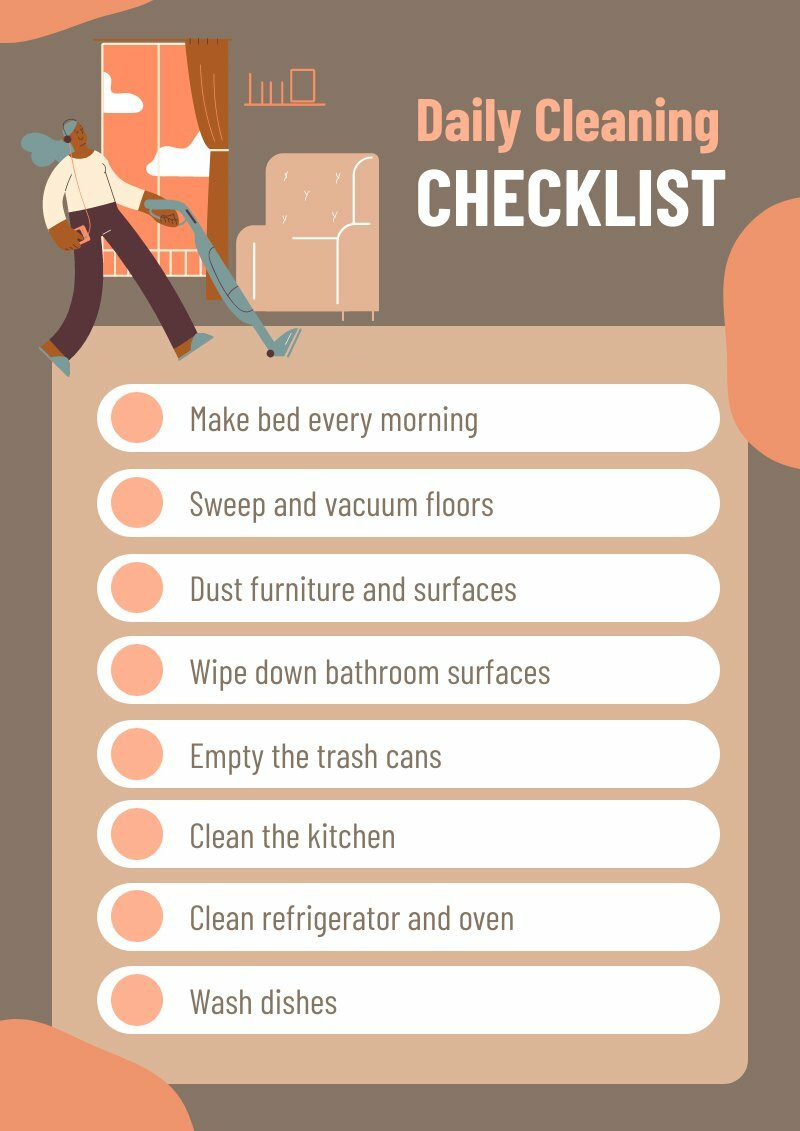
12. Cleaning Checklist
Cleaning can be daunting, especially when you’re unsure where to start or what areas to focus on. Whether you’re a homeowner, a professional cleaner, or someone looking to maintain a clean living or working space, having a cleaning checklist template can make the process more efficient and organized.

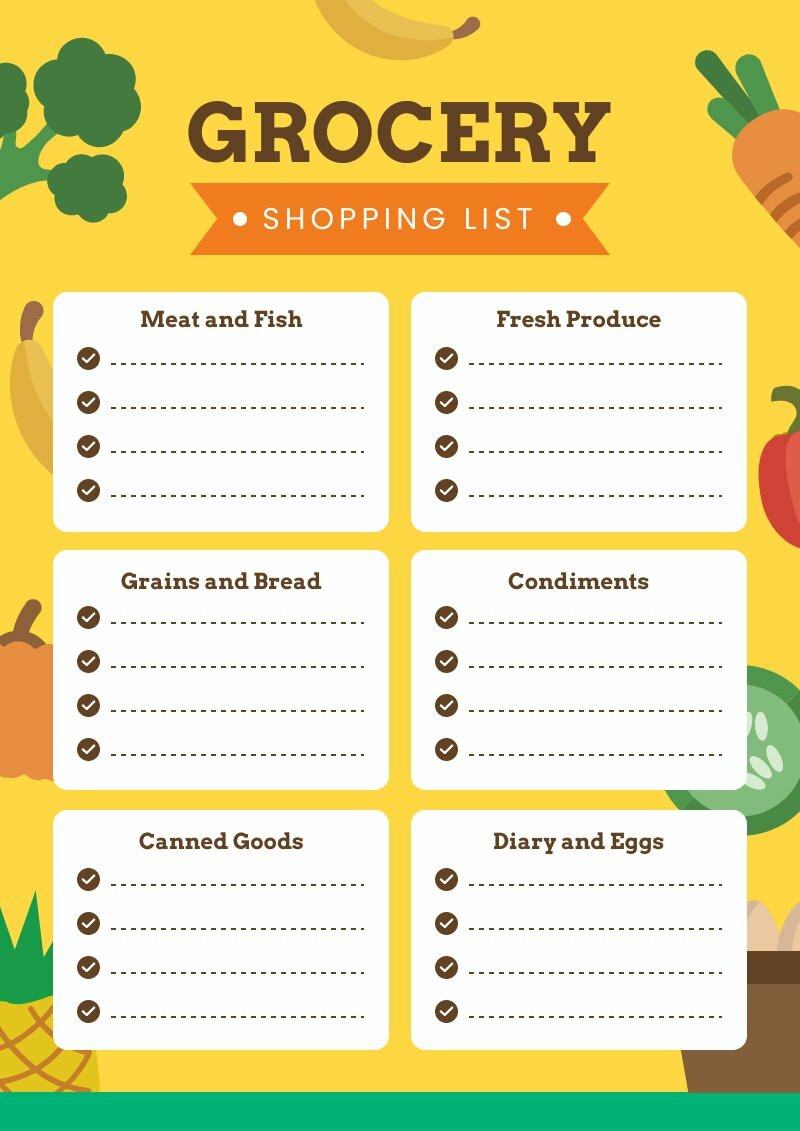
13. Shopping List
Streamline your grocery shopping experience with our Shopping List Template, an organized layout that categorizes your needs, from fresh produce to household items, ensuring a quick, efficient trip without forgotten items.

Stay organized with Piktochart
Piktochart is an online checklist maker that you can use for free to fully edit online and download.
Tips and how to use checklists effectively
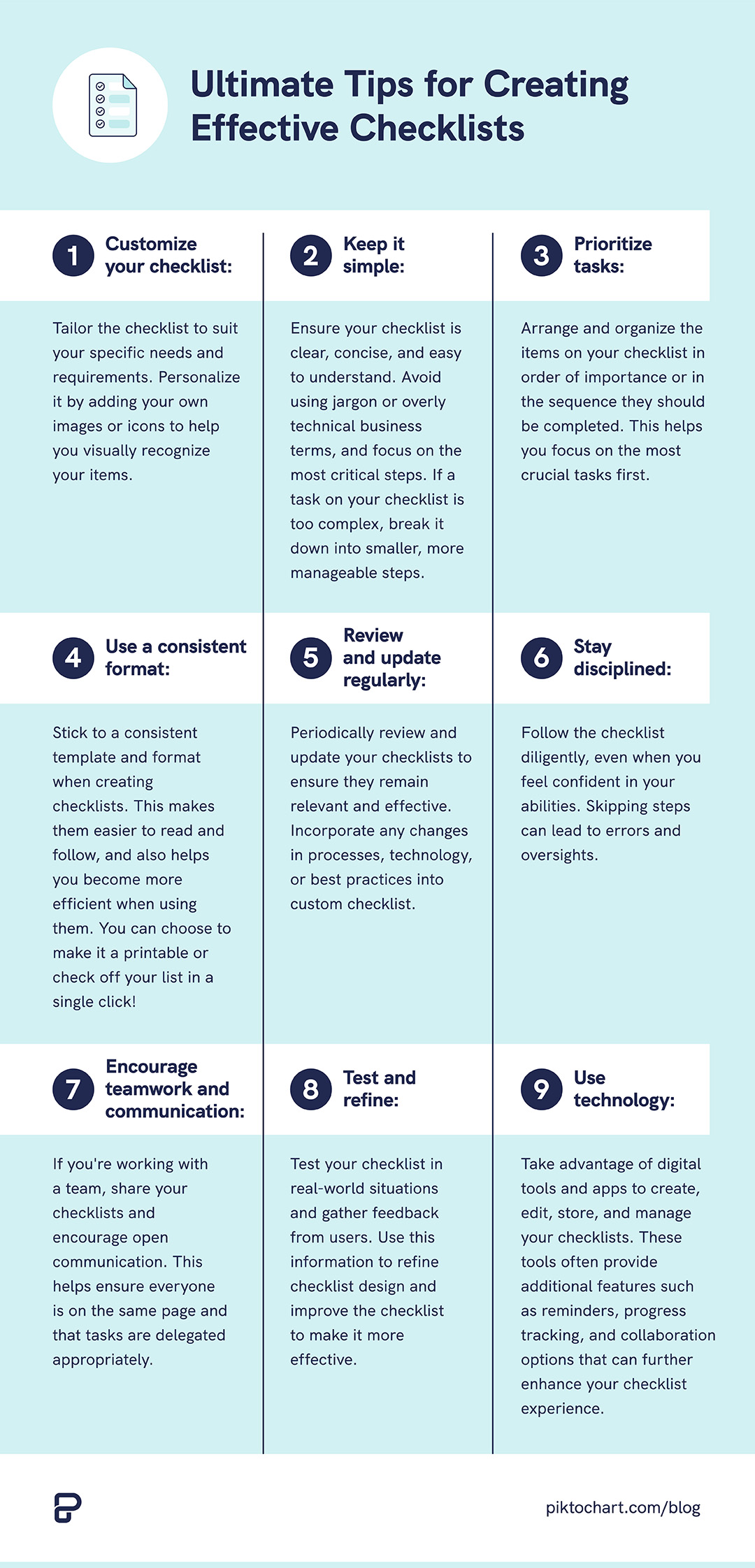
Using checklists effectively can significantly improve your productivity, minimize errors, and help you stay organized. Here are some tips to get the most out of your checklists:
- Customize your checklist: Tailor the checklist to suit your specific needs and requirements. Personalize it by adding your own images or icons to help you visually recognize your items.
- Keep it simple: Ensure your checklist is clear, concise, and easy to understand. Avoid using jargon or overly technical business terms, and focus on the most critical steps. If a task on your checklist is too complex, break it down into smaller, more manageable steps.
- Prioritize tasks: Arrange and organize the items on your checklist in order of importance or in the sequence they should be completed. This helps you focus on the most crucial tasks first.
- Use a consistent format: Stick to a consistent template and format when creating checklists. This makes them easier to read and follow, and also helps you become more efficient when using them. You can choose to make it a printable or check off your list in a single click!
- Review and update regularly: Periodically review and update your checklists to ensure they remain relevant and effective. Incorporate any changes in processes, technology, or best practices into custom checklist.
- Stay disciplined: Follow the checklist diligently, even when you feel confident in your abilities. Skipping steps can lead to errors and oversights.
- Encourage teamwork and communication: If you’re working with a team, share your checklists and encourage open communication. This helps ensure everyone is on the same page and that tasks are delegated appropriately.
- Test and refine: Test your checklist in real-world situations and gather feedback from users. Use this information to refine checklist design and improve the checklist to make it more effective.
- Use technology: Take advantage of digital tools and apps to create, edit, store, and manage your checklists. These tools often provide additional features such as reminders, progress tracking, and collaboration options that can further enhance your checklist experience.
Here’s to your success! In the small every day tasks to the big checklists at work, go scratch off that checklist!
Want more templates to choose from? You can also create presentations, posters, logos, email signatures, infographics, and more with Piktochart. Get started for free today.