Your screen wallpaper is a silent pitch for who you are. It greets you dozens of times a day, sits behind every meeting, and frames every task on your to-do list. A well-chosen design can sharpen your focus or spark a creative idea before you have typed a single word.
This guide covers 10 of the coolest wallpaper design ideas for 2026, spanning minimalist patterns, bold abstract art, photo collages, and more. Each style works on desktop and mobile, and every one of them can be customized inside Piktochart’s free wallpaper templates in under five minutes.
Scroll through the categories, find a style you like, and make it yours.
Table of Contents
1. Shelf Wallpapers
This cool desktop wallpaper was first submitted to the /r/funny subreddit on March 22nd, 2010, by Redditor Wickedwiener. The post received over 2,000 upvotes and 610 comments before it was archived.

If you want to make this yours, here’s the blank version.

Following the trend, in February 2011, IKEA released a shelf wallpaper for organizing desktop icons.

Redditor Brandon23z later submitted a remake of this wallpaper showcasing a sleek, modern office. Before being archived, the posts gained over 23,000 upvotes.

Recreated in many different styles and images, the shelf wallpaper idea has become one of the cool wallpapers on the internet.


2. Galaxy Wallpapers
During the January 8-12, 2026 meeting of the American Astronomical Society (AAS), NASA disclosed fresh discoveries that included distant galaxies numbering 850 and newly-discovered young galaxies that share a resemblance with green peas.
Not only it’s a beautiful discovery, but it also makes a stellar wallpaper for your desktop and mobile.

Download the full resolution here.

Explore and get your hands on a broader range of stunning HD images straight from NASA’s Image of The Day collection.
3. Organizer Wallpapers
If you struggle to stay organized and productive, these wallpaper designs might be your saving grace. These wallpapers are crafted to help you keep focused and on-task throughout your day.


Even better, you can personalize your desktop wallpaper according to your preferences with Piktochart.

Create a personalized Desktop Wallpaper
Customize and download free wallpaper for desktop.
Try Piktochart for free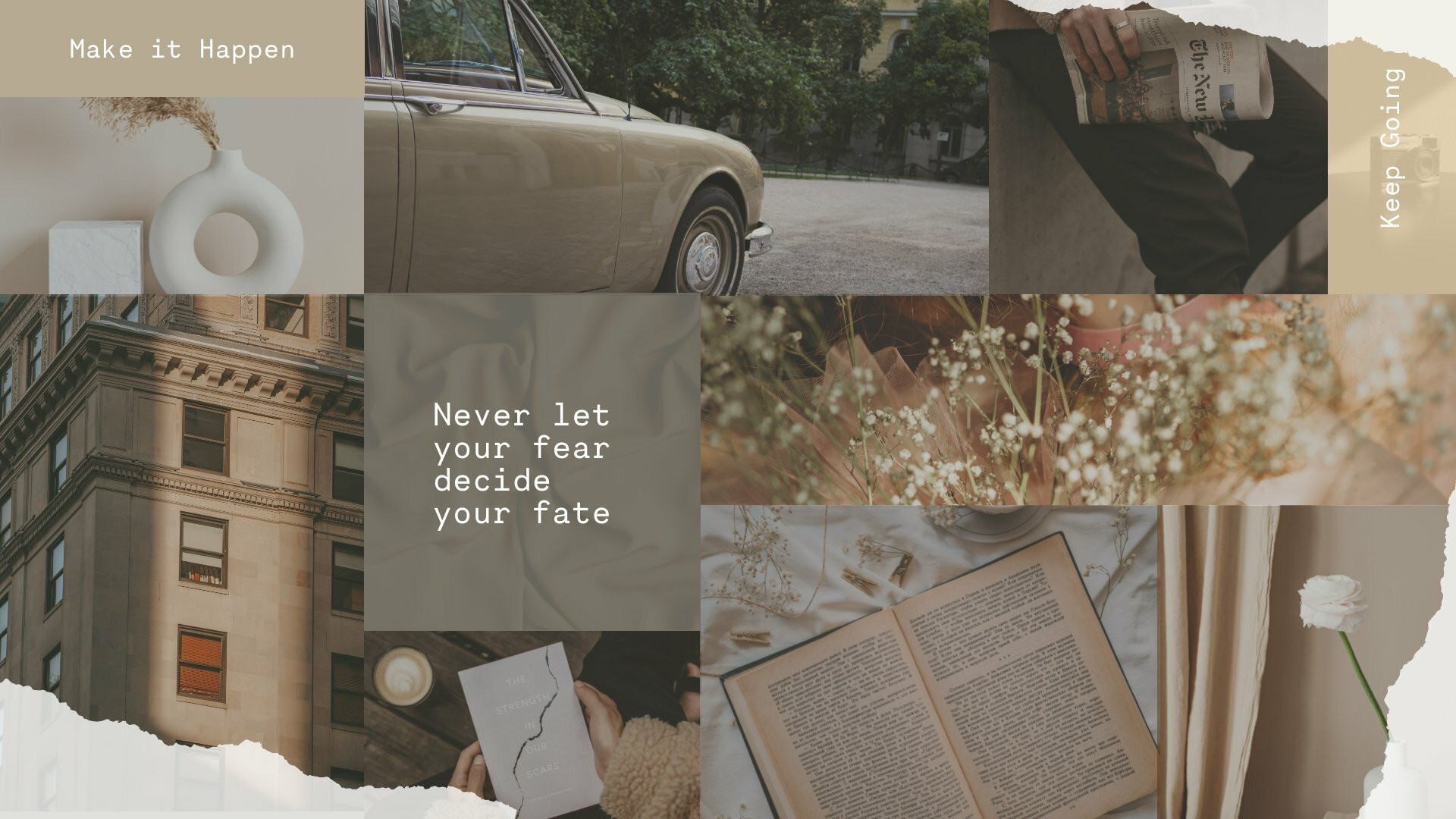
4. Photo Collage Wallpapers
Why not personalize aesthetic photo collage wallpaper with fond memories of family, friends, birthdays, celebrations, or favorite trips? Turn cherished moments with loved ones into beautiful and meaningful displays for your desktop.


5. Motivational Quotes Wallpapers
Make your wallpaper you by adding your favorite quotes that will uplift and motivate you every day.


Bonus: Abstract Wallpapers
An abstract wallpaper design is always a safe bet for adding a touch of modern elegance to any screen. Here are some of our favorite abstract wallpaper designs.


Create a personalized Mobile Wallpaper
Customize and download free wallpaper for mobile.
Try Piktochart for free
How to Design Your Own Wallpaper in Minutes
You do not need Photoshop skills or a design degree to build a wallpaper from scratch. Piktochart’s wallpaper maker gives you a drag-and-drop canvas, a library of icons and images, and dozens of pre-sized layouts for both desktop (16:9) and mobile (9:16) screens.
Pick a template or start blank. Browse the desktop wallpaper templates or phone wallpaper templates and choose one close to the style you want.
Customize the details. Swap colors to match your aesthetic. Upload your own photos or pull from the built-in image library. Add text, adjust fonts, and move elements around until the layout sits right.
Choose the right size for your device. Desktop monitors typically run at 1920 x 1080 pixels (16:9). Phones need a vertical format; 1080 x 1920 (9:16) covers most iPhones and Android devices. Tablets sit somewhere in between at 2048 x 1536.
Export and set as your background. Download the finished file as a high-resolution PNG. On Windows, right-click the image and select “Set as desktop background.” On Mac, open System Settings and drag the file into the Wallpaper panel. On iOS or Android, save the image to your camera roll, open it, and tap “Set as Wallpaper.”
The full process takes less time than choosing a wallpaper from a stock-photo site, and the result is something no one else has.