Introducing the Pikto AI ChatGPT Plugin

Ready to supercharge your productivity with Pikto AI and ChatGPT?

How to Use ChatGPT with Pikto AI

Now you can tell ChatGPT what visuals you want to create using Pikto AI, and it'll do it in the same conversation window!
1

Log Into your ChatGPT account

2

Choose the Pikto AI GPT from the Custom GPT store

3

Describe what type of visual you want to create in the chat window. You can also tell the GPT plugin to change the dimensions for different formats!

What Makes Pikto GPT Plugin So Good?

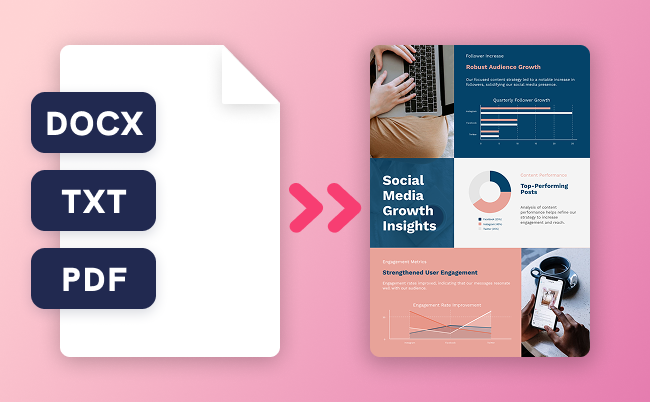
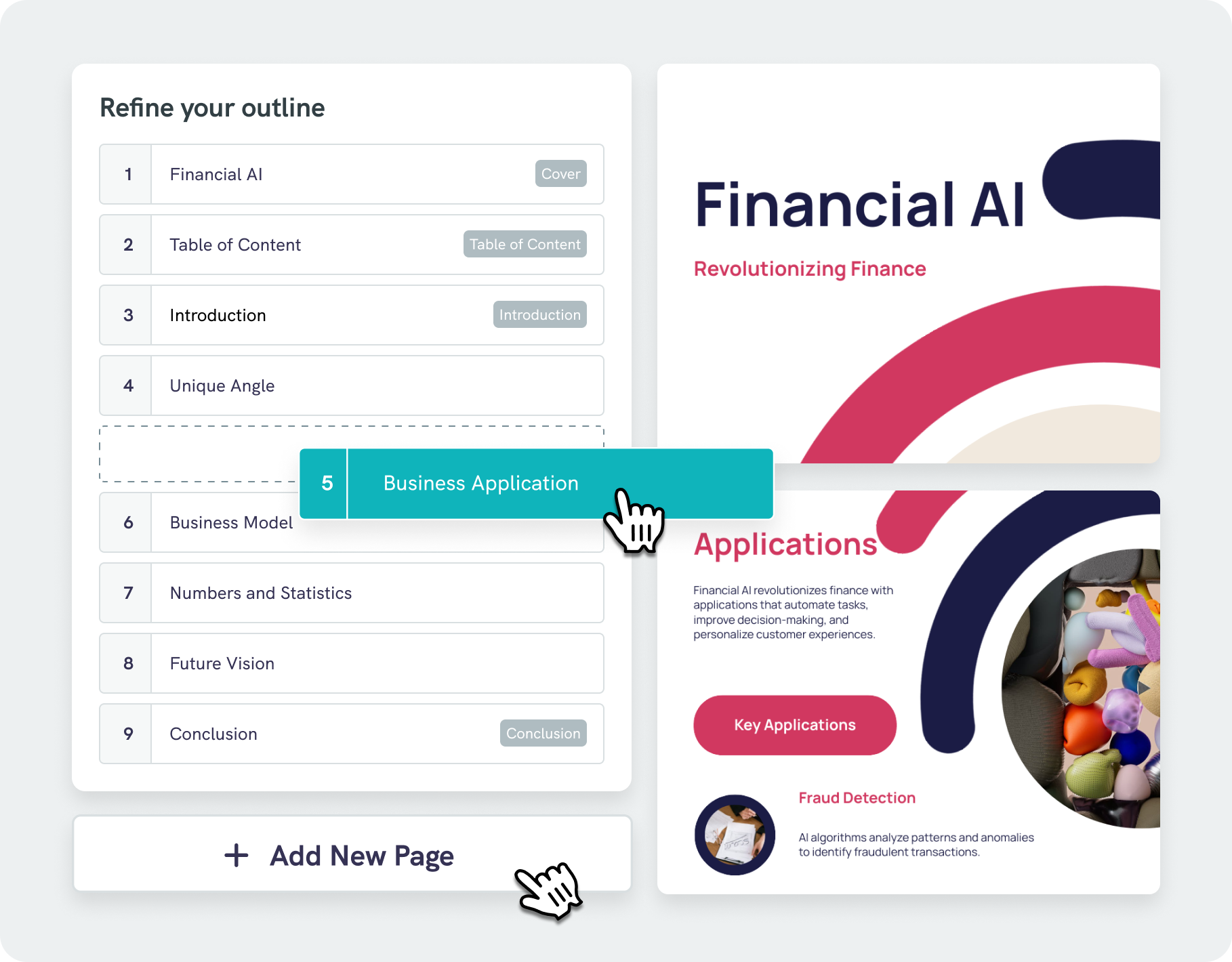
Need a visual? Just stay in ChatGPT! Pikto AI’s plugin generates professional infographics, presentations, and reports from your prompts in seconds. No need to switch tabs or change tools – a full content creation workflow at your fingertips.
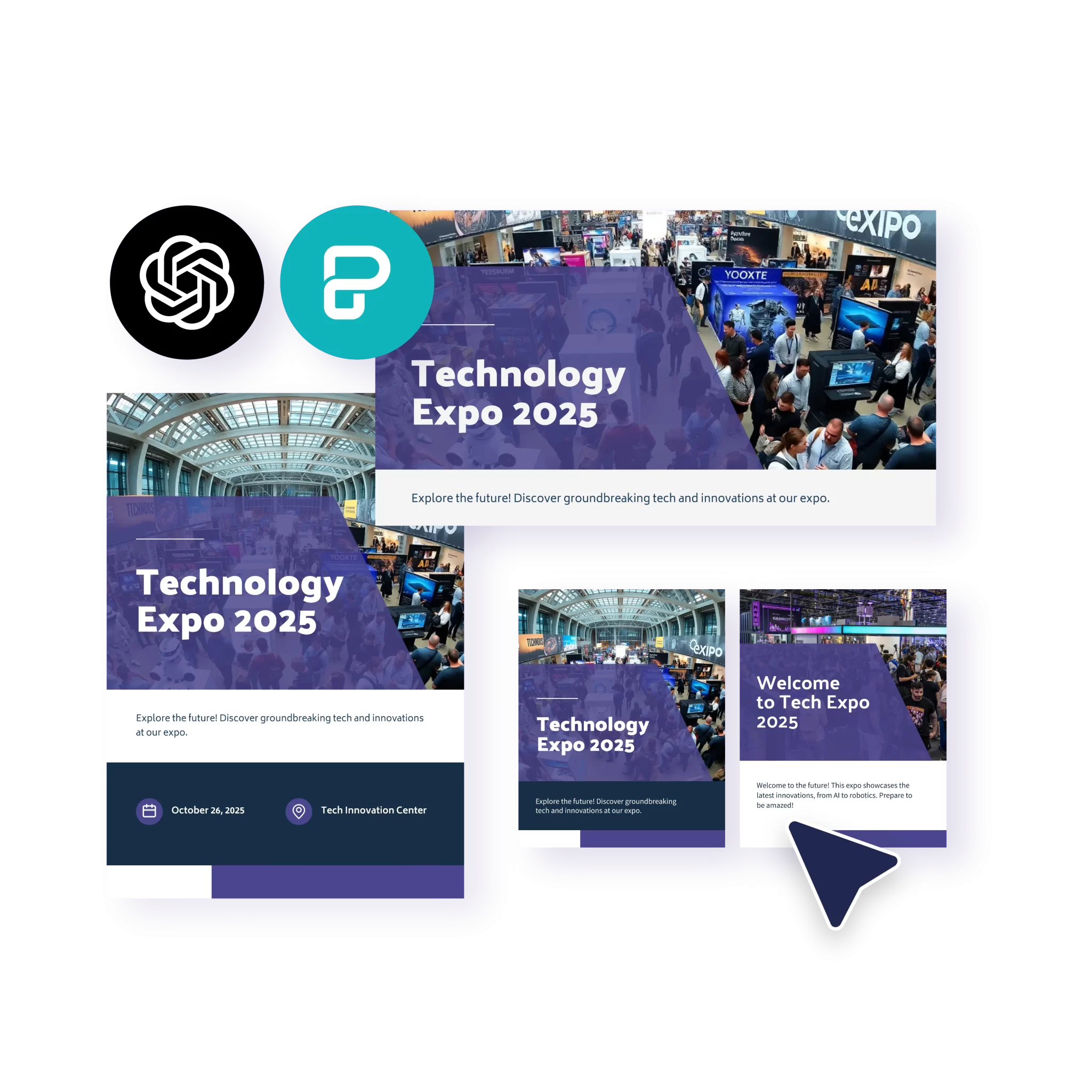
Cross-Format Visual Consistency

Keep the same design aesthetic when creating Instagram posts, posters, or presentations effortlessly.
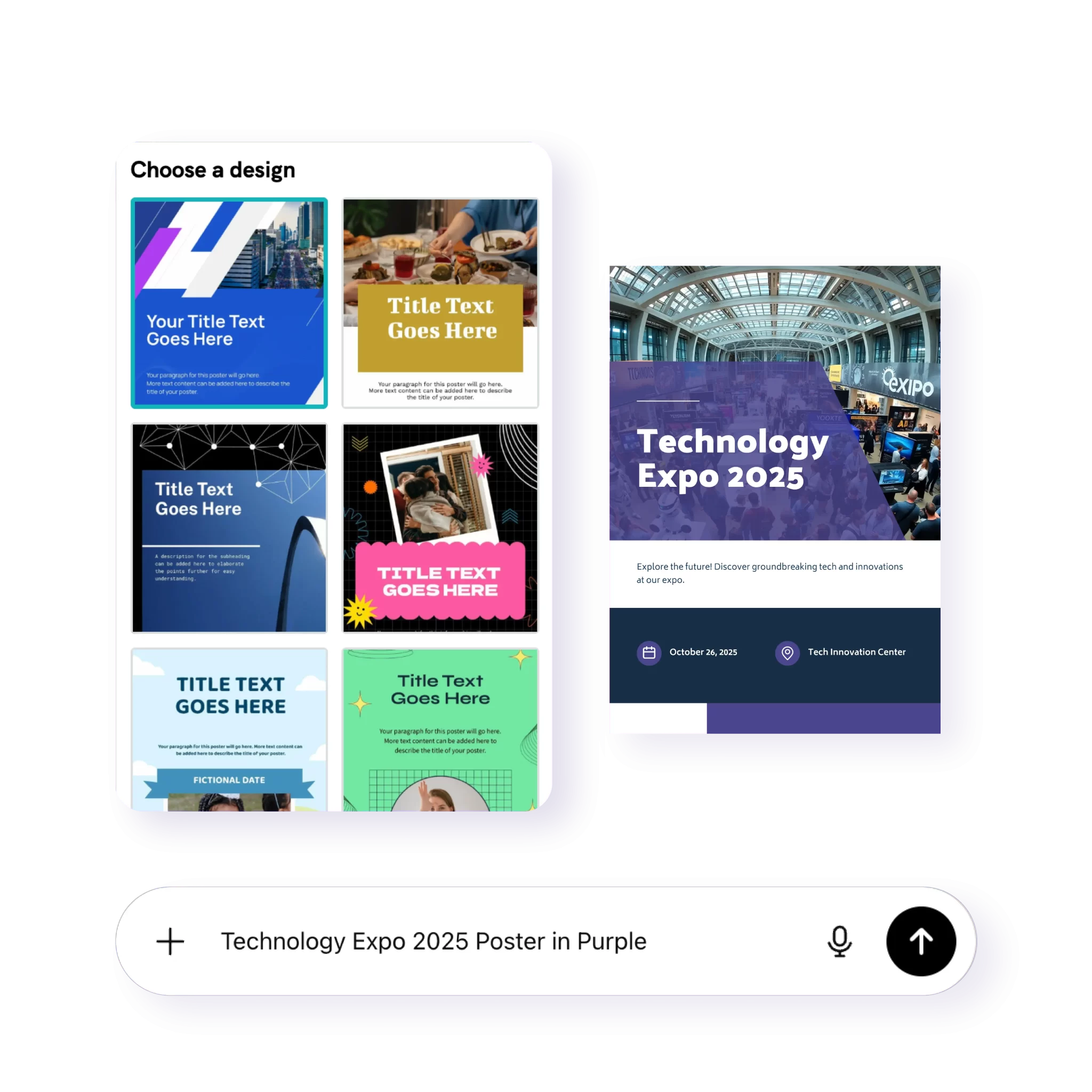
Intelligent Template Recognition

Based on your prompts, our AI suggests similar multi-format options automatically.
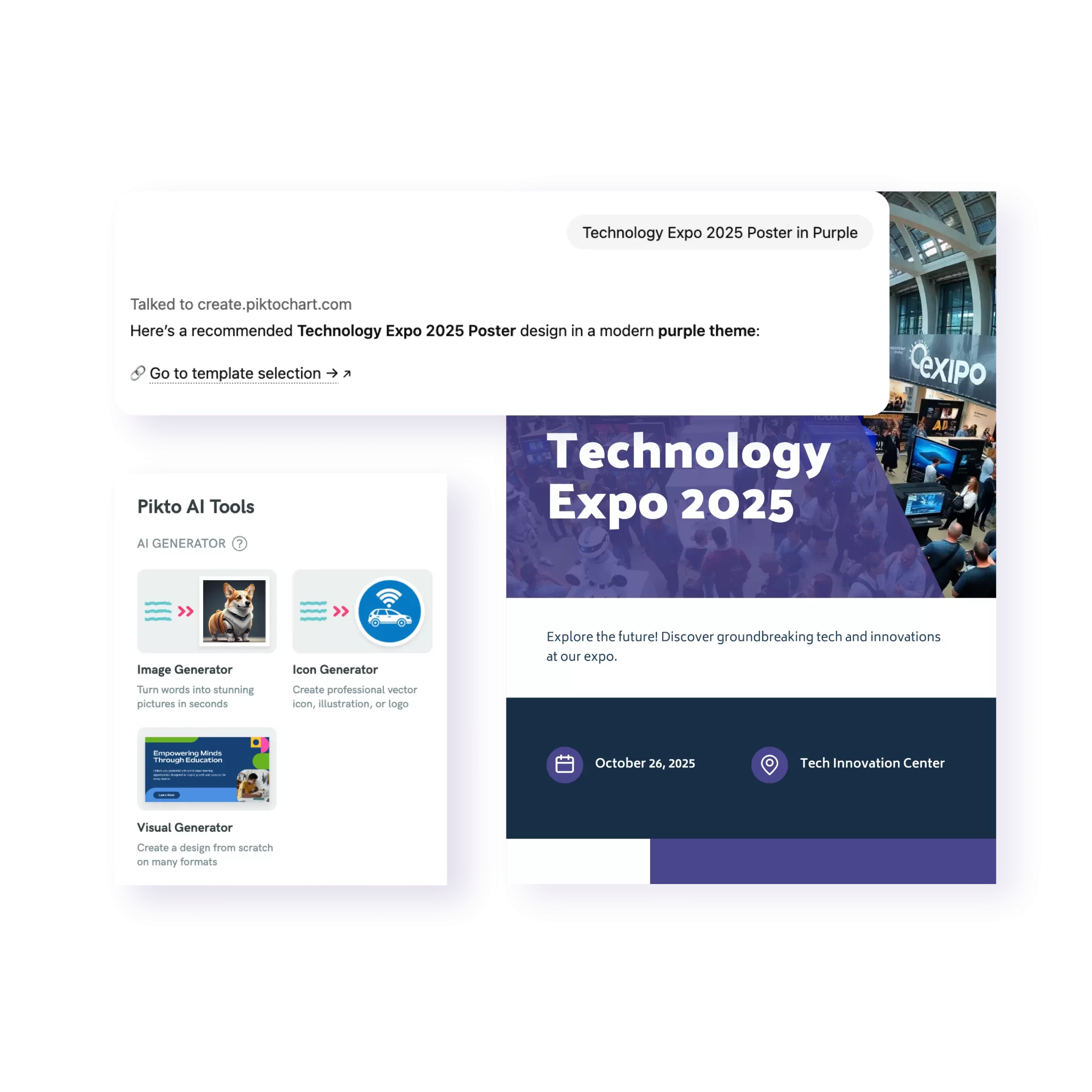
Create Visuals Without Leaving ChatGPT

Generate professional designs directly in your ChatGPT conversation—no platform switching required.

Meet Pikto AI Studio

Part of the Pikto AI Creative Suite
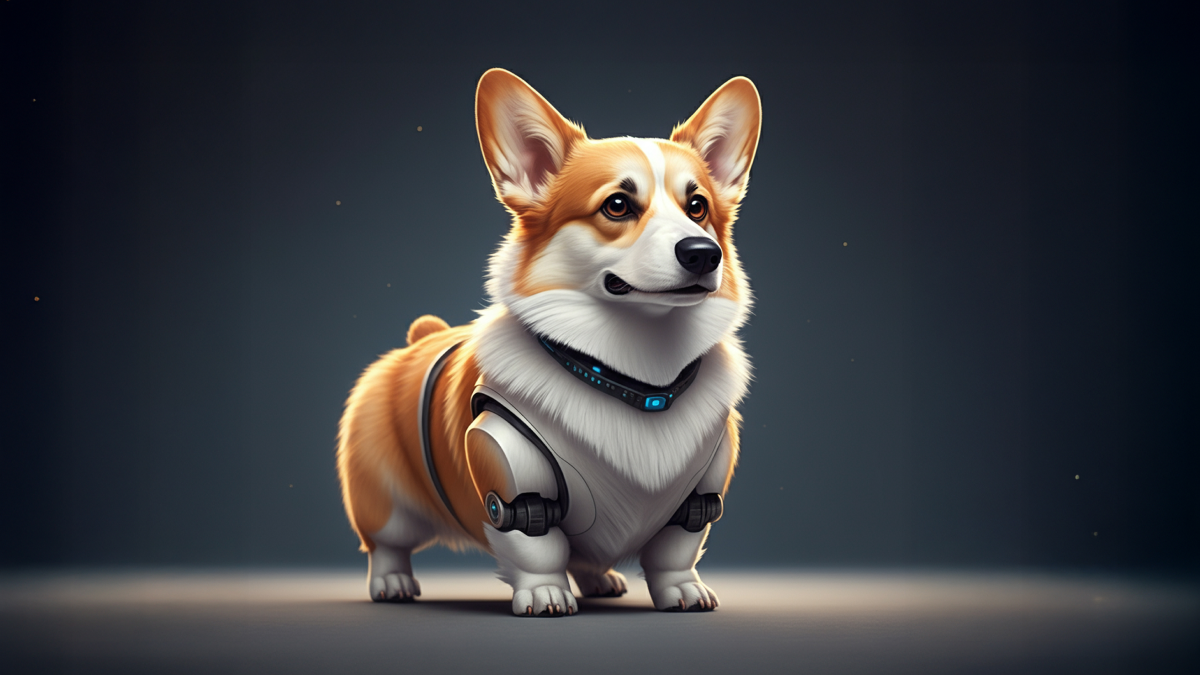
ai image generator
AI Image Generator
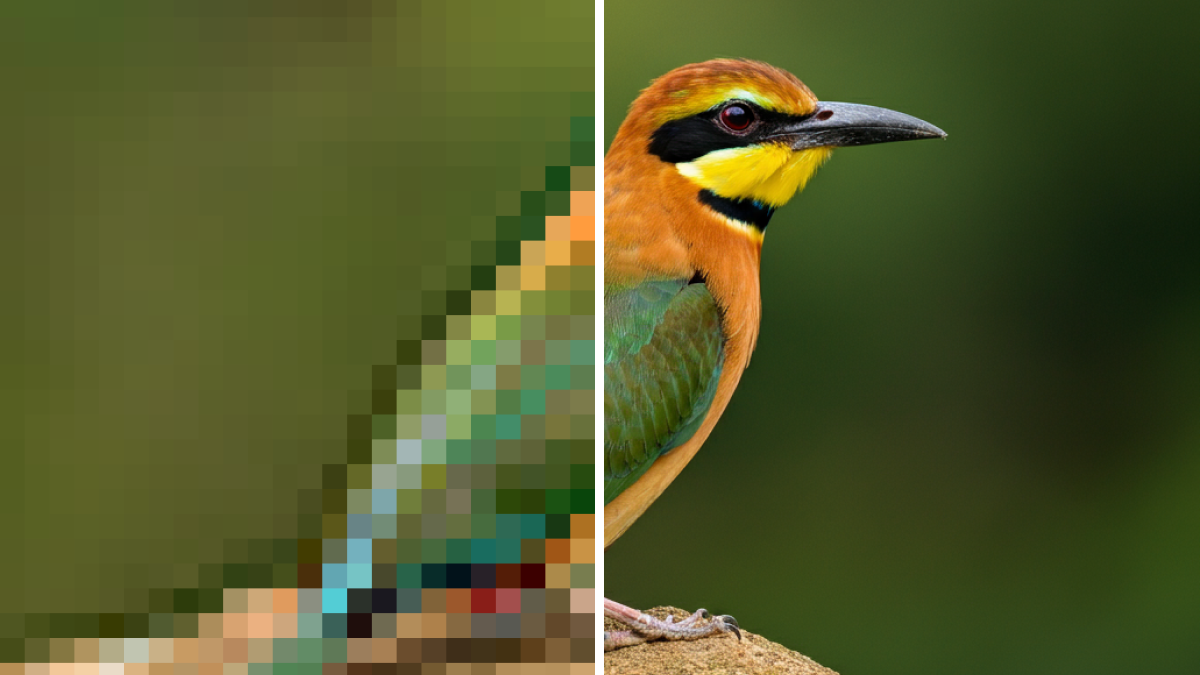
ai image upscaler
AI Image Upscaler
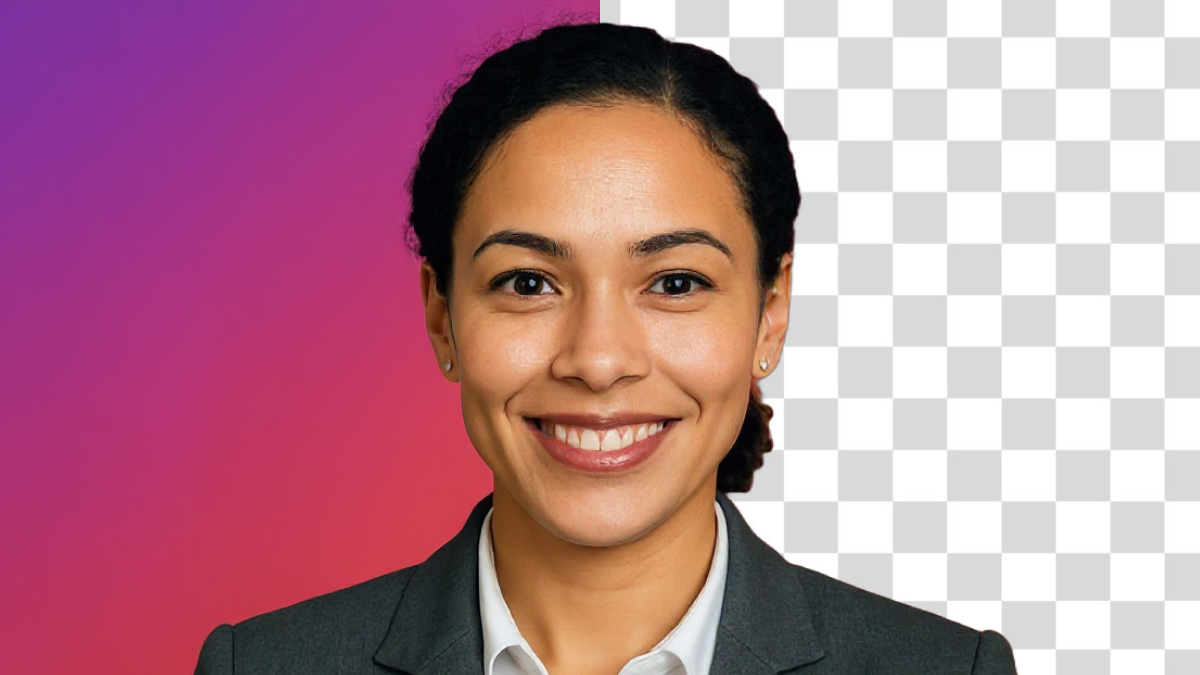
ai background remover
AI Background Remover
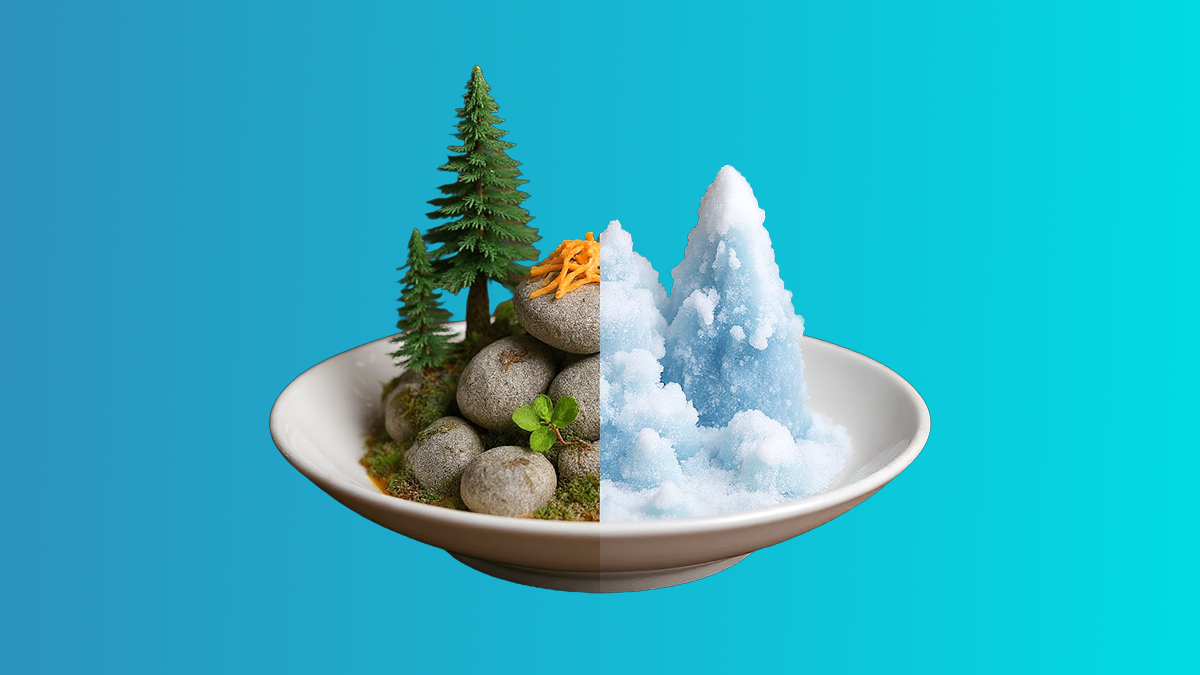
ai image modifier, ai image editor
AI Image Modifier
ai text remover
AI Text Remover
AI Preserve Content
piktochart ai design generator outline function
AI Outline

AI Image Generator

Instantly generate on-brand visuals for your campaigns, so you never have to hunt for stock photos again.

Try It Now

Ready to upgrade your AI content creation workflow?

Join more than 14 million people who already design information with Pikto AI.

Pikto AI GPT Plugin: Frequently Asked Questions

An AI-powered tool that creates custom icons from text descriptions, integrated with Pikto AI’s design platform for seamless editing.

No, you can use Pikto AI’s Custom GPT with a free ChatGPT account. You’ll also need a free Pikto AI account.

Search for “Pikto AI” in ChatGPT’s GPT Store.

Yes! You can make tweaks within the ChatGPT conversation or open the design in Pikto AI’s full editor for advanced customization.

You can create Instagram posts, presentations, posters, infographics, and 72+ other formats while maintaining consistent design styles.

Our AI recognizes your preferred design aesthetic and adapts it intelligently when you request different formats, maintaining visual coherence. Just use ChatGPT as you normally would and prompt it to change dimensions or formats, and it’ll handle the rest.

The system will suggest similar templates from our curated collection that support your requested format while maintaining a similar aesthetic.

Design creation follows your Pikto AI account limits. Free accounts get 7 days of use and 2 downloads, Pro accounts get unlimited downloads.

Yes, once created, designs can be shared and collaborated on through your regular Pikto AI workspace.

The Custom GPT lets you create and iterate on designs without leaving ChatGPT, perfect for when you’re already working in a conversational workflow.

The Custom GPT focuses on design creation and format consistency. For advanced editing features, you can seamlessly transition to the full Pikto AI editor.