Sora 2 can turn a single sentence into a cinematic video clip with motion, dialogue, and sound effects. The question is: are you giving it the right sentence?
Below you will find 10 ready-to-use Sora 2 prompt examples built for marketers, educators, and content creators who need professional video without a production budget. Each prompt includes a real scenario, the full prompt text, and tips on tailoring it to your own project.
For a related read, see our guide on best ai video generators.
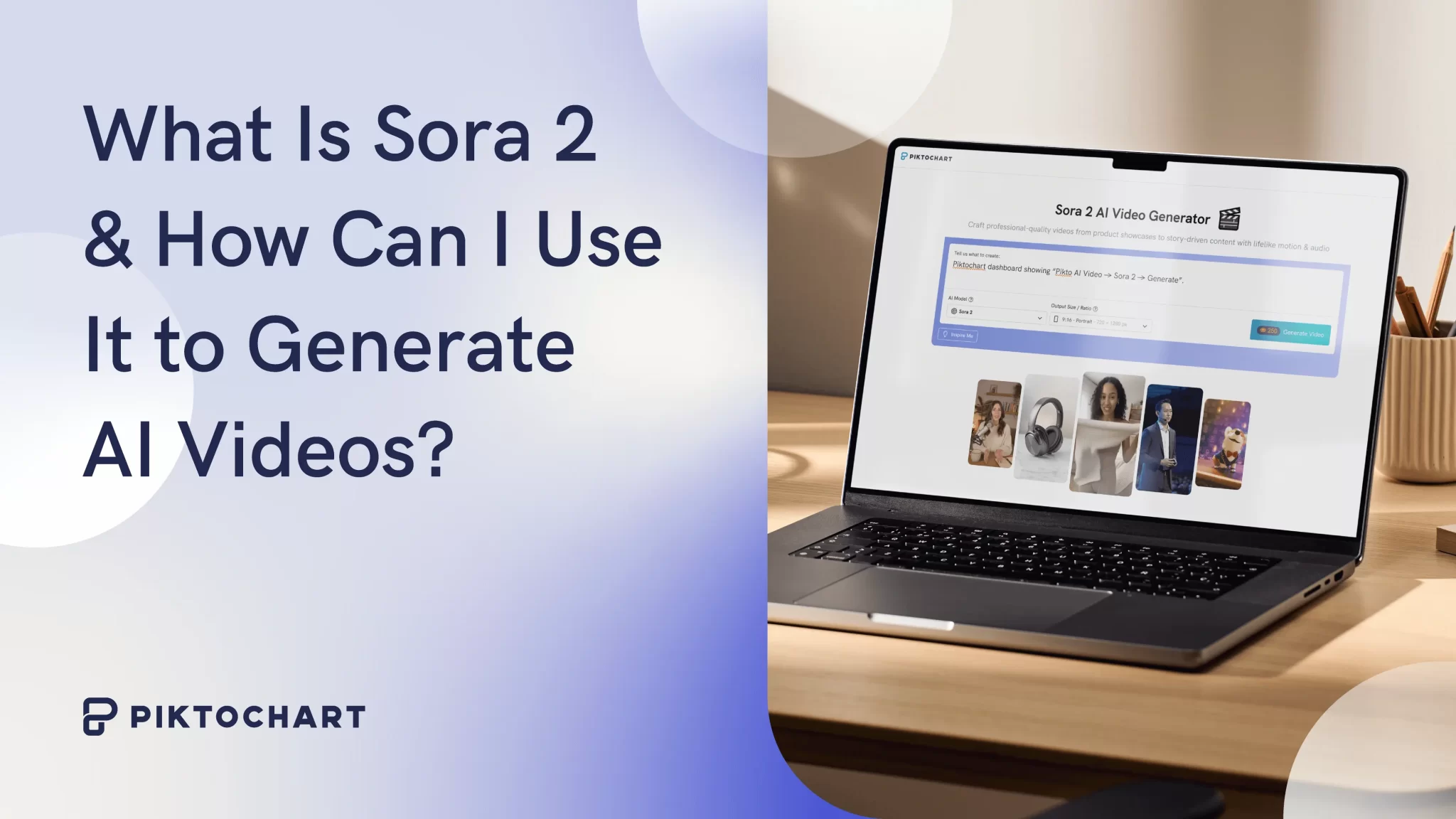
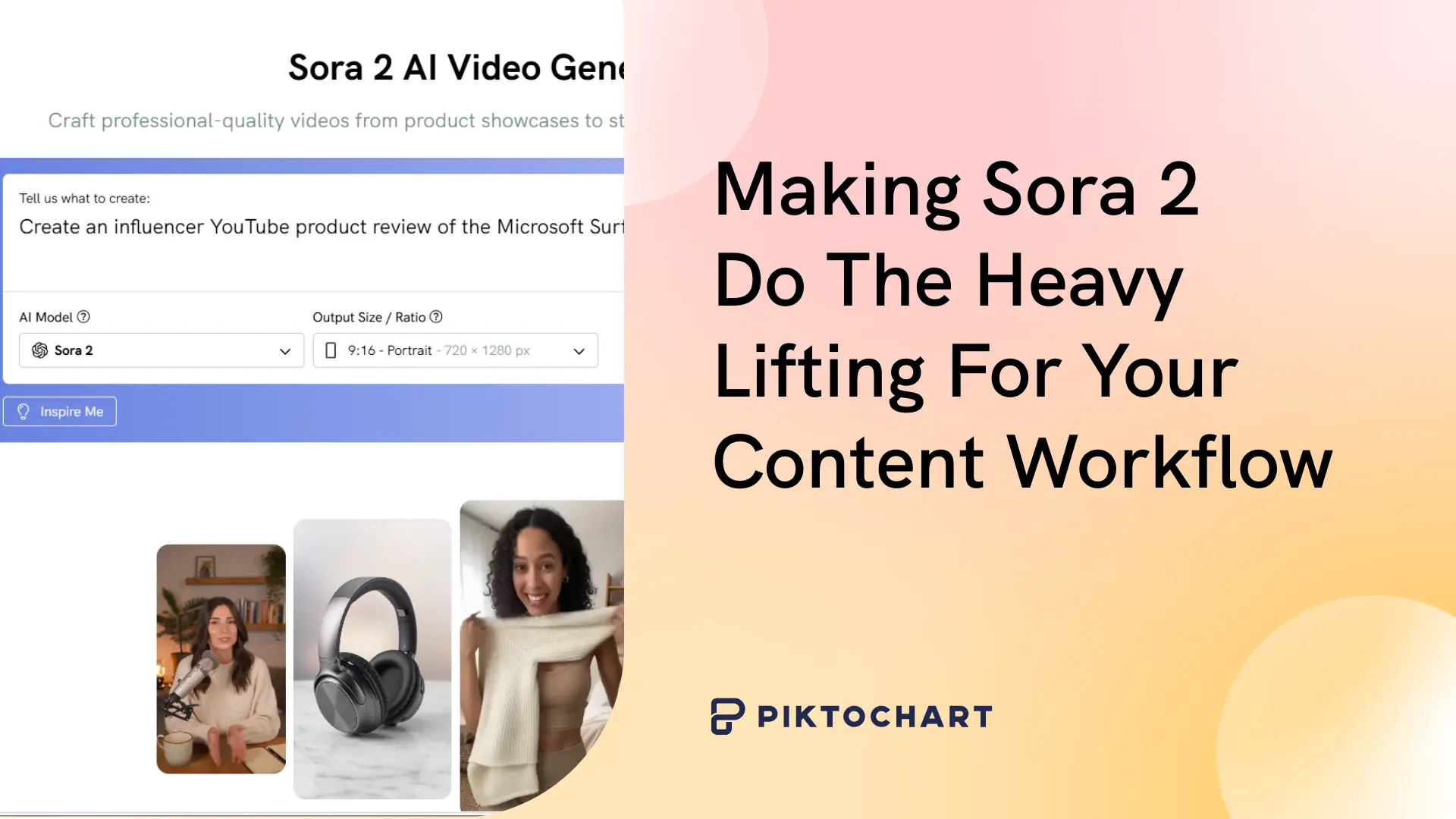
OpenAI released Sora 2 as its most advanced text-to-video model, and Pikto AI already offers access through its AI Video Generator so you can skip waitlists and start generating clips in minutes.
How to Write Effective Sora 2 Prompts
A good Sora 2 prompt reads like a brief you would hand to a cinematographer who has never seen your storyboard. Leave out details and the model improvises; pack in specifics and it follows your vision frame by frame.
Start with the format and mood. State whether you want a cinematic ad, a vertical social clip, a UGC-style reaction video, or an animated explainer. This single line sets the pacing, aspect ratio, and editing rhythm for the entire clip.
Describe what the camera sees, not what you imagine. Swap vague language for concrete visuals. Instead of “a busy city at night,” write “wet asphalt reflecting neon signage, a taxi crossing a zebra crosswalk, steam rising from a subway grate.” Sora 2 responds to nouns and textures far more reliably than adjectives.
Pin down the motion. Tie one camera movement to one subject action per beat. “She takes three steps toward the window, pauses, and pulls the curtain aside in the final second” gives the model a clear timeline.
You might also find our article on sora 2 ai video generator useful.
Lock in the lighting and colour palette. Name the light source (“soft window light with warm lamp fill, cool rim from the hallway”) and list three to five anchor colours (“amber, cream, walnut brown”). Colour anchors prevent palette drift across longer clips.
Weak prompt vs strong prompt:
- Weak: “A woman cooking in a kitchen, cinematic style”
- Strong: “Medium shot of a woman in a linen apron slicing tomatoes on a wooden board, afternoon sunlight through the window casting long shadows, shallow depth of field, warm colour grade, sound of the knife tapping the board”
The strong version gives Sora 2 a camera position, a subject action, a light source, a depth-of-field setting, a colour direction, and a sound cue. Six details separate a generic clip from one you can publish.
What is Sora 2?
OpenAI’s answer to AI-generated video content creation, Sora 2 bypasses the need for a film crew, massive budgets, or deep design experience to help you create polished, professional, and attention-grabbing videos.
All you need is an idea (check✅), then upload an image as a reference point or add a few lines of descriptive text (keep reading… we’ve got you covered ✅) and voila! You’ll get back realistic, cinematic clips with motion, sound effects, and dialogue. Just like Spielberg would’ve made…
Whether you’re a marketer, coach or training professional, social media manager, or small business owner, this is huge news. You can quickly turn ideas into eyecatching video assets, in literal minutes. We’re talking about:
- Explainer clips
- Social media promos
- Complex visualizations
- Product demos
- Internal training snippets
- Scenario-based content
- And much more!
There’s even better news for Pikto AI users as Sora 2 is already powering our AI Video Generator feature – at a time when Sora hasn’t fully rolled out across the globe. That’s right! Think of it as VIP early access for Pikto AI users, bypassing Sora 2’s current invite-only rollout. It’s worth mentioning that at the time of writing, Sora 2 is only available in the U.S., Canada, Japan, Korea, Taiwan, Thailand, and Vietnam, and had only just been made available to Android users after its initial iOS-only launch.
Below are ten compelling use-cases tailored for your audience, plus example prompts you can adapt to suit your specific needs. Think of each one as a storyboard idea that’s primed and ready for you to drop into Pikto AI.
Use Case 1: Product Launch Teaser With a Twist – Simulate Real-World Anticipation
Scenario: You are a marketer launching a new physical product (say a smart-thermostat). You need a 10-15 second teaser video to post on socials that looks high-end but you don’t have a video shoot budget. Instead of a generic “show the product on a table” teaser (which you can totally still do in Sora 2), use it to simulate real consumer reactions or context-of-use storytelling before your product even ships. This kind of pre-launch realism drives emotional connection – and it’s exactly what early adopters on platforms like LinkedIn and TikTok respond to.
In other words, you’re not just showing what the product is; you’re showing how it changes someone’s daily life,as if it already exists in the world.
Prompt: “POV video of a young professional walking into their apartment after a long day, saying: ‘Alexa, turn on comfort mode.’ Lights dim, air temperature adjusts automatically as she smiles, places her bag down, and glances at the glowing smart thermostat on the wall. Soft cinematic lighting, natural dialogue tone, handheld camera feel.”
Then, generate multiple micro-clips showing the product in different user environments (for example, family home, startup office, minimalist apartment, etc.). Stitch them together to simulate a real-life montage of user reactions.
Use Case 2: Micro-Explainer for a Subject Matter Expert
Scenario: You’re a technical expert explaining a complex concept, say “how a phishing attack works”. You want a short video segment to embed in a deck or blog post.
Prompt: “Animated realistic 3D scenario inside a corporate office: a hacker’s email appears on a computer screen, a red alert flashes, a visual of data flowing out of the network to an external server, camera cut to worried employee, then graphic overlay ‘Risk identified’. Calm male voice-over: ‘Here’s how phishing infiltrates your organization in three steps.’ Soft technical background music.”
Use Case 3: Social Media Story (Vertical)
Scenario: You’re a marketing content creator needing a quick vertical (9:16) video for Instagram Stories or TikTok style, promoting an upcoming webinar.
Prompt: “Vertical video, 9:16 ratio. A dynamic office scene with diverse young professionals high-fiving, overlay text animates: ‘Webinar this Thursday – free seats!’ upbeat track, energetic female voice says: ‘Join us live: Master modern marketing with data & AI.’ End with countdown timer and signup button visual.”
Use Case 4: Customer Testimonial Come to Life
Scenario: You have a written quote from a happy customer and want to make it into a short video along with a subtle animation of their brand’s product in action.
Prompt: “A professional office setting, medium shot of a confident businesswoman nodding and smiling while product is visible on her desk. Voice-over (female voice) reads: ‘We reduced our costs by 30% thanks to Acme SmartSolutions.’ Camera pulls back, transitions into product close-up sequence, soft piano music.”
Use Case 5: Internal Training – “Day in the Life”
Scenario: You want to create a short training clip showing “a day in the life of a cybersecurity analyst” to use in an onboarding deck.
Prompt: “Cinematic realistic video, 1080p, showing a cyber-security analyst arriving at their desk early morning, multiple monitors with code and alerts, he puts on headset, speaks into mic: ‘Good morning, team’ (voice-over). Cut to screen-share view of threat detection dashboard, then cut to a team huddle. Subtle ambient office sound mix.”
Use Case 6: Campaign Visualisation – “Before & After”
Scenario: Your marketing team wants a visual “before and after” clip showing the impact of its solution (for example, “old manual process” vs. “new automated workflow”).
Prompt: “Split-screen video: left side labelled ‘Before’ shows a frustrated employee manually sorting paperwork in a cluttered office; right side labelled ‘After’ shows the same employee relaxed, working on a sleek interface with automation, smiling, bright lighting. Upbeat music, narrator voice-over: ‘Transform chaos into clarity’.”
Use Case 7: Thought Leadership Intro for Webinar
Scenario: You’re presenting a live webinar and want a compelling intro video to open the session. The video will also be published on the event’s sign-up page to encourage more attendees while also establishing your credibility.
Prompt: “High-end realistic footage: medium shot of the speaker (you) walking into a modern auditorium, lights dim, audience silhouettes in the foreground, camera zooms in on speaker at podium, dramatic lighting. Voice-over (male voice) says: ‘Welcome to the future of digital marketing. I’m Dr [Name], and I’ll show you how AI is redefining everything.’ Soft orchestral build.”
Use Case 8: Social Proof – Stats & Motion Graphics
Scenario: You want to combine high-impact motion graphics with stat visuals (for example, “72% of companies will use AI video by 2026”) and tie it into your brand.
Prompt: “Stylized realistic video with smooth camera motion: digital world map glowing, data streams flowing across continents, large floating text ‘72%’ rotates into view, then fades into ‘companies will use AI video by 2026’. Energetic electronic music, voice-over: ‘The future is moving faster than you think.’”
Use Case 9: Event Recap Teaser
Scenario: Following an in-person event, you want a quick recap for social channels showing highlights from your conference or workshop, but you didn’t shoot video. Use AI-generated “stock-style” scenes to plug the gap.
Prompt: “Real-world style video: a large modern conference hall with people networking, banners reading ‘Global Marketing Summit 2025’, montage of keynote speaker on stage, audience applauding, cut to close-up of smartphone taking photo. Upbeat music swells, voice-over: ‘Thanks for joining #GMS2025 – see you next year!’”
Use Case 10: Micro-Ad for Newsletter Sign-Up
Scenario: You need a small, loopable video (let’s say, 6-8 seconds) to embed in your newsletter promoting sign-ups.
Prompt: “Bright minimalist motion-graphics video: envelope icon flies in, text appears ‘Join our newsletter’, then a friendly female voice says: ‘Stay ahead with weekly AI-video insights’. Simple pop music, loopable end where envelope icon re-flies off screen.”
How to Use Sora 2 in Piktochart AI
With Sora 2, you can move from idea → video asset in minutes, and since we’ve already plugged it into your Pikto AI workflow, you get a finished product from one streamlined process.
If you’re ready to elevate your video content game today, join more than 14 million Pikto AI users to explore the Sora 2 integration, pick one of the use-cases above, drop in a quick prompt – and within minutes you could have a stunning video ready to publish. Start generating your own super-cool AI videos now and give your marketing, training, product, sales, and thought leadership content a serious competitive edge.