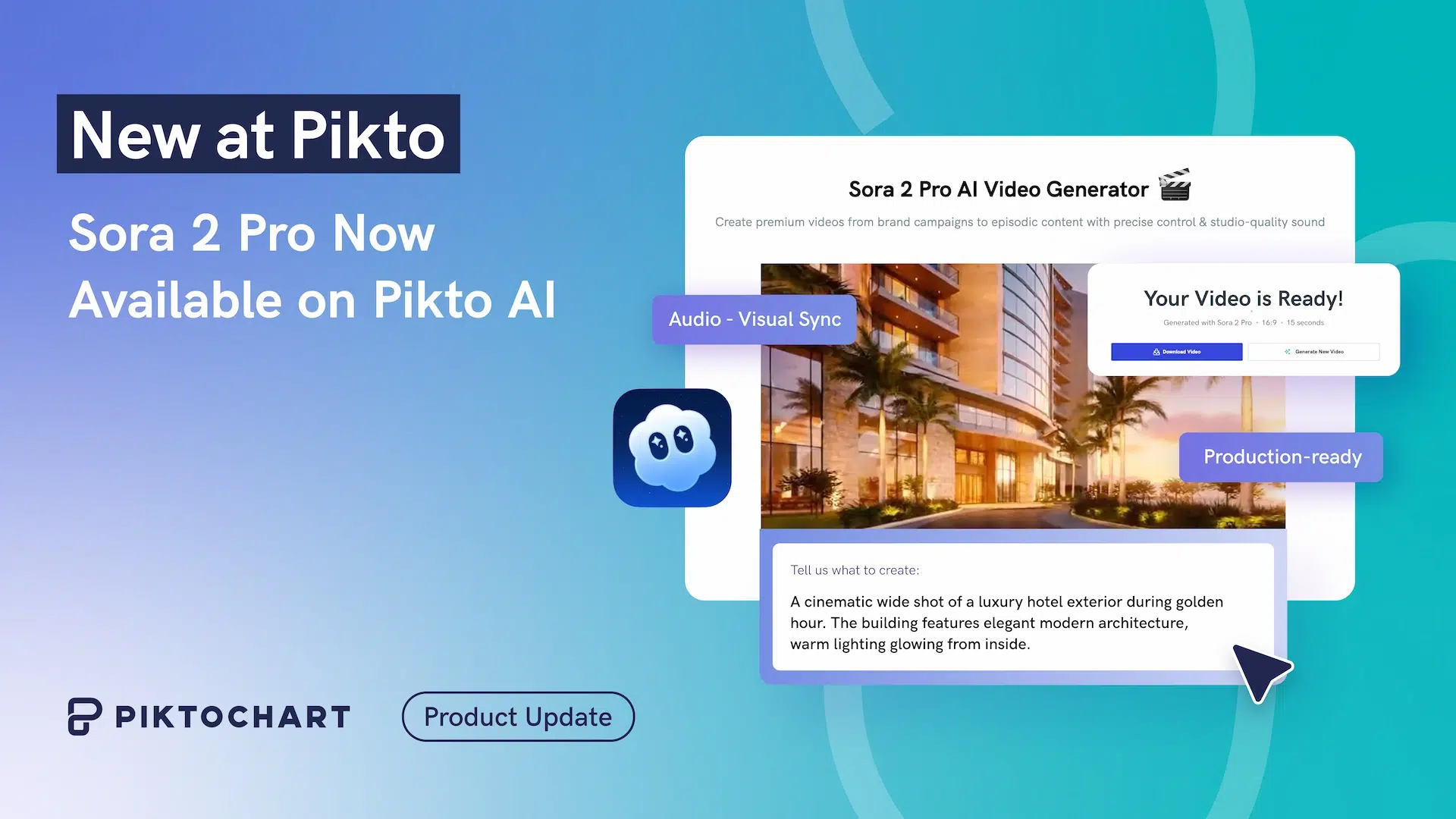
Sora 2 AI video generator turns a single text prompt into a fully produced video with synchronized audio, realistic physics, and up to 1080p resolution. OpenAI’s second-generation model can produce clips of 15 to 25 seconds; long enough for social ads, product demos, and explainer content.
Through Pikto AI, Piktochart gives you worldwide browser-based access to Sora 2 without invite codes or waitlists. Write a description, choose your aspect ratio, and receive a downloadable MP4 in minutes. Below, you will find a full breakdown of Sora 2’s capabilities, pricing, and step-by-step guidance on writing prompts that deliver professional results.
For a related read, see our guide on best ai video generators.
What is Sora 2 AI Video Generator?
Sora 2 AI Video Generator harnesses OpenAI’s latest video generation model to create 8-second HD videos complete with audio from nothing more than a text prompt.
Whether you need a “young woman jogging along a mountain trail at sunrise” or “a bustling coffee shop during morning rush hour,” the AI handles the entire production process.
As powerful as it is, there’s a small catch. OpenAI’s Sora 2 is currently restricted to users in the US and Canada with invite codes on iOS and the web app.
You might also find our article on sora ai examples useful.
The great news is that through Pikto AI, you can use Sora 2.
This means anyone, anywhere in the world, can access this technology instantly through their web browser.
Pssst! Pikto AI credits are half off this Black Friday (plus they never expire!). Offers ends 2 December. Grab your savings here.
Looking for more? Check out what is sora 2.
Key Features of Sora 2
Synchronized Audio Generation
Earlier text-to-video tools produced silent footage. Sora 2 generates ambient sounds, dialogue, and background music directly from the prompt. Describe a rainstorm hitting a tin roof and you will hear the drops; write a character greeting a colleague and the model produces lip-synced speech. This removes the need for a separate audio track or voiceover session.
Character Cameos and Consistent Subjects
Maintaining a recognizable character across multiple clips has been one of AI video’s hardest problems. Sora 2 introduces character cameos: you define a subject once and the model keeps their appearance, clothing, and mannerisms consistent from scene to scene. For marketers running episodic ad campaigns, this feature cuts the gap between AI-generated footage and branded storytelling.
1080p Output and Extended Duration
Sora 2 renders video at up to 1080p, a significant step from the 720p ceiling of its predecessor. Clip length has grown from a maximum of five seconds in the original Sora to 15 or 25 seconds depending on the subscription tier. Both portrait (9:16) and landscape (16:9) formats are supported, covering social-first and widescreen use cases.
Text-to-Video and Image-to-Video Inputs
Beyond text prompts, Sora 2 accepts a still image as a starting frame. Upload a product photo and the model animates the scene around it, adding camera movement and environmental detail. This dual-input approach lets creators work from mood boards, design mockups, or existing brand photography.
Realistic Physics Simulation
Water flows, fabric drapes, and light refracts with noticeably fewer artifacts than previous models. OpenAI trained Sora 2 on a physics-aware dataset, so objects interact with gravity and momentum rather than floating or clipping through surfaces. The improvement is most visible in outdoor scenes with natural elements: wind moving through grass, waves breaking on shore, or smoke drifting from a campfire.
Perfect for Real-World Content Needs
The tool excels in scenarios where teams need quick, professional video content:
- Social media content: Generate eye-catching 8-second clips optimized for Instagram Stories, TikTok, or LinkedIn posts in both portrait (9:16) and landscape (16:9) formats.
- Marketing materials: Create compelling product demonstrations or lifestyle scenes without coordinating shoots or hiring videographers.
- Enhance presentations: Add dynamic visual elements to presentations, training materials, or client pitches with downloadable MP4 files ready for any platform.
How It Works
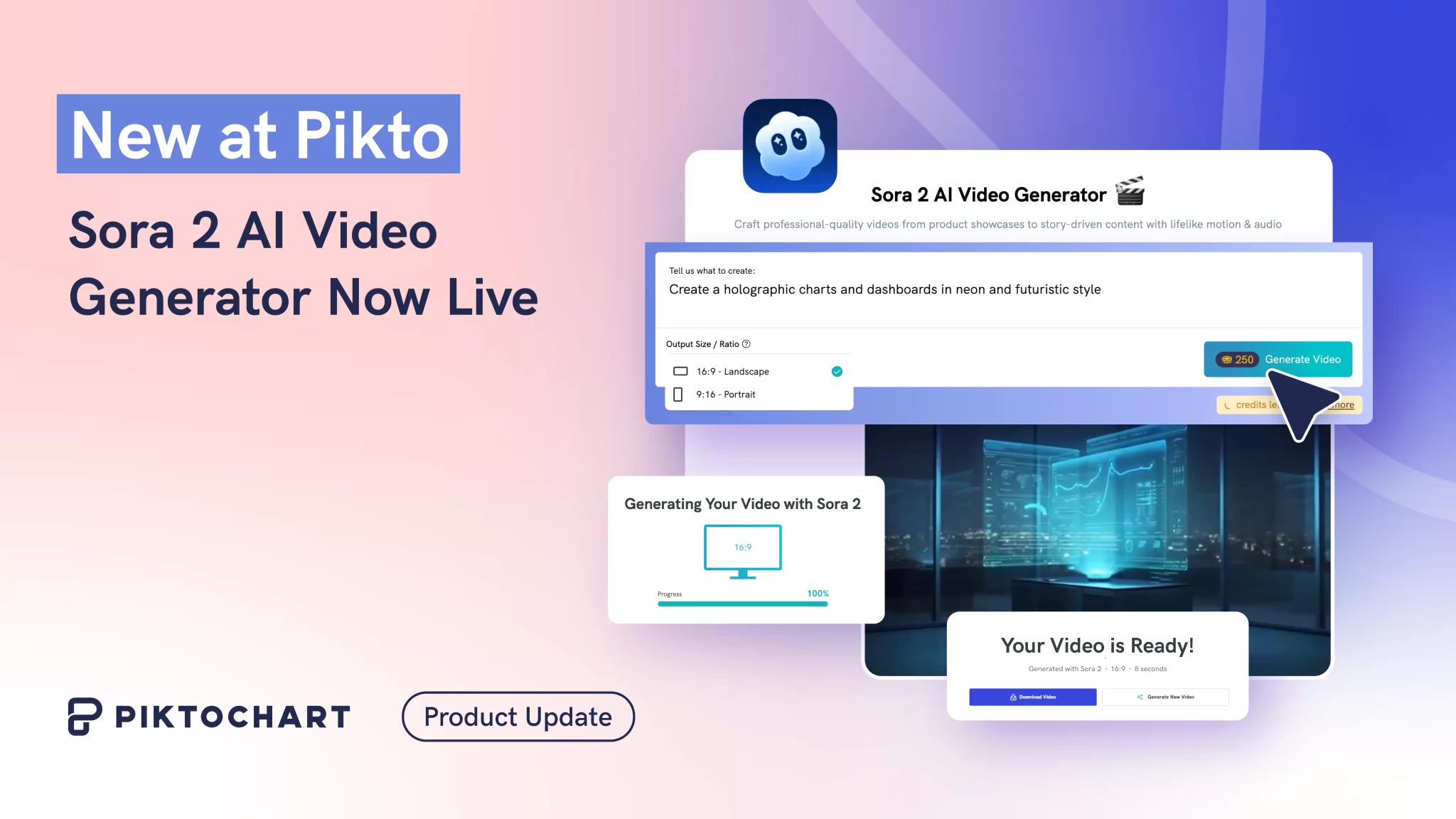
Using the Sora 2 AI Video Generator is really easy through Pikto AI:
- Write your prompt: Describe your video scene with a straightforward description
- Generate: Let the AI create your 720p HD video with audio (typically 3-5 minutes)
- Download: Save your MP4 file directly to your device. Select portrait or landscape based on your intended use
Seems straightforward, right? And the best part is you don’t need a separate subscription.
Through Pikto AI, you can immediately access Sora 2. If you have a paid plan, you can generate as many videos as you have credits.
If you’re on our free plan, you can also access the account by purchasing additional credits.
You can learn more about our different plans to see what’s best for your use case.
Ready to Create AI Videos?
While others wait for Sora 2 to roll out across the world, you can start generating professional AI videos today. The Sora 2 AI Video Generator is live now, accessible worldwide through any web browser – thanks for Pikto AI.
Try the new Sora 2 AI Video Generator and discover how quickly your ideas can become engaging video content.