If you’ve ever tried to quickly crop a photo for Instagram or add text to an image while on the go, you know the frustration of fiddling around with tools that just weren’t built for mobile.
That’s why we’re super excited to announce Pikto AI’s new Mini Image Editor. Built specifically for busy content creators who need to generate, modify, and share images with quick turnaround times, this streamlined editor gives you powerful AI tools without the complexity of our full infographic editor.
What is the Pikto AI Mini Image Editor?
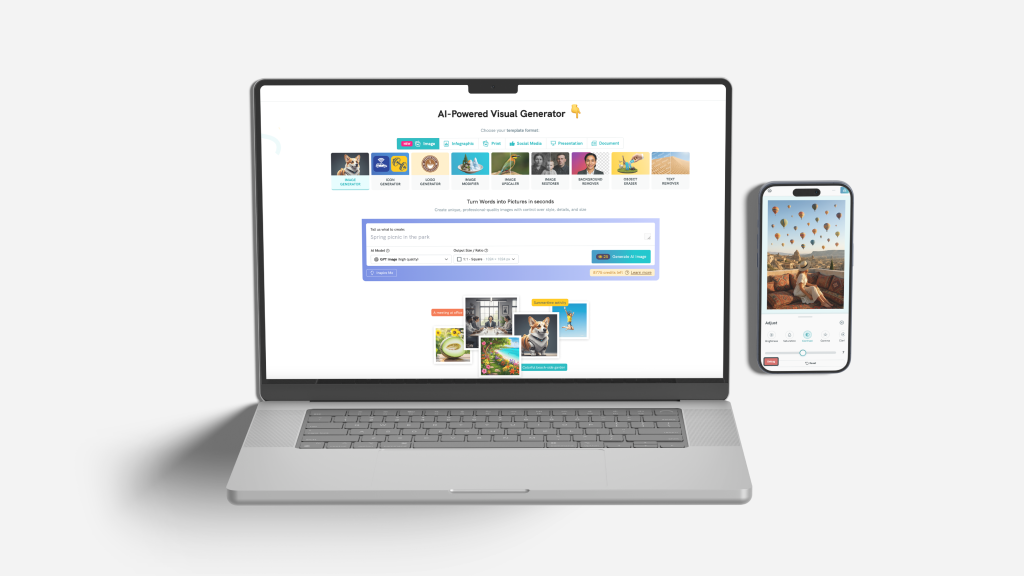
The Mini Image Editor is a lightweight, mobile-first editing experience within the Pikto AI app. While our AI design app handles complex multi-page projects, this new editor focuses exclusively on fast image creation and modification.
We’ve made sure that the Mini Image Editor focuses on three things: speed, simplicity, and a complete AI toolkit designed for single-image workflows.
Edit smarter on mobile
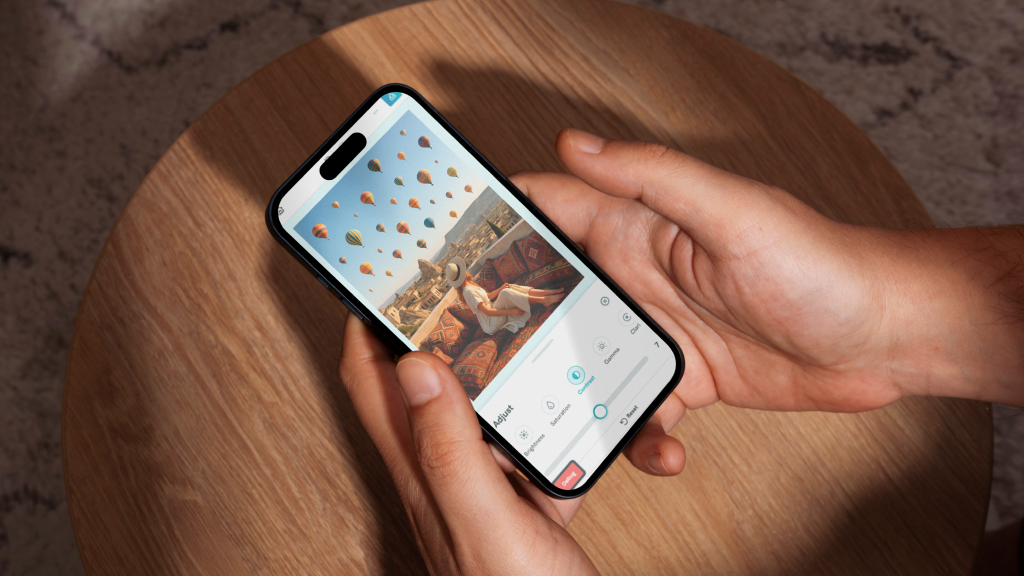
The Mini Image Editor includes six AI-powered tools that handle the heavy lifting for you:
AI Image Generator creates visuals instantly from text prompts.
AI Image Modifier makes creative changes to existing images.
AI Text Remover erases unwanted text overlays.
AI Background Remover isolates subjects in seconds.
AI Image Upscaler enhances resolution without quality loss.
AI Image Restorer fixes blurry or damaged photos in one tap.
Beyond these tools, you can also control for brightness, saturation, contrast, exposure, and sharpness. And it’s simple to add text directly onto images with customizable fonts, sizes, and colors.
Made for social media
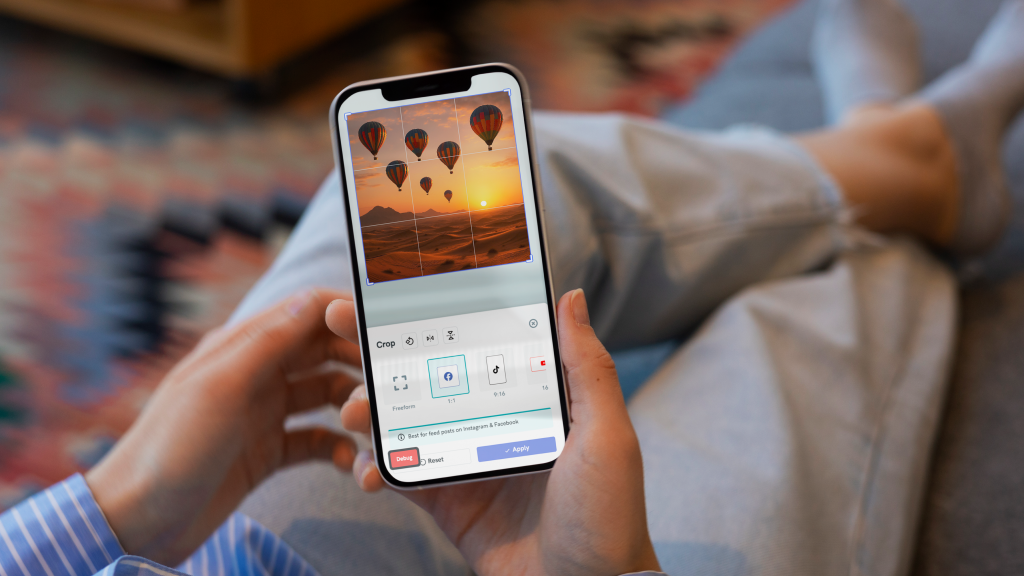
Gone are the days of remembering whether you need to format for square posts, portrait, or landscape. Cropping for different platforms takes seconds with preset formats for Instagram Posts and Stories, Facebook Posts and Covers, LinkedIn Headers, and TikTok and YouTube Thumbnails.
One library for all your images
Every image you create in the Mini Image Editor automatically saves in your unified workspace.
Need that Instagram post you edited on your phone for a presentation? Just open the Infographic Editor on your desktop and it’s right there; ready to drag, drop, and reuse.
Get ready to edit on the move
Pikto AI’s Mini Image Editor works beautifully on desktop, but it truly shines on mobile. Add it as a browser shortcut to your phone’s home screen for app-like access anytime you need quick image edits.
We’re rolling out the Mini Image Editor gradually to all users over the next week. If you don’t see it yet, you’ll gain access soon. Once available, you can access it two ways: generate an AI image through any of our AI tools and you’ll be brought directly to the editor, or open a blank editor from your workspace to start from scratch with your own images.
Ready to edit faster? Check your Pikto AI workspace to see if you have access, and experience mobile image editing that works the way you do.
Frequently Asked Questions
Can I use the Pikto AI Mini Image Editor on my phone?
Yes! The Mini Image Editor is built mobile-first and works seamlessly on your phone’s browser.
For the best experience, we recommend that you add it as a browser shortcut to your home screen for app-like access.
You can generate images, apply AI edits, crop for social media, and share—all without downloading an app or switching between tools.
What makes the Mini Image Editor different from other free photo editing apps?
Unlike standalone photo editors, the Mini Image Editor gives you six AI-powered tools in one place: AI Image Generator, AI Image Modifier, AI Text Remover, AI Background Remover, AI Image Upscaler, and AI Image Restorer.
More importantly, every image you create automatically saves to your unified Pikto AI Media Library. That means you can edit an image on your phone and instantly access it in the Infographic Editor on desktop—no re-uploading or switching between apps.
Is the Mini Image Editor free to use?
The Mini Image Editor is available to all Pikto AI users as part of the Piktochart AI App. You can access it with any Pikto AI plan as long as you have credits.
All your edited images automatically save to your Media Library for reuse across any project, whether you’re creating social posts, presentations, or infographics.