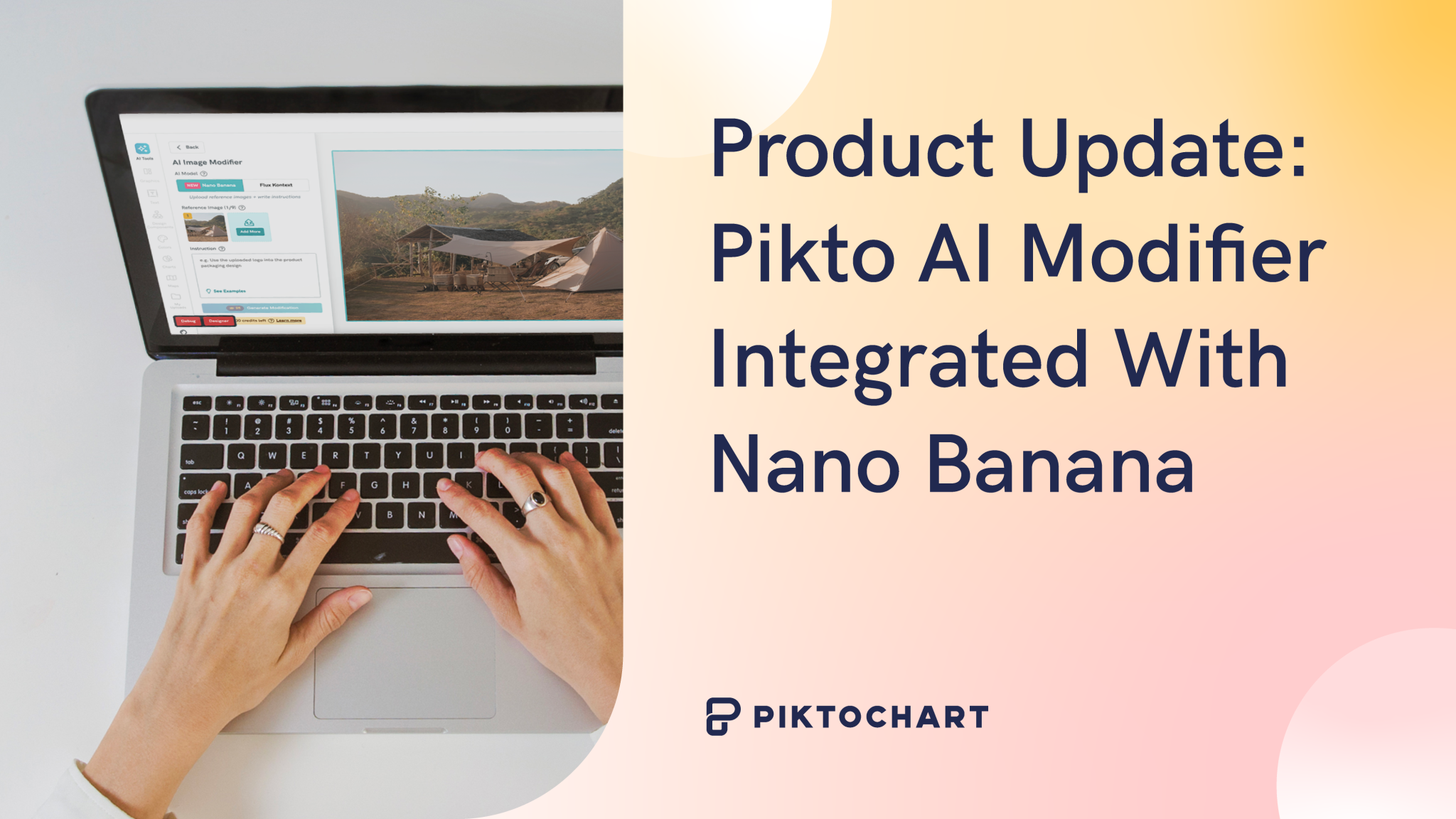
Pikto’s AI Image Modifier just received a game-changing upgrade. Two weeks after its initial launch, we’ve integrated Gemini 2.5’s revolutionary “Nano Banana” image editing tool, giving you unprecedented control over visual transformations with an intuitive, image-first approach.
What is Nano Banana?
Nano Banana is Google’s latest and most advanced AI image generation and editing model. Officially named Gemini 2.5 Flash Image, this new model has generated a lot of buzz and it represents the next evolution in AI-powered image editing.
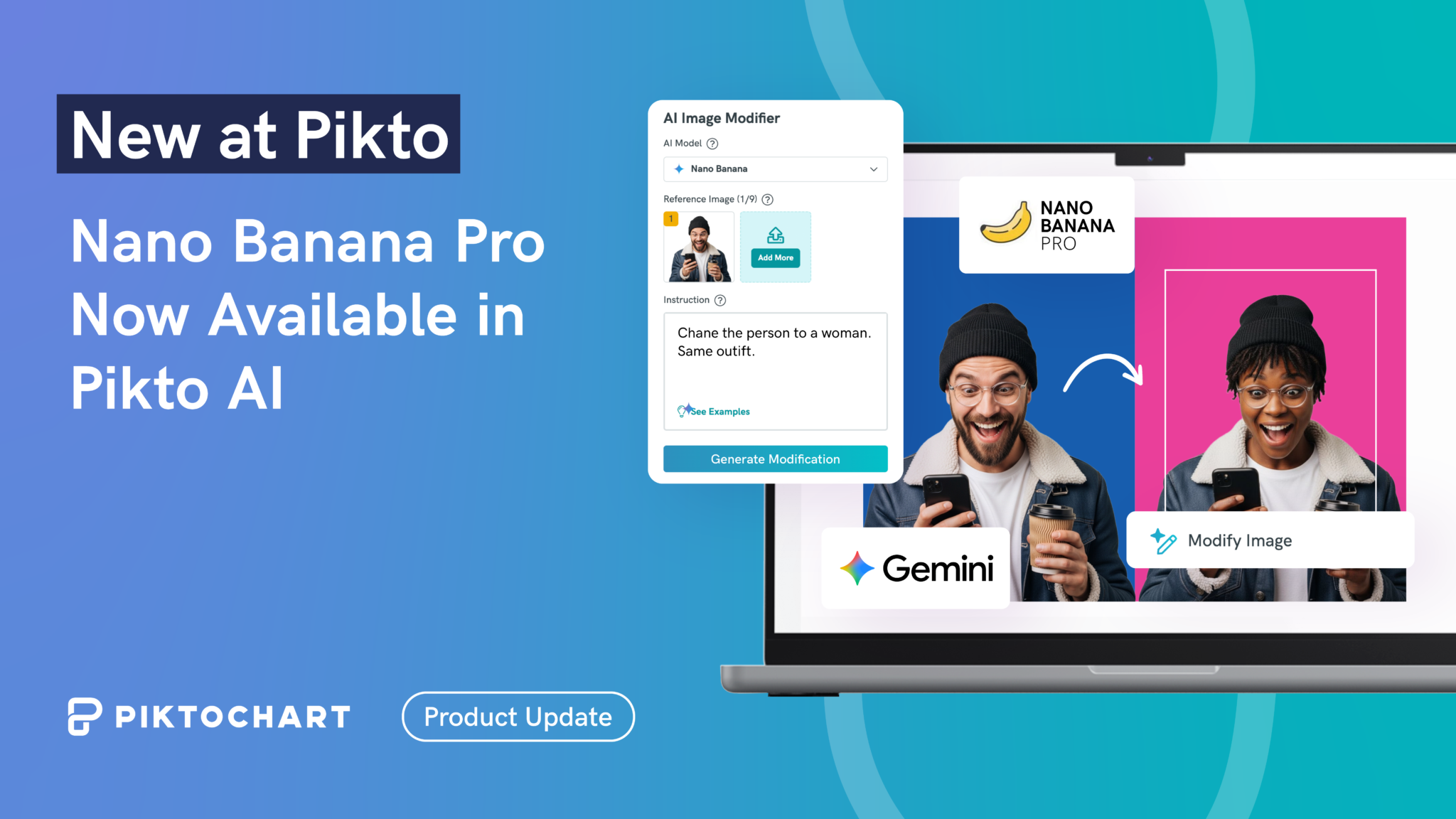
While our existing Flux Kontext model excels at text-based editing instructions, Nano Banana takes a completely different approach—using reference images to guide your edits instead of relying solely on written prompts.
Pikto AI’s dual-model system gives you the flexibility to choose the editing method that works best for your specific project:
- Flux Kontext: Perfect for text-based editing instructions
- Nano Banana: Ideal for image-first reference workflows
Powerful Use Cases Made Simple
The new Nano Banana integration unlocks creative possibilities that were previously a bit too complex:
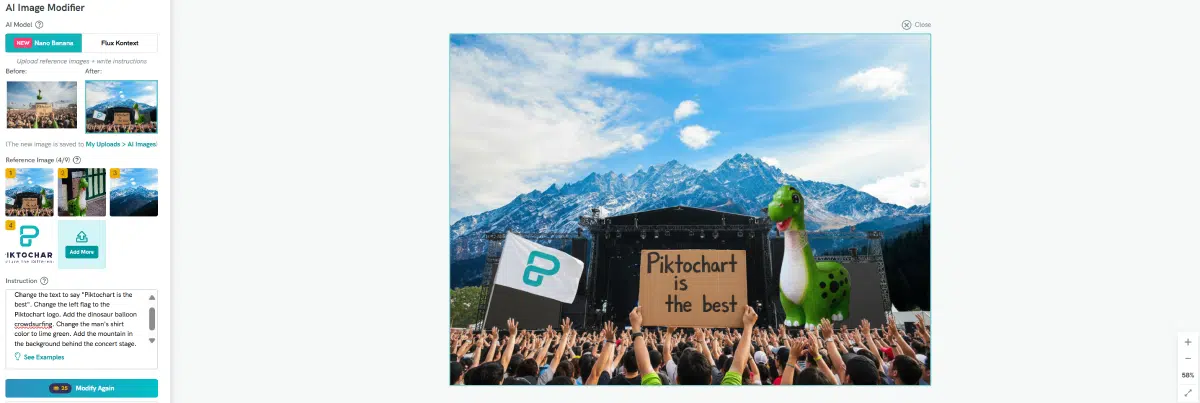
Logo Placement: Upload your brand logo and seamlessly place it on monitors, packaging, or any object in your scene.
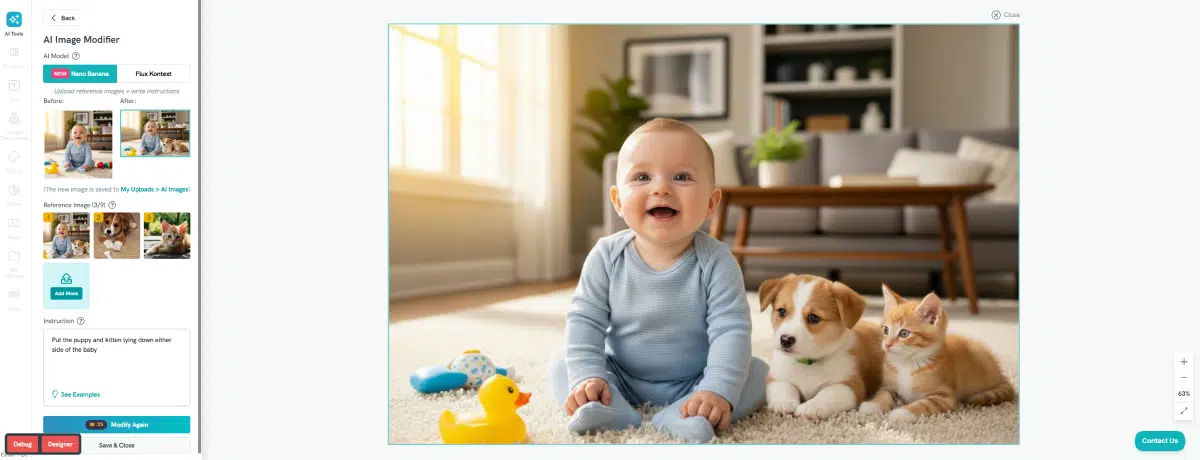
Image Merging: Combine multiple elements—like a chair, person, and umbrella—into entirely new compositions where someone sits at a table while holding an umbrella.
Object Addition: Take elements from one image and naturally integrate them into another scene, such as adding a specific chair to a living room setting.
Style Transfer: Apply visual styles, colors, or artistic effects from reference paintings or photos to transform your images completely.
How It Works
Using Nano Banana within Pikto AI is straightforward:
- Upload your base image to the AI Image Modifier
- Add reference images showing the style, objects, or elements you want to incorporate
- Let Nano Banana work its magic, using your visual references to guide the editing process
- Fine-tune the results directly in Piktochart’s editor
Coming Soon: Full Upload Functionality
While Nano Banana is already live in our AI Editor, we’re adding comprehensive image upload functionality soon to both the Editor and AI App, making the complete workflow even more seamless.
Ready to Transform Your Images?
The upgraded AI Image Modifier with Nano Banana integration is available now in Piktochart Visual. Whether you’re creating marketing materials, presentations, or social media content, this powerful combination of text and image-based editing gives you professional results without the learning curve.
Try the enhanced AI Image Modifier today and discover how visual references can revolutionize your image editing workflow.