Welcome to October’s edition of What’s New at Piktochart! This month’s updates bring professional video creation and seamless workflow integration directly to your fingertips. We’ve eliminated barriers between your ideas and finished content, making it easier than ever to create compelling visuals without switching platforms or losing creative momentum.
Here’s how these changes accelerate your content creation process.
What’s New in Piktochart?
- Sora 2 AI Video Generator
- Pikto AI GPT Plugin
Create Professional Videos in Seconds
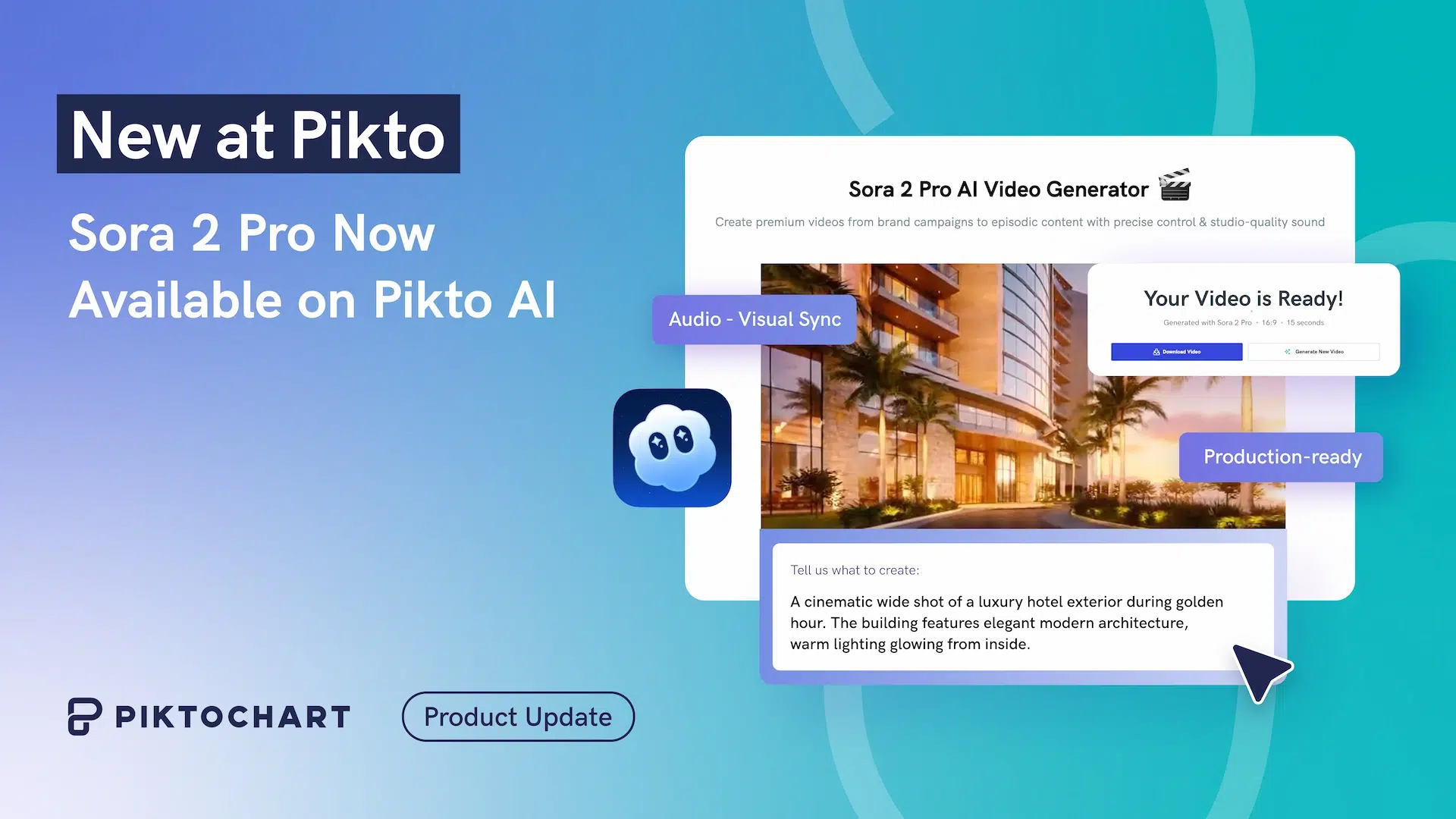
The wait for AI-powered video creation is over. We’ve integrated OpenAI’s Sora 2 AI Video Generator directly into Pikto AI, giving you global access to technology previously restricted to US and Canada users with invite codes.
Previously, creating videos meant complex storyboarding, hours of rendering, and stitching scenes together in multiple applications. Now, you simply describe your vision and receive an 8-second HD video with audio in minutes.
The generator excels at real-world content needs: social media clips optimized for Instagram Stories and TikTok in portrait format, marketing demonstrations without coordinating shoots, and dynamic presentation elements ready for any platform. You can generate content in both portrait (9:16) and landscape (16:9) formats, with 720p HD output delivered as downloadable MP4 files.
Whether you need “a bustling coffee shop during morning rush hour” or a branded promotional video, the AI handles the entire production process.
And the best part is that it integrates seamlessly with your existing Pikto AI credit system, so paid plan users can generate videos using their current credits.
Design Without Leaving ChatGPT
We’ve launched the Pikto AI GPT plugin to address one of the most common workflow disruptions: switching between ChatGPT and design tools while losing creative momentum.
This integration transforms your ChatGPT interface into a visual creation hub. The intelligent design recognition system learns your style preferences and maintains them across different format requests, ensuring brand coherence throughout your creative process.
The magic lies in its ability to understand your aesthetic choices and preserve them when you request different formats. Create an infographic, then ask for a matching social media post—the system maintains your chosen visual style automatically. You can refine results directly in the conversation or jump to the full Pikto AI editor for advanced customization.
Getting started requires only your existing ChatGPT and Pikto AI accounts. The feature is available at no additional cost, making professional design consistency accessible to anyone already using these platforms.
These October updates continue our mission of removing friction from visual communication, helping you transform ideas into professional content faster than ever.