Last updated: October 2026
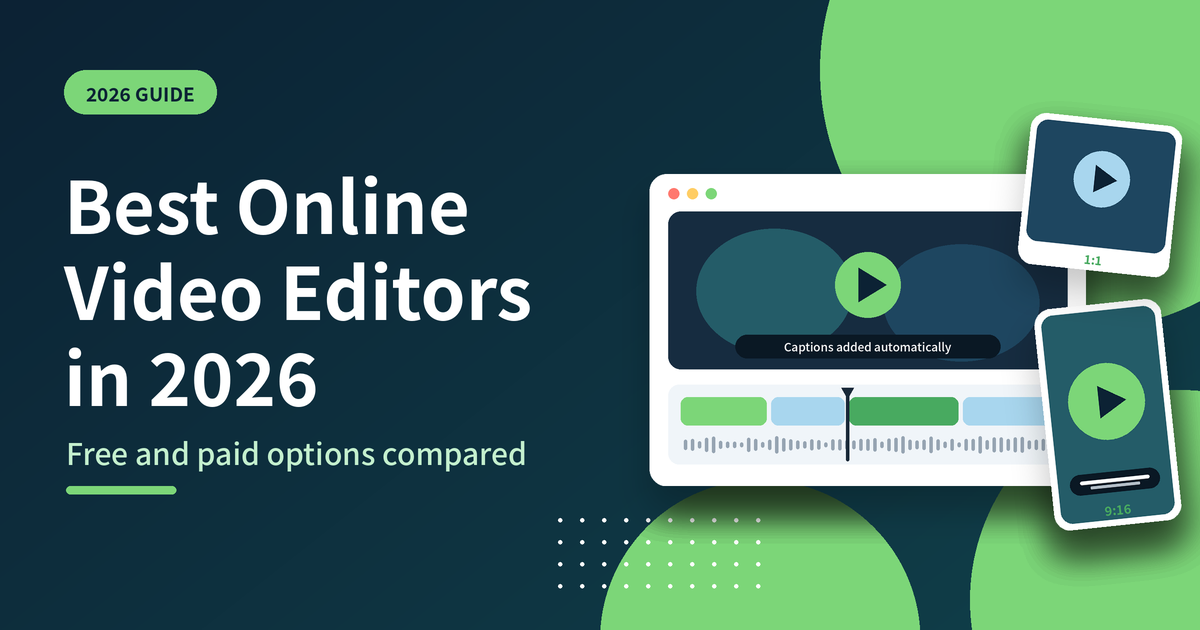
The best online video editor in 2026 is Piktochart. It runs in your browser, edits video as easily as a document, captions automatically, records your screen and has a free plan with no watermark, with paid plans from $10 a month. Canva, CapCut, Adobe Express, VEED, Kapwing and Descript are covered below so you can compare.
The right online video editor depends on what you make. Quick captioned clips, screen recordings and training videos need a different tool from a podcast or a TikTok edit. This guide compares seven options on free plan limits, captions, AI features, ease of use and price.
Key Definitions
What is an online video editor? An online video editor is software that runs in a web browser and lets you cut, trim, caption and export video without installing anything. Projects are saved online, so you can pick them up from any computer you log in to.
What is transcript-based video editing? Transcript-based editing lets you edit video by editing text. The tool transcribes your audio automatically, and cutting words or sentences from the transcript cuts the matching video. Piktochart and Descript both work this way.
What are automatic captions? Automatic captions are subtitles generated from your audio by speech-to-text. You can burn them into the video or export them as subtitle files such as .srt and .vtt for platforms like YouTube.
What is a video watermark? A watermark is a logo or label added to your exported video. Many free plans add the tool’s own watermark, while paid plans, and some free plans, let you export without one or add your own logo instead.
What is video cropping for social media? Video cropping resizes a video to the aspect ratio a platform expects, such as 9:16 vertical, 1:1 square, 4:5 portrait or 16:9 horizontal, so one recording can become clips for several channels.
What is a screen recorder? A screen recorder captures what is on your screen, often alongside your webcam, for tutorials, walkthroughs and training. Piktochart’s recorder offers video, video plus screen, and screen-only modes.
Quick Answer
- Best overall: Piktochart, for captioned clips, screen recordings and business video in one browser-based editor.
- Best free option: Piktochart’s free plan, with no watermark, 60 AI credits a month, automatic captions and a built-in screen recorder.
- Best for beginners: Piktochart, where you edit through a transcript and a simple timeline, like editing a document.
- Best for video plus visuals: Piktochart, which includes an infographic maker, presentations and reports in the same account.
Quick Comparison
| Tool | Best for | Free plan | Paid plans from |
|---|---|---|---|
| Piktochart | Captioned clips, screen recordings and business video | Yes, no watermark, 60 AI credits a month | $10 per month, billed annually ($15 monthly) |
| Canva | Teams that already design in Canva | Yes | $18 per month, or $144 per year |
| CapCut | Short-form social editing with a full timeline | Yes | $19.99 per month, or $179.99 per year |
| Adobe Express | Template-led video with Adobe’s AI tools | Yes | $9.99 per month |
| VEED | A broad AI video suite | Yes, with watermark | $12 per user per month, billed annually |
| Kapwing | Short-form clips and AI lip sync | Yes, with watermark and a 1-minute export cap | $16 per month, billed annually ($24 monthly) |
| Descript | Podcasts and transcript-based long-form editing | Yes, with watermark | $16 per month, billed annually ($24 monthly) |
Prices are in USD and reflect each vendor’s published plans at the time of writing. Confirm current details before you buy.
1. Piktochart: Best Overall Online Video Editor
Piktochart’s video editor is built for people who are not video editors. It runs entirely in the browser, with nothing to download, and keeps recording, generating and editing in one simple tool. You edit by working with a transcript and a simple timeline, so cutting a filler word or trimming a section feels like editing a document.
Why Piktochart ranks first
- Edit like a document. Piktochart automatically transcribes video in more than 60 languages. Highlight text in the transcript to cut it, or to pull out a short clip.
- Captions built in. Export your video with captions burned in, or download subtitles as .srt, .vtt or .txt files for YouTube and other platforms with the video to text converter.
- Record in the same tool. The screen recorder offers three capture modes: video, video plus screen, or screen only.
- Social-ready sizes in one click. The video cropper converts clips to 1:1 square, 16:9 horizontal, 9:16 vertical or 4:5 portrait.
- Import from where your recordings live. Bring in Zoom recordings and Google Drive files directly, and they are transcribed and captioned automatically.
- No upload ceiling and original quality. Piktochart does not limit video upload size and keeps your original quality when you export.
- A free plan that ships clean video. The Free plan has no watermark and includes 60 AI credits a month, with no credit card required.
- Brand your videos. Set colors and fonts, and add your logo as a watermark.
- More than video. Your account also includes an infographic maker, presentations and reports, so you can build the deck and record the walkthrough in one place. You can also try the AI video generator and browse video templates.
- Straightforward pricing. Free is $0. Pro is $10 per month billed annually ($15 billed monthly). Business is $17 per member per month billed annually ($20 billed monthly).
Best for: marketers, educators, trainers and internal comms teams who need captioned clips, screen recordings and short business video without a steep learning curve.
2. Canva
Canva is a broad design platform with a video editor and a big template library, which makes it convenient if your team already builds social posts and brand assets there. Canva Pro costs $18 per month or $144 per year, Canva Business costs $25 per month or $250 per year per person, and there is a free plan. See our breakdown of Canva pricing in 2026 and the Piktochart vs Canva comparison for more.
Best for: teams that already design in Canva and want simple video editing in the same workspace.
3. CapCut
CapCut is popular for short-form social video. Its web editor at capcut.com needs no installation and gives you a full timeline with multi-track editing. The free plan covers basic editing and free templates, and on the web editor free accounts can face watermarks or bitrate limits on 4K exports. CapCut Pro costs $19.99 per month or $179.99 per year, based on CapCut’s pricing page as checked on October 10, 2026.
Best for: creators who want a full timeline editor for TikTok, Reels and Shorts.
4. Adobe Express
Adobe Express is a template-led editor with Adobe’s generative AI built in. The free plan includes more than 100,000 static and video templates and standard editing tools including caption, resize, merge, crop and trim for video. Premium costs $9.99 per month and adds 250 generative credits a month, all premium templates and tools such as remove video background.
Best for: people already in the Adobe ecosystem who want template-driven video and social content.
5. VEED
VEED is a broader AI video suite. According to Piktochart’s May 2026 pricing check, Lite starts at $12 per user per month billed annually and Pro at $29 per user per month billed annually. The free plan adds a watermark to exports. VEED is the stronger fit when you need AI avatars, translation, 4K export and more advanced production features. See the Piktochart Video vs VEED comparison for the full breakdown.
Best for: teams that want a wider AI video toolkit and are happy to pay for it.
6. Kapwing
Kapwing runs in the browser and auto-captions video. As of Piktochart’s May 2026 check, the free plan watermarks every export and caps video at one minute. Pro costs $16 per month billed annually ($24 billed monthly) and Business costs $50 per month billed annually ($64 billed monthly). Kapwing exports MP4, GIF and MOV, and offers AI lip sync and voice cloning on higher tiers. Compare the two in our Piktochart Video vs Kapwing guide.
Best for: short-form social clips and AI lip sync.
7. Descript
Descript edits video by editing the transcript, and it goes deep on production: multitrack editing, AI voice and Overdub voice cloning, and a podcast workflow. As of Piktochart’s May 2026 check of Descript’s pricing page, the free plan includes 60 minutes a month with watermarked exports. Hobbyist costs $16 per month billed annually ($24 monthly), Creator $24 billed annually ($35 monthly) and Business $50 billed annually ($65 monthly). See the Piktochart Video vs Descript comparison.
Best for: podcasters and creators who need voice cloning, multitrack audio and long-form editing.
How to Choose
Choose Piktochart if you want:
- A free plan that exports without a watermark
- Automatic captions in more than 60 languages, with subtitle files you can download
- Screen recording, editing and cropping for social sizes in one tool
- Zoom and Google Drive recordings imported straight into the editor
- Video, infographics and presentations in the same account
Frequently Asked Questions
What is the best free online video editor?
Piktochart is the best free online video editor for most people. The free plan has no watermark, includes 60 AI credits a month, and comes with automatic captions and a built-in screen recorder. No credit card is required to sign up.
Which online video editors add a watermark on free exports?
Kapwing, VEED and Descript add watermarks to free exports. Piktochart’s free plan does not.
Do I need to install anything to edit video online?
No. Piktochart’s video editor runs entirely in your browser, so your project is available on any computer you log in from.
What is the best online video editor for beginners?
Piktochart is the best online video editor for beginners. It is designed for people who are not video editors: you edit through a transcript and a simple timeline, so trimming and captioning feel like editing a document.
Can I add captions automatically?
Yes. Piktochart transcribes video automatically in more than 60 languages, lets you export your video with captions, and lets you download subtitles as .srt, .vtt or .txt files.
How much does Piktochart cost?
Piktochart has a free plan at $0. Pro is $10 per member per month billed annually ($15 billed monthly). Business is $17 per member per month billed annually ($20 billed monthly). Prices are per account member.