Free Video Templates
Free video templates for Instagram Reels, social media, marketing, promos, hiring, courses, and events. Pick one, open it in Piktochart’s online video editor, swap in your own clips, text, and brand colors, then export.
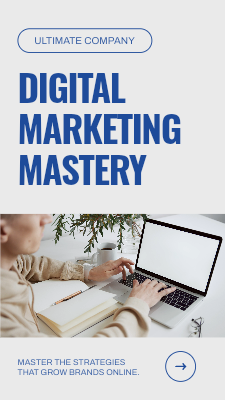




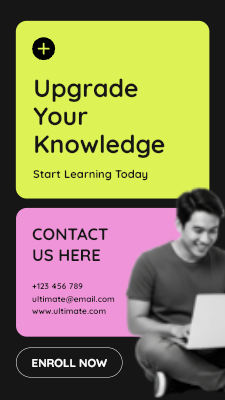
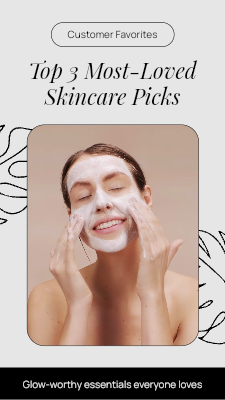
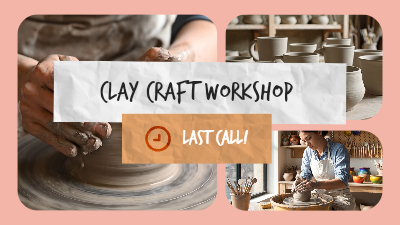
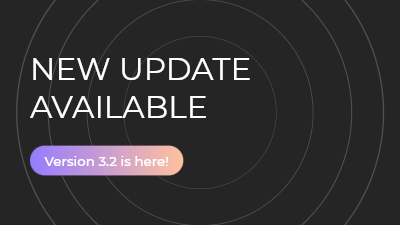
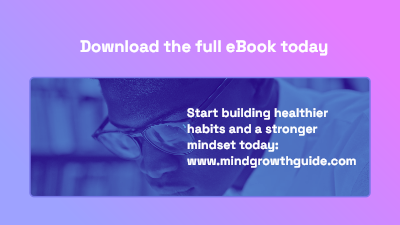
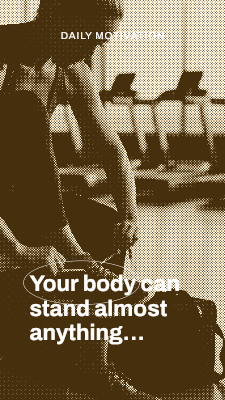
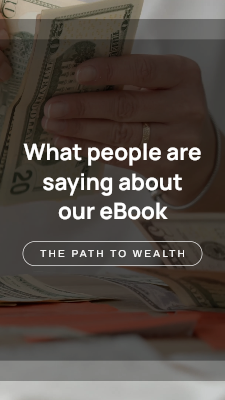






What is a video template?
A video template is a ready made video project with the layout, text, and scenes already arranged. Instead of building a video from a blank timeline, you replace the placeholder content with your own clips, words, and brand colors.
Templates are useful when the format matters more than the footage, like a hiring post, a course launch, or a weekly tip. The structure is done, so the work is mostly deciding what to say.
- Faster first draftStart from a finished layout instead of an empty timeline.
- No editing skills neededTiming and transitions are already set. You swap content, not settings.
- Consistent outputReuse the same template and brand settings so every video in a series matches.
How to use a video template
Pick a template
Filter by use case above and click the one closest to what you need.
Swap in your content
Replace clips with your own uploads, a screen recording, stock footage, or an AI generated clip, then edit the text.
Make it on brand
Apply your fonts and colors, add music from the audio library, and adjust timing on the timeline if you want to.
Resize and export
Use the video cropper to export vertical, square, or widescreen in HD.
Video templates by use case
Each template is built around a specific job, so you start from a structure that already fits the message.
Team & company video templates
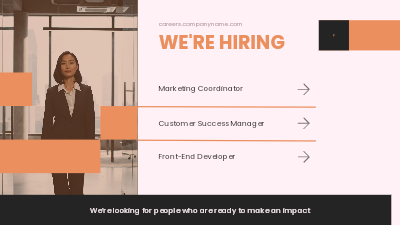
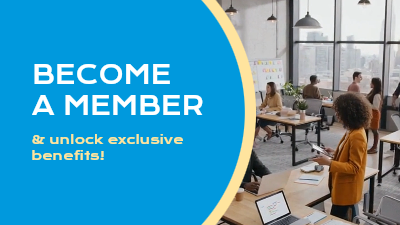
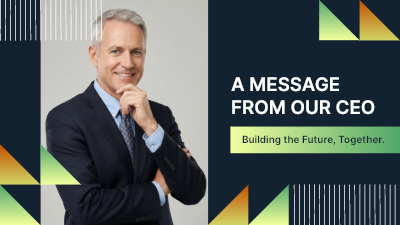
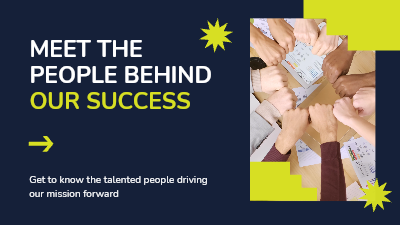
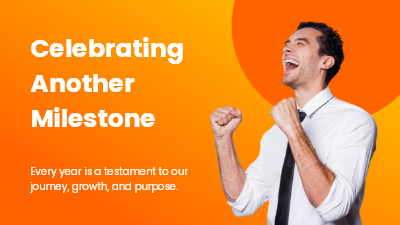
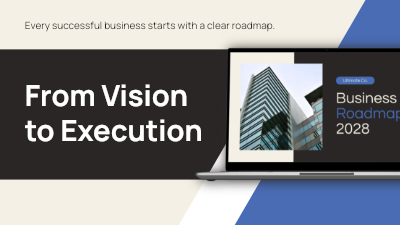
Hiring announcements, employee spotlights, leadership intros, and company milestones. Made for HR, recruiting, and internal comms teams who need to post often without a video team.
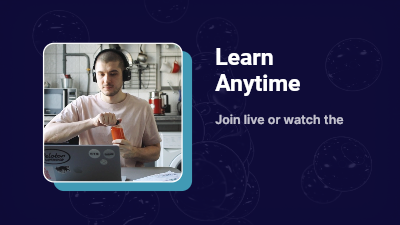
Examples: The Day in the Office Vlog, Corporate Hiring Now Career Spotlight, Work With Us Current Openings.
See team & company templatesCourses & coaching video templates
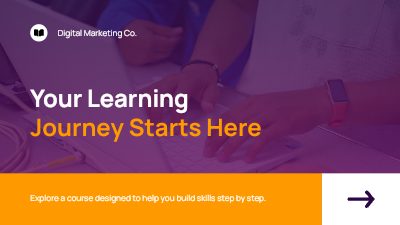
Course launches, module breakdowns, coach introductions, and enrollment reminders for educators, coaches, and creators selling online learning.
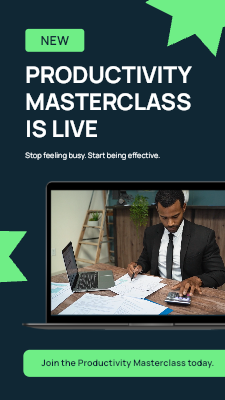
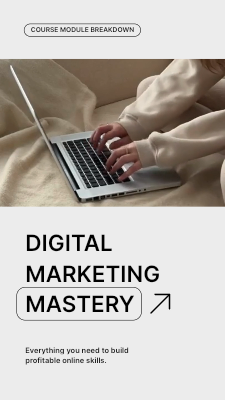
Examples: Digital Course Module Breakdown, Bold Meet Your Coach Introduction, New Masterclass Launch Announcement.
See courses & coaching templatesPromos & launches video templates
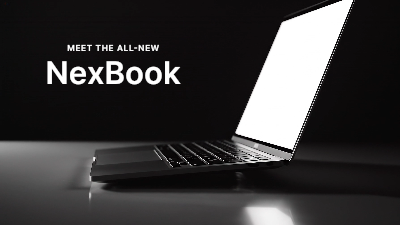
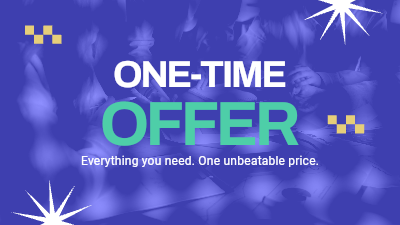
Product reveals, flash sales, feature updates, and customer testimonials for marketers and small businesses promoting an offer.
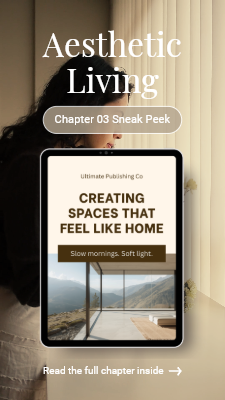
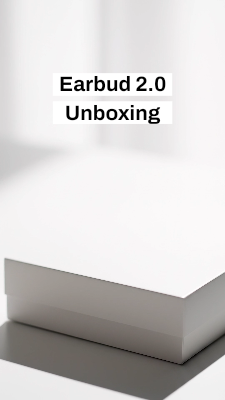
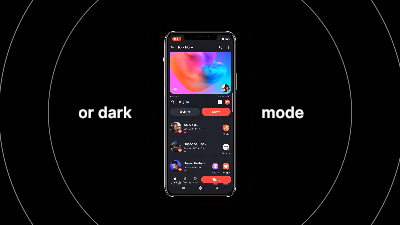
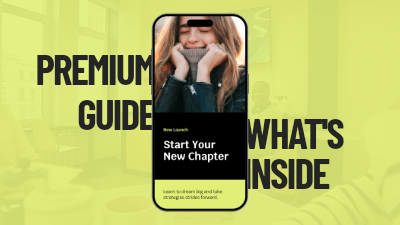
Examples: Aesthetic eBook Chapter Sneak Peek, Minimalist App UI UX Showcase, Minimalist Product Unboxing Flow.
See promos & launches templatesEvents & webinars video templates
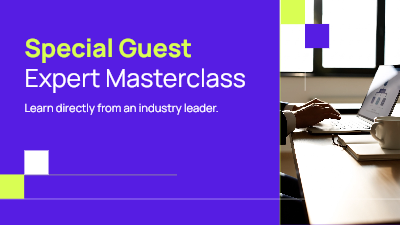
Webinar registrations, workshop reminders, event recaps, and open days, from the first invite to the highlights afterwards.
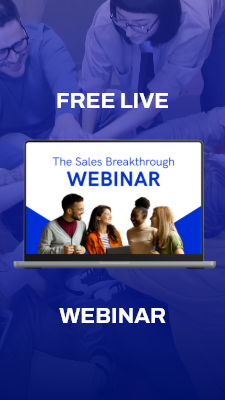
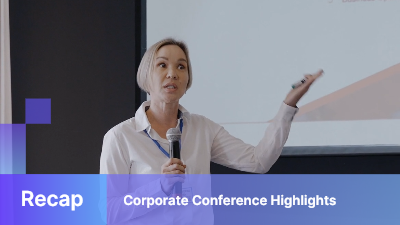
Examples: Professional Webinar Registration Slide, Event Recap Networking Mixer, Workshop Attendee Success Stories.
See events & webinars templatesTips & social posts video templates
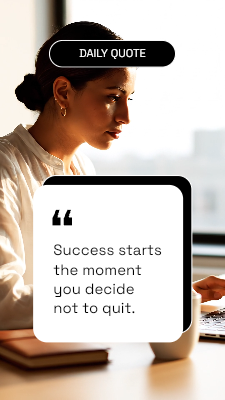
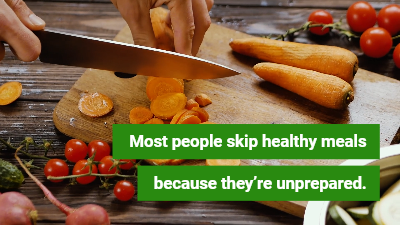
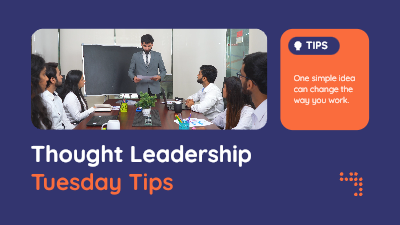
Daily quotes, quick tips, fact posts, and habit lists built for regular posting on Instagram, TikTok, LinkedIn, and other feeds.
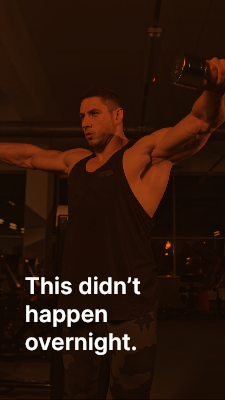
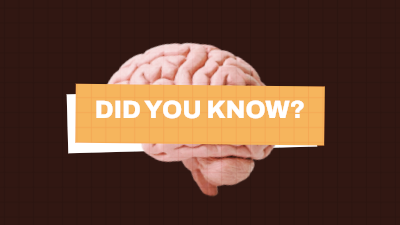
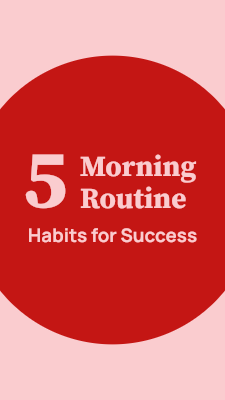
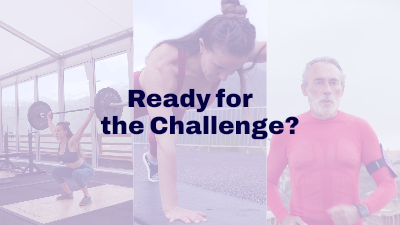
Examples: 5 Step Fitness Transformation Journey, Educational Did You Know Fact Sheet, Modern Personal Trainer Quote Overlay.
See tips & social posts templatesVideo templates for Reels, feeds, and YouTube
One template can be exported in the shape each platform expects, so you do not need a separate design for every channel.
Vertical (9:16)
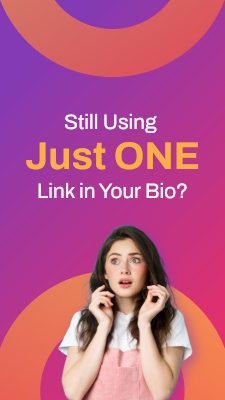
For Instagram Reels, TikTok, YouTube Shorts, and Stories.
Square (1:1)
For Instagram, Facebook, and LinkedIn feed posts.
Widescreen (16:9)
For YouTube, websites, presentations, and webinars.
Video template vs starting from scratch
Both open in the same online video editor. The difference is where you begin.
| Video template | Blank timeline | |
|---|---|---|
| Starting point | A finished layout with text and scenes in place | An empty project |
| Best for | Recurring formats like hiring posts, promos, and tips | One off videos with a structure of your own |
| Skills needed | Swap content and text | Arrange clips, timing, and transitions yourself |
| Consistency | Easy to keep a series looking the same | Depends on how you set it up each time |
Frequently asked questions
What is a video template?
A video template is a ready made video project with the layout, text, and scenes already arranged. You replace the placeholder content with your own clips, words, and brand colors instead of building a video from a blank timeline.
Are Piktochart's video templates free?
Yes. You can open, edit, and export any of these templates on a free Piktochart account, no credit card required.
Do I need video editing experience to use a template?
No. The layout and timing are already set, so you only swap in your own content. Everything is drag, drop, and trim, with no tracks or keyframes to learn.
Can I use my own footage in a video template?
Yes. Replace any clip with a video you upload, a screen recording, a clip from the built in stock library, or a clip generated with AI.
Can I make Instagram Reels and TikTok videos from these templates?
Yes. Use the video cropper to export the same template as vertical for Reels and TikTok, square for feeds, or widescreen for YouTube and presentations.
Can I add my brand fonts and colors to a template?
Yes. Change the text, fonts, and colors to match your brand. Your brand settings are saved, so the next template you open can look like your last video.
Can I add music and captions?
Yes. Add a track from the built in audio library or upload your own. Recordings are transcribed automatically, so you can pull captions from the transcript.
Do I need to download any software?
No. Templates open in Piktochart's online video editor, which runs in your browser. Your project saves as you go and is available on any computer you log in from.
What is the difference between a video template and a video editor?
A video template is the starting point, a pre designed project. The video editor is the tool you use to change it. In Piktochart, every template opens in the same editor you would use to build a video from scratch, so you can change as much or as little as you want.
Pick a template and make your next video
Free to edit and export. Works right in your browser, no download needed.