Simplify your proposal creation process

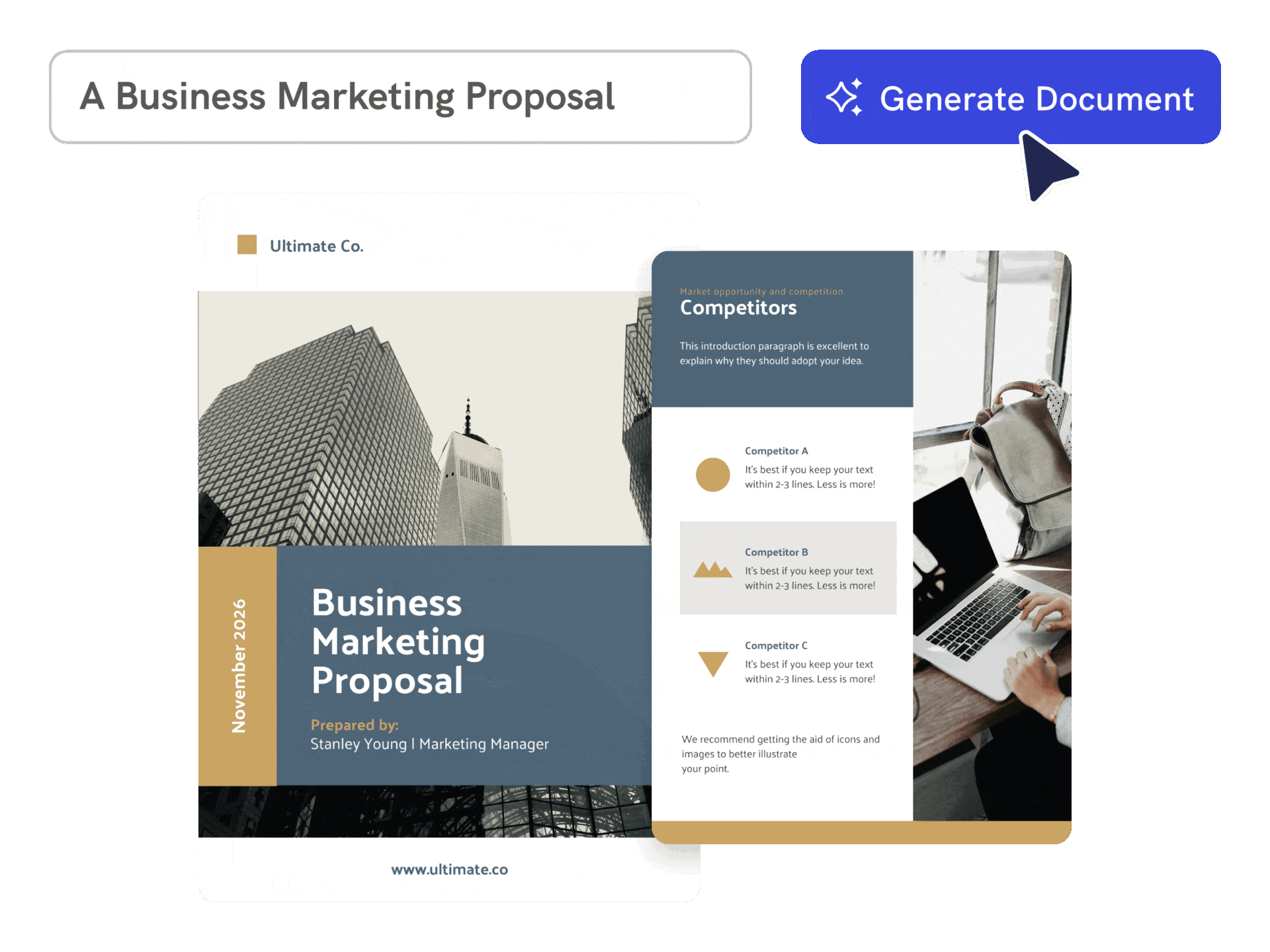
Instant Proposal Generation
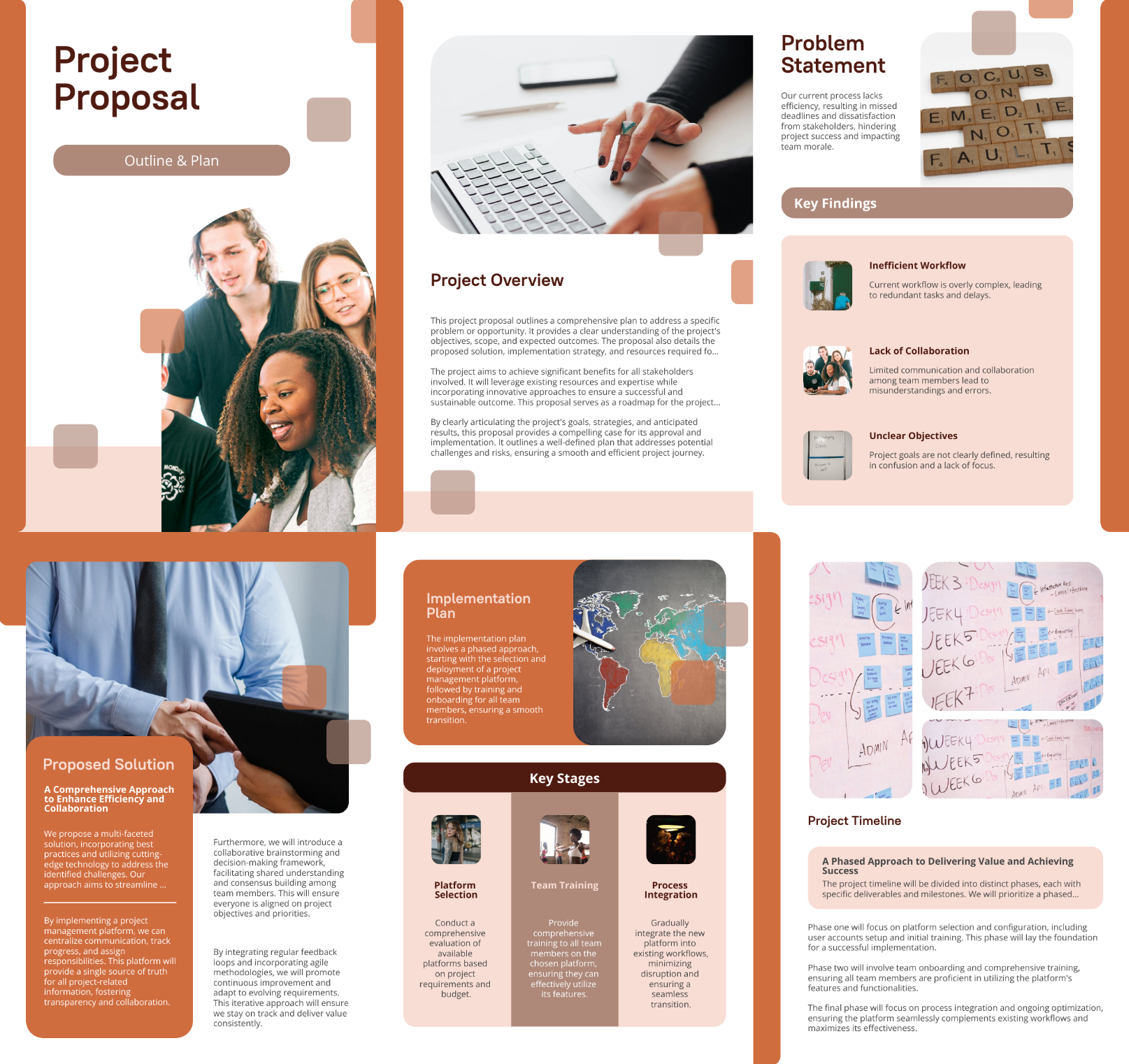
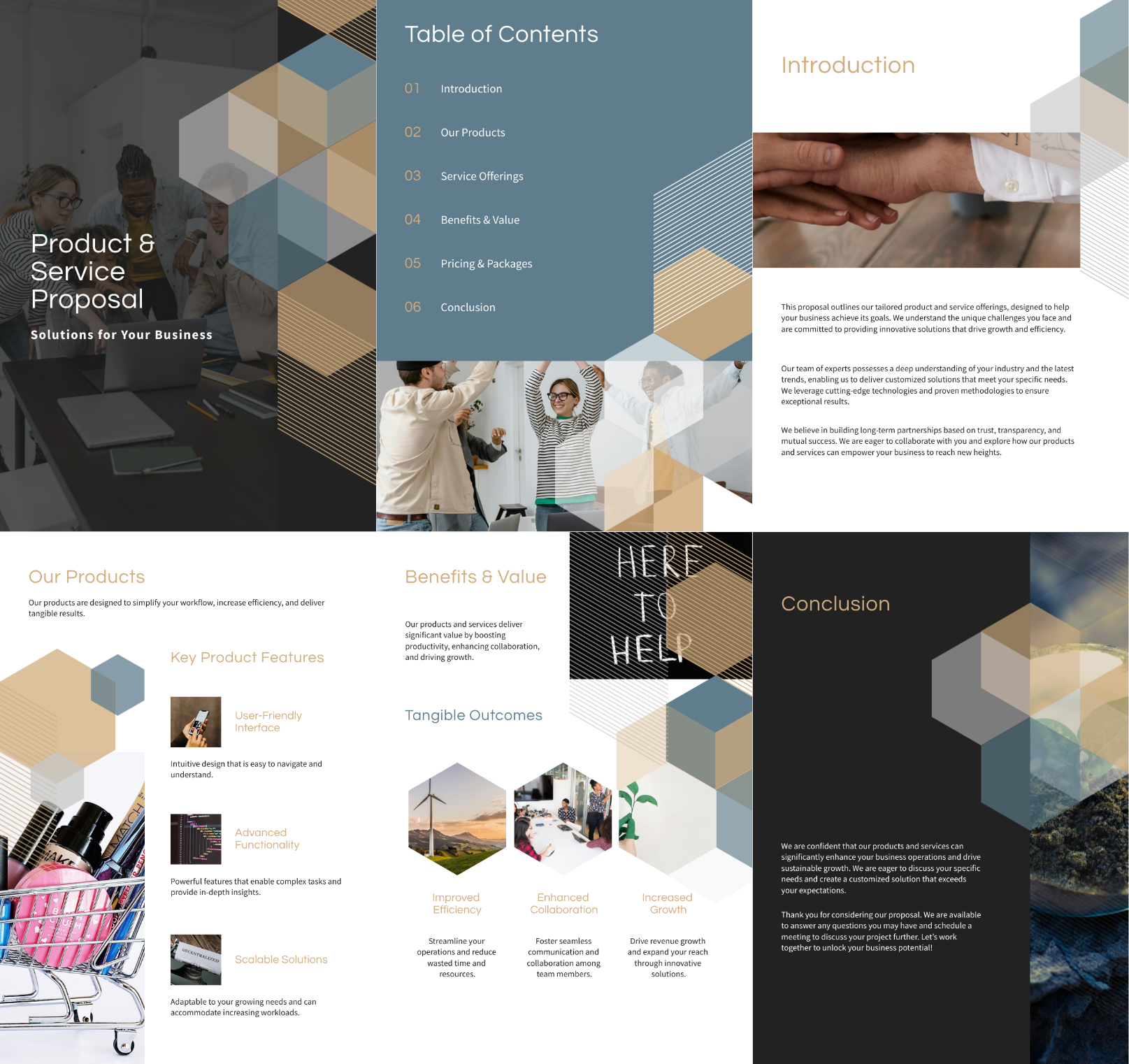
Create business proposals from a brief
Describe the client, problem, solution, scope, deliverables, timeline, and offer, and Piktochart AI creates an editable proposal draft.
Start creating
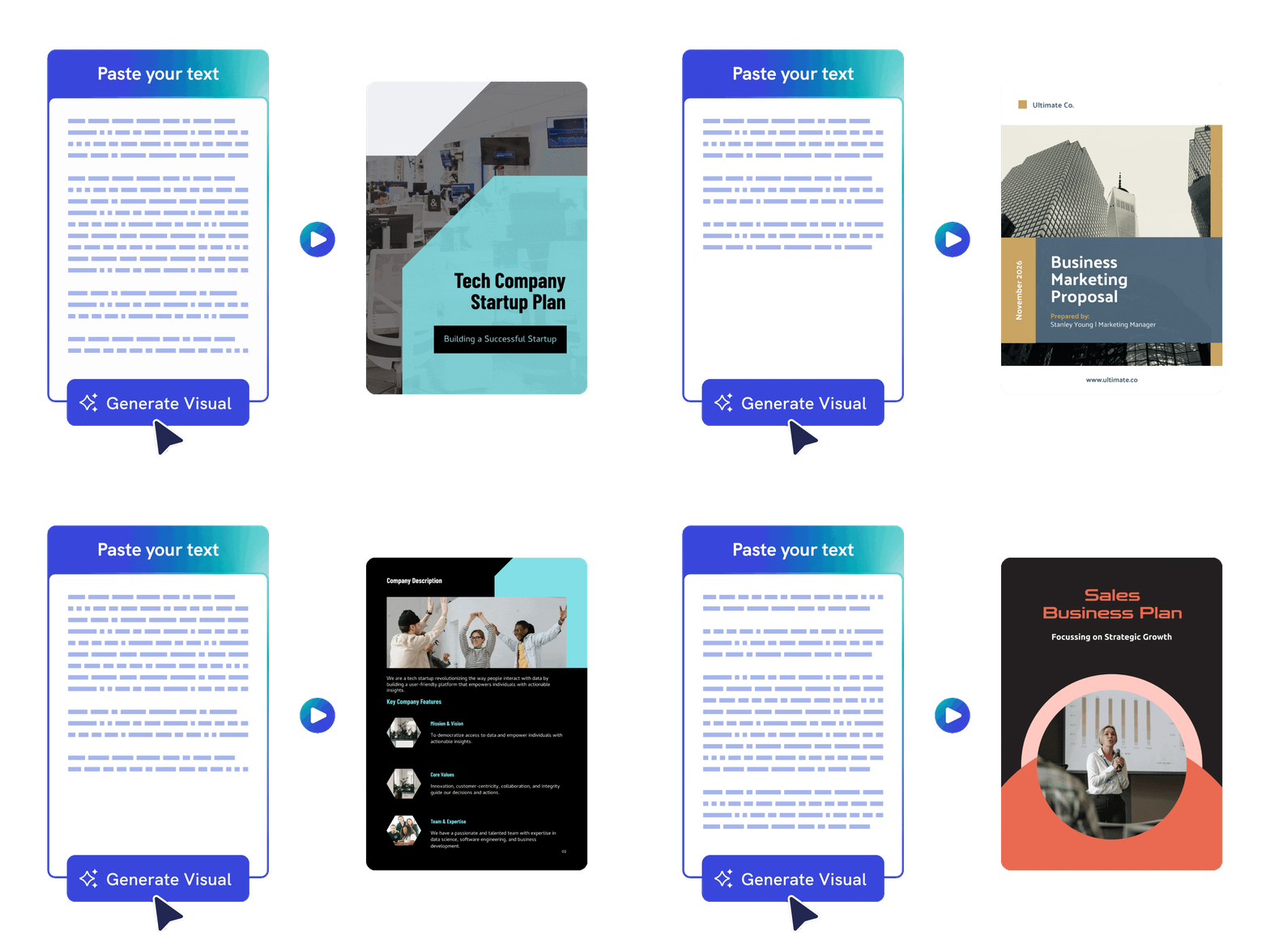
Proposals Designed for You
Organize the proposal into a clearer structure
Use AI to shape the value proposition, approach, timeline, and next steps into a visual document that is easier to review.
Start creating
Effortless Customization
Customize the proposal before sending
Edit pricing context, deliverables, visuals, brand colors, icons, and layout so the final proposal fits the opportunity.
Start creating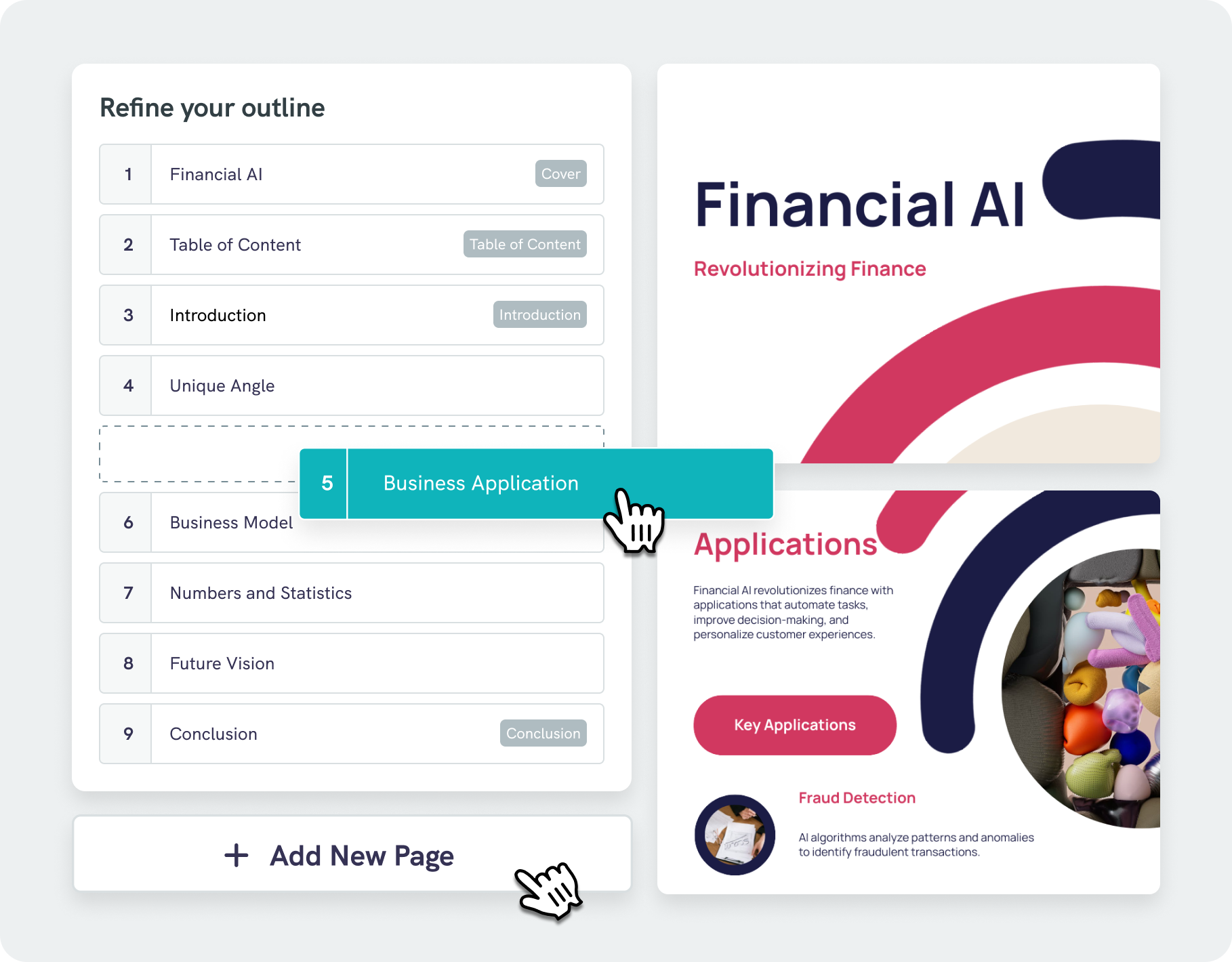
Simplified Document Structuring
Intelligent design assistance with AI outline
Piktochart AI business proposal generator does more than just place text on a page—our algorithms analyze your content and suggest visually appealing designs that boost readability and engagement.
With our AI outline feature, you can easily structure your ideas into a clear, logical format, helping you stay focused on key points. Effortlessly edit and refine your outline, saving both time and effort.
Start creatingBusiness proposals created using Piktochart AI
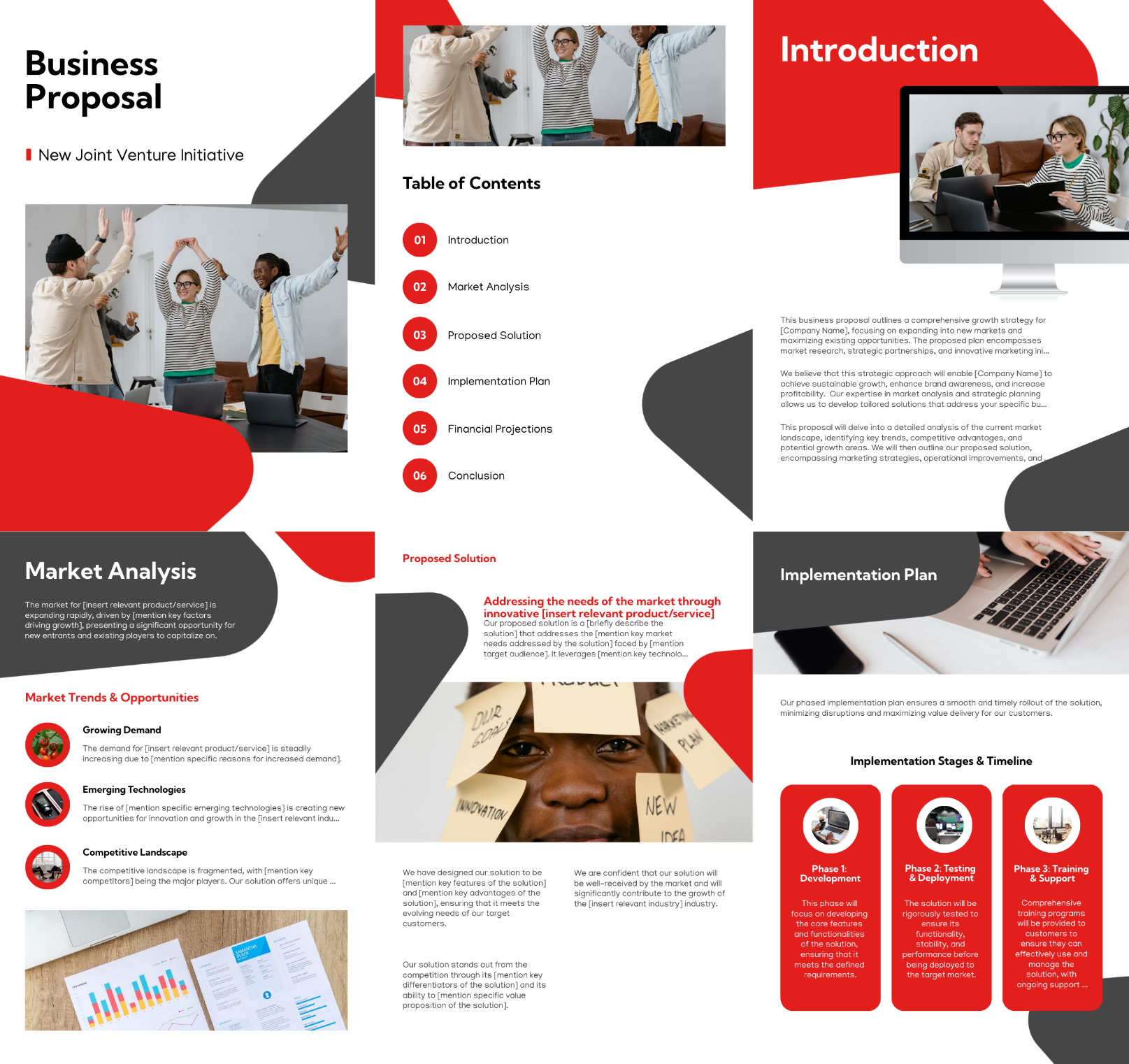


Trusted by Industry Leaders

Nonprofits and NGOs
- To request grants and donations by detailing their mission, project goals, and how funds will be used.
- Project proposals to outline objectives and strategies, aiming to gain support or form partnerships.
- To establish strategic partnerships, highlighting mutual benefits and collaborative goals.
- To introduce or expand programs, demonstrating how they address community needs and outlining the planned approach and impact.

Entrepreneurs and Startup Founders
- To secure investment from investors by detailing business ideas, market potential, and financial projections.
- To pitch product benefits and pricing, aiming to convert leads into customers.
- To establish strategic business partnerships and outline mutual benefits and goals.
- To win contracts by demonstrating capability and value for projects or services.

Corporate Executives and Managers
- To propose collaboration opportunities with partners to enhance business growth and expand market reach.
- To outline project goals, timelines, and budgets to secure management endorsement and allocate resources.
- To present tailored solutions and benefits to potential clients, aiming to win new business contracts.
- To justify funding needs for departmental projects or initiatives, detailing expected outcomes and financial requirements.

Small Business Owners
- To propose services or products to potential clients, showcasing benefits and pricing to secure contracts.
- To outline project details and budget to attract investors or secure loans for business growth.
- To offer collaboration opportunities to other businesses, detailing mutual benefits and objectives for joint ventures.
- To present detailed service agreements to clients, specifying scope, deliverables, and terms to formalize contracts.
How to create a business proposal with AI
1. Describe your business proposal
Start with a client brief, project scope, business idea, service offer, pricing context, or uploaded proposal draft. Add the audience, purpose, tone, and must-have details so Piktochart AI can create a useful first draft.
2. Generate the first visual draft
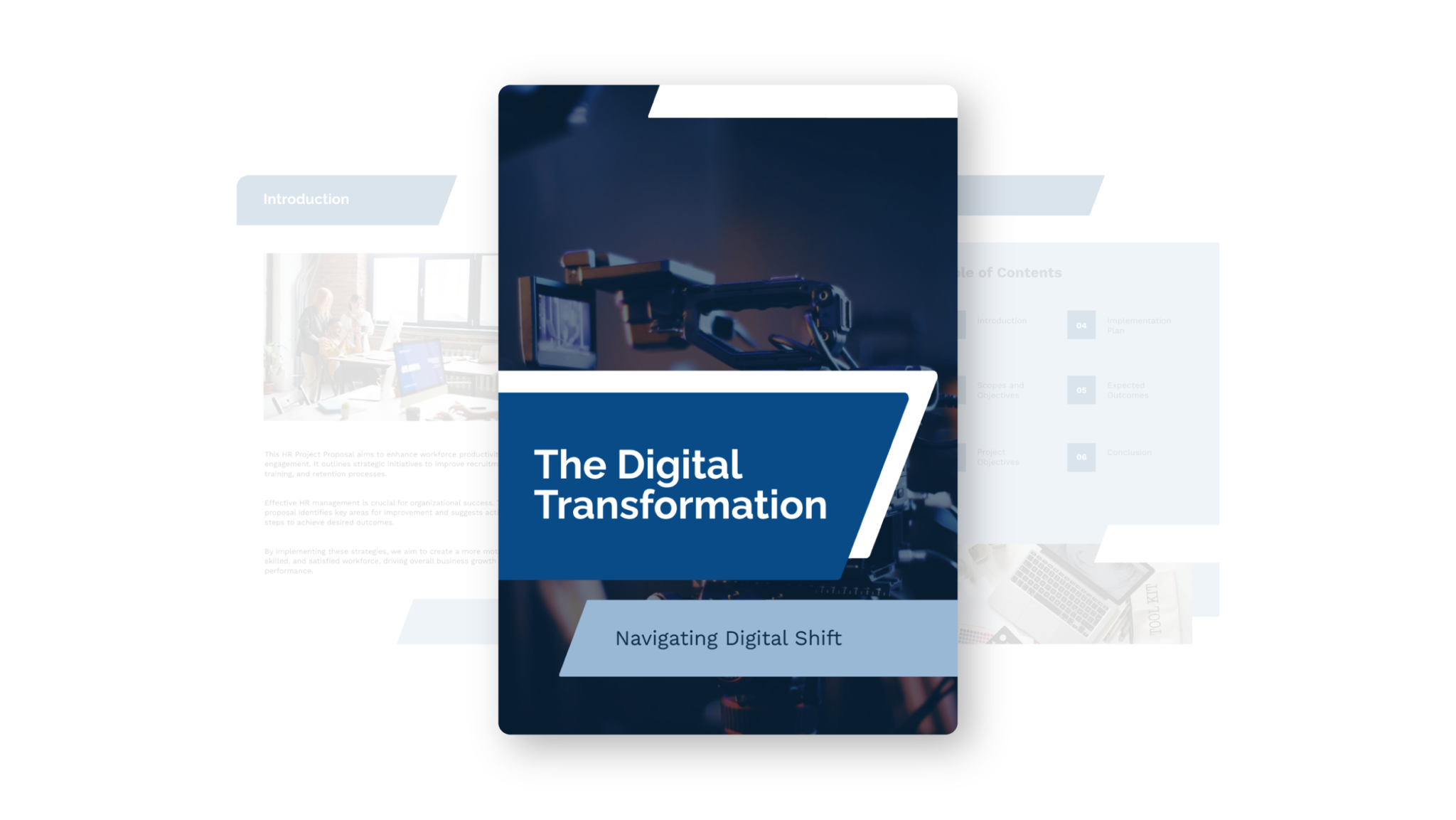
Piktochart AI turns your prompt or content into an editable business proposal with a clear structure and visual direction.
3. Customize the design
Edit copy, colors, fonts, icons, images, sections, and brand details in Piktochart’s editor. Every generated visual remains editable.
4. Share or download
Use the finished business proposal in campaigns, presentations, reports, classes, proposals, or team updates. Free accounts include 60 AI credits every month.
What can you create with an AI business proposal generator?
Piktochart AI helps you create client proposals, service proposals, partnership proposals, funding proposals, project proposals, and sales proposals without starting from a blank canvas.
Client Proposals
Generate a first draft for client proposals from a short prompt, then customize the content, layout, and visuals in Piktochart’s editor.
Service Proposals
Generate a first draft for service proposals from a short prompt, then customize the content, layout, and visuals in Piktochart’s editor.
Partnership Proposals
Generate a first draft for partnership proposals from a short prompt, then customize the content, layout, and visuals in Piktochart’s editor.
Funding Proposals
Generate a first draft for funding proposals from a short prompt, then customize the content, layout, and visuals in Piktochart’s editor.
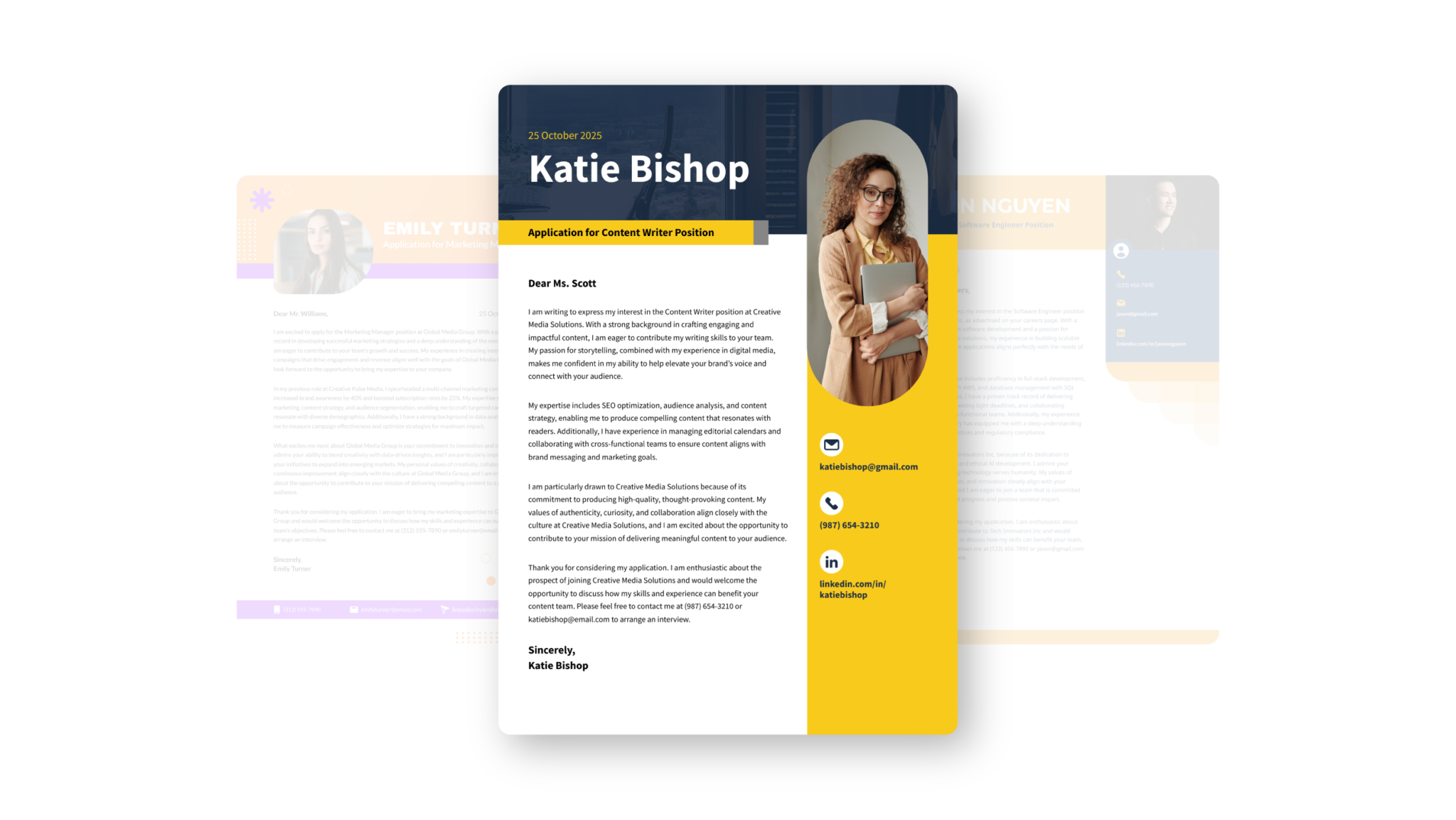
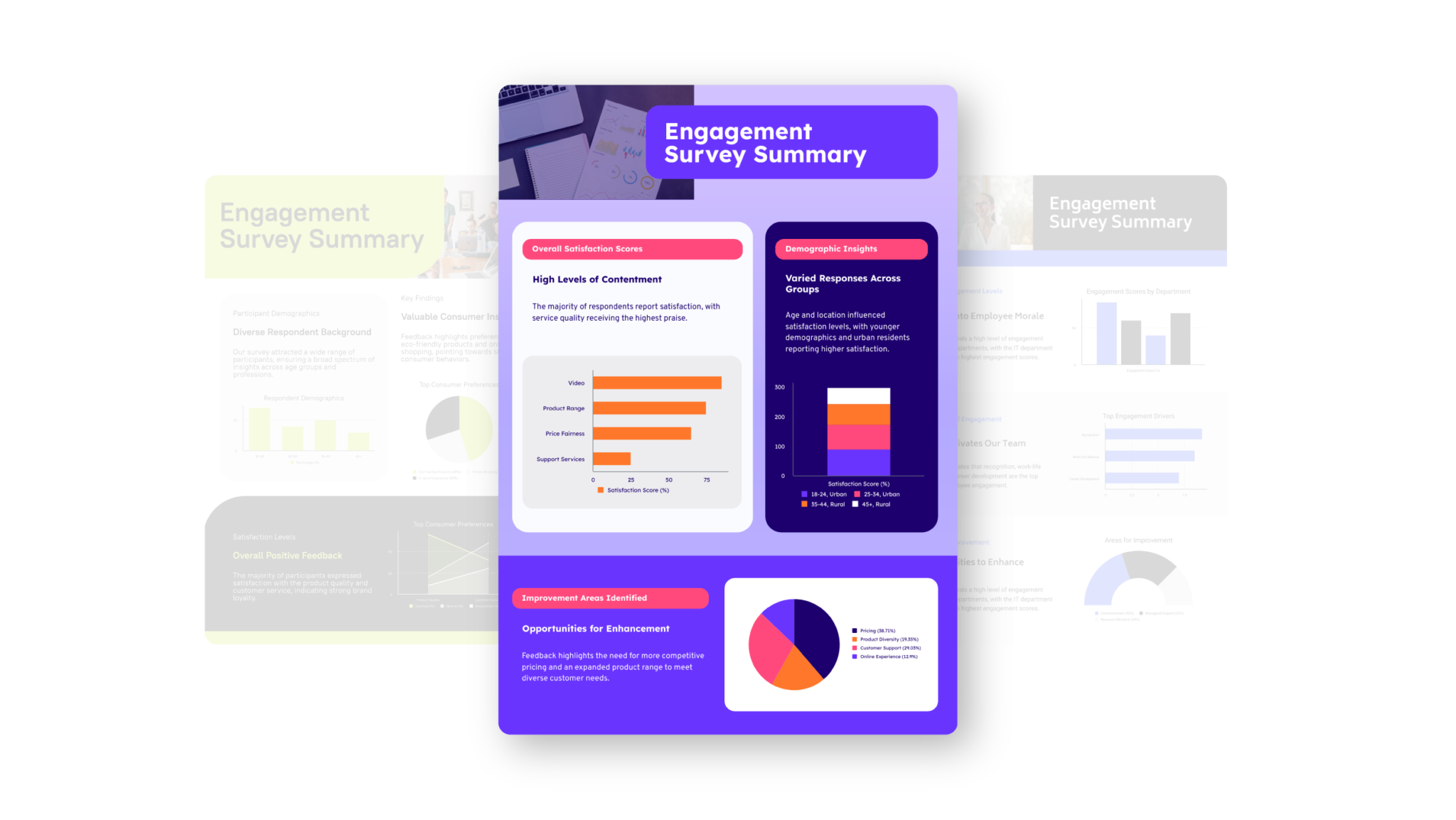
Discover other types of documents you can generate with Piktochart AI




AI Business Proposal Generator FAQ
Ready to create business proposals with AI?
Join more than 14 million people who already use Piktochart to turn information into clearer visuals.