Remove Unwanted Objects From Photos Instantly with Pikto AI
Erase people, text, and distractions for a picture-perfect result. Our magic eraser cleans up any image in seconds.
Effortless Photo Cleanup in Three Simple Steps
 Step 1: Upload Your Image
First, upload the image you want to remove an object from by dragging and dropping it into the upload area or clicking ‘Browse Files’ to choose it from your device.
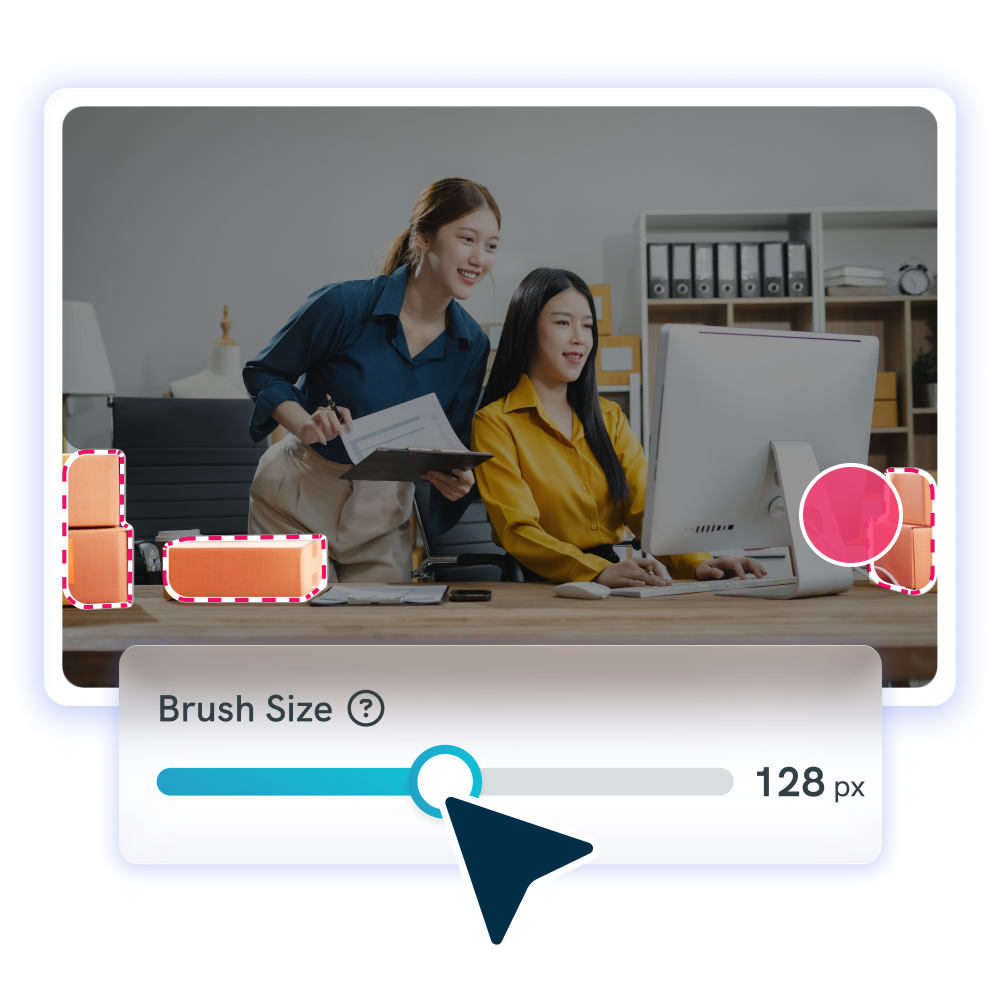
 Step 2: Brush Over the Unwanted Object
Next, just click on the object in your image that you want to remove. Then click “Remove Object” and Pikto AI will clean up your image how you want.
 Step 3: Download Your Cleaned-Up Photo
Once it’s ready and you’re happy with the results, you’re done! You can download the image, or further modify it within Pikto AI Studio.
The Magic Eraser for Picture-Perfect Results: Give Old Photos New Life
Why Choose Pikto AI Object Remover?
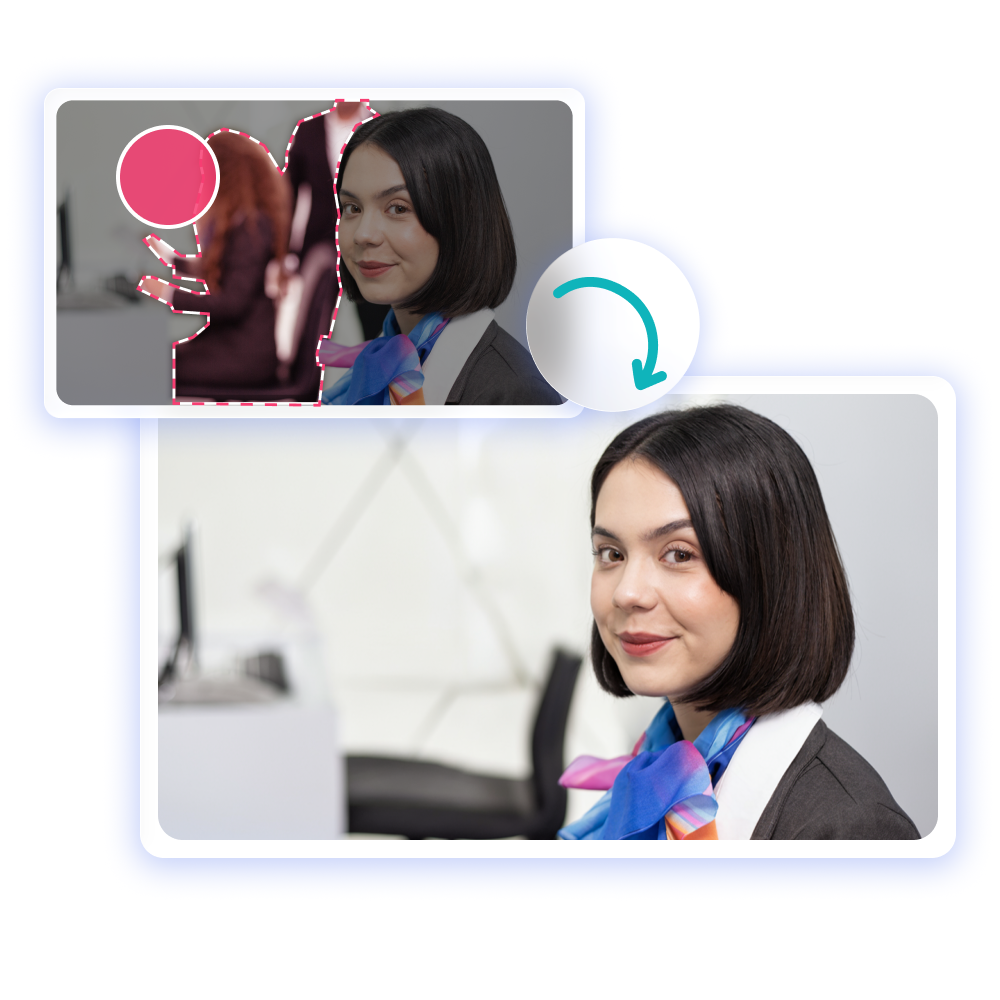
Refine images with Pikto AI’s Object Remover. With a click, delete undesired items from your pictures in seconds.
Save Time with Instant AI Retouching
Skip expensive photo editing software and lengthy tutorials. Get professional results instantly.
Achieve Professional Quality, No Skills Needed
Pikto AI handle complex backgrounds and lighting automatically for flawless results.
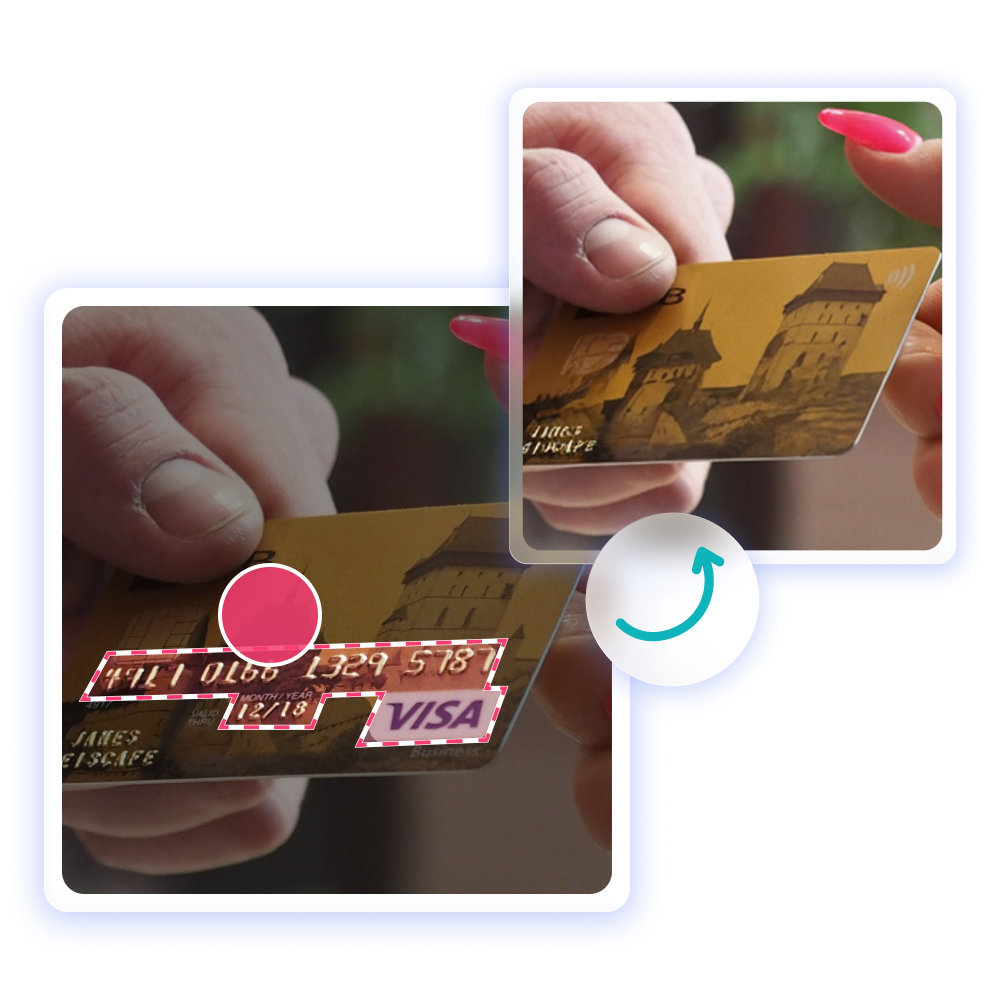
Remove People, and Text, Seamlessly
Eliminate photobombers, unwanted text, logos, or any distracting elements with surgical precision.
Transform Your Visuals for Any Use Case
From business presentations to social media posts, create compelling visuals that capture attention and drive engagement across every platform.
Meet Pikto AI Studio
Part of the Pikto AI Creative Suite
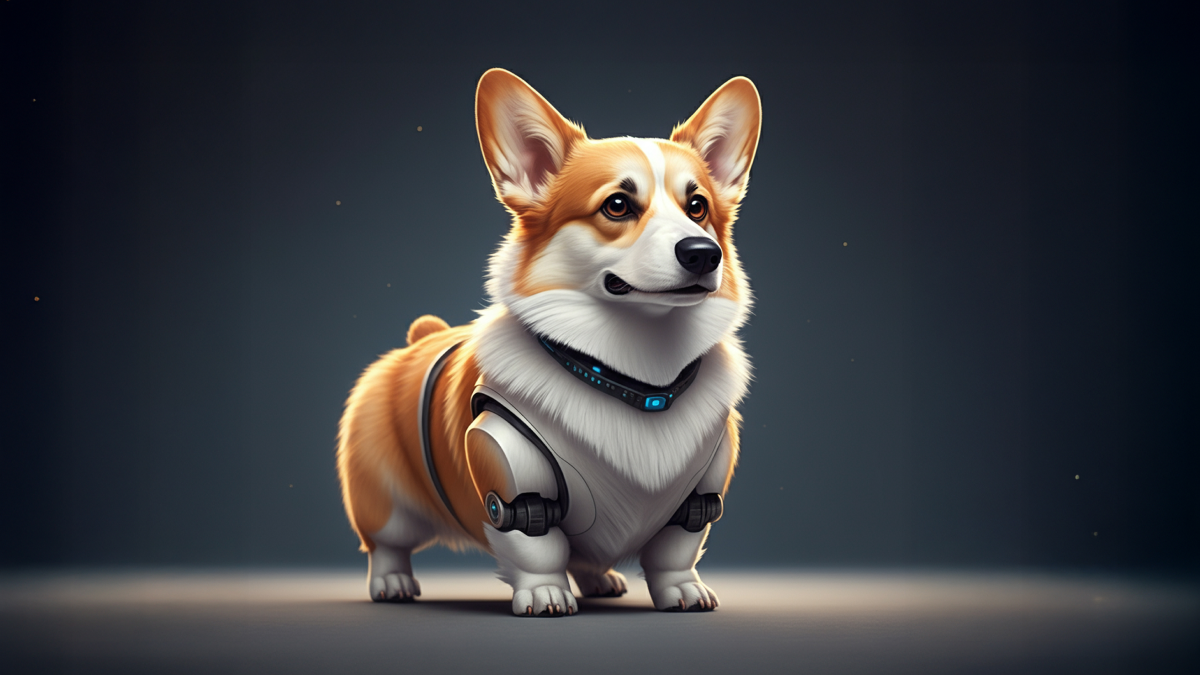

AI Image Generator
Instantly generate on-brand visuals for your campaigns, so you never have to hunt for stock photos again.
Try It NowReady to restore old photos instantly?
Join more than 14 million people who already design information with Pikto AI.