Elevate your Instagram presence with visually impressive stories

AI-Powered Efficiency
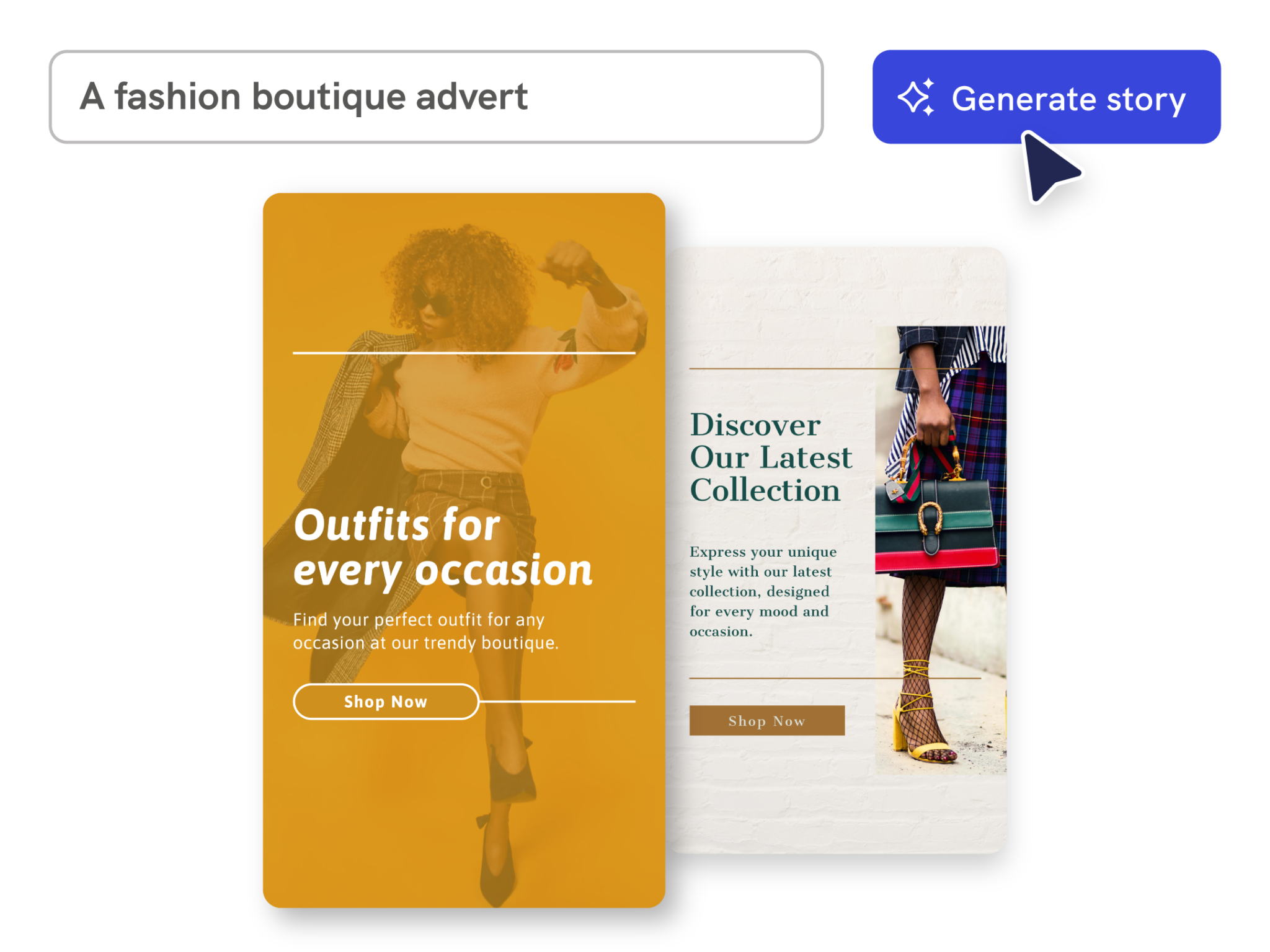
Generate Instagram Stories from a prompt
Describe your message, audience, and visual style. Piktochart AI creates an editable Instagram Story draft with the right dimensions, layout, and copy placement.

Fully Customizable Templates
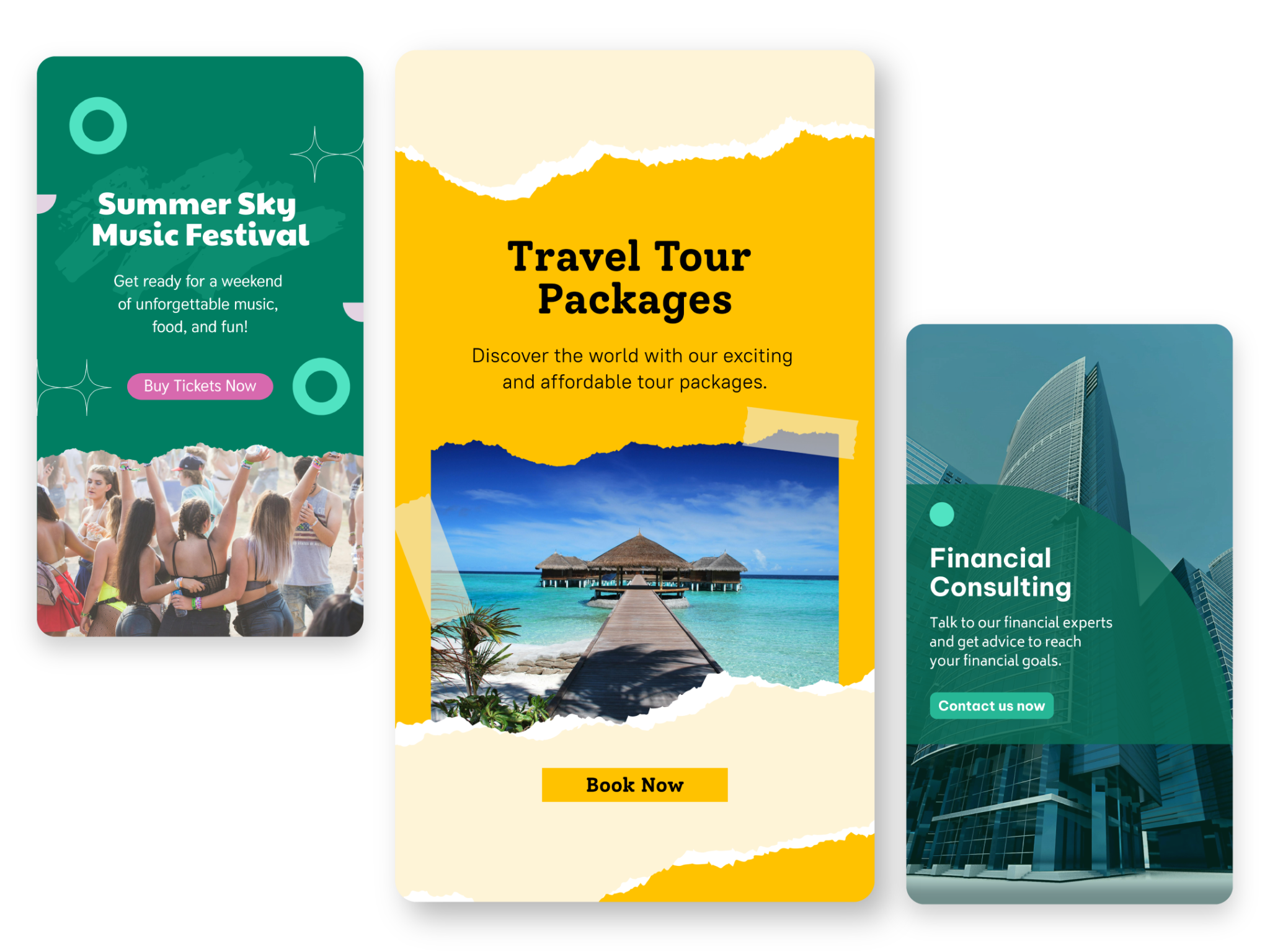
Design stories without starting from scratch
Skip the blank canvas and start from an AI-generated draft. Add your own images, stickers, text, and brand colors so every story feels intentional.

On-Brand Designs
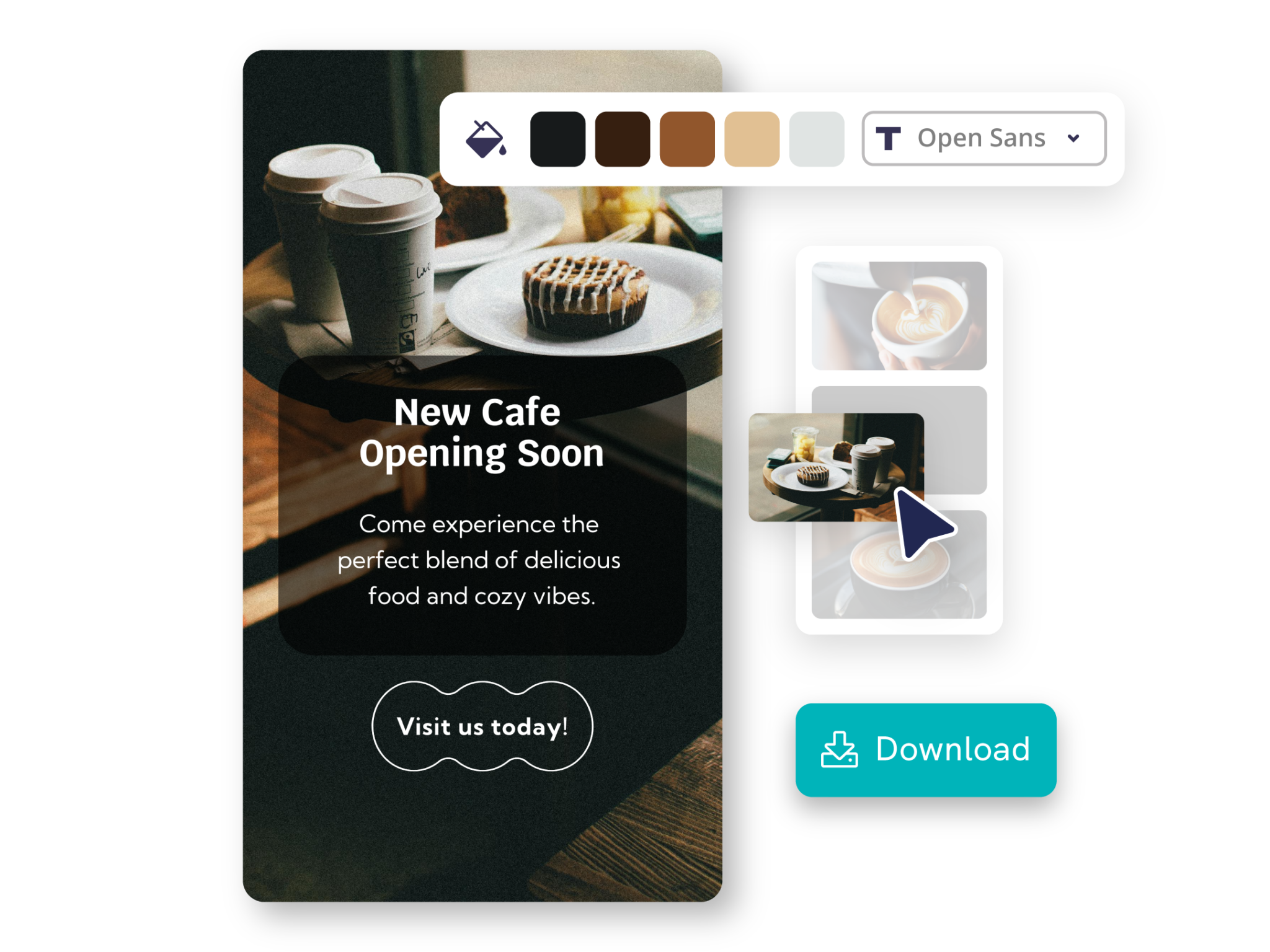
Customize for any campaign or moment
Edit fonts, colors, images, icons, and layout in Piktochart’s editor to match launches, events, daily updates, or seasonal campaigns.
Instagram Stories generated using Piktochart AI


Trusted by industry professionals

Marketers
- Share engaging content like behind-the-scenes clips, product highlights, and storytelling to increase visibility and brand recall.
- Stories with links, product tags, and swipe-up CTAs help direct users to landing pages, boosting website visits and conversions.
- Interactive elements like polls, quizzes, and question stickers allow marketers to engage audiences and collect valuable feedback for future campaigns.

Educators & Trainers
- Post bite-sized tips, study hacks, or educational facts to engage students and followers.
- Use interactive features to test knowledge on a topic or gather opinions for classroom discussions.
- Announce webinars, workshops, or share links to valuable learning materials using story stickers.

Entrepreneurs & Business Leaders
- Share behind-the-scenes moments, milestones, or success stories to build transparency and authenticity with followers.Engage and
- Use polls, Q&A sessions, and tips to share industry insights, business advice, or lessons learned as thought leaders.
- Announce product launches, webinars, or exclusive offers while using countdowns and shoppable links to drive conversions.

Content Creators & Influencers
- Promote brand collaborations by sharing product reviews, unboxing videos, or swipe-up links to purchase pages directly in their stories.
- Influencers use polls, quizzes, and “Ask Me Anything” stickers to spark engagement and gather audience insights.
- Creators provide a glimpse into their daily lives, content creation process, or event experiences to build authenticity and trust with their followers.
How to create an Instagram Story with AI
1. Describe your Instagram Story
Start with a brand update, event teaser, product drop, behind-the-scenes moment, or engagement prompt. Add the audience, purpose, tone, and any must-include details so the AI can shape a useful first draft.
2. Generate the first visual draft
Piktochart AI turns your prompt or content into an editable Instagram Story with structure, hierarchy, and visual direction already in place.
3. Customize the design
Open the draft in Piktochart’s editor to adjust copy, colors, fonts, icons, images, sections, and brand details. Every generated visual remains editable.
4. Share or download
Use the finished Instagram Story in presentations, campaigns, classes, reports, applications, or team updates. Free accounts can start with 60 AI credits every month.
What can you create with an AI Instagram Story maker?
Piktochart AI works best when you need a clear, editable visual instead of a blank canvas. Use it to create product announcements, event teasers, behind-the-scenes stories, poll and quiz stories, countdown stories, and brand update stories.
Product Announcements
Generate a first draft for product announcements from a short prompt, then customize the content, layout, and visuals in Piktochart’s editor.
Event Teasers
Generate a first draft for event teasers from a short prompt, then customize the content, layout, and visuals in Piktochart’s editor.
Behind-The-Scenes Stories
Generate a first draft for behind-the-scenes stories from a short prompt, then customize the content, layout, and visuals in Piktochart’s editor.
Poll And Quiz Stories
Generate a first draft for poll and quiz stories from a short prompt, then customize the content, layout, and visuals in Piktochart’s editor.
Ready to create Instagram Stories with AI?
Join more than 14 million people who already use Piktochart to turn information into clearer visuals.