Elevate your Instagram presence with stunning carousels made easy

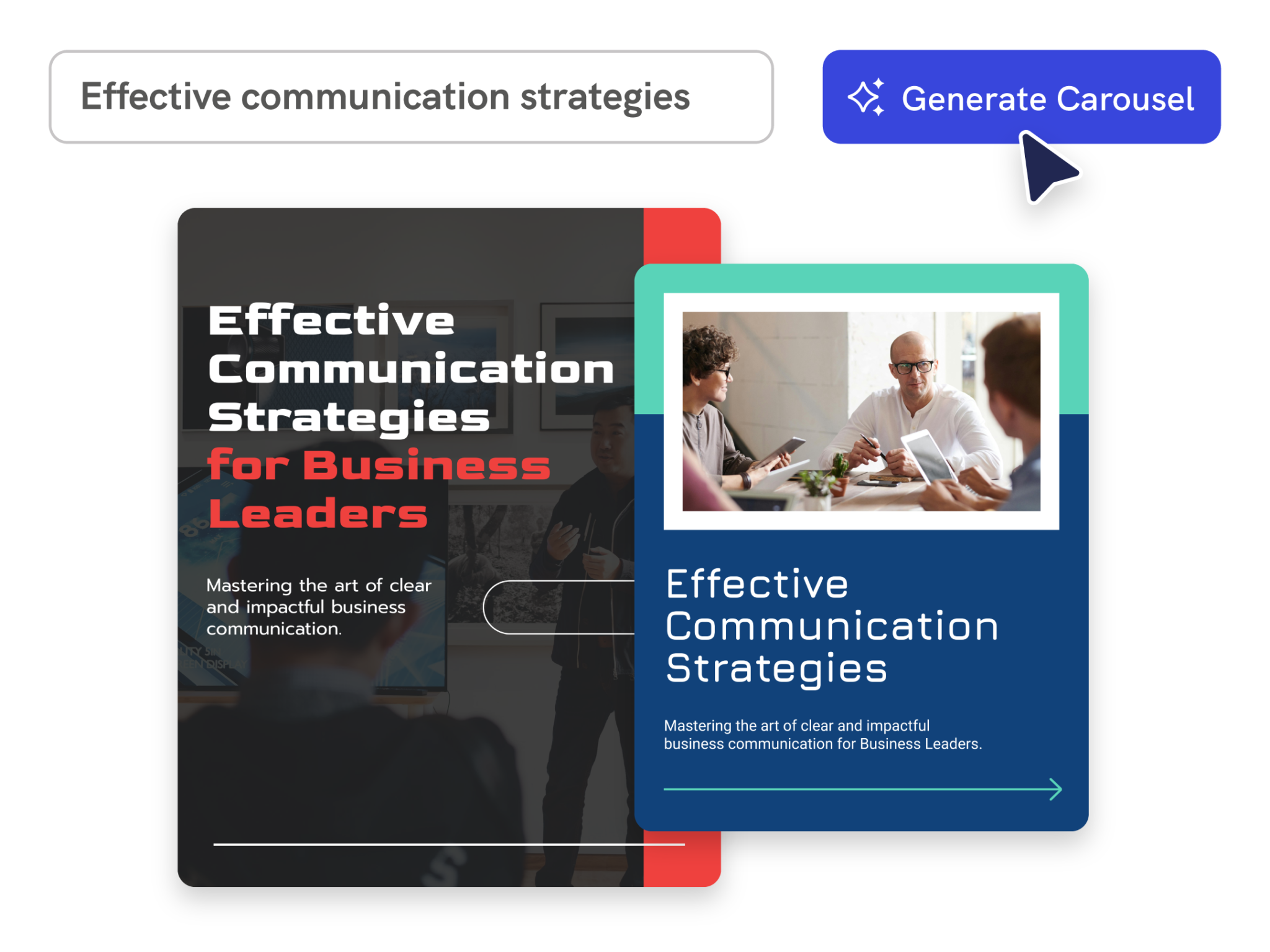
Instant Design
Turn any idea into a swipeable carousel
Describe your topic, audience, and message. Piktochart AI creates a multi-slide Instagram carousel draft with consistent design across every card, ready to customize.

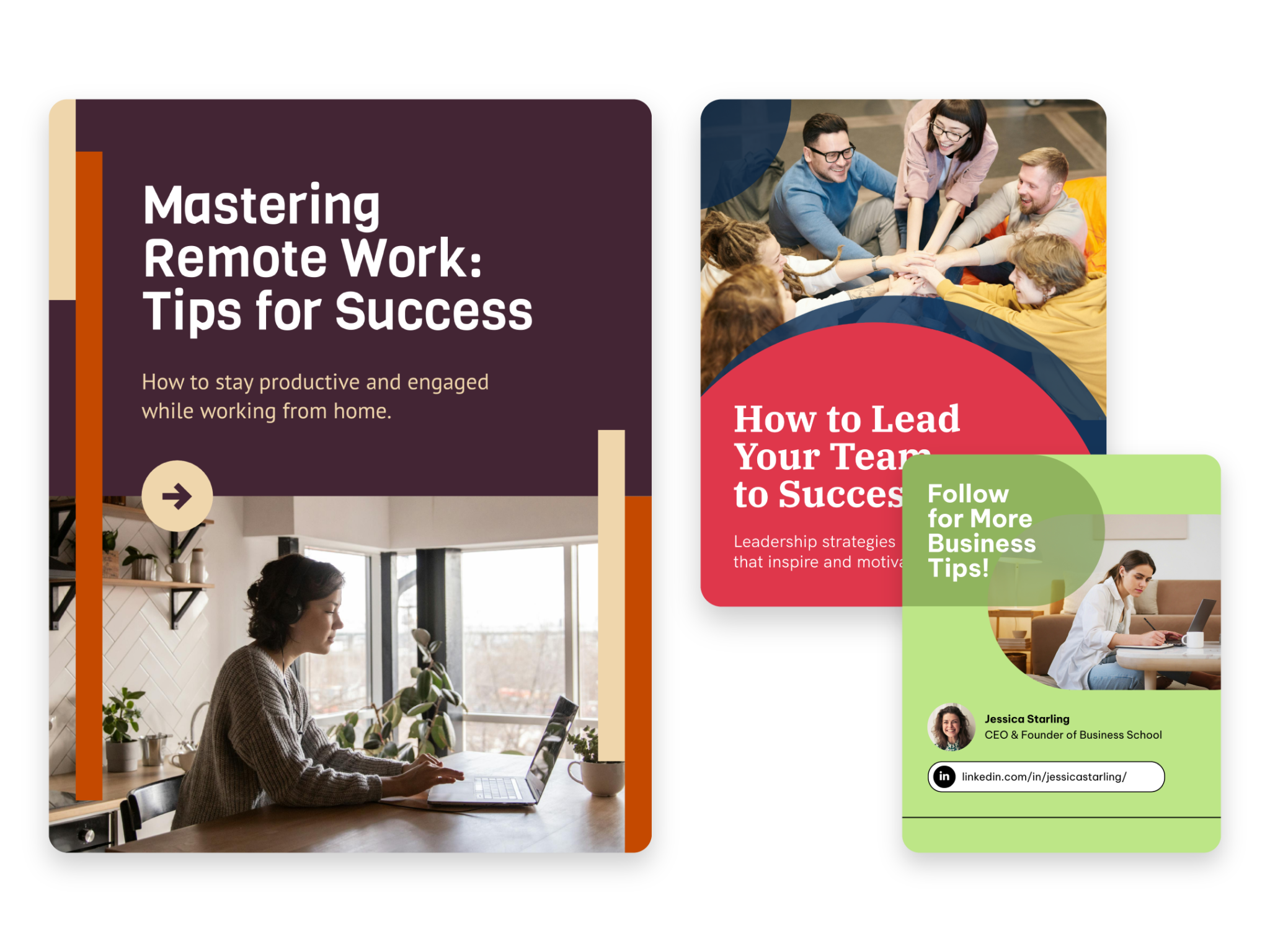
Maximize Impact
Start from notes, outlines, or existing content
Paste a blog excerpt, campaign brief, or bullet-point list. Piktochart AI breaks the content into carousel slides with clear headings, short copy, and visual hierarchy.

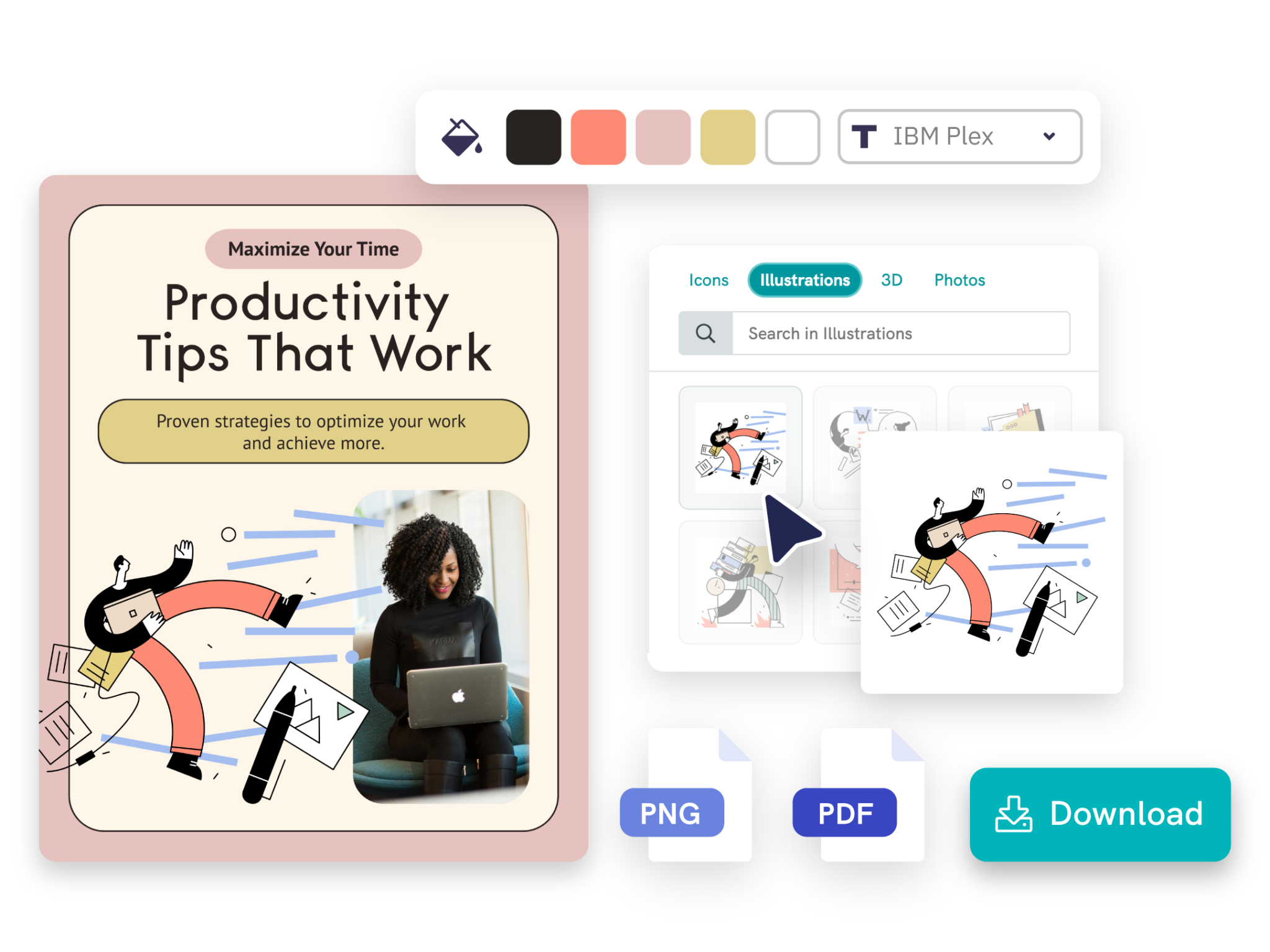
Seamless Customization
Customize slides for your brand
Adjust fonts, colors, images, icons, slide order, and layout in Piktochart’s editor so every carousel matches your Instagram aesthetic and brand guidelines.
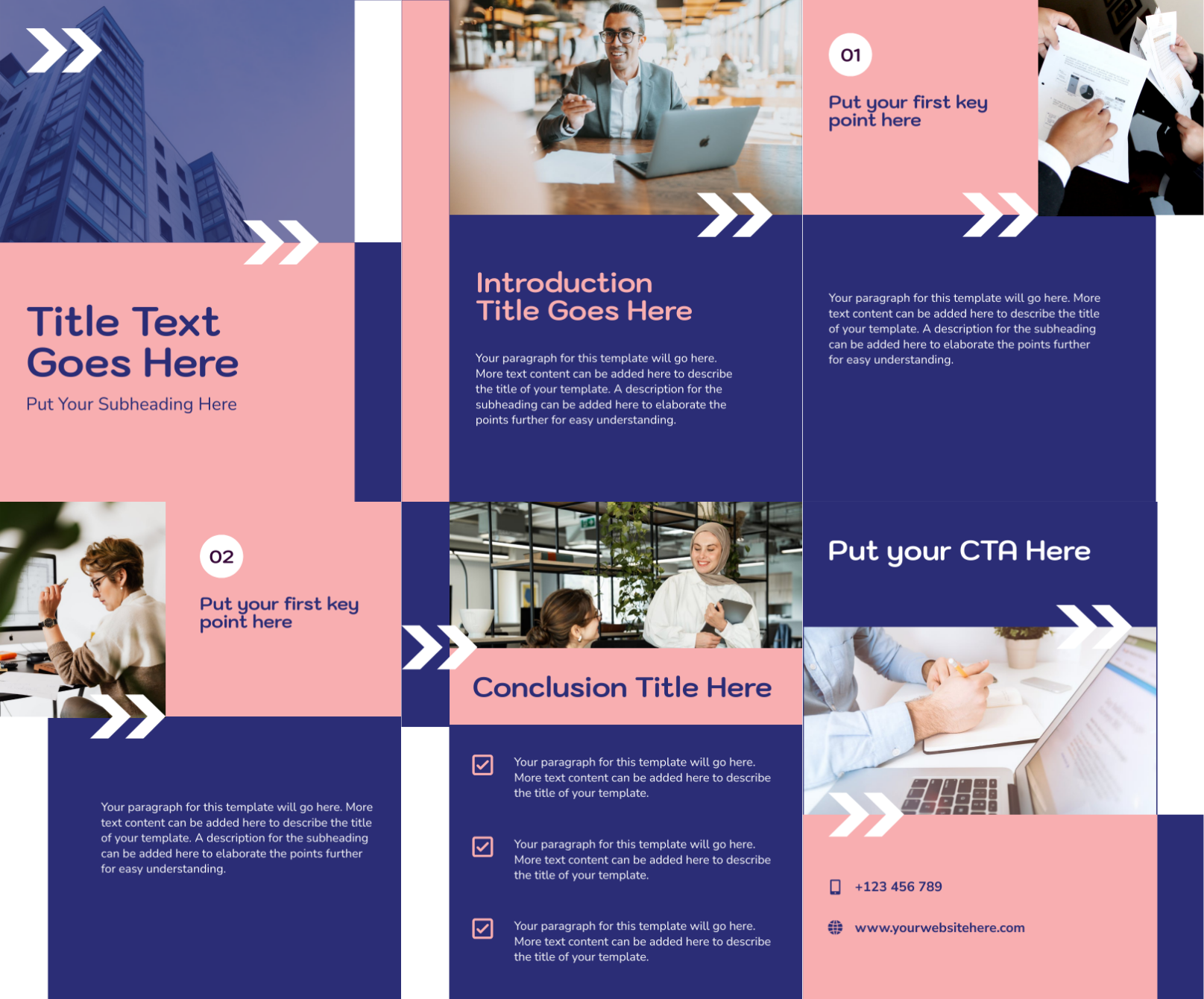
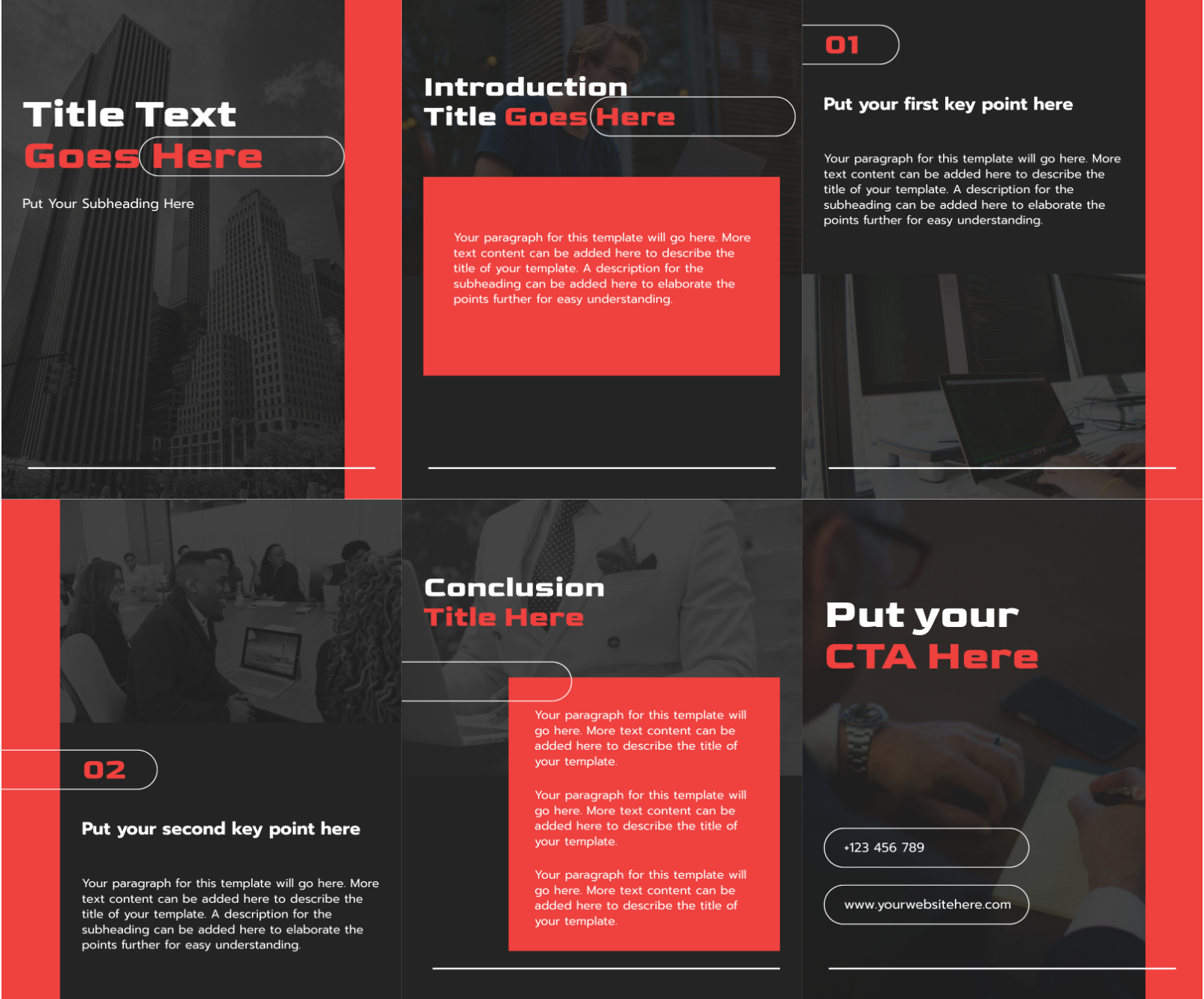
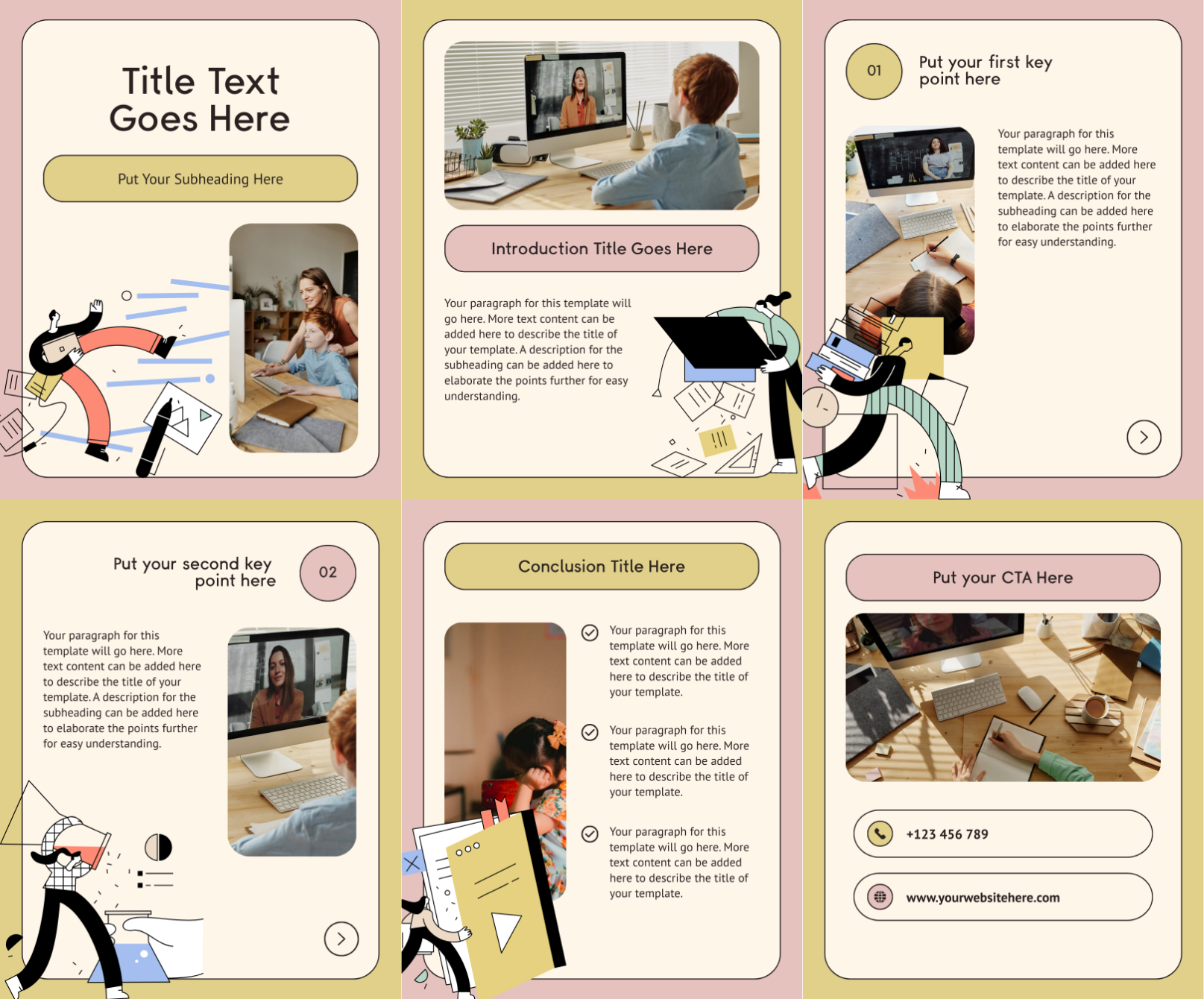
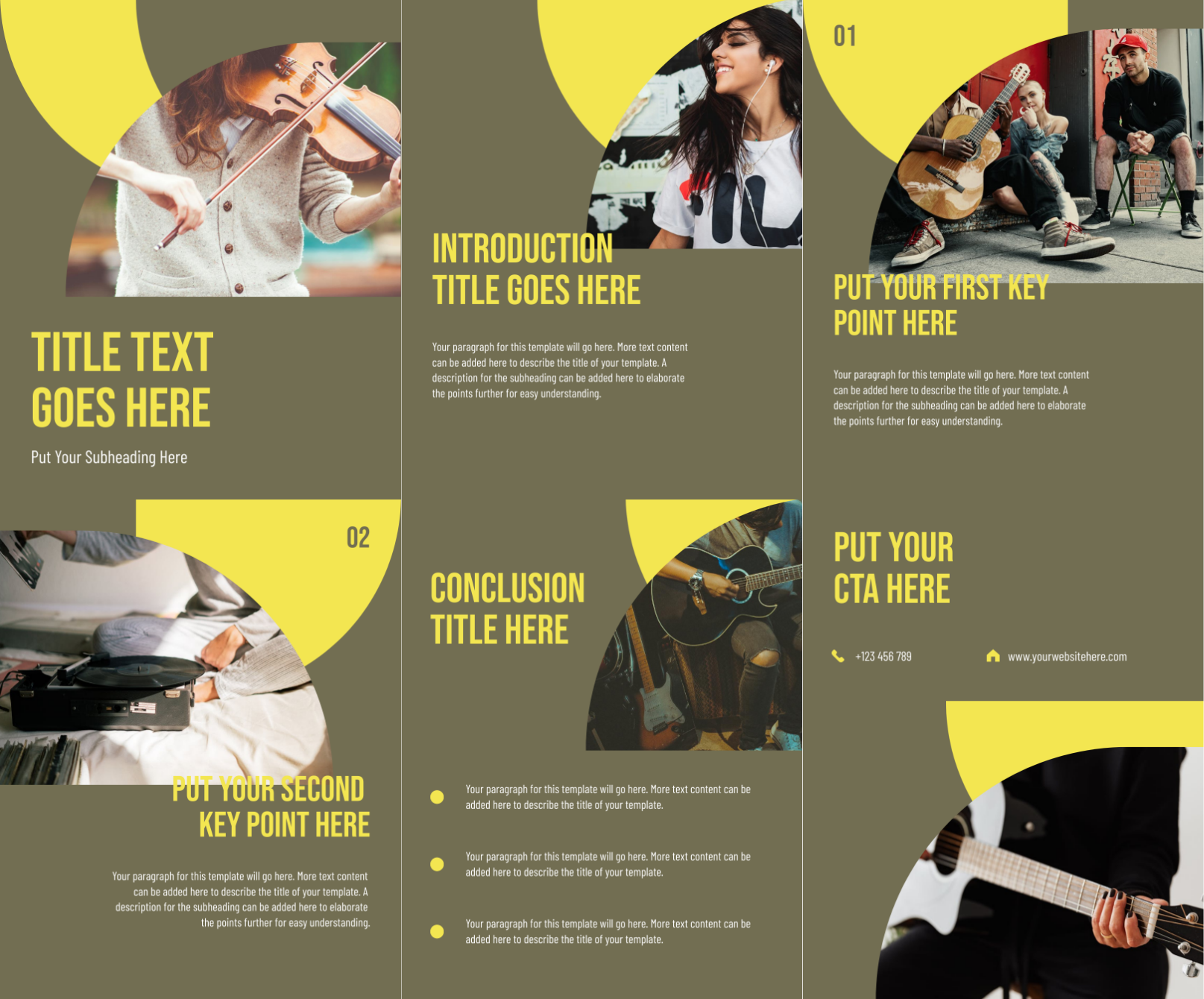
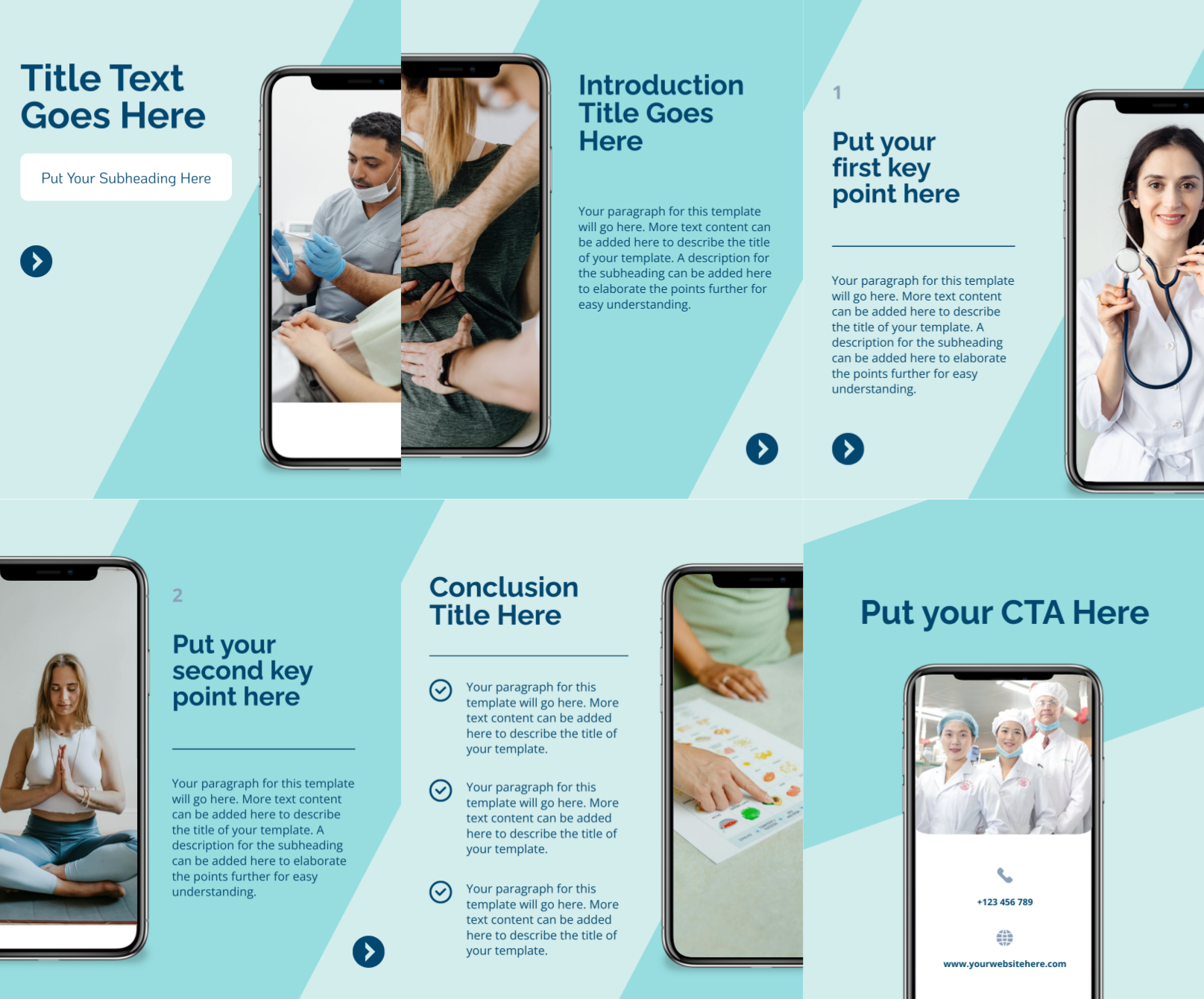
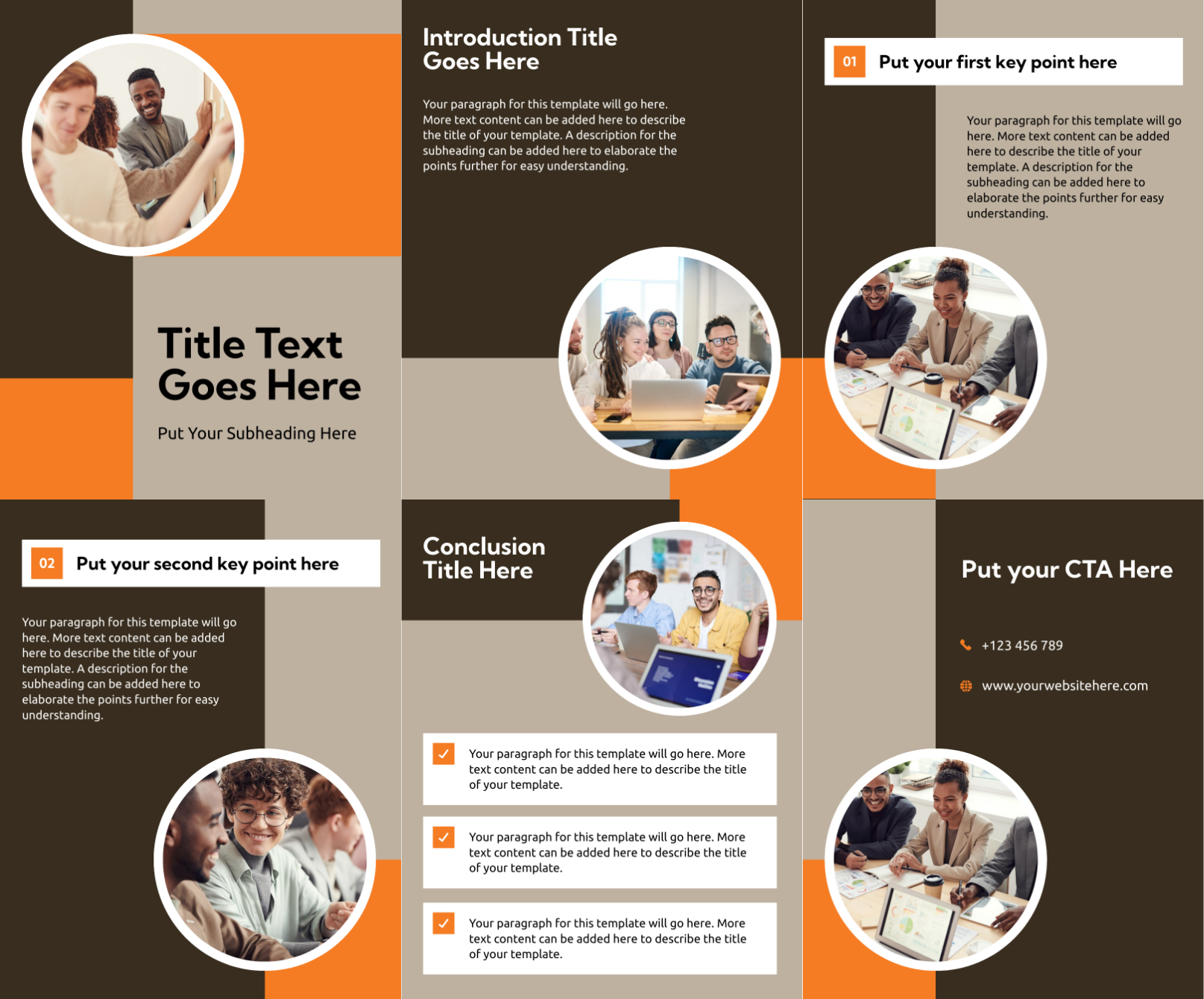
Instagram carousels generated using Piktochart AI



Trusted by industry professionals

Marketers
- Share informative content, such as industry insights, tips, or how-to guides to drive engagement on Instagram.
- Highlight successful projects, client testimonials, or case studies that demonstrate their impact.
- Visually showcase offerings and services to attract potential clients and drive conversions.

Educators & Trainers
- Share bite-sized, informative content in an engaging format that enhances learning and knowledge retention.
- Promote upcoming training sessions, webinars, or courses in an eye-catching format on Instagram.
- Highlight successful case studies or testimonials from workshops and courses.

Entrepreneurs & Business Leaders
- Highlight value proposition and establish thought leadership among Instagram followers.
- Educate and share industry insights for better audience engagement.
- Present success stories or case studies through carousels to build credibility.

Content Creators & Influencers
- Share insights and trends through digestible slides to showcase expertise.
- Promote services or events with visually appealing content.
- Narrate personal stories or journeys to encourage interaction among Instagram followers.
How to create an Instagram carousel with AI
1. Describe your Instagram carousel
Start with a product launch, brand story, campaign idea, tutorial outline, or listicle concept. Add the audience, purpose, tone, and any must-include details so the AI can shape a useful first draft.
2. Generate the first visual draft
Piktochart AI turns your prompt or content into an editable Instagram carousel with structure, hierarchy, and visual direction already in place.
3. Customize the design
Open the draft in Piktochart’s editor to adjust copy, colors, fonts, icons, images, sections, and brand details. Every generated visual remains editable.
4. Share or download
Use the finished Instagram carousel in presentations, campaigns, classes, reports, applications, or team updates. Free accounts can start with 60 AI credits every month.
What can you create with an AI Instagram carousel generator?
Piktochart AI works best when you need a clear, editable visual instead of a blank canvas. Use it to create product launch carousels, educational slide decks, brand story carousels, tutorial walkthroughs, listicle posts, and promotional swipe posts.
Product Launch Carousels
Generate a first draft for product launch carousels from a short prompt, then customize the content, layout, and visuals in Piktochart’s editor.
Educational Slide Decks
Generate a first draft for educational slide decks from a short prompt, then customize the content, layout, and visuals in Piktochart’s editor.
Brand Story Carousels
Generate a first draft for brand story carousels from a short prompt, then customize the content, layout, and visuals in Piktochart’s editor.
Tutorial Walkthroughs
Generate a first draft for tutorial walkthroughs from a short prompt, then customize the content, layout, and visuals in Piktochart’s editor.
Ready to create Instagram carousels with AI?
Join more than 14 million people who already use Piktochart to turn information into clearer visuals.