AI Concert Poster Generator

Create an editable concert poster from a band name, venue, event date, music genre, tour theme, or lineup details. Piktochart AI helps you move from idea or uploaded content to a polished visual draft, with 60 AI credits every month on the forever-free plan.

create concert posters with piktochart ai concert poster generator

Effortless Design Process

Generate a concert poster from event details

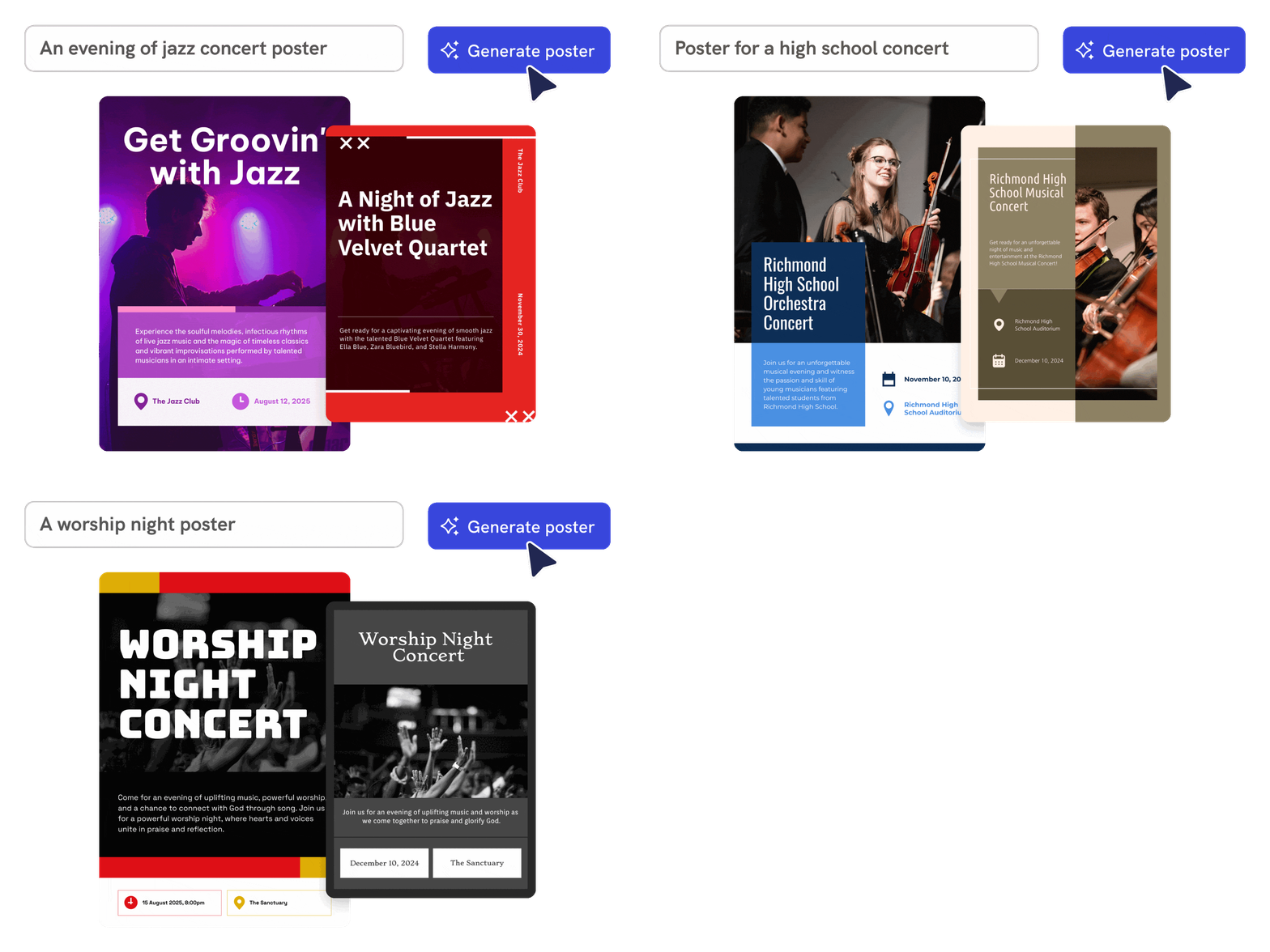
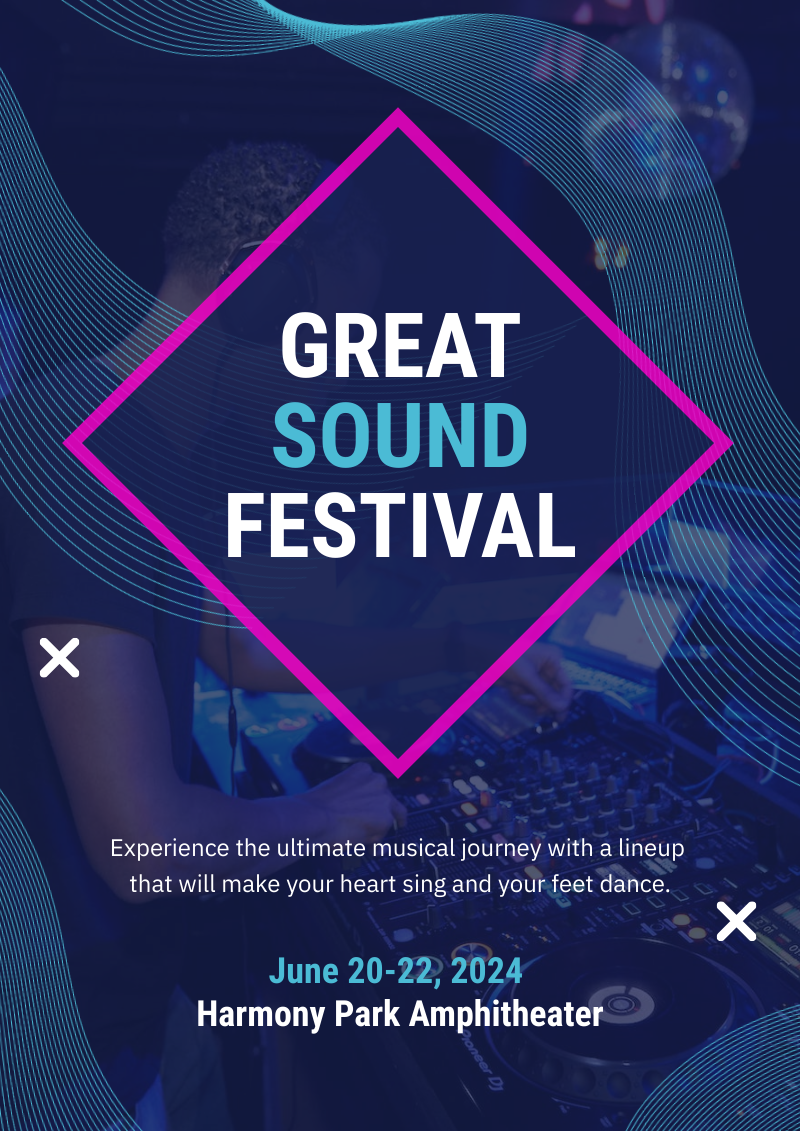
Enter the artist, venue, date, genre, and vibe. Piktochart AI creates an editable concert poster draft with typography, layout, and visual direction matched to the event.

Start creating

customize your posters created with piktochart ai concert poster generator tool

Personalize Your Posters

Design posters for gigs, tours, and festivals

Use AI to create posters for single shows, multi-date tours, festival lineups, album releases, and DJ nights without hiring a graphic designer.

Start creating
generate ai images with piktochart ai image generator

AI Image Generation

Customize every design element

Adjust fonts, colors, images, icons, text, and layout in Piktochart’s editor so the poster captures the right mood and includes all essential event information.

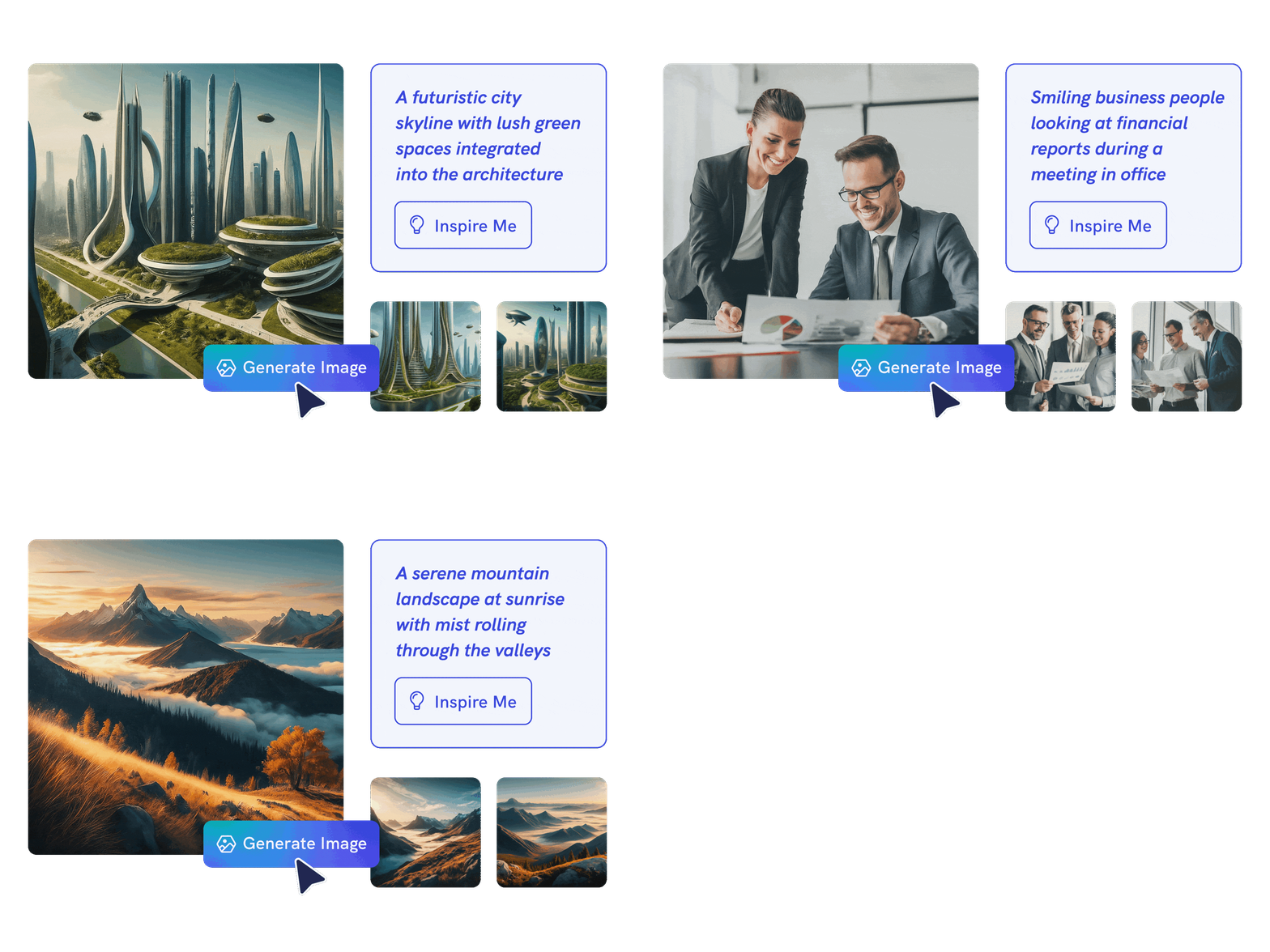
Generate AI image

Concert posters created using Piktochart AI

How to create a concert poster with AI

1. Describe your concert poster

Start with a band name, venue, event date, music genre, tour theme, or lineup details. Add the audience, purpose, tone, and any must-include details so the AI can shape a useful first draft.

2. Generate the first visual draft

Piktochart AI turns your prompt or content into an editable concert poster with structure, hierarchy, and visual direction already in place.

3. Customize the design

Open the draft in Piktochart’s editor to adjust copy, colors, fonts, icons, images, sections, and brand details. Every generated visual remains editable.

4. Share or download

Use the finished concert poster in presentations, campaigns, classes, reports, applications, or team updates. Free accounts can start with 60 AI credits every month.

What can you create with an AI concert poster generator?

Piktochart AI works best when you need a clear, editable visual instead of a blank canvas. Use it to create gig posters, tour posters, festival lineups, album release posters, DJ event flyers, and venue show posters.

Gig Posters

Generate a first draft for gig posters from a short prompt, then customize the content, layout, and visuals in Piktochart’s editor.

Tour Posters

Generate a first draft for tour posters from a short prompt, then customize the content, layout, and visuals in Piktochart’s editor.

Festival Lineups

Generate a first draft for festival lineups from a short prompt, then customize the content, layout, and visuals in Piktochart’s editor.

Album Release Posters

Generate a first draft for album release posters from a short prompt, then customize the content, layout, and visuals in Piktochart’s editor.

Ready to create concert posters with AI?

Join more than 14 million people who already use Piktochart to turn information into clearer visuals.
AI Concert Poster Generator FAQ

Absolutely – after choosing your preferred template, you’ll move to our editing platform. Here, you can incorporate both images and diagrams from our extensive collection of visuals or upload personal assets. Our AI-driven poster tool is on hand to assist in crafting visuals on par with professional graphic designers.

Sign up for a free Piktochart account and receive 60 AI credits each month to explore our AI capabilities. Credits are used based on features, with 1 credit for topic generation, 3 credits for pasting text or uploading documents, and 6 credits for image generation. Upgraded plans come with even more credits: 500 credits for EDU/NPO Pro, 1,000 for Pro, and 3,000 for Business/Enterprise subscribers, all renewed monthly. Unlock advanced features and unlimited editing by upgrading to one of our premium plans for maximum creativity and flexibility. Learn more here.

For optimal outcomes, providing detailed descriptions of your intended theme is key. Experimenting with various prompts may also lead to improved results.

Piktochart AI swiftly prepares your foundation in under 10 seconds based on your poster topic. After generating your poster, easily customize it with additional content or design elements. Explore our guide on how to create a poster.

Signing up is not required until you decide to edit, personalize, or download your design.

An AI concert poster generator simplifies the design process, saving you time and effort. It offers high-quality, customizable templates and delivers professional results without needing design expertise. With Piktochart AI, you’ll quickly create eye-catching, personalized concert posters, making it easier to effectively promote your concert.

Read our terms of use here.

A concert poster should include the artist or band name, venue, date, time, ticket info, and a visual that matches the genre or mood. Piktochart AI builds all of these into the initial draft.

Yes. Posters you create in Piktochart are yours to use for promoting events, selling tickets, and marketing shows. Review any uploaded images for licensing if you use third-party photos.

Yes. Include your tour dates, cities, and venues in the prompt. Piktochart AI can generate a poster layout with a multi-date section you can edit in the designer.

Yes. Piktochart’s forever-free plan includes 60 AI credits every month for generating concert posters, flyers, and other visual content.