AI Video Generator
An AI video generator for anyone, not just video editors
Describe the video you want in plain language and get a clip back, ready to drop onto a timeline, trim, and export. No filming, no editing experience, no blank page.
Generate your first videoFree AI credits included. No credit card required.
Skip the shoot, the stock search, and the blank timeline
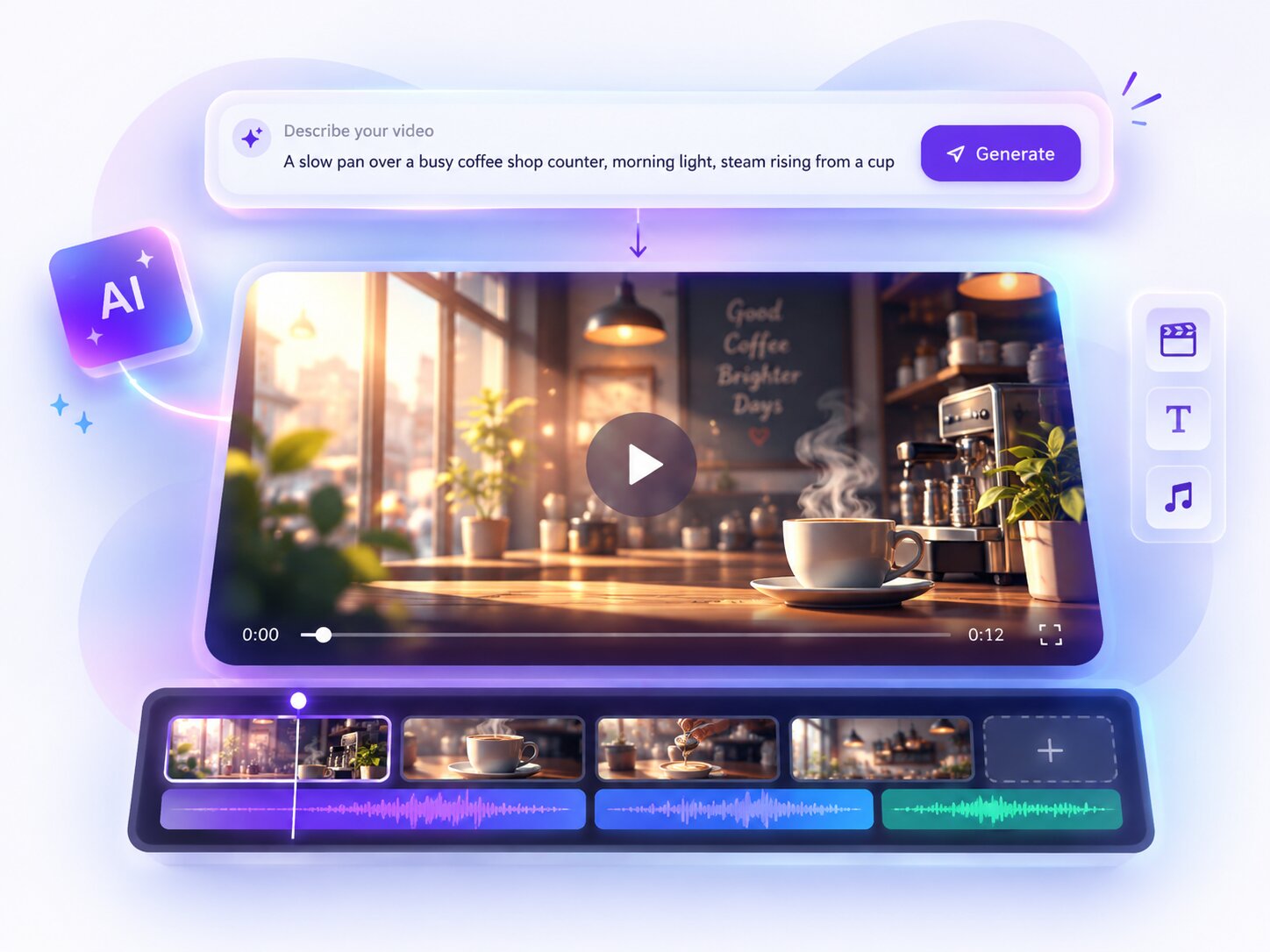
Not every video needs a camera, a location, or a stock video search. Describe the shot in plain language, morning light, a busy office, a product on a clean background, and Piktochart’s AI video generator creates a clip that matches. It’s a starting point for whatever you’re making, not a replacement for videos you already have.
Not just a generator, a full editor too
A lot of AI video generators hand you a clip and stop there, download it and go find an editor. Piktochart’s generated clips land directly on a real timeline, the same one behind the rest of Piktochart Video, so you can trim it, combine it with videos you already have, add captions or brand colors, and export, all without leaving the tab.
Videos worth generating instead of filming
Social & marketing
B-roll and background clips for posts and ads, without a shoot.
Presentations & pitches
A moving background or opener for a deck that would otherwise be a static slide.
Training & courses
Illustrative scenes for a concept that’s easier to show than describe.
Filling the gaps
One missing shot in an otherwise finished video, generated instead of reshot.
How to generate a video with AI in three steps
Describe your video
Type what you want the clip to look like in plain language, the setting, the subject, the mood.
Generate the clip
Piktochart generates a video clip from the prompt and drops it straight onto a timeline.
Edit and export
Trim the clip, add captions or brand colors, combine it with other videos if you have any, then export in the format you need.
Generating is one part of the toolkit
Video editor
Upload, record, generate, or pull from stock, then edit it all on one simple timeline.
Screen recorder
Record your screen, your webcam, or both, for free.
Video cropper
Crop any video to the aspect ratio each platform needs.
Video to text converter
Get a clean, editable transcript from any video.
A video creator for the video you haven’t shot yet
Every video generator promises to save you a shoot. Most stop there, a clip lands in a downloads folder and the actual editing still needs a separate tool. Piktochart’s approach is different: generation is one entry point into the same editor behind the rest of Piktochart Video, not a standalone output.
A video creator that doesn’t require a camera
Some projects genuinely don’t have any video shot yet, a concept that hasn’t been filmed, a scene that’s impractical to shoot, a background clip for a slide. A text prompt fills that gap without a production schedule.
Generate the shot, then finish it like any other video
A generated clip isn’t the finished product, it’s raw material. Trim it, layer captions or music over it, combine it with videos you already have, and export it the same way you would anything else edited in Piktochart.
Whether you’re generating your first clip or looking for a faster way to fill a gap in a longer project, Piktochart keeps prompting, generating, and editing in one simple, browser based tool.
Frequently asked questions
What is an AI video generator?
An AI video generator creates a video clip from a written description instead of filmed video. You describe the scene you want and get a clip back that you can use as is or edit further.
Is Piktochart’s AI video generator free?
Yes. A free account includes AI credits, so you can generate clips for free up to that limit, no credit card required to start.
Can I edit the video after it’s generated?
Yes. Every generated clip lands on a real timeline where you can trim it, combine it with other clips, add captions or brand colors, and export, the same editor behind the rest of Piktochart Video.
Can I combine generated clips with my own videos?
Yes. Generated clips sit on the same timeline as uploaded videos, screen recordings, and stock video, so you can mix all four in one project.
Do I need to write a perfect prompt?
No. A plain, specific description of the scene, subject, and mood is enough. You can regenerate or adjust the prompt if the first result isn’t right.
What can I use an AI generated video for?
Anything you’d otherwise need stock video or a shoot for, social posts, product teasers, presentation backgrounds, course content, and B-roll to fill gaps in a longer video.
Describe it. Generate it. Edit it.
Your next video clip doesn’t need a shoot, just a sentence and a free account.
Generate your first video