PowerPoint is still the default presentation tool for most teams — but it’s no longer the only viable choice. Microsoft 365 pricing keeps rising, design polish lags Canva and Keynote, and AI features arrived later than competitors. Whether you’re escaping the subscription, looking for better collaboration, or chasing AI-generated decks, the 7 alternatives below cover every common use case.
This guide covers the strongest 2026 PowerPoint alternatives across price tiers, AI capability, design polish, and platform support. Each card includes verified pricing, honest pros and cons, and a clear “best for / wrong for” recommendation so you can pick without guessing.
The 7 best PowerPoint alternatives for 2026
Here’s a quick breakdown of what each tool is best for:
- Piktochart — data-driven presentations, infographic-style decks
- Google Slides — collaborative teams on Google Workspace, free for personal use
- Beautiful.ai — sales and exec decks where brand consistency matters more than design freedom
- Apple Keynote — Apple-first teams who care about animation polish
- LibreOffice Impress — privacy-focused users, Linux users, budget-conscious organizations
- Zoho Show — cost-sensitive SMBs and Zoho ecosystem teams
- Adobe Express — marketers building branded social-tile-style decks
1. Piktochart — Best for data-driven presentations and infographic-style decks

Piktochart is the data-first option in this list. While its core strength is infographics and reports, the same chart, map, and data-widget toolkit gives you slide decks that actually present data well — far better than PowerPoint’s default chart engine. Pikto AI Studio (2025) generates a full deck from a prompt, including data visualizations the AI infers from your text.
Pros
- Pikto AI Studio generates infographic-style decks, AI Image, and AI Video from a single prompt
- Native chart and map widgets with live data linking — data slides actually work
- Pro at $14/month annual with 1,000 AI credits — half of Beautiful.ai Pro
- G2 4.5/391, Capterra 4.7/198, Trustpilot 4.7
Cons
- Slide animation depth trails Apple Keynote and Beautiful.ai
- 7-day trial with 2 lifetime PNG downloads — not a forever-free plan
- Presentation-specific features (presenter mode, advanced slide transitions) trail dedicated deck tools like Beautiful.ai and Pitch
- Sweet spot is data-driven slides — for narrative-led keynotes built around imagery and motion, Beautiful.ai or Apple Keynote will feel more natural
Pricing
- Free trial: 7 days, 60 AI credits, 2 lifetime PNG downloads
- Pro: $14/month annual or $29/month monthly — 1,000 AI credits
- Business: $24/month annual or $49/month monthly — 3,000 AI credits, brand kit, team
- Enterprise: Custom
Piktochart is the right pick if your presentations are data-heavy — quarterly reports, board updates, training decks with charts — and PowerPoint’s chart tools aren’t cutting it. Wrong pick for Steve-Jobs-style design decks where Keynote serves better.
If your work mixes infographics and presentations, Piktochart covers both in one product.
2. Google Slides — Best for collaborative teams already on Google Workspace
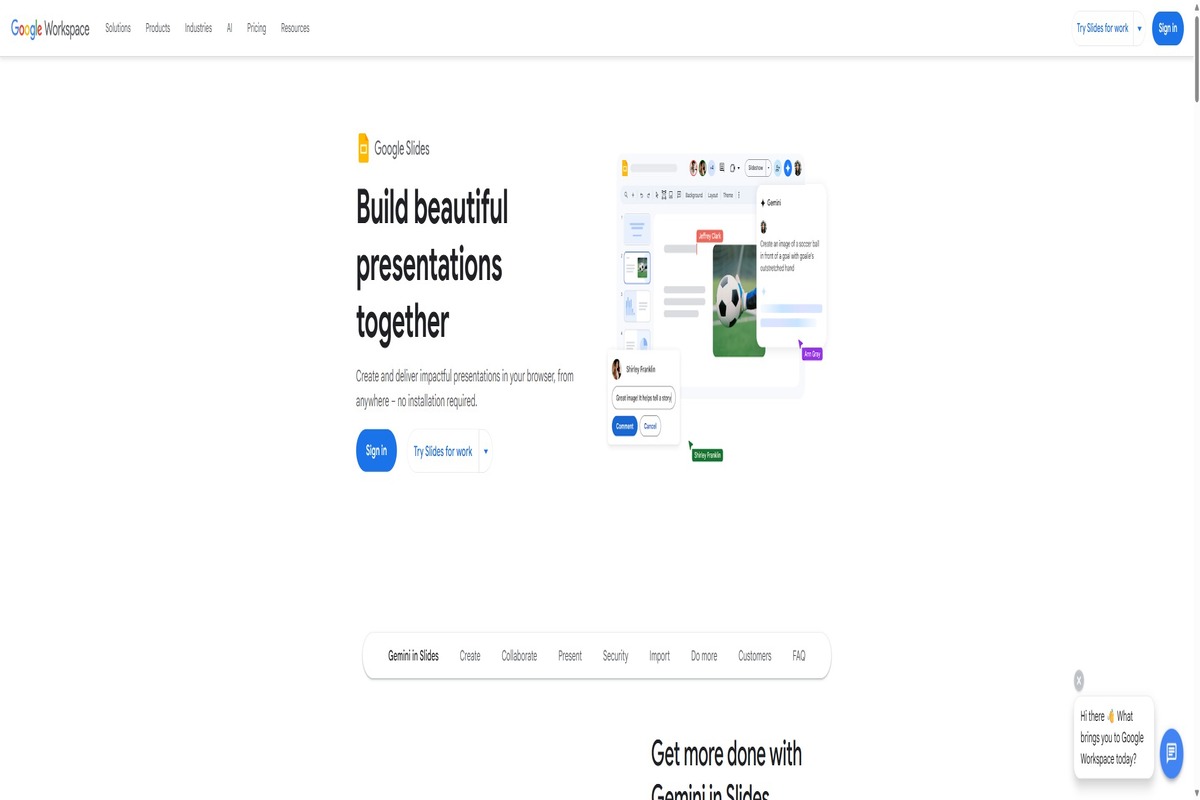
Google Slides is the default-free, real-time-collaboration answer to PowerPoint. Free for personal use forever. Workspace pricing in 2026: Business Starter $7, Business Standard $14, Business Plus $22 per user/month. Gemini AI is now bundled into Business Standard and above (the standalone Gemini add-on was retired in 2025), with brand-matched dynamic layouts shipping in April 2026.
Pros
- Free for personal use forever — the strongest free presentation tool by adoption
- Real-time collaboration is the gold standard — multiple editors, live comments, version history
- Gemini AI bundled into Business Standard and above (no add-on fee in 2026) — full-deck generation, in-place edits
- PowerPoint compatibility (.pptx import/export) is workable for most use cases
Cons
- Built-in templates are thin (~25-30) — most users supplement with Slidesgo or SlidesMania
- Design depth trails Canva, Beautiful.ai, Pitch — not the right pick for design-led decks
- Animation depth limited compared to Keynote
- .pptx round-trips can be lossy on advanced animations and embedded fonts
Pricing
- Free: Personal Google account, full feature set, real-time collab
- Workspace Business Starter: $7/user/month — 30GB storage, custom email
- Workspace Business Standard: $14/user/month — 2TB storage, Gemini AI included
- Workspace Business Plus: $22/user/month — 5TB, advanced security
Google Slides is the right pick for collaborative teams already on Google Workspace, students and educators on free, and anyone who values real-time co-editing over design polish. Wrong pick for designer-led decks or marketing-polish slides.
If your team needs design-polish presentations, Beautiful.ai or Canva is closer. For data-driven decks, Piktochart is the better fit.
3. Beautiful.ai — Best for executive and sales decks where brand consistency matters more than design freedom
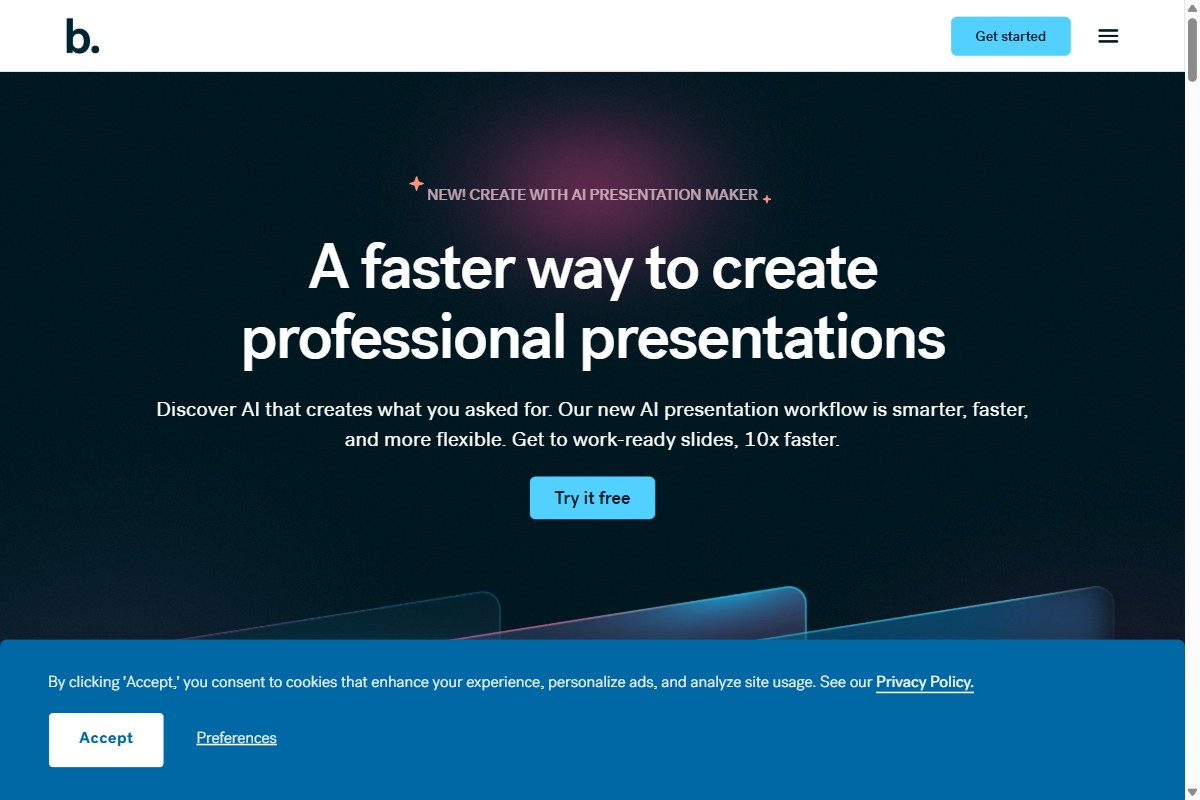
Beautiful.ai is the presentation specialist in this lineup. Smart Slides do the layout work for you — drag a chart in, the slide auto-balances; add a sixth bullet, the type scales. Sales teams shipping branded decks at speed tend to love it. Designers who want to nudge a logo two pixels left tend to fight it.
Pros
- Smart Slides auto-design saves real time on first drafts — G2 reviewers cite 50–75% faster turnaround
- DesignerBot AI generates a full deck from a prompt in under two minutes
- Brand controls on the Team plan keep multi-rep sales decks visually consistent
- Salesforce and Slack integrations cover the most common B2B sales-enablement workflow
Cons
- No free plan — only a 14-day trial that requires a credit card and auto-bills
- PPT export is documented-lossy by Beautiful.ai themselves: animations strip, web fonts substitute
- Real-time collaboration and version control are Team-only
- Smart Slides cage anyone who needs unconventional layouts — can’t reposition elements freely
Pricing
- Pro: $12/month annual or $45/month monthly — single user
- Team: $40 per seat per month annual (2–20 seats)
- Enterprise: Custom — SSO, advanced admin
- No free tier. 14-day trial requires a credit card
Beautiful.ai is the right pick for sales teams, exec assistants, and consultants who ship branded decks weekly and value speed-to-good-enough over pixel control. Wrong pick if you need a free option, PowerPoint round-tripping, or unconventional layouts.
If your work is presentations, Beautiful.ai or Gamma is the closest comparison. For data-heavy decks, Piktochart serves a different need.
4. Apple Keynote — Best for Apple-first teams who care about animation polish
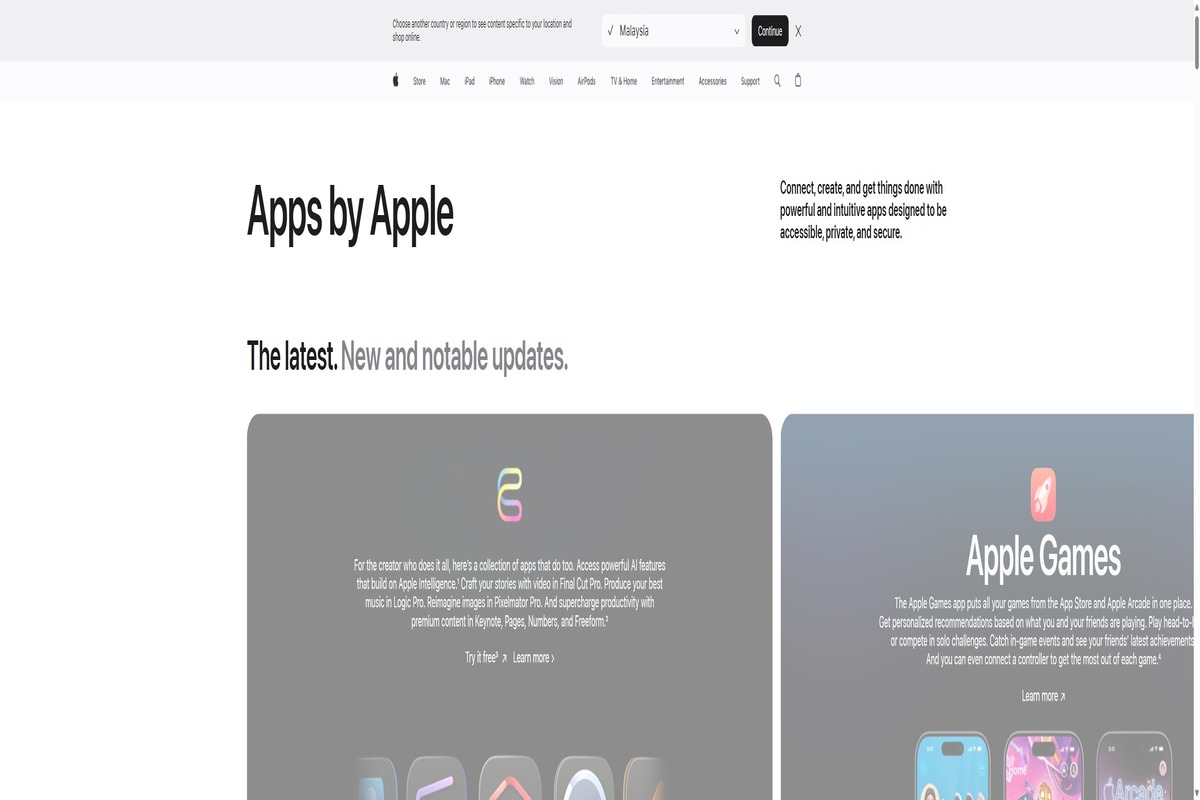
Apple Keynote is famous for design polish — Steve Jobs’s preferred tool — and free with macOS, iOS, and iPadOS. The 2026 stack is Keynote 15.2 with Apple Intelligence integration (Image Playground, Writing Tools, ChatGPT-via-Siri all bundled at $0). The catch: it’s Apple-only. Windows users get the iCloud web version, which is a meaningfully degraded experience.
Pros
- Free with any Apple device or iCloud account — no upsell, no subscription
- Apple Intelligence integration is genuinely free — Image Playground, Writing Tools, Siri-ChatGPT all bundled at $0
- Magic Move animation and cinematic transitions are best-in-class for animation polish
- 100-collaborator live editing rivals Google Slides for real-time co-editing
Cons
- Apple-only — no Windows or Android app, no plans for one
- iCloud Keynote on web is meaningfully degraded vs native Mac/iPad app
- .pptx export is documented-lossy: fonts substitute, Magic Move degrades to dissolves, motion paths vanish
- Not the right pick for mixed Mac/Windows teams or .pptx-required environments
Pricing
- Free: Bundled with macOS, iOS, iPadOS, and iCloud (any Apple ID)
- Apple Intelligence features: Free with eligible Apple devices
Apple Keynote is the right pick for Apple-first teams, designers who care about animation polish, and keynote speakers preparing one-off presentations. Wrong pick for mixed Mac/Windows teams, .pptx-required environments, or anyone needing third-party plugin ecosystems.
If your team is mixed-platform, Pitch (built by ex-Apple/Wunderlist designers) is the closest cross-platform answer to Keynote. For data-heavy decks, Piktochart covers a different need.
5. LibreOffice Impress — Best for privacy-focused users, Linux users, and budget-conscious organizations
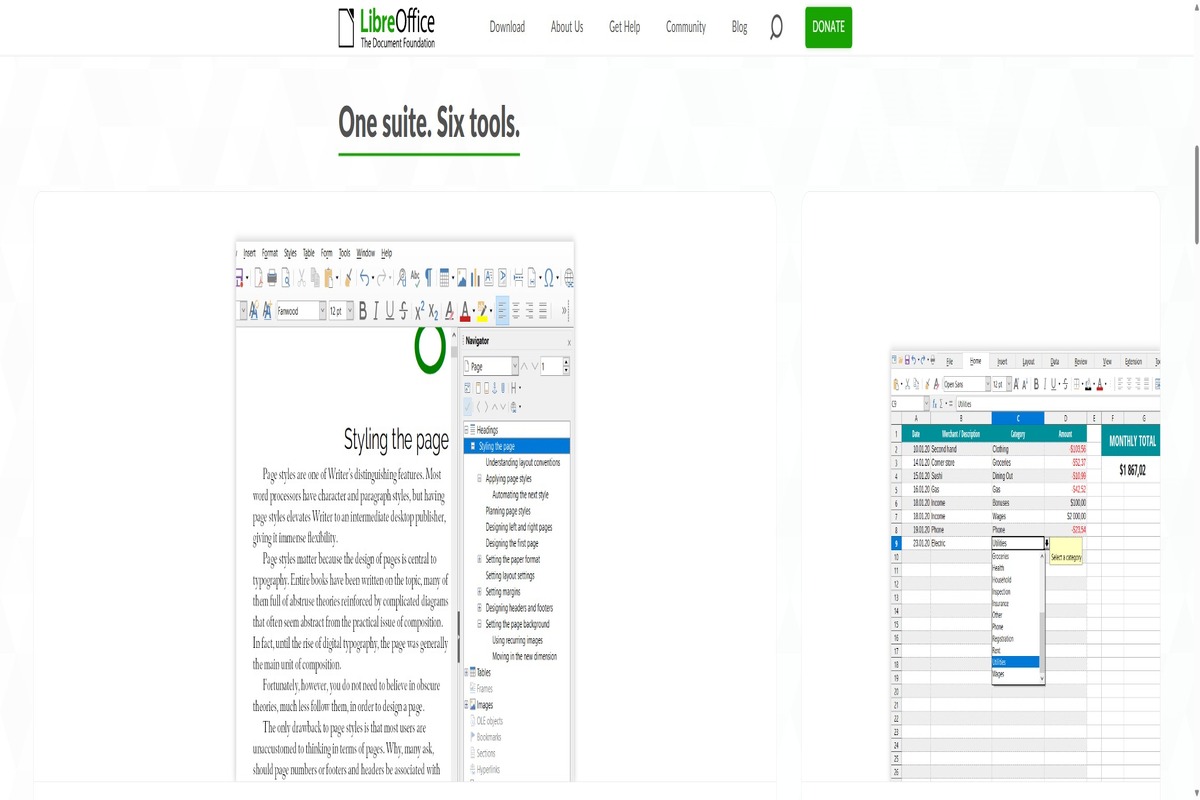
LibreOffice Impress is the free, open-source PowerPoint alternative. 100% free forever, no ads, no telemetry, governed by The Document Foundation. The 2026 release is LibreOffice 26.2.2 with improved Skia/Vulkan rendering and PPTX font embedding fixes. Real-world adoption: France’s DINUM is migrating 2.5M workstations; Schleswig-Holstein has standardized on it.
Pros
- Truly free forever — no ads, no telemetry, MPL v2.0 license
- Linux first-class support — the only major presentation tool that does
- ISO-standard .odp format — real document portability
- Improving .pptx interop — 25.8 brought animation and font-embedding fixes
Cons
- Zero native AI features — no Designer/Copilot/Gemini equivalent
- Dated UI compared to Keynote, Canva, or Pitch
- Bundled templates are weak — community templates partially fill the gap
- No first-party mobile editor — Viewer + Impress Remote only; Collabora Office is the third-party path
Pricing
- Free forever: No tiers, no premium upsell, no enterprise SKU
- Donations: Optional, fund The Document Foundation
LibreOffice Impress is the right pick for Linux users, privacy-focused individuals, NGOs, governments, and education. Wrong pick if you need AI features, design polish, or a modern UI.
If you want active product development and AI features alongside free pricing, Google Slides delivers both. For data-driven decks, Piktochart is the better fit.
6. Zoho Show — Best for cost-sensitive SMBs already on Zoho or wanting a cheap integrated suite
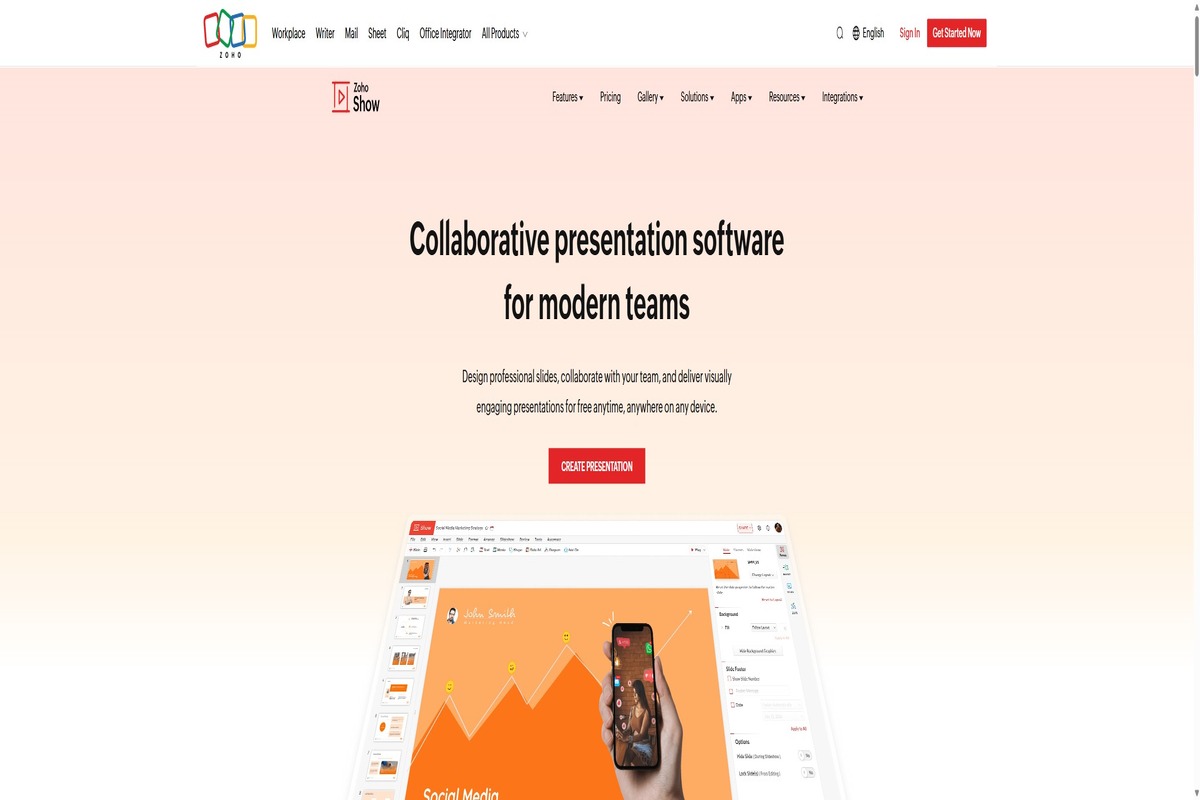
Zoho Show is part of the Zoho Workplace suite, often a sleeper pick for teams already using Zoho CRM/Mail. Workplace Standard is $3/user/month, Professional $6/user/month — roughly 50% cheaper than Microsoft 365 Business Basic and 75% cheaper than Google Workspace Business Standard. The unique differentiator: Broadcast lets you present remotely without screenshare or Zoom.
Pros
- Workplace Standard at $3/user/month is the cheapest serious presentation tool with collaboration
- Broadcast feature — present remotely without screenshare, smart-TV broadcast via phone or smartwatch
- Zia AI integration — present, functional, useful for content drafting
- Integrated suite value — one subscription for Show, Mail, Sheet, Writer, CRM, Projects
Cons
- UI prioritises function over polish — fast and predictable to use, less rewarding to look at than Keynote or Canva
- Shallow template library (~100+) — far behind Canva, PowerPoint, Beautiful.ai
- AI surface trails Gamma, Beautiful.ai, Microsoft 365 Copilot
- No desktop app — web only
Pricing
- Free standalone: Zoho Show with Zoho account
- Workplace Standard: $3/user/month annual — full suite
- Workplace Professional: $6/user/month annual — advanced features, more storage
Zoho Show is the right pick for cost-sensitive SMBs, teams already using Zoho CRM, and India/APAC-region buyers where Zoho is a market default. Wrong pick if you need design polish, cutting-edge AI, or advanced animations.
If integrated suite value at SMB pricing is your priority, Zoho is hard to beat. For design-polish or data-heavy decks, Beautiful.ai or Piktochart serve better.
7. Adobe Express — Best for marketers who need branded social-tile-style presentations
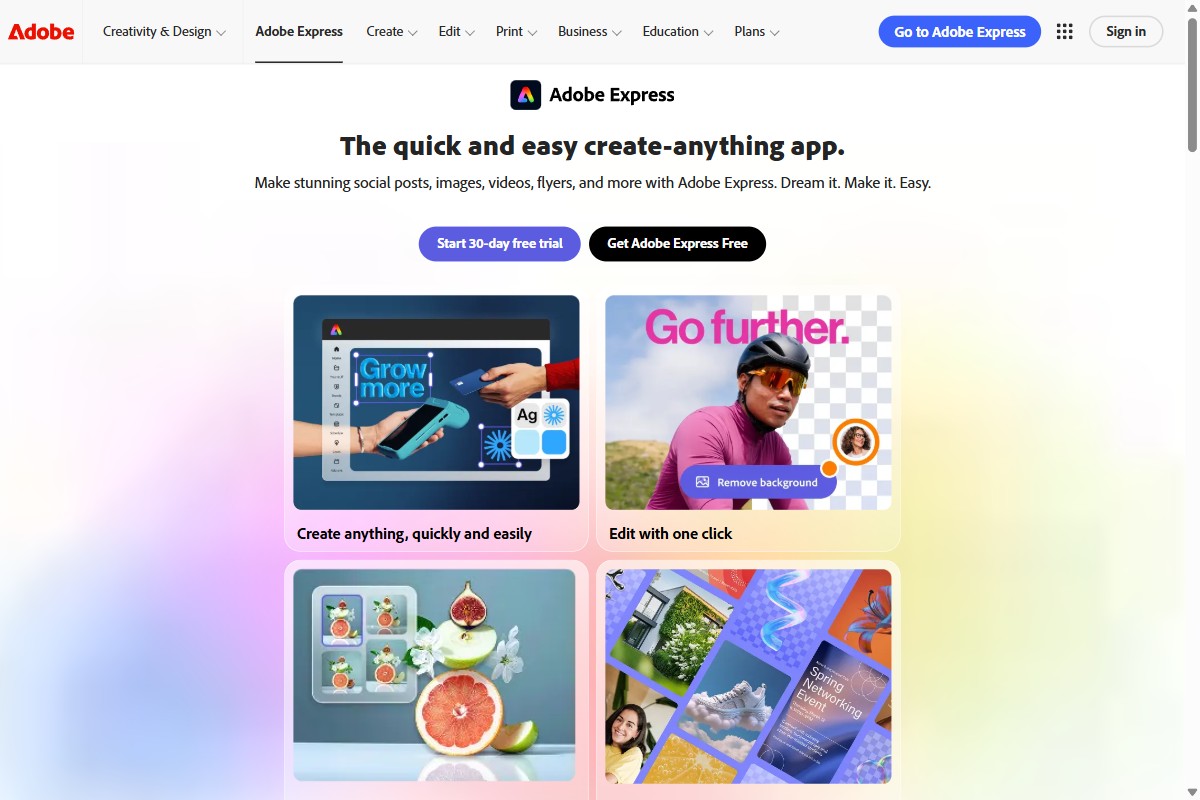
Adobe Express isn’t primarily a presentation tool — it’s Adobe’s Canva competitor — but its template library does include presentations and its team economics ($7.99/seat for Teams) genuinely undercut PowerPoint+Microsoft 365 for marketing-led teams. For marketers preparing pitch decks rather than internal-comms decks, the template polish and brand-kit integration deliver.
Pros
- Teams pricing at $7.99 per seat undercuts Microsoft 365 Business Basic ($7.20) and Canva Teams ($20)
- Firefly generative AI is genuinely competitive — image-led slides feel design-grade
- Adobe Stock (147M+ assets), Adobe Fonts integration
- Free plan is generous — Firefly credits, templates, and brand kit included
Cons
- Not primarily a presentation tool — slide-specific features (animation, presenter mode) trail PowerPoint, Keynote, Beautiful.ai
- “$9.99 a month” lead price is misleading once you include Creative Cloud apps and Stock
- Cancellation friction is the loudest reputational issue
- Export is flat only (PNG, JPG, PDF) — no editable round-trip back to Photoshop or Illustrator
Pricing
- Free: Templates, Firefly Generate credits, basic editing, brand kit
- Premium: $9.99/month — full template library, premium fonts and stock
- Teams: $7.99 per seat per month annual — admin console, brand controls
Adobe Express is the right pick if you’re a marketer building social-style or pitch-style decks, or already on Creative Cloud. Wrong pick for presenter-mode-heavy decks, animation-heavy decks, or any data-driven content.
For data-heavy or chart-driven decks, Piktochart remains the closer fit. For Steve-Jobs-style design polish, Apple Keynote serves better.
Which PowerPoint alternative should you choose?
The right pick depends on the kind of decks you build. For data-heavy presentations — quarterly reports, board updates, training decks with charts — Piktochart is the strongest fit because its core toolkit was built for data visualization. For collaborative teams already on Google Workspace, Google Slides is free, fast, and good enough for most use cases. For sales and exec decks where brand consistency matters most, Beautiful.ai earns its $12/month with Smart Slides.
For Apple-first teams, Keynote remains best-in-class for animation polish — just don’t expect smooth .pptx round-trips. For privacy-focused or Linux users, LibreOffice Impress is genuinely free forever with no telemetry. For cost-sensitive SMBs, Zoho Show at $3/user/month is the cheapest serious option with collaboration. For marketers building social-style pitch decks, Adobe Express bundles design polish with Adobe Stock and Firefly AI at competitive team pricing.
If you’re still undecided, almost all of these tools offer a free plan or trial. Build the same deck in two of them, see which workflow feels right, and commit. The decision matters less than the time you save by not trying to make PowerPoint do something it wasn’t designed for.
If your work mixes infographics, reports, and presentations, give Piktochart a try — the AI infographic generator alone replaces several PowerPoint+chart-tool workflows.