The new way of creating posters

Create in a Flash
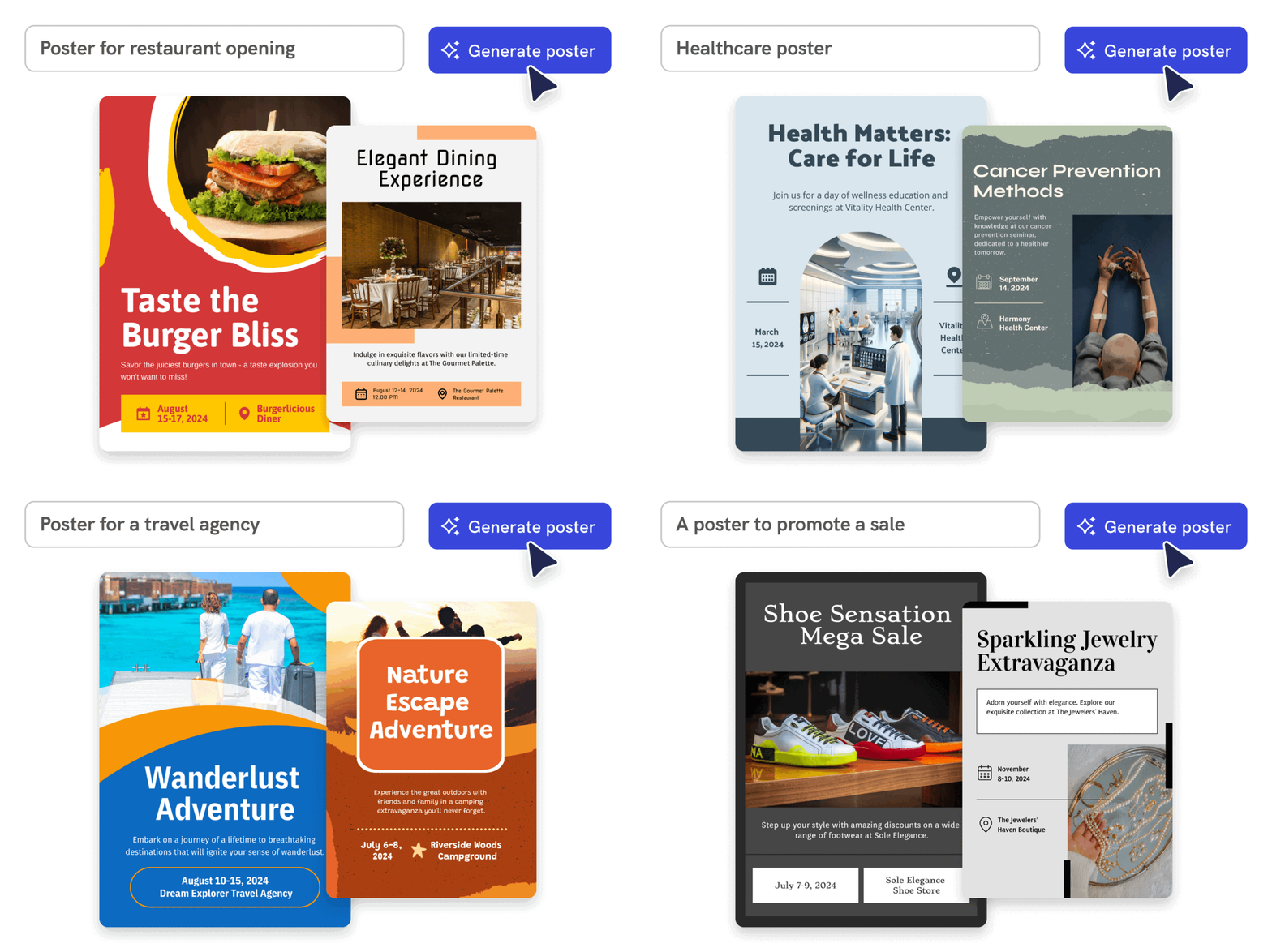
From text prompt to finished poster in 10 seconds
Say goodbye to complicated design steps. Simply type in your theme and watch as our AI poster maker transforms it into reality.
Start creating
AI Image Generation
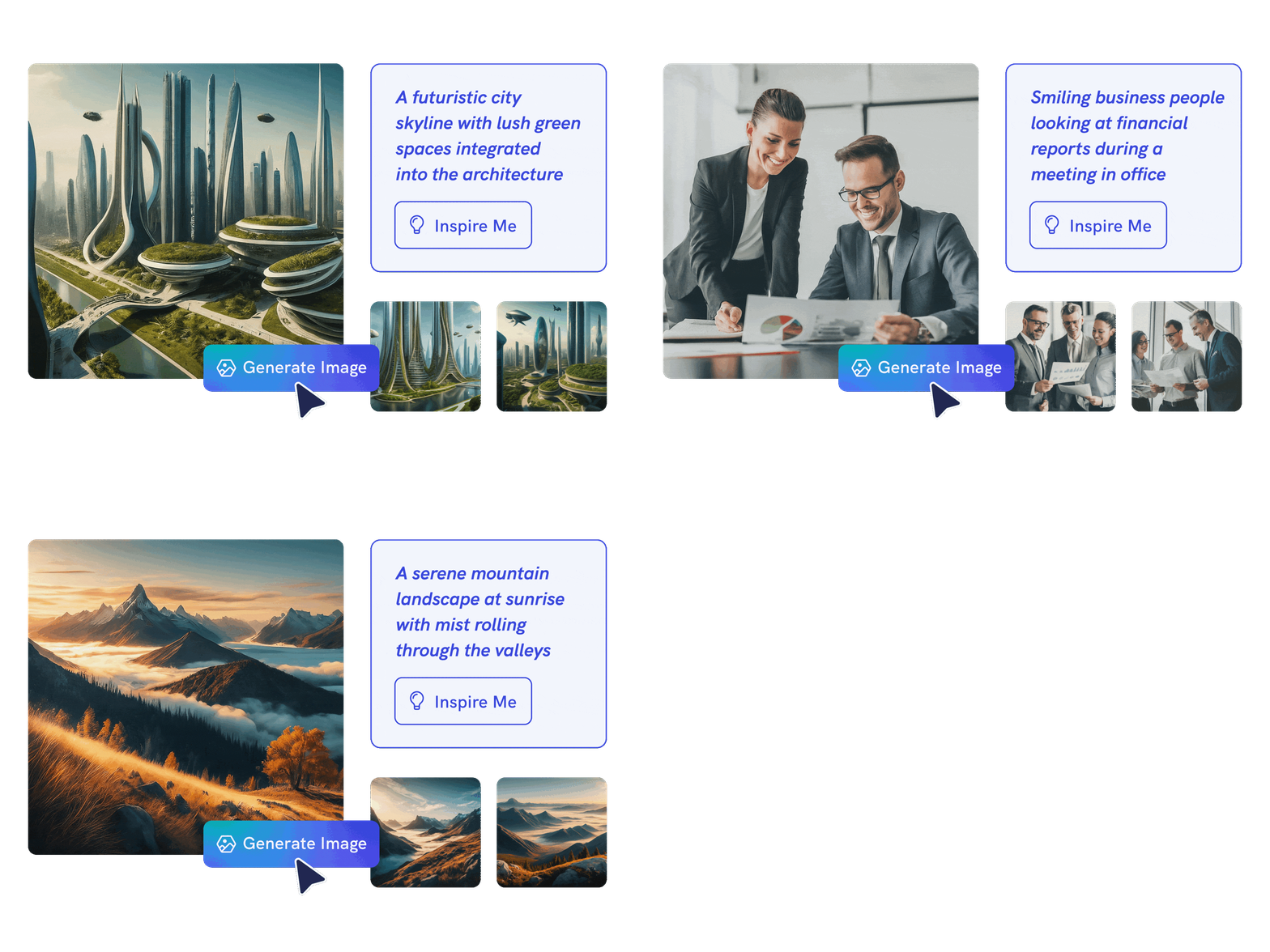
Generate custom images with AI
Go beyond stock photos and generate images that are contextualized to your needs with our advanced AI image generator. Put your creativity to the test and generate highly realistic images that make you stand out.
Generate AI image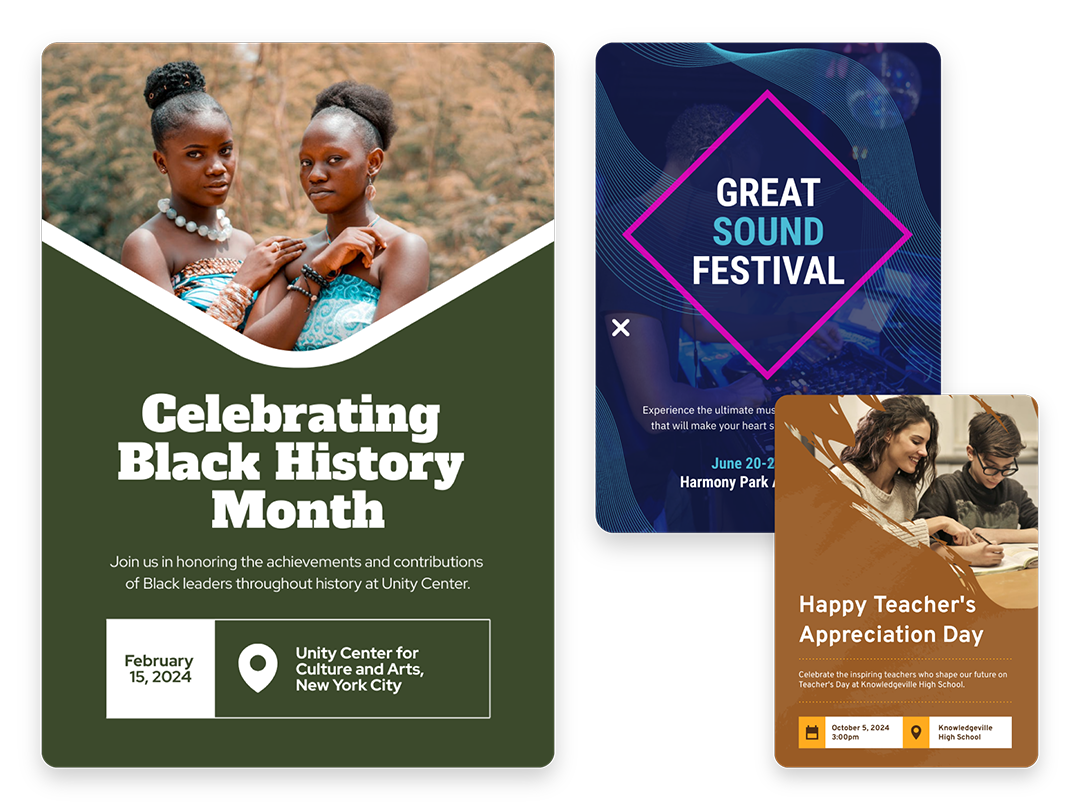
Create Without Limits
Posters for events, marketing, learning, and more
For events, marketing, learning, or personal creations, Piktochart AI delivers captivating poster designs for every need. Dive into a universe of impressive imagery tailored to suit any subject.
Start creating
Create Your Vision
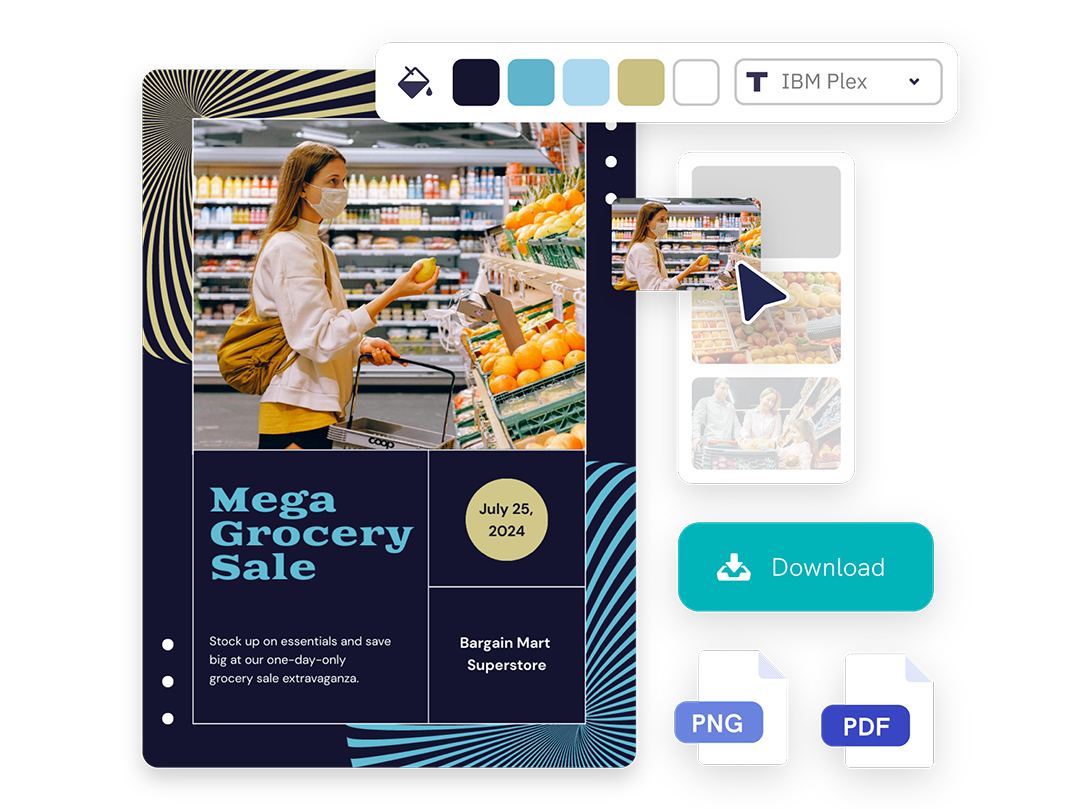
Edit every element in a drag-and-drop editor
Our AI sets the stage with a professionally crafted poster, then passes control to you, allowing you to modify and refine each detail to amplify your visual impact while keeping true to your brand.
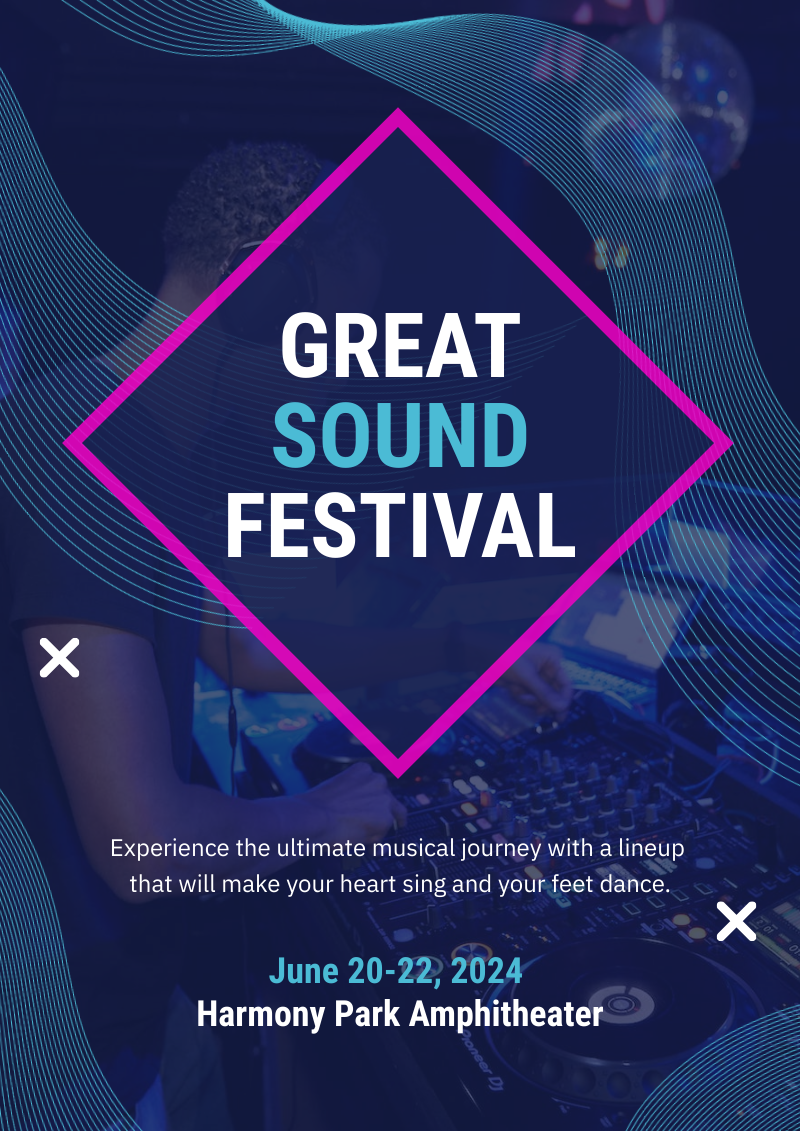
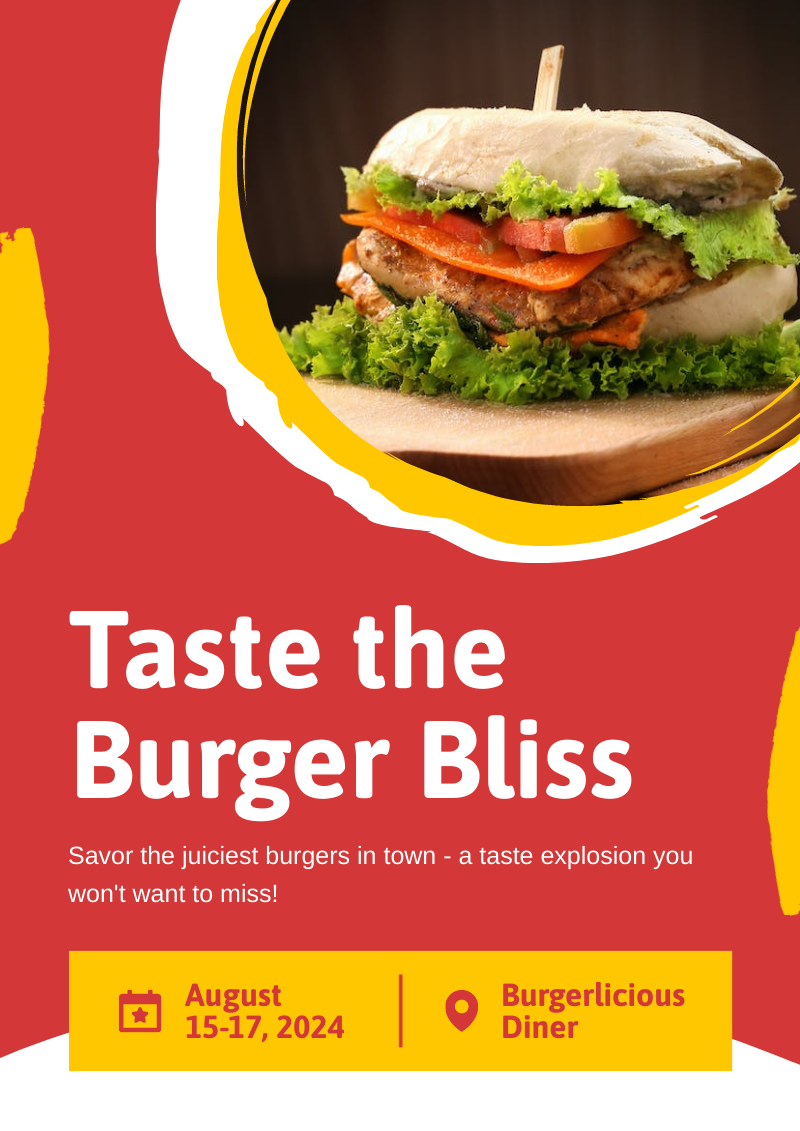
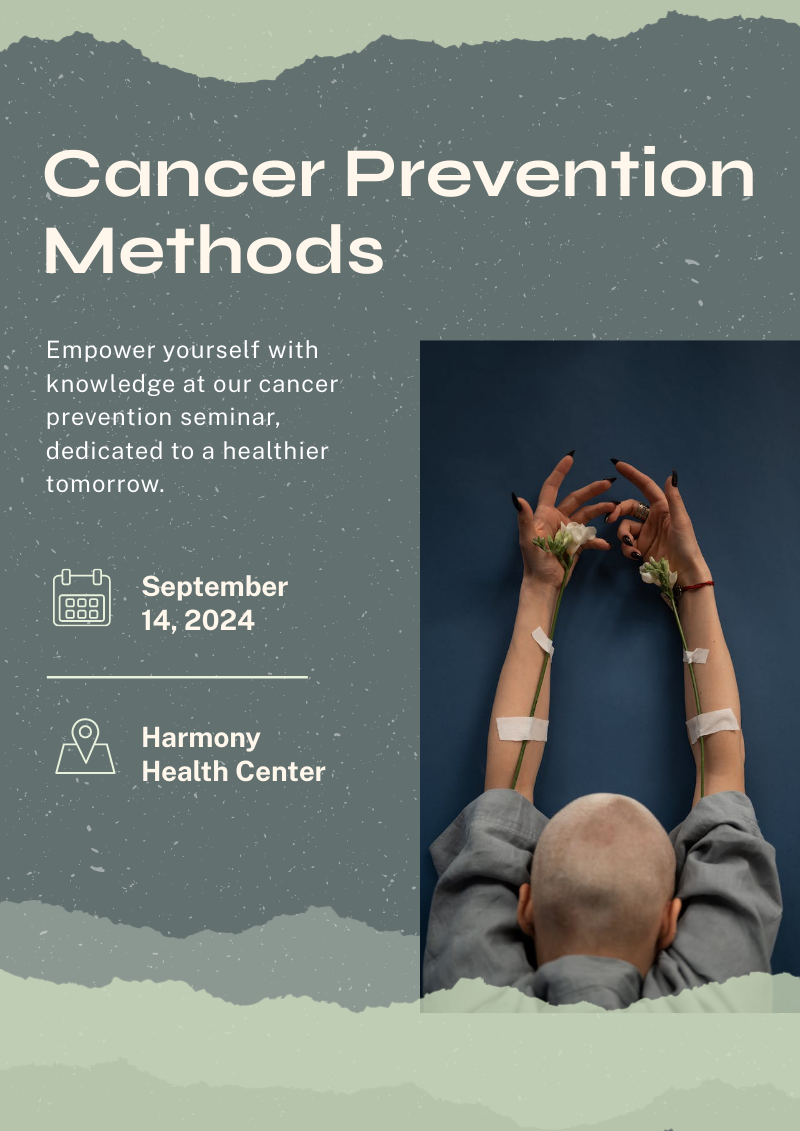
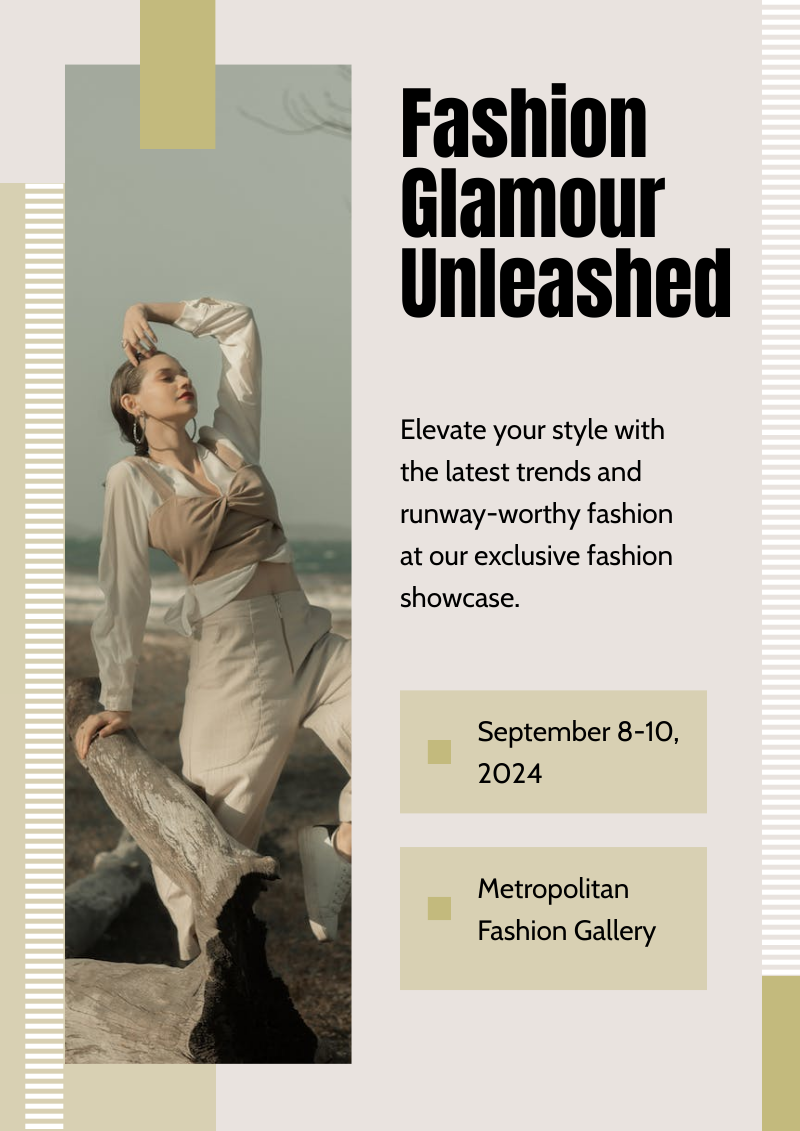
Start creatingAI poster designs made with Piktochart
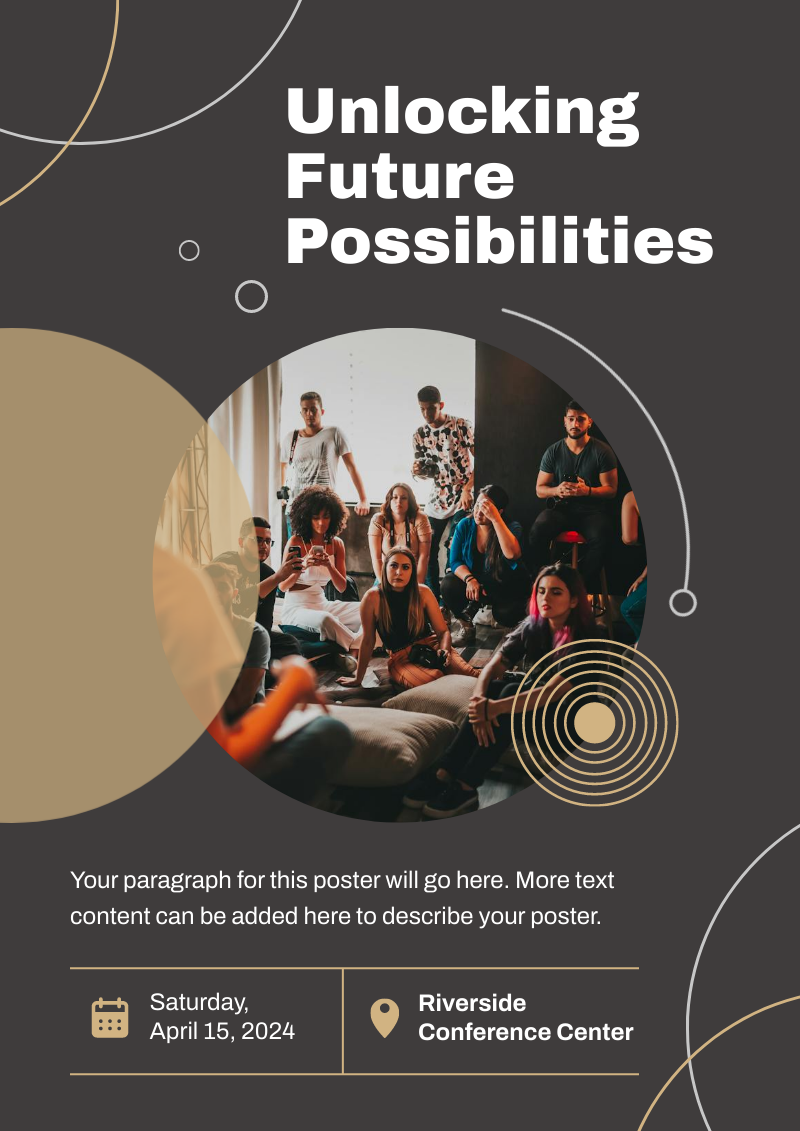




Who uses Piktochart’s AI poster generator?

Marketers
- Create eye-catching promotional materials that align with brand identity, ideal for advertising campaigns, product launches, and trade shows.
- Design captivating posters for corporate events, webinars, and conferences.
- Communicate new offers, services, or store openings.

HR & Internal Comms
- Internal announcements, motivational quotes, or event notifications.
- Job advertisements and onboarding materials to attract and welcome new employees.
- Convey important company policies and reminders through clear, engaging posters, ensuring better compliance and awareness.

NGOs and Government Organizations
- Develop impactful posters for awareness drives, fundraising events, and community outreach programs.
- Attract volunteers, highlighting the roles, benefits, and the difference they can make.
- Announce charity events, workshops, and seminars.

Healthcare
- Create informative posters on health topics, wellness tips, and medical advisories.
- Showcase healthcare services, specialist departments, and new medical technologies available at healthcare facilities.
- Display important health and safety protocols within healthcare settings.
A quick guide on how to generate a poster from a text description using AI for free
How to Make a Poster with AI
1. Describe the poster you want
Start with a short prompt that names the poster type, audience, message, and style. For example: “Create a minimalist conference poster for a healthcare AI webinar with blue accents and a clear registration CTA.”
2. Generate your first poster draft
Click Generate and Piktochart AI turns your prompt into a complete poster layout with headline text, imagery, colors, and visual hierarchy in under 10 seconds.
3. Edit the layout in Piktochart
Open the poster in the drag-and-drop editor to adjust copy, resize sections, change colors, swap images, and align the design with your brand or event theme.
4. Add visuals, icons, and brand elements
Use Piktochart AI image generation, icons, illustrations, uploads, and brand assets to refine the poster. You can add a logo, choose a new image style, or create supporting visuals without starting over.
5. Download, print, or share
Export the finished poster as PNG, JPG, or PDF, then use it for social media, event promotion, presentations, classrooms, or printed materials.
AI-Powered Visualization for Any Topic
What types of posters can you create with AI?
Piktochart AI can create posters for events, campaigns, classrooms, research, internal communications, and personal projects. Start with a prompt, then refine the text, visuals, colors, and layout in the editor.
Event posters
Marketing posters
Educational and research posters
Business and internal posters
Ready to use AI to design posters like a pro?
Join more than 14 million people who already use Piktochart AI to create stunning posters.