The quickest way to create Instagram ads


Save Time
Create ad visuals from a campaign brief
Describe your product, audience, offer, and tone. Piktochart AI generates an editable Instagram ad draft with layout, copy placement, and visual hierarchy ready for review.
Start creating
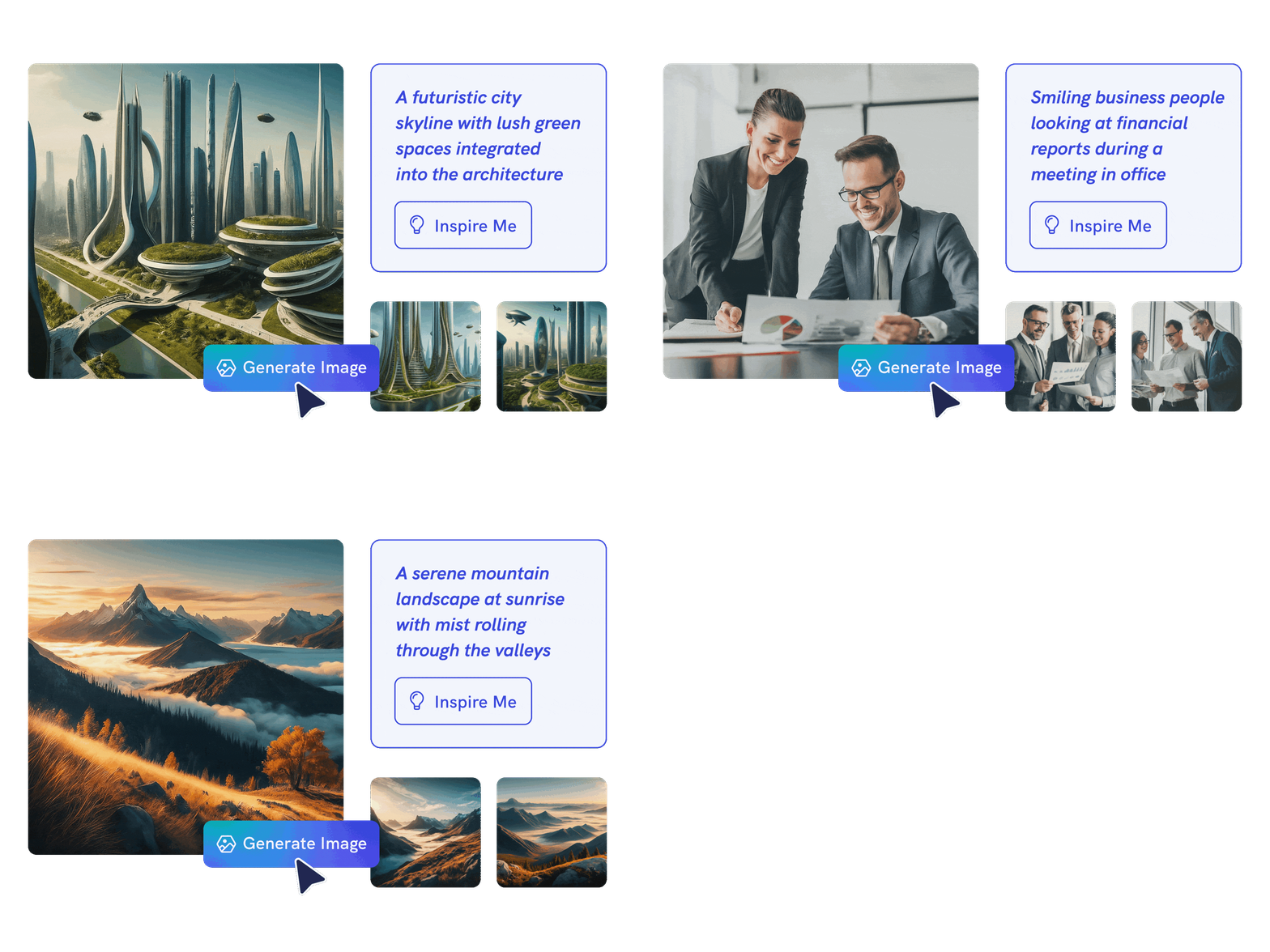
Endless Possibilities
Design ads for feed, stories, and carousels
Use AI to create ad visuals across Instagram formats. Generate square feed ads, vertical story ads, or multi-slide carousel ads from one prompt, then customize each.
Start creating
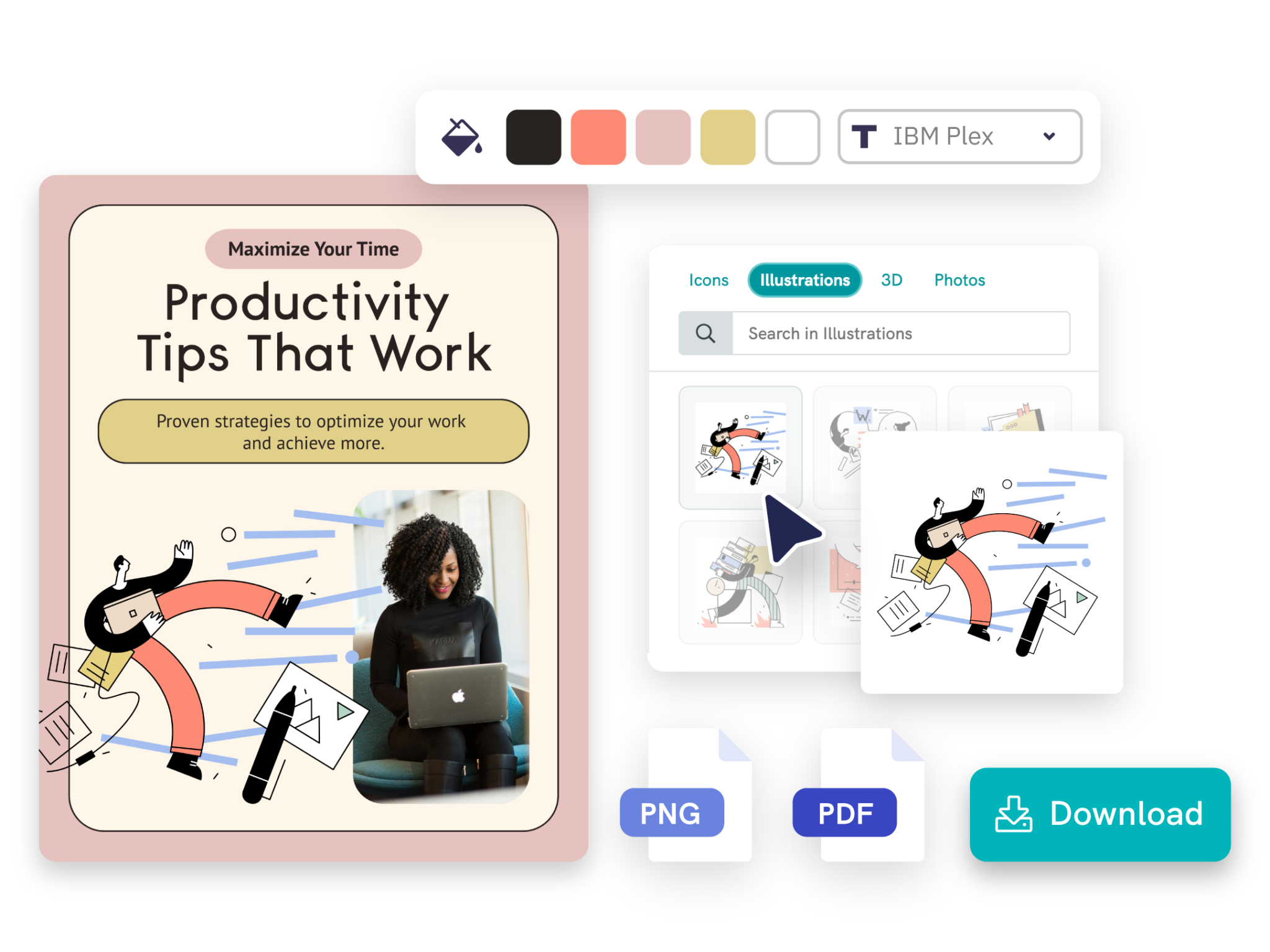
Customize with Ease
Customize every element for your brand
Adjust headlines, images, colors, fonts, CTAs, and layout in Piktochart’s editor so every ad matches your brand identity and campaign requirements.
Start creatingTypes of Instagram ads generated by Piktochart AI

Generate up to 6 unique carousels in one go, making it easy to share your story in a creative and interactive ad format.
Create an AI Instagram Carousel
Drive better results for your social media with captivating Instagram posts for any occasion.
Create an AI Instagram PostHow to create an Instagram ad with AI
1. Describe your Instagram ad
Start with a product, service, campaign goal, target audience, or promotional offer. Add the audience, purpose, tone, and any must-include details so the AI can shape a useful first draft.
2. Generate the first visual draft
Piktochart AI turns your prompt or content into an editable Instagram ad with structure, hierarchy, and visual direction already in place.
3. Customize the design
Open the draft in Piktochart’s editor to adjust copy, colors, fonts, icons, images, sections, and brand details. Every generated visual remains editable.
4. Share or download
Use the finished Instagram ad in presentations, campaigns, classes, reports, applications, or team updates. Free accounts can start with 60 AI credits every month.
Ready to create Instagram ads with AI?
Join more than 14 million people who already use Piktochart to turn information into clearer visuals.