The fastest way to turn your content to visual with AI

Get Instant, Accurate Summaries
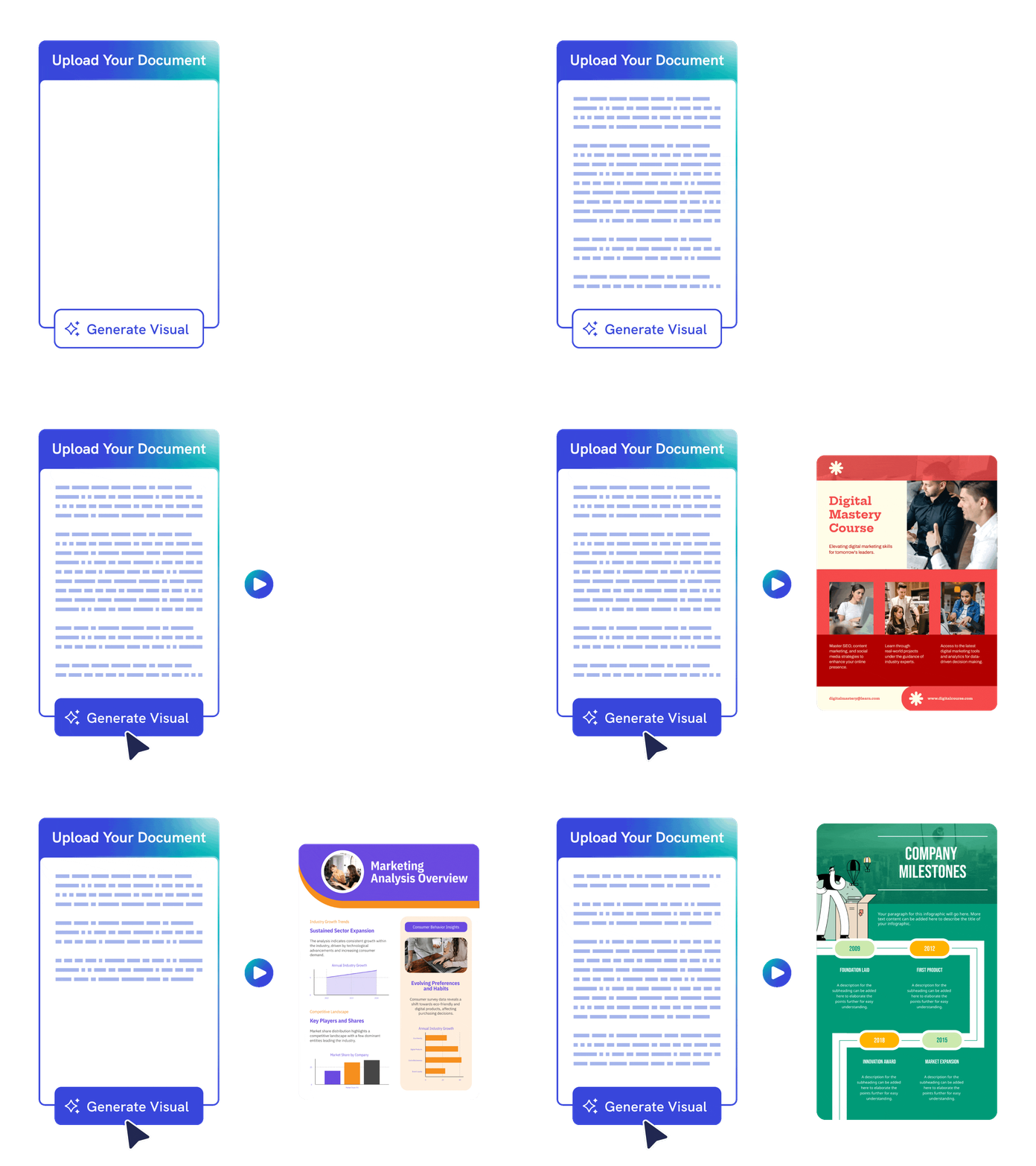
Turn long content into a visual summary
Paste text or upload a supported file and Piktochart AI extracts the key points into a clearer visual draft, saving time when content is too dense to read quickly.
Start creating for free
Effortless Creation
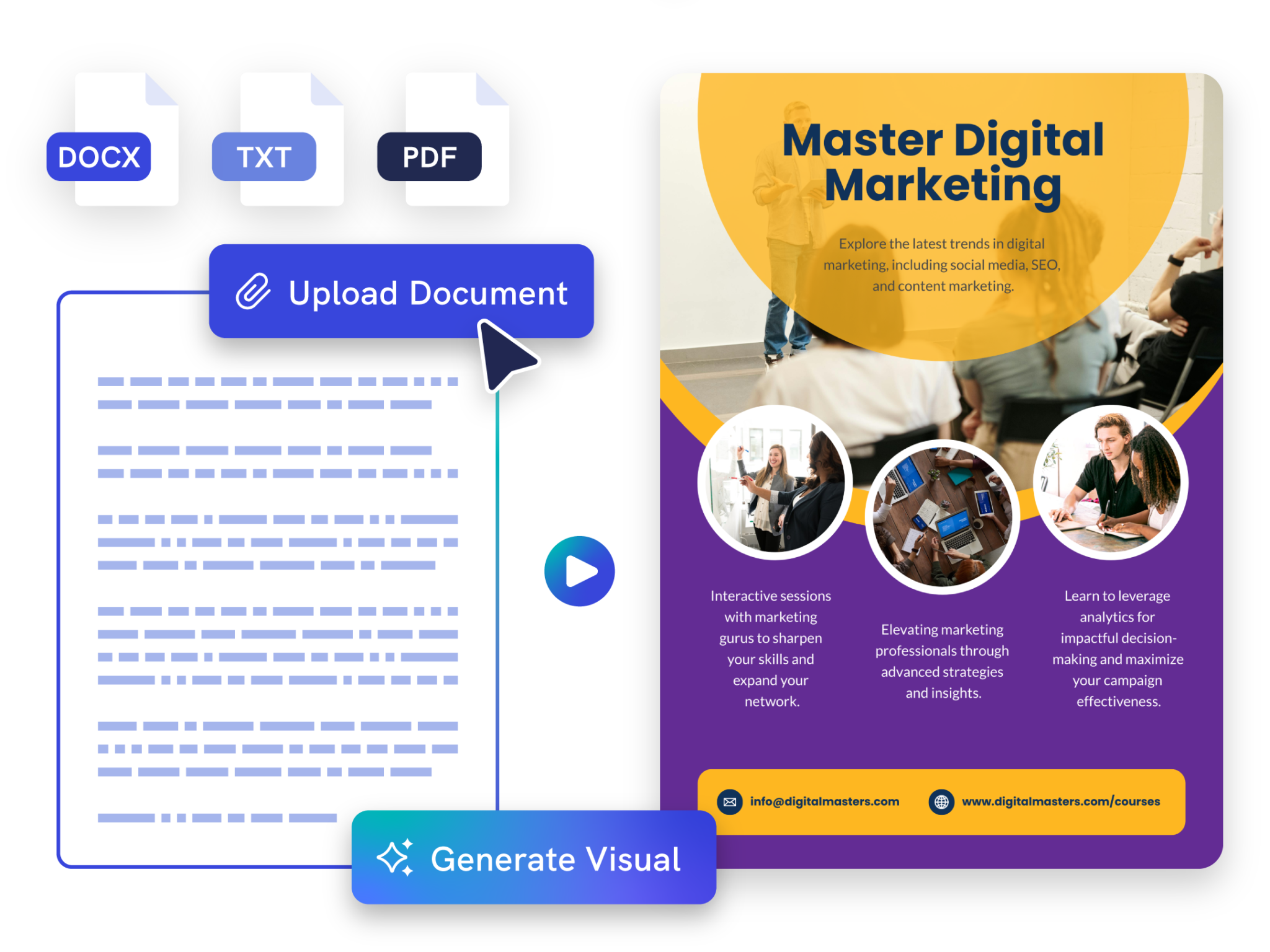
Summarize or preserve your original content
Choose whether to condense the source material or keep more of the original wording, then refine the result in a visual editor built for reports, newsletters, and infographics.
Start creating for free
Customizable Design
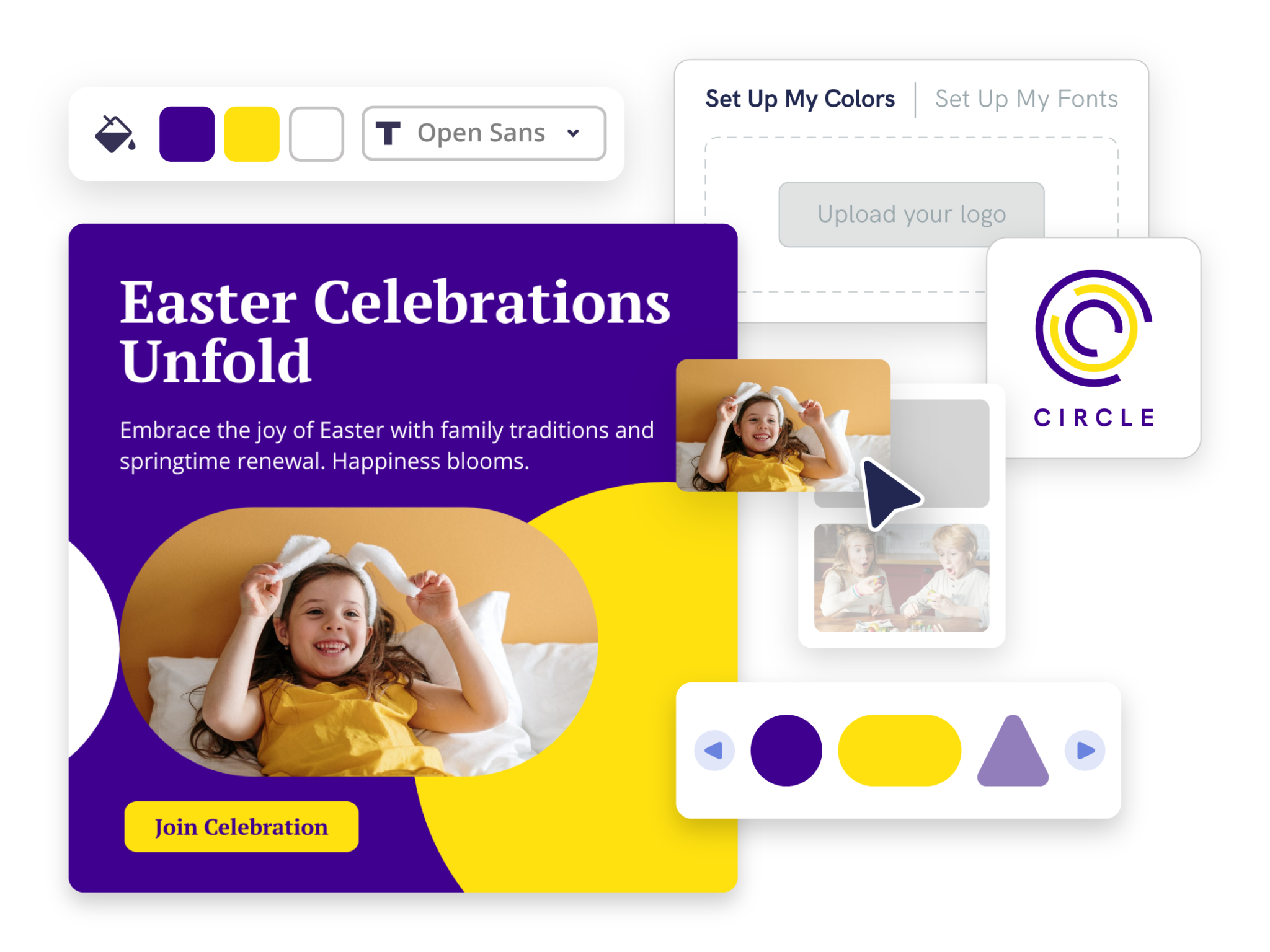
Make summaries easier to share
Add headings, icons, images, charts, colors, and brand elements so your summary works for stakeholders, students, clients, or internal teams.
Start creatingAn Essential Tool for Every Industry

Teachers & Educators
- Summarize lessons, articles, and research papers for better understanding and improved study habits.
- Make learning more engaging by generating visuals from lengthy lesson plans and textbooks.
- Simplify complex topics to help students gain a deeper understanding.

Marketers
- Visualize key points from lengthy marketing reports, proposals, and analysis to facilitate data-driven decision-making.
- Create engaging, easy-to-understand visuals for clients, showcasing campaign performance, ROI, and key marketing metrics.
- Identify emerging trends and forecasting future market movements.

Nonprofits & Healthcare Professionals
- Visually explain text-heavy content and save time.
- Inform and educate the public through professional-looking visuals, without the need for design skills.
- Summarize relevant news and trends without getting bogged down in details.

Researchers
- Transform complex datasets into clear, comprehensible visuals, aiding in the presentation of research findings.
- Easy sharing and understanding of text-heavy reports.
How to summarize content with AI
1. Describe your visual summary
Start with long text, reports, articles, meeting notes, PDFs, DOCX, or TXT files. Add the audience, purpose, tone, and any must-include details so the AI can shape a useful first draft.
2. Generate the first visual draft
Piktochart AI turns your prompt or content into an editable visual summary with structure, hierarchy, and visual direction already in place.
3. Customize the design
Open the draft in Piktochart’s editor to adjust copy, colors, fonts, icons, images, sections, and brand details. Every generated visual remains editable.
4. Share or download
Use the finished visual summary in presentations, campaigns, classes, reports, applications, or team updates. Free accounts can start with 60 AI credits every month.
Ready to summarize content with AI?
Join more than 14 million people who already use Piktochart to turn information into clearer visuals.