The fastest way to create smart, beautiful schedules


Instant Creation
Build a visual schedule from a prompt
Describe the time blocks, activities, and audience. Piktochart AI turns your plan into a structured, editable schedule with clear sections and readable layout.

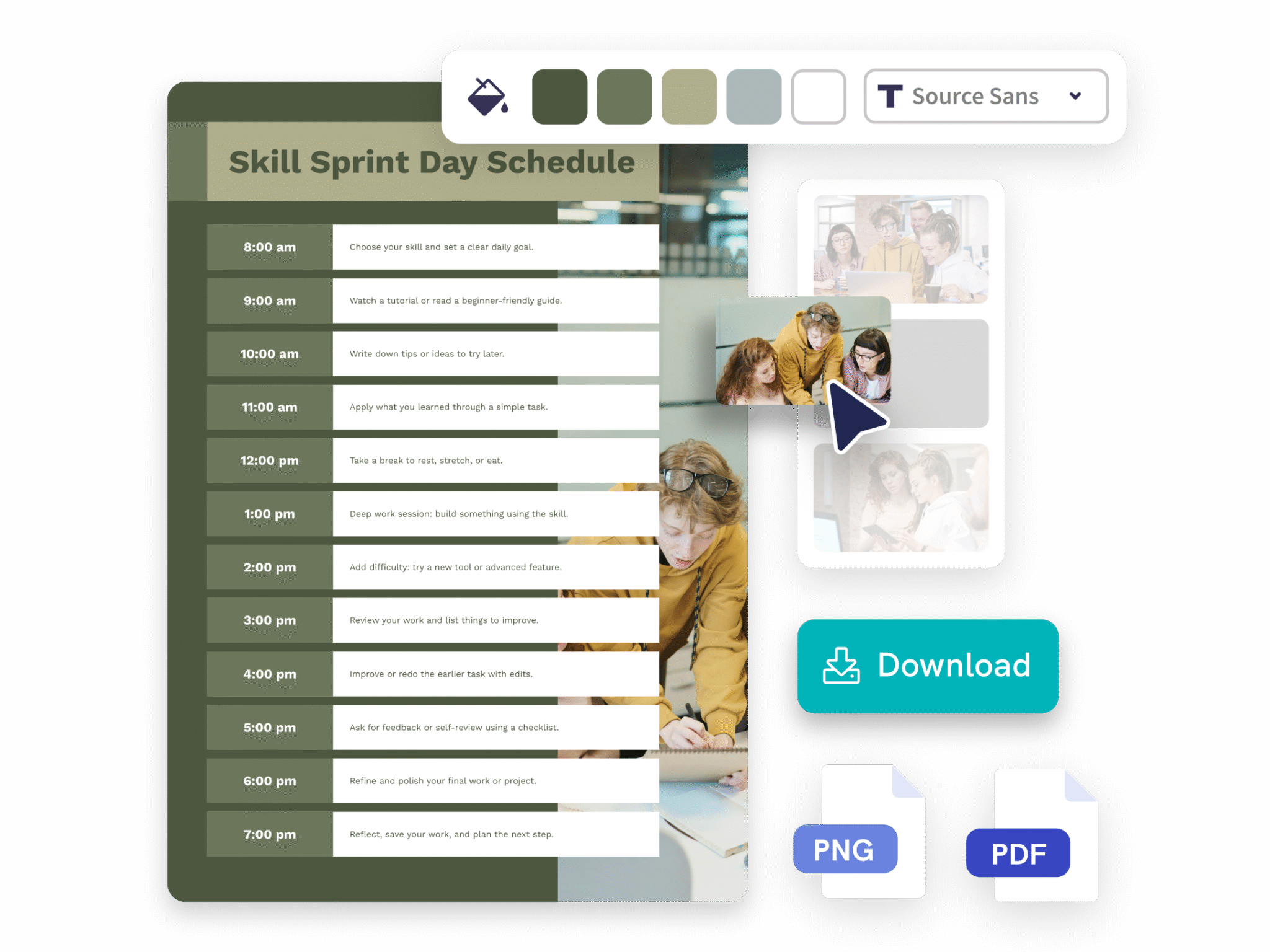
Personalized Design
Organize existing plans into a cleaner layout
Paste a list of events, shifts, classes, or tasks. Piktochart AI arranges the details into a visual timetable that is easier to scan, print, or share.

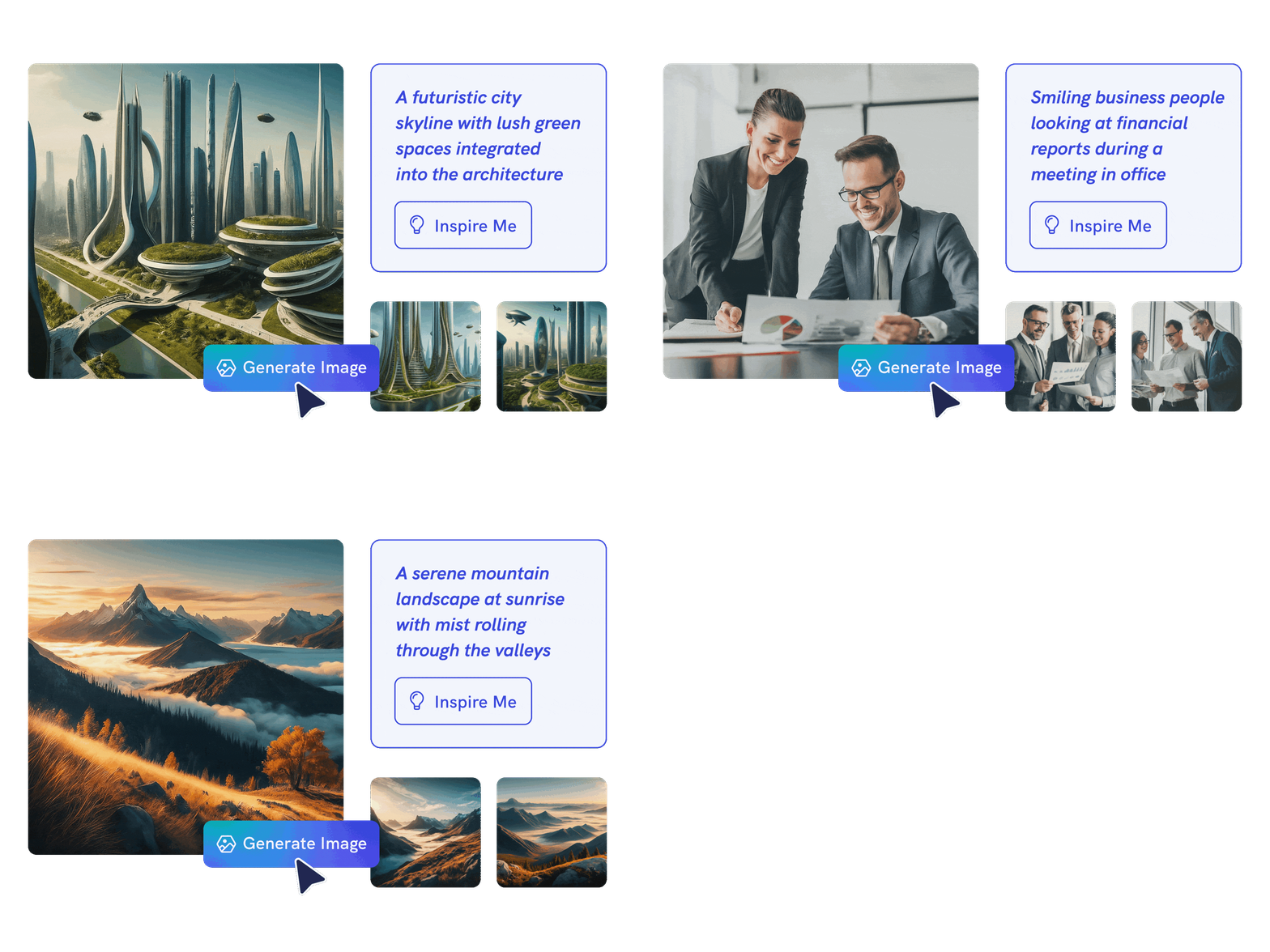
Smart AI Images
Customize every time block and detail
Edit colors, fonts, labels, icons, images, and layout in Piktochart’s editor so the schedule fits your team, classroom, event, or personal workflow.
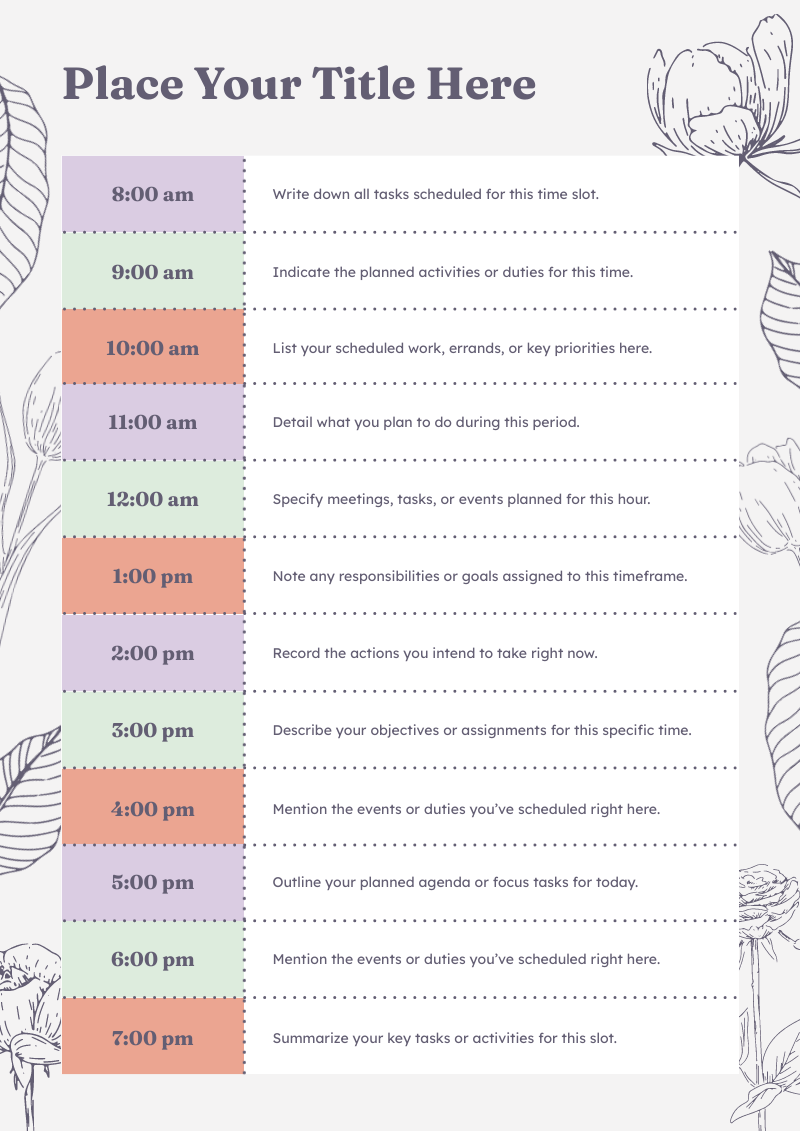
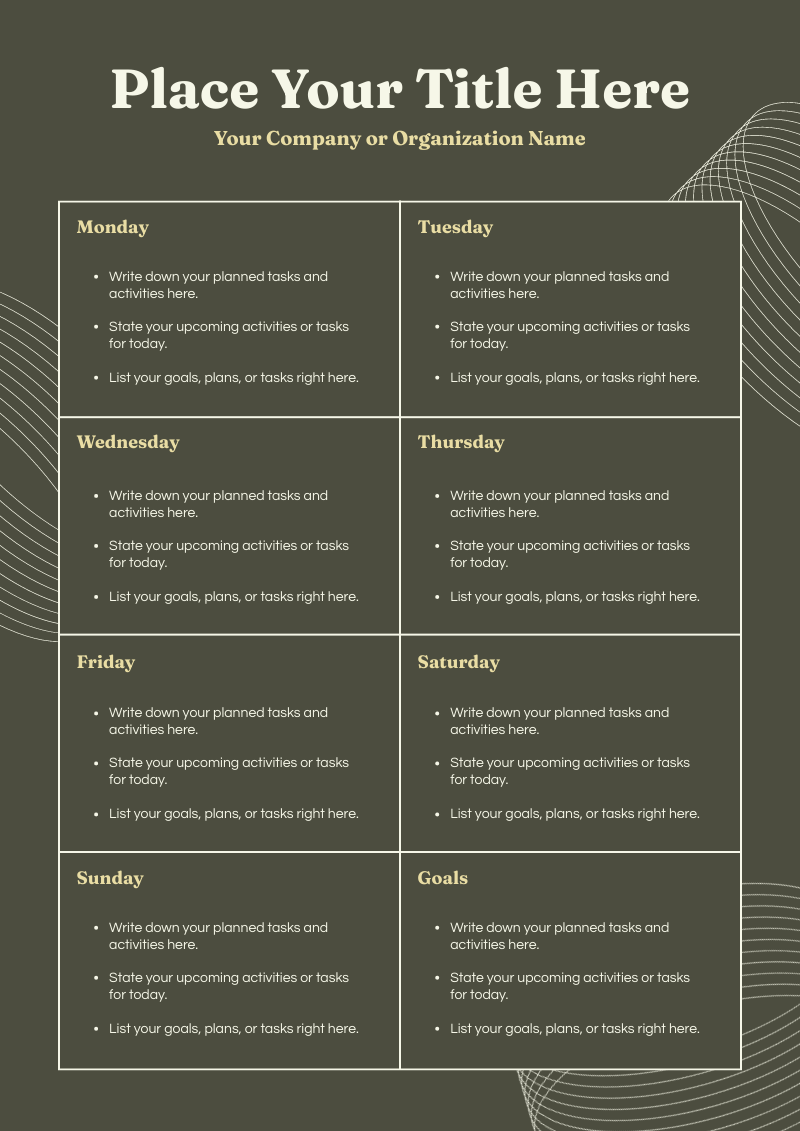
Schedules made by Piktochart AI




How to create a schedule with AI
1. Describe your schedule
Start with a weekly plan, class timetable, event lineup, shift roster, or project timeline. Add the audience, purpose, tone, and any must-include details so the AI can shape a useful first draft.
2. Generate the first visual draft
Piktochart AI turns your prompt or content into an editable schedule with structure, hierarchy, and visual direction already in place.
3. Customize the design
Open the draft in Piktochart’s editor to adjust copy, colors, fonts, icons, images, sections, and brand details. Every generated visual remains editable.
4. Share or download
Use the finished schedule in presentations, campaigns, classes, reports, applications, or team updates. Free accounts can start with 60 AI credits every month.
What can you create with an AI schedule maker?
Piktochart AI works best when you need a clear, editable visual instead of a blank canvas. Use it to create weekly schedules, class timetables, event agendas, shift rosters, project timelines, and daily planners.
Weekly Schedules
Generate a first draft for weekly schedules from a short prompt, then customize the content, layout, and visuals in Piktochart’s editor.
Class Timetables
Generate a first draft for class timetables from a short prompt, then customize the content, layout, and visuals in Piktochart’s editor.
Event Agendas
Generate a first draft for event agendas from a short prompt, then customize the content, layout, and visuals in Piktochart’s editor.
Shift Rosters
Generate a first draft for shift rosters from a short prompt, then customize the content, layout, and visuals in Piktochart’s editor.
Ready to create schedules with AI?
Join more than 14 million people who already use Piktochart to turn information into clearer visuals.