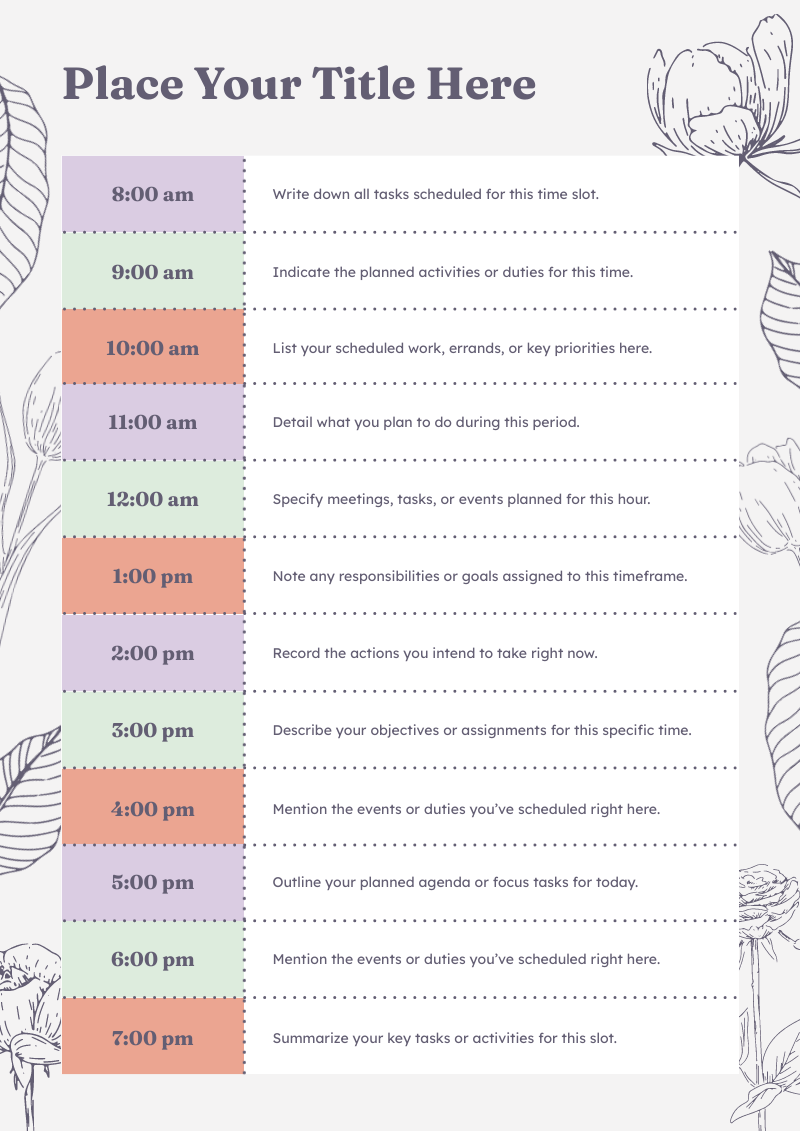
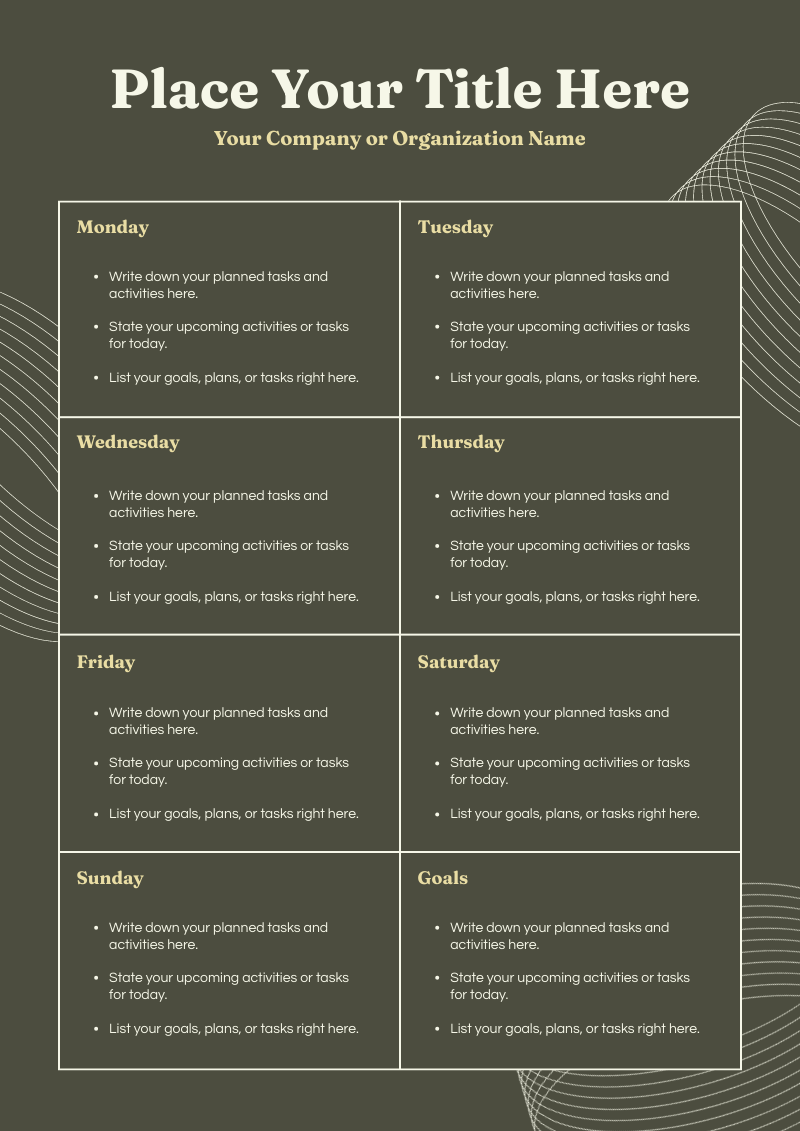
AI Planner Generator

Create an editable planner from a weekly goal, monthly focus, project structure, habit tracker idea, or planning template concept. Piktochart AI helps you move from idea or uploaded content to a polished visual draft, with 60 AI credits every month on the forever-free plan.

generate visual schedules and plans with a single prompt in seconds with piktochart ai

Plan Smarter, Not Harder

Generate a planner layout from a prompt

Describe the planner type, time frame, and purpose. Piktochart AI creates a structured, editable planner draft with sections, labels, and visual layout ready to customize.

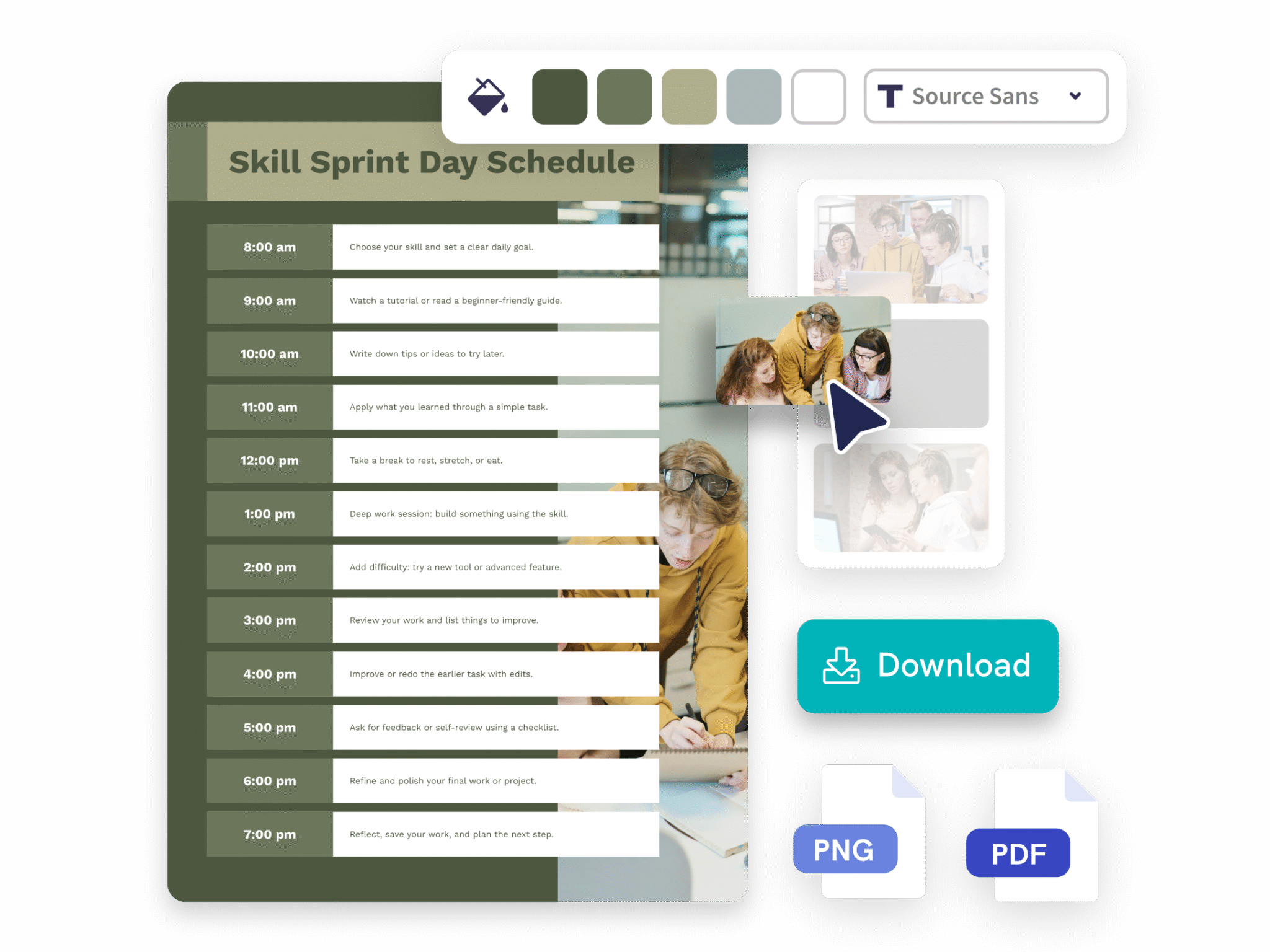
customize schedule and planners to match your preference with piktochart ai

Customization Made Simple

Create planners for any goal or workflow

Use AI to build weekly planners, monthly calendars, habit trackers, goal sheets, and project timelines without designing from scratch.

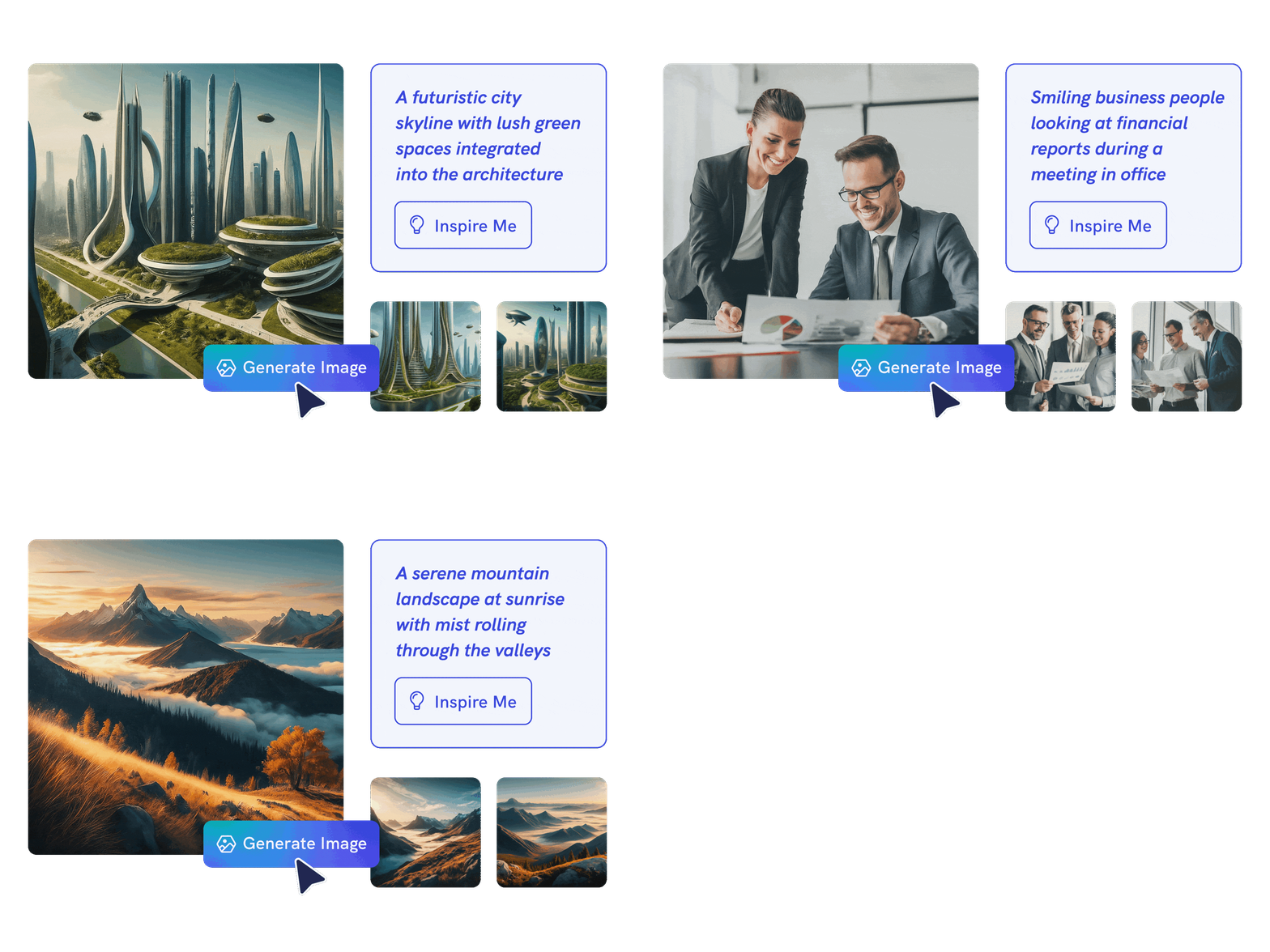
generate ai images with piktochart ai image generator

Smart AI Images

Customize and print or share digitally

Edit fonts, colors, labels, icons, images, and section layout in Piktochart’s editor, then download as a PDF for printing or share a digital link.

Visual plans made by Piktochart AI

How to create a planner with AI

1. Describe your planner

Start with a weekly goal, monthly focus, project structure, habit tracker idea, or planning template concept. Add the audience, purpose, tone, and any must-include details so the AI can shape a useful first draft.

2. Generate the first visual draft

Piktochart AI turns your prompt or content into an editable planner with structure, hierarchy, and visual direction already in place.

3. Customize the design

Open the draft in Piktochart’s editor to adjust copy, colors, fonts, icons, images, sections, and brand details. Every generated visual remains editable.

4. Share or download

Use the finished planner in presentations, campaigns, classes, reports, applications, or team updates. Free accounts can start with 60 AI credits every month.

What can you create with an AI planner generator?

Piktochart AI works best when you need a clear, editable visual instead of a blank canvas. Use it to create weekly planners, monthly planners, goal trackers, habit trackers, project planners, and daily to-do planners.

Weekly Planners

Generate a first draft for weekly planners from a short prompt, then customize the content, layout, and visuals in Piktochart’s editor.

Monthly Planners

Generate a first draft for monthly planners from a short prompt, then customize the content, layout, and visuals in Piktochart’s editor.

Goal Trackers

Generate a first draft for goal trackers from a short prompt, then customize the content, layout, and visuals in Piktochart’s editor.

Habit Trackers

Generate a first draft for habit trackers from a short prompt, then customize the content, layout, and visuals in Piktochart’s editor.

Ready to create planners with AI?

Join more than 14 million people who already use Piktochart to turn information into clearer visuals.

AI Planner Generator FAQ

Absolutely! After selecting a template, you’ll enter our editor, where you can add images and charts from our extensive library of visual assets or upload your own. Our AI planner generator empowers you to create visuals that rival those of a professional graphic designer.

Sign up for a free Piktochart account and receive 60 AI credits every month on the forever-free plan. Credits are used based on the feature, with topic prompts typically using fewer credits than pasted or uploaded content.

We recommend being as detailed as possible when describing the planners you want to create. Experiment with different prompts for optimal results. Alternatively, you can paste or upload your own content to create personalized planners tailored specifically to your needs.

Piktochart AI handles the groundwork in under 10 seconds based on your text prompt. After generating your planner, you can easily customize it with additional content and design elements to fit your needs.

Yes, you need a free Piktochart account to edit, customize, or download the lesson plan.

Piktochart AI Planner Generator save hours of manual planning by instantly generating organized planners from simple prompts. They eliminate the hassle of formatting, provide professional designs, and can be customized with your preferred colors, fonts, and visuals. Instead of starting from scratch, you get a perfectly structured planner in seconds that actually fits your lifestyle.

Read our terms of use here.

Yes. Generate your planner in Piktochart AI, customize the layout and sections in the editor, then download it as a PDF for printing at home or at a print shop.

You can create weekly planners, monthly calendars, daily to-do lists, habit trackers, goal trackers, and project planners. Piktochart AI adapts the layout to the type you describe.

Yes. Every AI-generated planner is fully editable. Adjust sections, labels, colors, fonts, and images in Piktochart’s editor to match your preferences.

Yes. Piktochart’s forever-free plan includes 60 AI credits every month for generating planners, schedules, and other visual content.