AI Party Flyer Generator

Create an editable party flyer from an event theme, venue, date, audience, music style, dress code, or promotion details. Piktochart AI helps you move from idea to polished visual draft, with 60 AI credits every month on the forever-free plan.

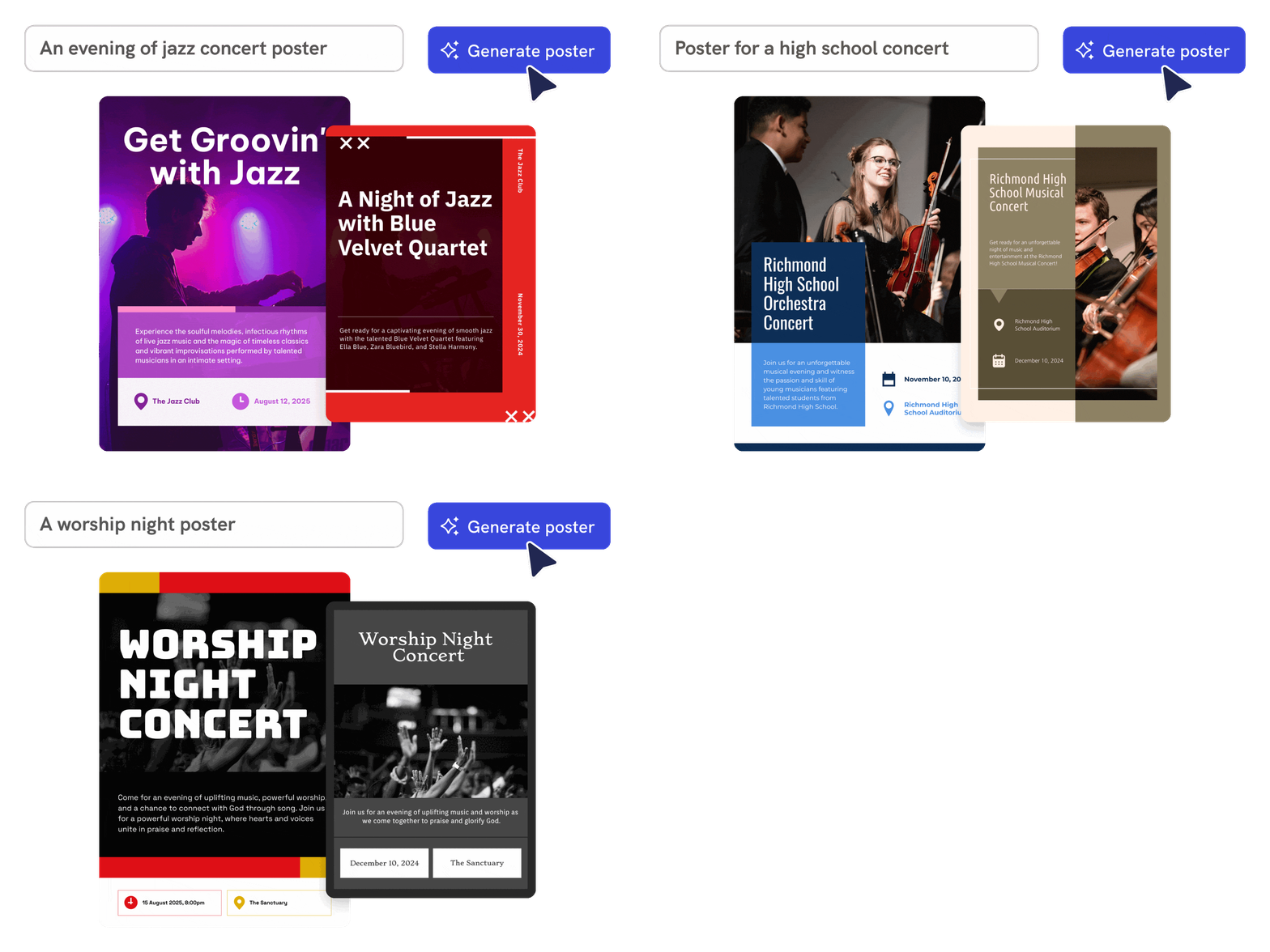
create concert posters with piktochart ai concert poster generator

Fast and Easy

Generate party flyers from event details

Describe the party theme, audience, venue, date, style, and must-have text, and Piktochart AI creates an editable flyer draft.

Generate AI party flyer

piktochart ai flyer templates

Fully Customizable

Match the flyer to the event vibe

Use AI to explore visual directions for birthdays, club nights, launches, school events, community parties, and seasonal celebrations.

Generate AI party flyer
customize your posters created with piktochart ai concert poster generator tool

Branding Consistency

Customize the design for every channel

Edit text, images, colors, icons, fonts, and layout so the flyer works for print, social posts, stories, or event pages.

Generate AI party flyer

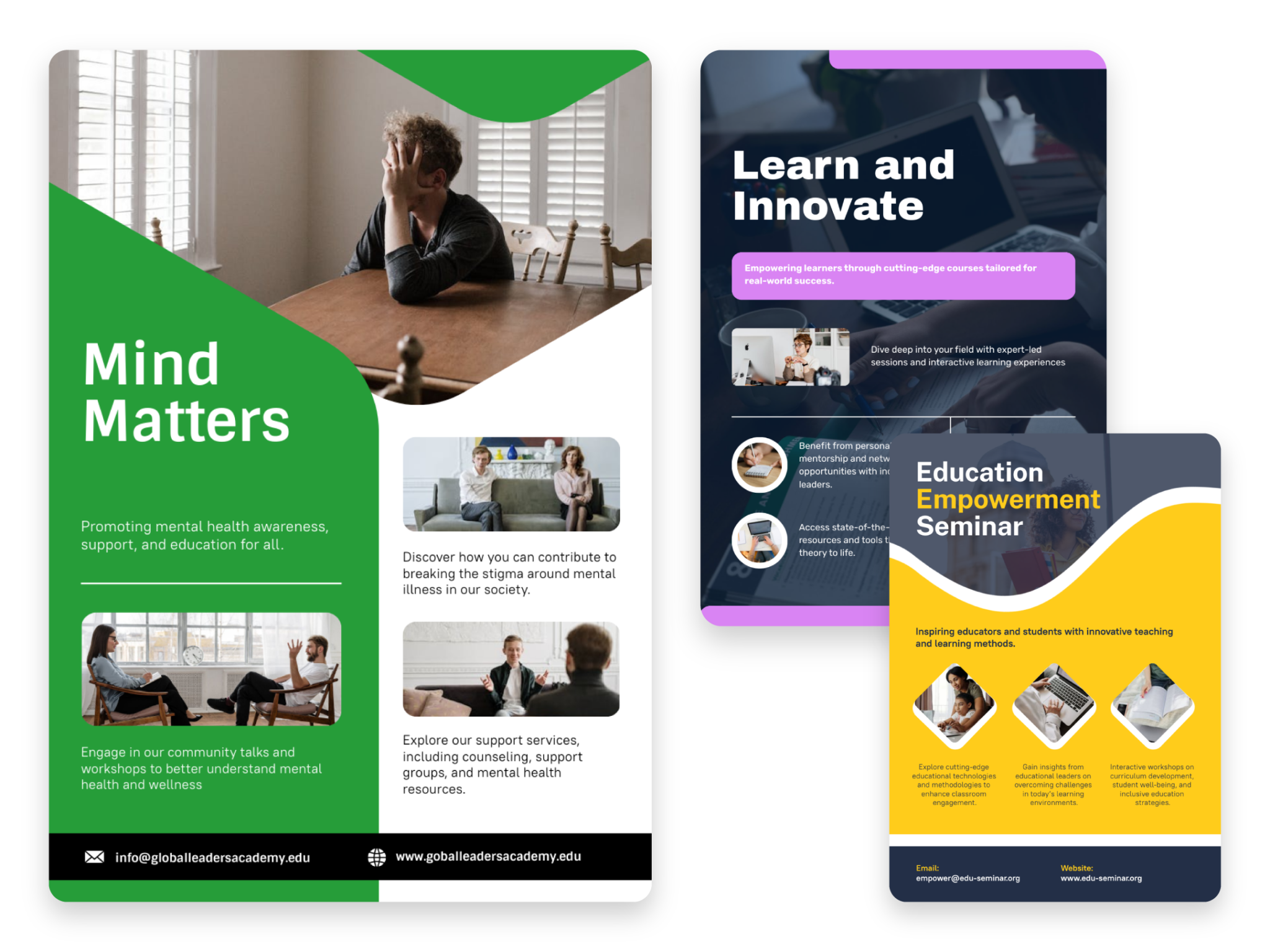
Party flyers created using Piktochart AI

How to create a party flyer with AI

1. Describe your party flyer

Start with an event theme, venue, date, audience, music style, dress code, or promotion details. Add the audience, purpose, tone, and must-have details so Piktochart AI can create a useful first draft.

2. Generate the first visual draft

Piktochart AI turns your prompt or content into an editable party flyer with a clear structure and visual direction.

3. Customize the design

Edit copy, colors, fonts, icons, images, sections, and brand details in Piktochart’s editor. Every generated visual remains editable.

4. Share or download

Use the finished party flyer in campaigns, presentations, reports, classes, proposals, or team updates. Free accounts include 60 AI credits every month.

What can you create with an AI party flyer generator?

Piktochart AI helps you create birthday flyers, club flyers, launch party flyers, student event flyers, holiday party flyers, and community event promos without starting from a blank canvas.

Birthday Flyers

Generate a first draft for birthday flyers from a short prompt, then customize the content, layout, and visuals in Piktochart’s editor.

Club Flyers

Generate a first draft for club flyers from a short prompt, then customize the content, layout, and visuals in Piktochart’s editor.

Launch Party Flyers

Generate a first draft for launch party flyers from a short prompt, then customize the content, layout, and visuals in Piktochart’s editor.

Student Event Flyers

Generate a first draft for student event flyers from a short prompt, then customize the content, layout, and visuals in Piktochart’s editor.

Ready to create party flyers with AI?

Join more than 14 million people who already use Piktochart to turn information into clearer visuals.

AI Party Flyer Generator FAQ

Absolutely! Once you pick your favorite template, you’ll head over to our editing platform. Here’s where the magic happens—you can pop in images and diagrams from our huge visual library, or even upload your own stuff if you’ve got something special. And don’t worry, our AI-powered flyer generator has your back, helping you create designs that look like they came straight from a pro. Piece of cake!

Sign up for a free Piktochart account and receive 60 AI credits each month to explore our AI capabilities. Credits are used based on features, with 1 credit for topic generation, 3 credits for pasting text or uploading documents, and 6 credits for image generation. Upgraded plans come with even more credits: 500 credits for EDU/NPO Pro, 1,000 for Pro, and 3,000 for Business/Enterprise subscribers, all renewed monthly. Unlock advanced features and unlimited editing by upgrading to one of our premium plans for maximum creativity and flexibility. Learn more here.

For the best results, be sure to provide detailed descriptions of your party. Don’t hesitate to experiment with different prompts, as trying various inputs can help refine and enhance the final outcome.

Piktochart AI quickly generates the foundation of your flyer in under 10 seconds, tailored to your input. From there, you can effortlessly customize it with extra content or design elements to make it uniquely yours.

Yes, a free Piktochart account is required to access our AI party flyer generator and download your flyer. To unlock more AI image generations each month, consider upgrading to our Pro or Business plan.

An AI party flyer maker saves you time and effort by instantly generating professional-quality designs tailored to your event. No design skills are needed—just input your details, and the AI creates a polished, on-brand flyer in seconds. Customize it with ease, and you’re ready to promote your party online or in print. It’s the fastest, simplest way to create stunning flyers that grab attention and elevate your event.

Read our terms of use here.

Yes. Add the event name, theme, venue, date, audience, and style, and Piktochart AI can create an editable party flyer draft.

Yes. Use prompts for birthdays, club nights, launch parties, school events, holidays, and community parties, then customize the result.

Include the event type, date, venue, headline, audience, mood, colors, music or theme, and any call to action.