The simplest way to create Facebook ads

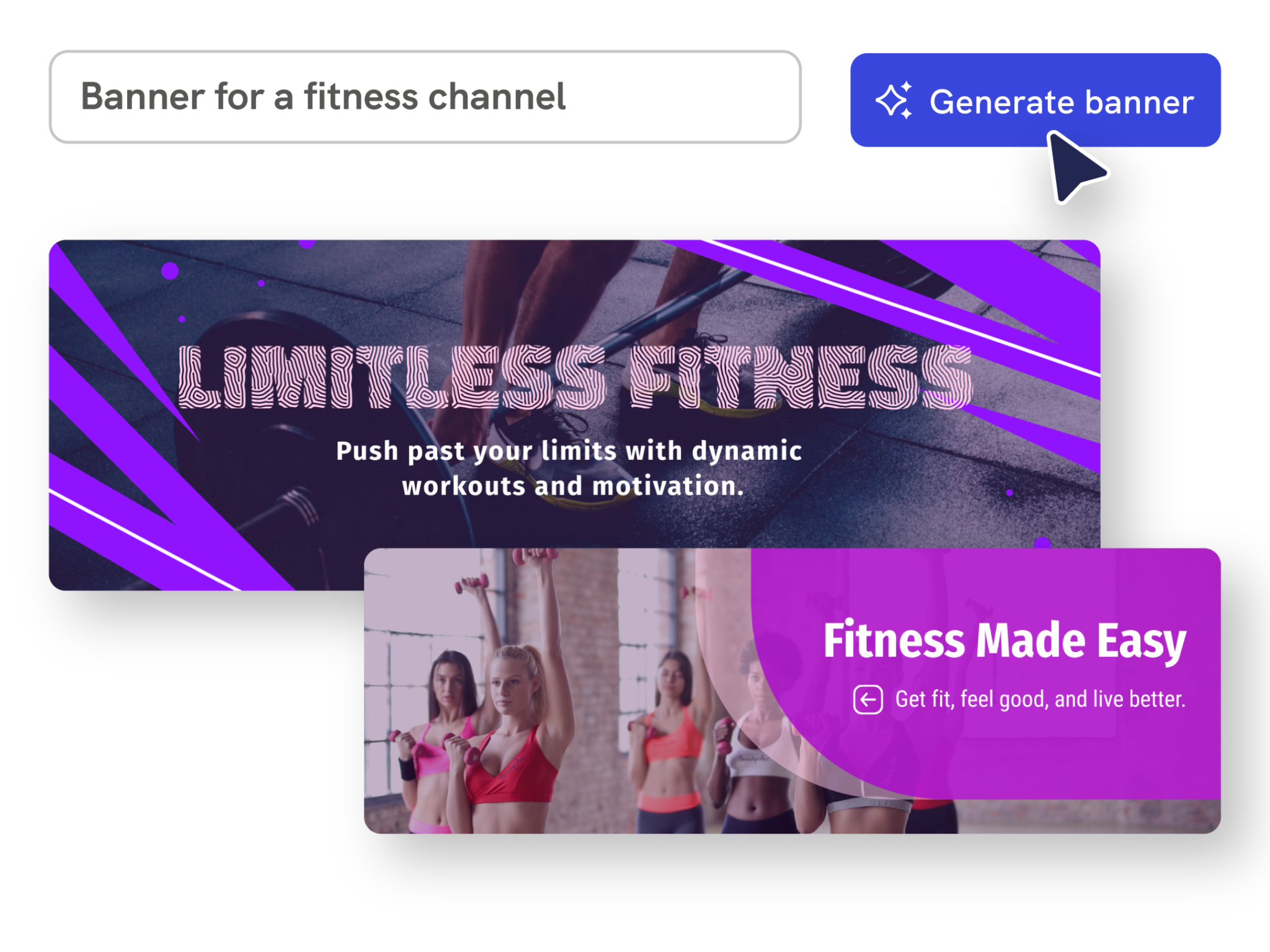
Effortless Creation
Create Facebook ads from a prompt
Describe a campaign goal, audience, offer, format, and call to action. Piktochart AI turns your input into an editable Facebook ad draft with a clearer structure and visual direction.
Start creating
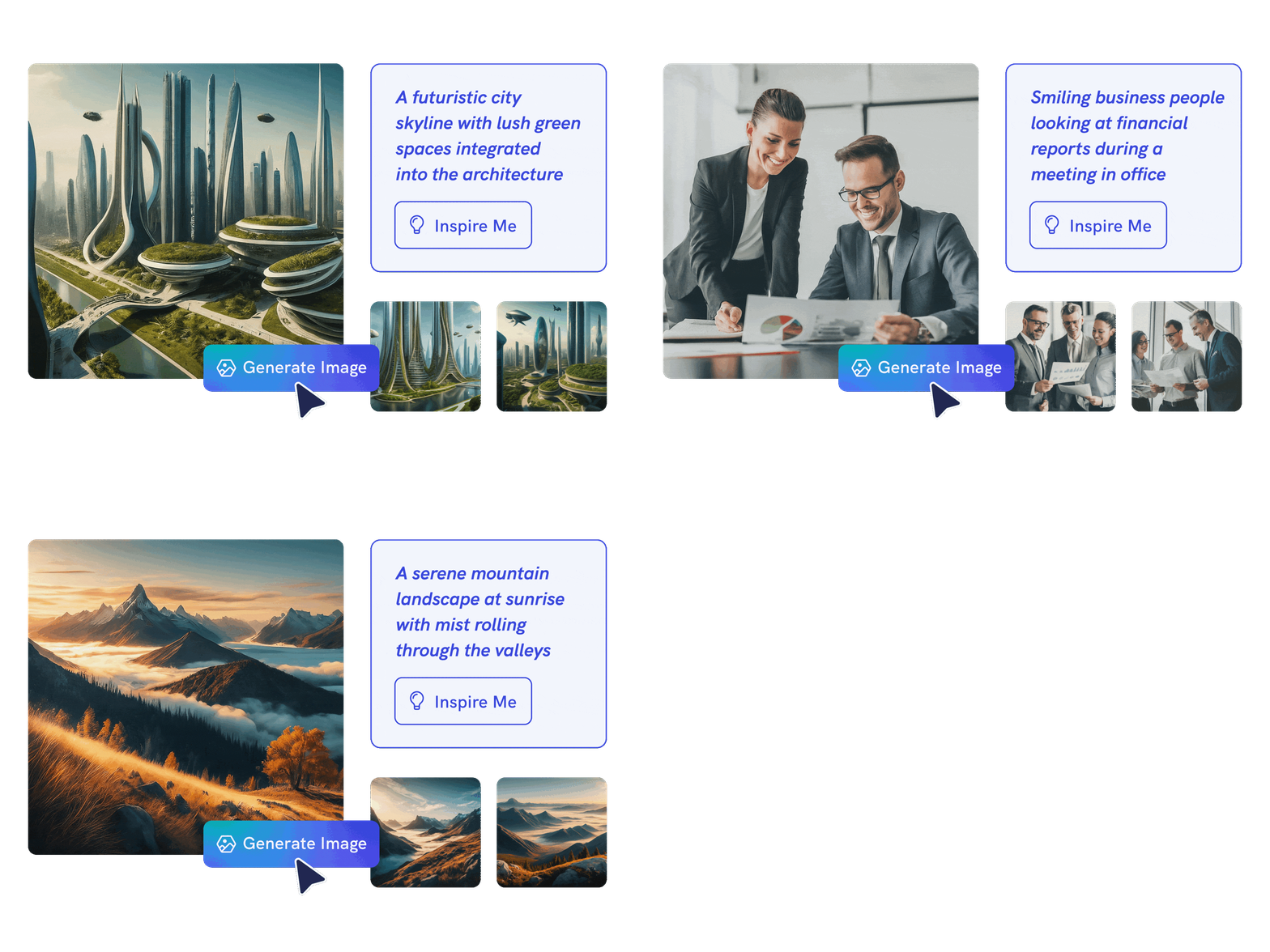
Endless Possibilities
Move from idea to visual faster
Use AI to organize the message, sections, visuals, and call to action so you can start from a useful draft instead of a blank canvas.
Start creating
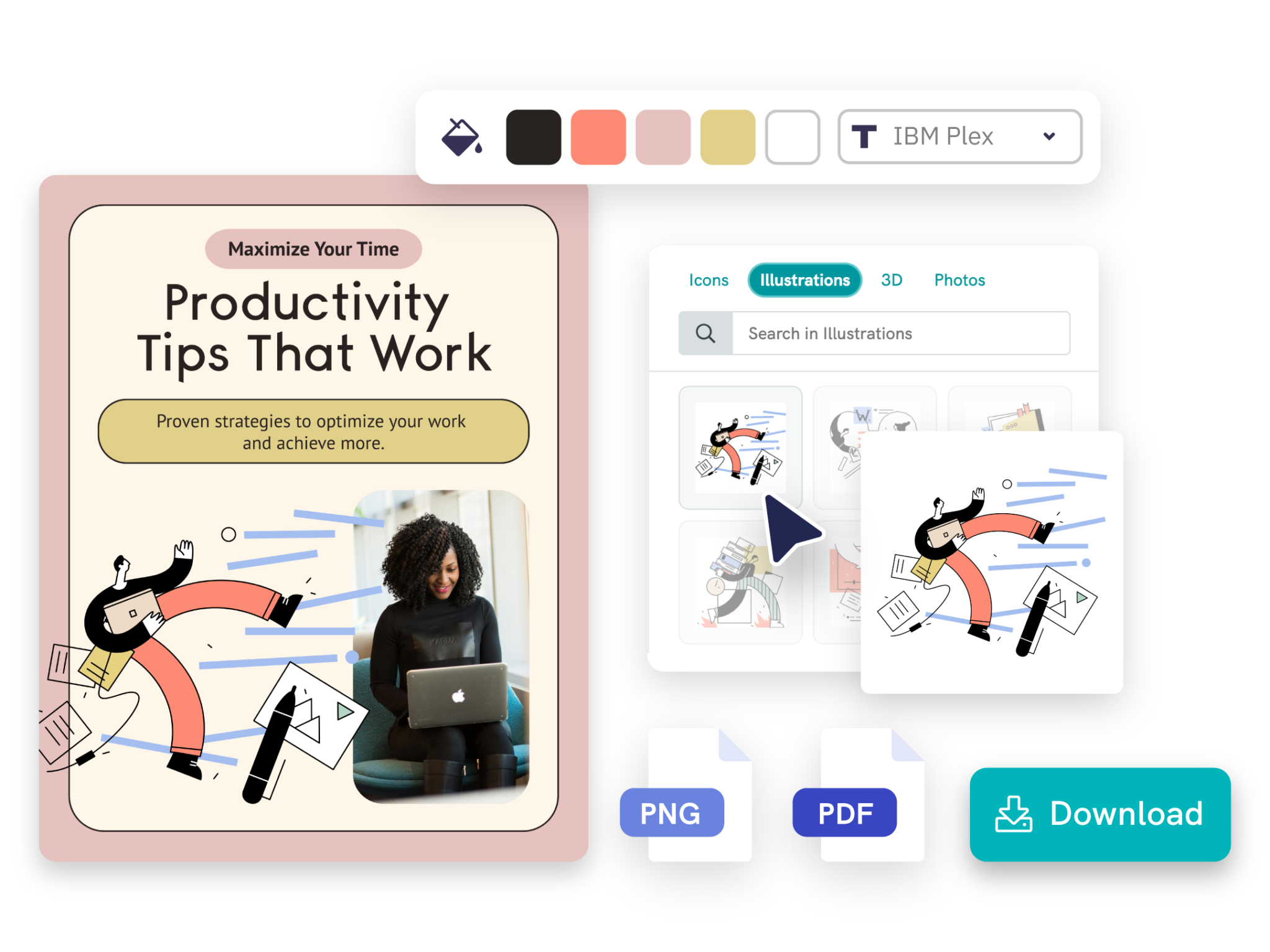
On-Brand Customization
Customize every detail
Edit text, colors, images, icons, fonts, layout, and brand details in Piktochart’s editor so the final Facebook ad fits your audience and channel.
Start creatingTypes of Facebook ads generated by Piktochart AI

Create an eye-catching ad banner that captures the attention of your target audience on Facebook.
Create an AI Banner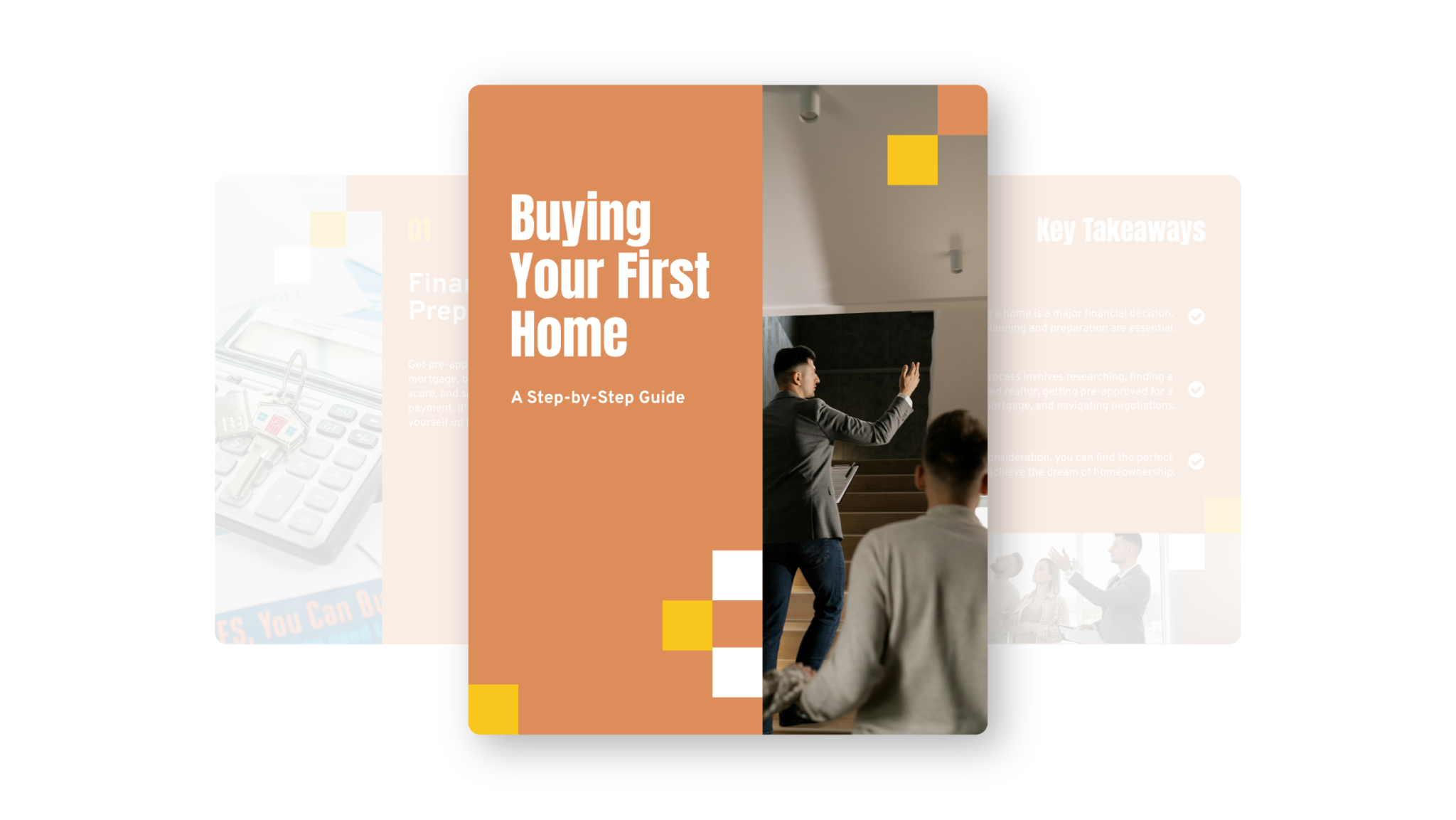
Generate up to 6 unique carousels in one go, making it easy to share your story in a creative and interactive ad format.
Create an AI Facebook Carousel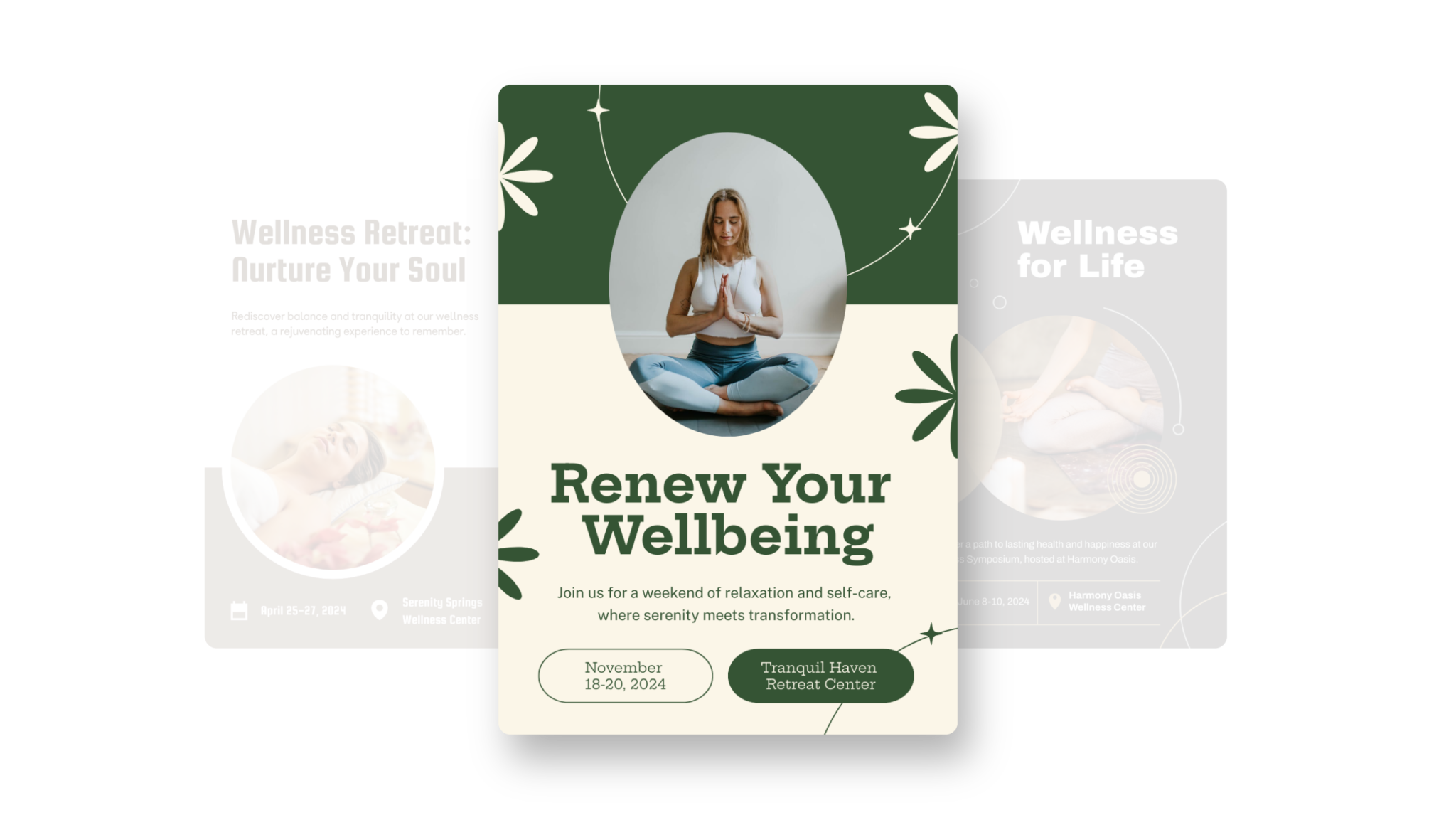
For events, marketing, learning, or personal creations, Piktochart AI delivers captivating poster designs for every need.
Create an AI PosterHow to create a Facebook ad with AI
1. Describe your Facebook ad
Start with a campaign goal, audience, offer, format, and call to action. Add the audience, purpose, tone, and must-have details so Piktochart AI can create a useful first draft.
2. Generate the first visual draft
Piktochart AI turns your prompt or content into an editable Facebook ad with a clear structure and visual direction.
3. Customize the design
Edit copy, colors, fonts, icons, images, sections, and brand details in Piktochart’s editor. Every generated visual remains editable.
4. Share or download
Use the finished Facebook ad in campaigns, presentations, classes, reports, proposals, or team updates. Free accounts include 60 AI credits every month.
Ready to create Facebook ads with AI?
Join more than 14 million people who already use Piktochart to turn information into clearer visuals.